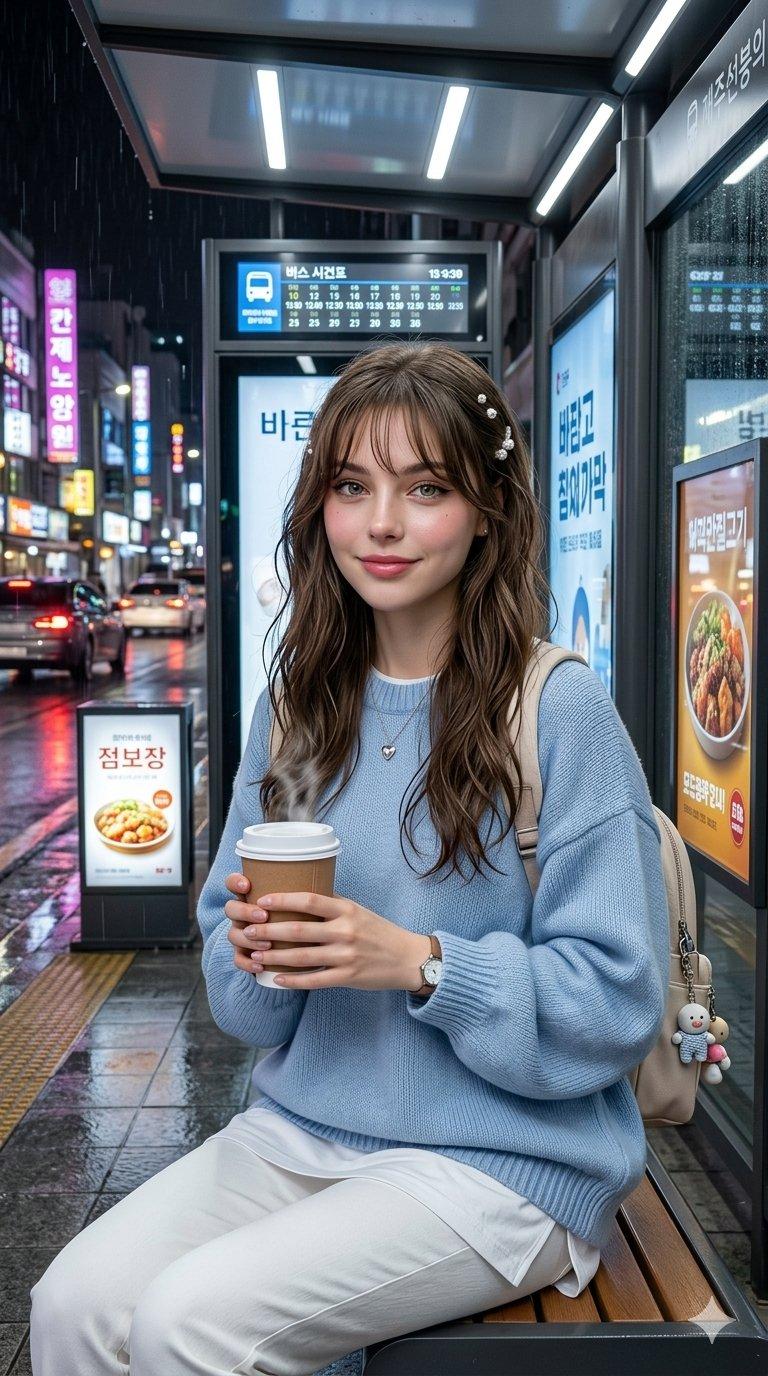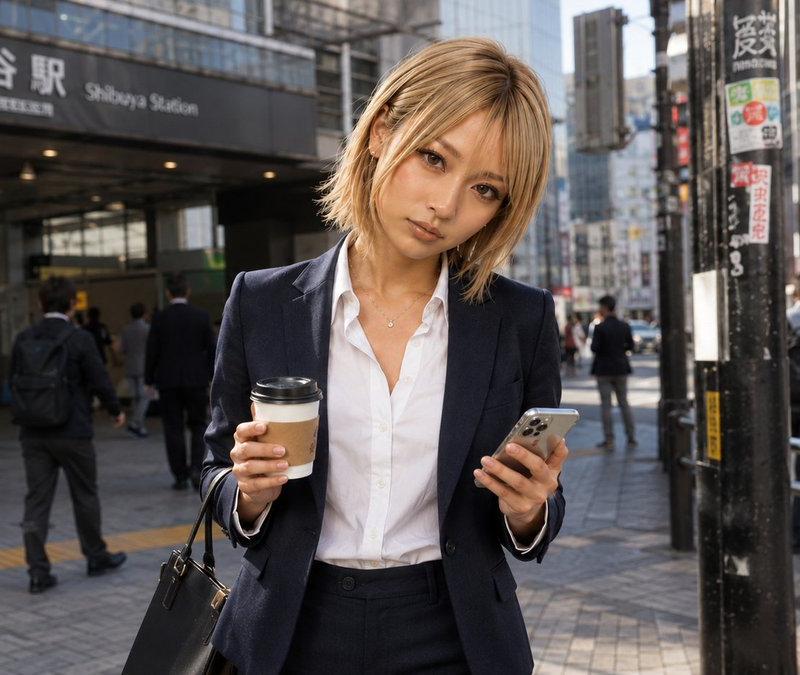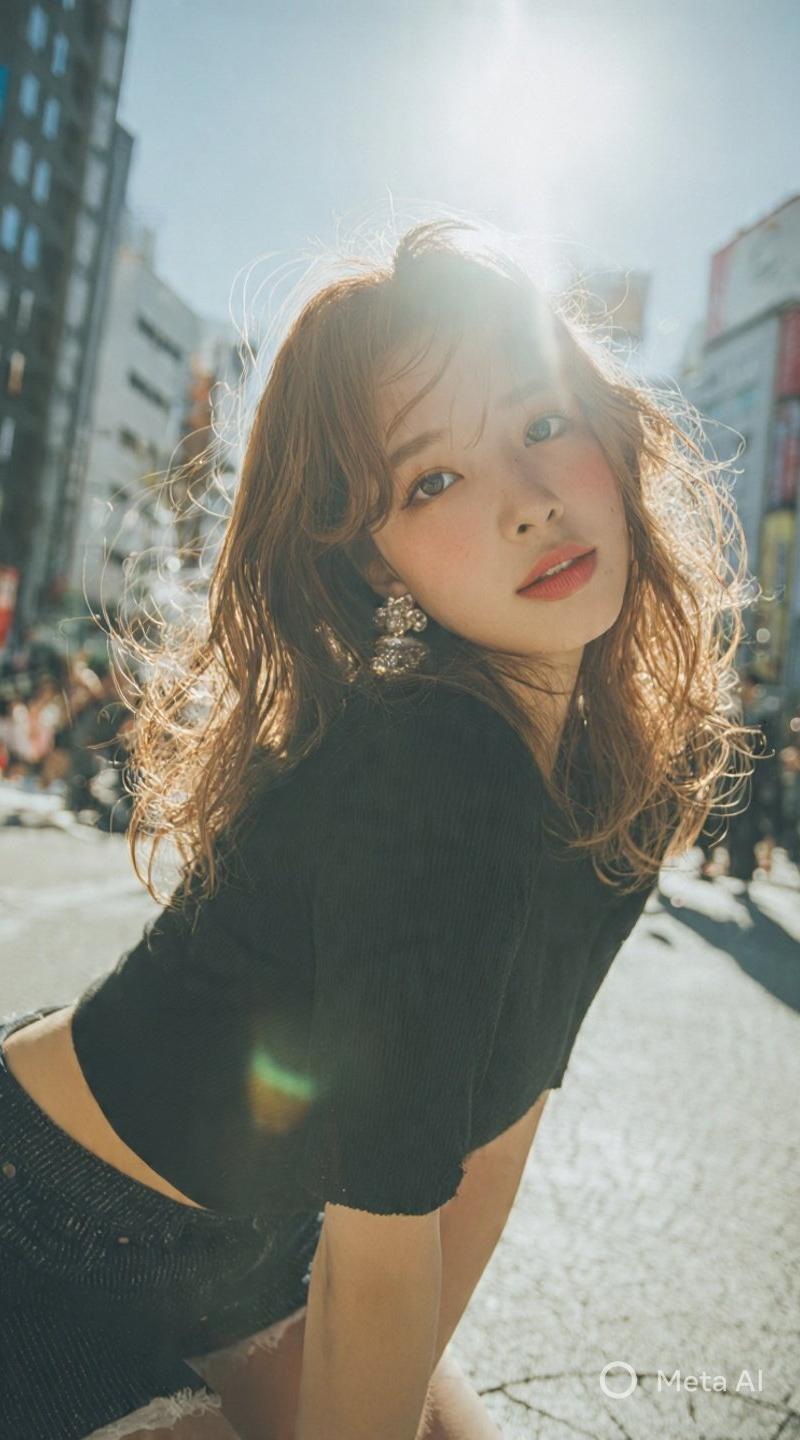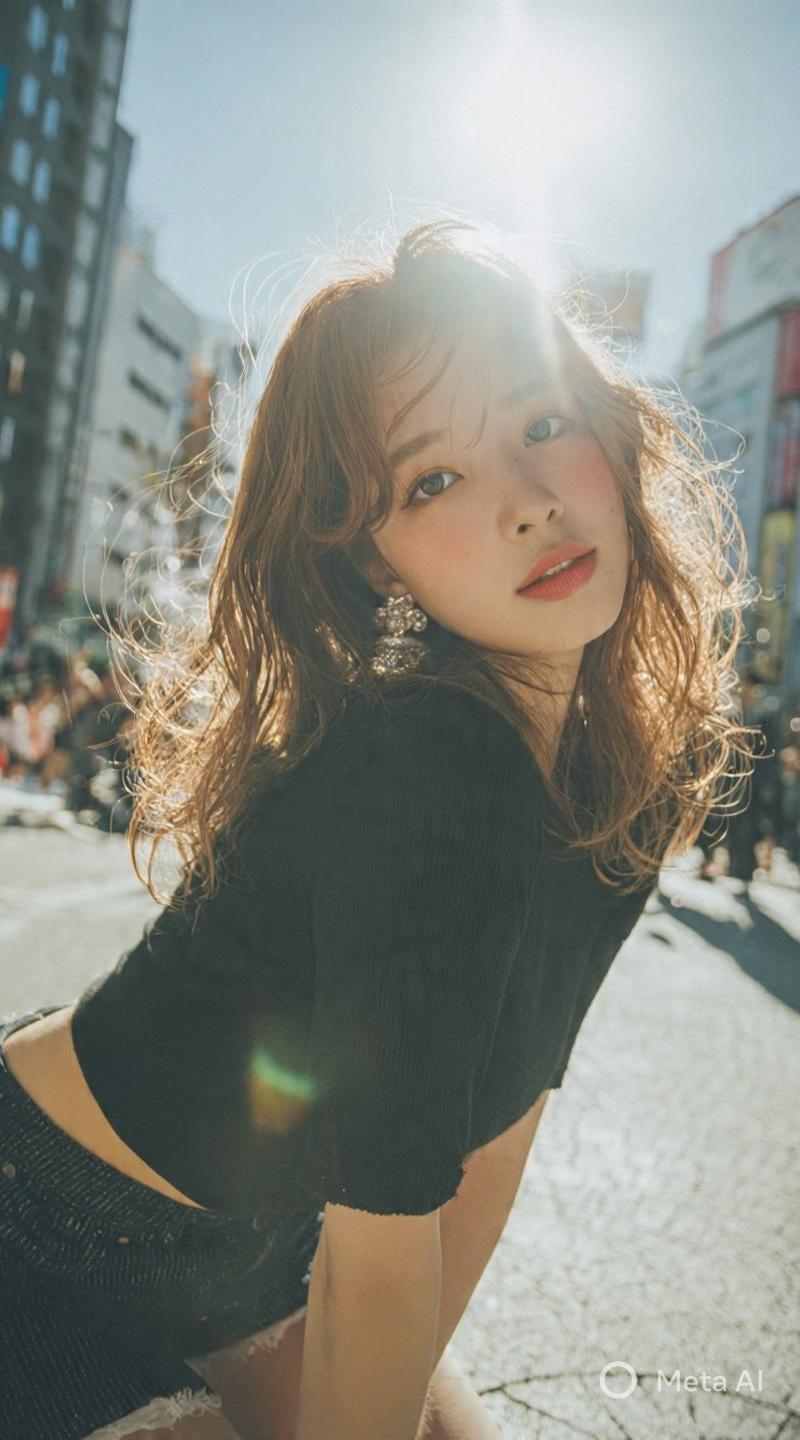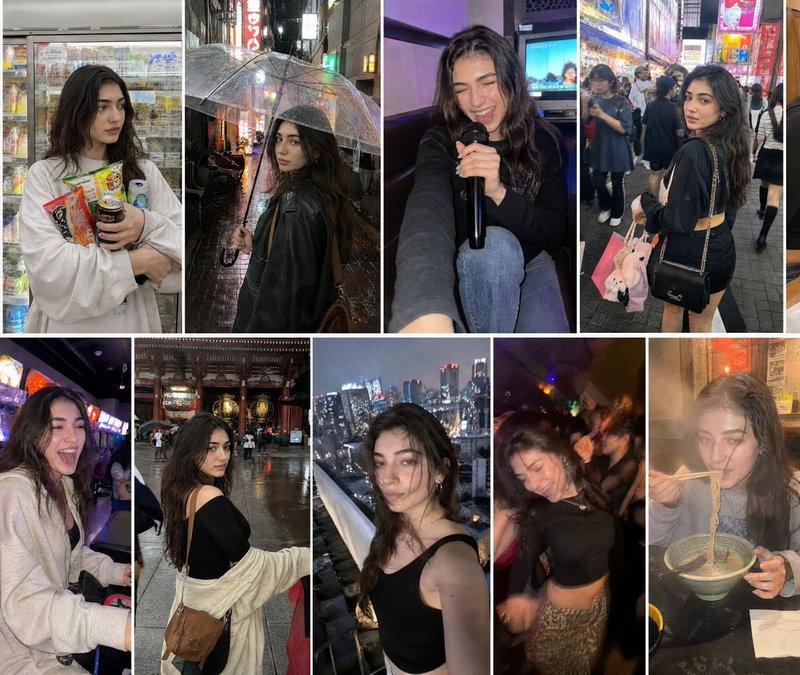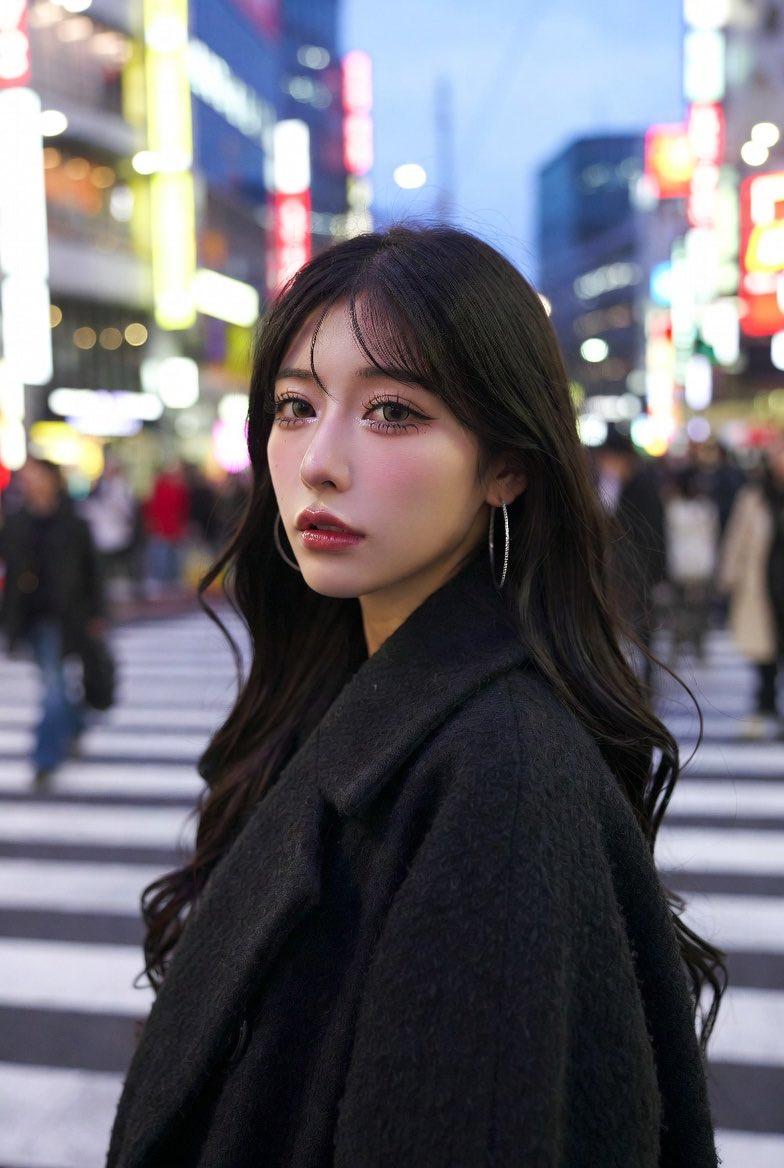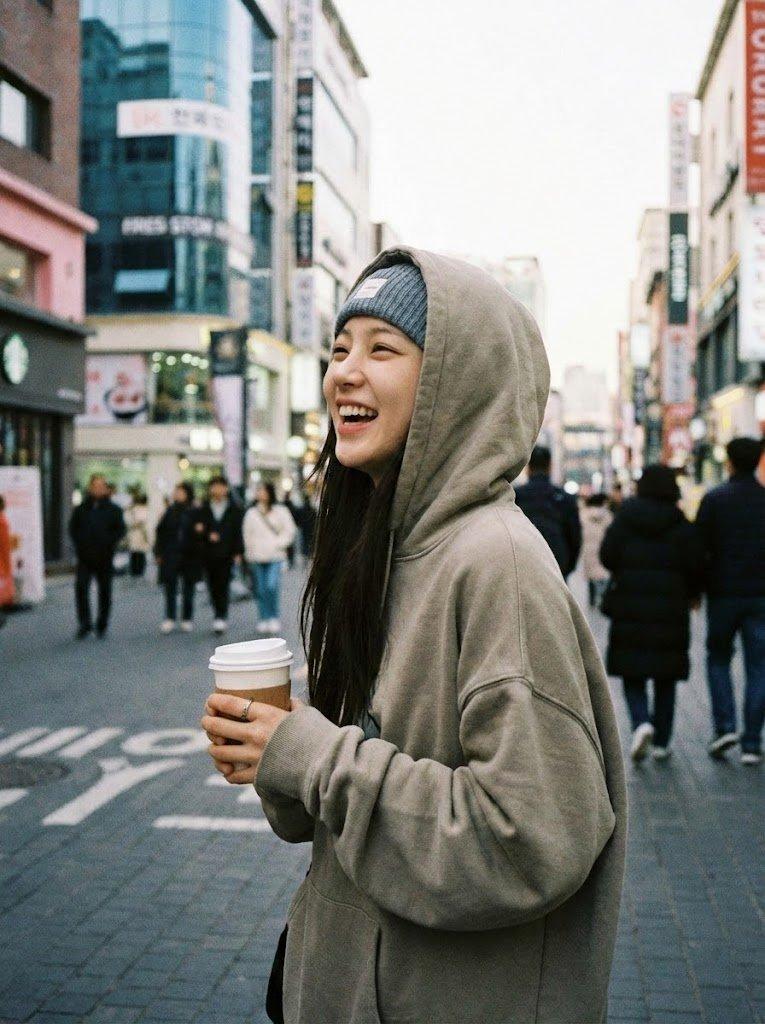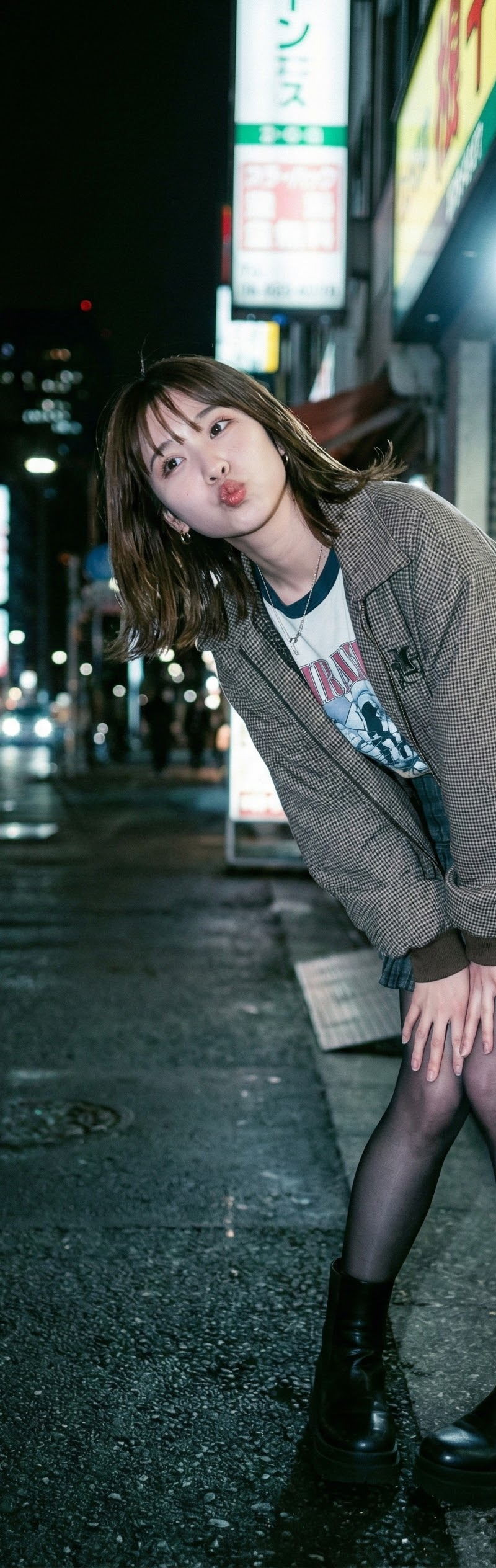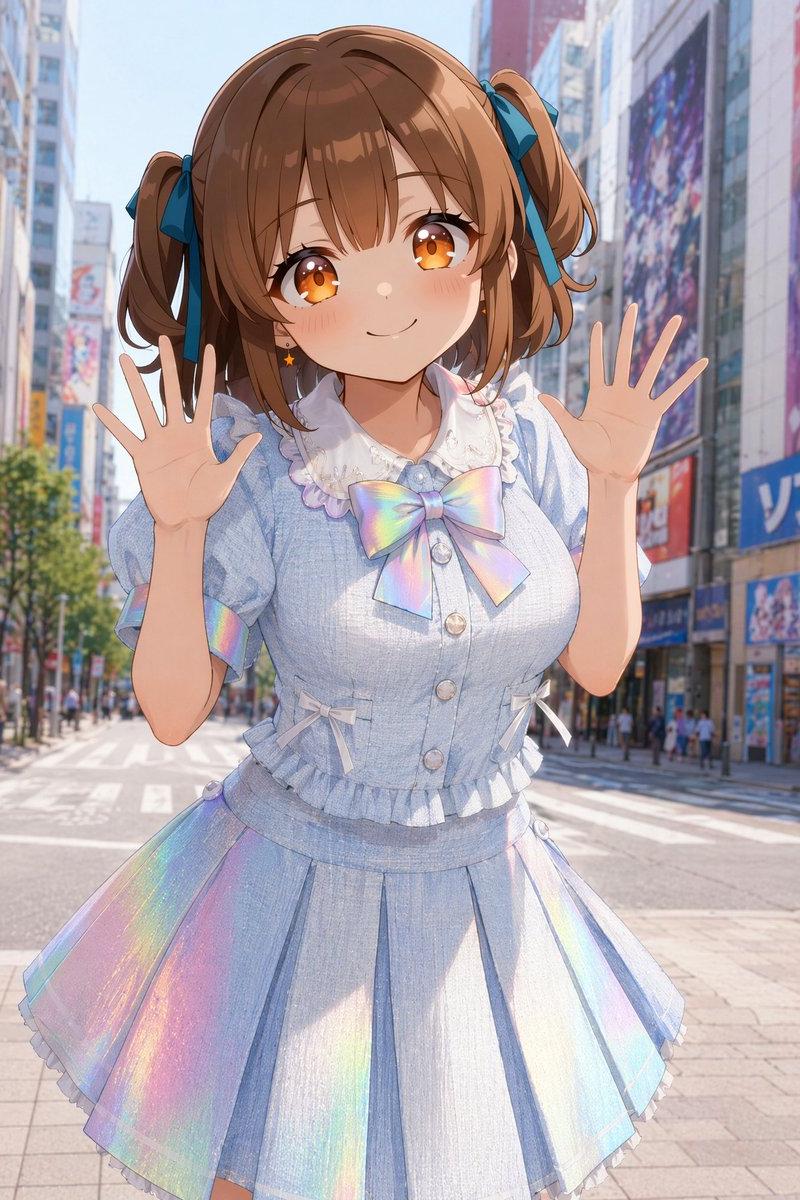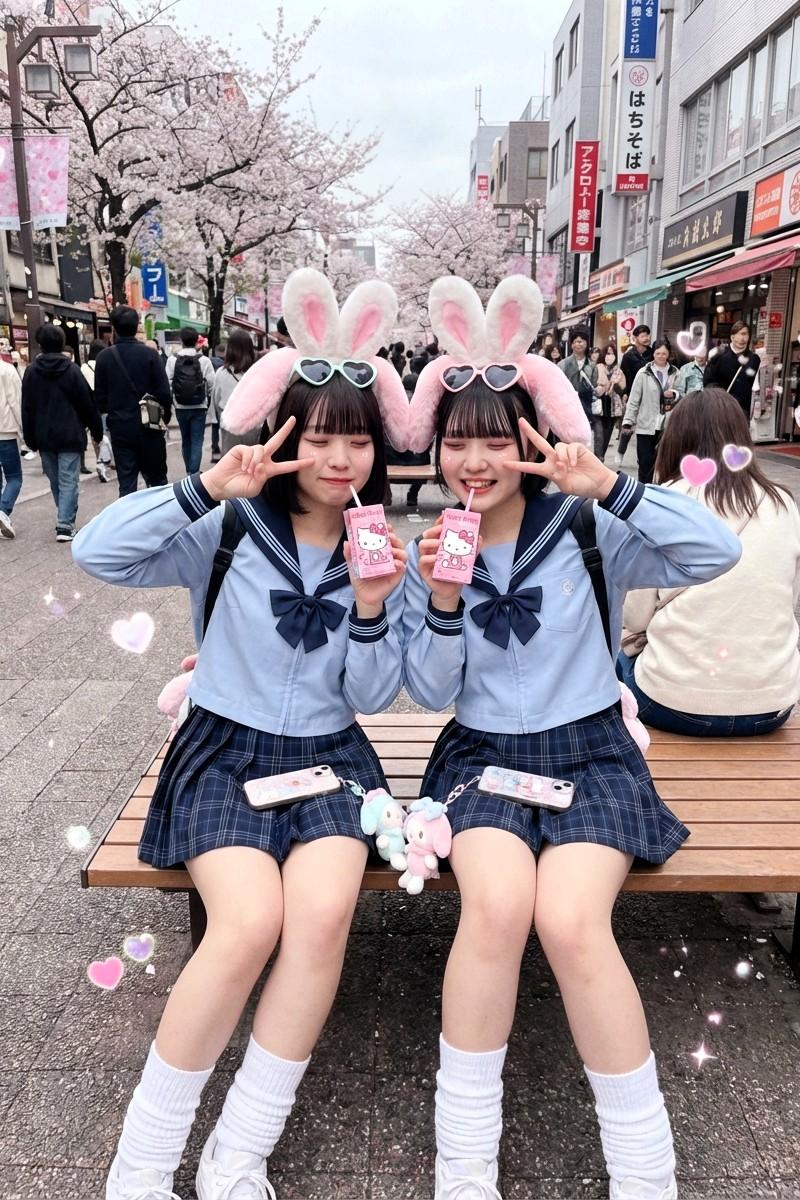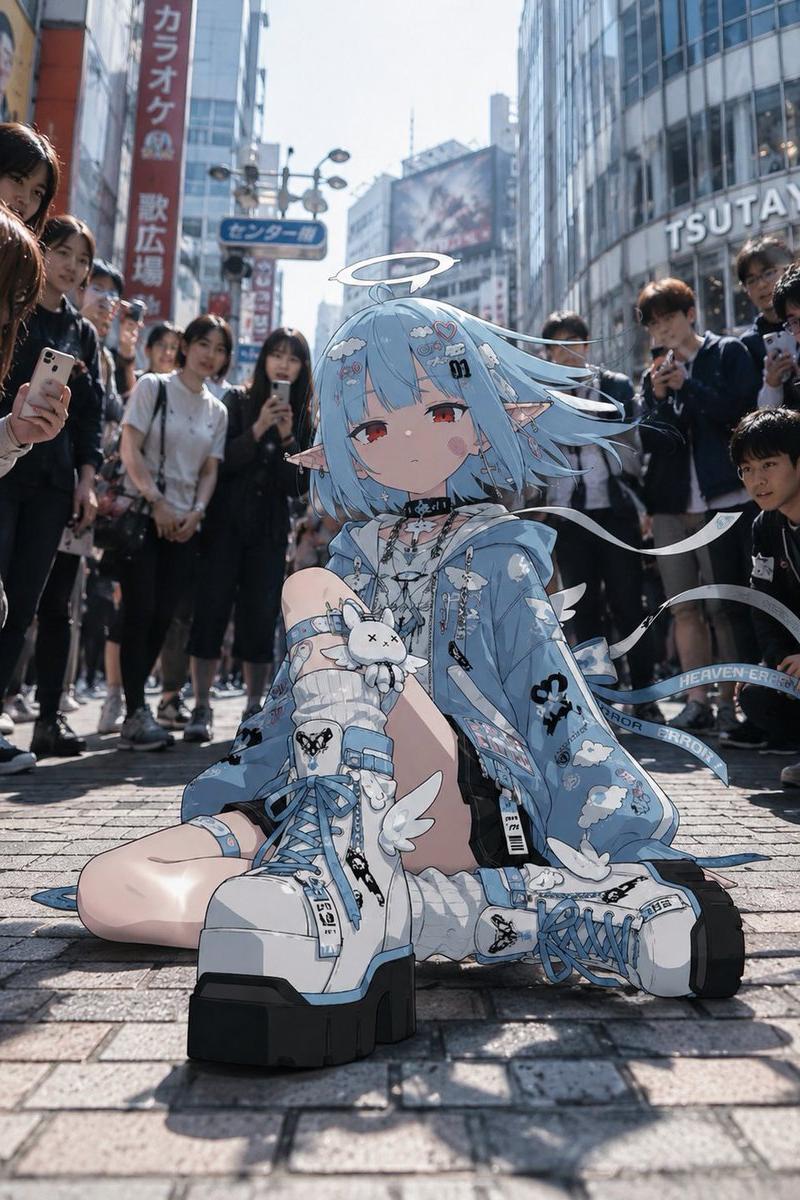
{ "common_character_specs": { "target_age": "Early 20s", "style": "Authentic dai
Prompt
{
 "common_character_specs": {
 "target_age": "Early 20s",
 "style": "Authentic daily life selfie, natural lighting, high-quality mobile phone camera look",
 "base_instruction": "Maintain consistent facial features and hairstyle from the reference image."
 },
 "prompts": [
 {
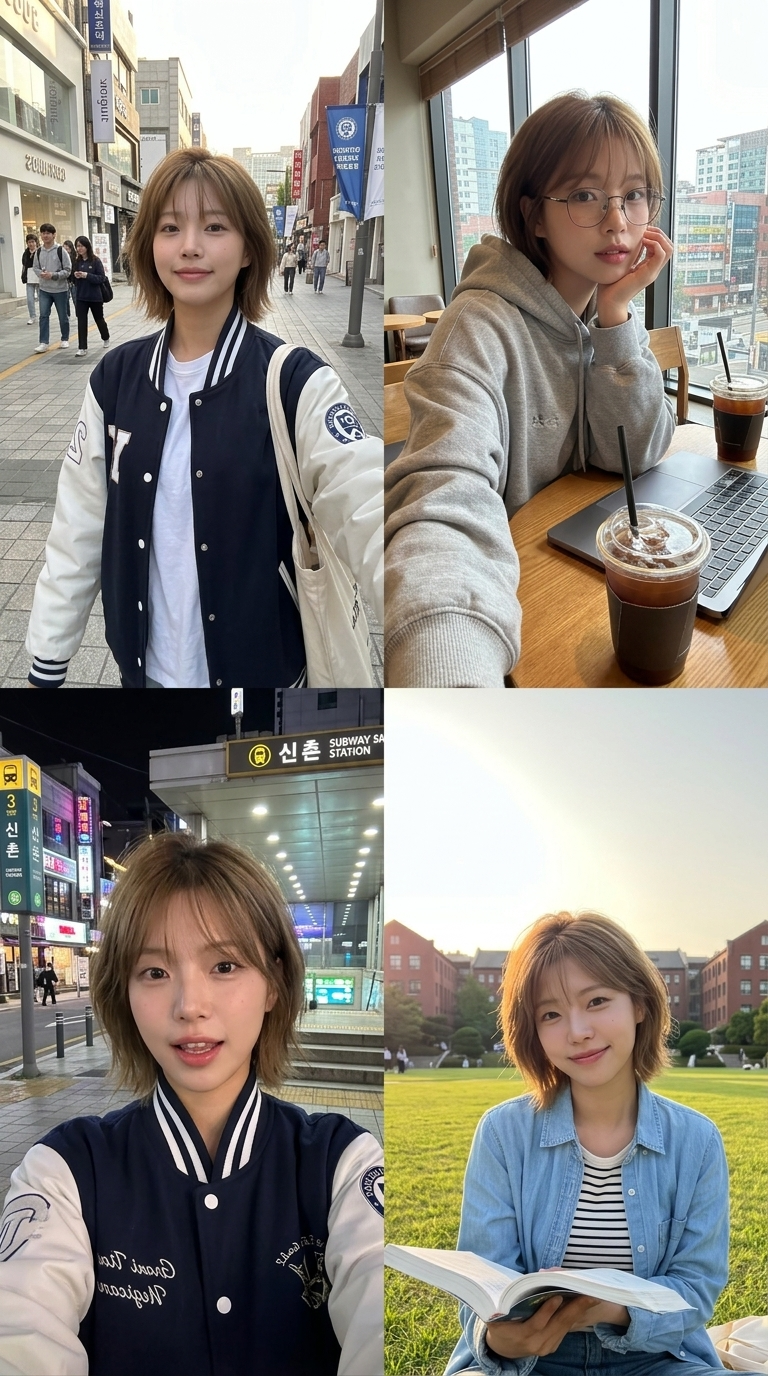
 "scene": "신촌 연세로 거리 (등굣길)",
 "description": "활기찬 신촌 연세로 거리를 배경으로 한 자연스러운 셀피",
 "prompt": "A realistic mobile phone selfie of a 20-year-old college student walking on Yonsei-ro, Sinchon. Background shows busy street with trendy shops and university banners. Wearing a stylish oversized varsity jacket, a simple white t-shirt, and a canvas tote bag on the shoulder. Natural morning sunlight, candid expression, messy-stylish hair, urban atmosphere, 4k resolution."
 },
 {
 "scene": "신촌 근처 감성 카페 (카공 컨셉)",
 "description": "통창이 있는 신촌 카페에서 공부하다 찍은 셀카",
 "prompt": "A close-up selfie of a college student sitting at a wooden table in a trendy Sinchon cafe. Large windows in the background showing the urban cityscape of Seoul. A laptop and a cup of iced americano are on the table. Wearing a grey oversized hoodie and thin-rimmed glasses for a studious look. Soft indoor lighting, warm aesthetic, relaxed vibe."
 },
 {
 "scene": "신촌역 지하철 입구 (약속 장소)",
 "description": "과잠(과 잠바)을 입고 친구를 기다리는 대학생 느낌",
 "prompt": "A night-time selfie taken at the Sinchon subway station entrance. Colorful neon signs of Seoul's nightlife flickering in the background. The character is wearing a navy and white university 'varsity jacket' (Gwajam) with subtle embroidery. Slightly grainy aesthetic like a smartphone photo taken at night, cool-toned lighting, youthful and energetic mood."
 },
 {
 "scene": "대학교 캠퍼스 안 (잔디밭)",
 "description": "캠퍼스 잔디밭에서 햇살을 받으며 찍은 화사한 셀피",
 "prompt": "A bright outdoor selfie sitting on a green campus lawn in Sinchon. Red-brick university buildings in the blurred background. Wearing a light blue denim shirt over a striped tee. The character is holding a textbook, smiling naturally at the camera. Golden hour lighting, soft shadows, peaceful academic atmosphere."
 }
 ]
}- Category
- Charts & Infographics
- Model
- Nano Banana 2
- Creator
- 강Mike
- Source language
- en
- Source ID
- 1651
- Published
- Apr 9, 2026
Views337