18

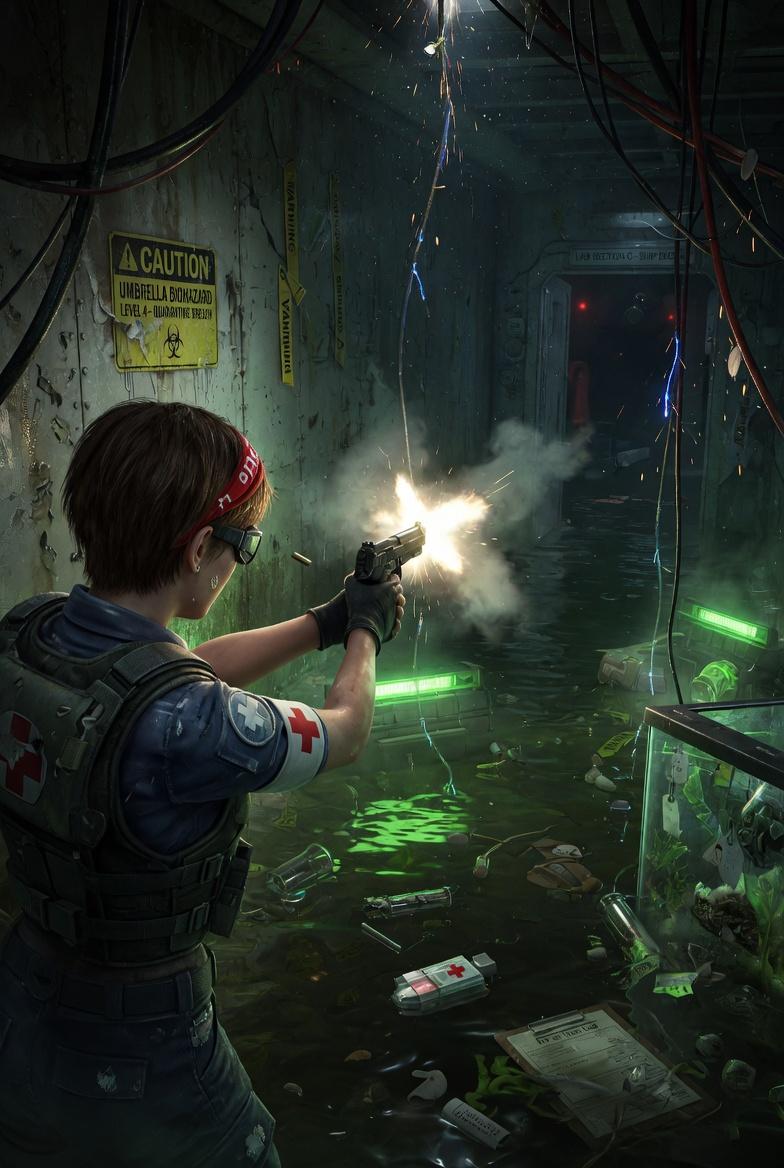
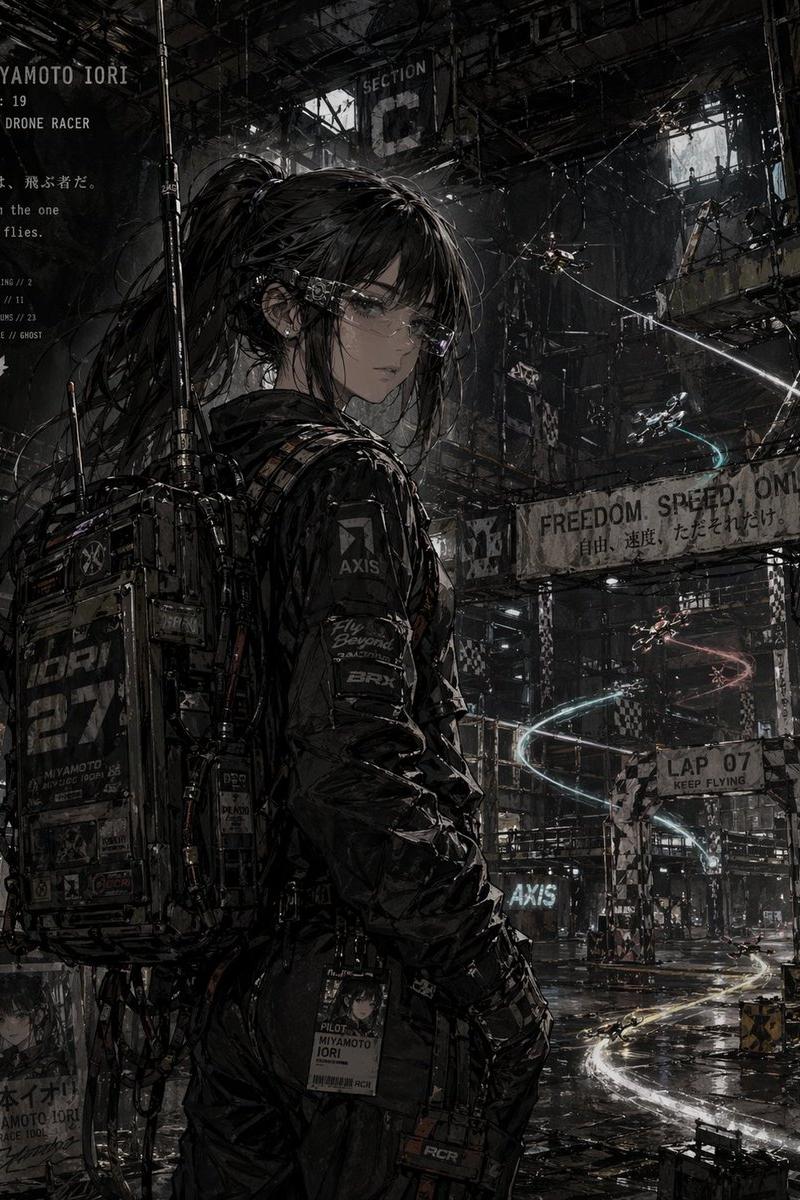
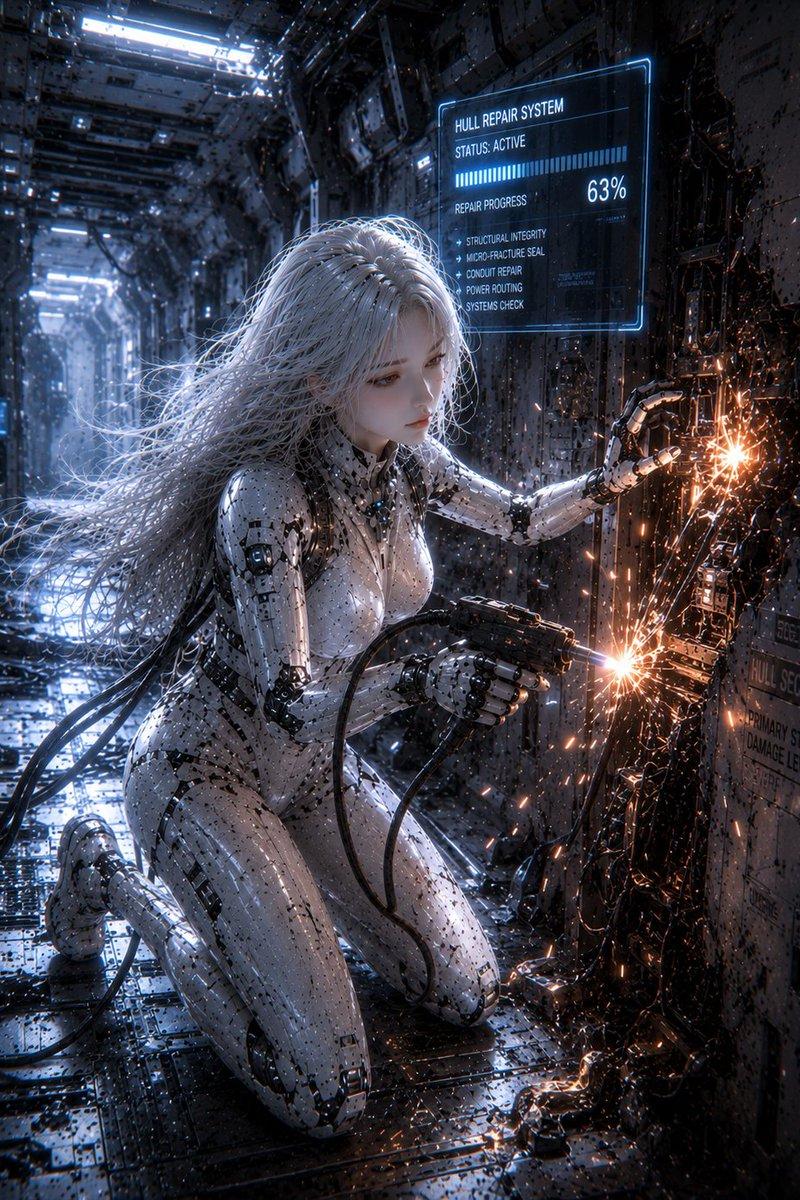
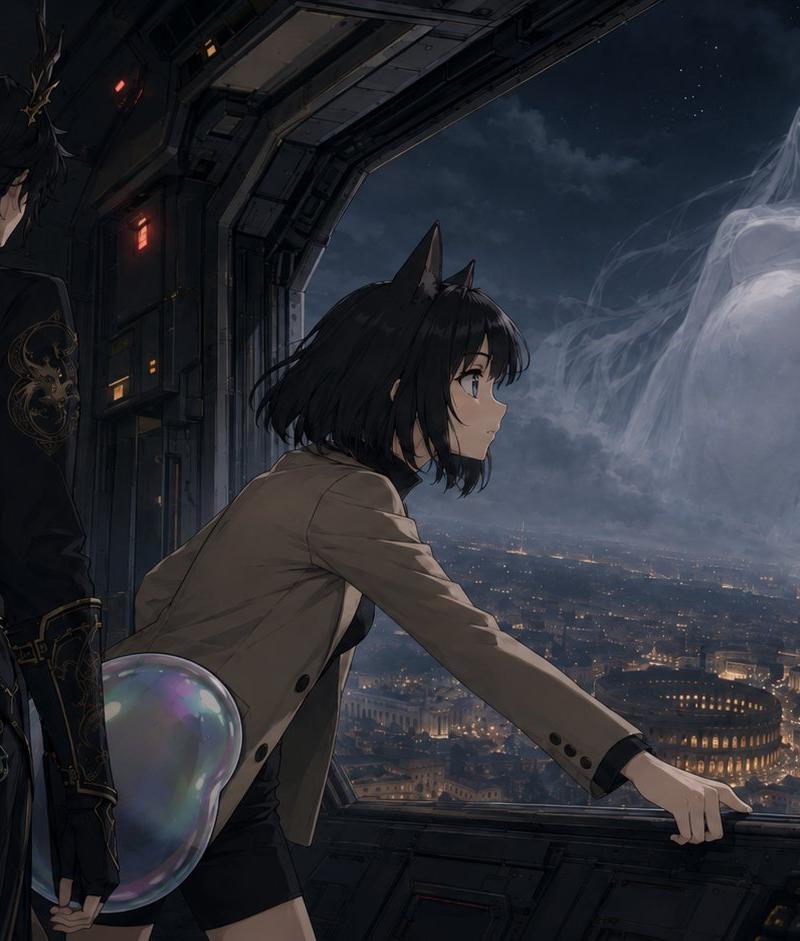
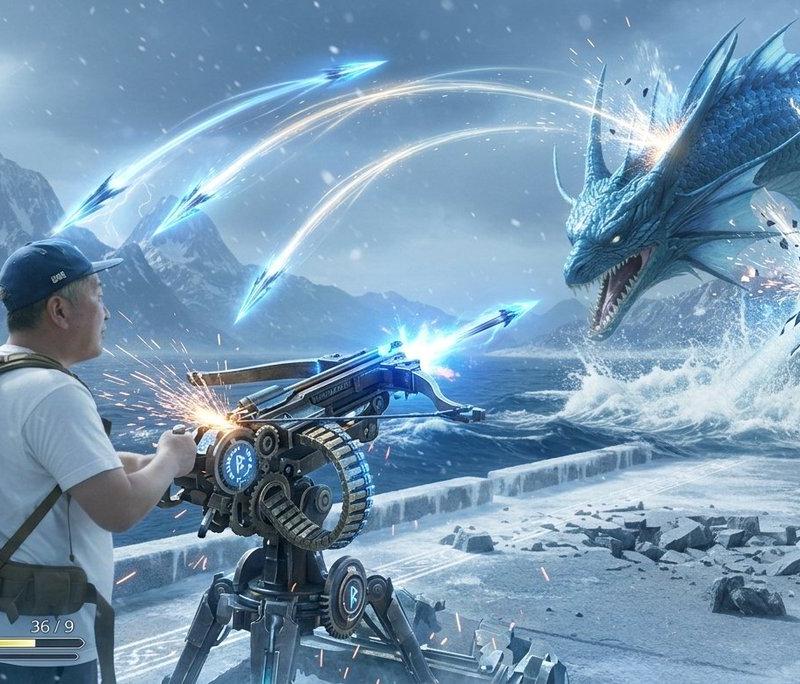
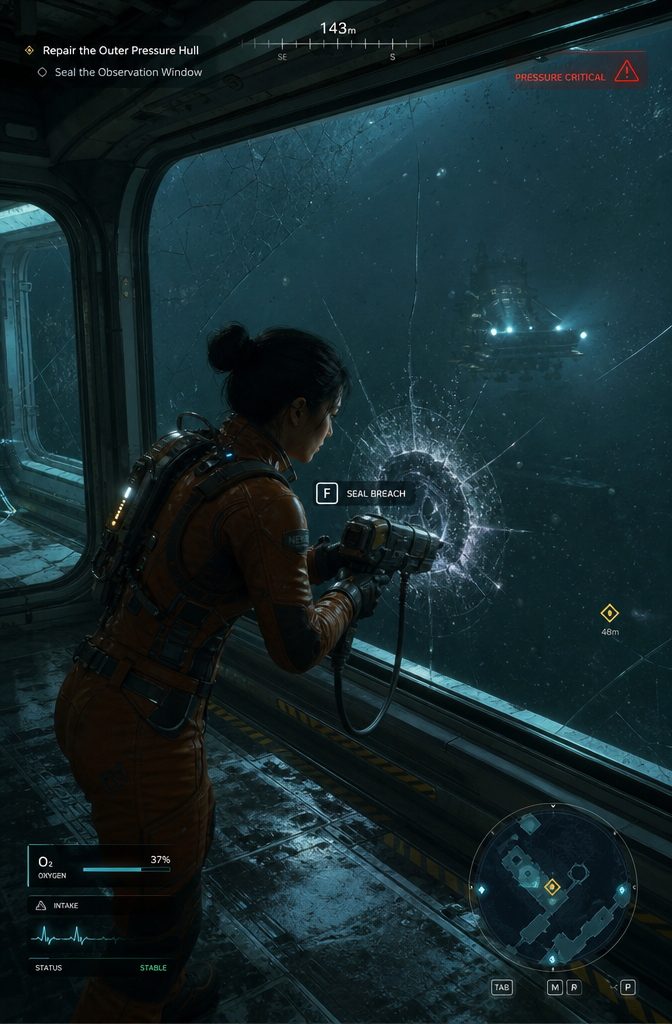
Actual screenshot of a fictional playable sci-fi survival game, third-person cam
Enlarge

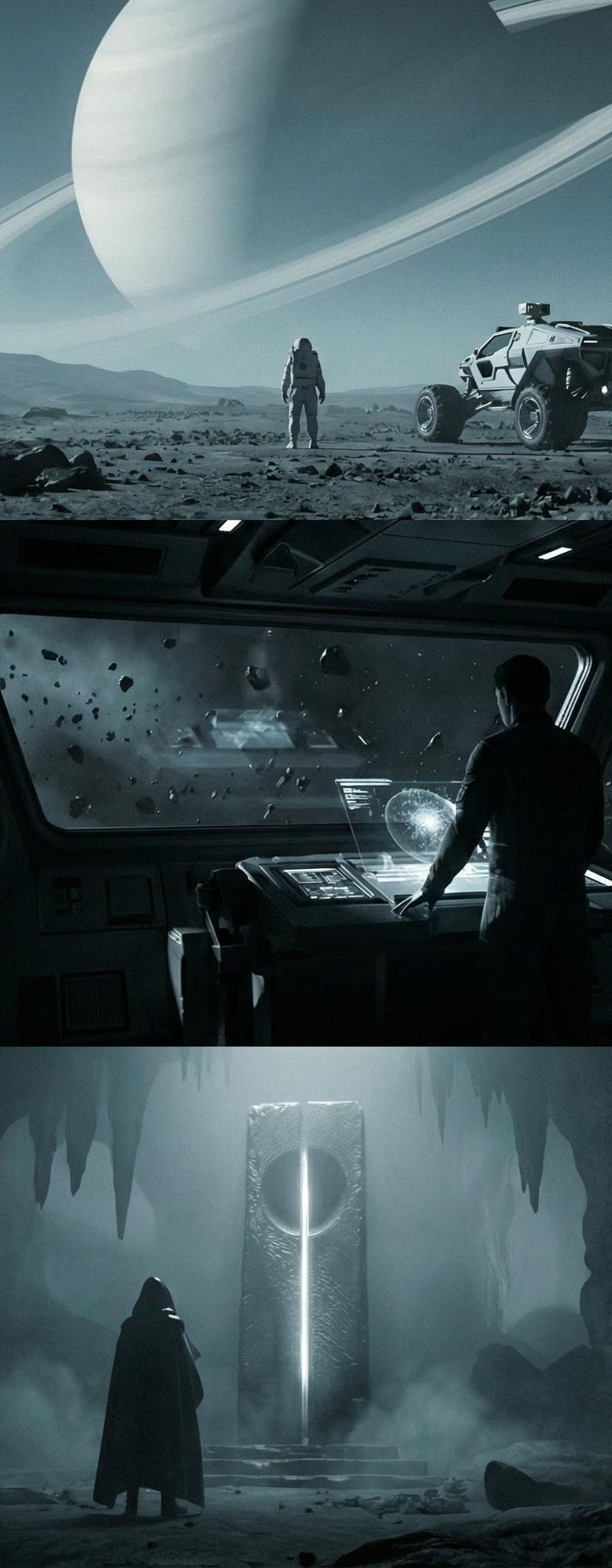
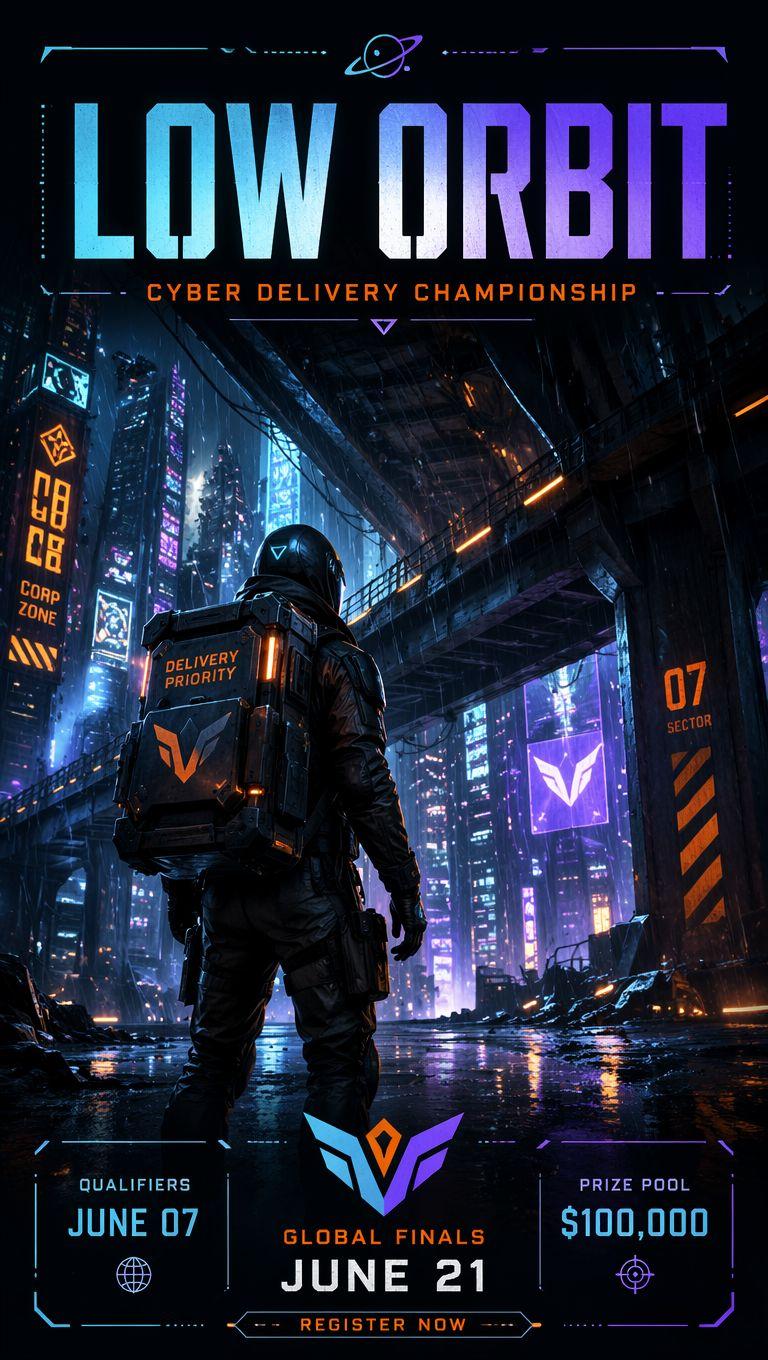
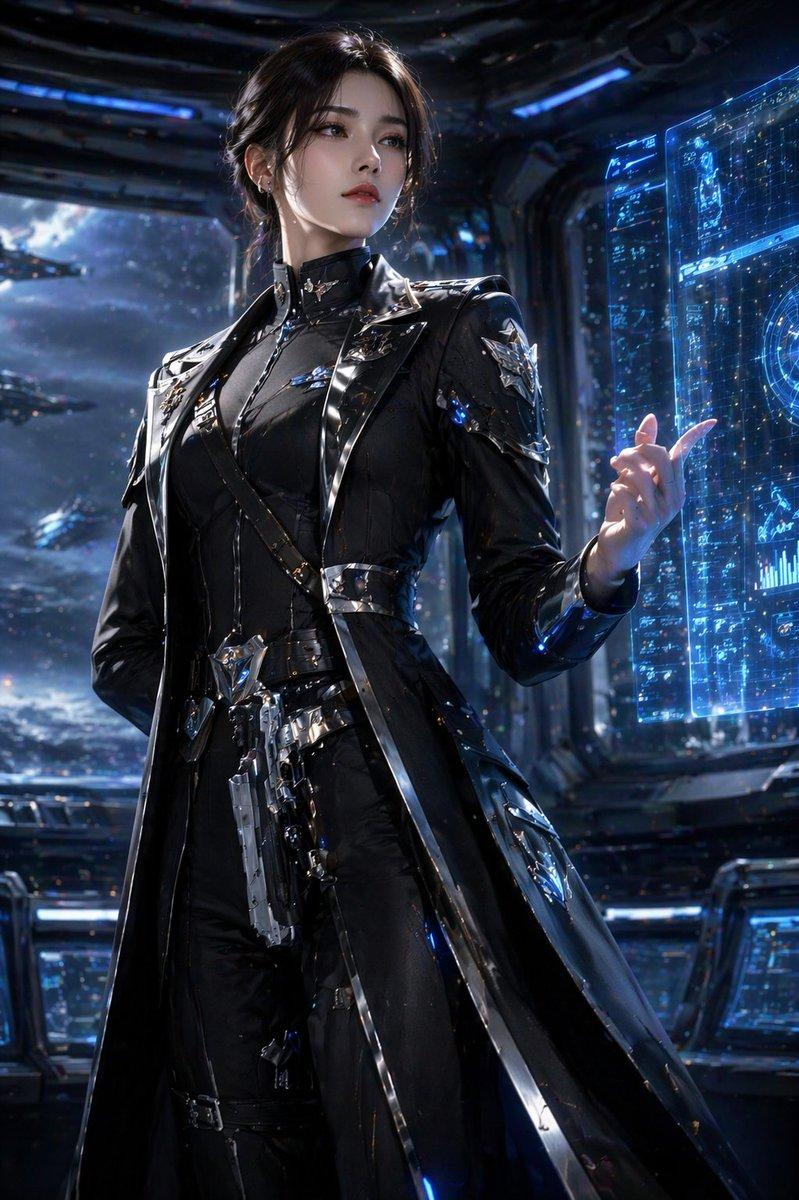
Example images

Actual screenshot of a fictional playable sci-fi survival game, third-person cam

Prompt
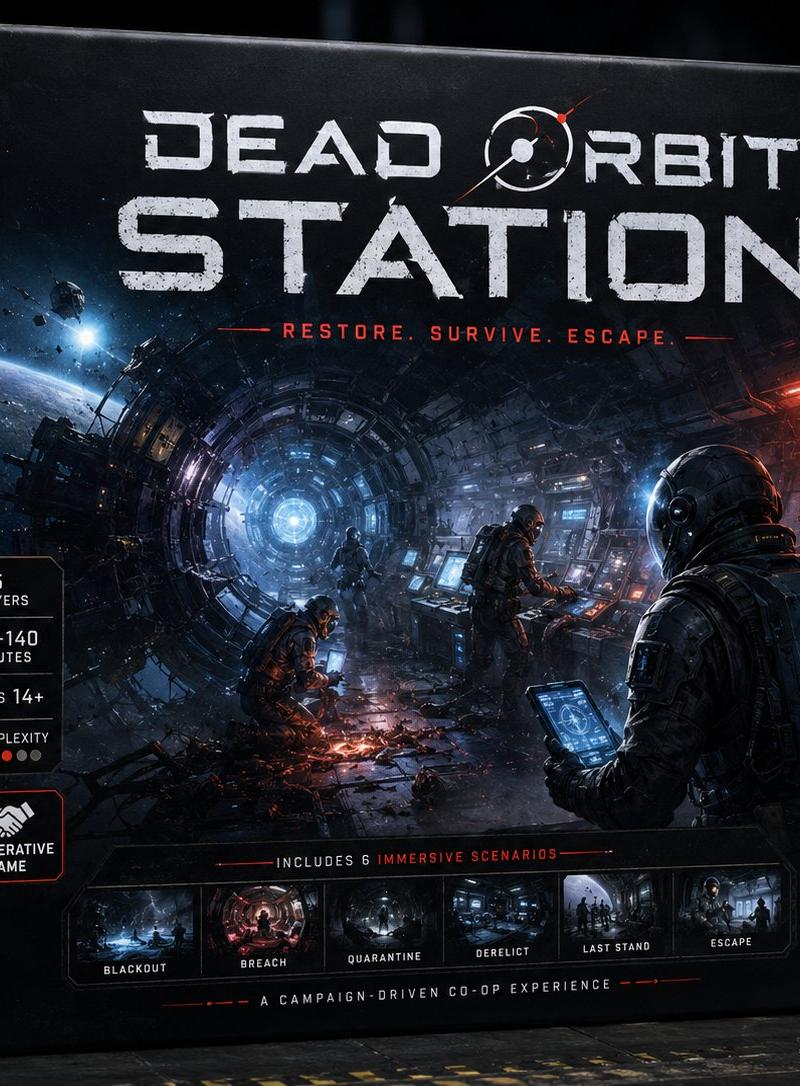
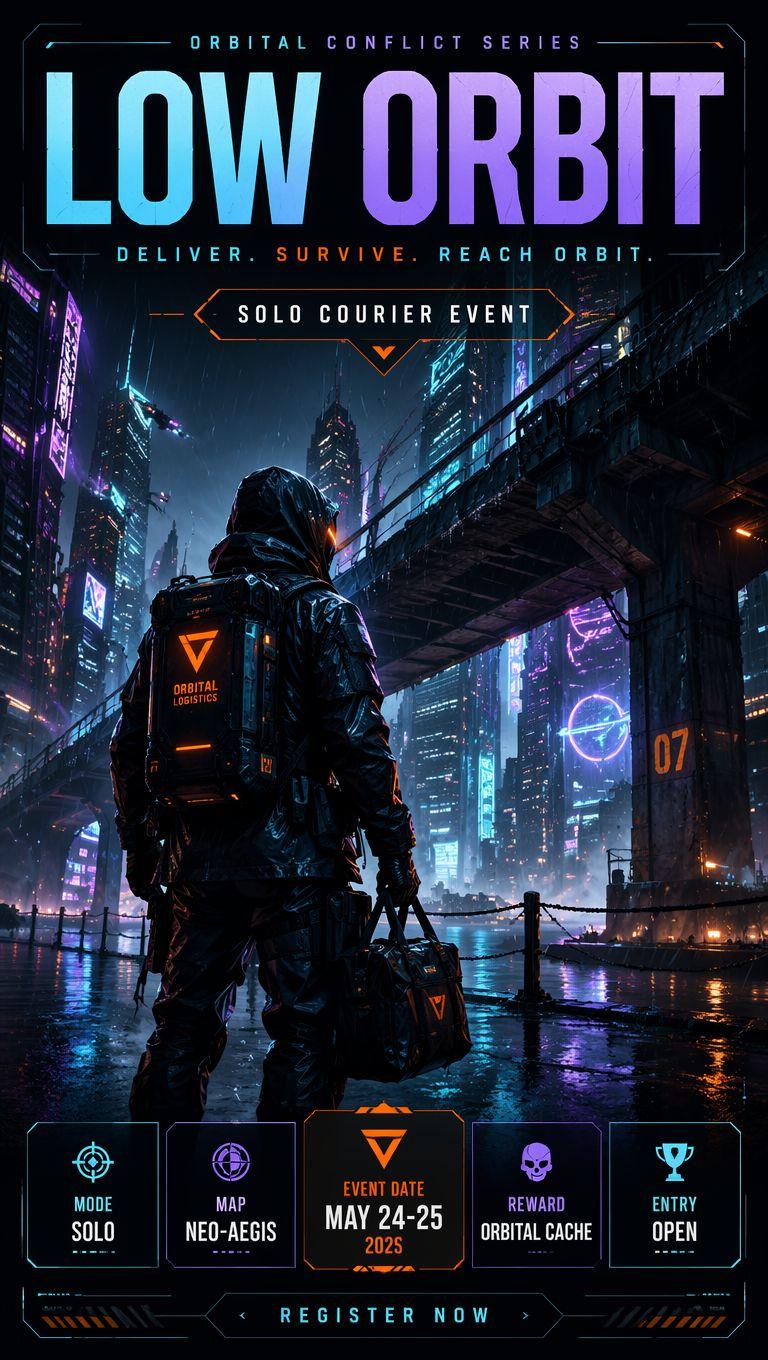
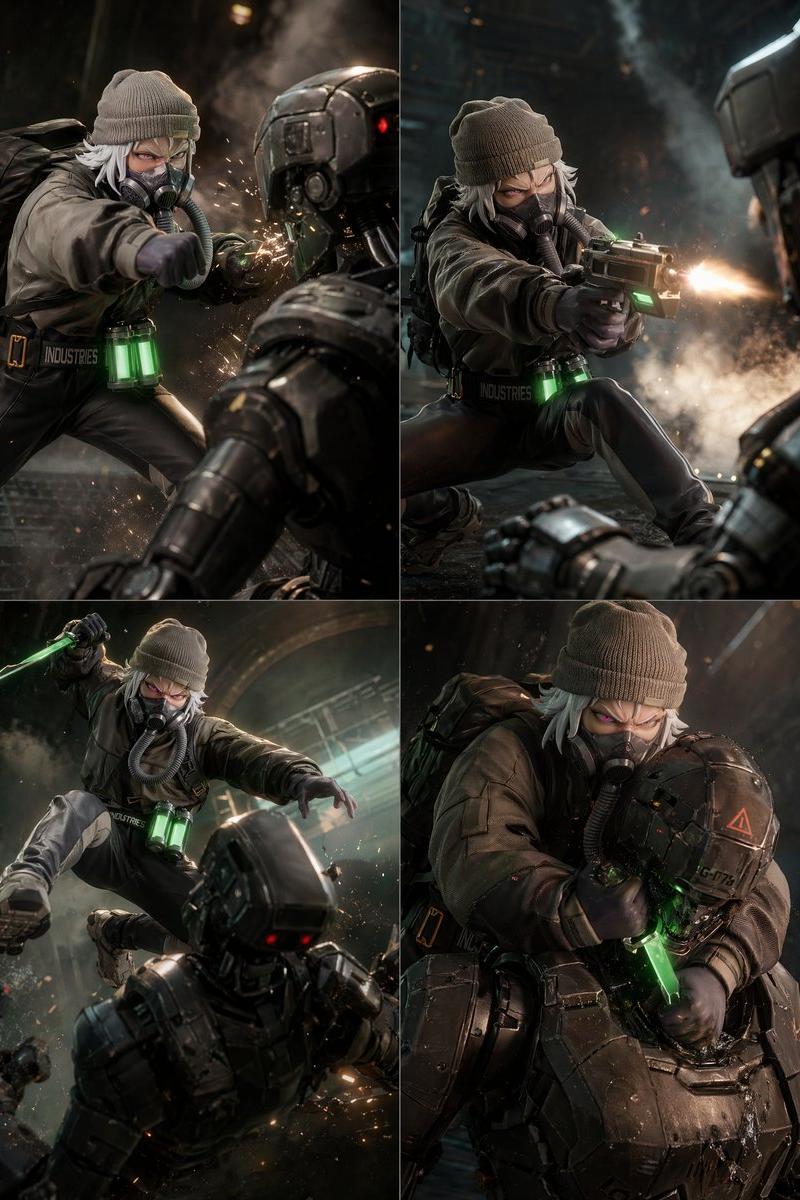
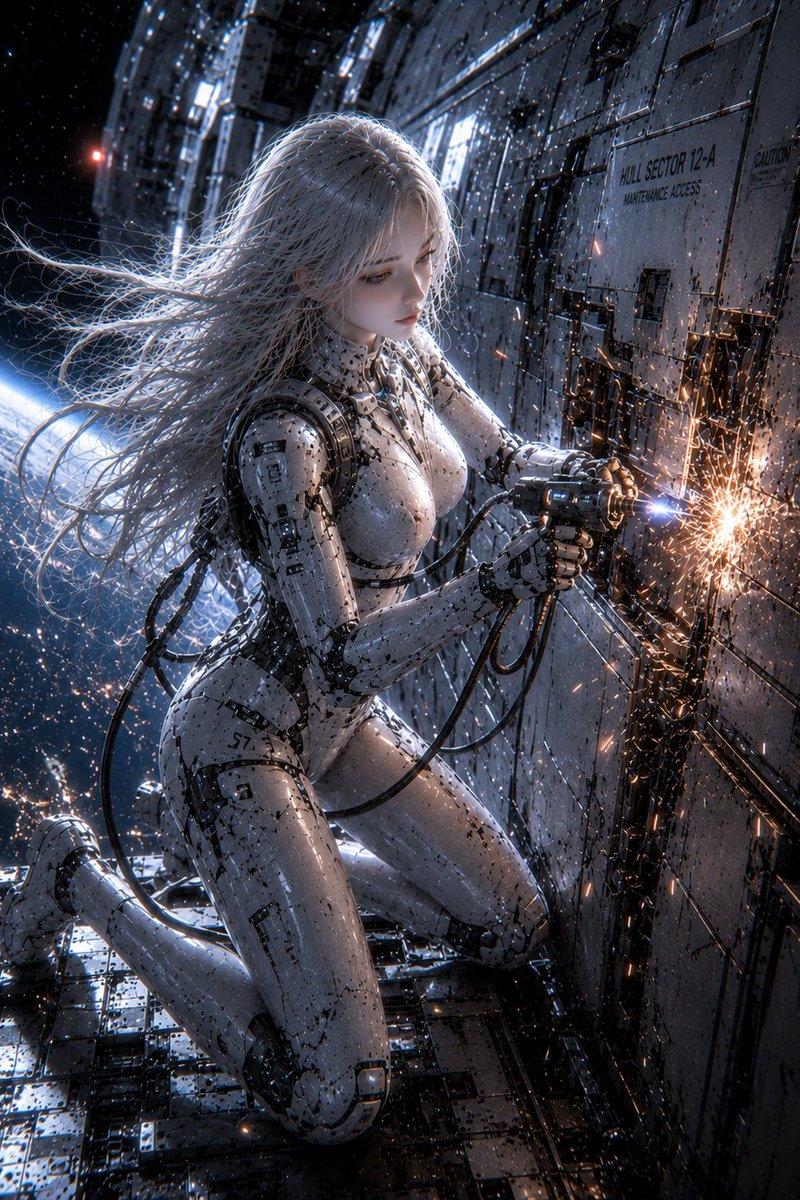
Actual screenshot of a fictional playable sci-fi survival game, third-person camera inside a transparent deep-sea maintenance station. An adult East Asian female engineer character in a fitted orange pressure suit is sealing a cracked observation window with an emergency repair tool, giant dark ocean outside, distant submarine lights, floating dust and bubbles, blue-green emergency lighting, believable HUD UI with oxygen bar, pressure warning, minimap, interaction prompt reading “SEAL BREACH”, wet metal floor reflections, scratched glass, cinematic but playable composition, realistic game engine rendering
Category
Charts & Infographics
Model
GPT Image 2
Creator
xie underwood
Source language
en
Views97
Source ID
17144
Published
Jun 6, 2026
Studio

Guide

About "Actual screenshot of a fictional playable sci-fi survival game, third-person cam"

What is this prompt for?

"Actual screenshot of a fictional playable sci-fi survival game, third-person cam" AI image prompt for GPT Image 2 (Charts & Infographics). Actual screenshot o…

The full copyable prompt and example visuals above are ready for AI image generation or one-click recreate in Picva.

How to use this prompt

  1. Step 1

    Open the prompt detail

    Review the example visuals, category, and full prompt text for "Actual screenshot of a fictional playable sci-fi survival game, third-person cam".

  2. Step 2

    Copy the prompt

    Copy the prompt body from this page, or load it directly in Studio.

  3. Step 3

    Pick a model (GPT Image 2)

    Prefer GPT Image 2. If you switch models, keep subject and composition and tweak style terms.

  4. Step 4

    Generate and export

    Recreate the look in Picva, or export into your workflow for editing and publishing.

FAQ

What is the "Actual screenshot of a fictional playable sci-fi survival game, third-person cam" prompt?
It is an AI image-generation prompt for GPT Image 2 in the Charts & Infographics category. This page includes the full prompt text, example visuals, and a one-click recreate path in Picva.
How do I use this prompt to generate an image?
Copy the prompt from this page, or use Generate / Studio. Paste it into a compatible image model, or recreate the look in Picva with optional reference images.
Which model is this prompt for?
This page lists GPT Image 2. Most descriptive prompts also transfer to nearby image models such as GPT Image, Flux, or Midjourney with light style tweaks.
Can I use the result commercially?
You can usually copy the prompt for creation, but commercial use of the final image depends on the model terms, reference-image rights, and the generated content. Follow the source author and platform rules.