
A clean studio flat lay showcasing a complete branded coffee packaging system ar
Prompt
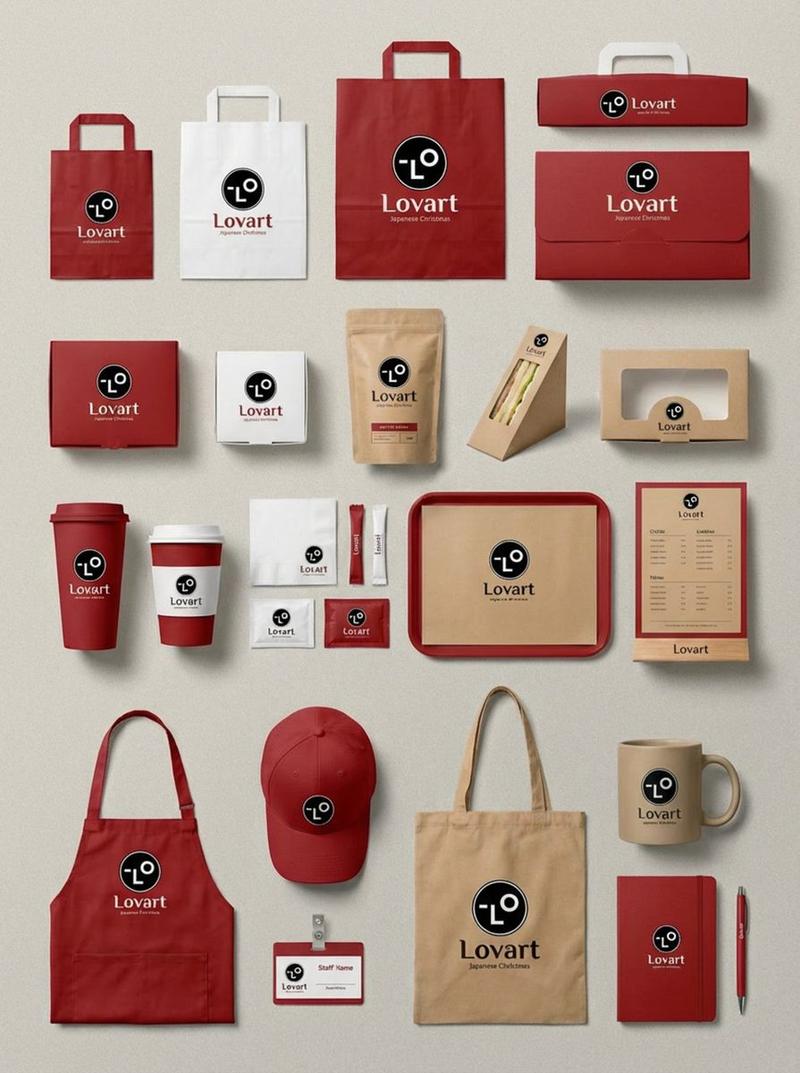
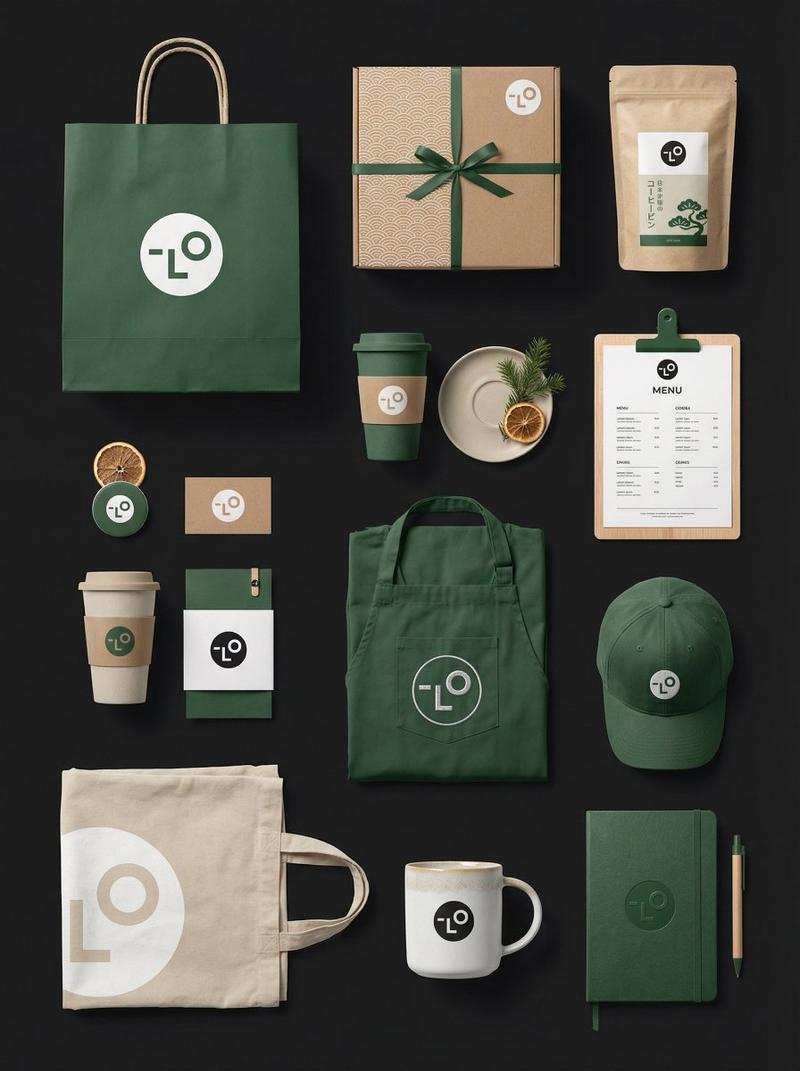
A clean studio flat lay showcasing a complete branded coffee packaging system arranged on a light neutral gray surface. The composition includes paper shopping bags, a takeaway coffee cup with lid, coffee bean boxes, a cylindrical bottle container with cork lid, a printed menu sheet, business cards, stickers, and labels. All items share a bold visual identity using a limited red, white, and black color palette, featuring a sharp, stylized monster face logo with aggressive eyes and a snarling mouth.

The layout feels intentionally spaced with slight rotations and offsets, avoiding perfect symmetry while maintaining balance. Shot from a high overhead angle (around 75–85 degrees), capturing the full system in a medium-wide frame with deep focus—everything crisp and legible.

Lighting is strong and directional, coming from the upper left, casting hard, well-defined shadows stretching to the right, mimicking natural sunlight through a window. Surfaces show realistic matte paper textures and subtle print grain, avoiding overly polished or CGI-like perfection.

The atmosphere is modern, minimal, and design-forward, with a slightly rebellious, playful branding tone. It feels like a real product shoot—slightly imperfect, tactile, and grounded. The overall impression suggests a newly launched coffee brand confidently presenting its identity: bold, graphic, and unapologetically distinctive.
- Category
- Products & E-commerce
- Model
- Nano Banana 2
- Creator
- xie underwood
- Source ID
- 1840
- Published
- Apr 15, 2026
Views132





![Playful brand kit for [Promptsref], bold colors, fun typography, modern layout](https://whqgdndlpxjbwosvipip.supabase.co/storage/v1/render/image/public/prompt-source-media/promptsref/work-2299/image-1-dac91c41a7f5035b.png?width=800&quality=75&resize=contain)

