15

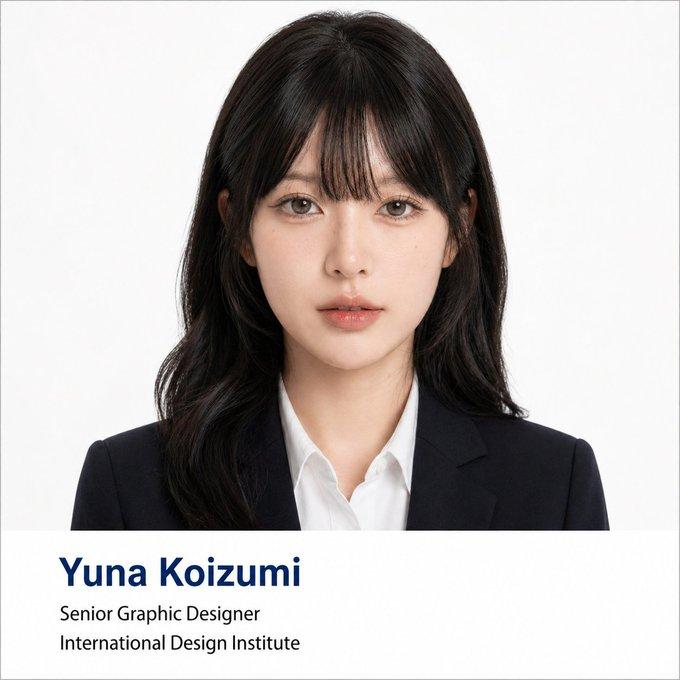
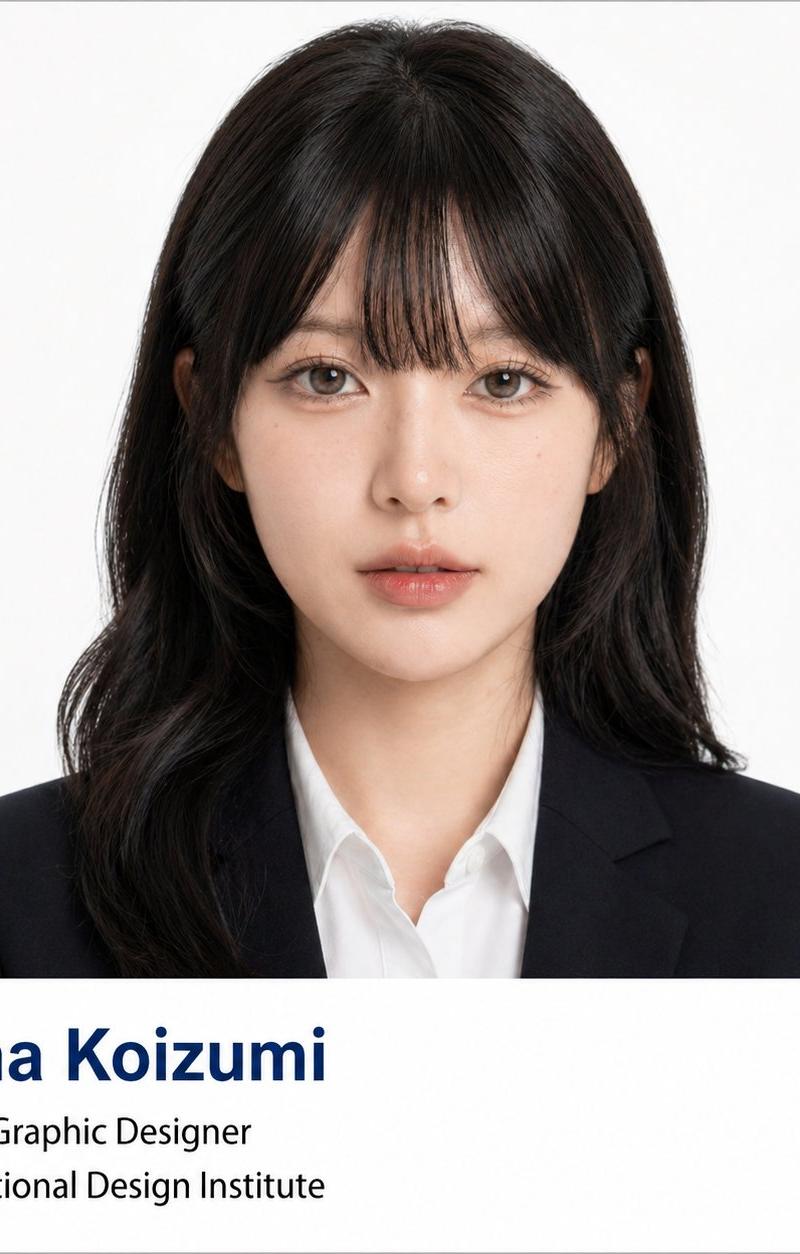
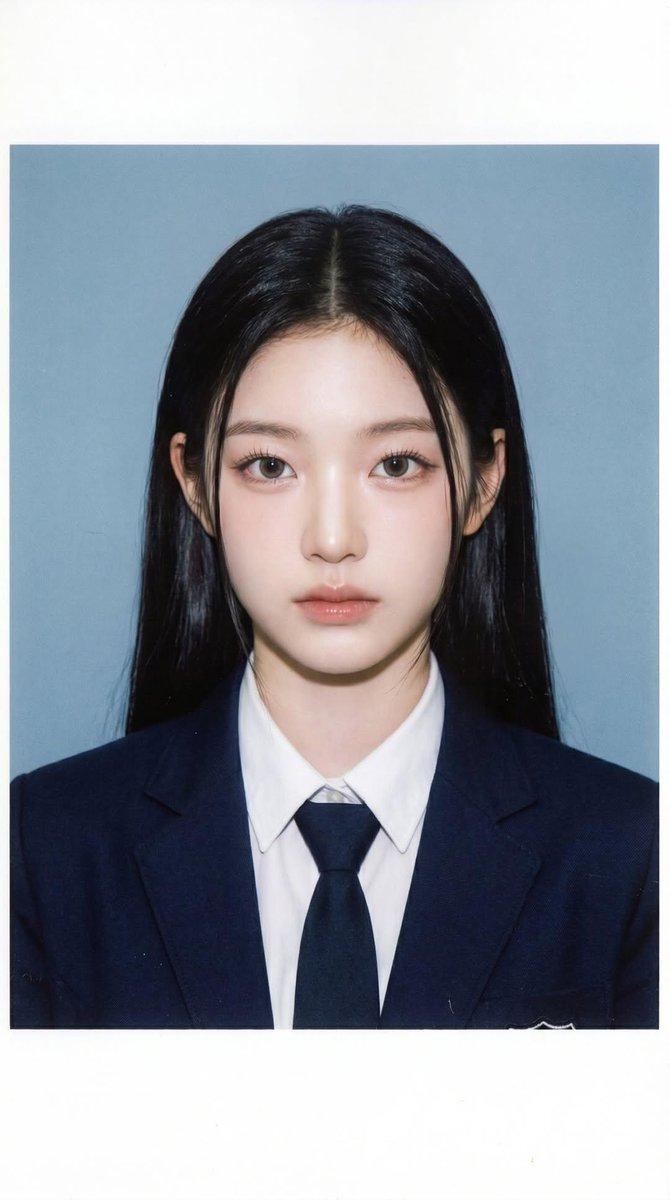
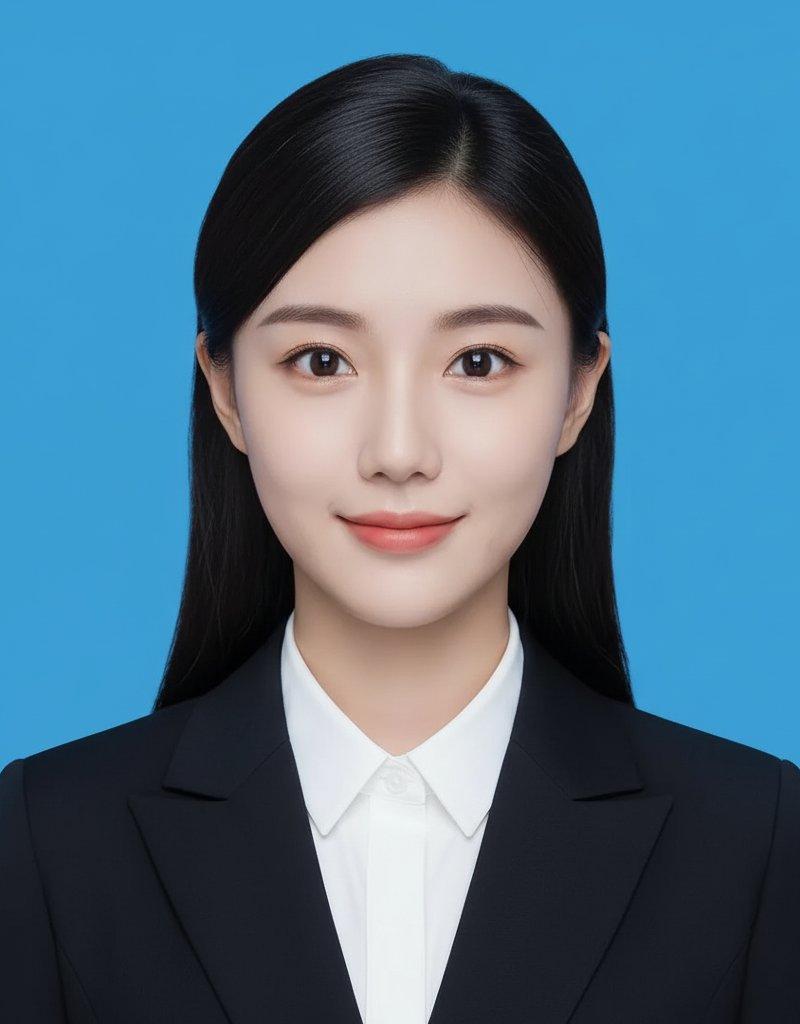
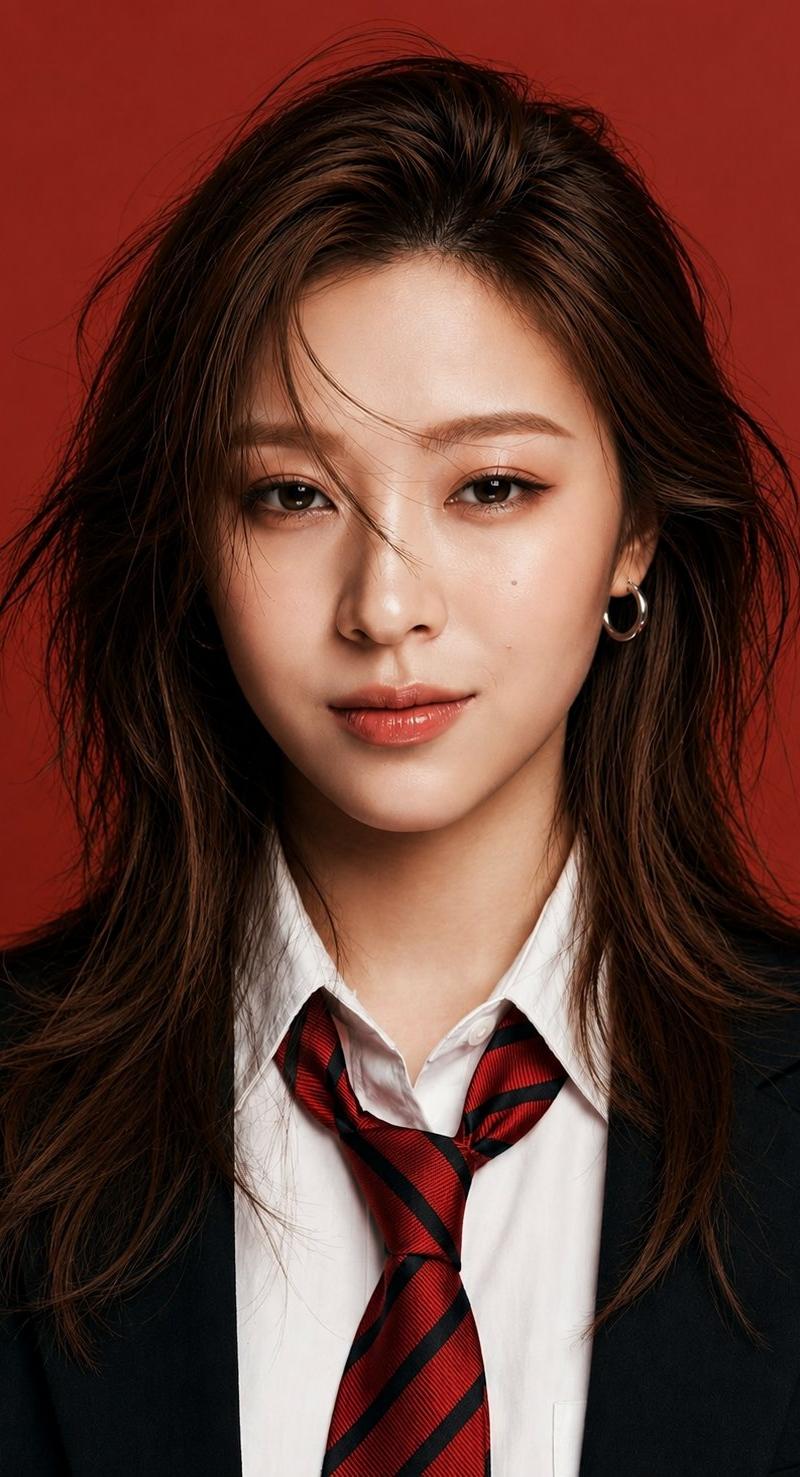
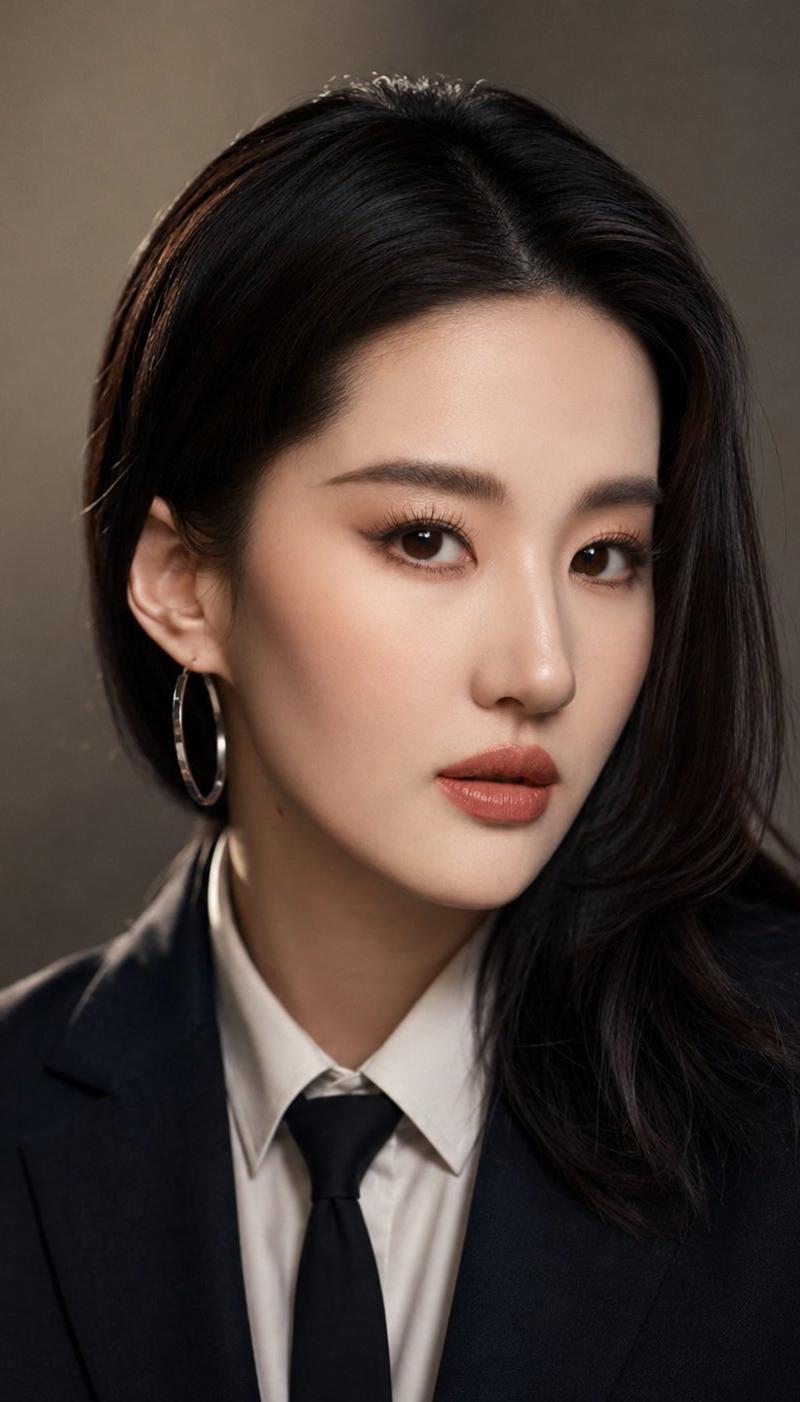
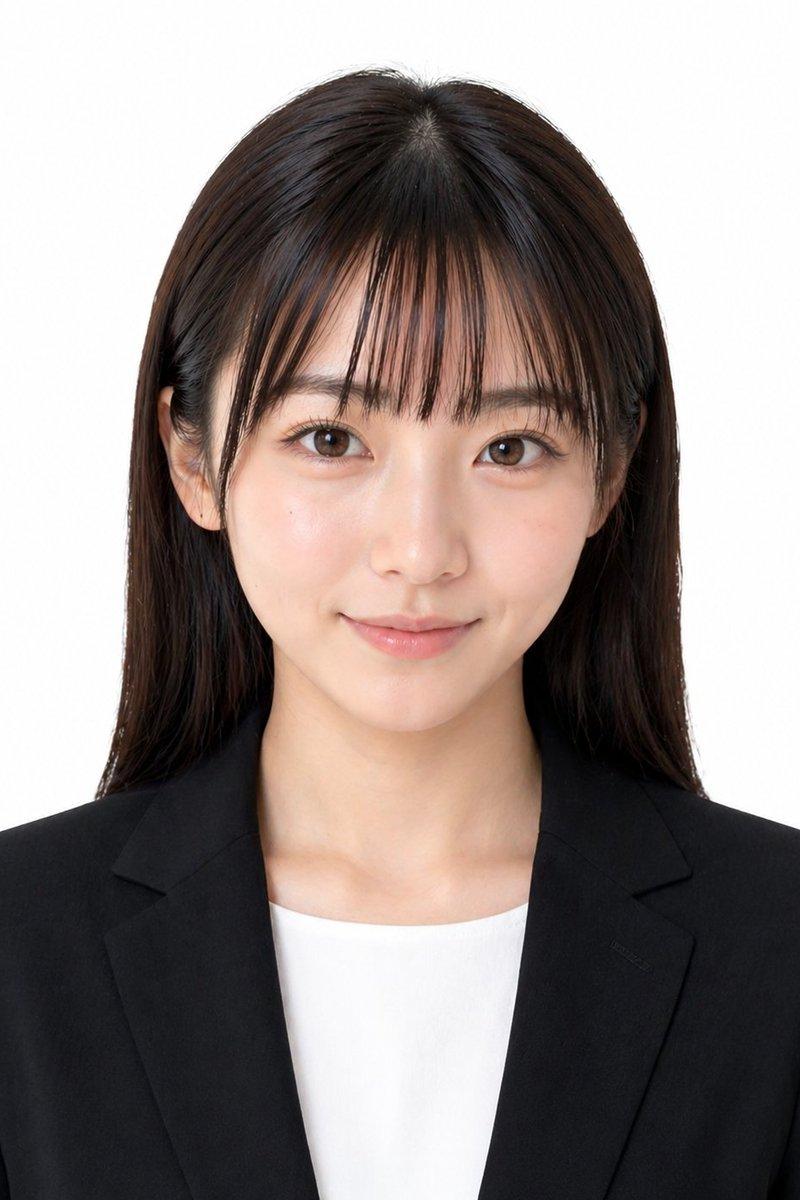
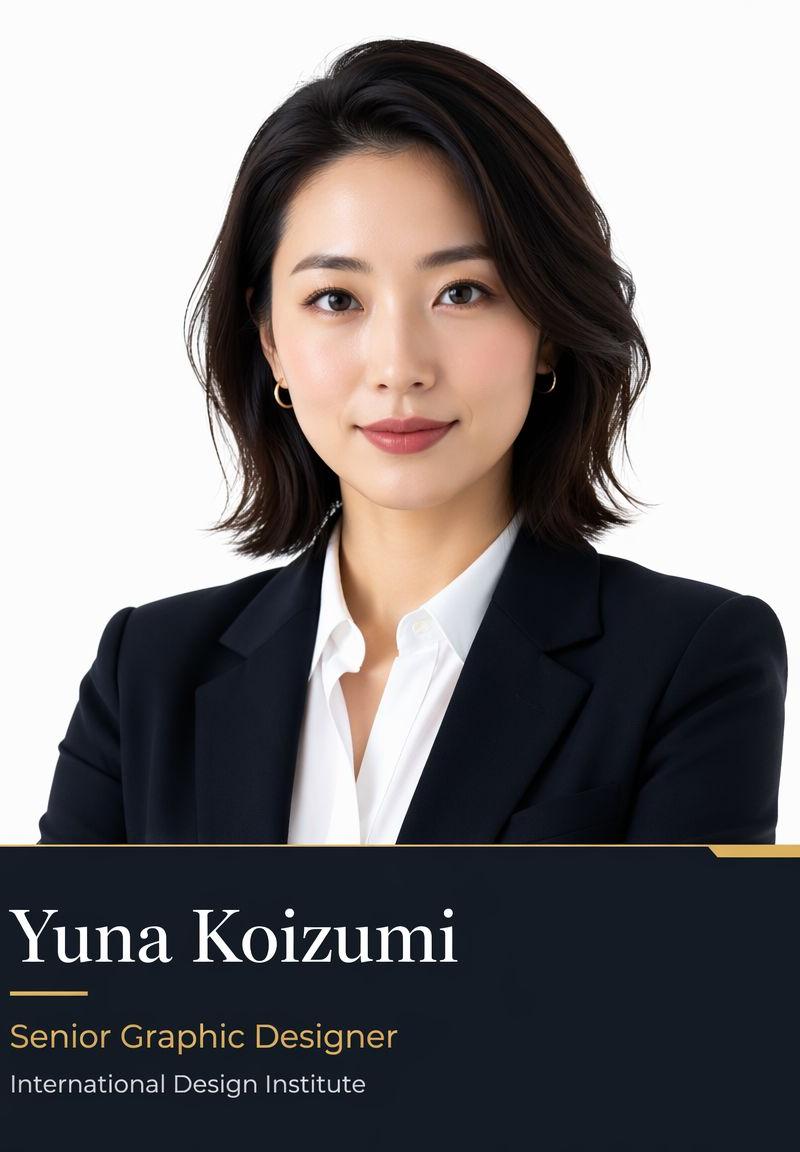
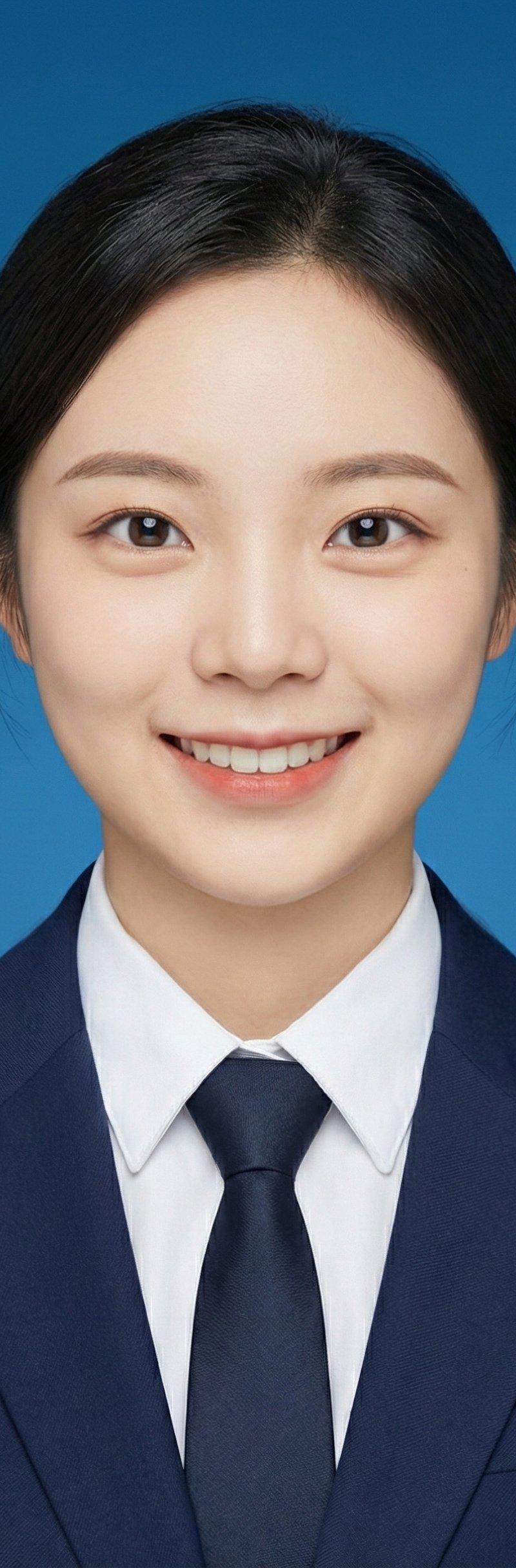
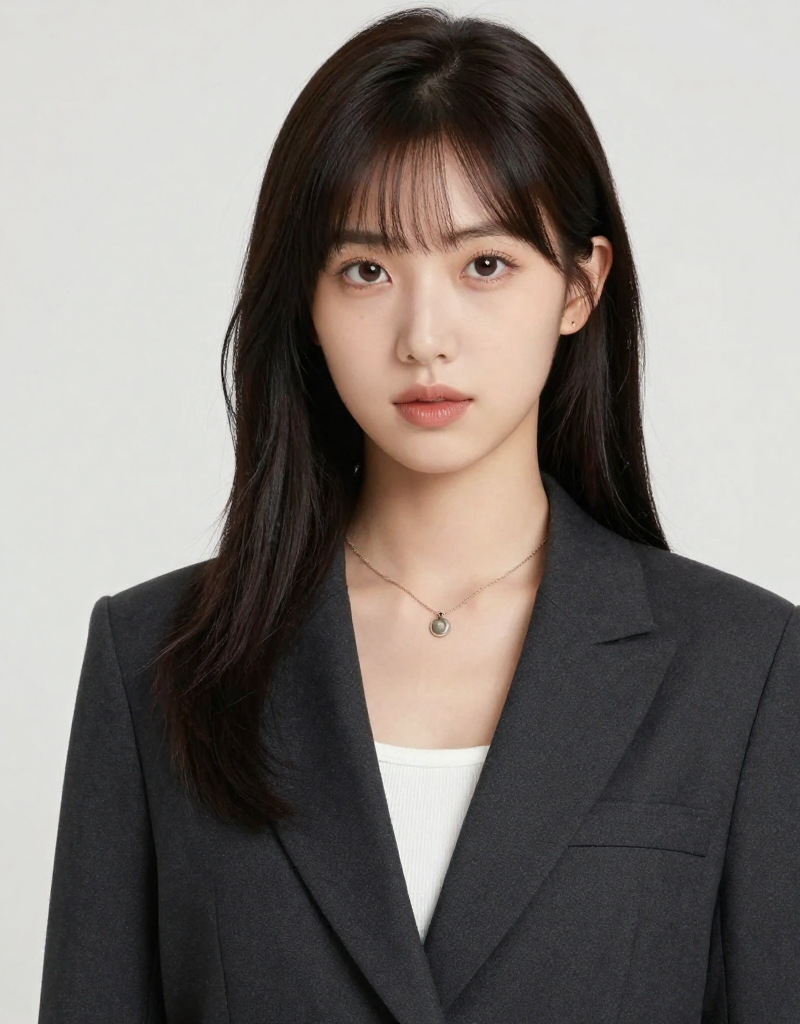
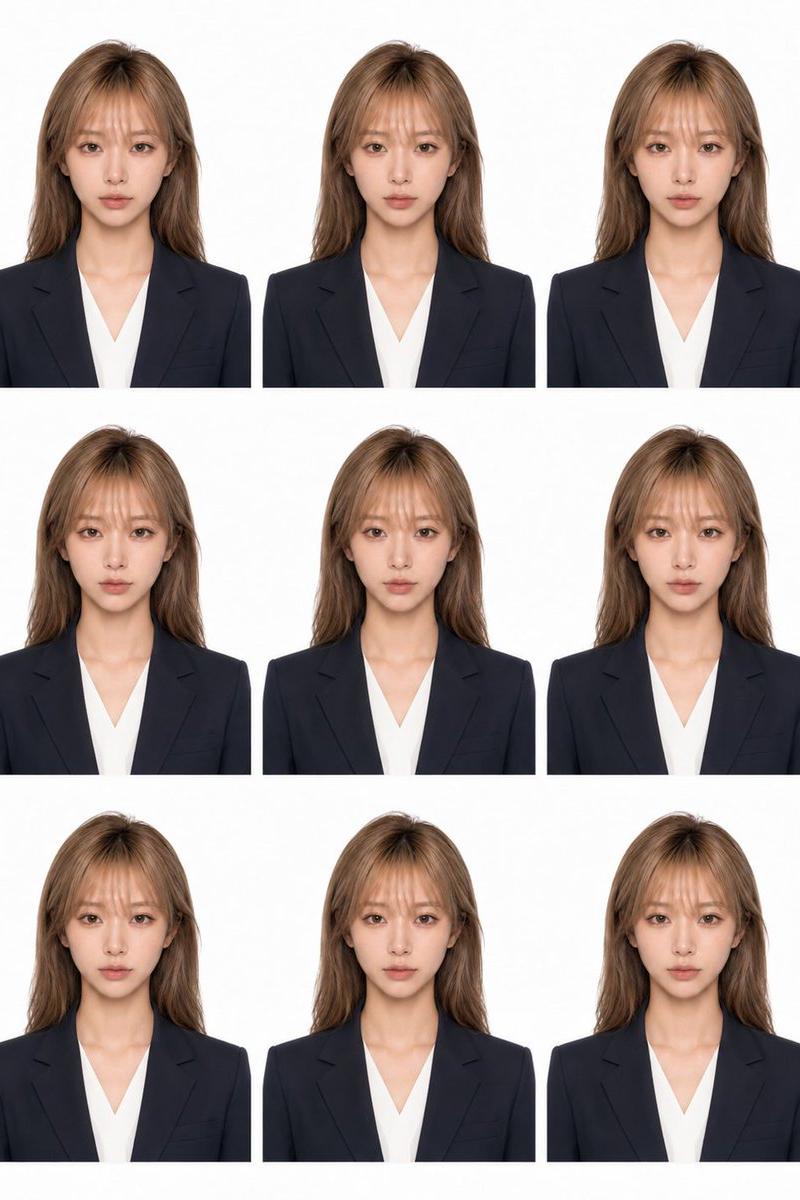
请基于我上传的人像照片生成一张正式商务档案头像海报。保留人物真实身份特征、五官比例、脸型基础和整体气质,不要改变人物身份。 可以适度优化面部轮廓,使脸部线条更清
Enlarge

Example images

请基于我上传的人像照片生成一张正式商务档案头像海报。保留人物真实身份特征、五官比例、脸型基础和整体气质,不要改变人物身份。 可以适度优化面部轮廓,使脸部线条更清

Prompt
请基于我上传的人像照片生成一张正式商务档案头像海报。保留人物真实身份特征、五官比例、脸型基础和整体气质,不要改变人物身份。

可以适度优化面部轮廓,使脸部线条更清晰、自然、上镜;平滑皮肤质感,减少瑕疵、暗沉和肤色不均,但不要过度磨皮,保留真实皮肤细节和自然光影。

请根据人物脸型设计一款匹配的商务发型。发型应干净利落、成熟专业、适合正式场合,发丝自然、有层次,不夸张。请为人物搭配正式商务穿搭,例如深色西装外套、白色或浅色衬衫,可搭配领带。整体造型应高级、简洁、专业、可信赖。

画面为正面半身肖像,人物居中,直视镜头,表情自然自信。背景为纯白色素色背景,光线柔和均匀,类似专业证件照、企业头像摄影或大学官网个人档案照。整体风格干净、正式、商务、高清写实摄影质感,方形比例 1:1。

画面下方预留简洁信息栏,并添加现代简洁排版文字:
姓名:[小泉柚奈]
身份/职位:[高级平面设计]
专业/部门/机构:[国际设计院]

重要文字规则:
如果用户输入的姓名、身份、职位、专业、部门、机构或其他需要显示在图片上的文字是中文或其他语言,请先将这些内容翻译成自然、准确、正式的英文,再放入图片中。除非用户明确要求保留中文,否则图片中不要显示中文文字。

排版要求:
第一行姓名使用深蓝色粗体大字号英文文字;第二行和第三行使用黑色常规字号英文文字。整体排版参考大学官网个人档案、学术会议人物介绍卡片或专业商务头像海报风格。
Category
Posters & Typography
Model
GPT Image 2
Creator
xie underwood
Source language
zh-CN
Views459
Source ID
2427
Published
May 1, 2026
Studio

Guide

About "请基于我上传的人像照片生成一张正式商务档案头像海报。保留人物真实身份特征、五官比例、脸型基础和整体气质,不要改变人物身份。 可以适度优化面部轮廓,使脸部线条更清"

What is this prompt for?

"请基于我上传的人像照片生成一张正式商务档案头像海报。保留人物真实身份特征、五官比例、脸型基础和整体气质,不要改变人物身份。 可以适度优化面部轮廓,使脸部线条更清" AI image prompt for GPT Image 2 (Posters & Typography). 请基于我上传的人像照片生成一张正式商务档…

The full copyable prompt and example visuals above are ready for AI image generation or one-click recreate in Picva.

How to use this prompt

  1. Step 1

    Open the prompt detail

    Review the example visuals, category, and full prompt text for "请基于我上传的人像照片生成一张正式商务档案头像海报。保留人物真实身份特征、五官比例、脸型基础和整体气质,不要改变人物身份。 可以适度优化面部轮廓,使脸部线条更清".

  2. Step 2

    Copy the prompt

    Copy the prompt body from this page, or load it directly in Studio.

  3. Step 3

    Pick a model (GPT Image 2)

    Prefer GPT Image 2. If you switch models, keep subject and composition and tweak style terms.

  4. Step 4

    Generate and export

    Recreate the look in Picva, or export into your workflow for editing and publishing.

FAQ

What is the "请基于我上传的人像照片生成一张正式商务档案头像海报。保留人物真实身份特征、五官比例、脸型基础和整体气质,不要改变人物身份。 可以适度优化面部轮廓,使脸部线条更清" prompt?
It is an AI image-generation prompt for GPT Image 2 in the Posters & Typography category. This page includes the full prompt text, example visuals, and a one-click recreate path in Picva.
How do I use this prompt to generate an image?
Copy the prompt from this page, or use Generate / Studio. Paste it into a compatible image model, or recreate the look in Picva with optional reference images.
Which model is this prompt for?
This page lists GPT Image 2. Most descriptive prompts also transfer to nearby image models such as GPT Image, Flux, or Midjourney with light style tweaks.
Can I use the result commercially?
You can usually copy the prompt for creation, but commercial use of the final image depends on the model terms, reference-image rights, and the generated content. Follow the source author and platform rules.