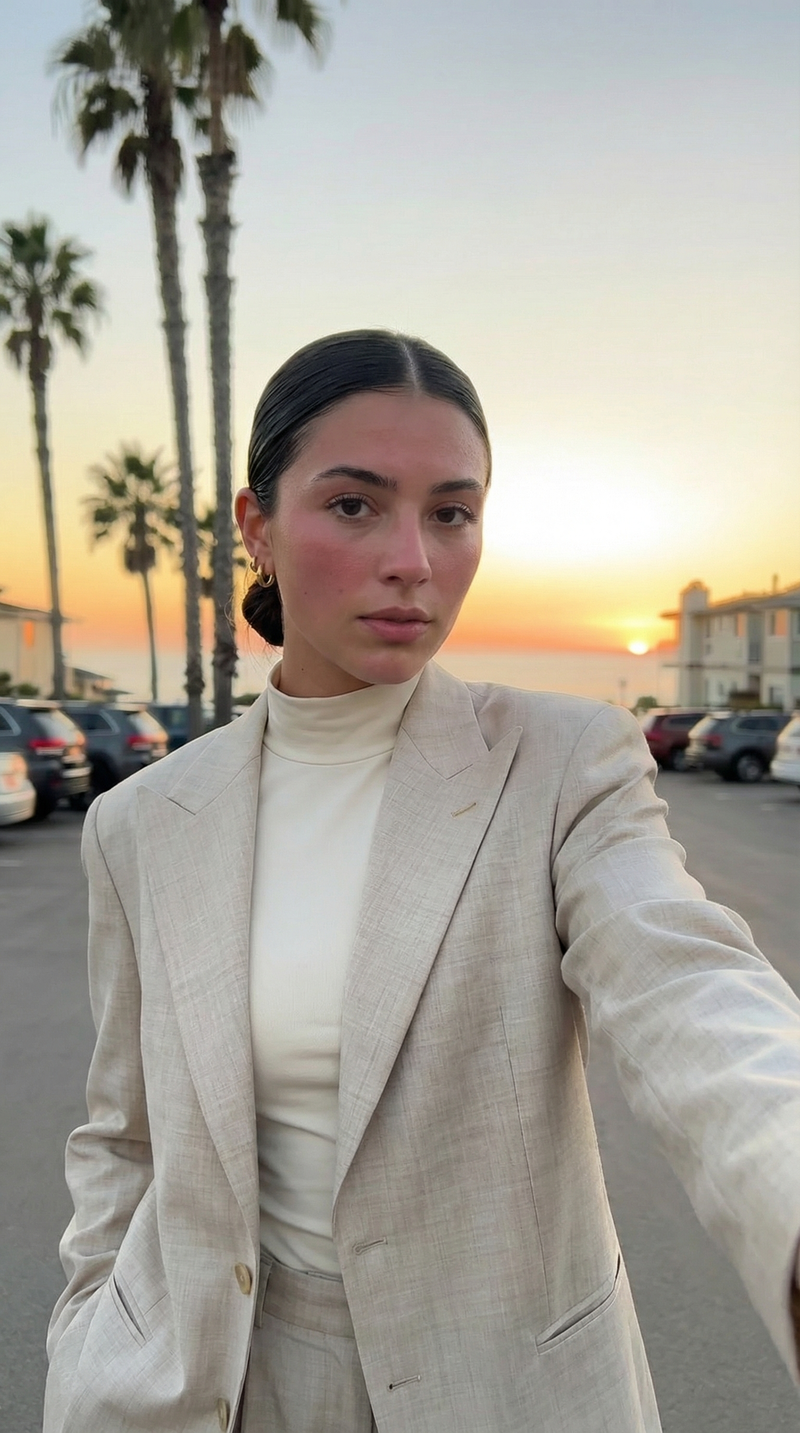
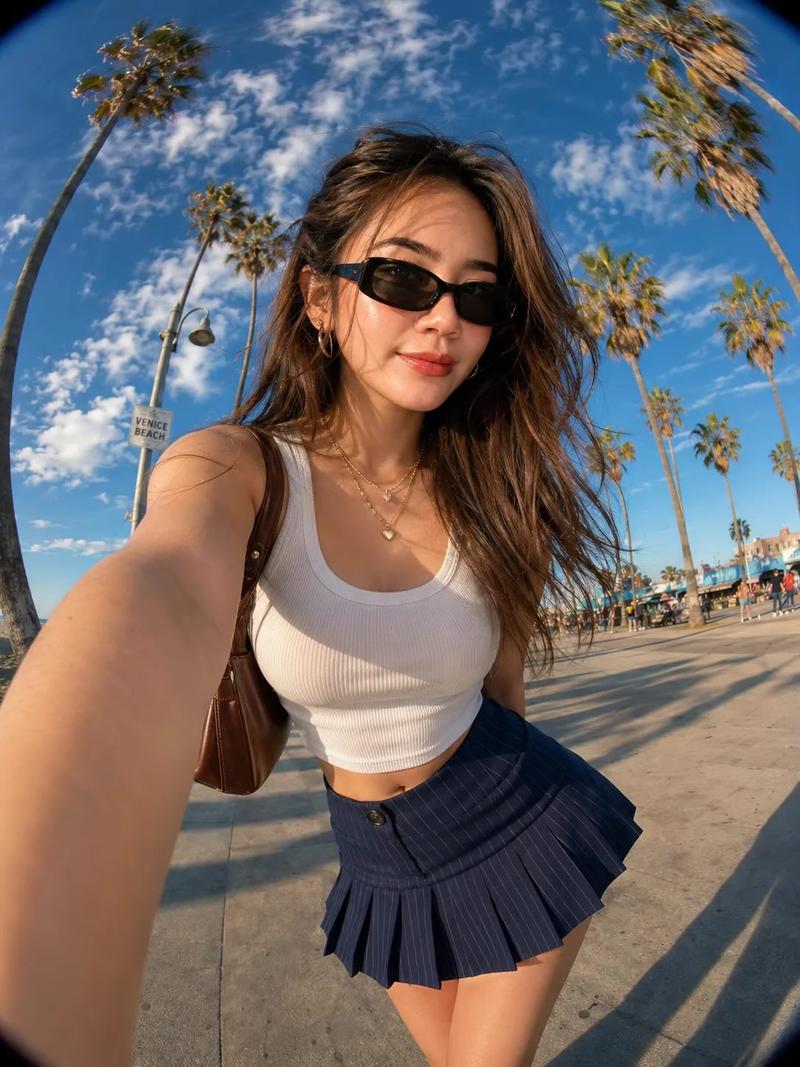
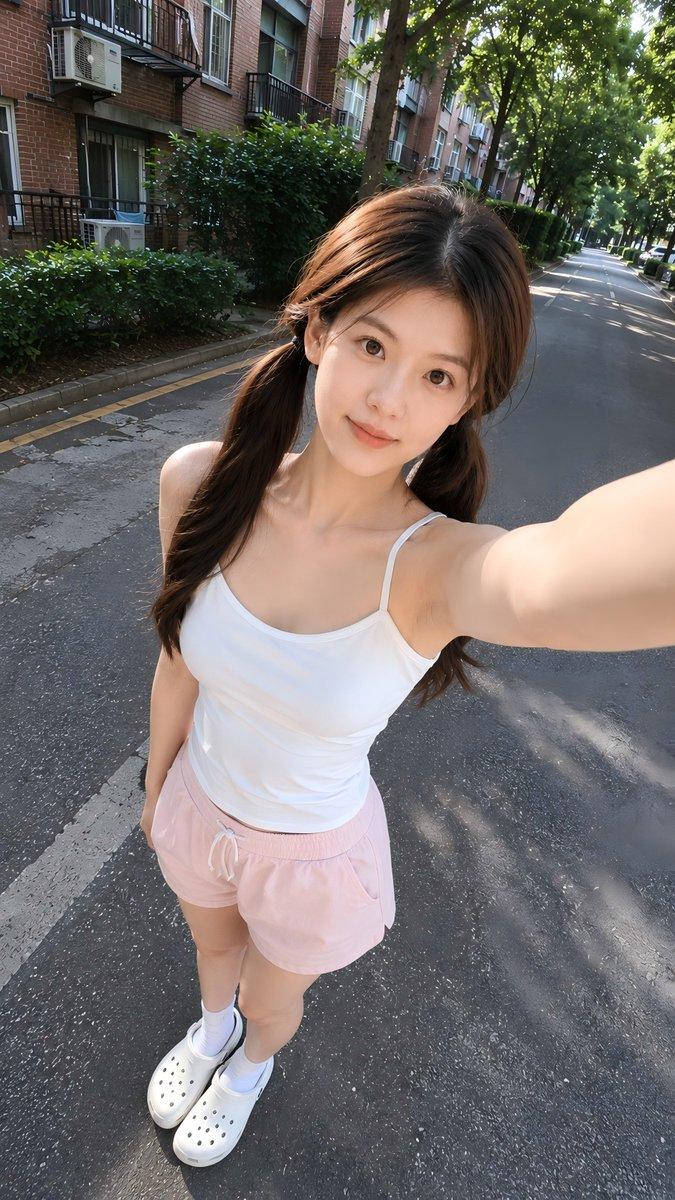
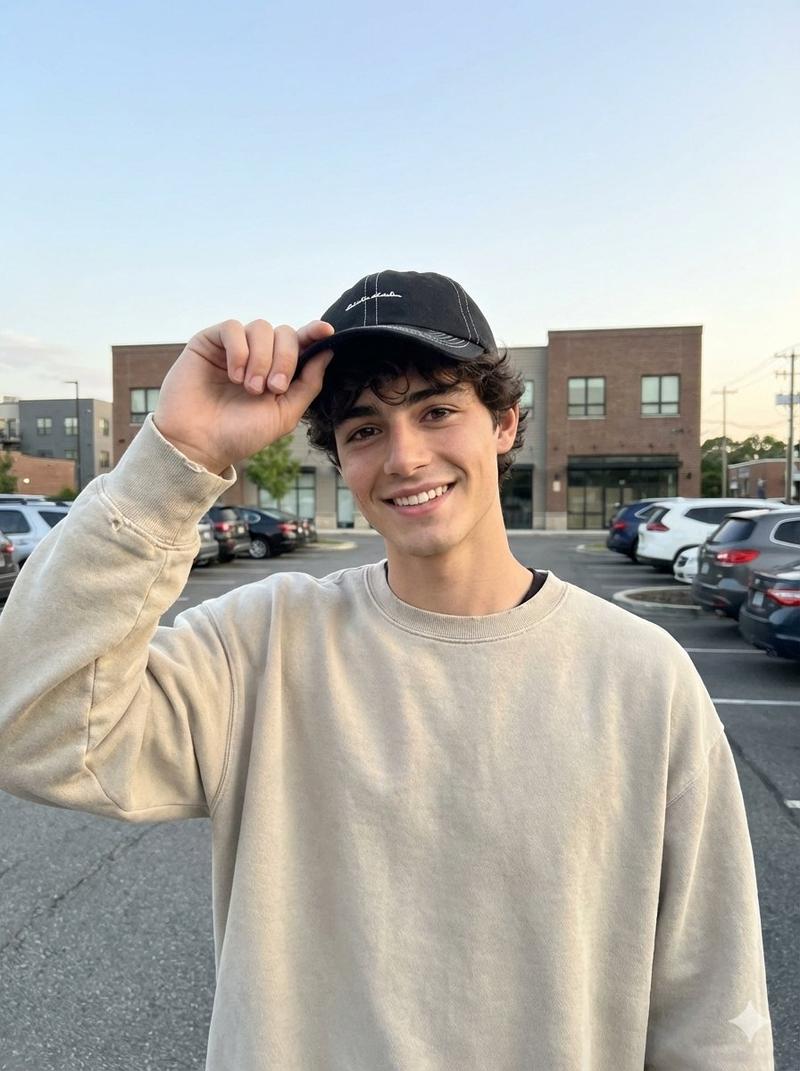
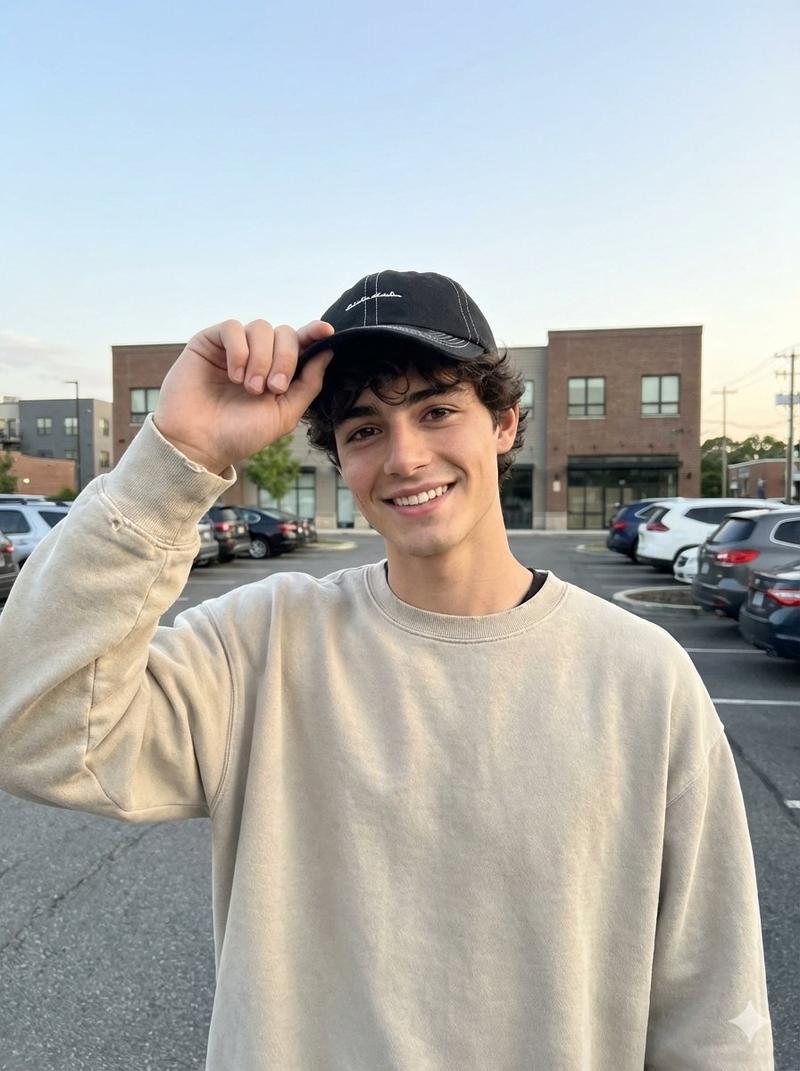
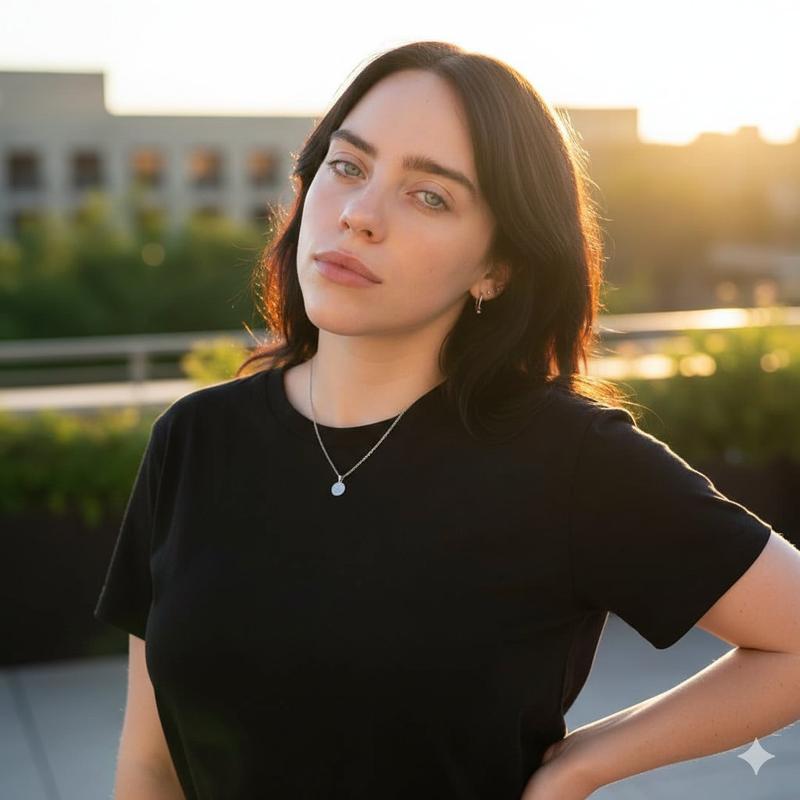
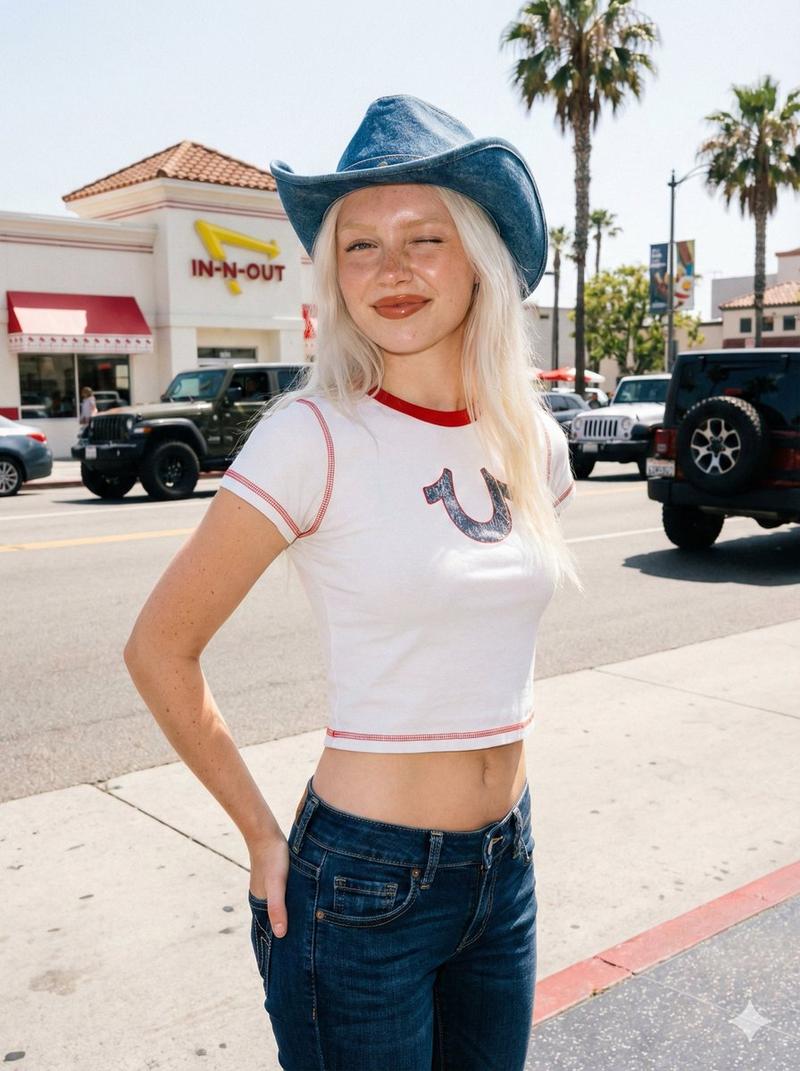
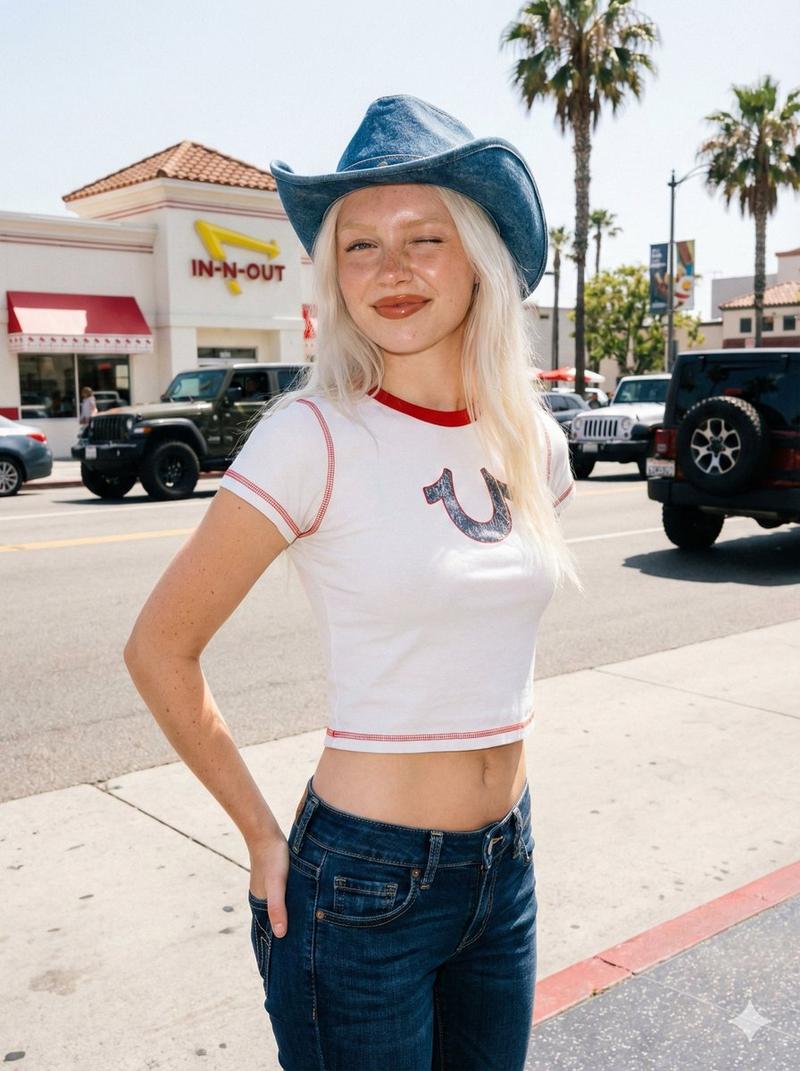
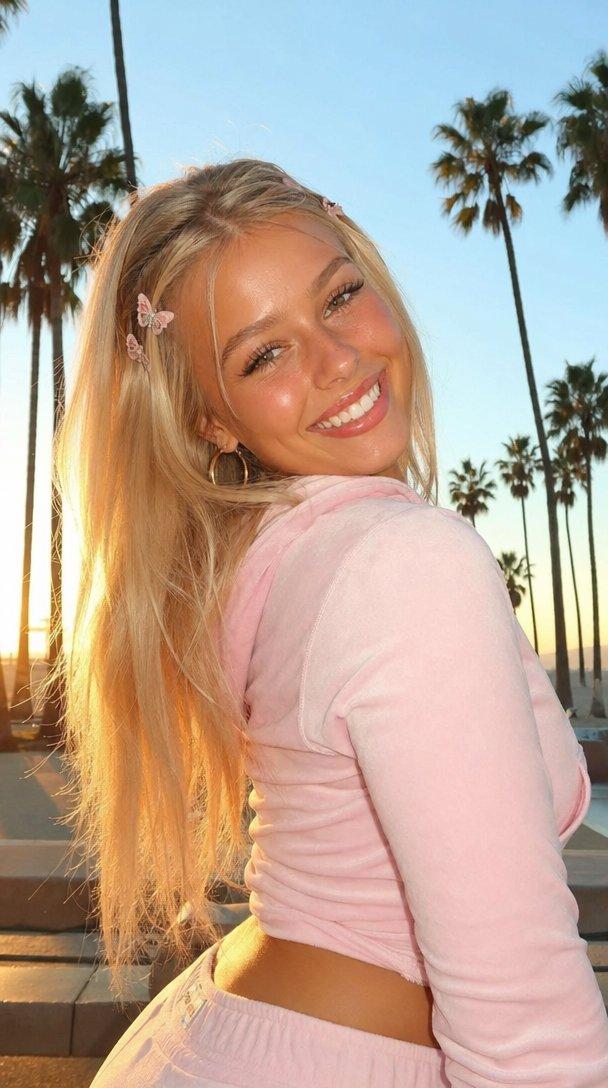
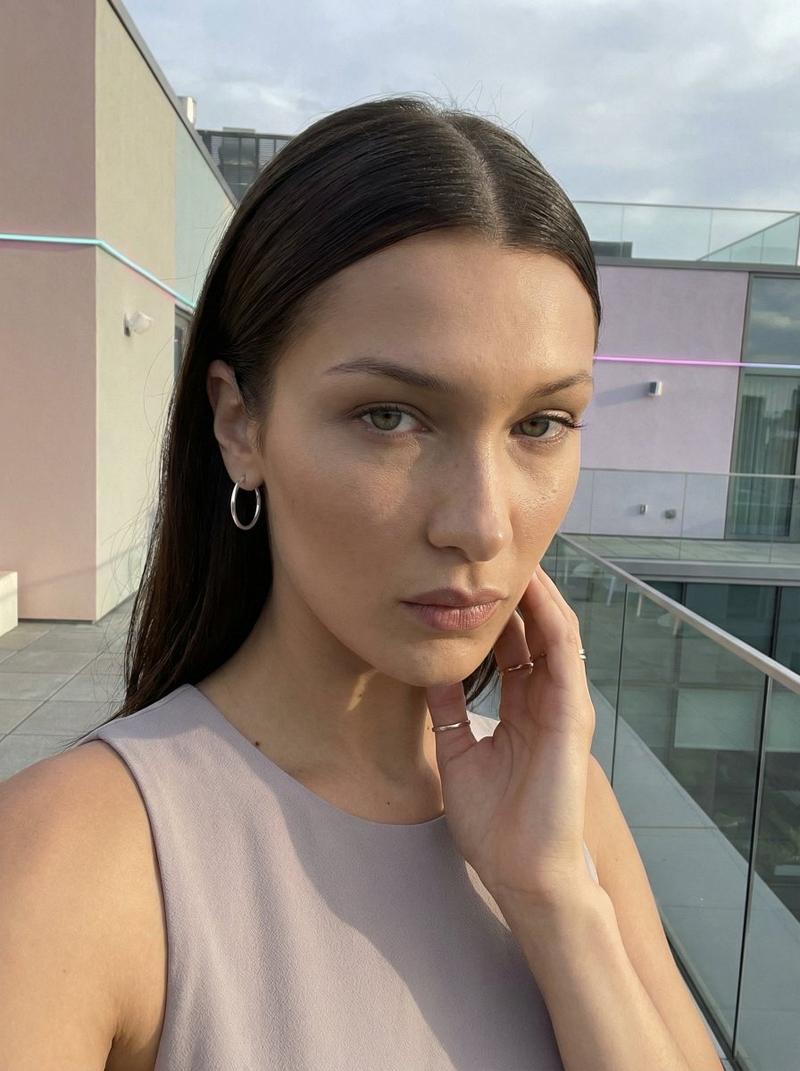
Character state The female lead has just finished a run and is recording while w
Prompt
Character state
The female lead has just finished a run and is recording while walking. Her cheeks are slightly flushed; she’s breathing a bit heavy but not exaggerated. There’s a subtle post-sweat sheen on her forehead and collarbones, with a lightly glossy skin texture. A few damp wisps of hair cling near her ears. Overall vibe: natural, relaxed, sincere—no “ad” feel.

Camera & texture (the “phone feel” is crucial)

Front-facing smartphone wide angle with mild distortion (like a 24–28mm equivalent). Handheld shake + natural up-and-down bounce from walking. Allow slight motion blur and compression artifacts. As she passes through tree shade into brighter spots, include subtle auto-exposure shifts. Occasionally, let autofocus “hunt” briefly (a split-second soft-to-sharp change) to feel like real phone footage.

Action timeline (important)

0–2.5s: The recording is already rolling from the start. She doesn’t look at the lens yet (glance to the side or look down at the path). With one hand she gently tugs the neckline/collar for some air; with the other she brushes the loose strands behind her ear.
2.5–5s: She lifts her gaze to the camera and gives an unguarded, genuine smile. She can press her lips together slightly in a shy way, then starts speaking.
Line: “Guys, I just took a look at my X account—13,000 followers. Seriously, thank you so much.” (pause for one second) “That’s the best gift.”
5–6s: Her eyes look more forward (she needs to watch where she’s going), with occasional quick glances back at the lens. Keep walking and continue the second half. End naturally—no deliberate posing.
Line: “Next, I’m going to start sharing some AI-generated video tips.”
6–7s: She looks back into the lens and says directly to camera: “Thank you for your support!”

Audio & realism

Phone mic capture: light wind noise, footsteps, and clothing rustle. Breathing gradually calms from slightly breathy to steady. Add a tiny, natural laugh-breath (very subtle, not exaggerated).

Negative constraints (must NOT appear)

No platform UI, buttons, watermarks, stickers, subtitle bars, or any on-screen text overlays. No heavy skin smoothing/beauty filters. No harsh studio lighting; no “commercial” vibe. No gimbal-style overly smooth stabilization.
- Category
- Charts & Infographics
- Model
- veo3_fast
- Creator
- xie underwood
- Source ID
- 281
- Published
- Jan 31, 2026
Views361