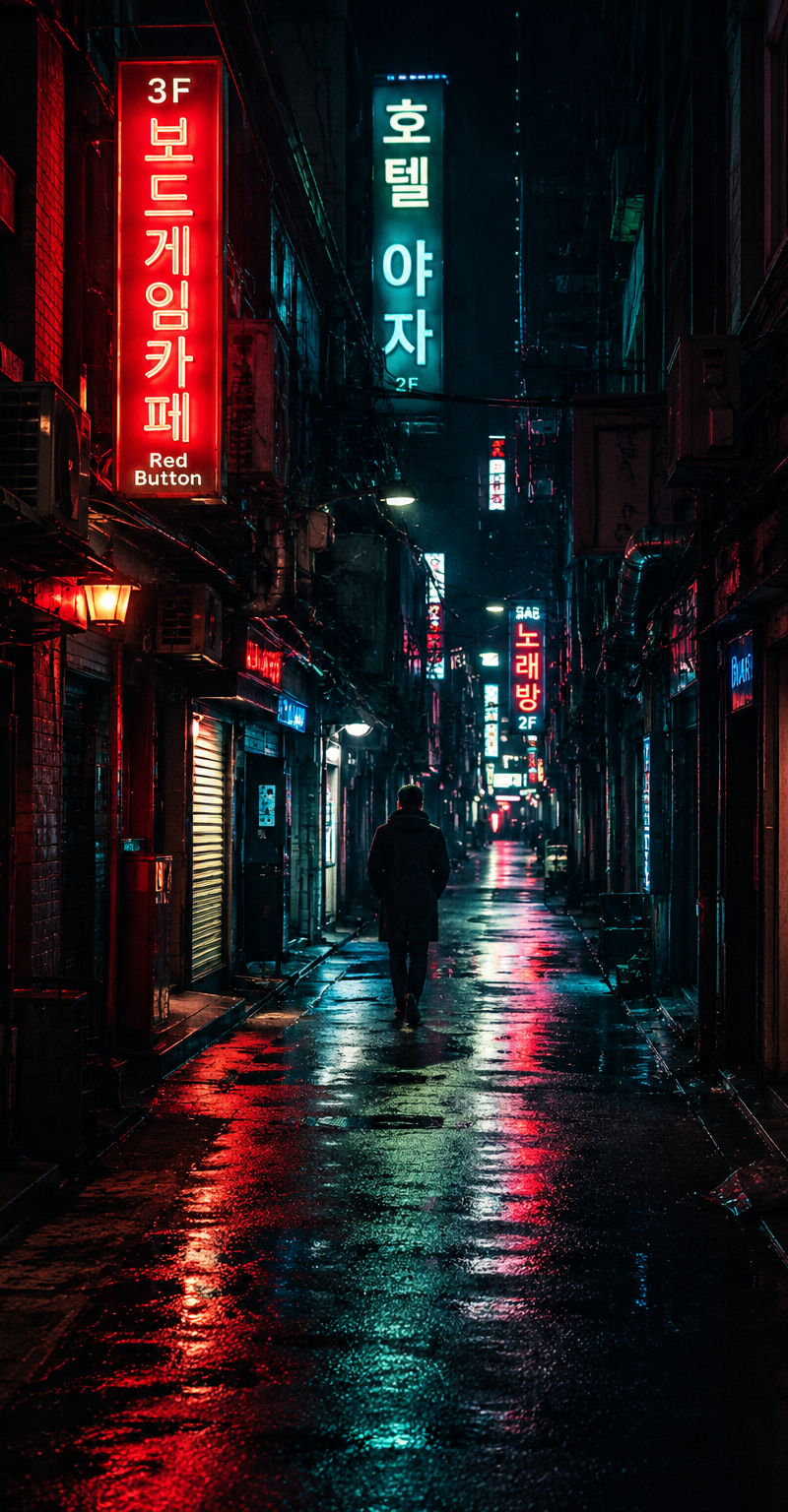
{ "subject": { "description": "a lone pedestrian walking through a narrow neon-l
Prompt
{
 "subject": {
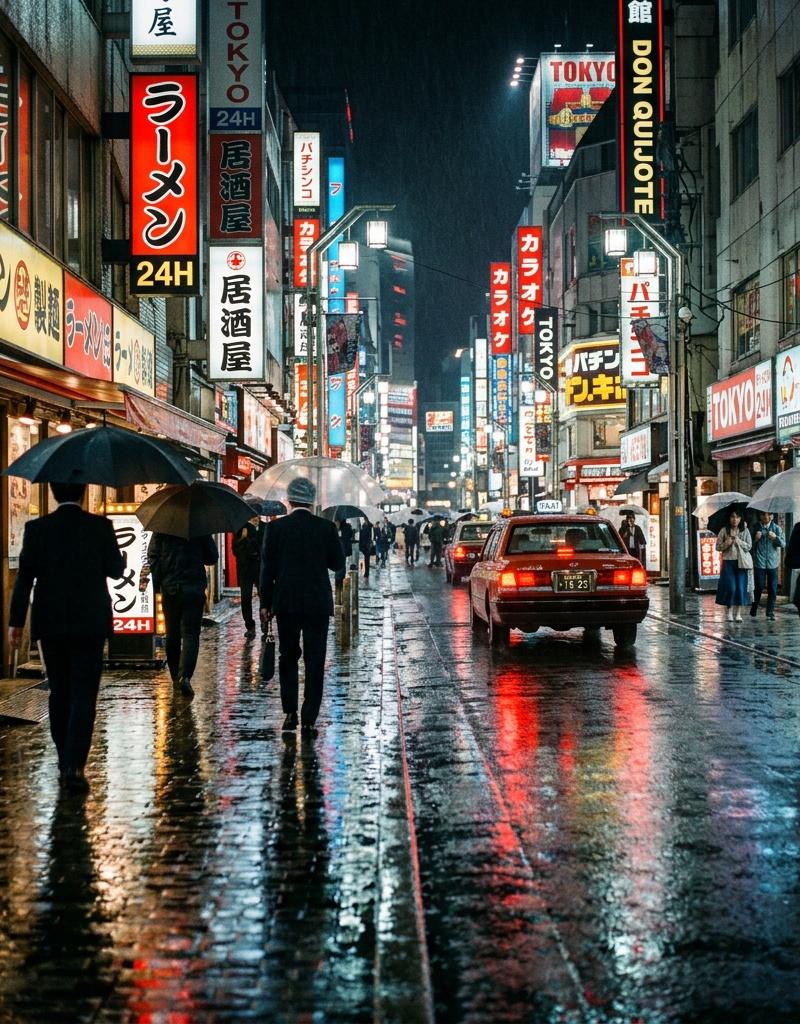
 "description": "a lone pedestrian walking through a narrow neon-lit alley at night",
 "mirror_rules": "",
 "age": "adult",
 "expression": {
 "eyes": {
 "look": "not clearly visible",
 "energy": "distant and anonymous",
 "direction": "walking toward the vanishing point"
 },
 "mouth": {
 "position": "not visible",
 "energy": "silent"
 },
 "overall": "small solitary figure swallowed by the city"
 },
 "face": {
 "preserve_original": "face not visible, keep the figure as a dark anonymous silhouette",
 "makeup": ""
 }
 },
 "hair": {
 "color": "not visible",
 "style": "hidden by distance and shadow",
 "effect": "absorbed into the silhouette"
 },
 "body": {
 "frame": "small human silhouette in a long coat",
 "waist": "not visible",
 "chest": "not visible",
 "legs": "thin dark legs moving forward",
 "skin": {
 "visible_areas": "none",
 "tone": "not visible",
 "texture": "hidden by clothing and shadow",
 "lighting_effect": "body edges rimmed by red and cyan neon reflections"
 }
 },
 "pose": {
 "position": "center distance of the alley",
 "base": "walking away from the camera",
 "overall": "quiet forward motion, slightly lost inside the city"
 },
 "clothing": {
 "top": {
 "type": "long dark coat",
 "color": "black or deep navy",
 "details": "loose silhouette, hooded or high collar shape",
 "effect": "turns the person into a readable urban silhouette"
 },
 "bottom": {
 "type": "dark pants",
 "color": "black",
 "details": "merged with the shadows"
 }
 },
 "accessories": {
 "prop": "none clearly visible"
 },
 "photography": {
 "camera_style": "real handheld nighttime street photography",
 "angle": "eye-level view looking straight into the alley",
 "shot_type": "wide urban scene with a small human figure",
 "aspect_ratio": "1:1",
 "texture": "slight digital noise, wet pavement reflections, imperfect real-city details",
 "lighting": "physical neon signs casting red and cyan light onto wet ground and walls",
 "depth_of_field": "deep focus with atmospheric haze softening distant signs"
 },
 "background": {
 "setting": "dense urban back alley at night",
 "wall_color": "dark brick and concrete walls tinted by neon",
 "elements": [
 "vertical neon signs",
 "exposed cables",
 "air-conditioning units",
 "wet pavement",
 "narrow shopfronts",
 "deep shadows"
 ],
 "atmosphere": "rain had just passed, the city still glows and hums",
 "lighting": "broken neon direction light bouncing from wet surfaces"
 },
 "the_vibe": {
 "energy": "quiet, electric, solitary",
 "mood": "nocturnal and slightly dystopian",
 "aesthetic": "cyberpunk realism, neon noir street photography",
 "authenticity": "feels like an accidental city photo rather than polished concept art",
 "intimacy": "distant, observational, anonymous",
 "story": "someone was walking home through the glowing alley after the rain, and the city seemed larger than the person",
 "caption_energy": "the night kept all its secrets in red and blue reflections"
 },
 "constraints": {
 "must_keep": [
 "wet pavement reflections",
 "red and cyan neon signs",
 "narrow alley depth",
 "small lone pedestrian",
 "real street photography feeling"
 ],
 "avoid": [
 "clean sci-fi concept art",
 "futuristic armor",
 "crowded street",
 "overly sharp CGI",
 "daylight"
 ]
 },
 "negative_prompt": [
 "clean CGI",
 "daytime",
 "crowd",
 "fantasy armor",
 "oversaturated cartoon",
 "perfect symmetry",
 "studio lighting"
 ]
}- Category
- Photography & Realism
- Model
- GPT Image 2
- Creator
- xie underwood
- Source language
- en
- Source ID
- 29240
- Published
- Jun 15, 2026
Views29