20

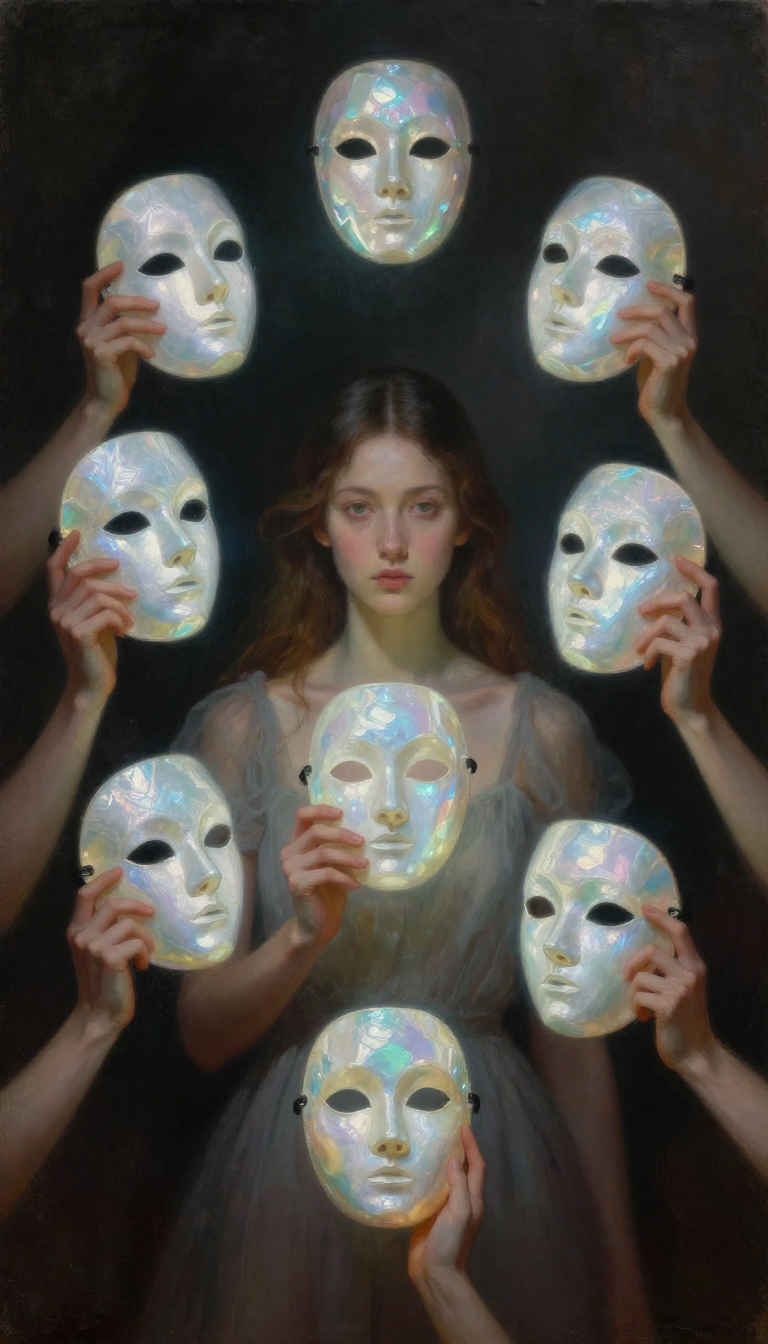
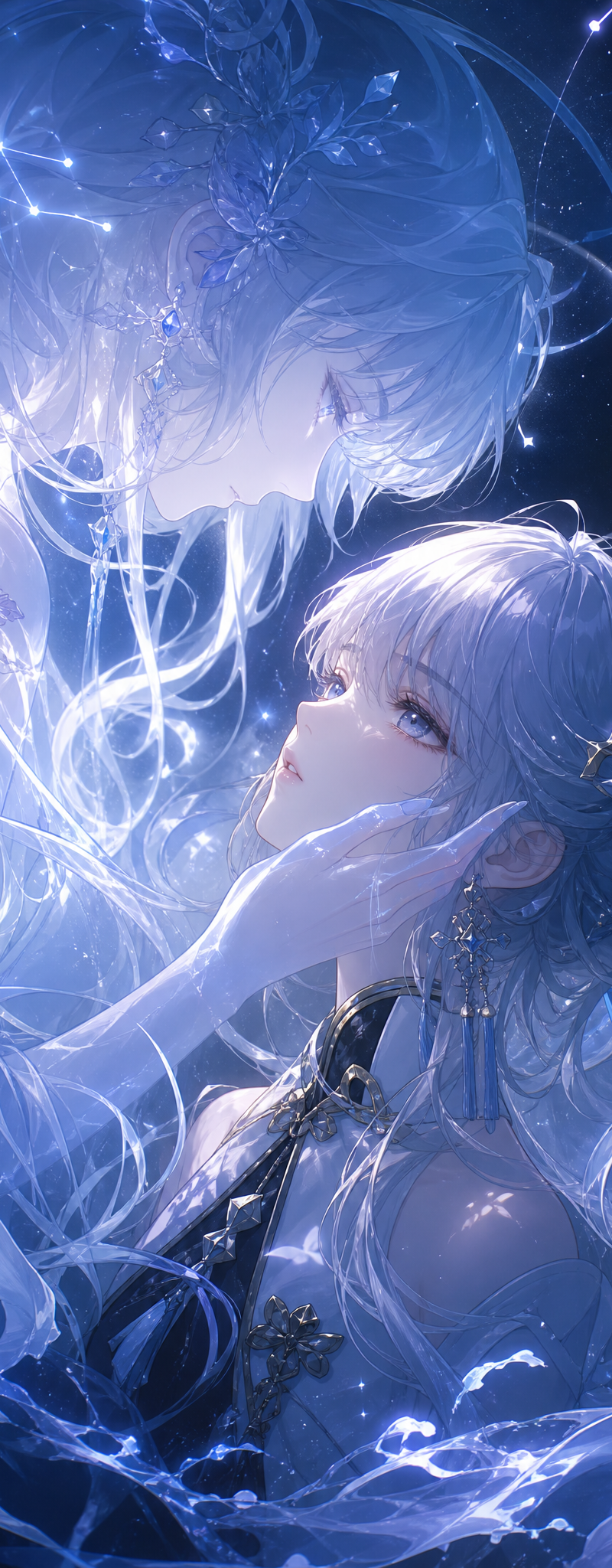
竖版双人插画,鸣潮,清宵双生形象,上方主角灵体虚影,下方人形主角,近距离温柔对视,相拥构图,上半身特写;灵体侧脸低垂,手轻抚主角脸颊;人形主角抬眼凝望灵体;四周
Enlarge

Example images

竖版双人插画,鸣潮,清宵双生形象,上方主角灵体虚影,下方人形主角,近距离温柔对视,相拥构图,上半身特写;灵体侧脸低垂,手轻抚主角脸颊;人形主角抬眼凝望灵体;四周

Prompt
竖版双人插画,鸣潮,清宵双生形象,上方主角灵体虚影,下方人形主角,近距离温柔对视,相拥构图,上半身特写;灵体侧脸低垂,手轻抚主角脸颊;人形主角抬眼凝望灵体;四周环绕主角属性流动特效;日系精致二次元插画,鸣潮官方美术风格,极致细腻发丝,通透白皙皮肤,漫天细碎星光粒子,冷暖渐变电影级光影,景深虚化,水彩通透质感;8K 超高清,极致细节,大师级作画,完美五官,标准人体结构,清晰对焦,梦幻史诗氛围。
反向词
模糊,低画质,马赛克,畸形手,多手指,脸部崩坏,五官扭曲,暗沉脏污,粗糙笔触,真人写实,厚重油膜,文字水印,签名,多余杂物,色彩杂乱,暖色,红色黄色,破损画面,草稿,杂乱背景,陆地,火焰,树木,尘土,丑陋变形,残缺肢体。
Category
Photography & Realism
Model
GPT Image 2
Creator
Patrick Lee (Zyceson)
Source language
zh-CN
Views66
Source ID
29694
Published
Jun 16, 2026
Studio

Guide

About "竖版双人插画,鸣潮,清宵双生形象,上方主角灵体虚影,下方人形主角,近距离温柔对视,相拥构图,上半身特写;灵体侧脸低垂,手轻抚主角脸颊;人形主角抬眼凝望灵体;四周"

What is this prompt for?

"竖版双人插画,鸣潮,清宵双生形象,上方主角灵体虚影,下方人形主角,近距离温柔对视,相拥构图,上半身特写;灵体侧脸低垂,手轻抚主角脸颊;人形主角抬眼凝望灵体;四周" AI image prompt for GPT Image 2 (Photography & Realism). 竖版双人插画,鸣潮,清宵双生形象,上方…

The full copyable prompt and example visuals above are ready for AI image generation or one-click recreate in Picva.

How to use this prompt

  1. Step 1

    Open the prompt detail

    Review the example visuals, category, and full prompt text for "竖版双人插画,鸣潮,清宵双生形象,上方主角灵体虚影,下方人形主角,近距离温柔对视,相拥构图,上半身特写;灵体侧脸低垂,手轻抚主角脸颊;人形主角抬眼凝望灵体;四周".

  2. Step 2

    Copy the prompt

    Copy the prompt body from this page, or load it directly in Studio.

  3. Step 3

    Pick a model (GPT Image 2)

    Prefer GPT Image 2. If you switch models, keep subject and composition and tweak style terms.

  4. Step 4

    Generate and export

    Recreate the look in Picva, or export into your workflow for editing and publishing.

FAQ

What is the "竖版双人插画,鸣潮,清宵双生形象,上方主角灵体虚影,下方人形主角,近距离温柔对视,相拥构图,上半身特写;灵体侧脸低垂,手轻抚主角脸颊;人形主角抬眼凝望灵体;四周" prompt?
It is an AI image-generation prompt for GPT Image 2 in the Photography & Realism category. This page includes the full prompt text, example visuals, and a one-click recreate path in Picva.
How do I use this prompt to generate an image?
Copy the prompt from this page, or use Generate / Studio. Paste it into a compatible image model, or recreate the look in Picva with optional reference images.
Which model is this prompt for?
This page lists GPT Image 2. Most descriptive prompts also transfer to nearby image models such as GPT Image, Flux, or Midjourney with light style tweaks.
Can I use the result commercially?
You can usually copy the prompt for creation, but commercial use of the final image depends on the model terms, reference-image rights, and the generated content. Follow the source author and platform rules.