Create a full-page ultra-detailed colored manga illustration based on the provid
Prompt
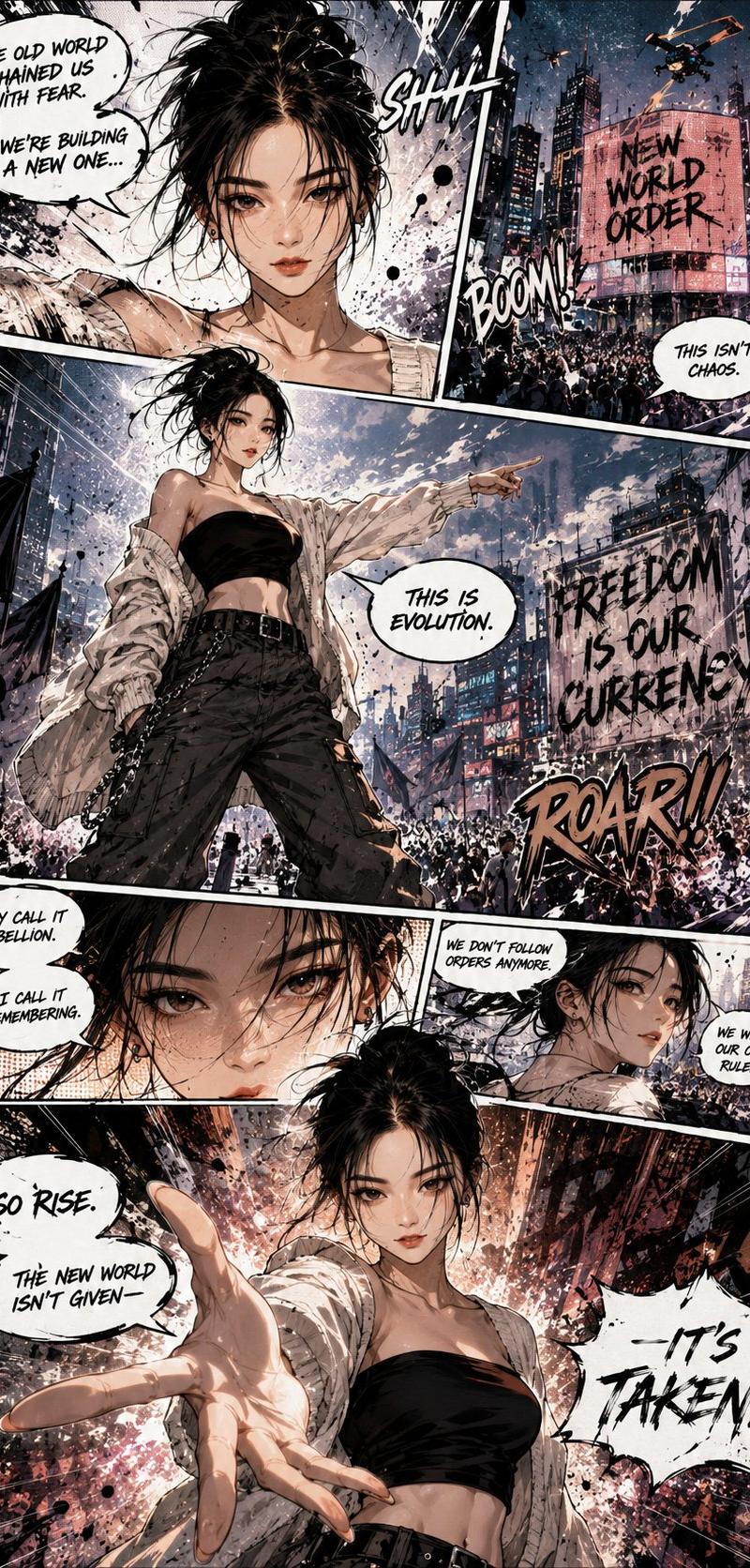
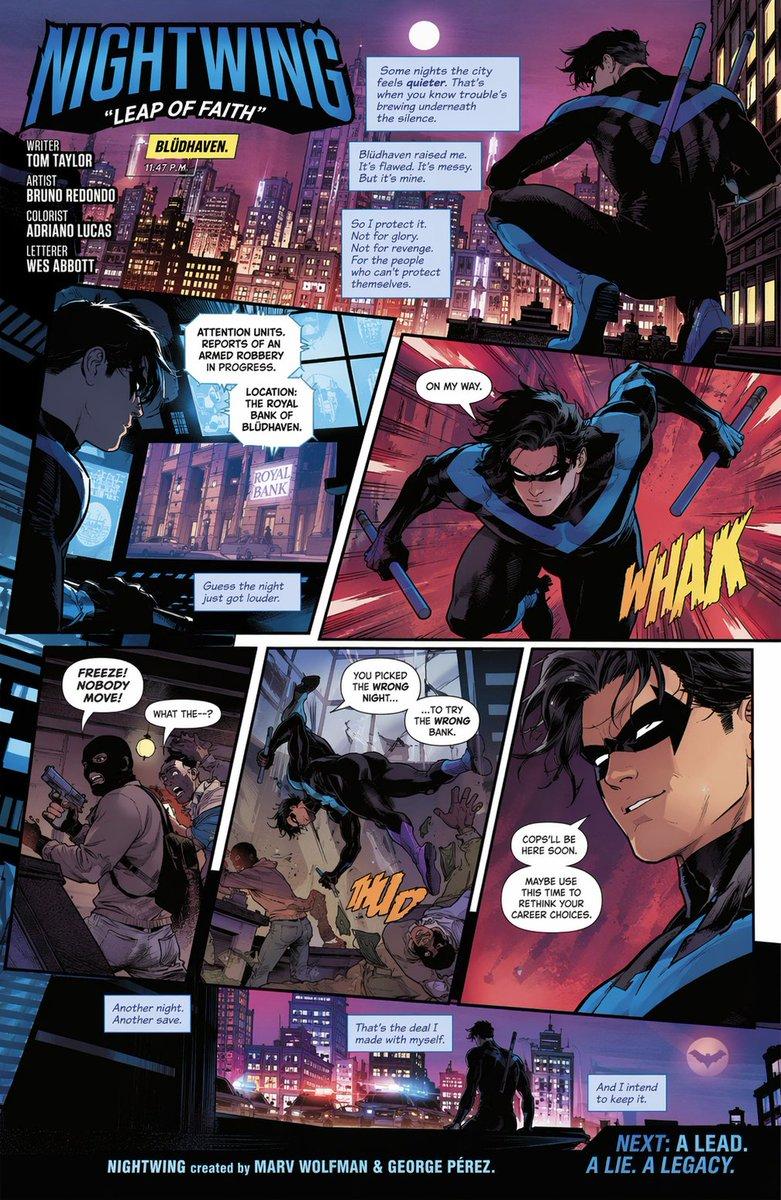
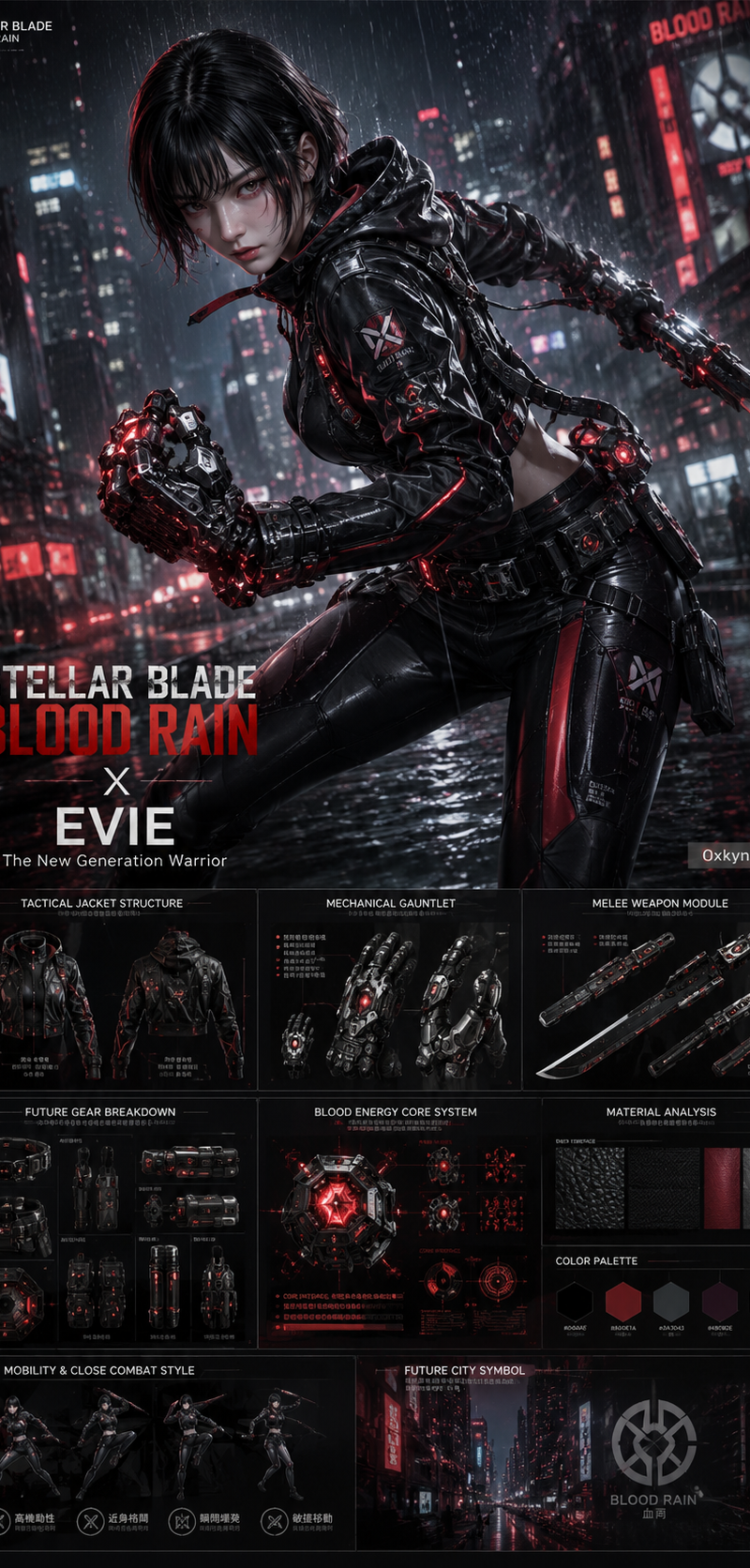
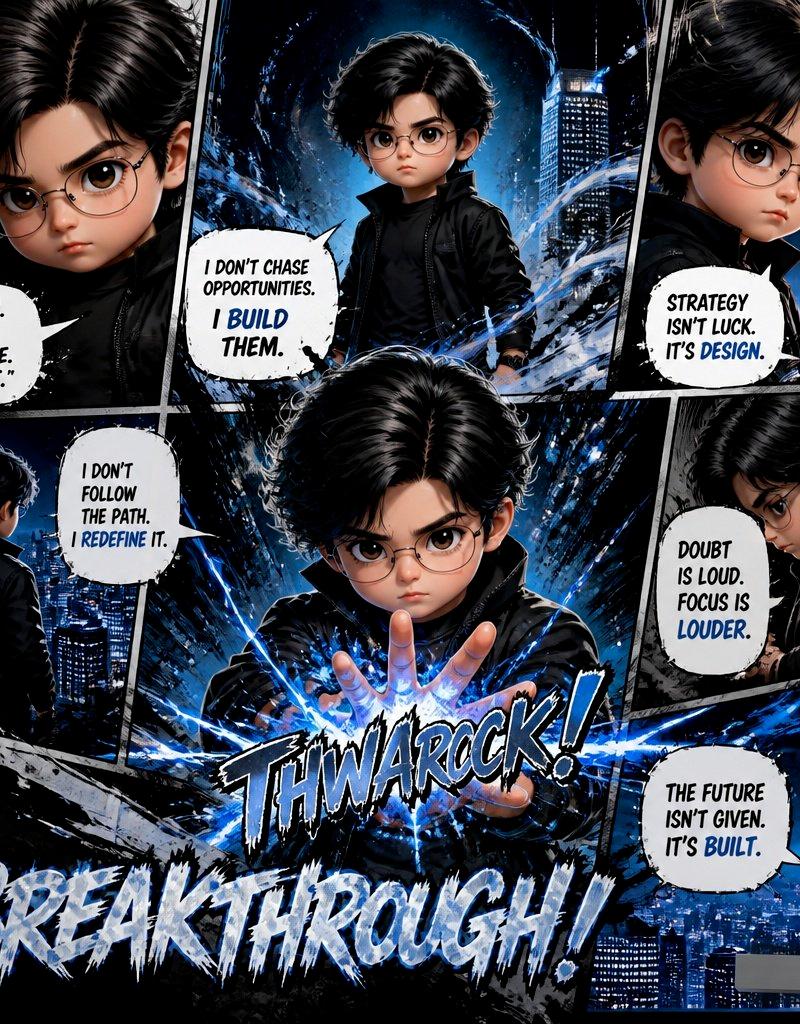
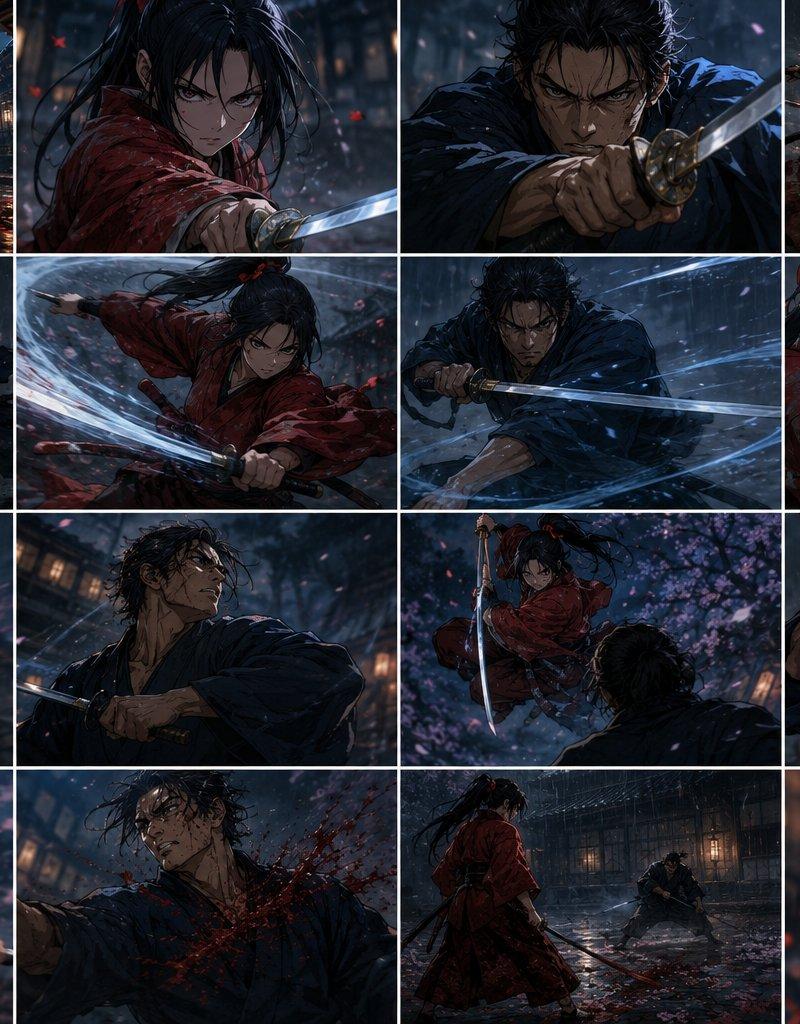
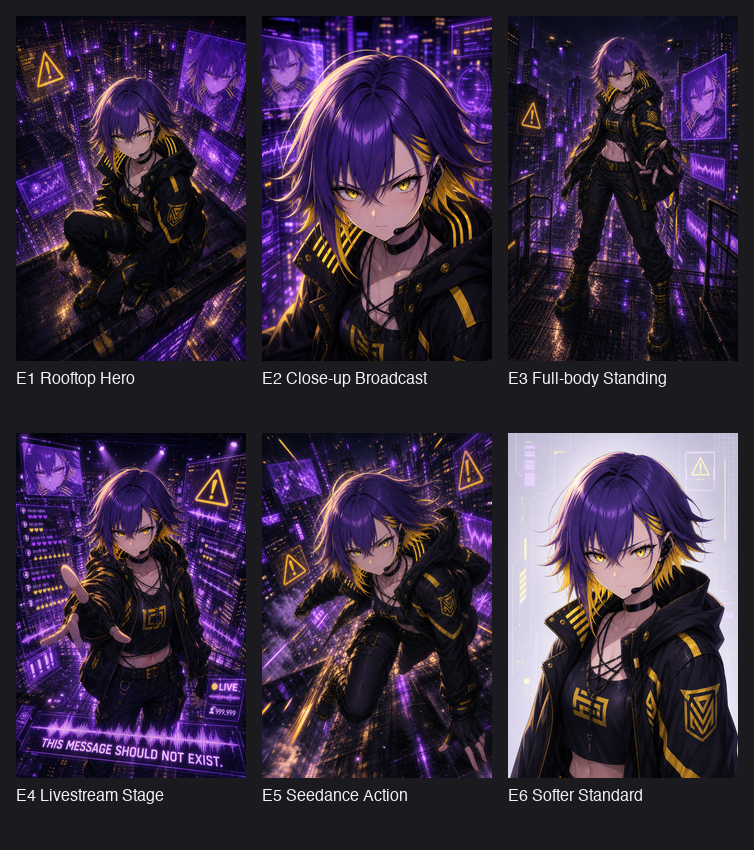
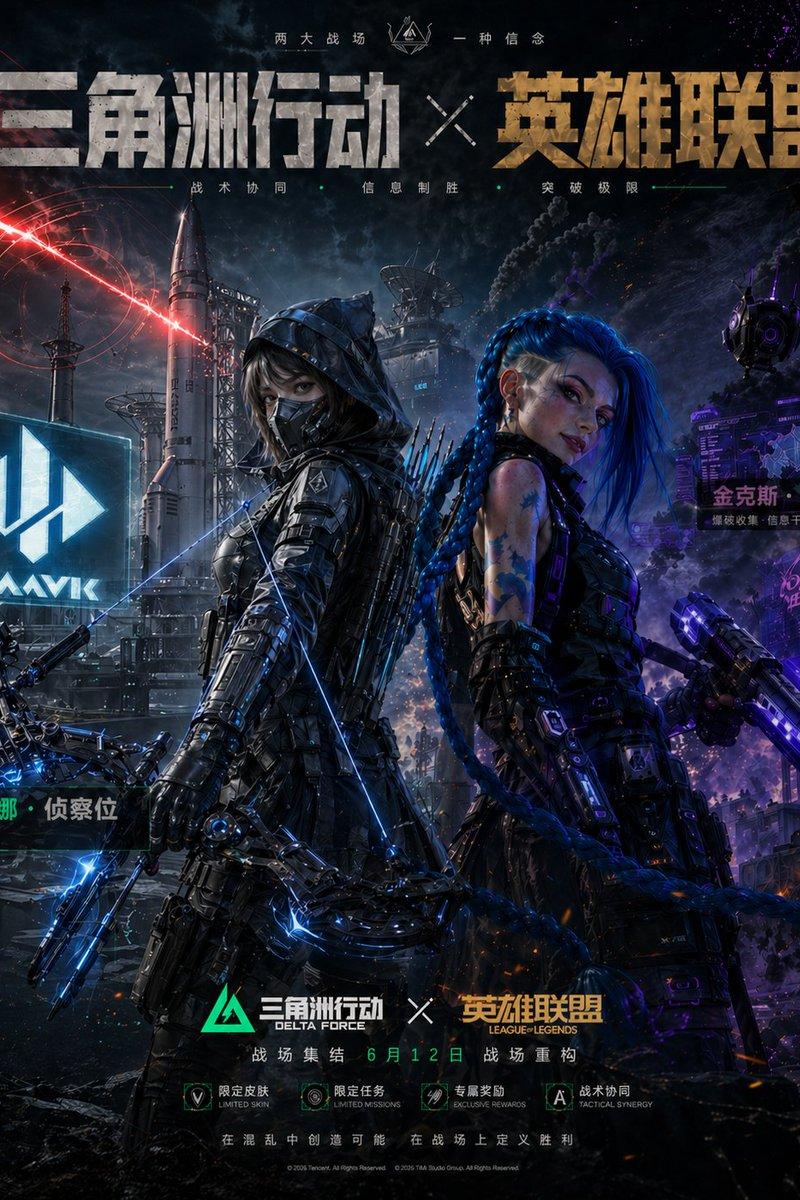
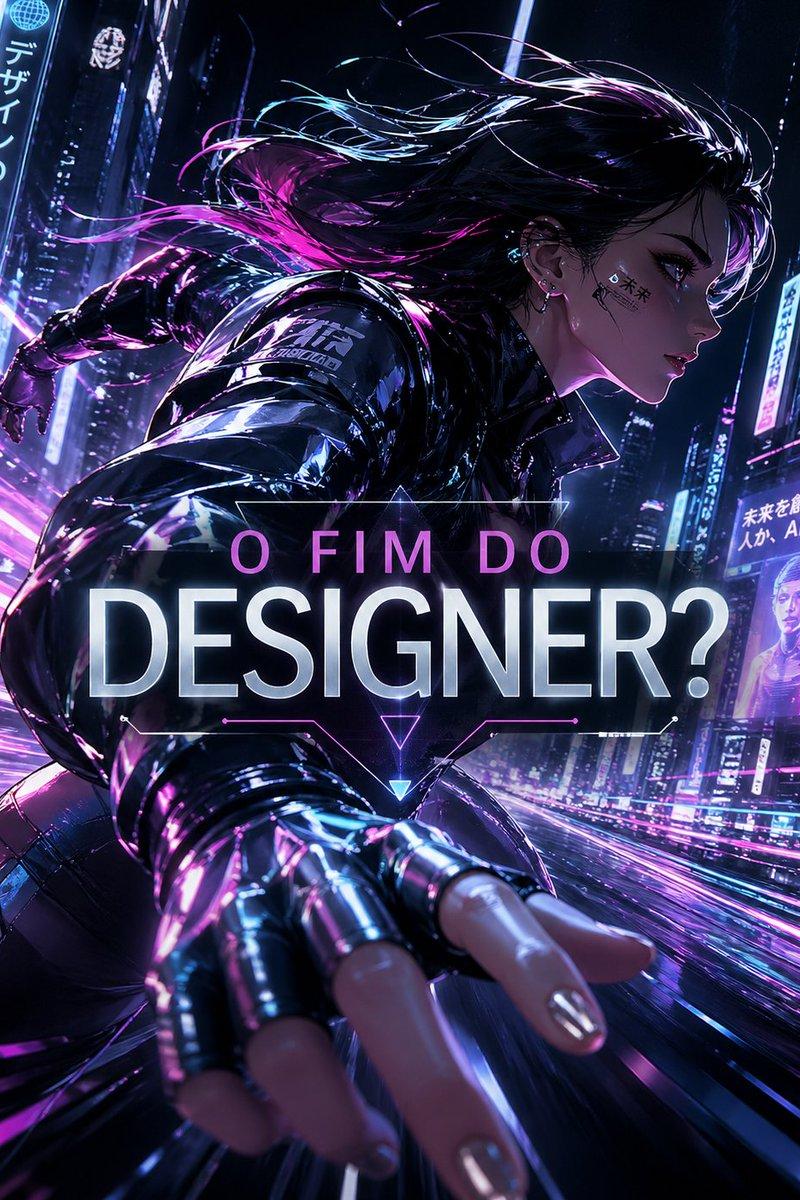
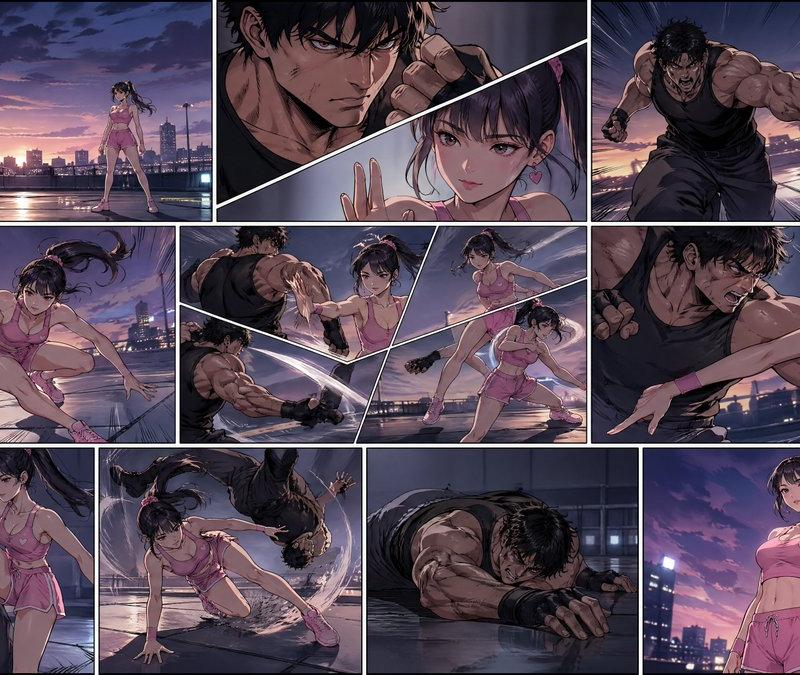
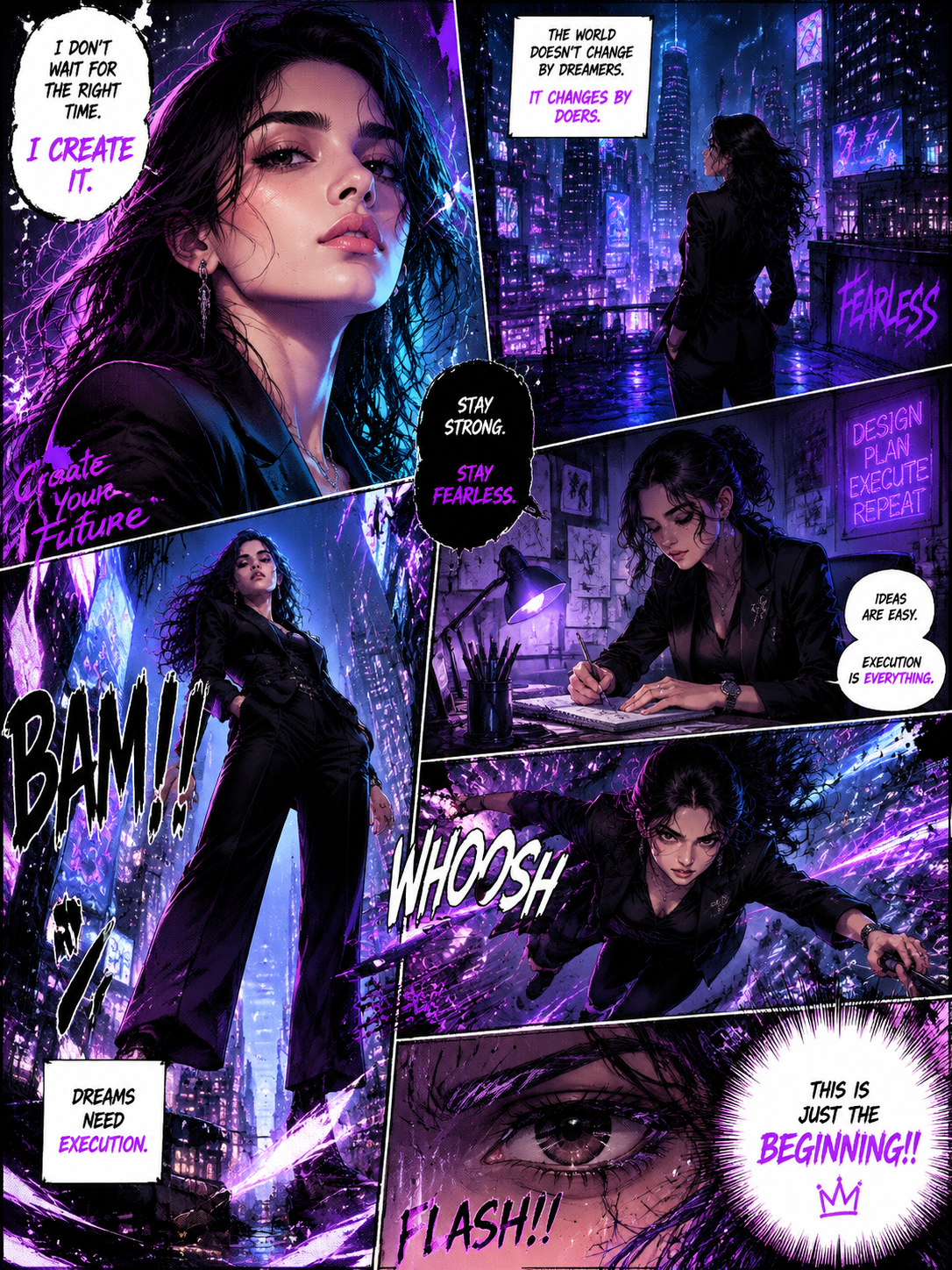
Create a full-page ultra-detailed colored manga illustration based on the provided reference photo. Preserve the exact facial identity, hairstyle, expression, and overall aura of the person, but reinterpret the subject as a stylish, powerful female protagonist. Use an authentic Japanese manga page composition with 5–7 dynamic interconnected panels flowing cinematically across the page. Style should feel like a premium modern seinen manga mixed with high-fashion action comic aesthetics.
The character wears a luxurious tailored black outfit with a modern feminine edge — a fitted black blazer over a sleek dark top, paired with subtle elegant accessories. Replace harsh tones with a new vibrant color theme of neon purple, electric blue, soft pink highlights, and cool cyan lighting, creating a futuristic cyber-fashion mood. Add glowing rim lights and soft atmospheric reflections for depth.
Atmosphere should feel powerful, elegant, ambitious, mysterious, and emotionally intense.
Include multiple dynamic scenes:

extreme close-up portrait with confident, fearless expression
rooftop city scene overlooking a neon-lit cyberpunk skyline glowing in purple and blue
dramatic heroic standing pose with strong low-angle perspective
creative workspace scene with soft neon-lit desk ambiance, sketching ideas
intense action panel where the character leaps forward with flowing motion energy
close-up eye panel showing deep emotion, determination, and focus
Add authentic manga elements:
speed lines
impact frames
halftone textures
rough ink sketch lines
ink splatter brush strokes
graffiti-inspired neon paint effects
cinematic panel transitions
hand-drawn imperfections
white negative space mixed with chaotic ink textures
expressive handwritten dialogue bubbles
English comic-style sound effects like “BAM!!”, “WHOOSH”, “SHHNK”, “FLASH!!”
Dialogue and typography should feel motivational, cinematic, and empowering. Include phrases like:
“I DON’T WAIT FOR THE RIGHT TIME. I CREATE IT.”
“STAY STRONG. STAY FEARLESS.”
“DREAMS NEED EXECUTION.”
“THIS IS JUST THE BEGINNING!!”
Use vibrant manga-style coloring with a black base + neon purple, blue, and pink highlights, glowing energy streaks, atmospheric lighting, cinematic depth, and emotional intensity. Blend clean polished rendering with raw hand-drawn manga textures. The page should feel immersive, emotional, futuristic, rebellious, ambitious, and visually explosive.
Professional manga illustration aesthetic, highly detailed, dynamic composition, anime-comic fusion, editorial fashion energy, dramatic storytelling, cinematic framing, HD quality.
- Category
- Charts & Infographics
- Model
- GPT Image 2
- Creator
- xie underwood
- Source language
- en
- Source ID
- 3140
- Published
- May 13, 2026
Views205