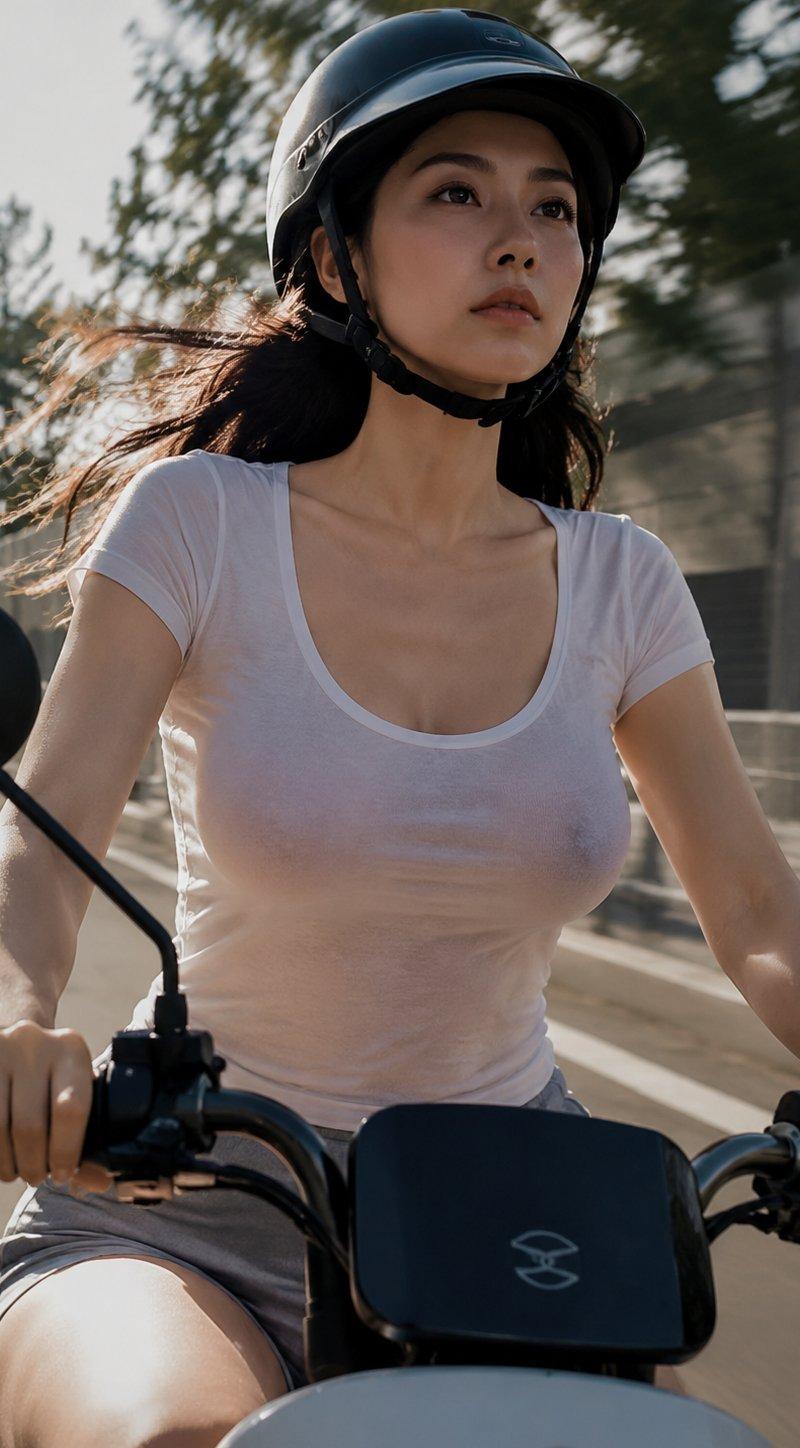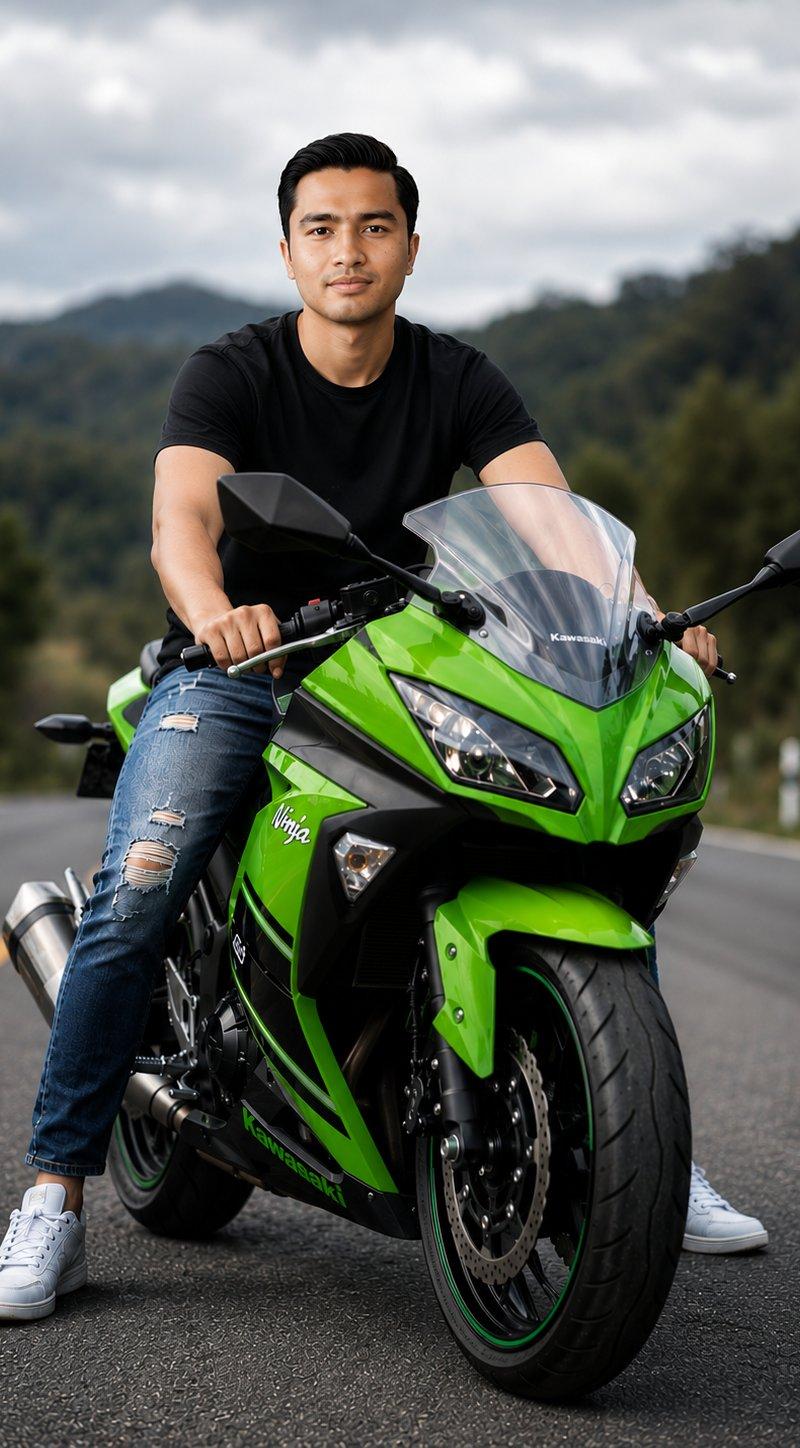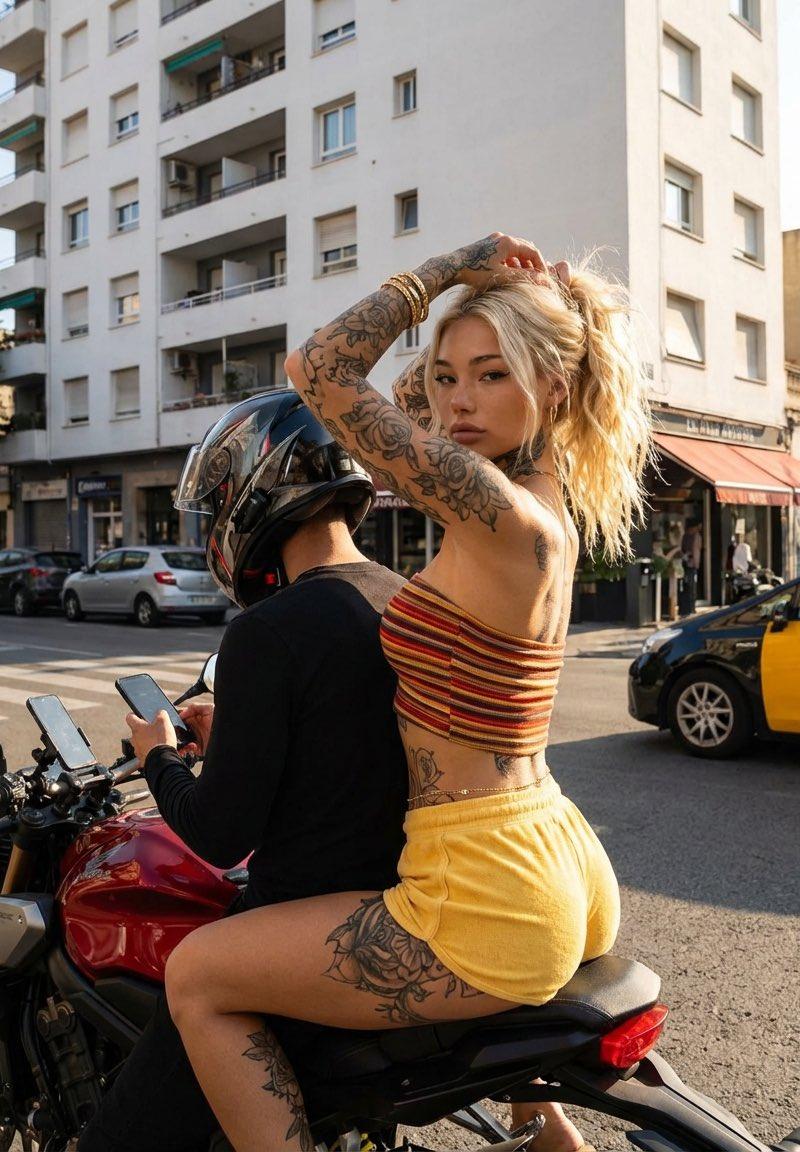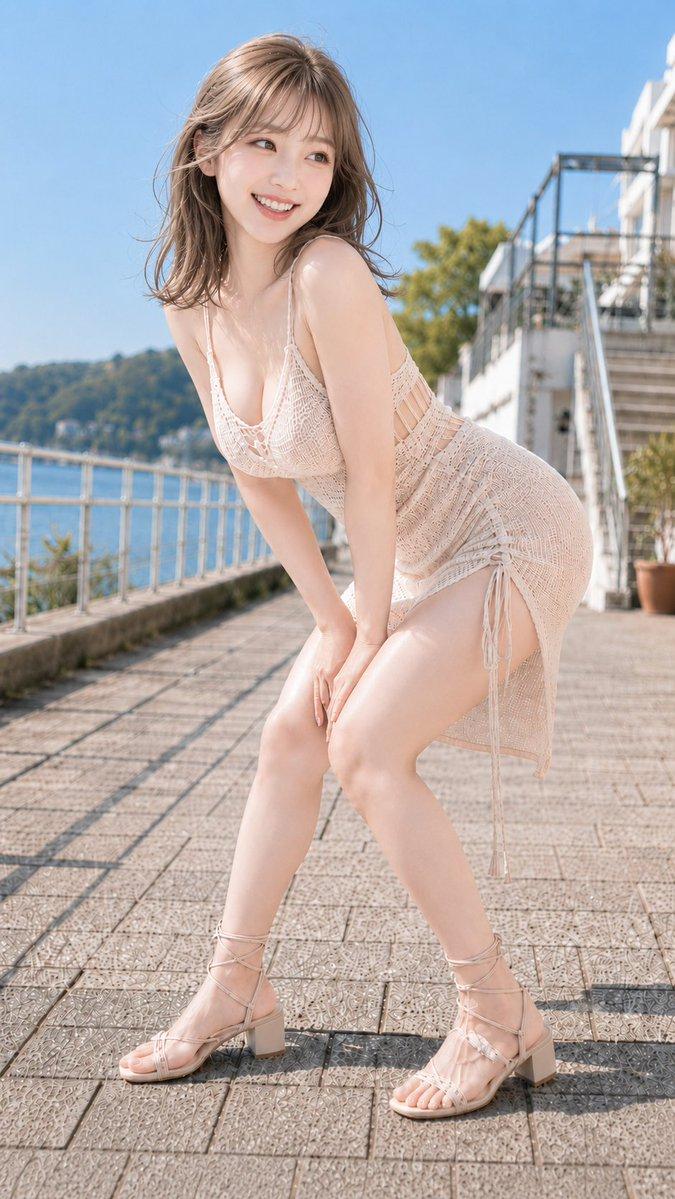
20

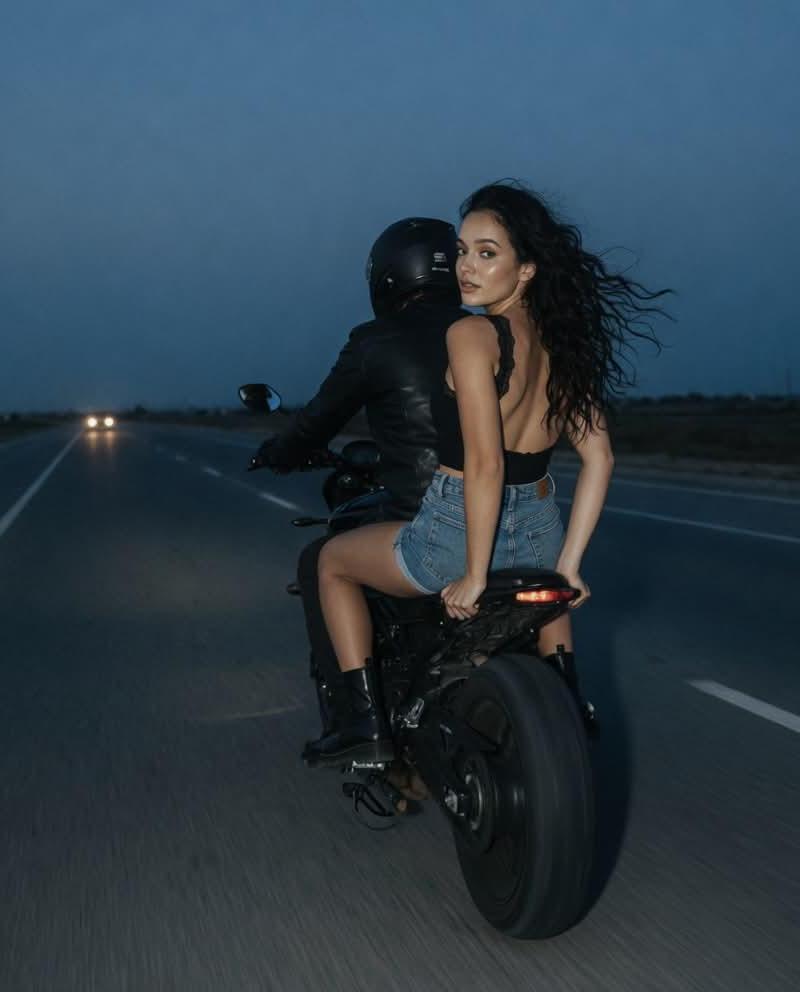
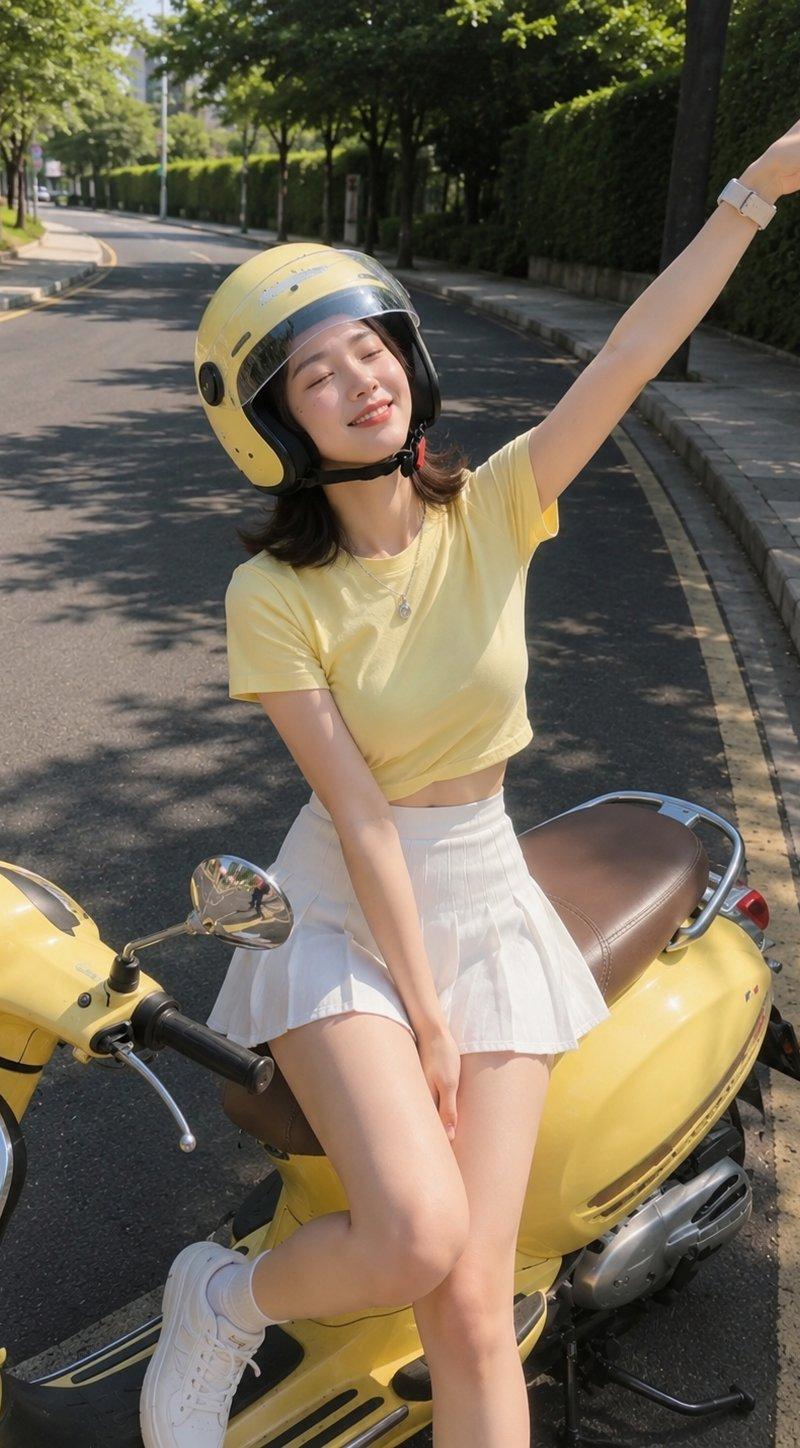
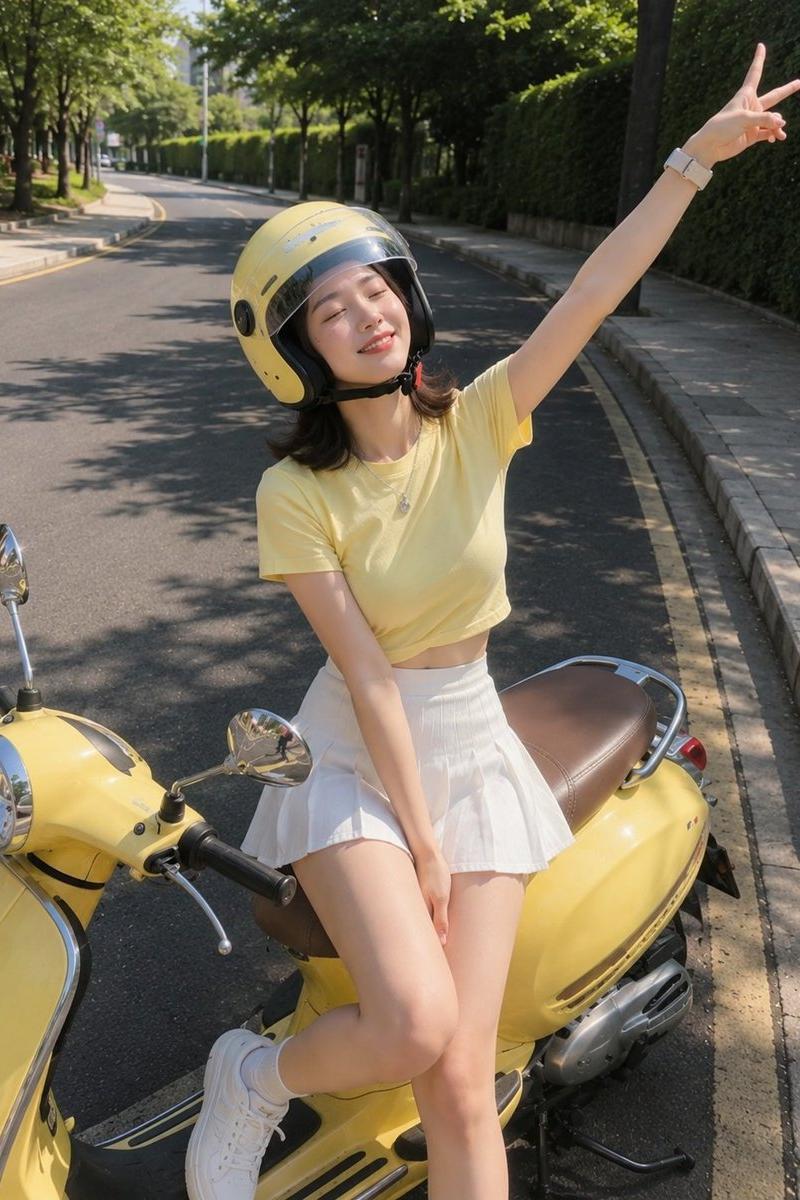
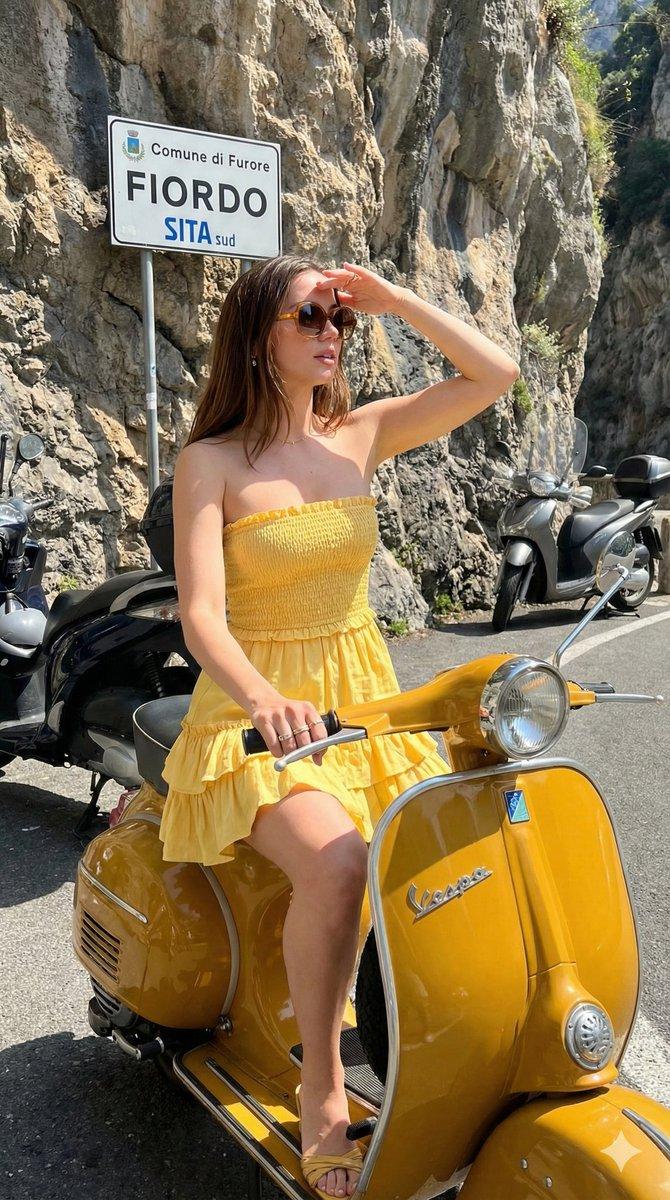
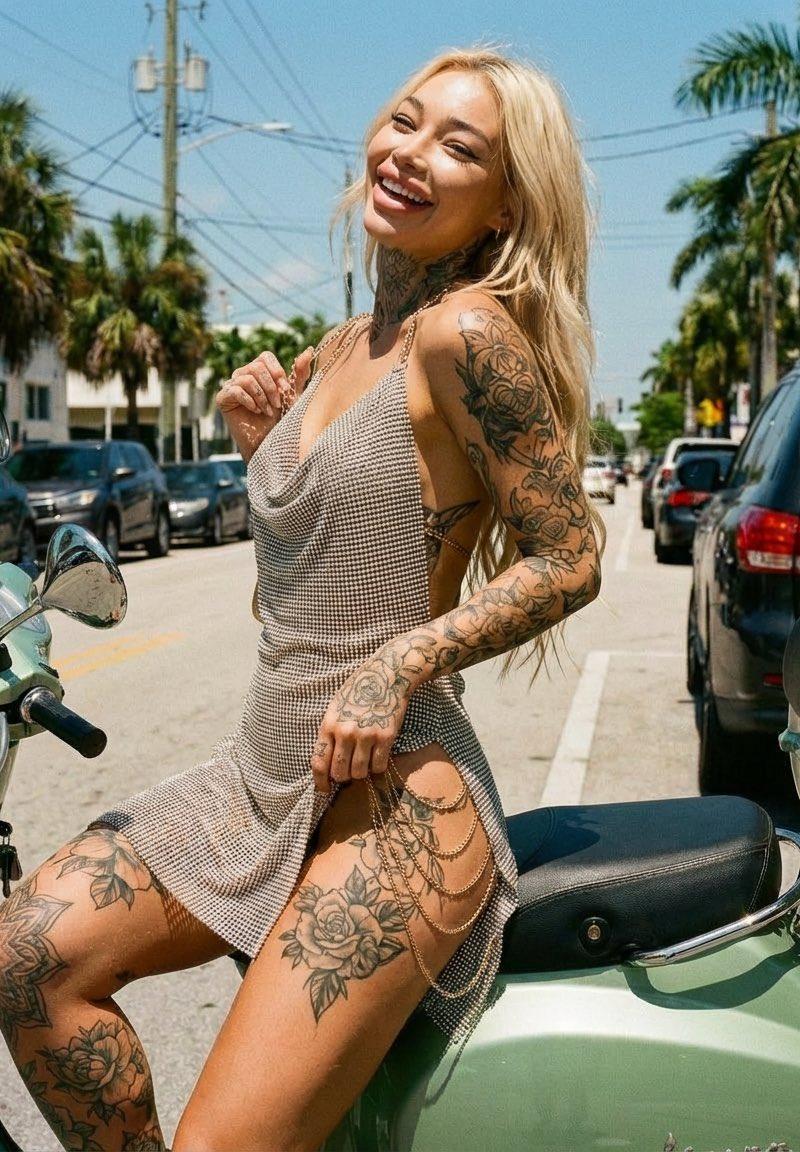
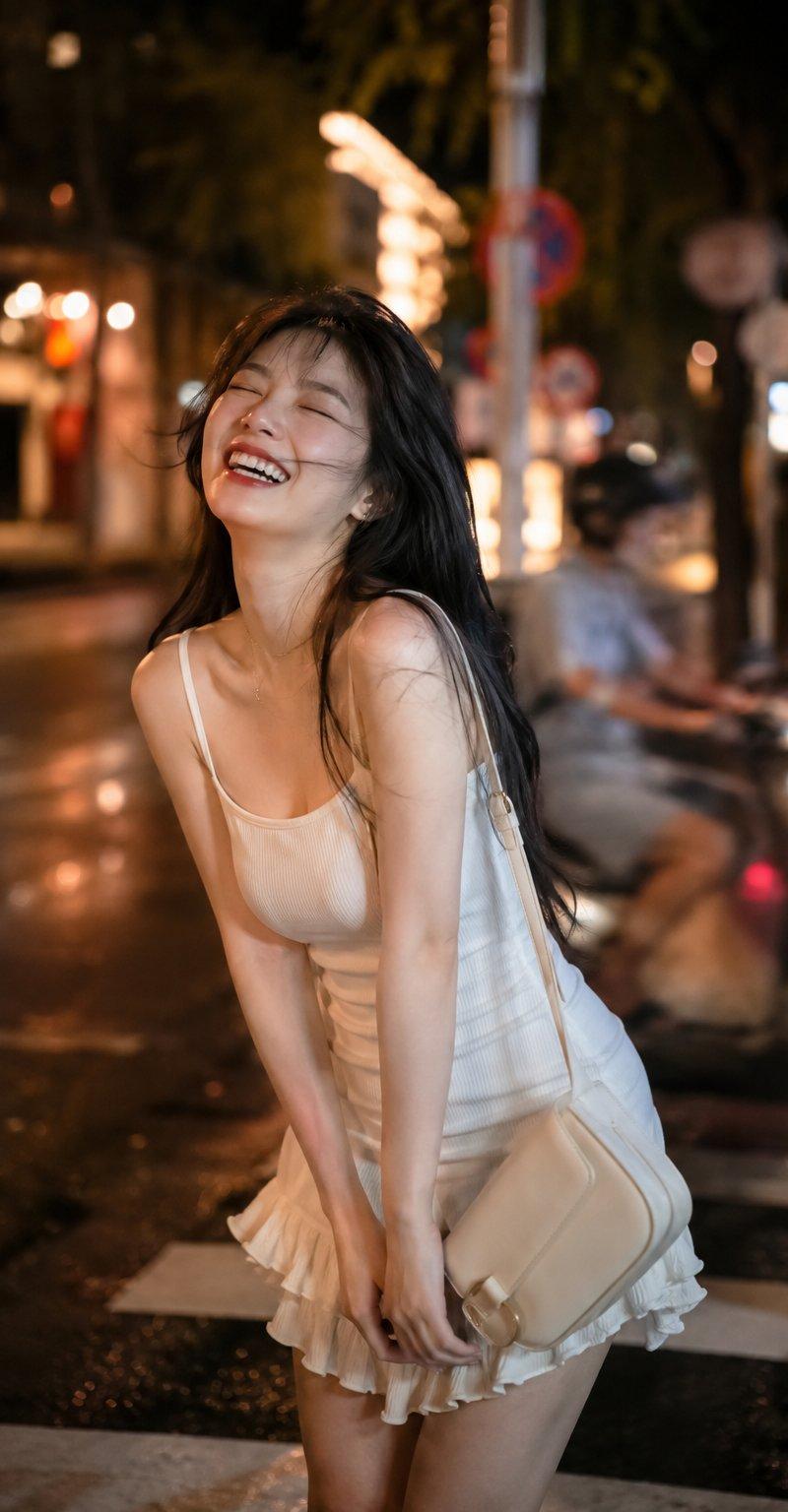
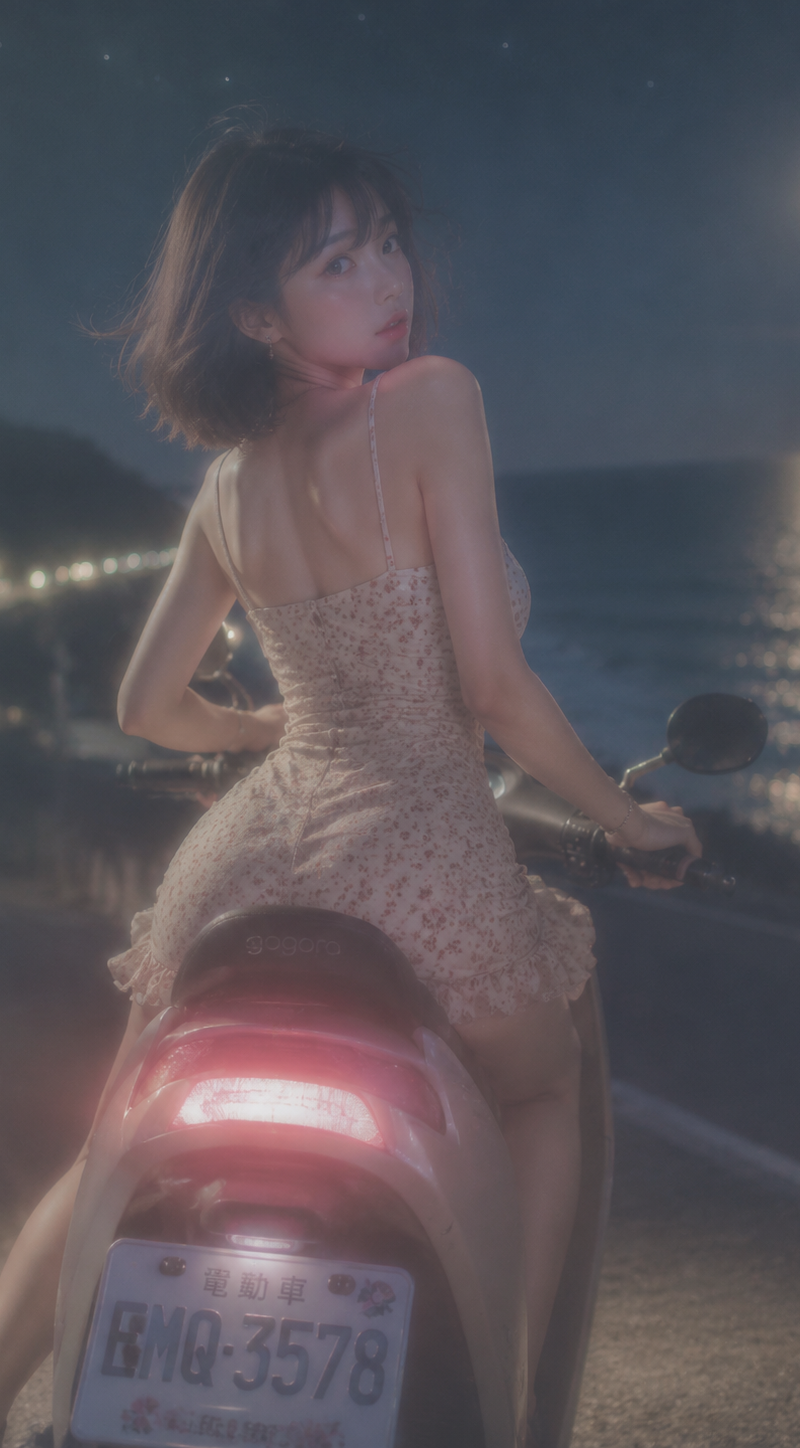
ccd,闪光灯 柔焦镜头拍摄,柔光镜效果,薄雾朦胧感,空气感,轻微的镜头光晕,边缘柔化,高光弥散,画面整体蒙上一层薄纱质感,轻微的动态模糊,复古柔焦滤镜。 夜晚
Enlarge

Example images

ccd,闪光灯 柔焦镜头拍摄,柔光镜效果,薄雾朦胧感,空气感,轻微的镜头光晕,边缘柔化,高光弥散,画面整体蒙上一层薄纱质感,轻微的动态模糊,复古柔焦滤镜。 夜晚

Prompt
ccd,闪光灯

柔焦镜头拍摄,柔光镜效果,薄雾朦胧感,空气感,轻微的镜头光晕,边缘柔化,高光弥散,画面整体蒙上一层薄纱质感,轻微的动态模糊,复古柔焦滤镜。

夜晚,海岸线,月明星稀

台湾电动车车尾仰拍视角

韩国瓜子脸美女,棕咖色短发波波头,瓷白肌、淡粉腮红,回眸

裸色贴身细吊带波点碎花短裙,小银饰点缀

S曲线身材,蚂蚁腰

台湾偶像剧既视感
Category
Photography & Realism
Model
GPT Image 2
Creator
许佳星
Source language
zh-CN
Views166
Source ID
35981
Published
Jun 26, 2026
Studio

Guide

About "ccd,闪光灯 柔焦镜头拍摄,柔光镜效果,薄雾朦胧感,空气感,轻微的镜头光晕,边缘柔化,高光弥散,画面整体蒙上一层薄纱质感,轻微的动态模糊,复古柔焦滤镜。 夜晚"

What is this prompt for?

"ccd,闪光灯 柔焦镜头拍摄,柔光镜效果,薄雾朦胧感,空气感,轻微的镜头光晕,边缘柔化,高光弥散,画面整体蒙上一层薄纱质感,轻微的动态模糊,复古柔焦滤镜。 夜晚" AI image prompt for GPT Image 2 (Photography & Realism). ccd,闪光灯 柔焦镜头拍摄,柔光镜效…

The full copyable prompt and example visuals above are ready for AI image generation or one-click recreate in Picva.

How to use this prompt

  1. Step 1

    Open the prompt detail

    Review the example visuals, category, and full prompt text for "ccd,闪光灯 柔焦镜头拍摄,柔光镜效果,薄雾朦胧感,空气感,轻微的镜头光晕,边缘柔化,高光弥散,画面整体蒙上一层薄纱质感,轻微的动态模糊,复古柔焦滤镜。 夜晚".

  2. Step 2

    Copy the prompt

    Copy the prompt body from this page, or load it directly in Studio.

  3. Step 3

    Pick a model (GPT Image 2)

    Prefer GPT Image 2. If you switch models, keep subject and composition and tweak style terms.

  4. Step 4

    Generate and export

    Recreate the look in Picva, or export into your workflow for editing and publishing.

FAQ

What is the "ccd,闪光灯 柔焦镜头拍摄,柔光镜效果,薄雾朦胧感,空气感,轻微的镜头光晕,边缘柔化,高光弥散,画面整体蒙上一层薄纱质感,轻微的动态模糊,复古柔焦滤镜。 夜晚" prompt?
It is an AI image-generation prompt for GPT Image 2 in the Photography & Realism category. This page includes the full prompt text, example visuals, and a one-click recreate path in Picva.
How do I use this prompt to generate an image?
Copy the prompt from this page, or use Generate / Studio. Paste it into a compatible image model, or recreate the look in Picva with optional reference images.
Which model is this prompt for?
This page lists GPT Image 2. Most descriptive prompts also transfer to nearby image models such as GPT Image, Flux, or Midjourney with light style tweaks.
Can I use the result commercially?
You can usually copy the prompt for creation, but commercial use of the final image depends on the model terms, reference-image rights, and the generated content. Follow the source author and platform rules.