20

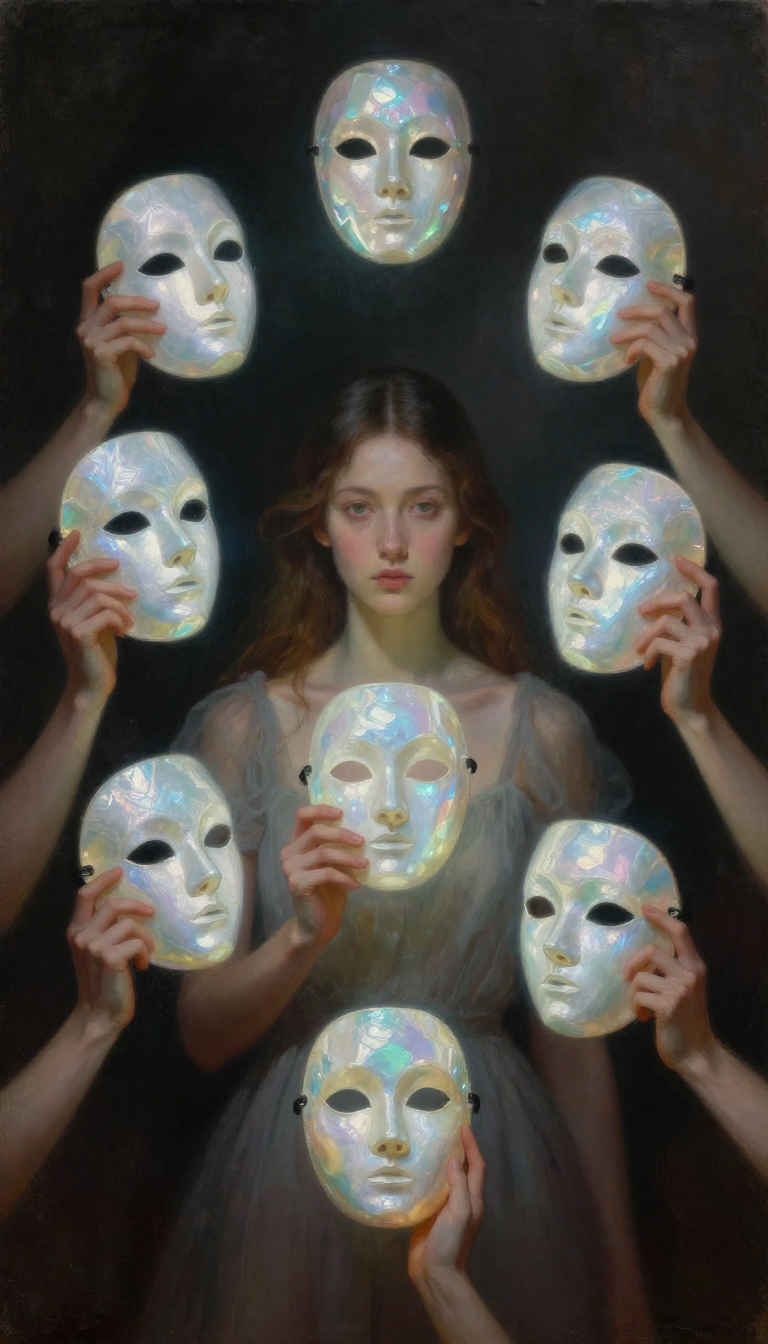
请将视频中的人物和背景替换为图片中的人物和背景,确保人物面部特征清晰、身材比例正常、画面流畅。保留原视频的所有动作、镜头角度、场景设置和光线。 风格锁定为 超大

Prompt
请将视频中的人物和背景替换为图片中的人物和背景,确保人物面部特征清晰、身材比例正常、画面流畅。保留原视频的所有动作、镜头角度、场景设置和光线。
风格锁定为 超大色块塑形,减少细节,减少纹理噪点,面部采用大面积几何色块表现明暗,硬边过渡,避免碎色块与过度写实
Category
Photography & Realism
Model
Seedance 2.0
Creator
xie underwood
Source language
zh-CN
Views107
Source ID
39386
Published
Jun 30, 2026
Studio

Guide

About "请将视频中的人物和背景替换为图片中的人物和背景,确保人物面部特征清晰、身材比例正常、画面流畅。保留原视频的所有动作、镜头角度、场景设置和光线。 风格锁定为 超大"

What is this prompt for?

"请将视频中的人物和背景替换为图片中的人物和背景,确保人物面部特征清晰、身材比例正常、画面流畅。保留原视频的所有动作、镜头角度、场景设置和光线。 风格锁定为 超大" AI image prompt for Seedance 2.0 (Photography & Realism). 请将视频中的人物和背景替换为图片中的…

The full copyable prompt and example visuals above are ready for AI image generation or one-click recreate in Picva.

How to use this prompt

  1. Step 1

    Open the prompt detail

    Review the example visuals, category, and full prompt text for "请将视频中的人物和背景替换为图片中的人物和背景,确保人物面部特征清晰、身材比例正常、画面流畅。保留原视频的所有动作、镜头角度、场景设置和光线。 风格锁定为 超大".

  2. Step 2

    Copy the prompt

    Copy the prompt body from this page, or load it directly in Studio.

  3. Step 3

    Pick a model (Seedance 2.0)

    Prefer Seedance 2.0. If you switch models, keep subject and composition and tweak style terms.

  4. Step 4

    Generate and export

    Recreate the look in Picva, or export into your workflow for editing and publishing.

FAQ

What is the "请将视频中的人物和背景替换为图片中的人物和背景,确保人物面部特征清晰、身材比例正常、画面流畅。保留原视频的所有动作、镜头角度、场景设置和光线。 风格锁定为 超大" prompt?
It is an AI image-generation prompt for Seedance 2.0 in the Photography & Realism category. This page includes the full prompt text, example visuals, and a one-click recreate path in Picva.
How do I use this prompt to generate an image?
Copy the prompt from this page, or use Generate / Studio. Paste it into a compatible image model, or recreate the look in Picva with optional reference images.
Which model is this prompt for?
This page lists Seedance 2.0. Most descriptive prompts also transfer to nearby image models such as GPT Image, Flux, or Midjourney with light style tweaks.
Can I use the result commercially?
You can usually copy the prompt for creation, but commercial use of the final image depends on the model terms, reference-image rights, and the generated content. Follow the source author and platform rules.