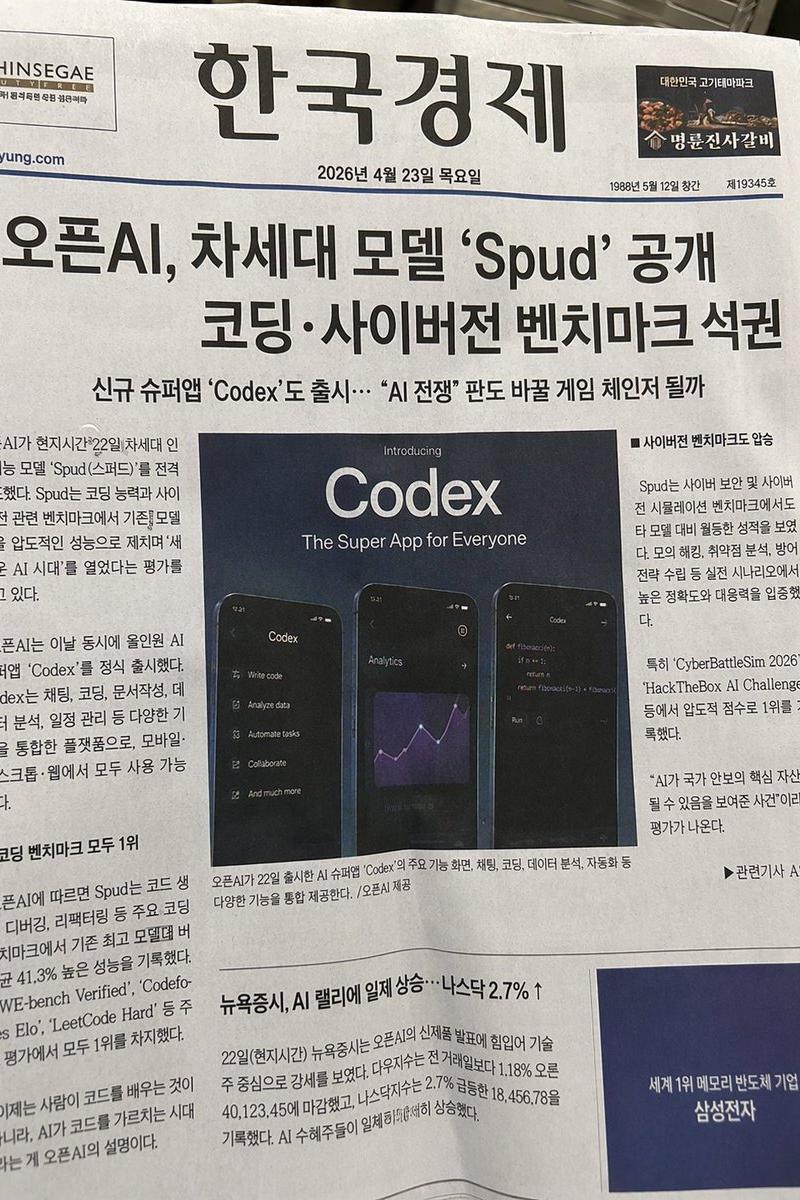
@Image1 = main character identity reference Create a polished fantasy character-
Prompt
@Image1
 = main character identity reference

Create a polished fantasy character-sheet style illustration based on the character in
@Image1
.

First, analyze
@Image1
: face, hairstyle, body type, outfit motifs, accessories, color palette, species traits if any, and overall vibe/personality.

Then decide what Dungeons & Dragons style adventurer fits them best.

Choose:
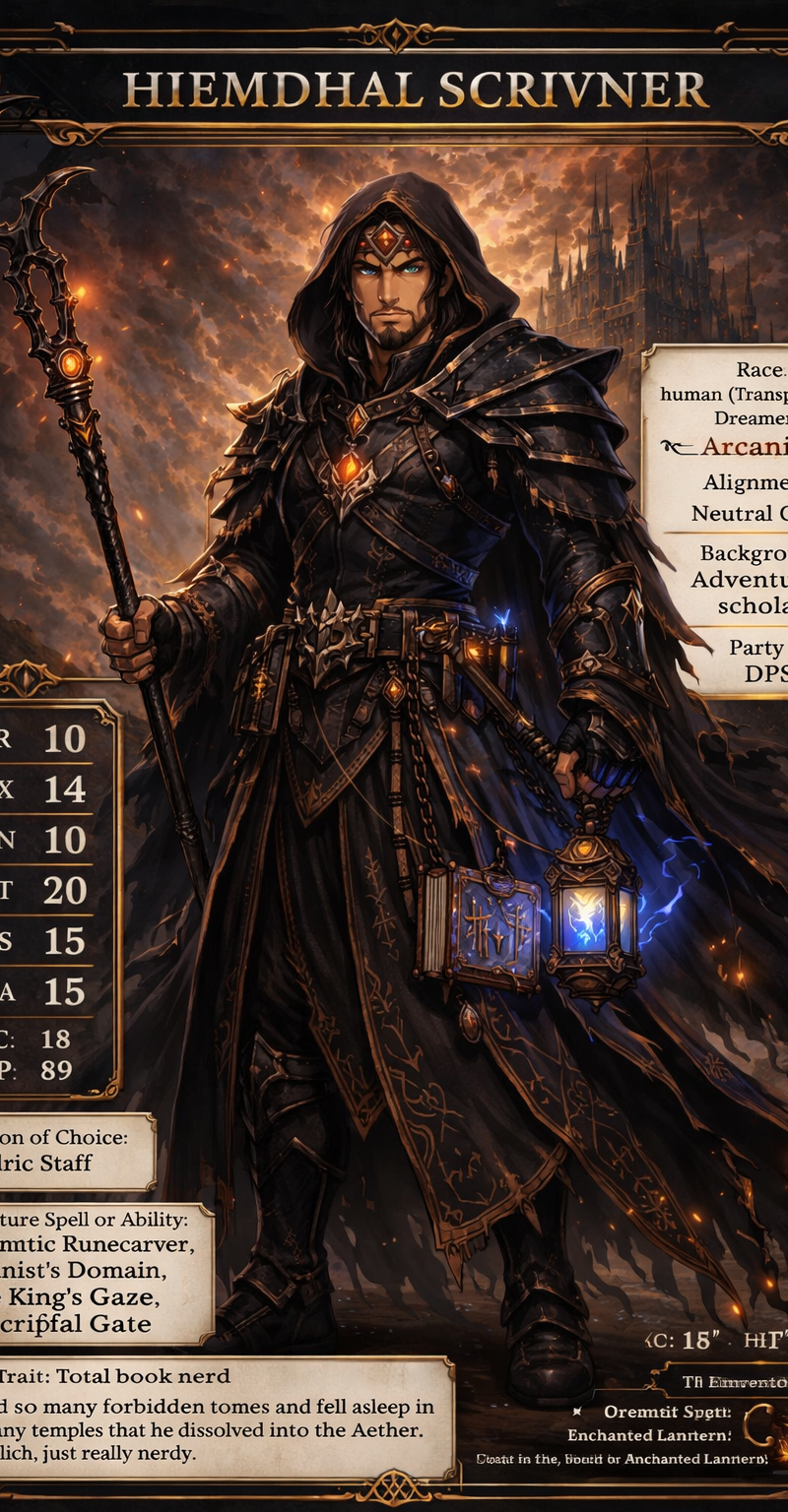
- a fantasy race, human(Transcendent Dreamer)
- a class, Arcanist
- an alignment, Neutral Good
- a background, Adventurer, scholar
- a party role, DPS

The choices should feel natural, clever, and fun.

Transform the character into that fantasy adventurer version while keeping them clearly recognizable. Preserve their face, recognizable hair/silhouette, body type, signature colors, defining traits, and overall personality. Reimagine their design as fantasy armor, robes, leathers, weapons, charms, magical gear, and other fitting RPG details.

PRESENTATION:
Make the final image look like a stylish fantasy RPG character sheet with:
- one main large character illustration
- decorative fantasy UI, borders, and text boxes
- readable stat and info sections

TEXT TO INCLUDE:
- Character Name, Hiemdhal Scrivner
- Race, human(Transcendent Dreamer)
- Class, Arcanist
- Alignment, Neutral Good
- Background, Adventurer, scholar
- Party Role DPS
- STR 10/ DEX 14 / CON 10 / INT 20 / WIS 15 / CHA 15

Optional if space allows:
- AC 18
- HP 89
- weapon of choice, Daedric Staff
- signature spell or ability, Pragmatic Runecarver, Arcanist's Domain, Tide King's Gaze, Apocriphal Gate
- one trait, Total book nerd
- one inventory item, Enchanted Lantern

FUNNY LORE REQUIREMENT:
Include a short backstory or lore blurb written directly in the sheet. Keep it concise, and lightly chaotic — like a real tabletop character someone made at 2 AM and immediately got attached to.

STYLE:
Polished anime / fantasy illustration, detailed costume and prop design, fantasy character-sheet presentation, readable text, cinematic lighting, fully stylized and non-photorealistic.

IMPORTANT:
- Keep
@Image1
 recognizable
- Make the race/class feel like a strong fit
- Keep the sheet cool, readable, and funny
- Do not overcrowd the layout
- Do not make the text tiny
- Do not turn the character into someone unrecognizable

Final result:
A fantasy RPG character-sheet illustration where the character from
@Image1
 is reimagined as their ideal D&D-style race and class, complete with stats, fantasy presentation, and a little backstory.
- Category
- Charts & Infographics
- Model
- GPT Image 2
- Creator
- Lizard Wizard
- Source language
- en
- Source ID
- 4419
- Published
- May 15, 2026
Views62