18

Example images

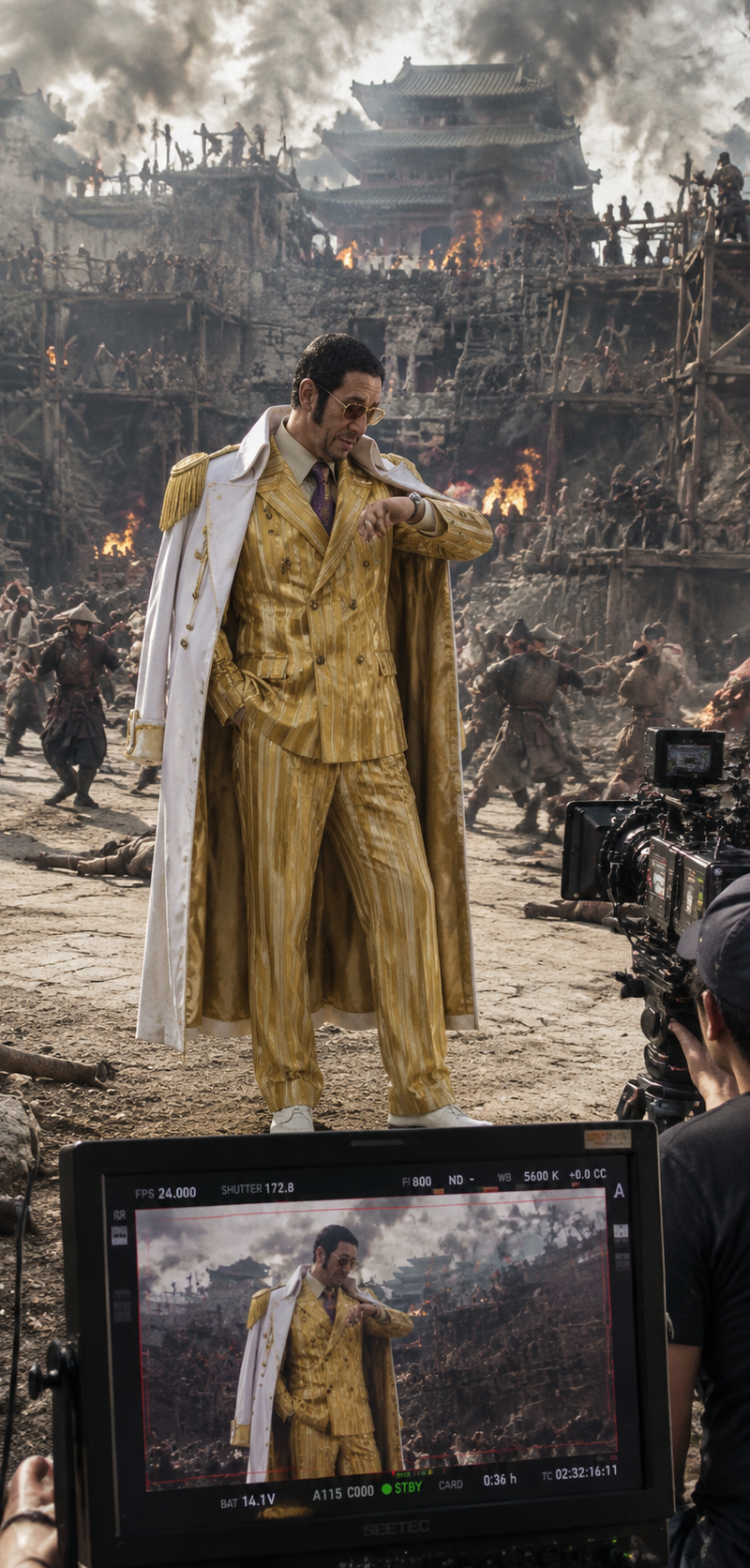
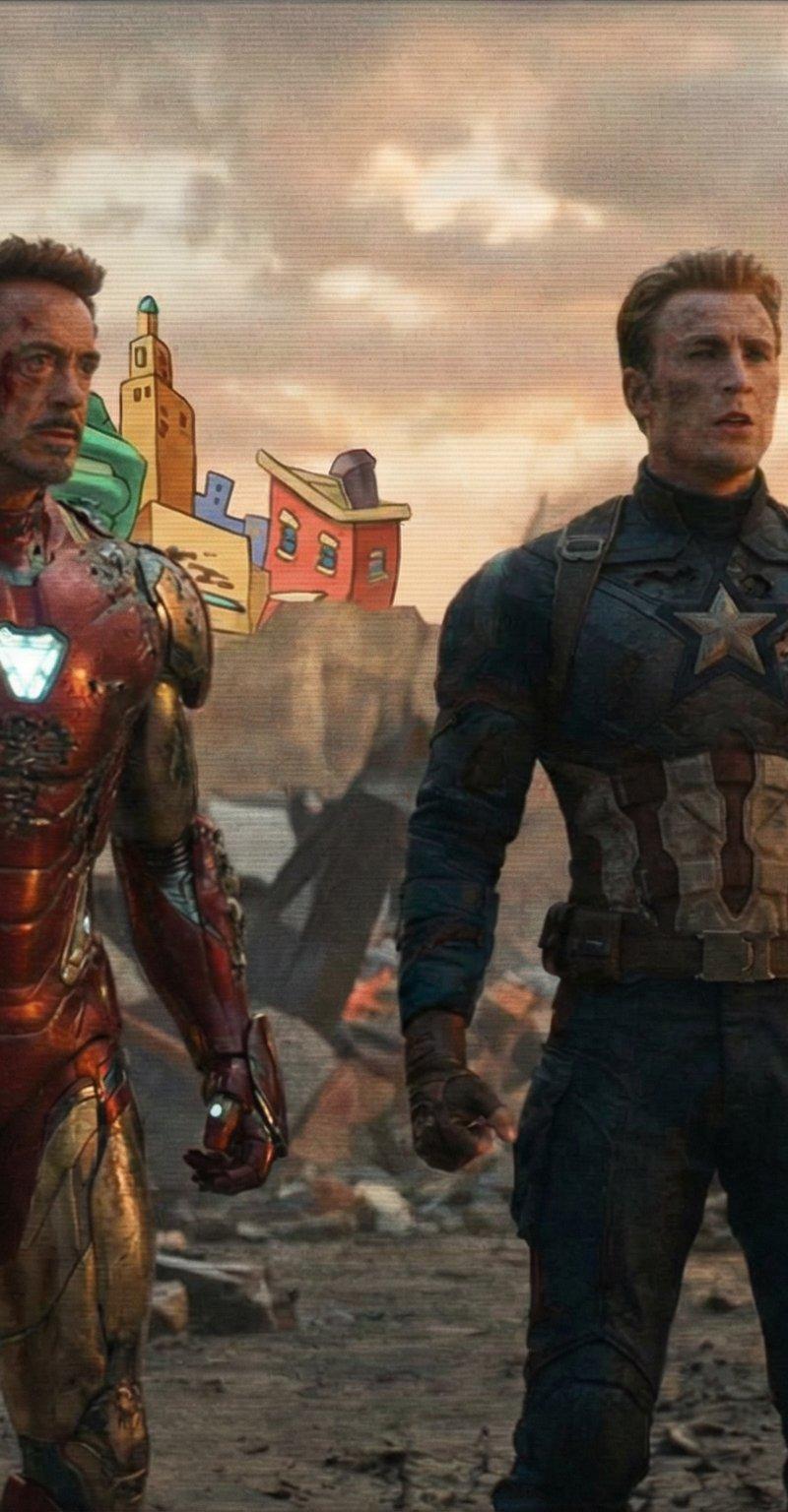
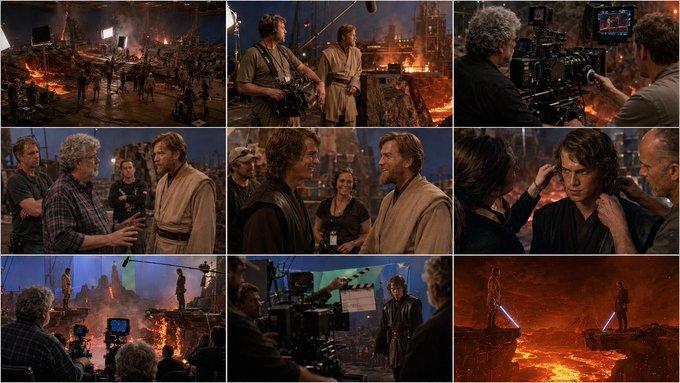
以这张图为首帧,保持人物脸部、金色条纹西装、白色披风、墨镜、发型、战场废墟、远处城楼、烟雾火光、摄影机和监视器的幕后拍摄氛围一致。主角站在战场中央,先低头看手,

Prompt
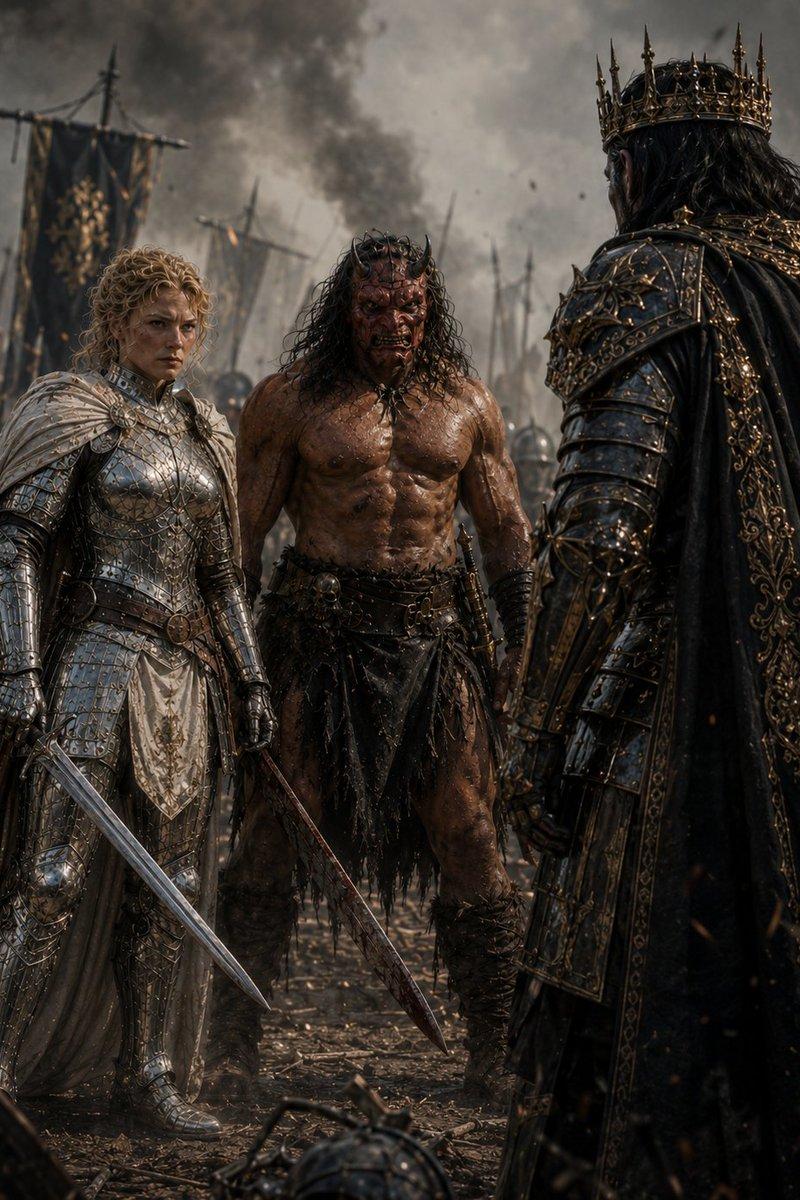
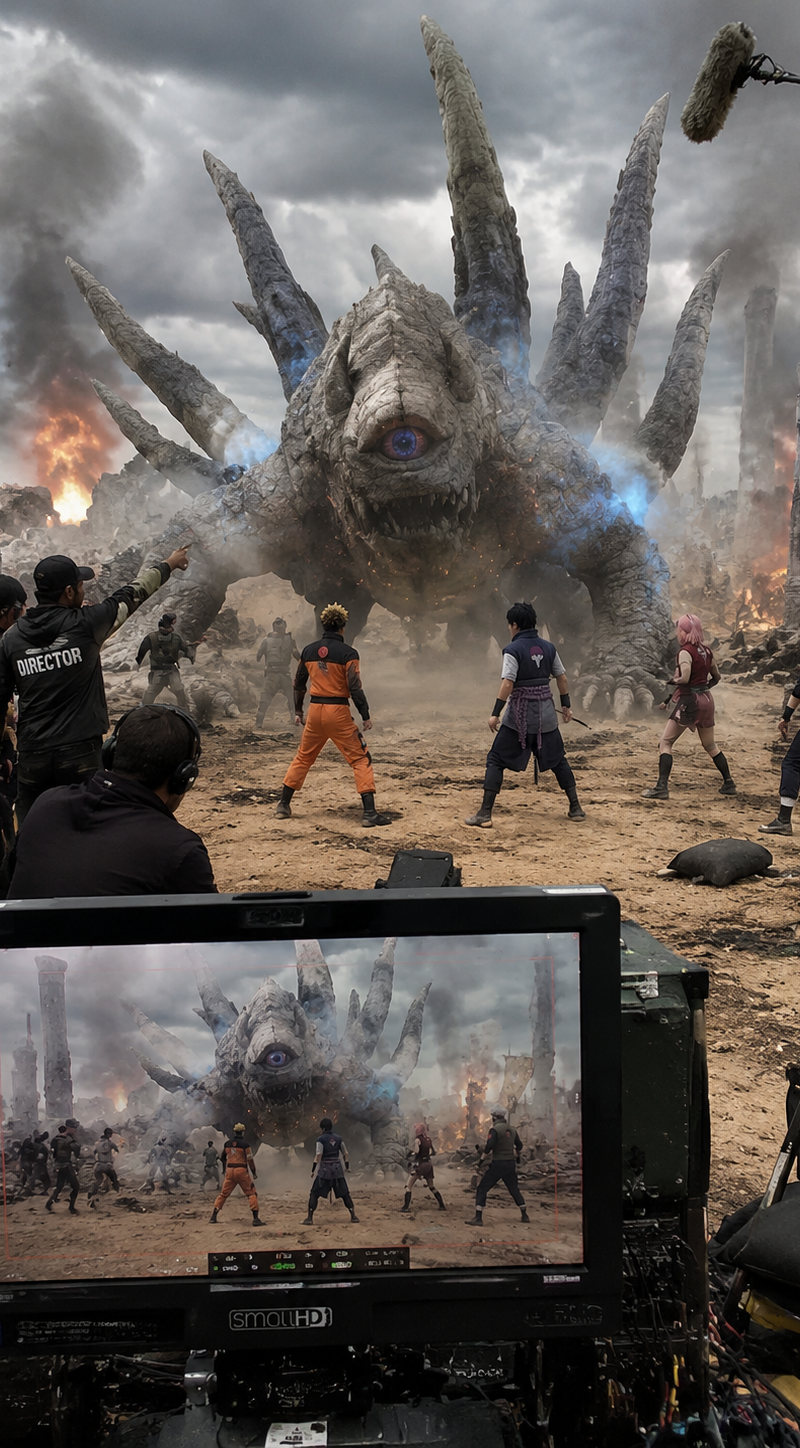
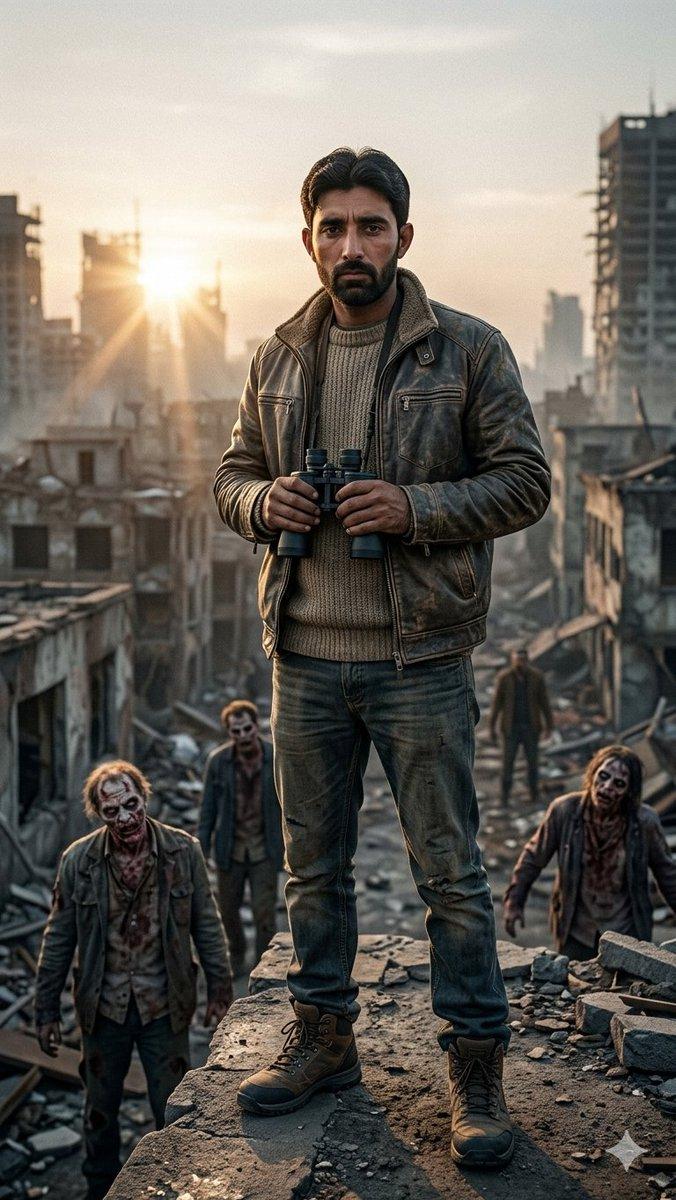
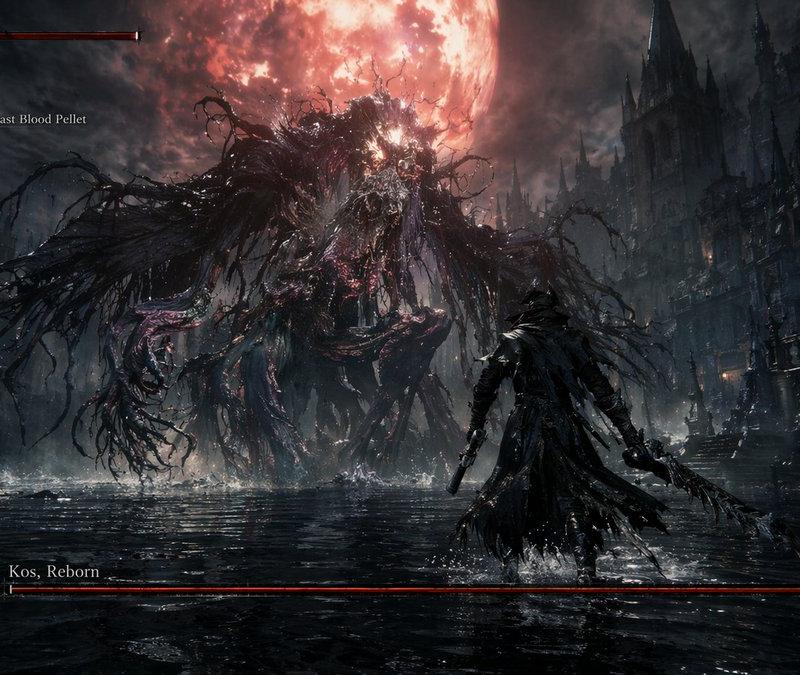
以这张图为首帧,保持人物脸部、金色条纹西装、白色披风、墨镜、发型、战场废墟、远处城楼、烟雾火光、摄影机和监视器的幕后拍摄氛围一致。主角站在战场中央,先低头看手,神情从容、轻蔑、带一点慵懒感,随后缓缓抬起一只手,像黄猿发动能力前那样优雅又压迫。抬手瞬间,指尖和手掌开始出现高亮金色光粒子、闪烁的光斑、空气折射、镜头眩光与能量波纹,周围空间出现轻微扭曲。接着金色光芒沿手臂蔓延到全身,人物身体逐渐光子化,边缘分解成无数发光粒子和金色碎光,仍保留短暂清晰的人形轮廓。下一秒,整个人完全化作一道耀眼的金色光束,以极快速度向上飞走,留下长长的金色拖尾、残影、粒子轨迹和空气震荡。整体效果要像高预算真人版幕后特效拍摄,写实、电影感、动态连贯、人物面部稳定、动作自然、VFX真实震撼。
Category
Architecture & Spaces
Model
Seedance 2.0 Fast
Creator
xie underwood
Source language
zh-CN
Views166
Source ID
4830
Published
May 15, 2026
Studio

Guide

About "以这张图为首帧,保持人物脸部、金色条纹西装、白色披风、墨镜、发型、战场废墟、远处城楼、烟雾火光、摄影机和监视器的幕后拍摄氛围一致。主角站在战场中央,先低头看手,"

What is this prompt for?

"以这张图为首帧,保持人物脸部、金色条纹西装、白色披风、墨镜、发型、战场废墟、远处城楼、烟雾火光、摄影机和监视器的幕后拍摄氛围一致。主角站在战场中央,先低头看手," AI image prompt for Seedance 2.0 Fast (Architecture & Spaces). 以这张图为首帧,保持人物脸…

The full copyable prompt and example visuals above are ready for AI image generation or one-click recreate in Picva.

How to use this prompt

  1. Step 1

    Open the prompt detail

    Review the example visuals, category, and full prompt text for "以这张图为首帧,保持人物脸部、金色条纹西装、白色披风、墨镜、发型、战场废墟、远处城楼、烟雾火光、摄影机和监视器的幕后拍摄氛围一致。主角站在战场中央,先低头看手,".

  2. Step 2

    Copy the prompt

    Copy the prompt body from this page, or load it directly in Studio.

  3. Step 3

    Pick a model (Seedance 2.0 Fast)

    Prefer Seedance 2.0 Fast. If you switch models, keep subject and composition and tweak style terms.

  4. Step 4

    Generate and export

    Recreate the look in Picva, or export into your workflow for editing and publishing.

FAQ

What is the "以这张图为首帧,保持人物脸部、金色条纹西装、白色披风、墨镜、发型、战场废墟、远处城楼、烟雾火光、摄影机和监视器的幕后拍摄氛围一致。主角站在战场中央,先低头看手," prompt?
It is an AI image-generation prompt for Seedance 2.0 Fast in the Architecture & Spaces category. This page includes the full prompt text, example visuals, and a one-click recreate path in Picva.
How do I use this prompt to generate an image?
Copy the prompt from this page, or use Generate / Studio. Paste it into a compatible image model, or recreate the look in Picva with optional reference images.
Which model is this prompt for?
This page lists Seedance 2.0 Fast. Most descriptive prompts also transfer to nearby image models such as GPT Image, Flux, or Midjourney with light style tweaks.
Can I use the result commercially?
You can usually copy the prompt for creation, but commercial use of the final image depends on the model terms, reference-image rights, and the generated content. Follow the source author and platform rules.