![[PROMPTSREF]: Enter the brand name here](https://whqgdndlpxjbwosvipip.supabase.co/storage/v1/render/image/public/prompt-source-media/promptsref/work-919/image-1-d31eabee43936ea0.png?width=1200&quality=80&resize=contain)
[PROMPTSREF]: Enter the brand name here
Prompt
[PROMPTSREF]: Enter the brand name here.
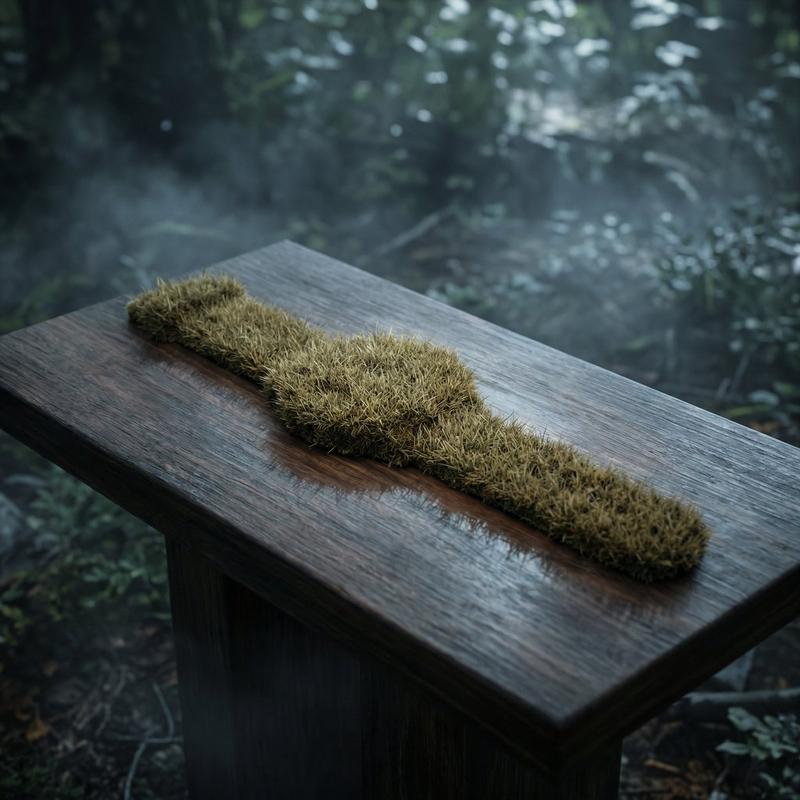
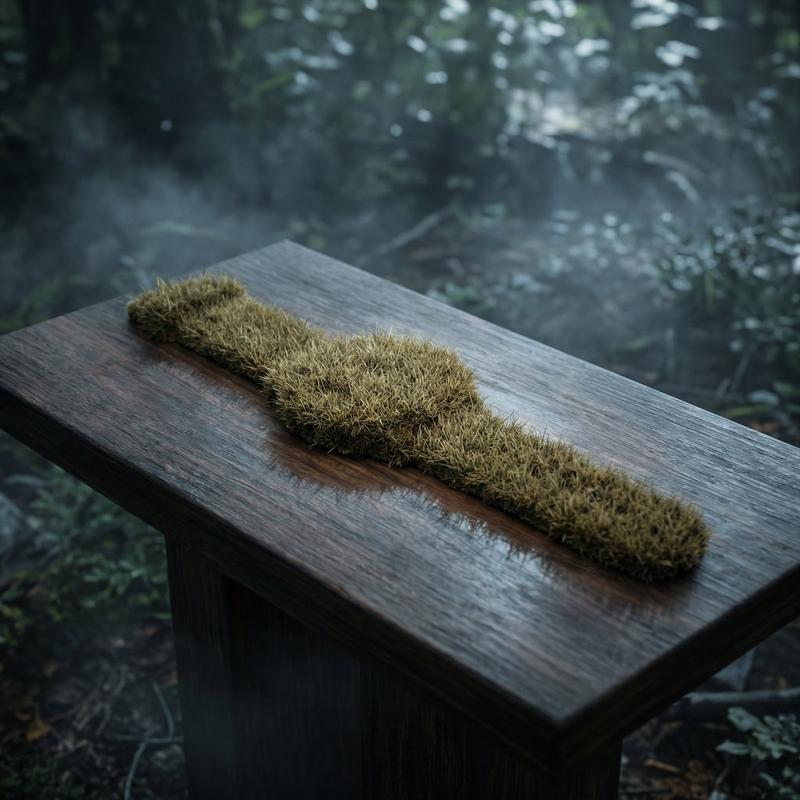
Goal: Generate a minimalist organic image where a stylized logo icon of [PROMPTSREF] is transformed into a large moss-textured artifact, with a small brand signature at the bottom.
Constraint: NO TEXT inside or immediately near the central moss icon. Only the bottom signature.

1. THE CENTRAL MOSS ICON
- Main Subject: A large, geometrically precise symbol, sculpted into the exact form of the [PROMPTSREF] logo icon.
- Material: The symbol is entirely made of dense, heavily textured, natural green stabilizing moss. The texture is rough and organic with varying shades of green and brown.
- Form: The geometric edges are sharp and clean, but filled with the soft, billowy texture of moss.

2. ENVIRONMENT & LAYOUT
- View: A top-down, central flat lay view.
- Background: A flawless, uniform, matte white studio background. Full minimalist negative space.
- Lighting: Bright, soft, diffused studio lighting that emphasizes the tactile moss texture while minimizing harsh shadows.

3. BOTTOM BRAND SIGNATURE (CRITICAL)
- Placement: A clean horizontal signature block centered at the bottom, far below the moss icon.
- Elements: A tiny, flat, minimalist version of the [PROMPTSREF] logo icon on the left.
- Text: The word "[PROMPTSREF]" in a clean, bold, black sans-serif typeface immediately to the right of the tiny logo.
- Scale: The signature must be very small compared to the central moss artifact.

4. AESTHETIC
- Biophilic design, premium product photography, clean, fresh, airy, high-end editorial look. 8k resolution.
- Category
- Products & E-commerce
- Model
- Nano Banana Pro
- Creator
- xie underwood
- Source ID
- 919
- Published
- Mar 16, 2026
Views69
![[PROMPTSREF]: Enter the brand name here](https://whqgdndlpxjbwosvipip.supabase.co/storage/v1/render/image/public/prompt-source-media/promptsref/work-920/image-1-de8eeafecc1c3745.jpg?width=800&quality=75&resize=contain)