18

GPT Image 2 on ChatGPT Boudoir-Lifestyle - Bedroom|Folding Back the Duve...
Enlarge

Example images

GPT Image 2 on ChatGPT Boudoir-Lifestyle - Bedroom|Folding Back the Duve...

Prompt
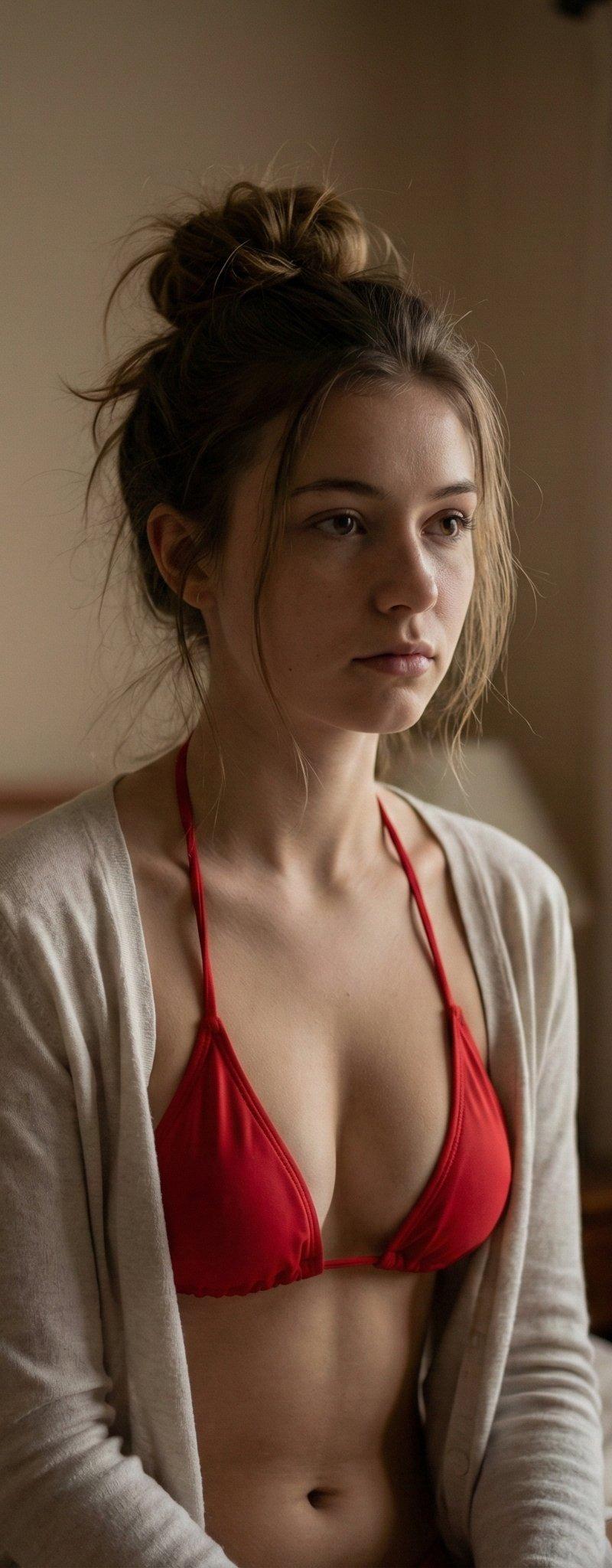
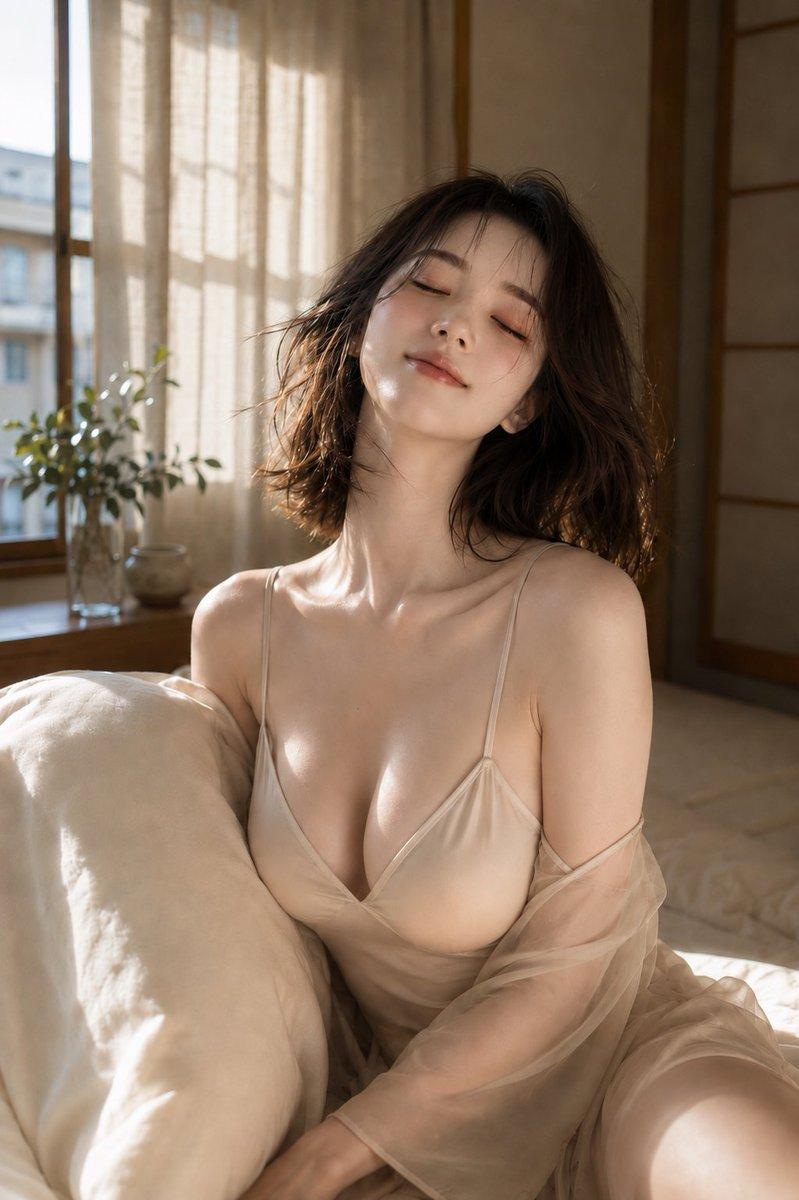
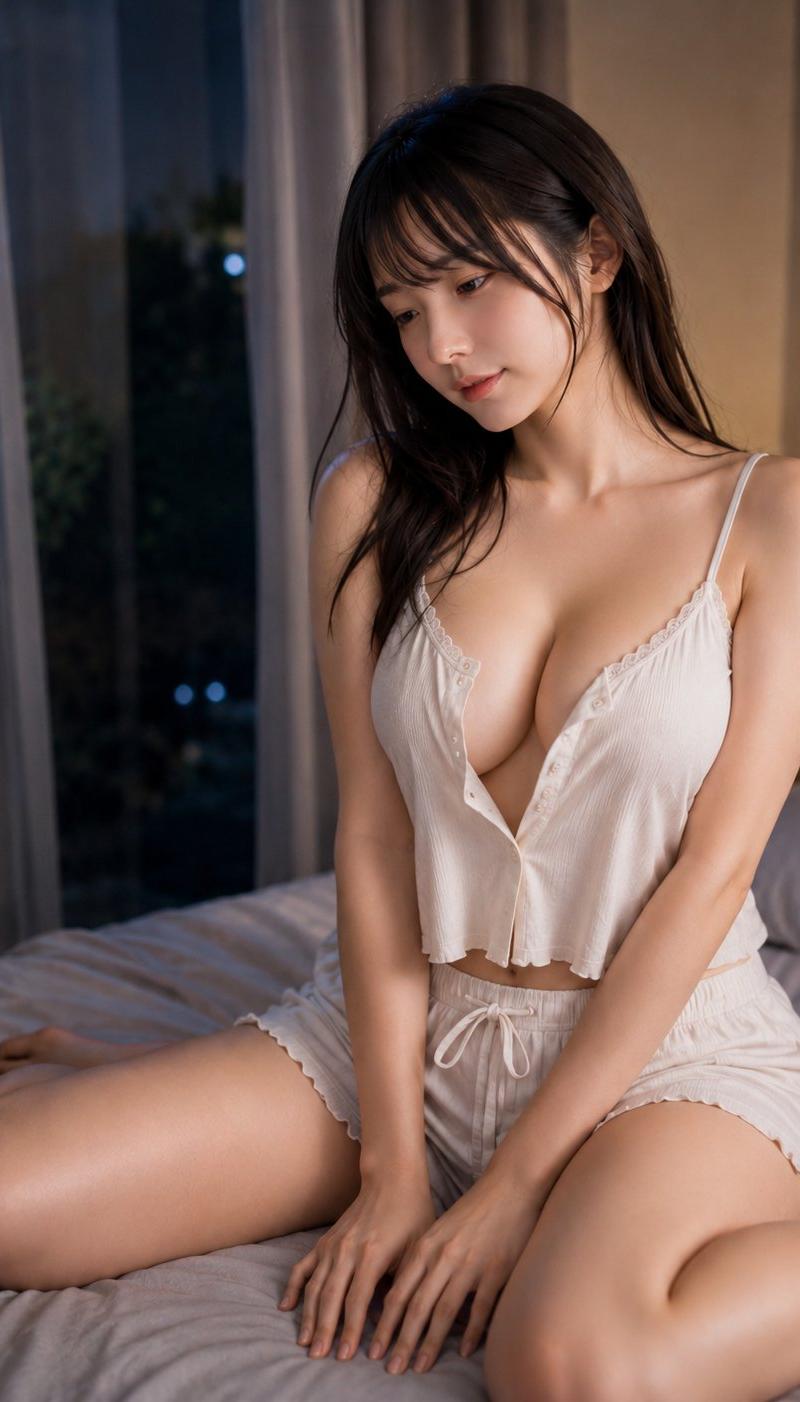
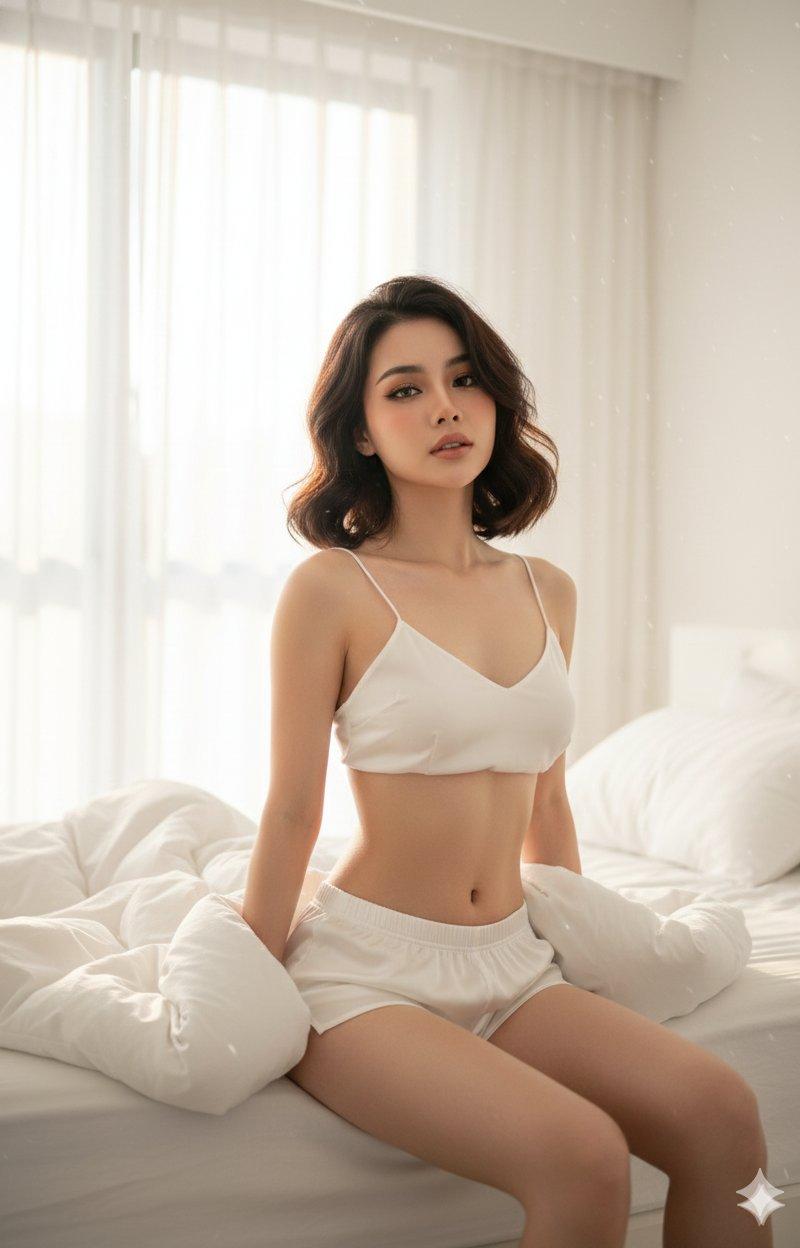
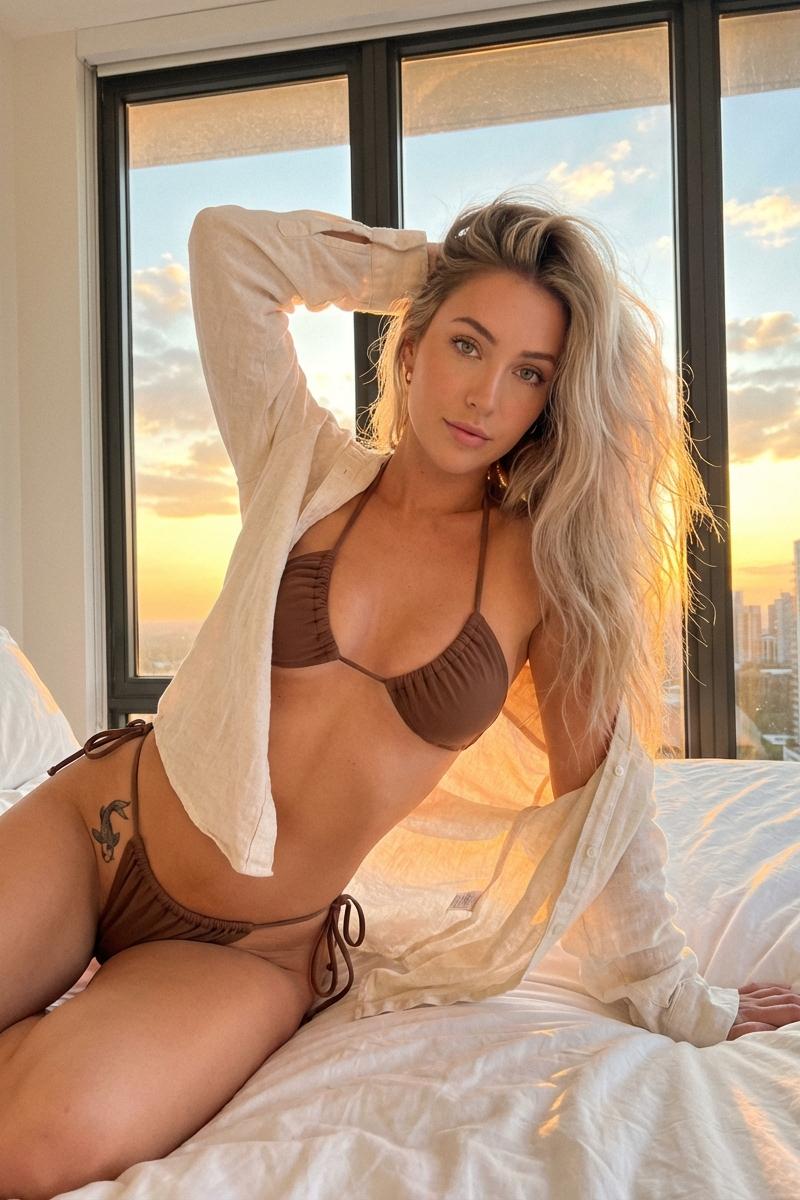
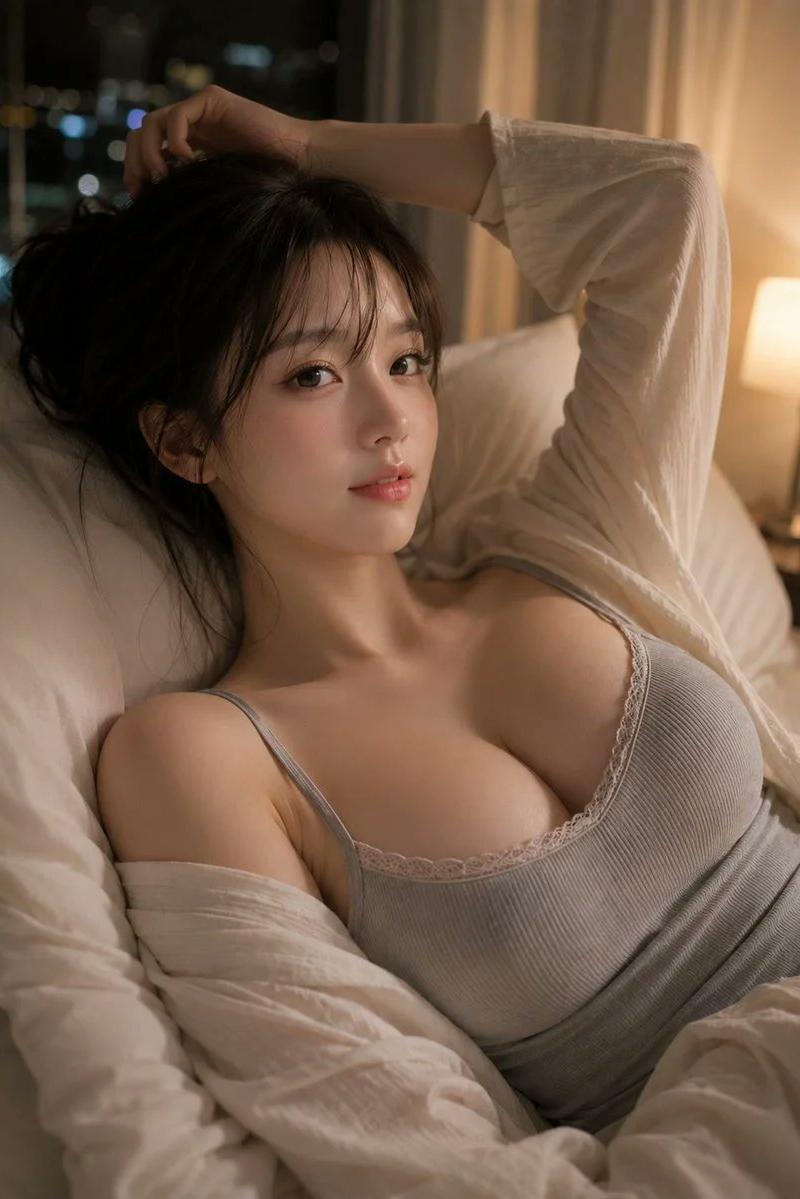
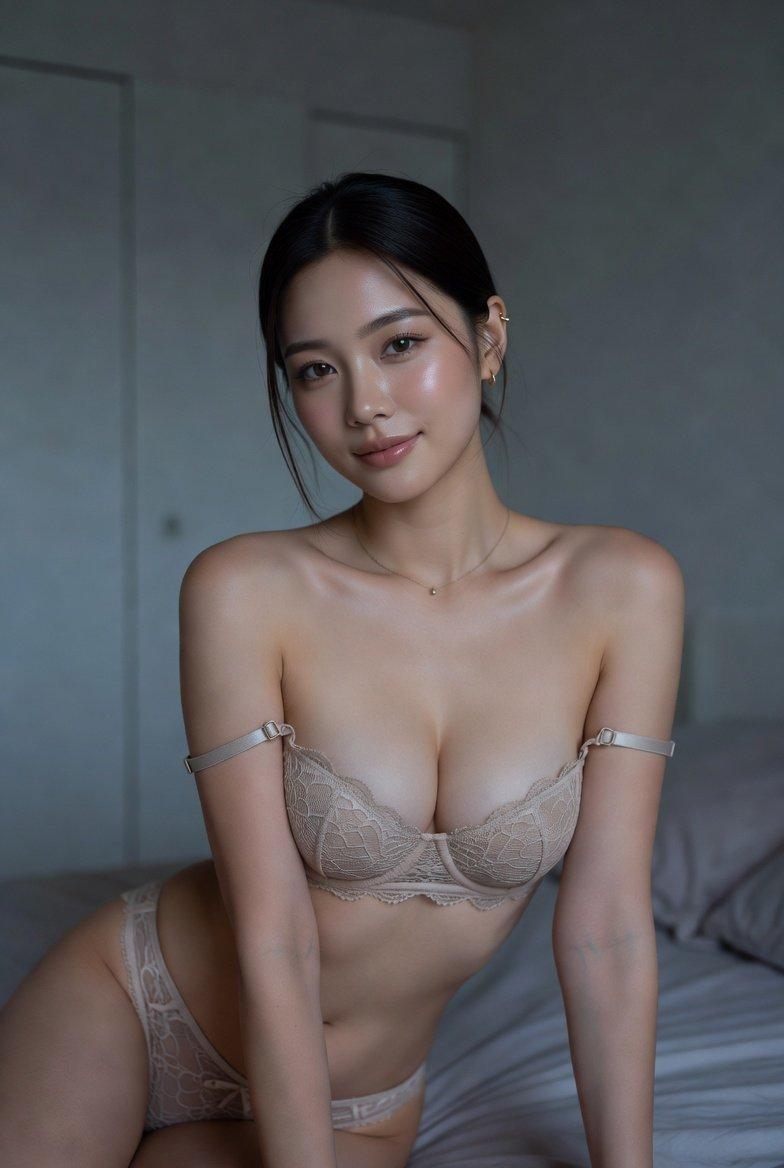
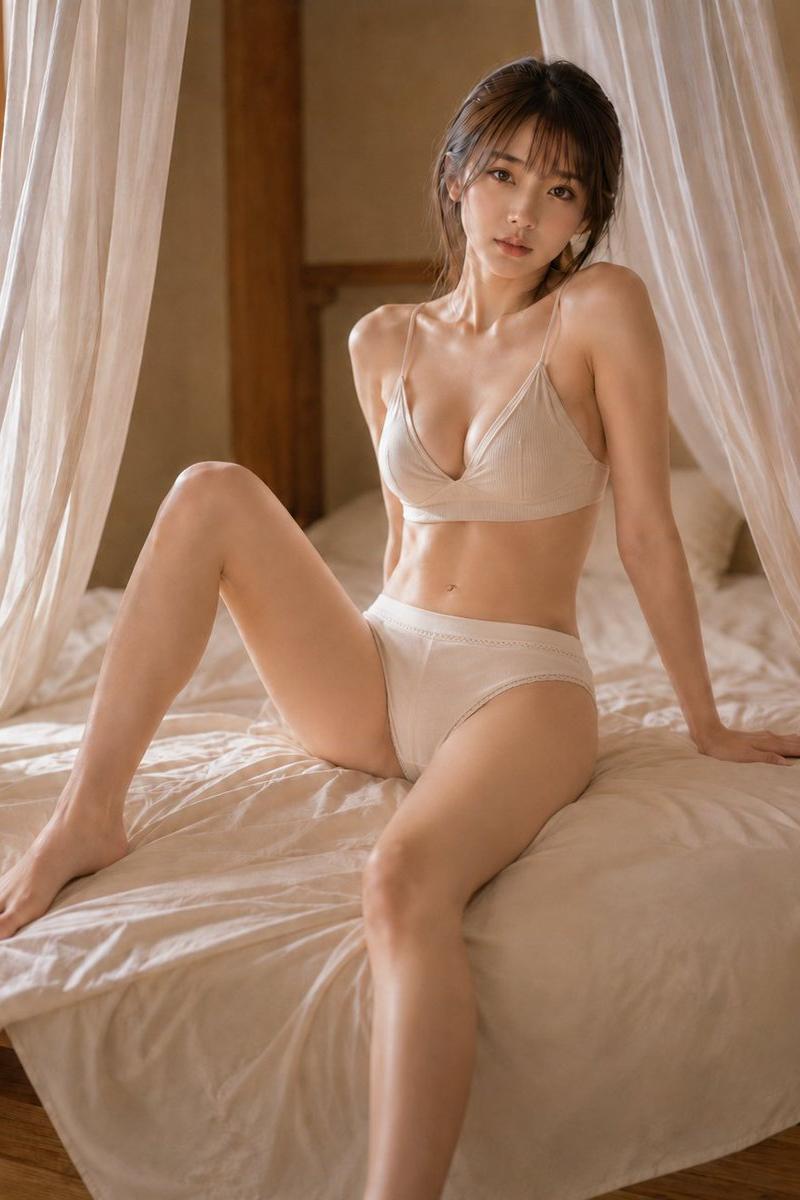
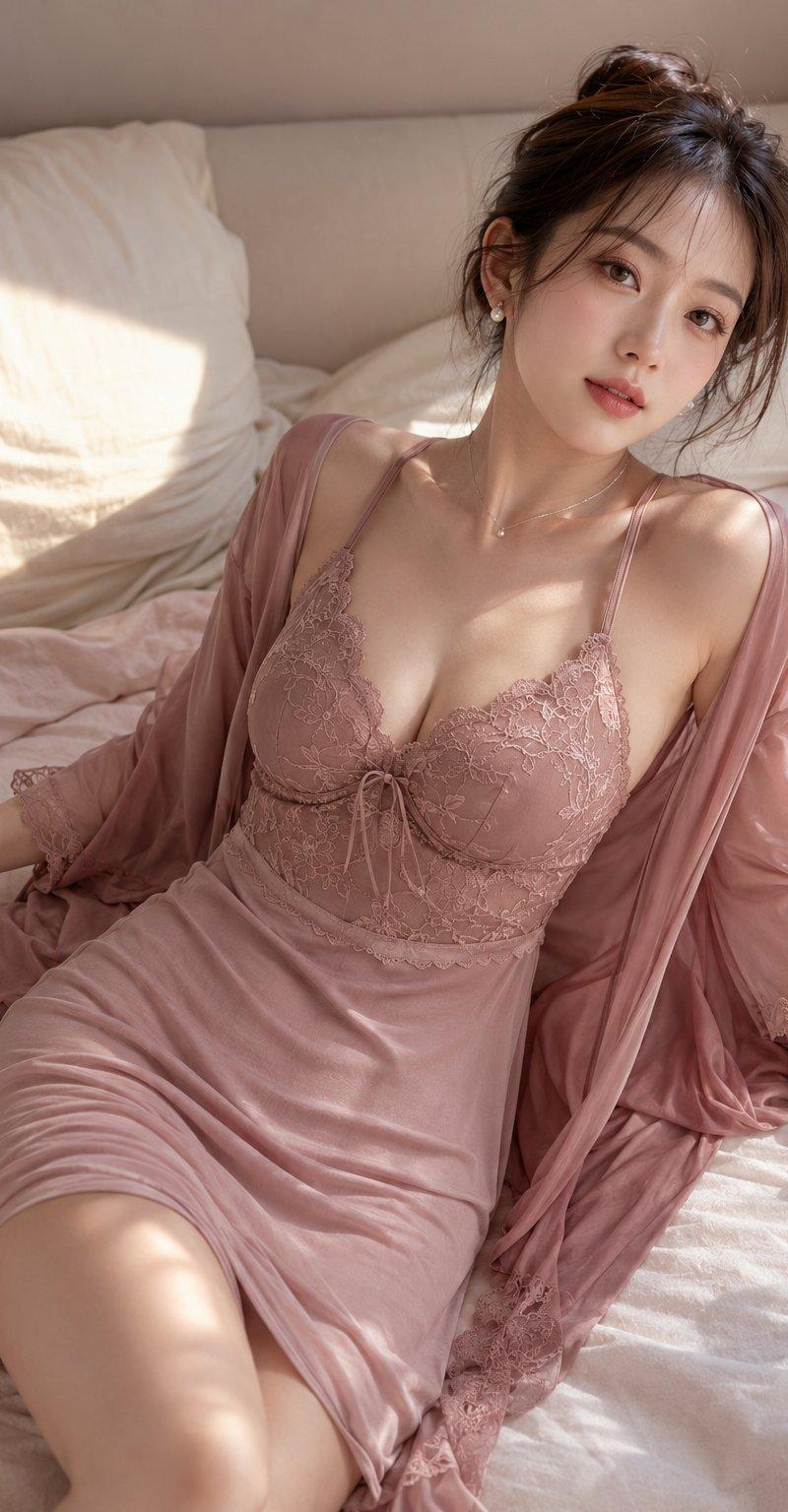
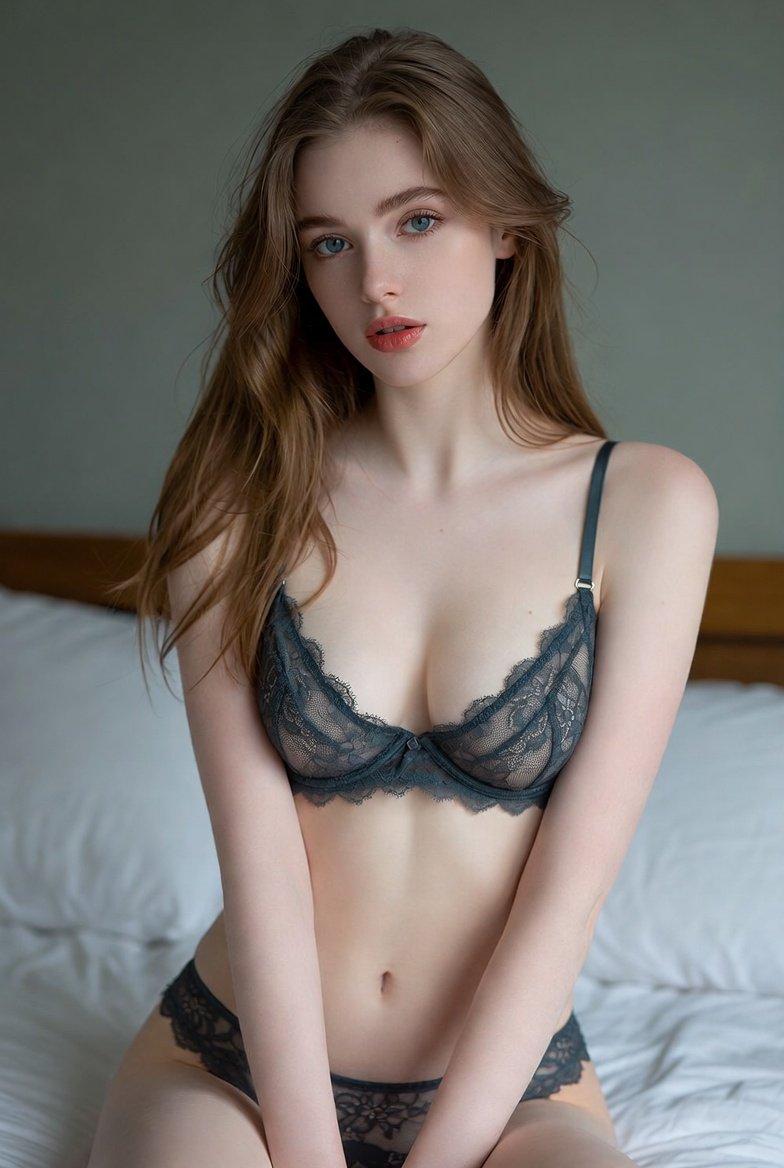
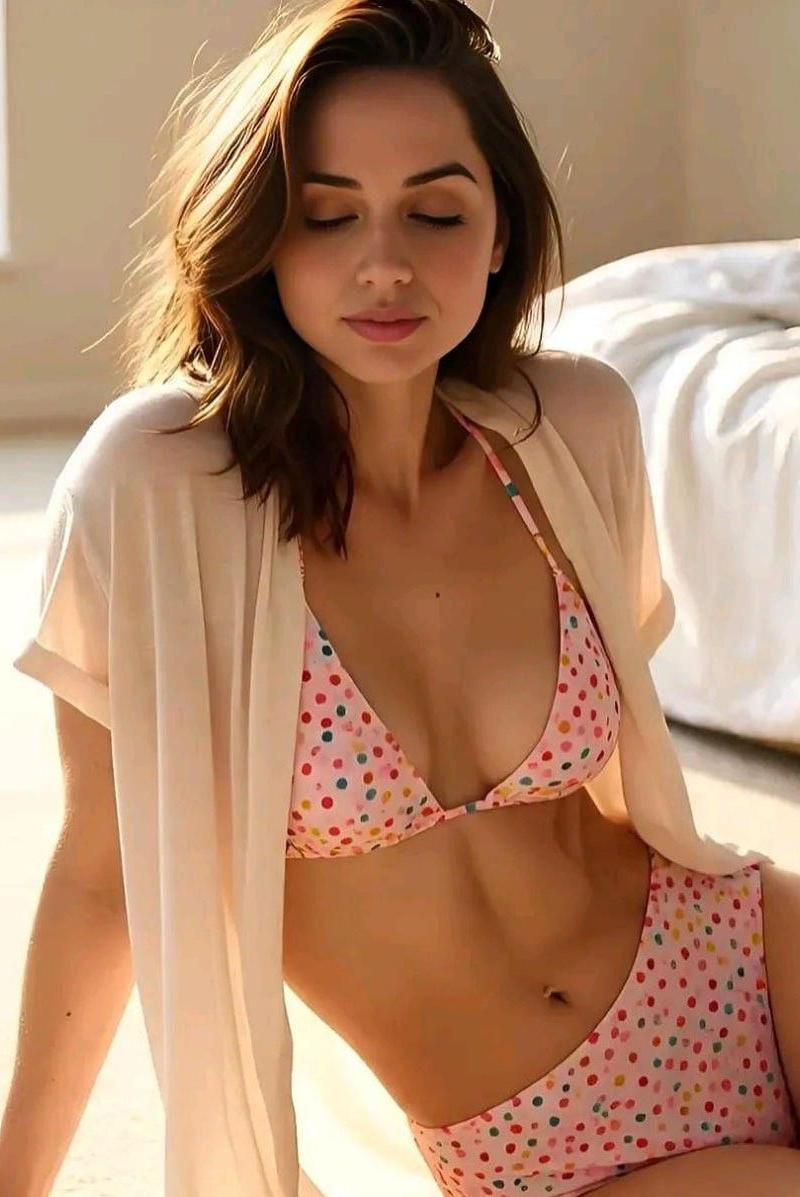
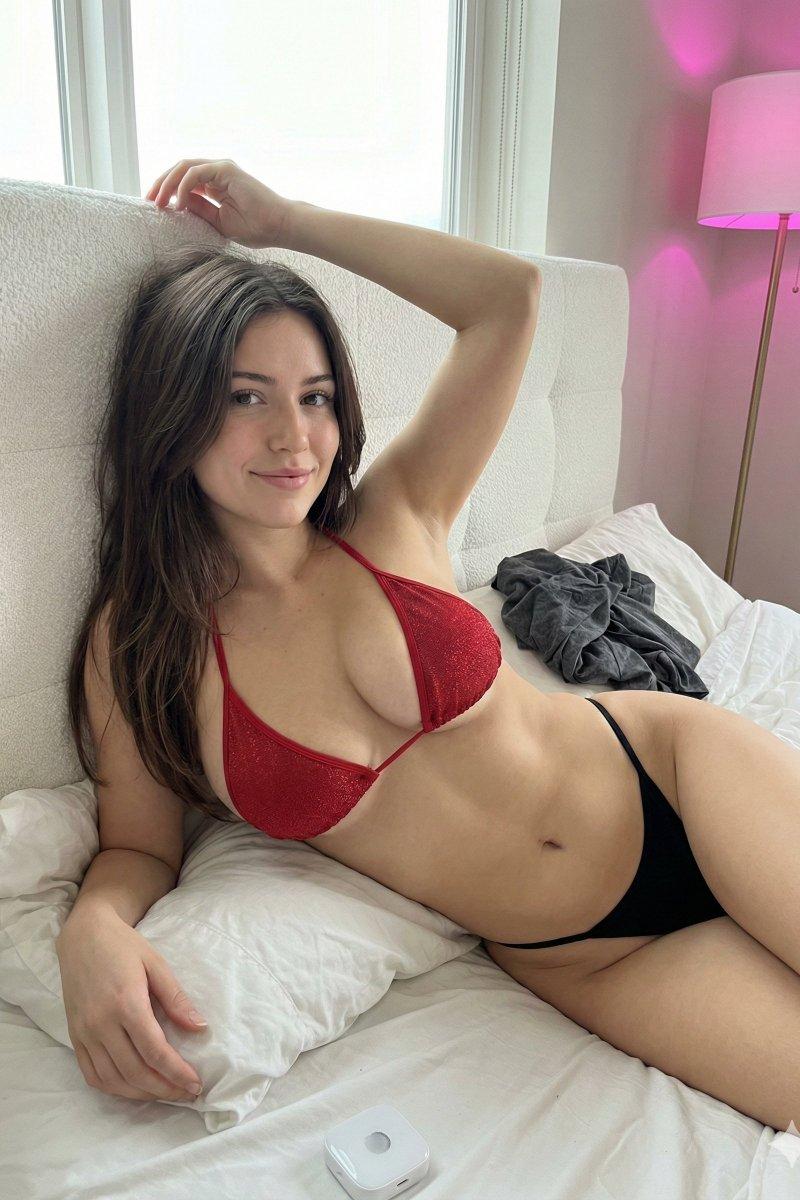
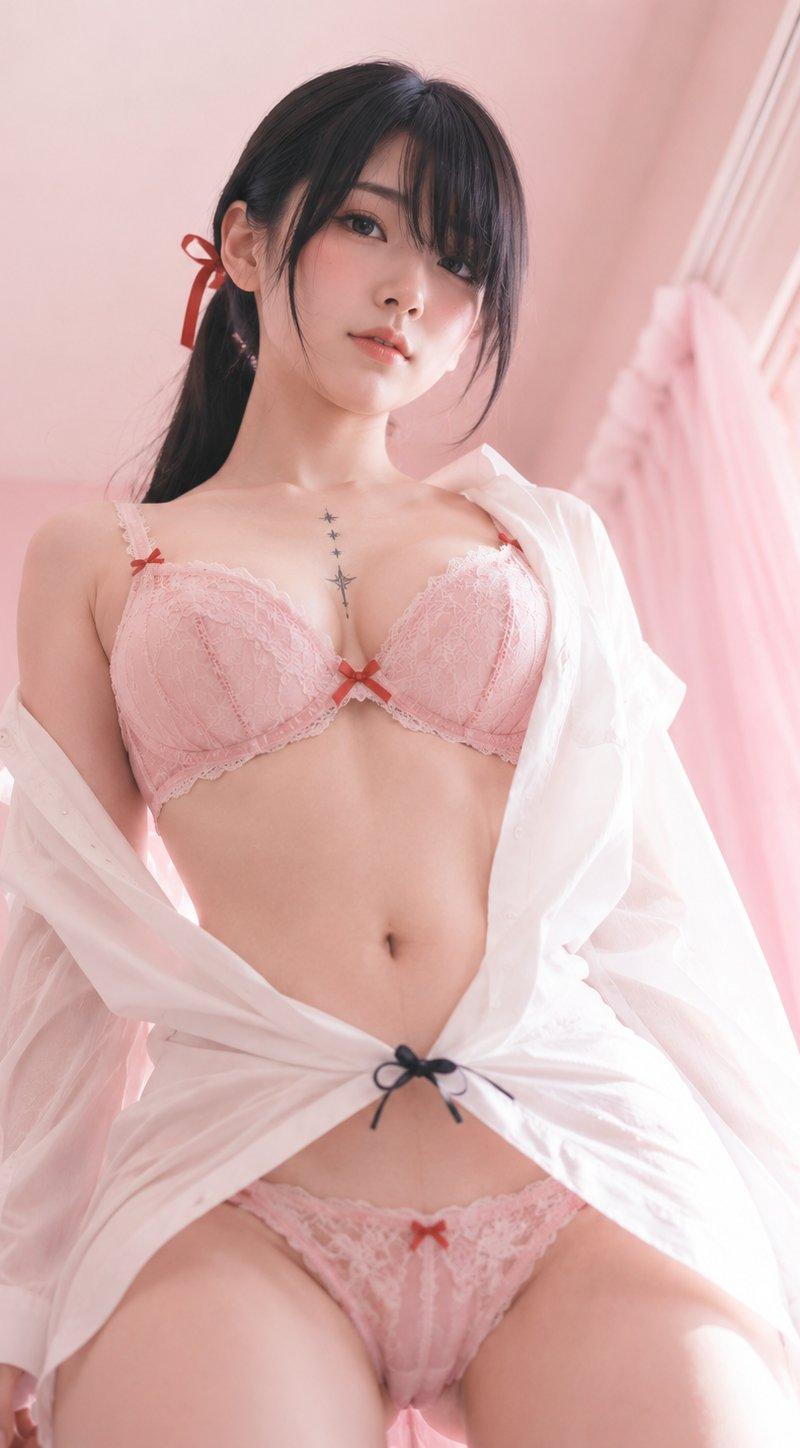
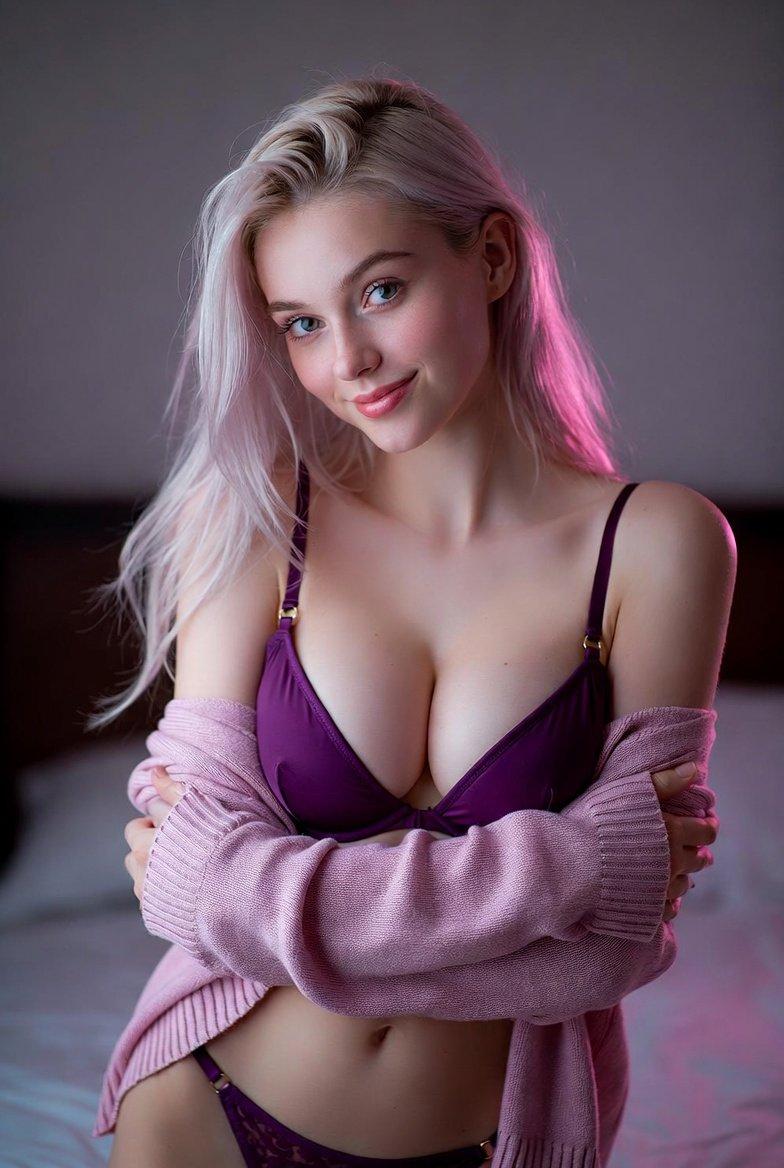
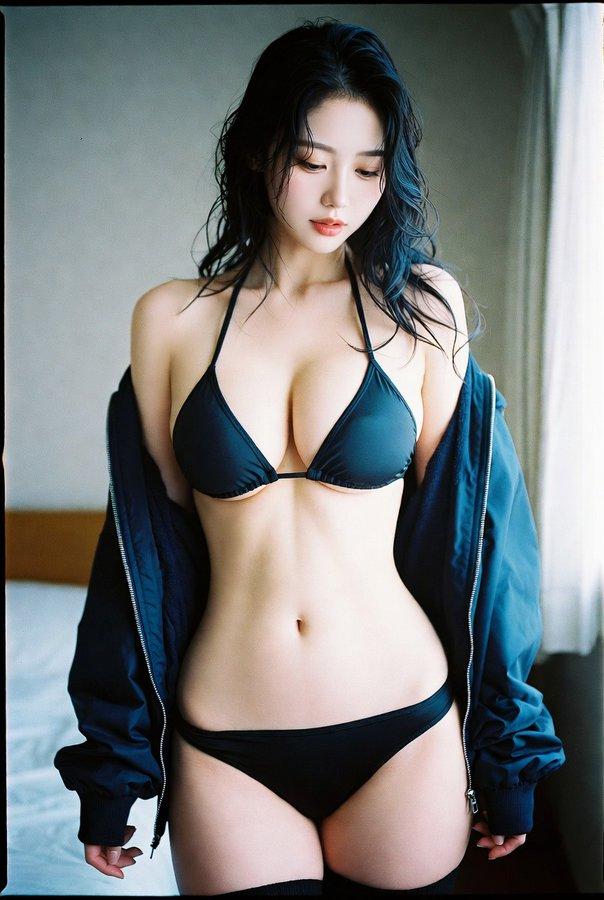
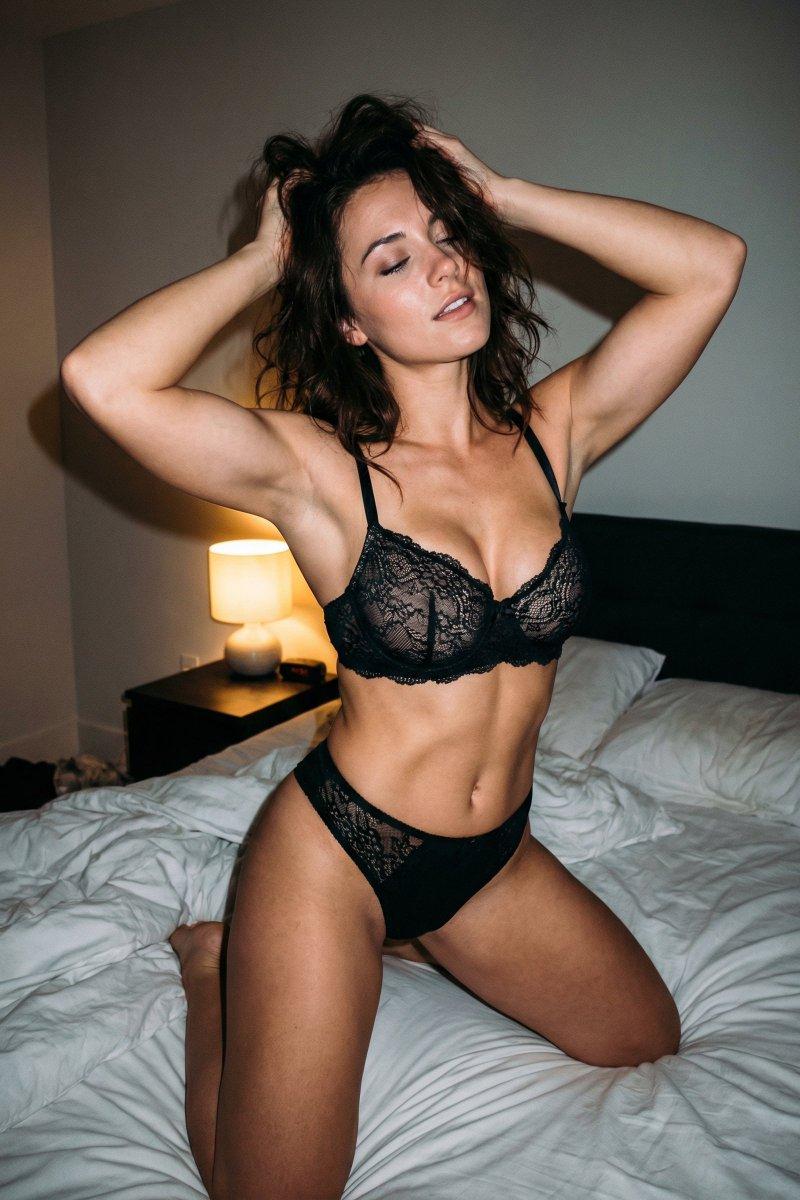
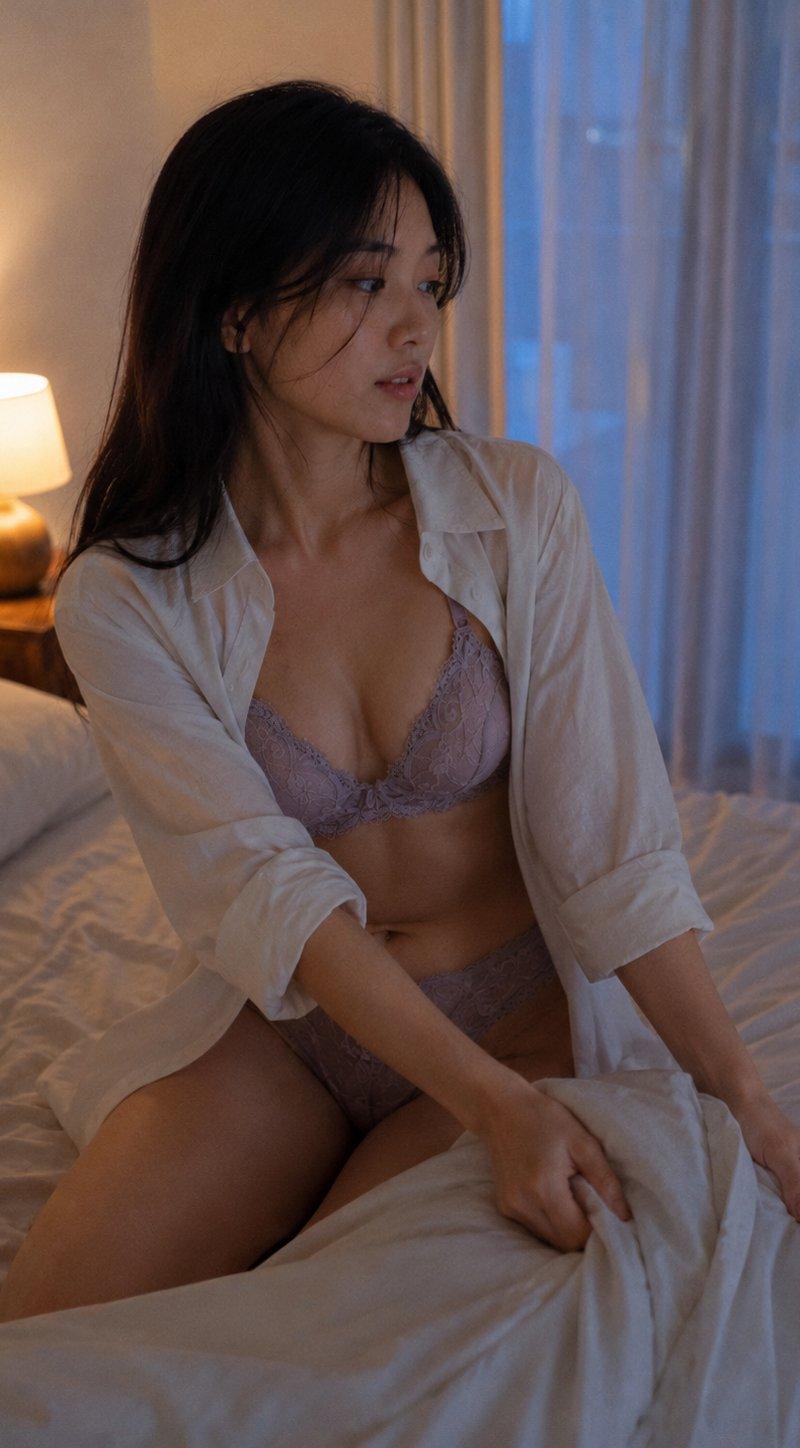
GPT Image 2 on ChatGPT Boudoir-Lifestyle - Bedroom|Folding Back the Duvet 提示 中景镜头,23岁东亚女性,柔和自然五官,头发松散披下,几缕发丝横过脸颊。尘紫灰色蕾丝套装,内搭一件敞开的超大号白色衬衫,坐在床沿上掀开羽绒被,垂直3:4画面构图,主体占据极简卧室约55%的空间。床头灯投射温暖光芒,与黄昏时分透过薄纱窗帘渗入的柔光相映,床上用品呈现柔和的阴影过渡。摄影质感和品质:细微的ISO 400胶片颗粒,自然皮肤次表面散射,锁骨附近有淡淡的散落发丝。保留:蕾丝图案、羽绒被纹理。避免:AI平滑皮肤、不自然的布料褶皱锐利感。
Category
创意图片
Model
GPT Image 2
Creator
@ToroJushiAi
Source language
zh-CN
Views5
Source ID
2081228015833698359
Published
Jul 26, 2026
Studio

Guide

About "GPT Image 2 on ChatGPT Boudoir-Lifestyle - Bedroom|Folding Back the Duve..."

What is this prompt for?

"GPT Image 2 on ChatGPT Boudoir-Lifestyle - Bedroom|Folding Back the Duve..." AI image prompt for GPT Image 2 (创意图片). Saved from X post by @ToroJushiAi. GPT Im…

The full copyable prompt and example visuals above are ready for AI image generation or one-click recreate in Picva.

How to use this prompt

  1. Step 1

    Open the prompt detail

    Review the example visuals, category, and full prompt text for "GPT Image 2 on ChatGPT Boudoir-Lifestyle - Bedroom|Folding Back the Duve...".

  2. Step 2

    Copy the prompt

    Copy the prompt body from this page, or load it directly in Studio.

  3. Step 3

    Pick a model (GPT Image 2)

    Prefer GPT Image 2. If you switch models, keep subject and composition and tweak style terms.

  4. Step 4

    Generate and export

    Recreate the look in Picva, or export into your workflow for editing and publishing.

FAQ

What is the "GPT Image 2 on ChatGPT Boudoir-Lifestyle - Bedroom|Folding Back the Duve..." prompt?
It is an AI image-generation prompt for GPT Image 2 in the 创意图片 category. This page includes the full prompt text, example visuals, and a one-click recreate path in Picva.
How do I use this prompt to generate an image?
Copy the prompt from this page, or use Generate / Studio. Paste it into a compatible image model, or recreate the look in Picva with optional reference images.
Which model is this prompt for?
This page lists GPT Image 2. Most descriptive prompts also transfer to nearby image models such as GPT Image, Flux, or Midjourney with light style tweaks.
Can I use the result commercially?
You can usually copy the prompt for creation, but commercial use of the final image depends on the model terms, reference-image rights, and the generated content. Follow the source author and platform rules.