19

她沿着新中式木廊走到竹影旁,脚步停了半拍,手指把耳旁碎发轻轻别到耳后。 ——Prompt—— 9:16竖版,现代东方艺术感新中式女性写真,真实摄...
Enlarge

她沿着新中式木廊走到竹影旁,脚步停了半拍,手指把耳旁碎发轻轻别到耳后。 ——Prompt—— 9:16竖版,现代东方艺术感新中式女性写真,真实摄...

Prompt
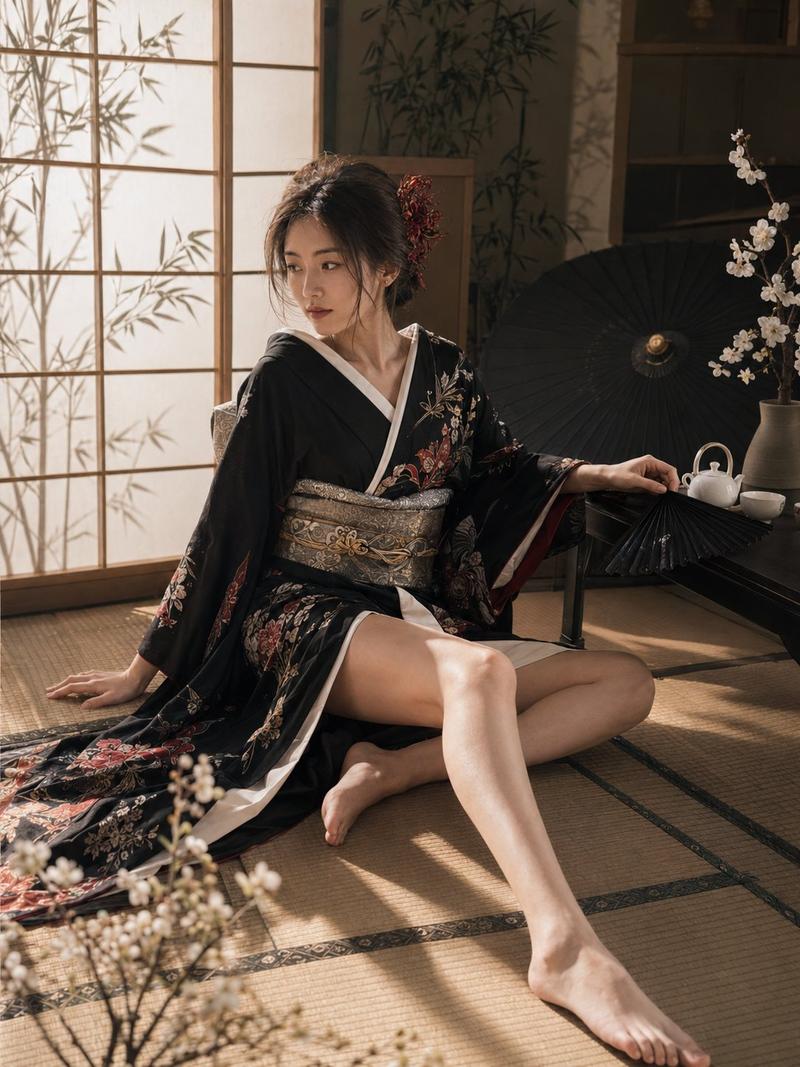
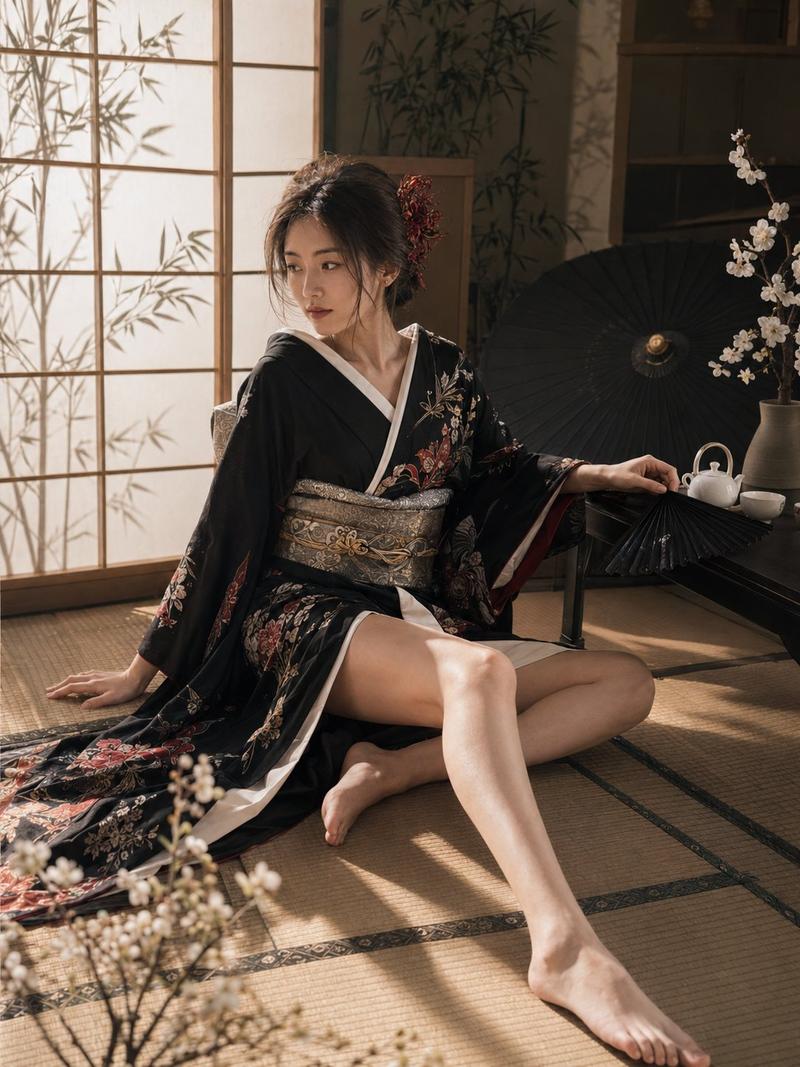
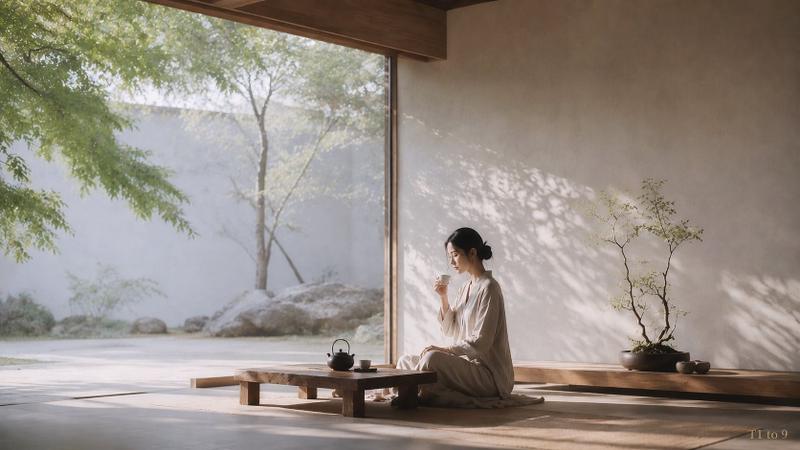
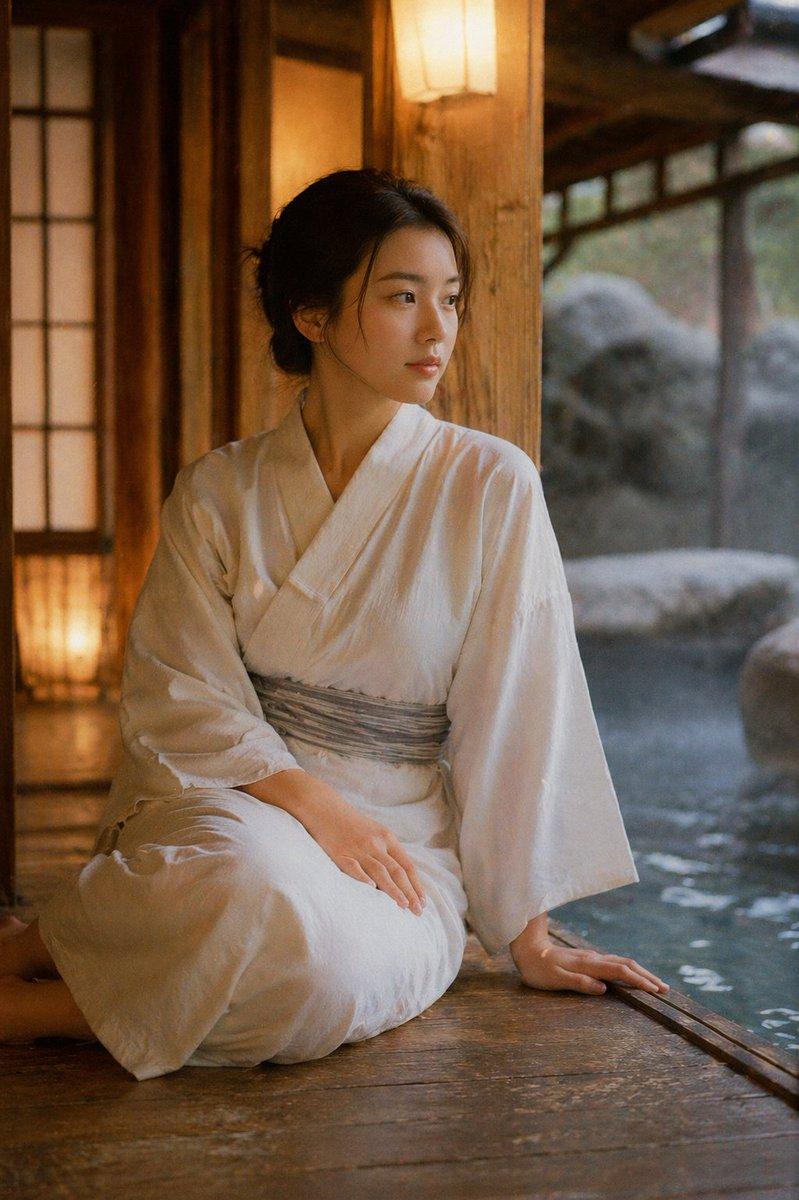
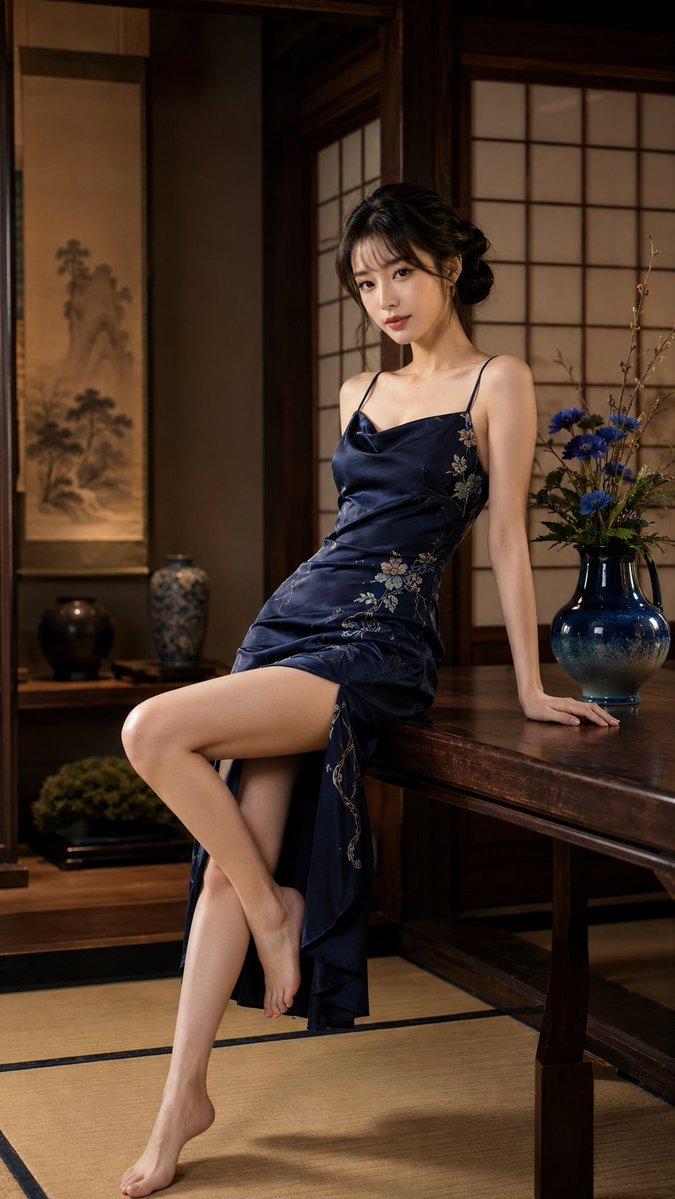
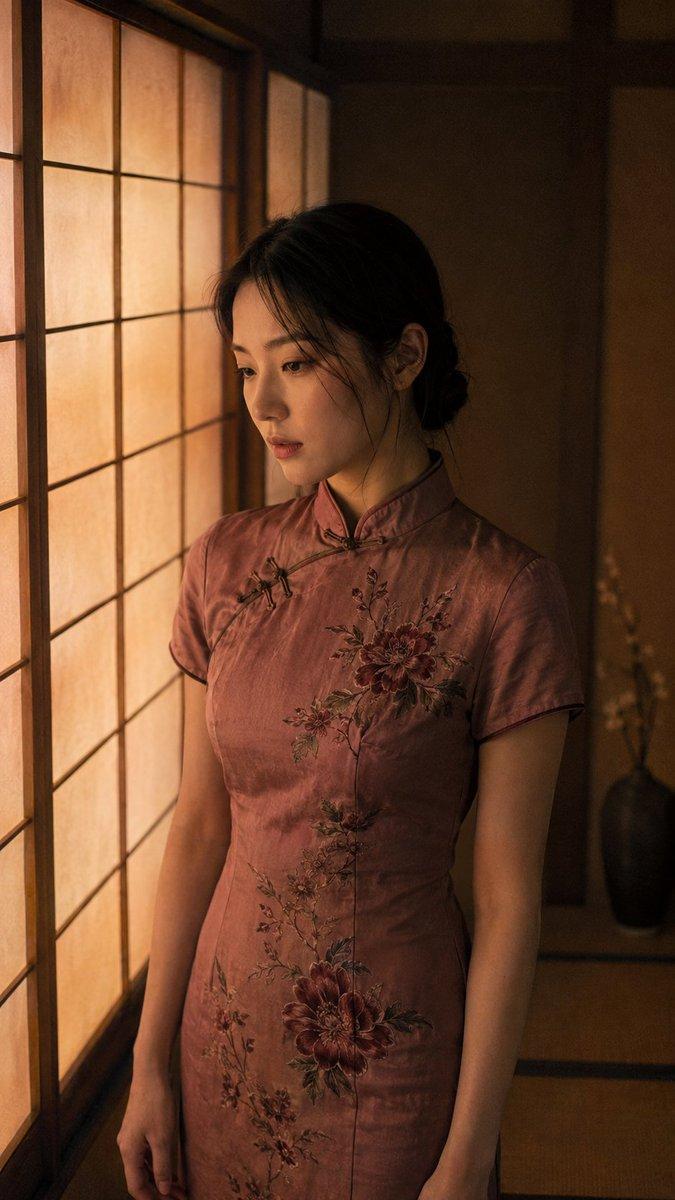
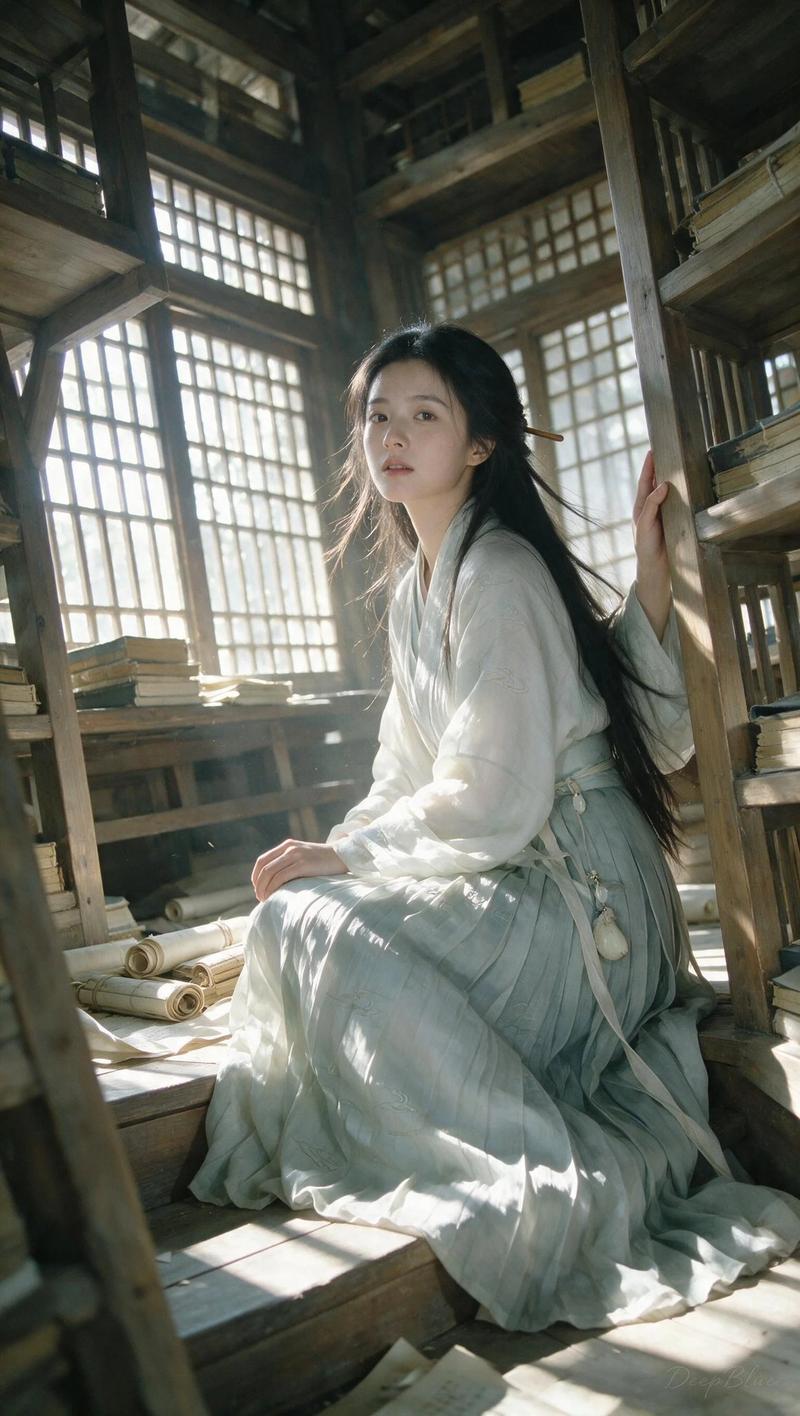
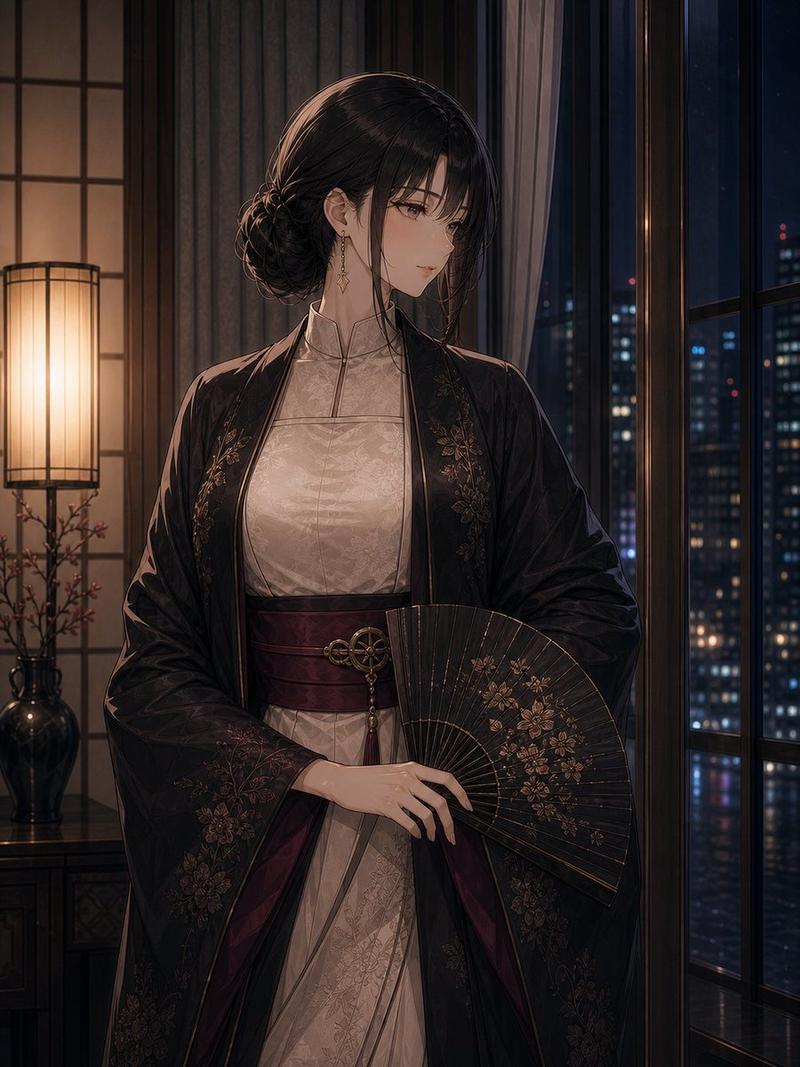
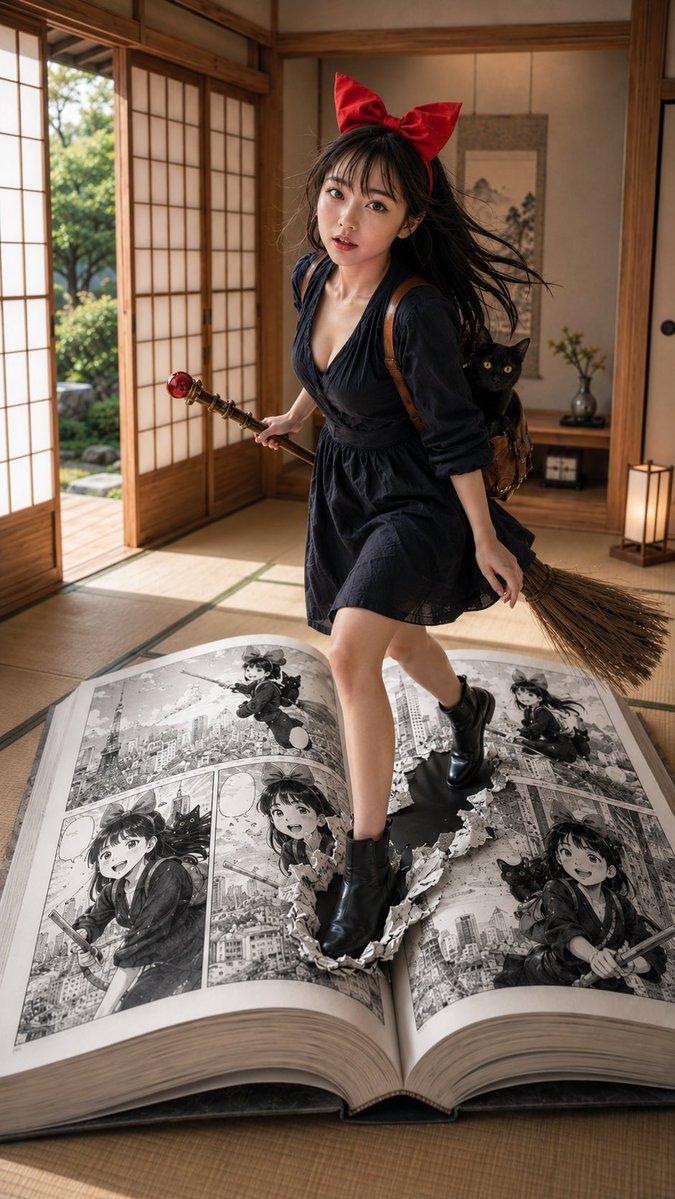
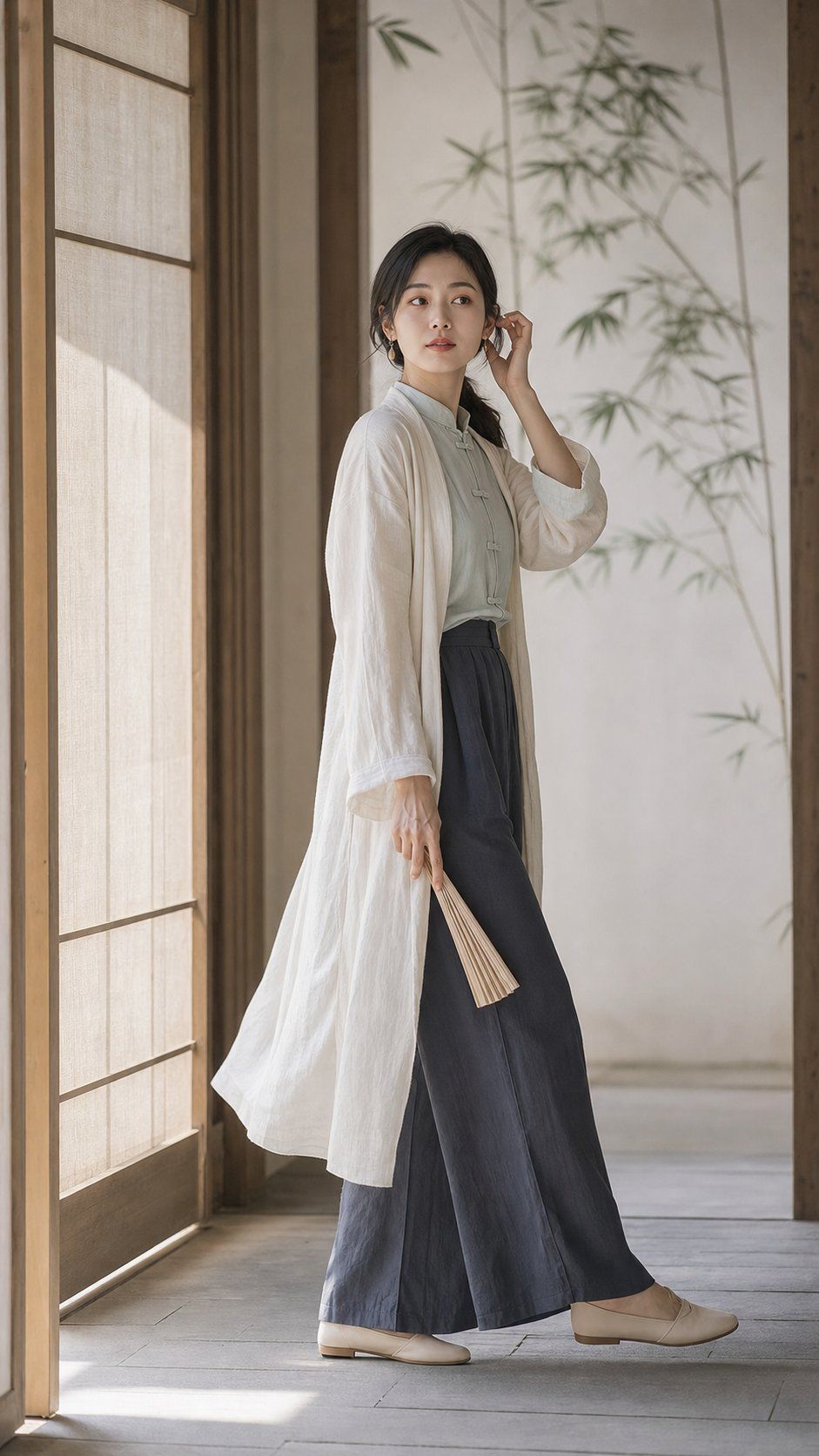
她沿着新中式木廊走到竹影旁,脚步停了半拍,手指把耳旁碎发轻轻别到耳后。 ——Prompt—— 9:16竖版,现代东方艺术感新中式女性写真,真实摄影。明确成年的30岁东方女性,成年气质清晰,不幼态化,端正柔和脸型、安静眉眼、清透克制妆容、低饱和豆沙唇,黑色低马尾,清雅知性、克制而有距离感。硬性动作:她正在新中式茶室木质回廊向前走,在素色屏风旁短暂停下;右手轻轻把肩侧头发整理到耳后,左手自然下垂并拿一把收拢的素色纸扇;身体三分之四侧向镜头,前脚向前、后脚稳住重心,头部略转向镜头,眼神越过镜头看远处,衣摆和发尾有极轻微行走动态,必须清楚呈现“行走、整理头发、短暂停顿”动作链。服装完整现代:浅玉灰色立领盘扣上衣、深灰蓝高腰宽松长裤、米白色棉麻长外衫、低调木质耳饰,不是古装cosplay。场景只保留浅色木框、素色屏风、墙面一片竹影,大面积留白;50mm,平视,大半身到全身构图,人物略偏画面一侧,浅景深但保留木质线条。柔和侧光从屏风边缘进入,照亮脸侧、手部和棉麻纹理,低饱和宣纸白、木质暖灰、浅玉色、深灰蓝,柔和高光、干净暗部、轻微胶片质感、现代东方艺术摄影。只生成一张独立图片,不要拼图、网格、海报文字、水印、logo、畸形手指或额外人物。
Category
创意图片
Model
GPT Image 2
Views3
Source ID
2081348809230258379
Published
Jul 26, 2026

Guide

About "她沿着新中式木廊走到竹影旁,脚步停了半拍,手指把耳旁碎发轻轻别到耳后。 ——Prompt—— 9:16竖版,现代东方艺术感新中式女性写真,真实摄..."

What is this prompt for?

"她沿着新中式木廊走到竹影旁,脚步停了半拍,手指把耳旁碎发轻轻别到耳后。 ——Prompt—— 9:16竖版,现代东方艺术感新中式女性写真,真实摄..." AI image prompt for GPT Image 2 (创意图片). Saved from X post by @chenlinspark. 她沿着新中…

The full copyable prompt and example visuals above are ready for AI image generation or one-click recreate in Picva.

How to use this prompt

  1. Step 1

    Open the prompt detail

    Review the example visuals, category, and full prompt text for "她沿着新中式木廊走到竹影旁,脚步停了半拍,手指把耳旁碎发轻轻别到耳后。 ——Prompt—— 9:16竖版,现代东方艺术感新中式女性写真,真实摄...".

  2. Step 2

    Copy the prompt

    Copy the prompt body from this page, or load it directly in Studio.

  3. Step 3

    Pick a model (GPT Image 2)

    Prefer GPT Image 2. If you switch models, keep subject and composition and tweak style terms.

  4. Step 4

    Generate and export

    Recreate the look in Picva, or export into your workflow for editing and publishing.

FAQ

What is the "她沿着新中式木廊走到竹影旁,脚步停了半拍,手指把耳旁碎发轻轻别到耳后。 ——Prompt—— 9:16竖版,现代东方艺术感新中式女性写真,真实摄..." prompt?
It is an AI image-generation prompt for GPT Image 2 in the 创意图片 category. This page includes the full prompt text, example visuals, and a one-click recreate path in Picva.
How do I use this prompt to generate an image?
Copy the prompt from this page, or use Generate / Studio. Paste it into a compatible image model, or recreate the look in Picva with optional reference images.
Which model is this prompt for?
This page lists GPT Image 2. Most descriptive prompts also transfer to nearby image models such as GPT Image, Flux, or Midjourney with light style tweaks.
Can I use the result commercially?
You can usually copy the prompt for creation, but commercial use of the final image depends on the model terms, reference-image rights, and the generated content. Follow the source author and platform rules.