20

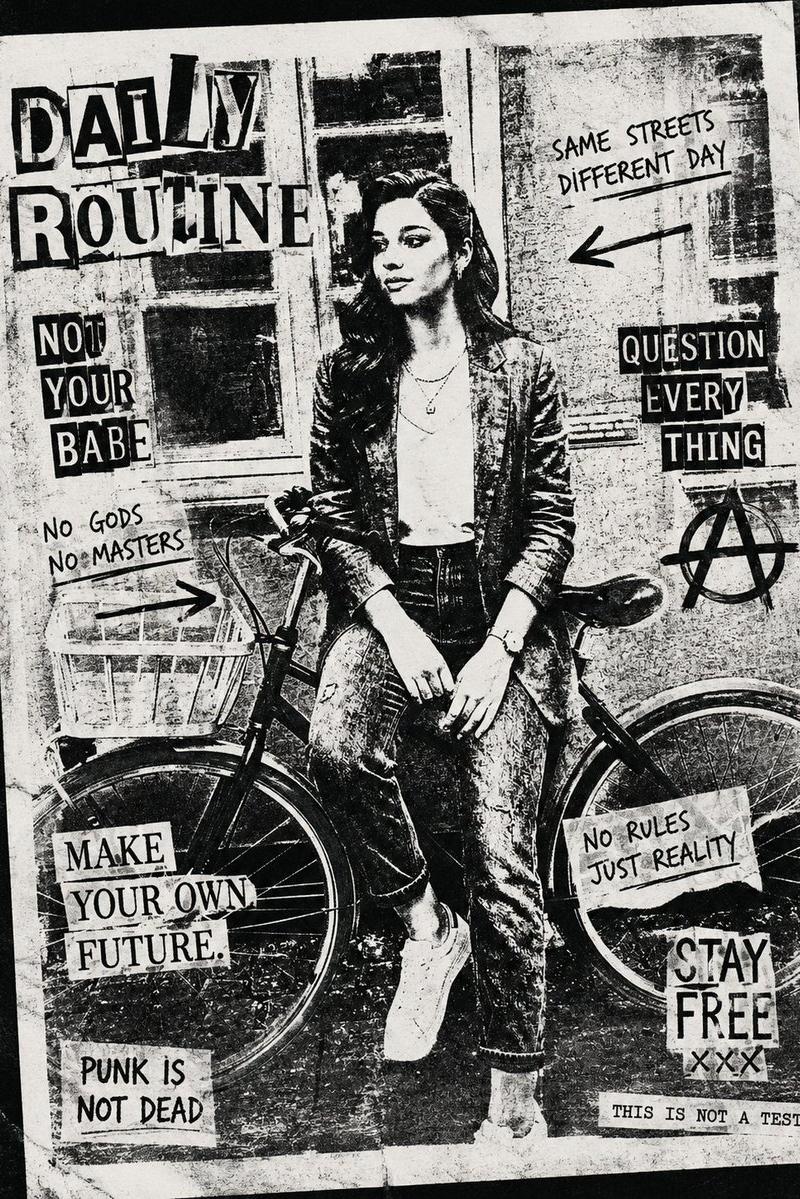
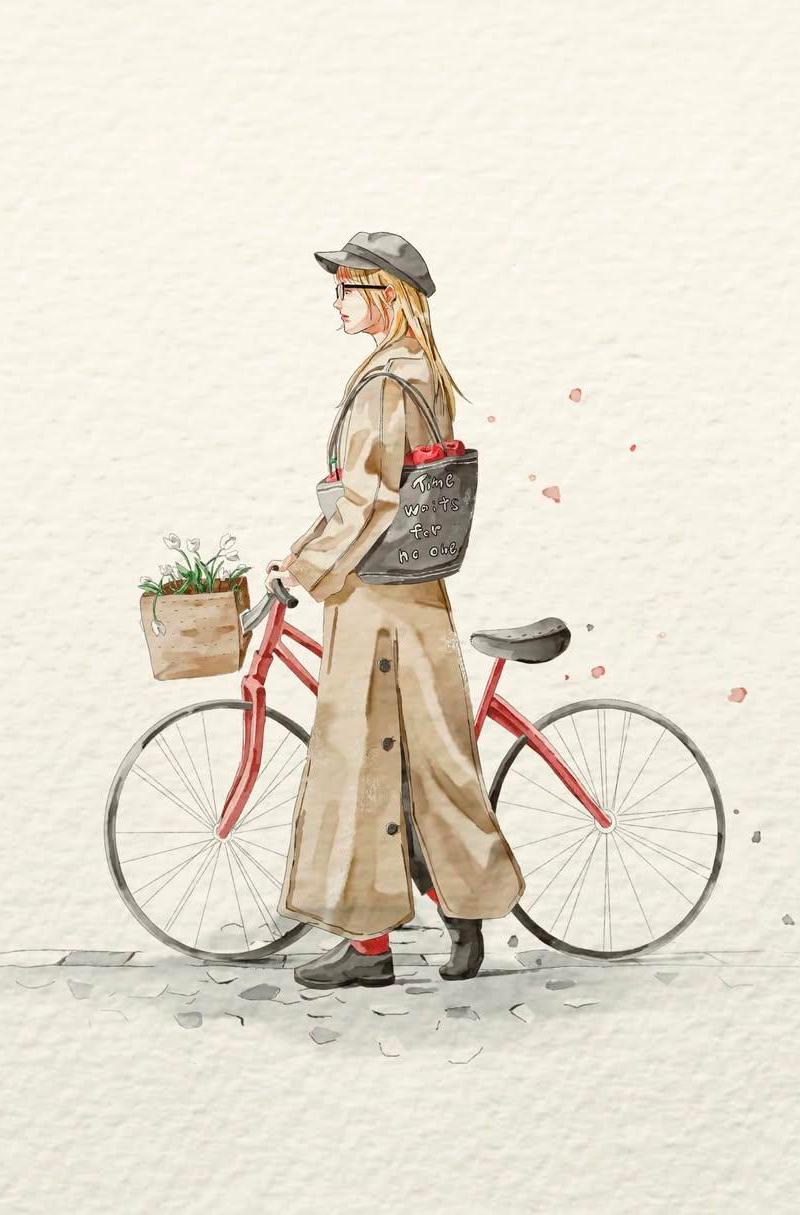
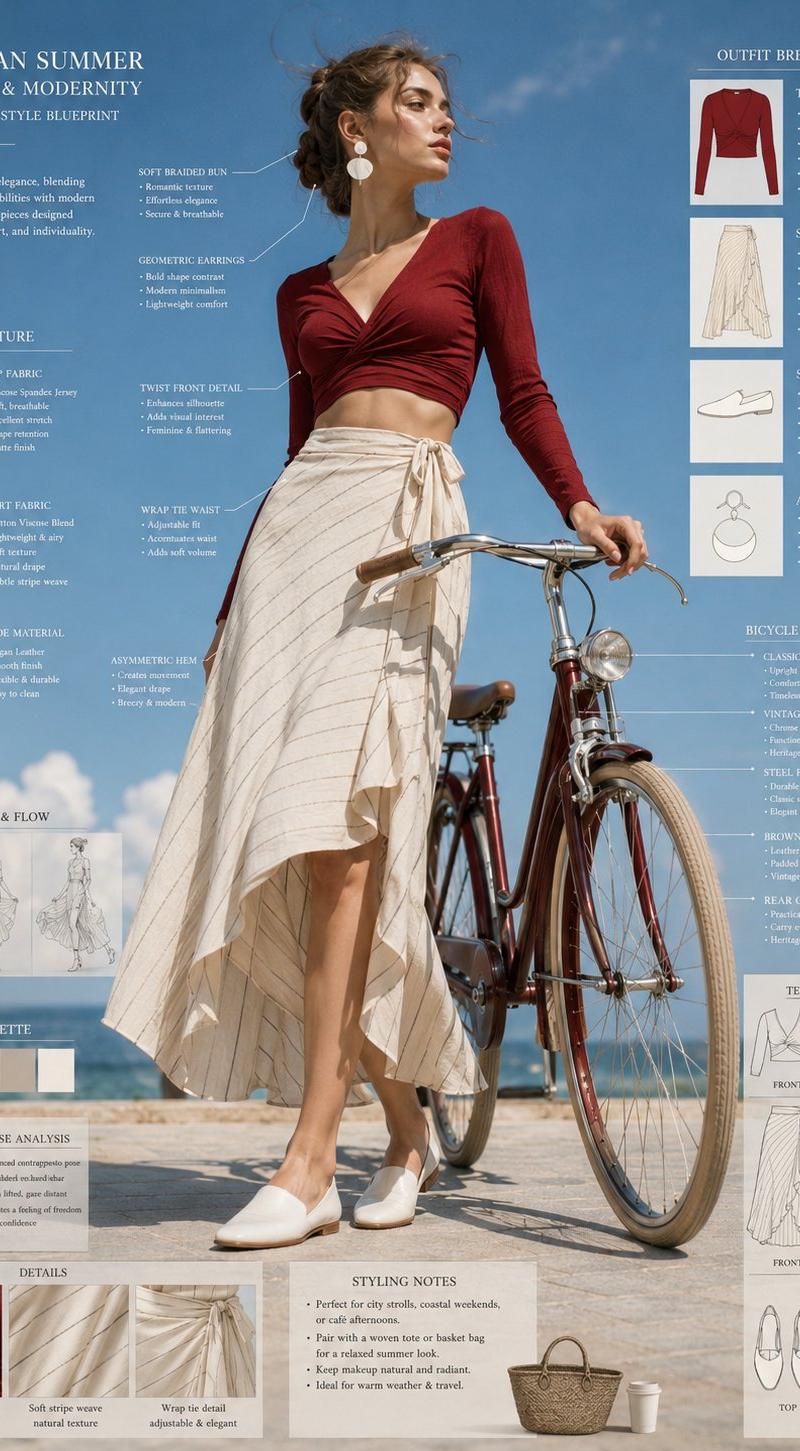
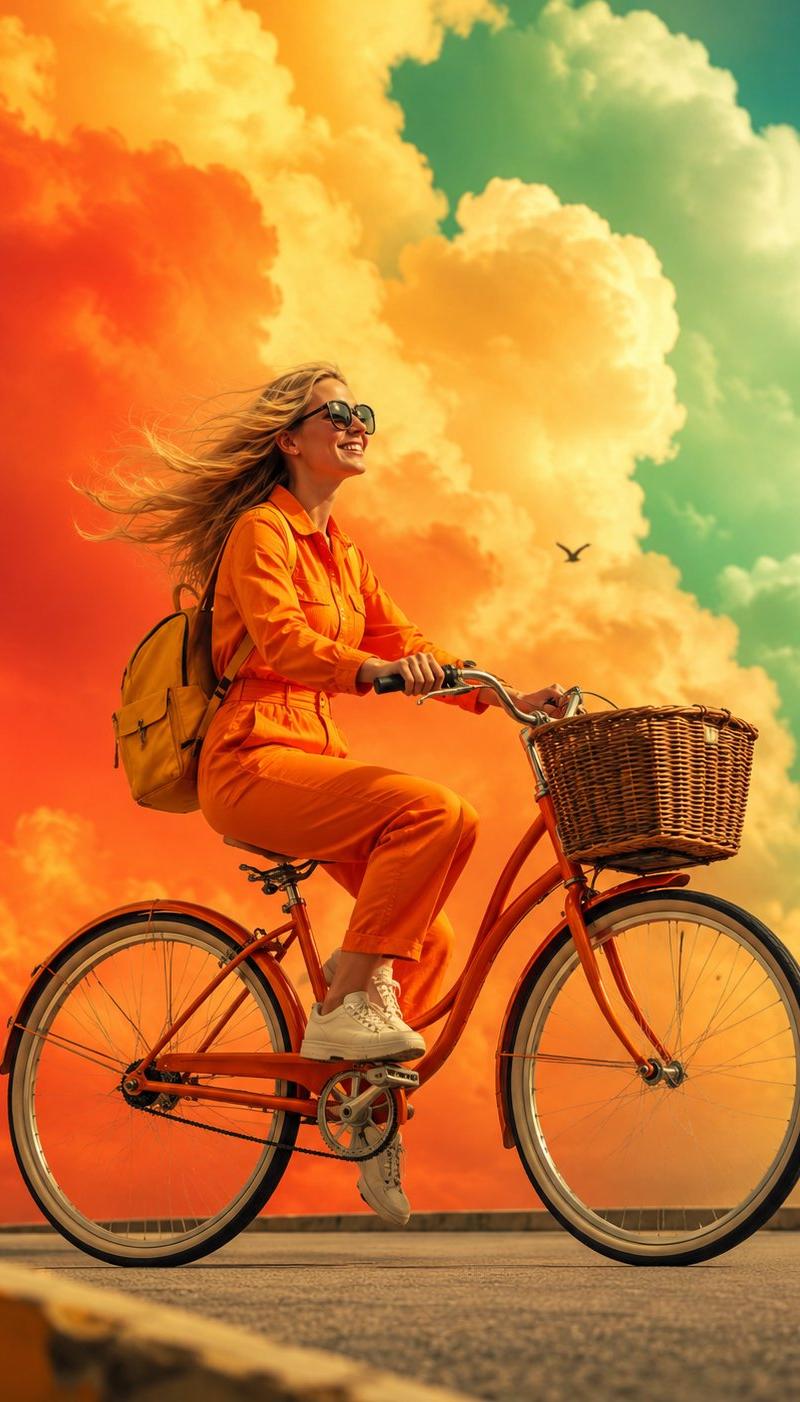
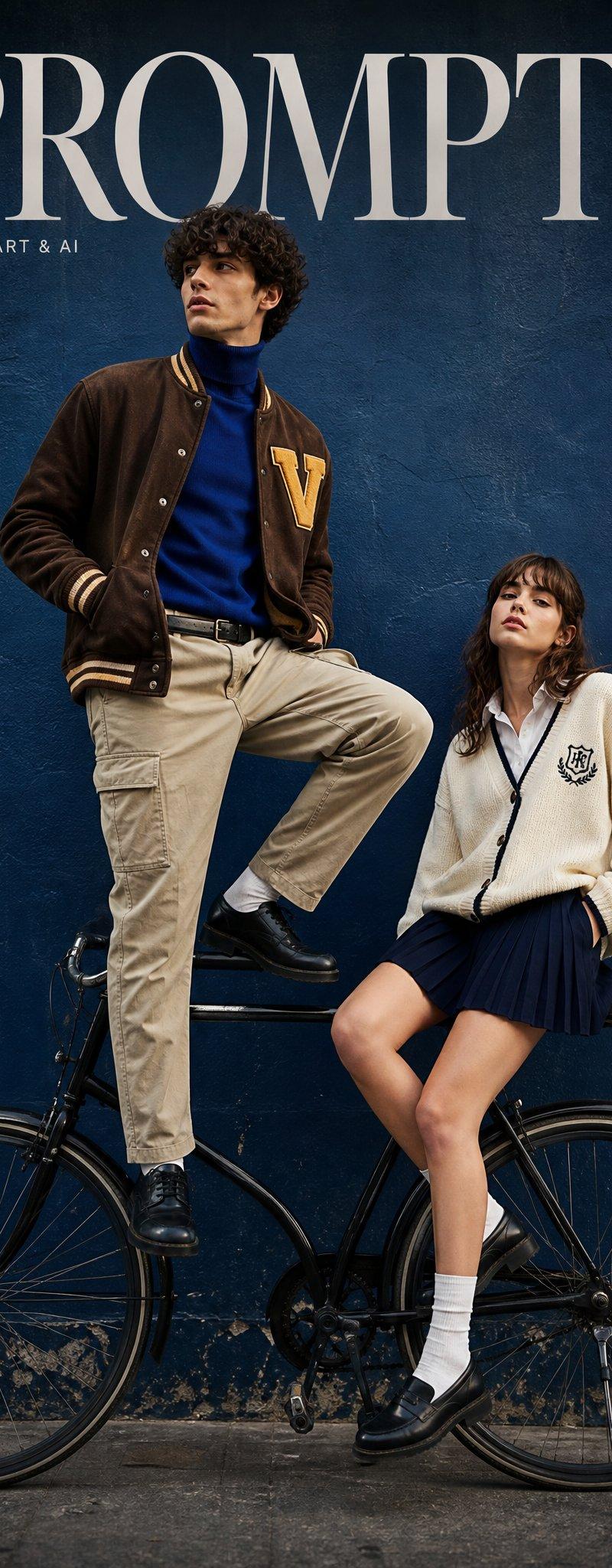
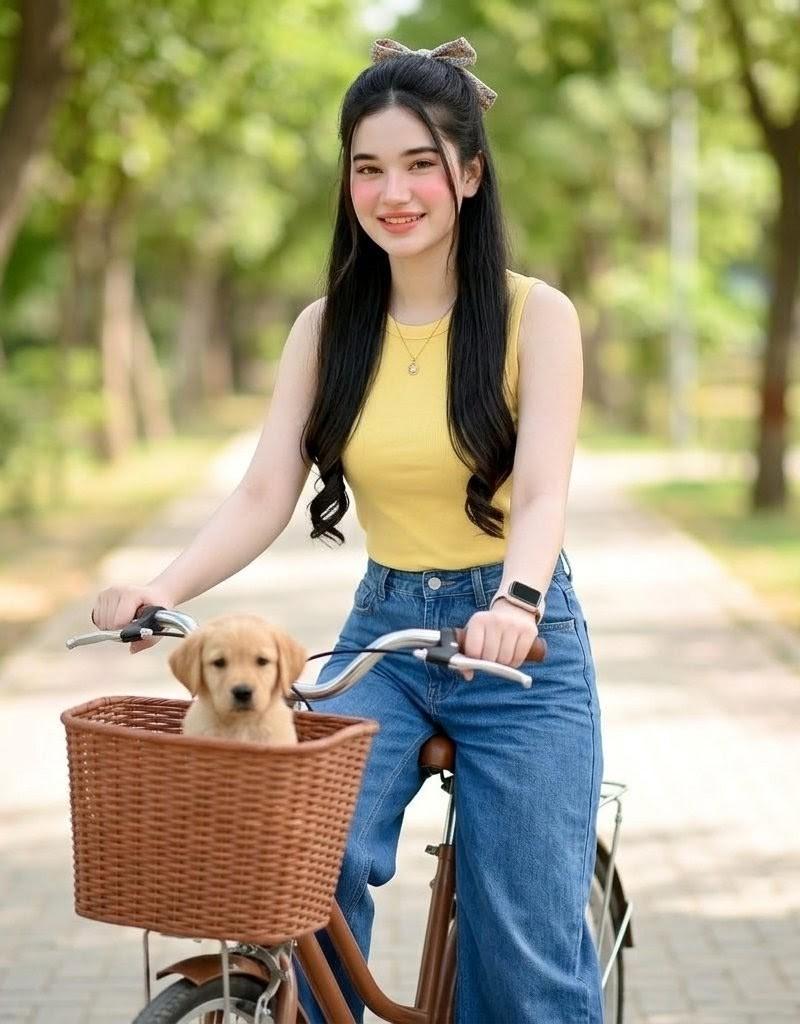
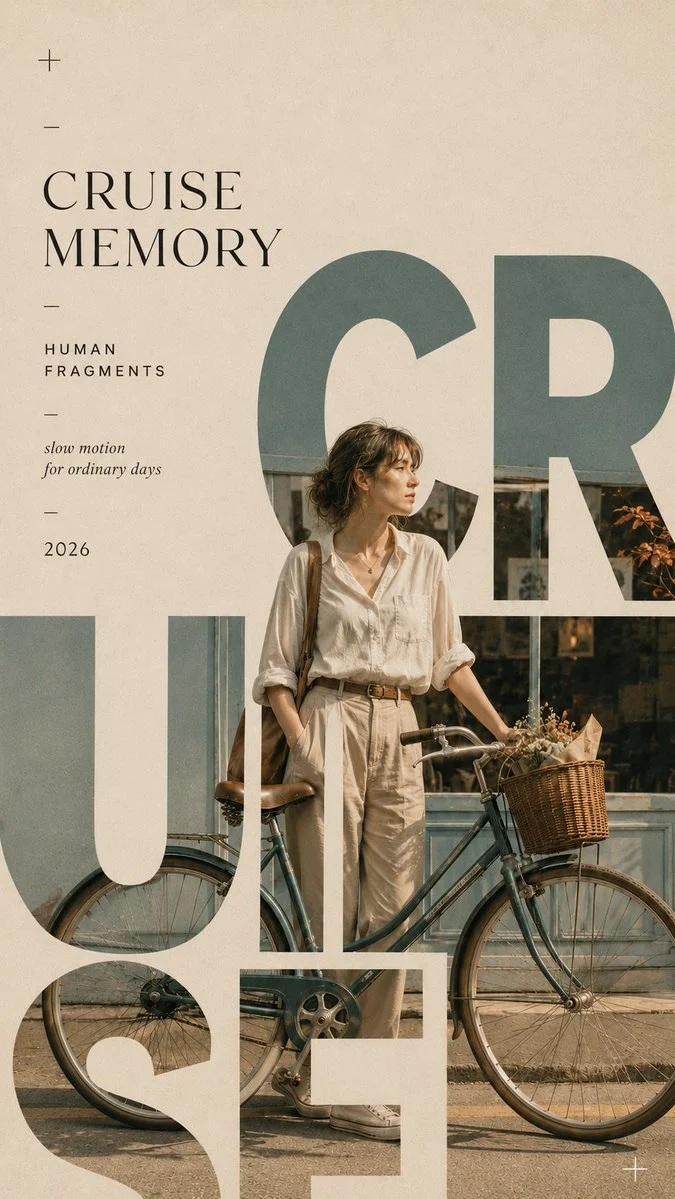
从一个以人为本的生活方式瞬间创作一张 9:16 的社论排版海报。 使用超大字体作为主要构图结构。让人物、动作、城市空间或日常场景出现在字母内部、...
Enlarge

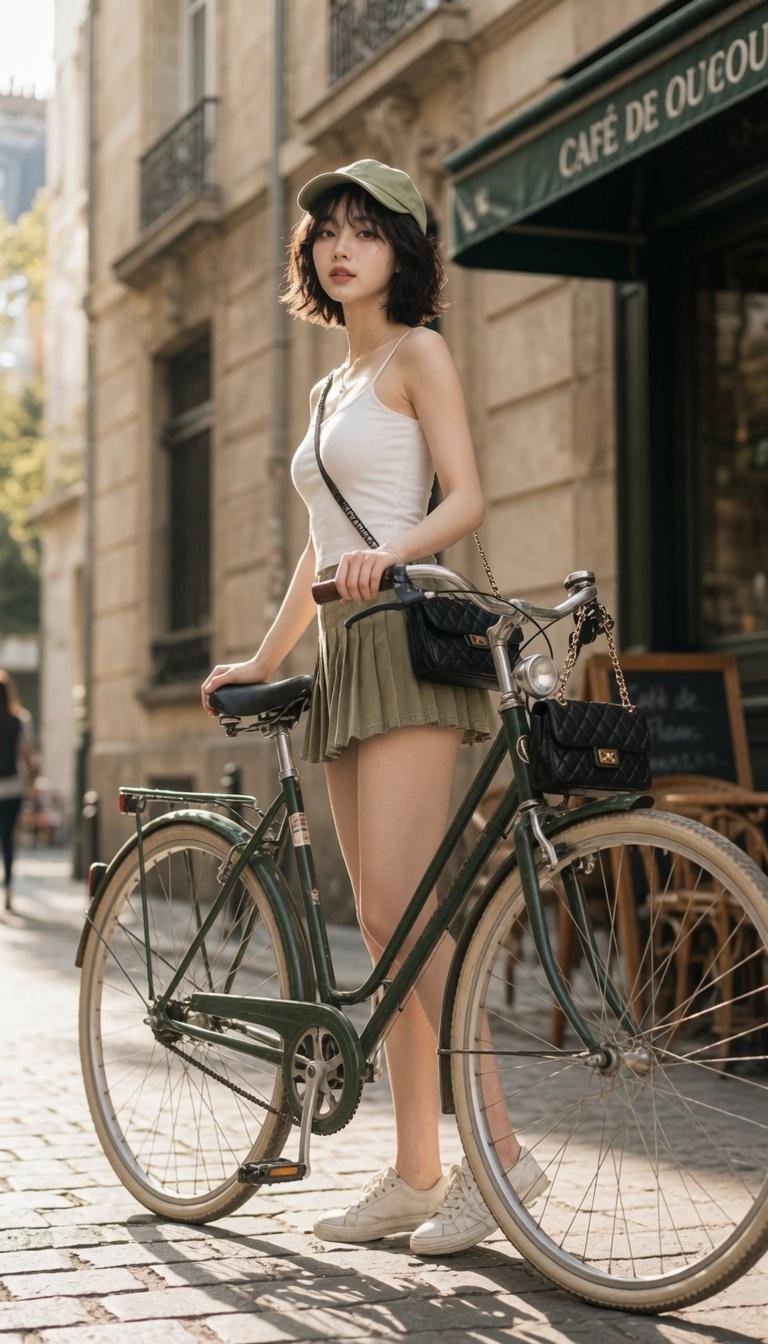
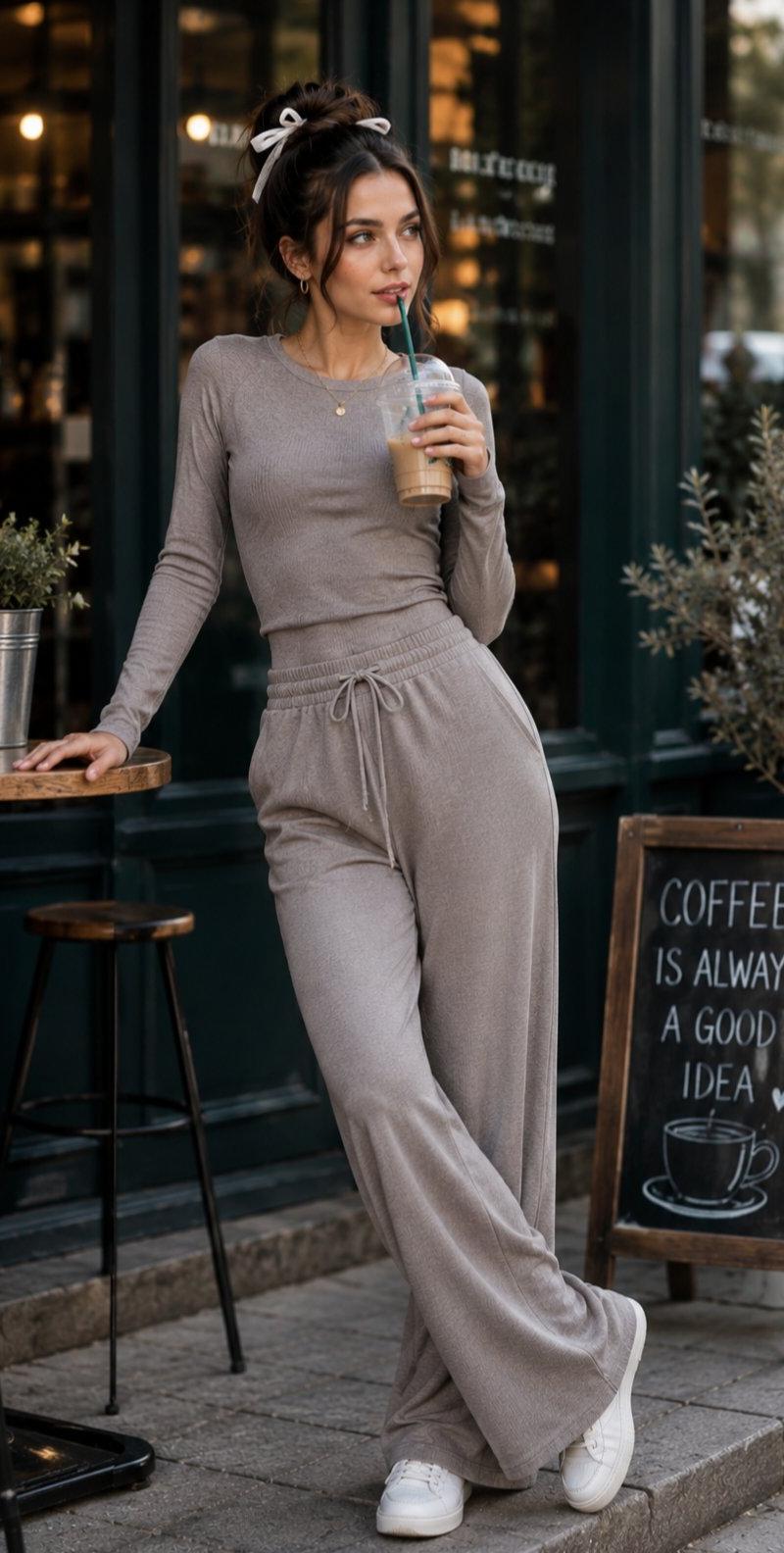
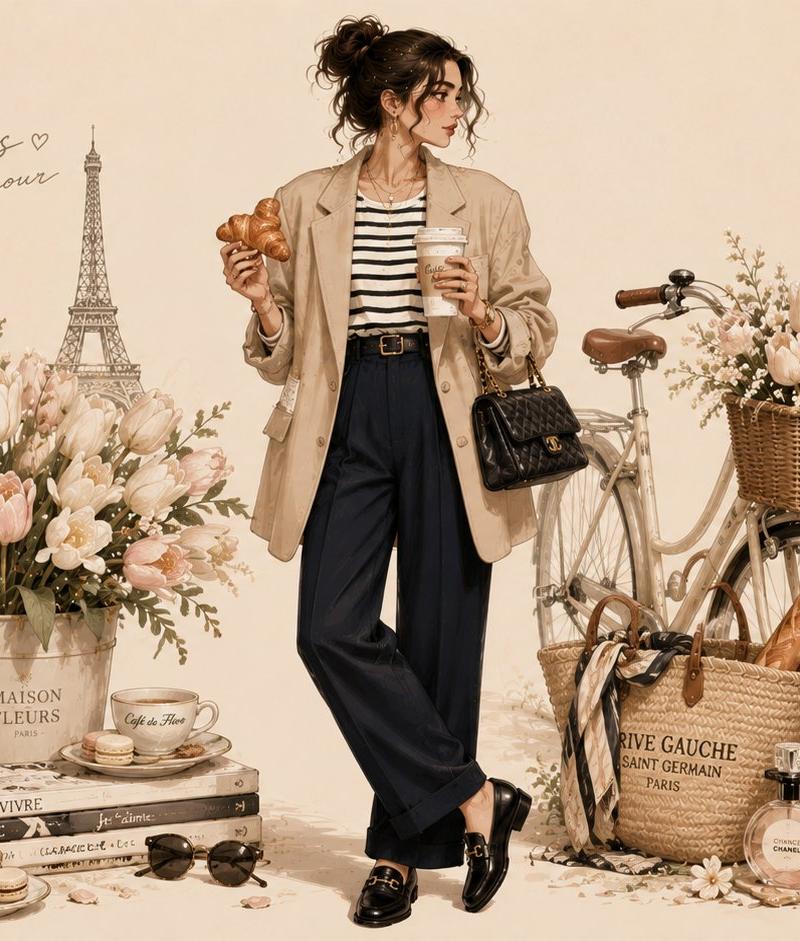
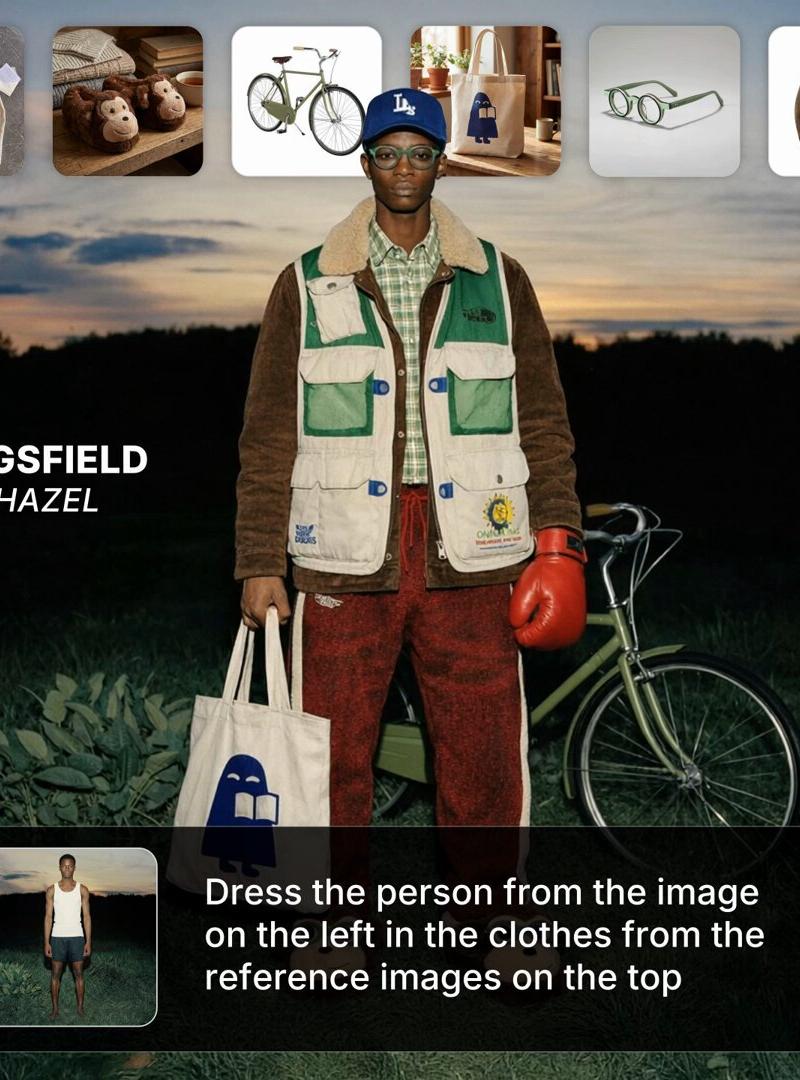
Example images

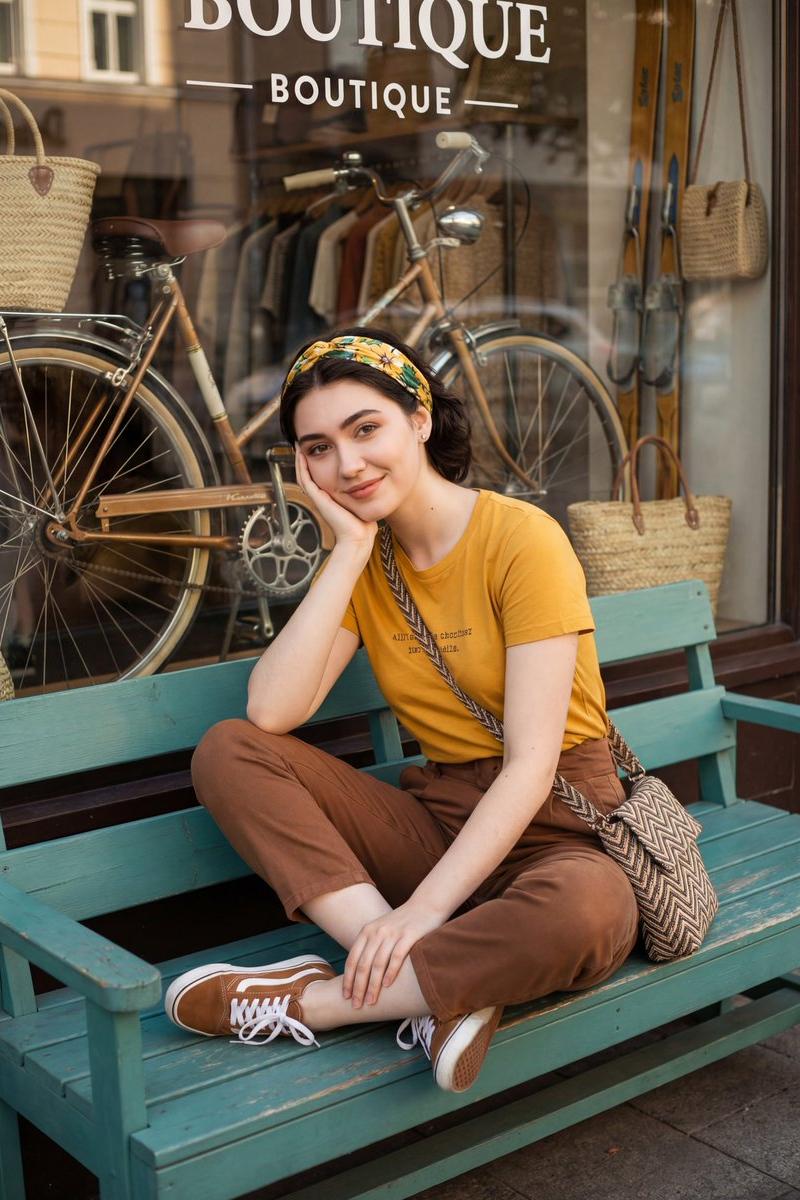
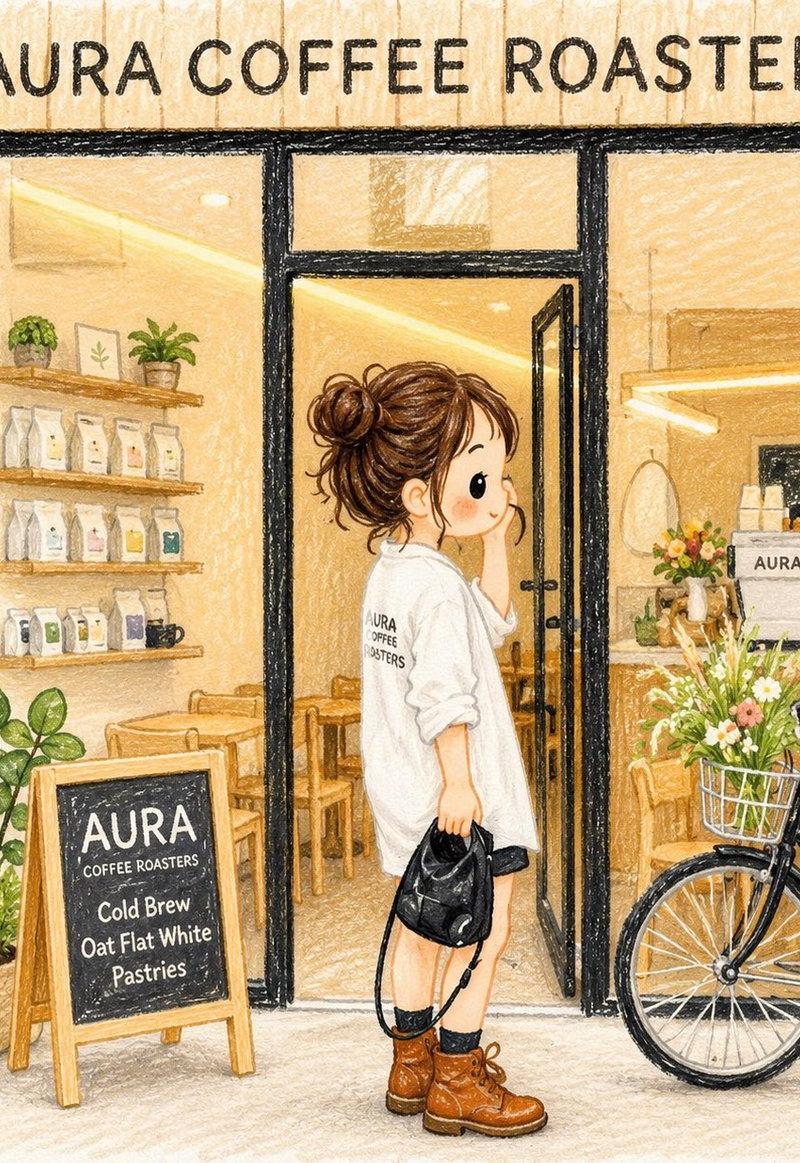
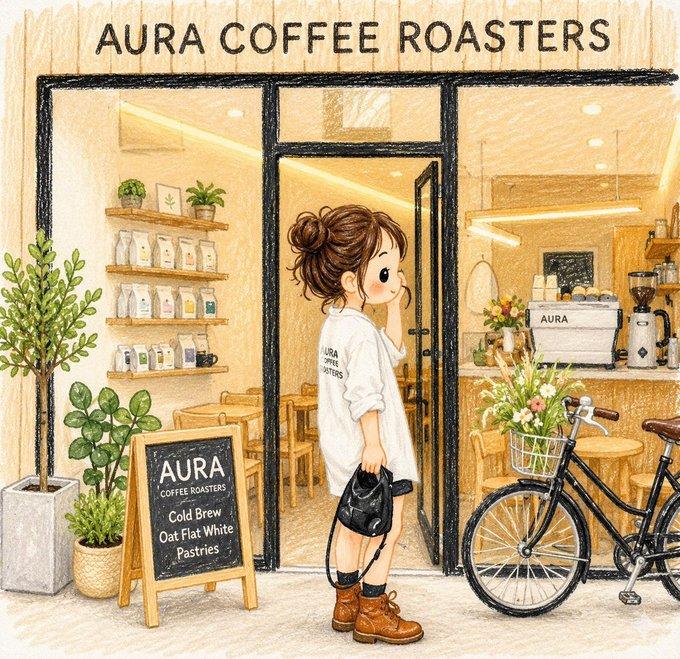
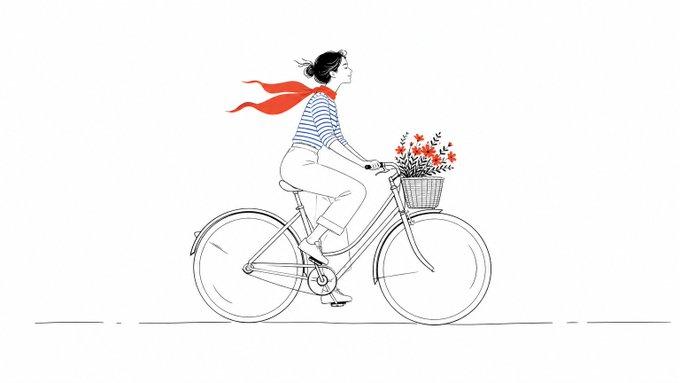
从一个以人为本的生活方式瞬间创作一张 9:16 的社论排版海报。 使用超大字体作为主要构图结构。让人物、动作、城市空间或日常场景出现在字母内部、...

Prompt
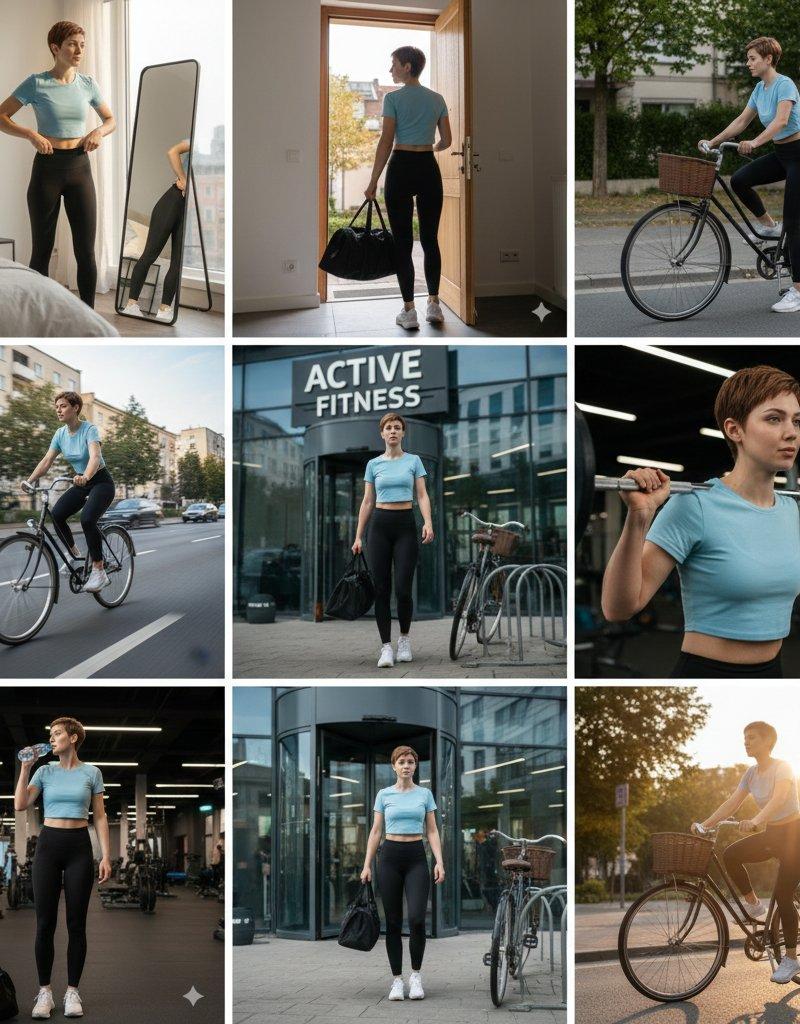
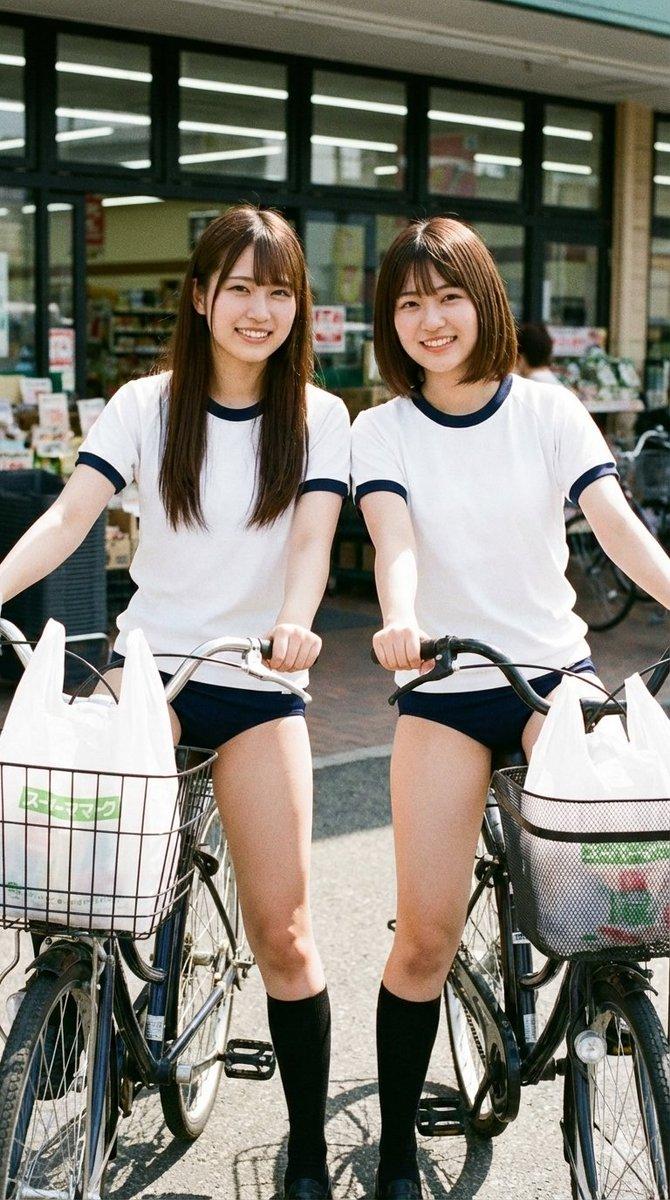
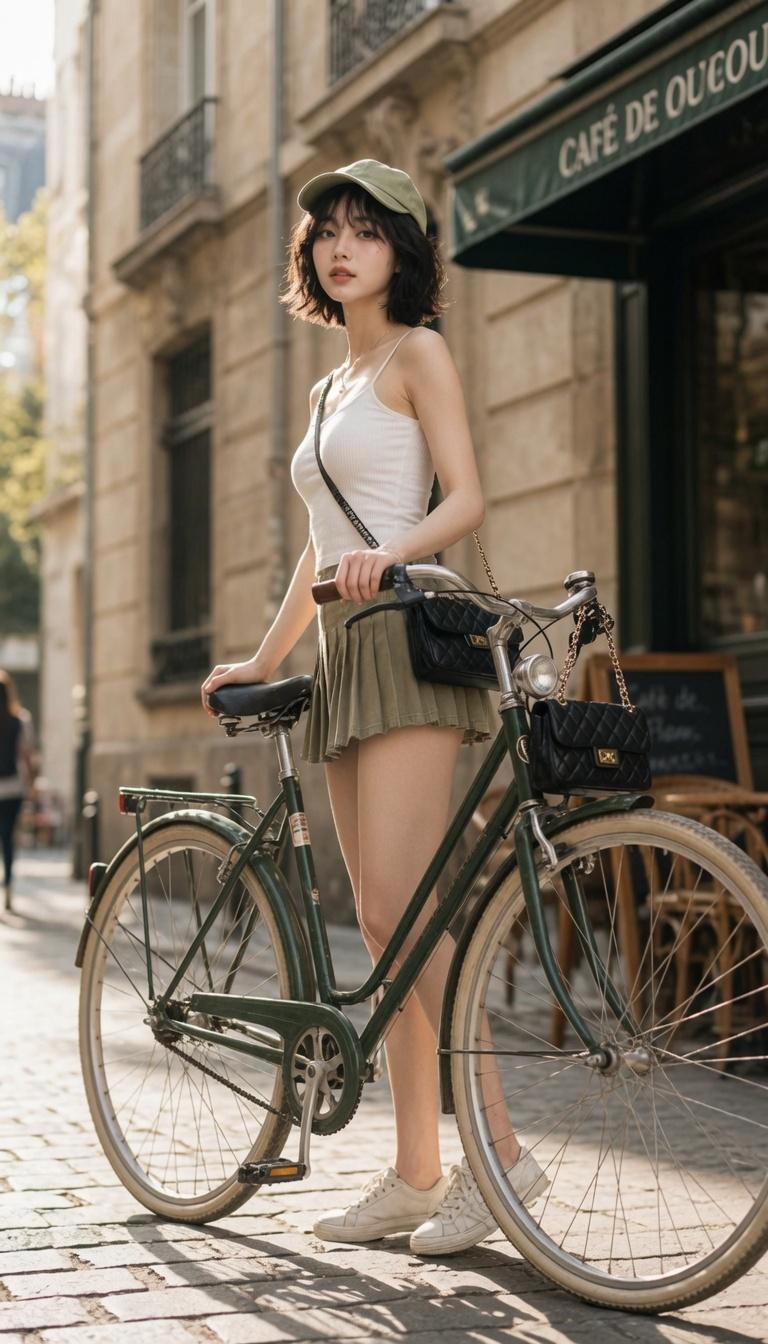
从一个以人为本的生活方式瞬间创作一张 9:16 的社论排版海报。 使用超大字体作为主要构图结构。让人物、动作、城市空间或日常场景出现在字母内部、穿过它们,或突破其边缘。图像应与字体融为一体,而非简单地置于文字后面。主题:[自定义标题] 主体:[主体性别或来源] 人类状态:[人类状态] 配色方案:[配色方案] 系列:HUMAN FRAGMENTS 年份:2026
Category
创意图片
Model
GPT Image 2
Creator
@ChillaiKalan__
Source language
zh-CN
Views4
Source ID
2084503517709119999
Published
Aug 4, 2026
Studio

Guide

About "从一个以人为本的生活方式瞬间创作一张 9:16 的社论排版海报。 使用超大字体作为主要构图结构。让人物、动作、城市空间或日常场景出现在字母内部、..."

What is this prompt for?

"从一个以人为本的生活方式瞬间创作一张 9:16 的社论排版海报。 使用超大字体作为主要构图结构。让人物、动作、城市空间或日常场景出现在字母内部、..." AI image prompt for GPT Image 2 (创意图片). Saved from X post by @ChillaiKalan__. Gpt…

The full copyable prompt and example visuals above are ready for AI image generation or one-click recreate in Picva.

How to use this prompt

  1. Step 1

    Open the prompt detail

    Review the example visuals, category, and full prompt text for "从一个以人为本的生活方式瞬间创作一张 9:16 的社论排版海报。 使用超大字体作为主要构图结构。让人物、动作、城市空间或日常场景出现在字母内部、...".

  2. Step 2

    Copy the prompt

    Copy the prompt body from this page, or load it directly in Studio.

  3. Step 3

    Pick a model (GPT Image 2)

    Prefer GPT Image 2. If you switch models, keep subject and composition and tweak style terms.

  4. Step 4

    Generate and export

    Recreate the look in Picva, or export into your workflow for editing and publishing.

FAQ

What is the "从一个以人为本的生活方式瞬间创作一张 9:16 的社论排版海报。 使用超大字体作为主要构图结构。让人物、动作、城市空间或日常场景出现在字母内部、..." prompt?
It is an AI image-generation prompt for GPT Image 2 in the 创意图片 category. This page includes the full prompt text, example visuals, and a one-click recreate path in Picva.
How do I use this prompt to generate an image?
Copy the prompt from this page, or use Generate / Studio. Paste it into a compatible image model, or recreate the look in Picva with optional reference images.
Which model is this prompt for?
This page lists GPT Image 2. Most descriptive prompts also transfer to nearby image models such as GPT Image, Flux, or Midjourney with light style tweaks.
Can I use the result commercially?
You can usually copy the prompt for creation, but commercial use of the final image depends on the model terms, reference-image rights, and the generated content. Follow the source author and platform rules.