20

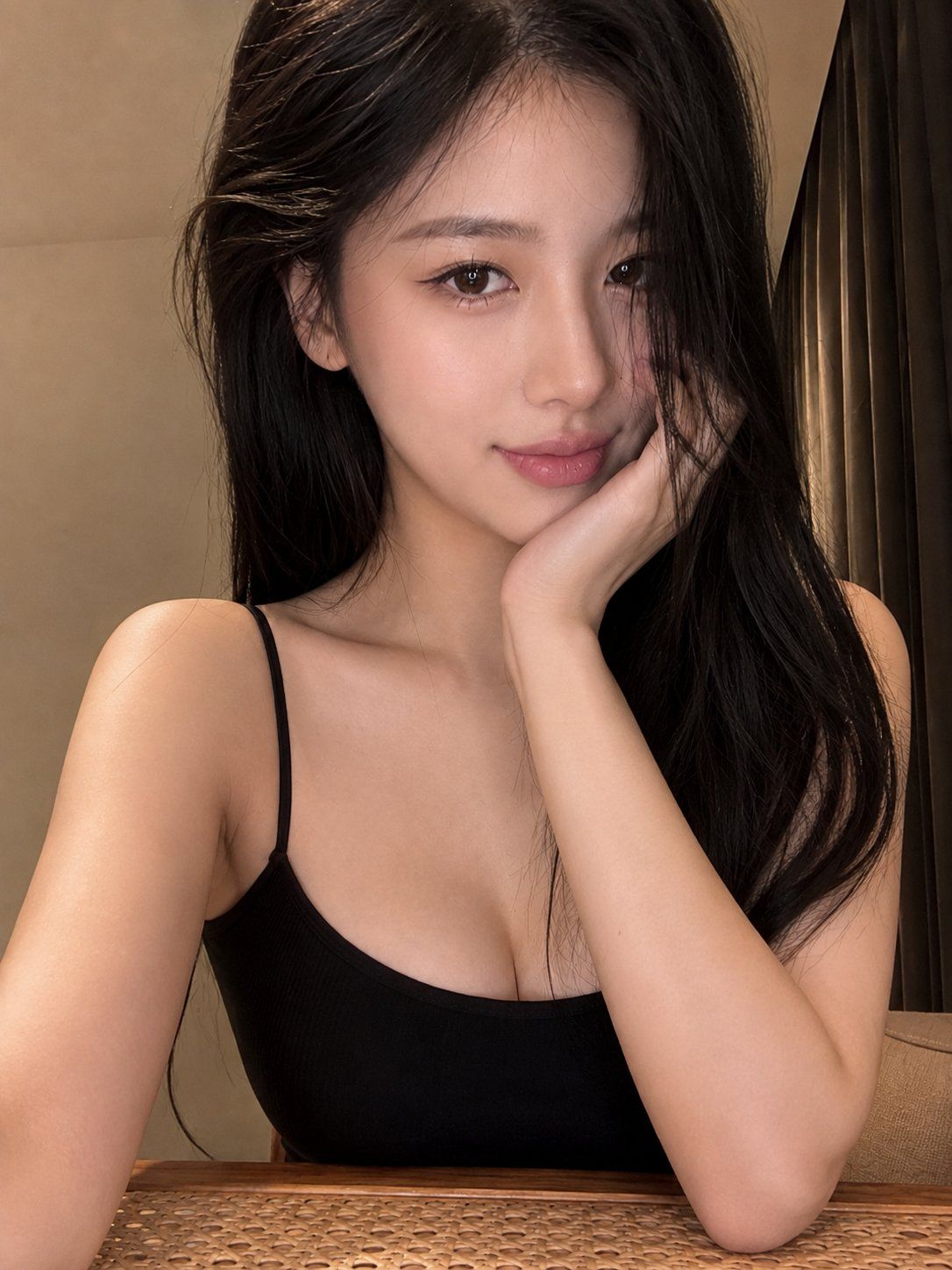
温柔的光、安静的眼神,还有一点只属于夜晚的情绪。 提示词Prompt: 3:4 竖版,超写实室内自拍人像摄影,近距离胸部以上构图,视平线轻微俯拍...
Enlarge

Example images

温柔的光、安静的眼神,还有一点只属于夜晚的情绪。 提示词Prompt: 3:4 竖版,超写实室内自拍人像摄影,近距离胸部以上构图,视平线轻微俯拍...

Prompt
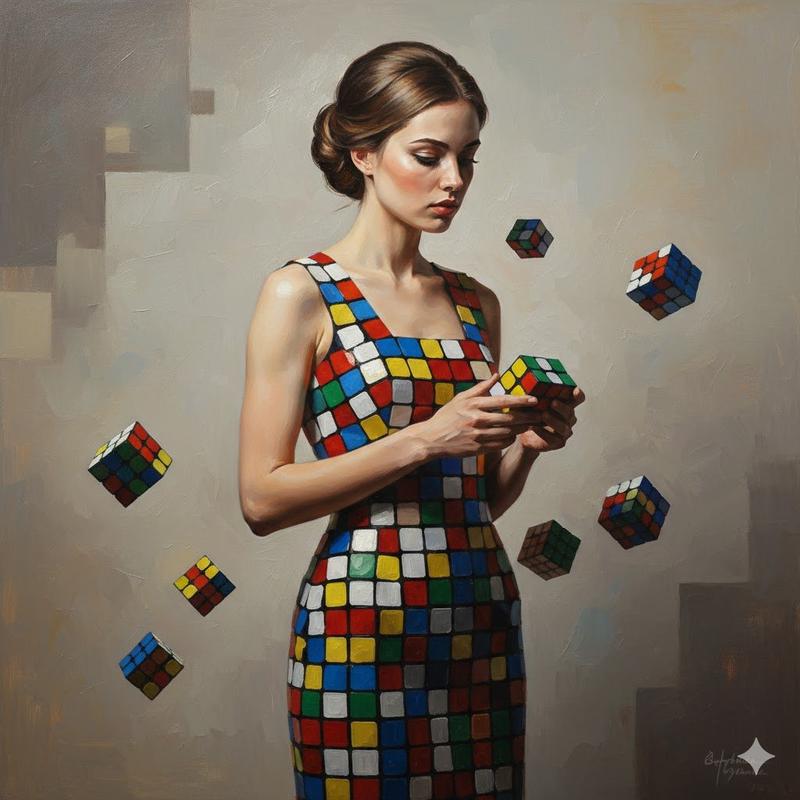
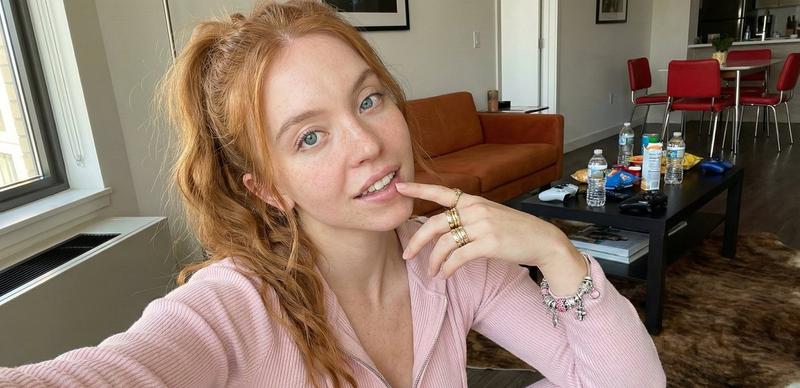
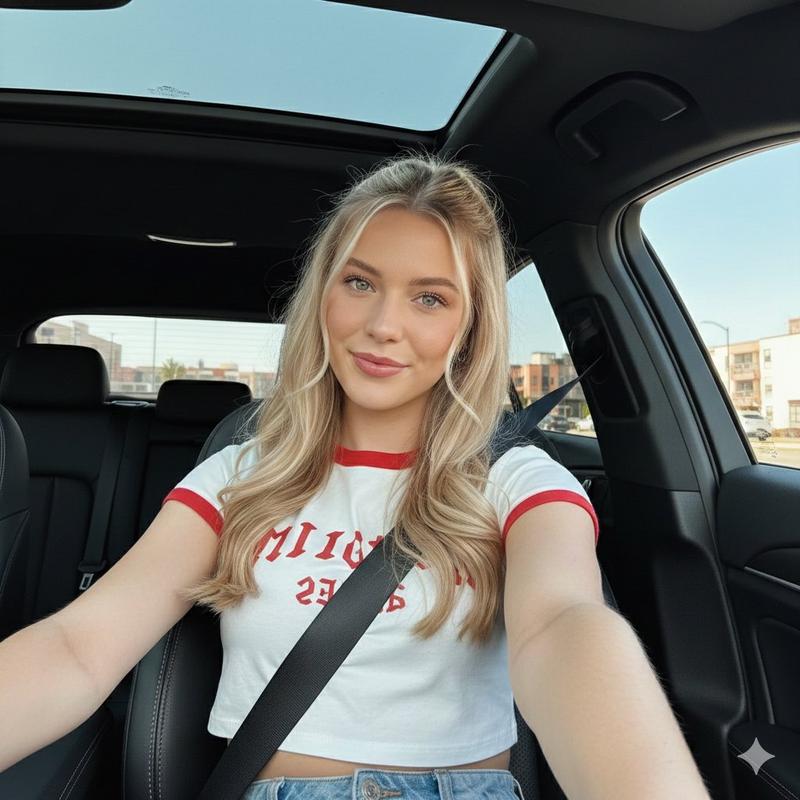
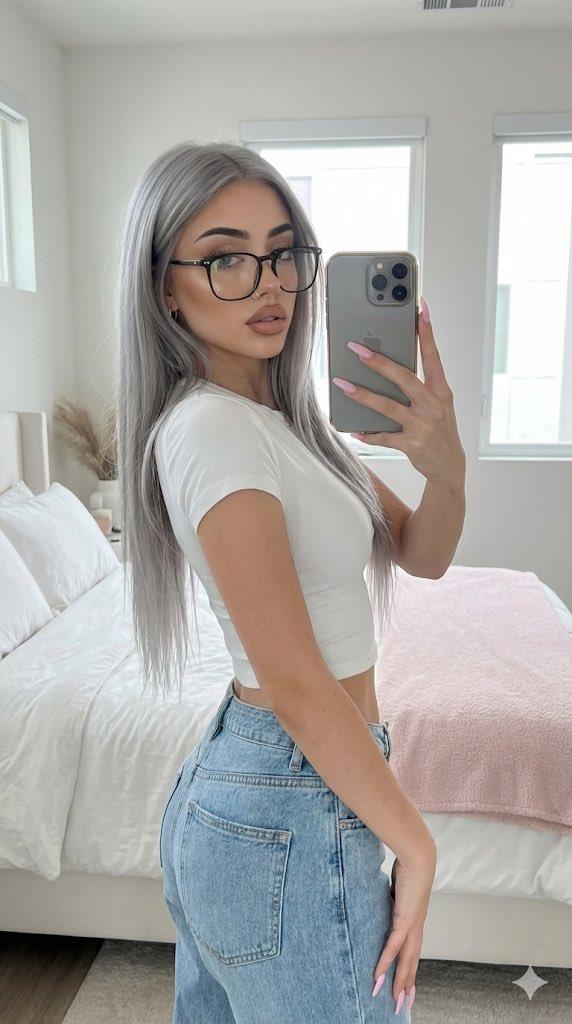
温柔的光、安静的眼神,还有一点只属于夜晚的情绪。 提示词Prompt: 3:4 竖版,超写实室内自拍人像摄影,近距离胸部以上构图,视平线轻微俯拍,手机前置镜头般的亲密视角。一位明确 22–26 岁的虚构成年东亚女性,具有精致自然的 ins 韩系网红气质。 她拥有白皙通透的暖象牙色肌肤,保留真实皮肤毛孔、细小绒毛和轻微肤色变化;精致流畅的鹅蛋脸,杏仁状深棕色眼睛,清晰自然的双眼皮,纤细眼线和浓密长睫毛;鼻梁细直,嘴唇自然饱满,涂柔和的哑光裸粉色口红。长而笔直的丝滑黑发披散在肩头,部分发丝自然垂落在脸部右侧。 她身体微微朝镜头前倾,一只手肘支撑在桌面上,手掌轻轻托住脸颊,手指自然贴近耳侧和发丝。头部轻微向托腮一侧倾斜,下巴略微收起,双眼平静直视镜头,嘴角露出非常轻微、温柔而自然的浅笑,呈现亲切、松弛、略带暧昧的情绪。 穿着修身黑色细肩带背心,露出自然肩颈线条、锁骨和纤细手臂,衣物保持真实哑光针织纹理与自然褶皱。背景为简洁的暖米色墙壁,画面右侧是带竖向褶皱的深色窗帘,底部可见木质边框与藤编桌面。 柔和暖色室内灯光从画面左前方照射,脸部高光克制,阴影柔和,肤色自然,不使用塑料磨皮。脸部和眼睛锐利对焦,背景轻微虚化,浅景深,照片级真实,高细节,温暖、私密、亲近的自拍氛围。
Category
创意图片
Model
GPT Image 2
Views0
Source ID
2085257061303189553
Published
Aug 10, 2026

Guide

About "温柔的光、安静的眼神,还有一点只属于夜晚的情绪。 提示词Prompt: 3:4 竖版,超写实室内自拍人像摄影,近距离胸部以上构图,视平线轻微俯拍..."

What is this prompt for?

"温柔的光、安静的眼神,还有一点只属于夜晚的情绪。 提示词Prompt: 3:4 竖版,超写实室内自拍人像摄影,近距离胸部以上构图,视平线轻微俯拍..." AI image prompt for GPT Image 2 (创意图片). Saved from X post by @chenlinspark. 温柔的光、…

The full copyable prompt and example visuals above are ready for AI image generation or one-click recreate in Picva.

How to use this prompt

  1. Step 1

    Open the prompt detail

    Review the example visuals, category, and full prompt text for "温柔的光、安静的眼神,还有一点只属于夜晚的情绪。 提示词Prompt: 3:4 竖版,超写实室内自拍人像摄影,近距离胸部以上构图,视平线轻微俯拍...".

  2. Step 2

    Copy the prompt

    Copy the prompt body from this page, or load it directly in Studio.

  3. Step 3

    Pick a model (GPT Image 2)

    Prefer GPT Image 2. If you switch models, keep subject and composition and tweak style terms.

  4. Step 4

    Generate and export

    Recreate the look in Picva, or export into your workflow for editing and publishing.

FAQ

What is the "温柔的光、安静的眼神,还有一点只属于夜晚的情绪。 提示词Prompt: 3:4 竖版,超写实室内自拍人像摄影,近距离胸部以上构图,视平线轻微俯拍..." prompt?
It is an AI image-generation prompt for GPT Image 2 in the 创意图片 category. This page includes the full prompt text, example visuals, and a one-click recreate path in Picva.
How do I use this prompt to generate an image?
Copy the prompt from this page, or use Generate / Studio. Paste it into a compatible image model, or recreate the look in Picva with optional reference images.
Which model is this prompt for?
This page lists GPT Image 2. Most descriptive prompts also transfer to nearby image models such as GPT Image, Flux, or Midjourney with light style tweaks.
Can I use the result commercially?
You can usually copy the prompt for creation, but commercial use of the final image depends on the model terms, reference-image rights, and the generated content. Follow the source author and platform rules.