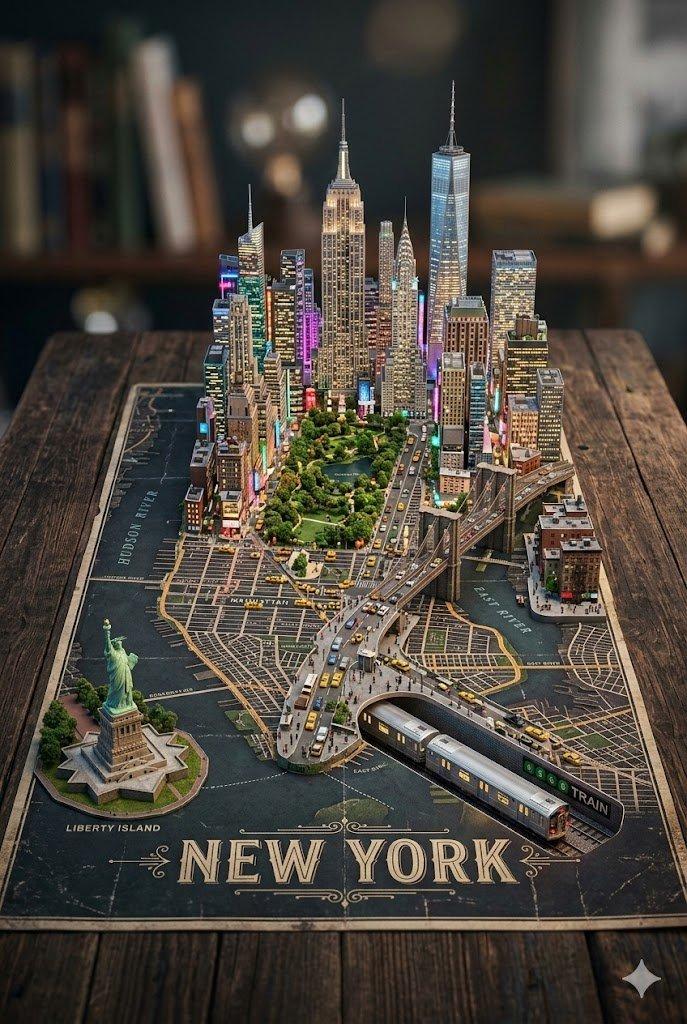
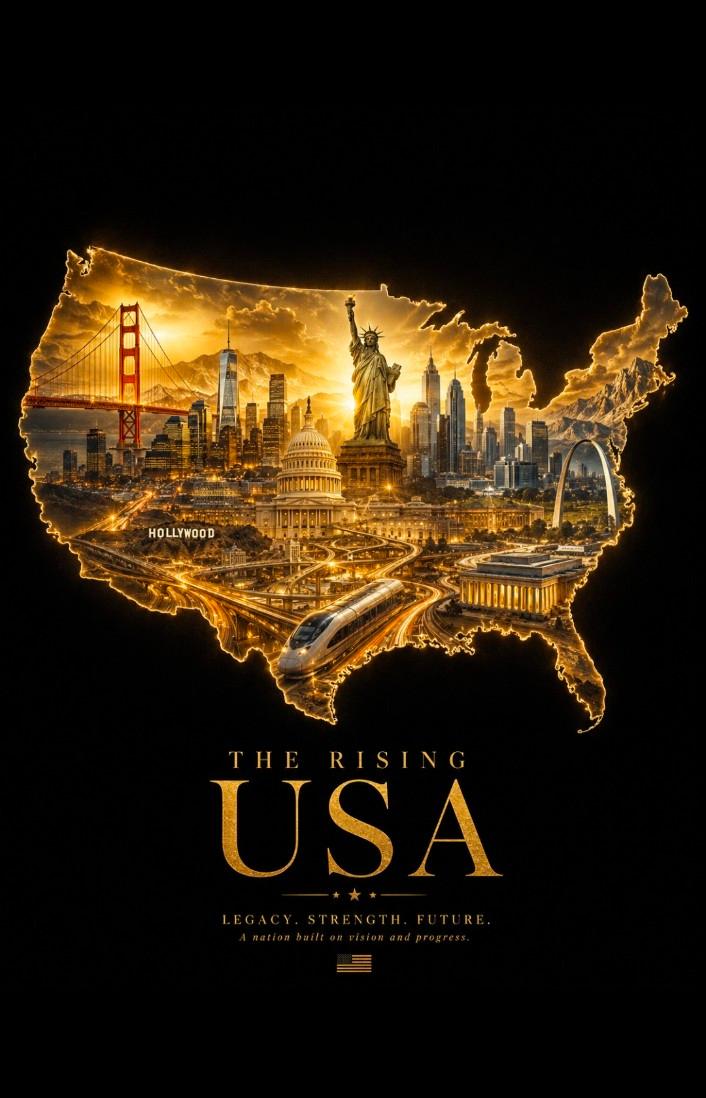
![创作一幅精致的宽幅景观插图,描绘 [CITY/SUBJECT],以 [ICONIC LANDMARK] 作为主要的可辨识视觉锚点。 风格:极简、...](https://whqgdndlpxjbwosvipip.supabase.co/storage/v1/render/image/public/prompt-source-media/x-captures/2085649274042564642/snapshot-1-e210dfb4dfa2562b.jpg?width=1200&quality=80&resize=contain)
创作一幅精致的宽幅景观插图,描绘 [CITY/SUBJECT],以 [ICONIC LANDMARK] 作为主要的可辨识视觉锚点。 风格:极简、...
Prompt
创作一幅精致的宽幅景观插图,描绘 [CITY/SUBJECT],以 [ICONIC LANDMARK] 作为主要的可辨识视觉锚点。 风格:极简、优雅的粉彩纸艺拼贴旅行海报。风格化而非写实,使用干净的几何形状、分层纸艺剪裁、清晰的剪影、柔和的曲线、微妙的 3D 纸艺浮雕、哑光水粉纹理、精致的纸张纹理、凸起的边缘、柔和的剪纸阴影,以及精炼的社论插图。 构图:宽敞的水平布局,[ICONIC LANDMARK] 通过其 [DISTINCTIVE FEATURES] 清晰可辨。围绕其布置简化的 [CONTEXTUAL ELEMENTS]、用于比例的小型人物、相关的植被、建筑、景观、交通和文化细节。宽裕的负空间、强烈的视觉层次、平衡的分层、宁静的开放天空。 颜色:柔和的和谐粉彩色调——柔和的天蓝色、蓝灰色、鼠尾草绿、薄荷绿、奶油色、米色、浅石色、尘粉珊瑚色、桃色、柔和的黄色、米白色,辅以最少的深色点缀。自然适应 [CITY/SUBJECT] 及其文化/环境身份的颜色。 氛围:明亮的柔和日光、轻柔的阴影、平静、优雅、诗意、乐观、悠闲、精致。 排版:左上角:'[CITY/SUBJECT NAME]' 以大写几何无衬线字体、宽字符间距、白色呈现。下面:'[LOCAL LANGUAGE · TRANSLATION]' 和 '[LANDMARK/SUBTITLE]',小号字体、白色、左对齐、宽松间距。 避免:照片级真实感、粗重轮廓、过多细节、凌乱笔触、霓虹色、黑暗照明、过多渐变、杂乱、不准确的文化元素、可读的标牌、标志、水印。 最终效果:一张优质的收藏级旅行海报插图——触感十足、极简、可辨识、文化真实、柔和欢快、视觉上宁静。 变量: [ CITY/SUBJECT ] = 目标目的地或主题 [ ICONIC LANDMARK ] = 主要视觉锚点 [ DISTINCTIVE FEATURES ] = 可辨识特征 [ CONTEXTUAL ELEMENTS ] = 支持性的本地细节 [ CITY/SUBJECT NAME ] = 主要标题 [ LOCAL LANGUAGE · TRANSLATION ] = 本地标题 + 翻译 [ LANDMARK/SUBTITLE ] = 简短描述性副标题。宽高比 4:5
- Category
- 创意图片
- Model
- GPT Image 2
- Creator
- @Goodmanprotocol
- Source ID
- 2085649274042564642
- Published
- Aug 8, 2026
Views0


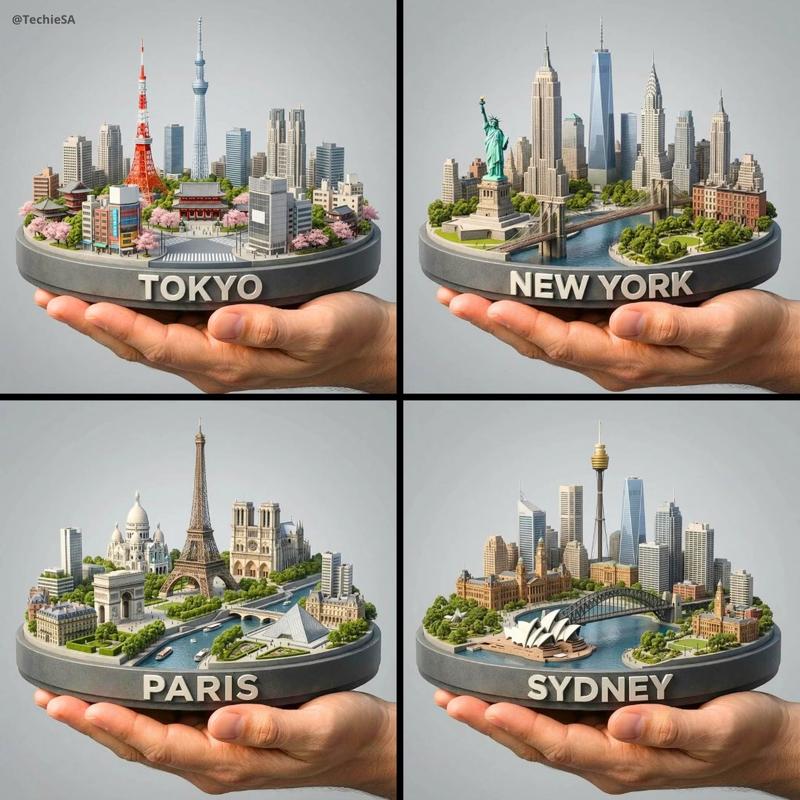
![[城市/国家] 的复古混合媒介旅行海报,采用陈旧的棕褐色纸张,特色是醒目的现代字体、大型抽象背景字母配以水彩墨水飞溅,以及复古丝网印刷纹理。中央...](https://whqgdndlpxjbwosvipip.supabase.co/storage/v1/render/image/public/prompt-source-media/x-captures/2078508305039966420/snapshot-1-36d9c35e7f5b1820.jpg?width=800&quality=75&resize=contain)