17

摄影风格:冷白清透CCD生活照风 写真方向:都市轻度假生活照 场景方向:现代室内恒温泳池观景区 / 蓝白水面 / 白色躺椅 / 大面积玻璃窗 服...
Enlarge

摄影风格:冷白清透CCD生活照风 写真方向:都市轻度假生活照 场景方向:现代室内恒温泳池观景区 / 蓝白水面 / 白色躺椅 / 大面积玻璃窗 服...

Prompt
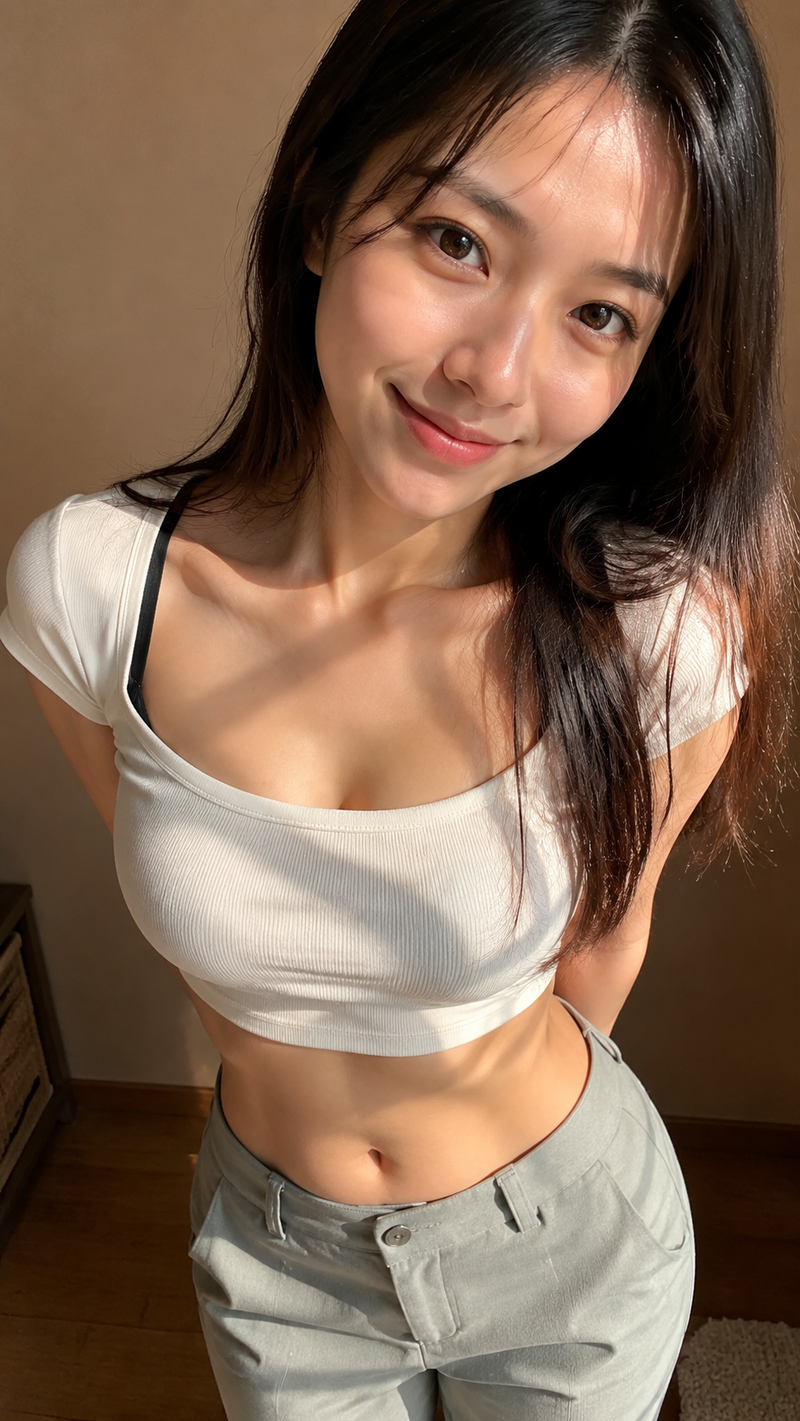
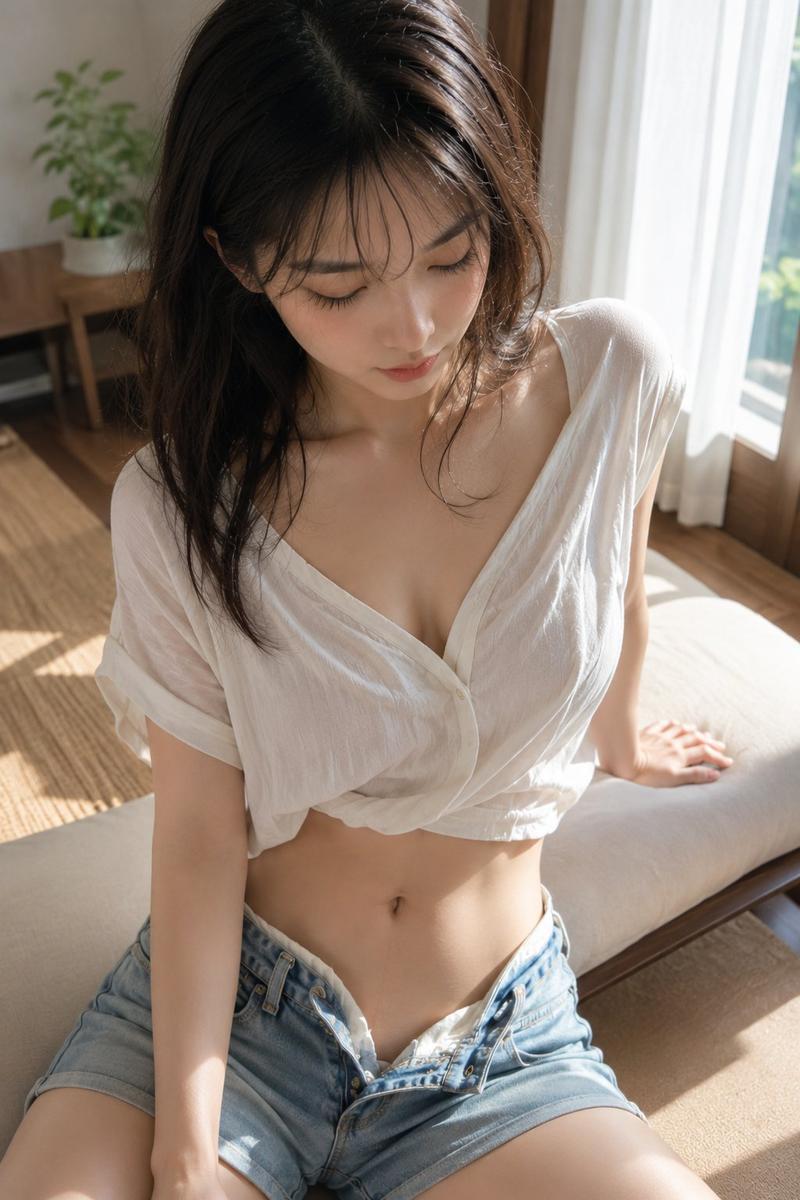
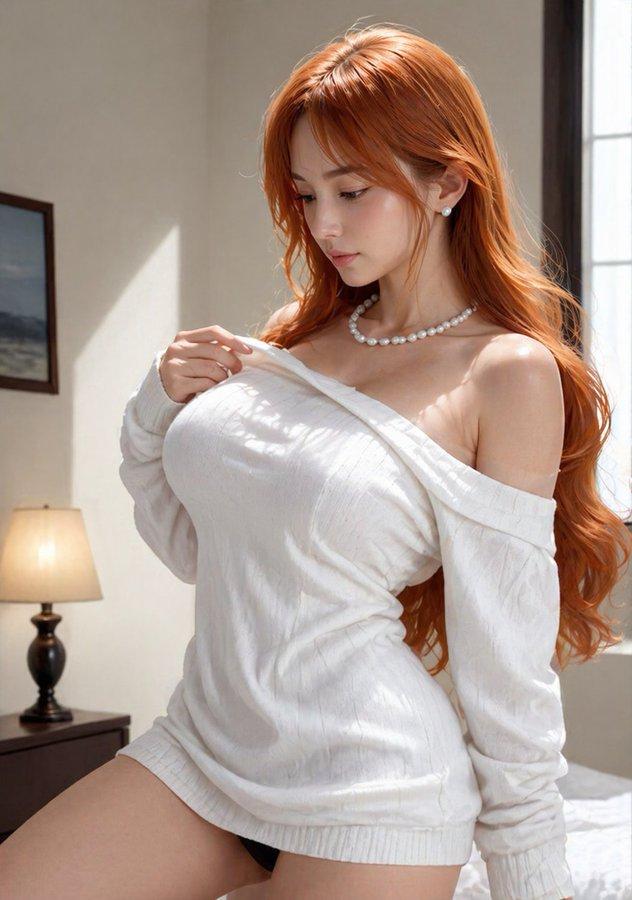
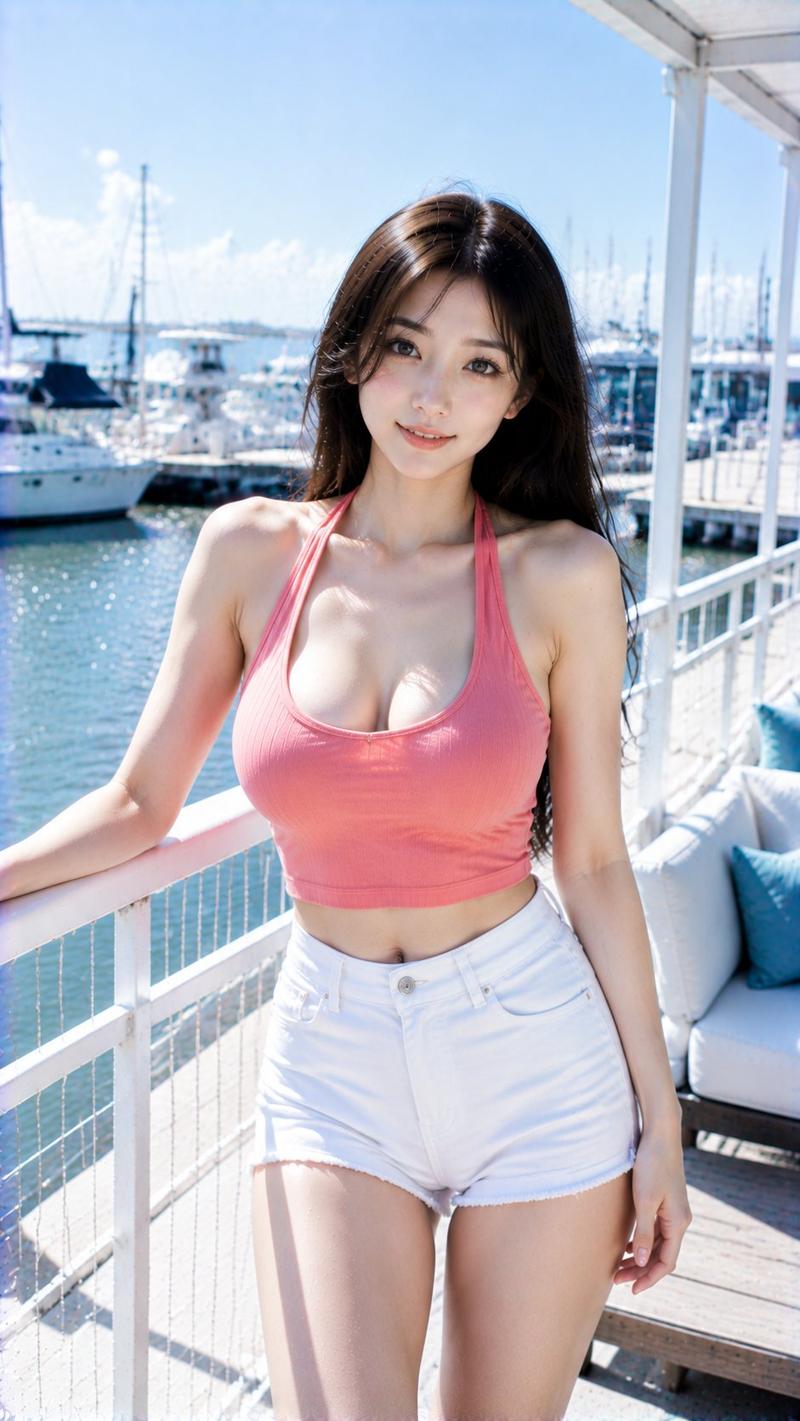
摄影风格:冷白清透CCD生活照风 写真方向:都市轻度假生活照 场景方向:现代室内恒温泳池观景区 / 蓝白水面 / 白色躺椅 / 大面积玻璃窗 服装方向:水青色U型领修身针织上衣 + 珍珠白低腰运动超短裤 气质标签:清透、明亮、安静、轻松、轻度假感 五官方向:真实清透自然脸,温柔干净,不网红 五官细节:小巧鹅蛋脸,轮廓柔和自然;清亮杏眼,眼神清透安静;鼻型流畅小巧;唇形柔软克制,淡裸粉唇色;整体真实耐看 发型方向:黑色长发半扎,发尾自然垂落,脸侧碎发轻盈 身形方向:轻盈纤细,上围饱满自然 线条强调:强 镜头方向:大腿及上半身 姿态动作:靠在白色栏杆旁,双手轻扶栏杆,看向镜头 光线氛围:落地窗高色温自然光 + 水面青蓝反射光 + 极弱冷白柔闪 滤镜效果:冷白高光 + 水青蓝白CCD色彩 + 轻颗粒 + 轻微过曝 画幅比例:9:16 补充要求:上衣自然突出肩颈、锁骨、胸线与腰线;人物保持完整日常穿着,不要泳装感,不要酒店泳池游客照
Category
创意图片
Model
GPT Image 2
Creator
@liyue_ai
Views0
Source ID
2085651434813772273
Published
Aug 8, 2026

Guide

About "摄影风格:冷白清透CCD生活照风 写真方向:都市轻度假生活照 场景方向:现代室内恒温泳池观景区 / 蓝白水面 / 白色躺椅 / 大面积玻璃窗 服..."

What is this prompt for?

"摄影风格:冷白清透CCD生活照风 写真方向:都市轻度假生活照 场景方向:现代室内恒温泳池观景区 / 蓝白水面 / 白色躺椅 / 大面积玻璃窗 服..." AI image prompt for GPT Image 2 (创意图片). Saved from X post by @liyue_ai. GPT Image…

The full copyable prompt and example visuals above are ready for AI image generation or one-click recreate in Picva.

How to use this prompt

  1. Step 1

    Open the prompt detail

    Review the example visuals, category, and full prompt text for "摄影风格:冷白清透CCD生活照风 写真方向:都市轻度假生活照 场景方向:现代室内恒温泳池观景区 / 蓝白水面 / 白色躺椅 / 大面积玻璃窗 服...".

  2. Step 2

    Copy the prompt

    Copy the prompt body from this page, or load it directly in Studio.

  3. Step 3

    Pick a model (GPT Image 2)

    Prefer GPT Image 2. If you switch models, keep subject and composition and tweak style terms.

  4. Step 4

    Generate and export

    Recreate the look in Picva, or export into your workflow for editing and publishing.

FAQ

What is the "摄影风格:冷白清透CCD生活照风 写真方向:都市轻度假生活照 场景方向:现代室内恒温泳池观景区 / 蓝白水面 / 白色躺椅 / 大面积玻璃窗 服..." prompt?
It is an AI image-generation prompt for GPT Image 2 in the 创意图片 category. This page includes the full prompt text, example visuals, and a one-click recreate path in Picva.
How do I use this prompt to generate an image?
Copy the prompt from this page, or use Generate / Studio. Paste it into a compatible image model, or recreate the look in Picva with optional reference images.
Which model is this prompt for?
This page lists GPT Image 2. Most descriptive prompts also transfer to nearby image models such as GPT Image, Flux, or Midjourney with light style tweaks.
Can I use the result commercially?
You can usually copy the prompt for creation, but commercial use of the final image depends on the model terms, reference-image rights, and the generated content. Follow the source author and platform rules.