20

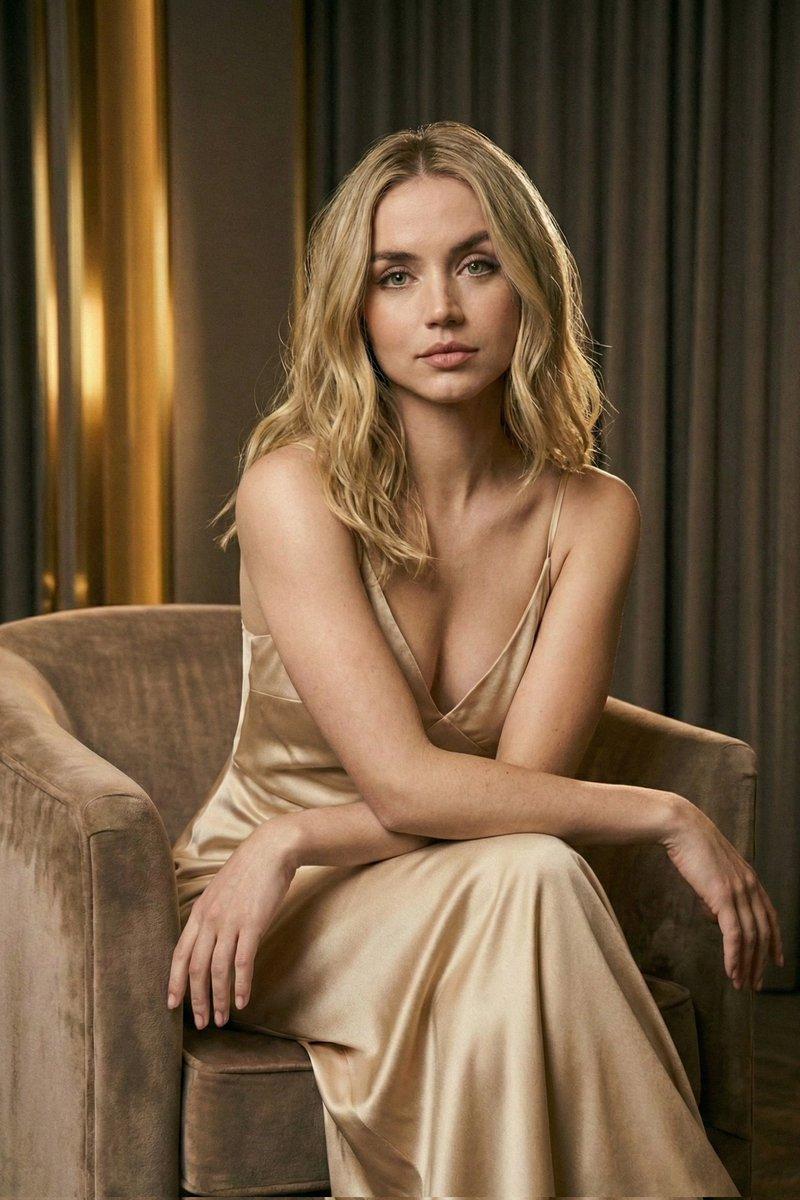
Chatgpt image 2 提示词 超现实主义特写美女肖像,描绘一位惊艳的年轻女性,以 iPhone / 数码相机美学捕捉,在昏暗室内环境中...
Enlarge

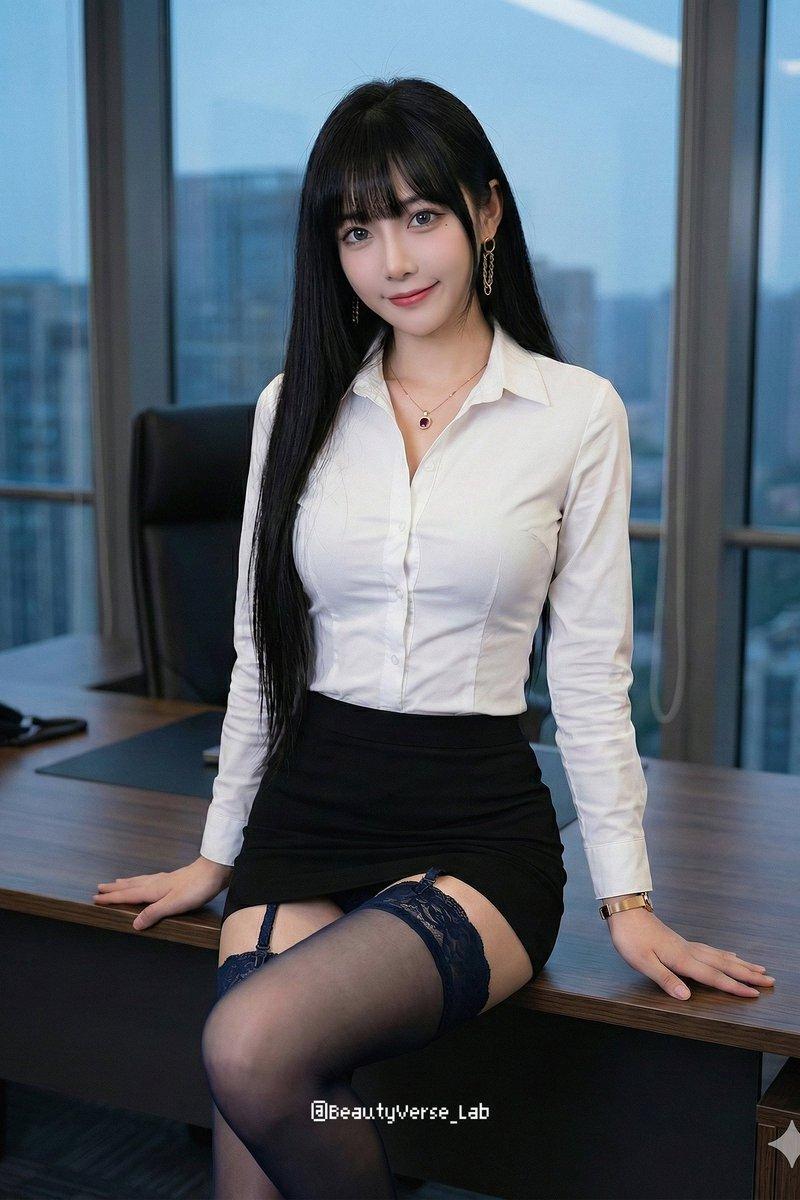
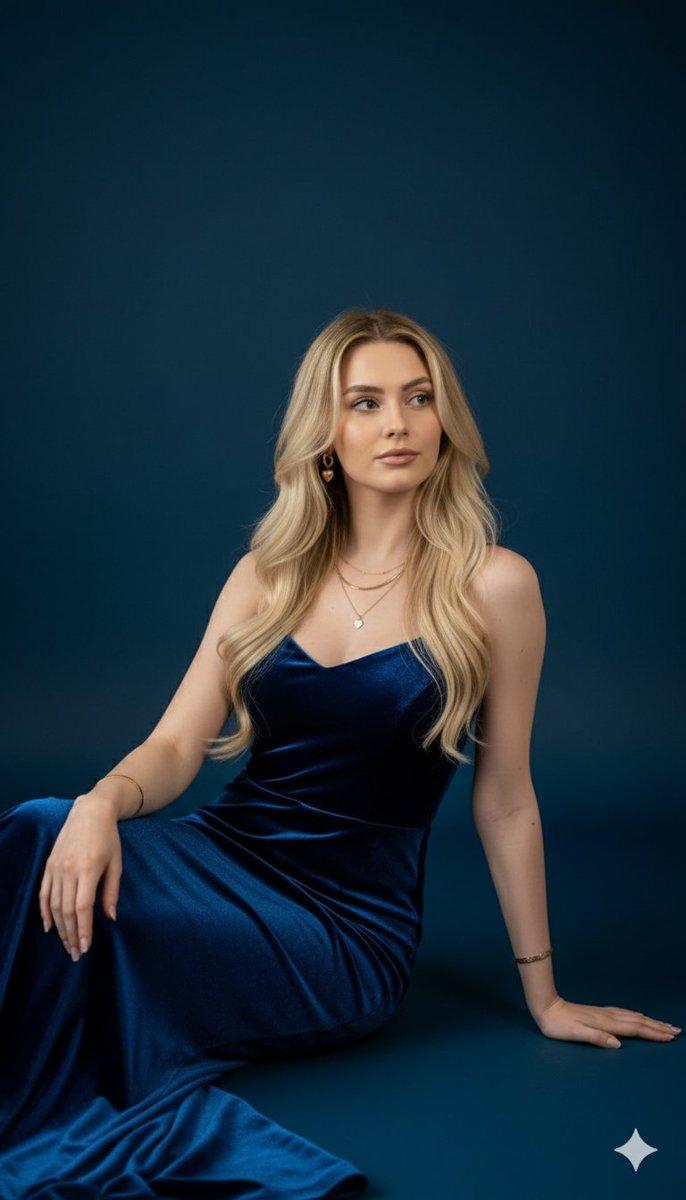
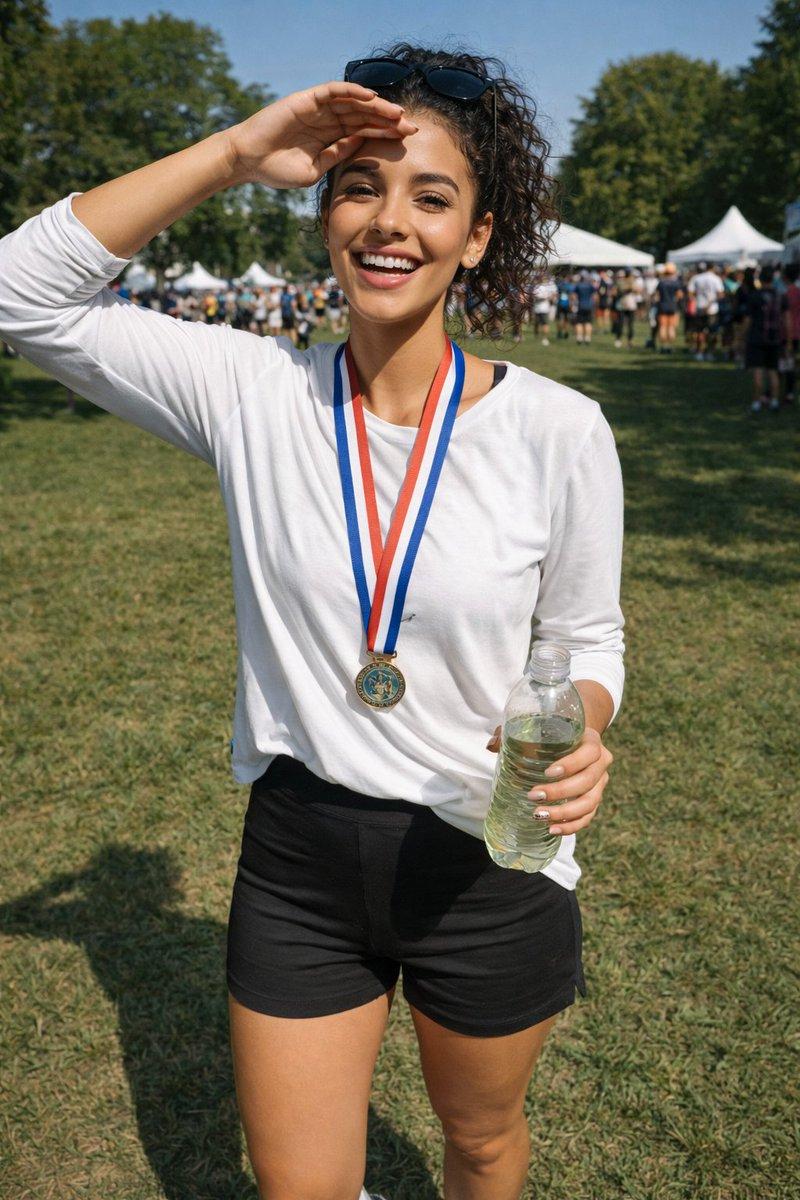
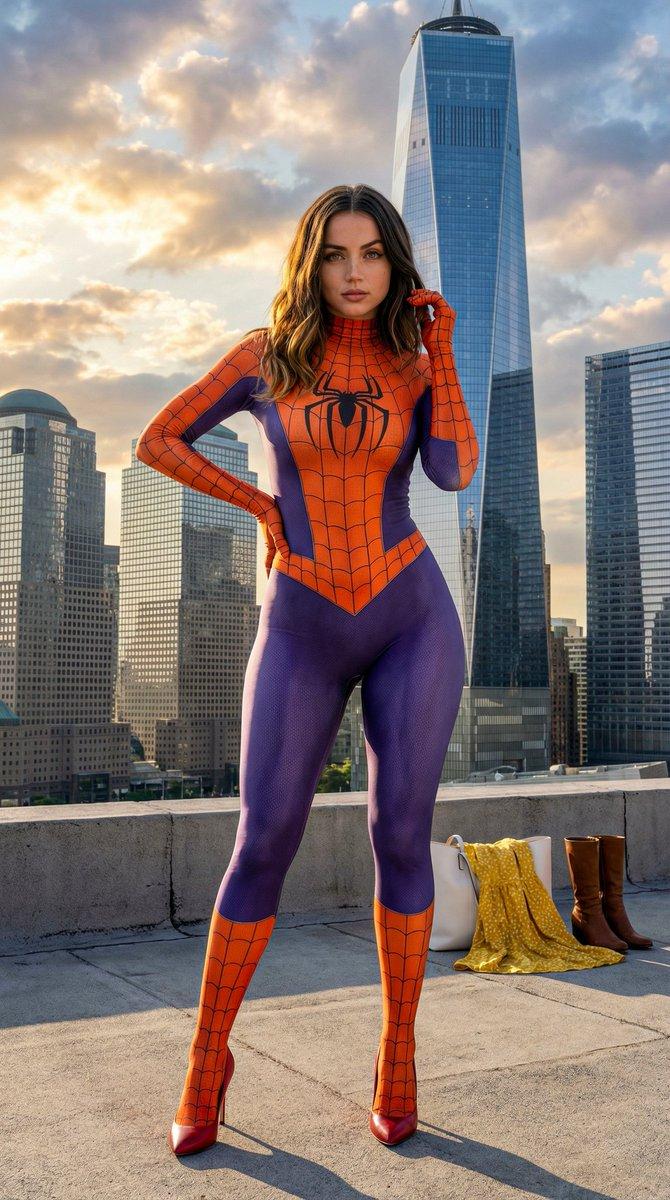
Example images

Chatgpt image 2 提示词 超现实主义特写美女肖像,描绘一位惊艳的年轻女性,以 iPhone / 数码相机美学捕捉,在昏暗室内环境中...

Prompt
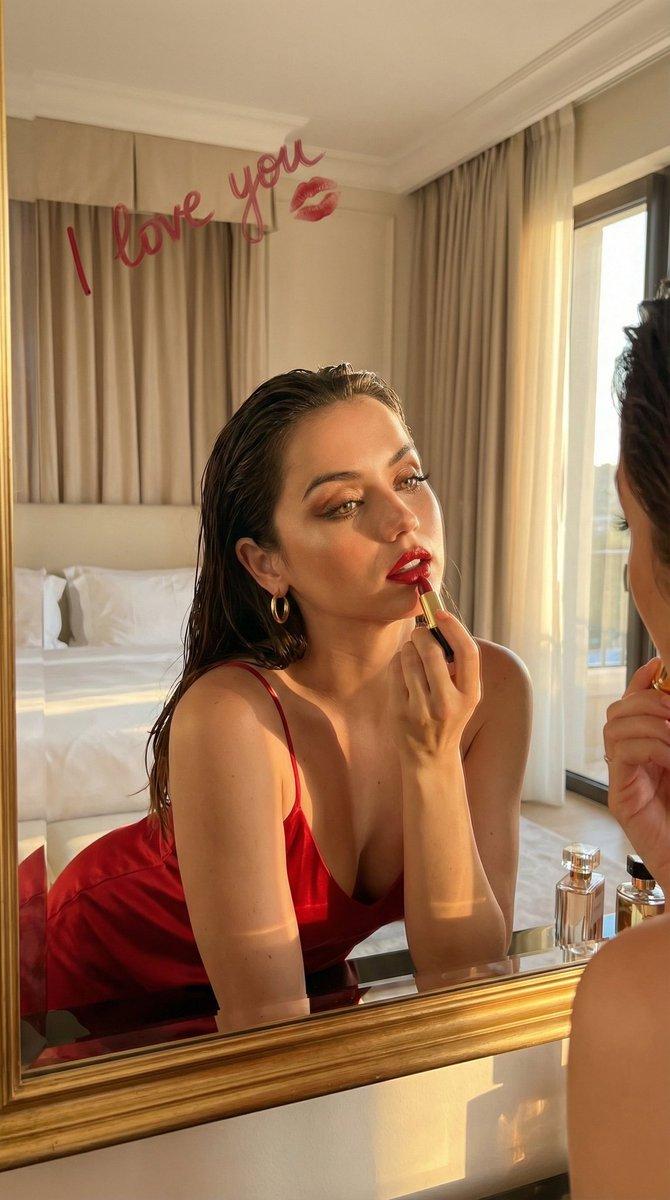
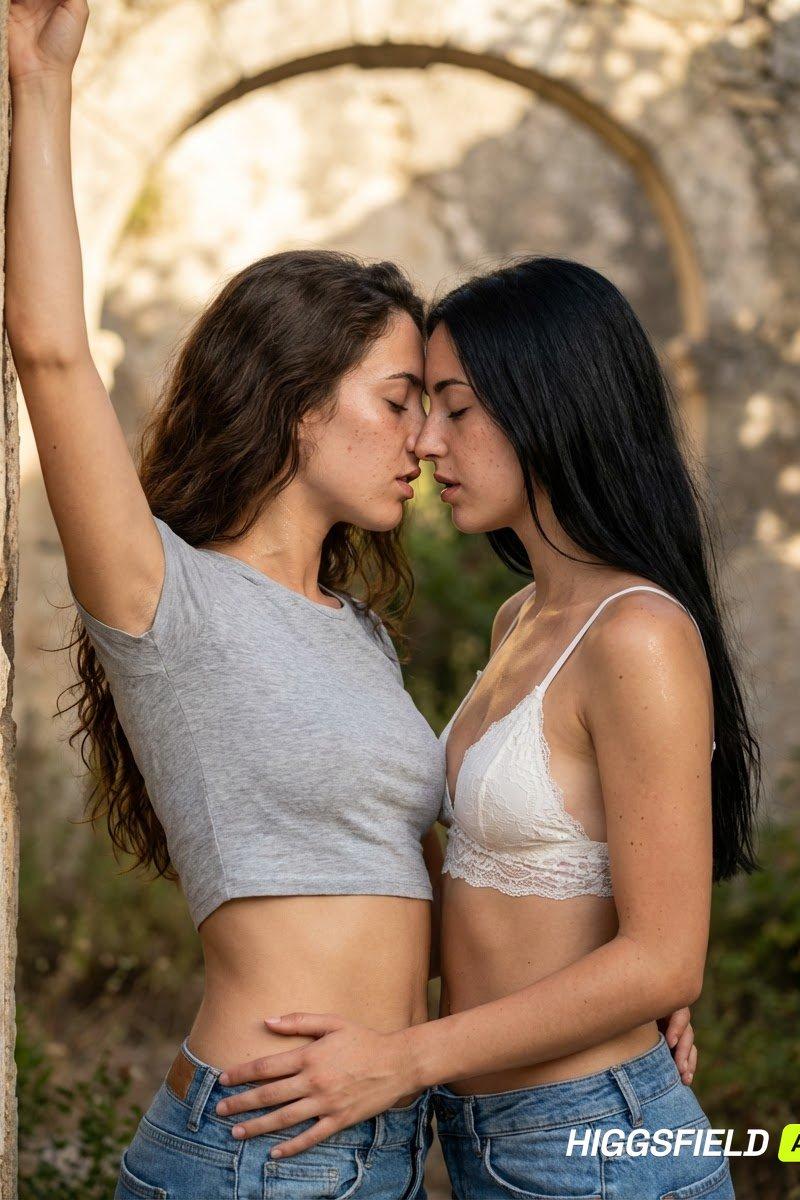
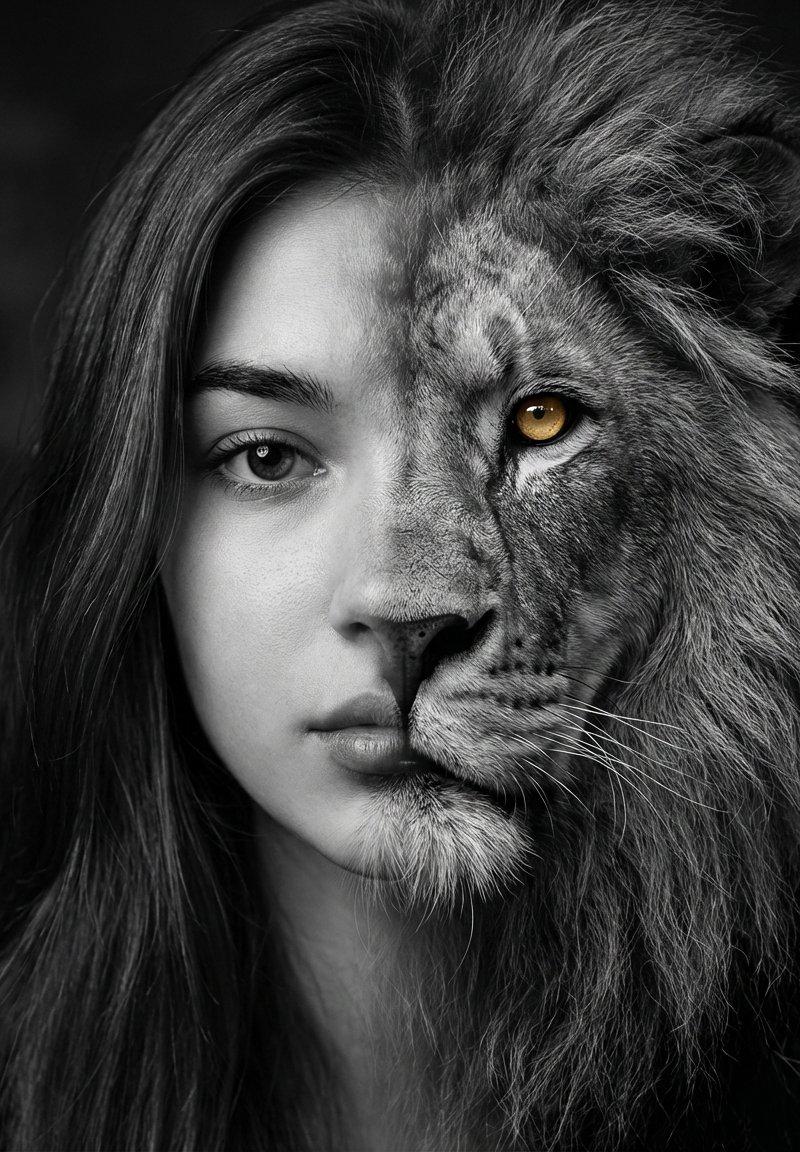
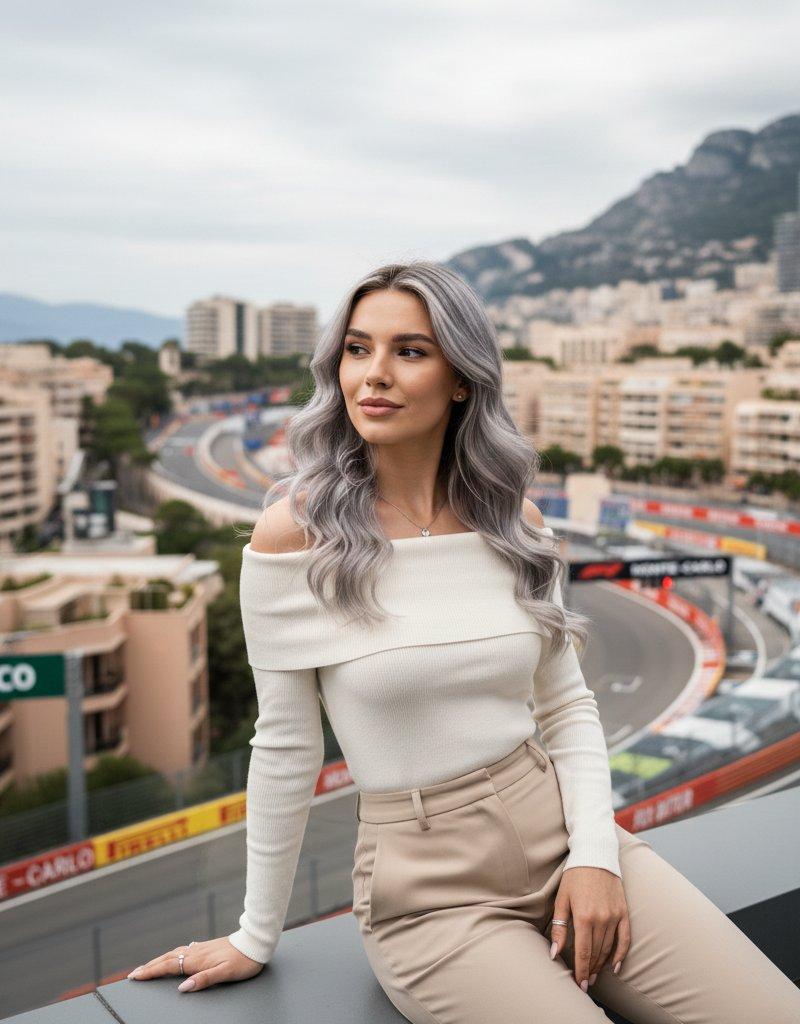
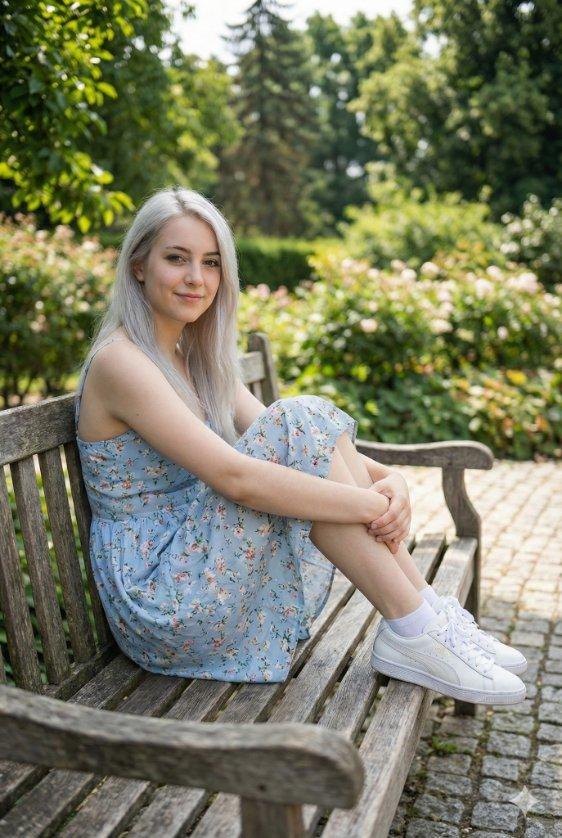
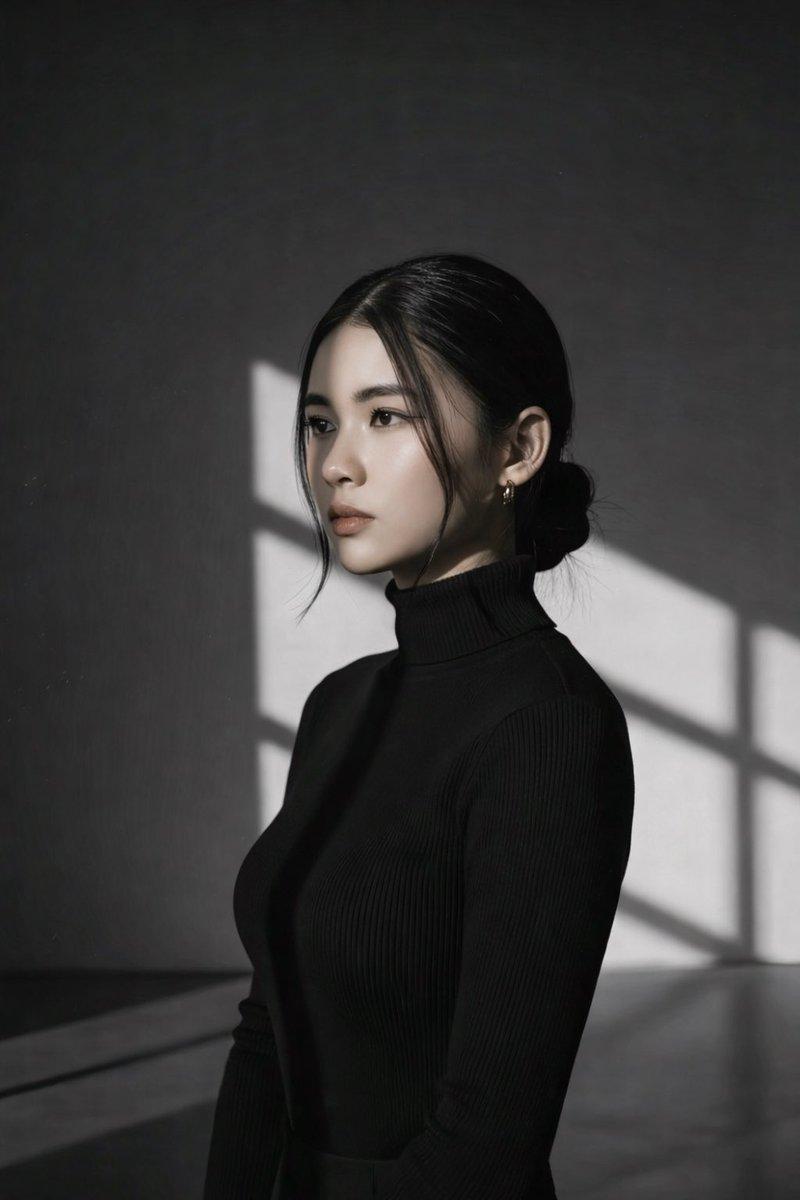
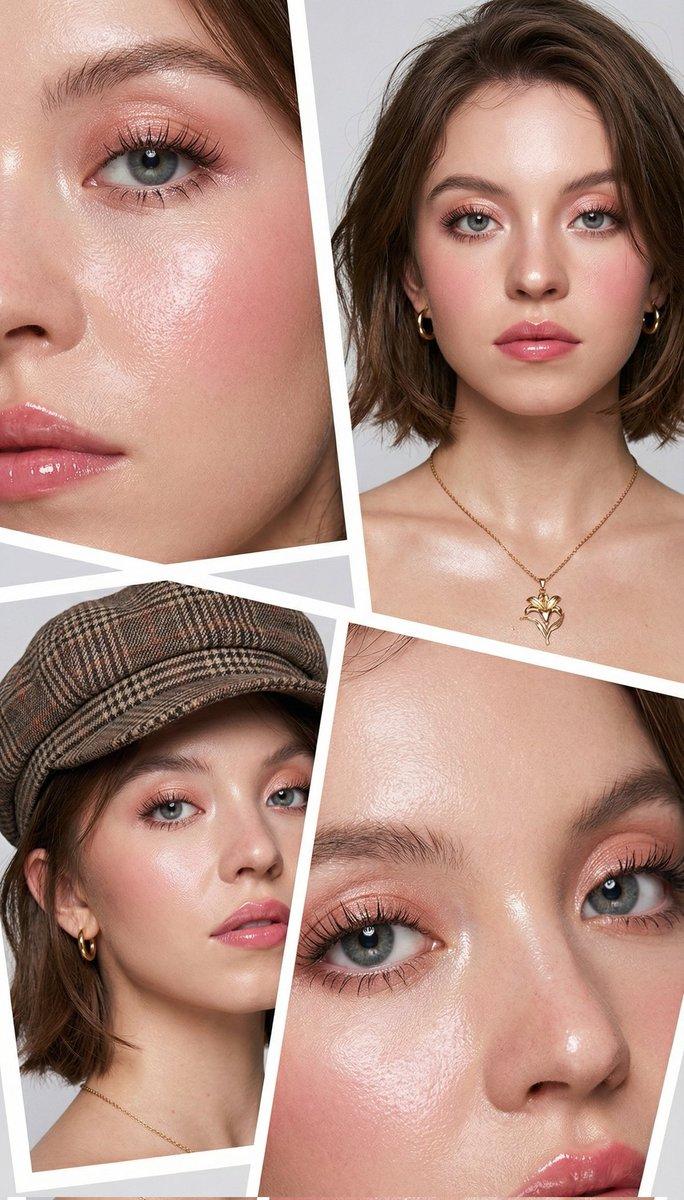
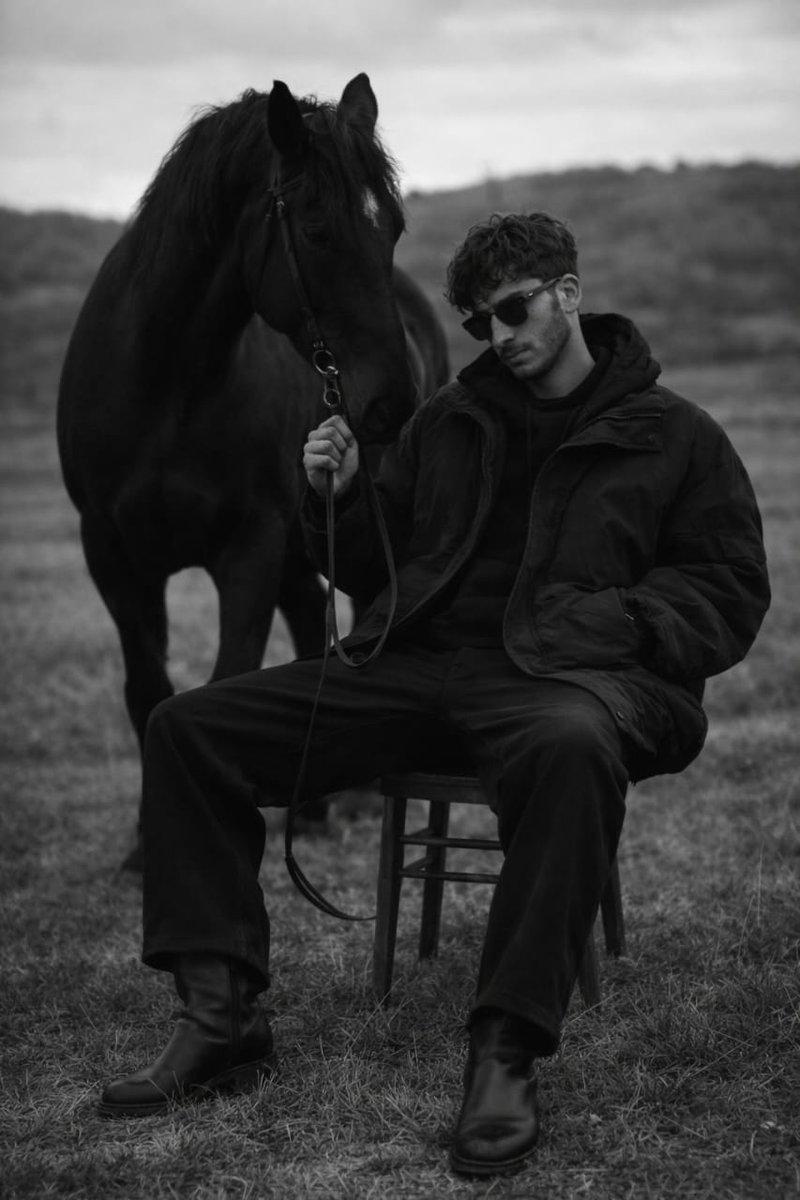
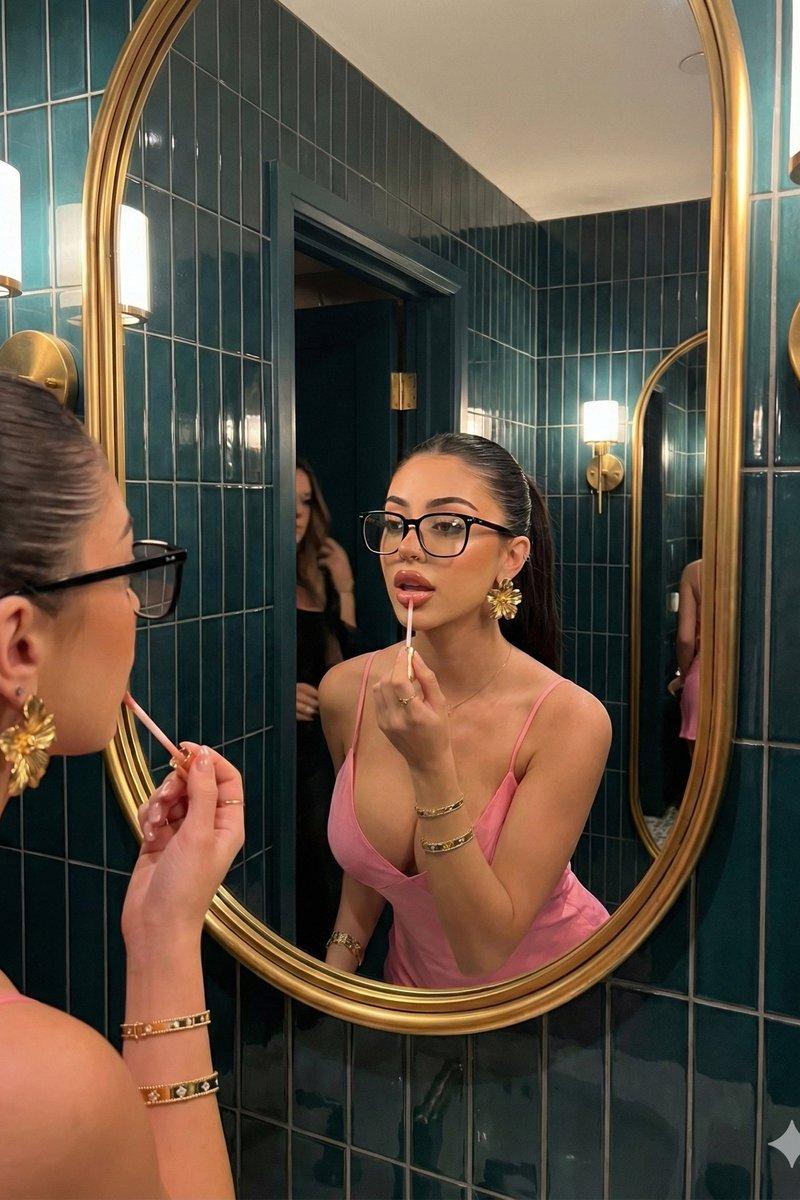
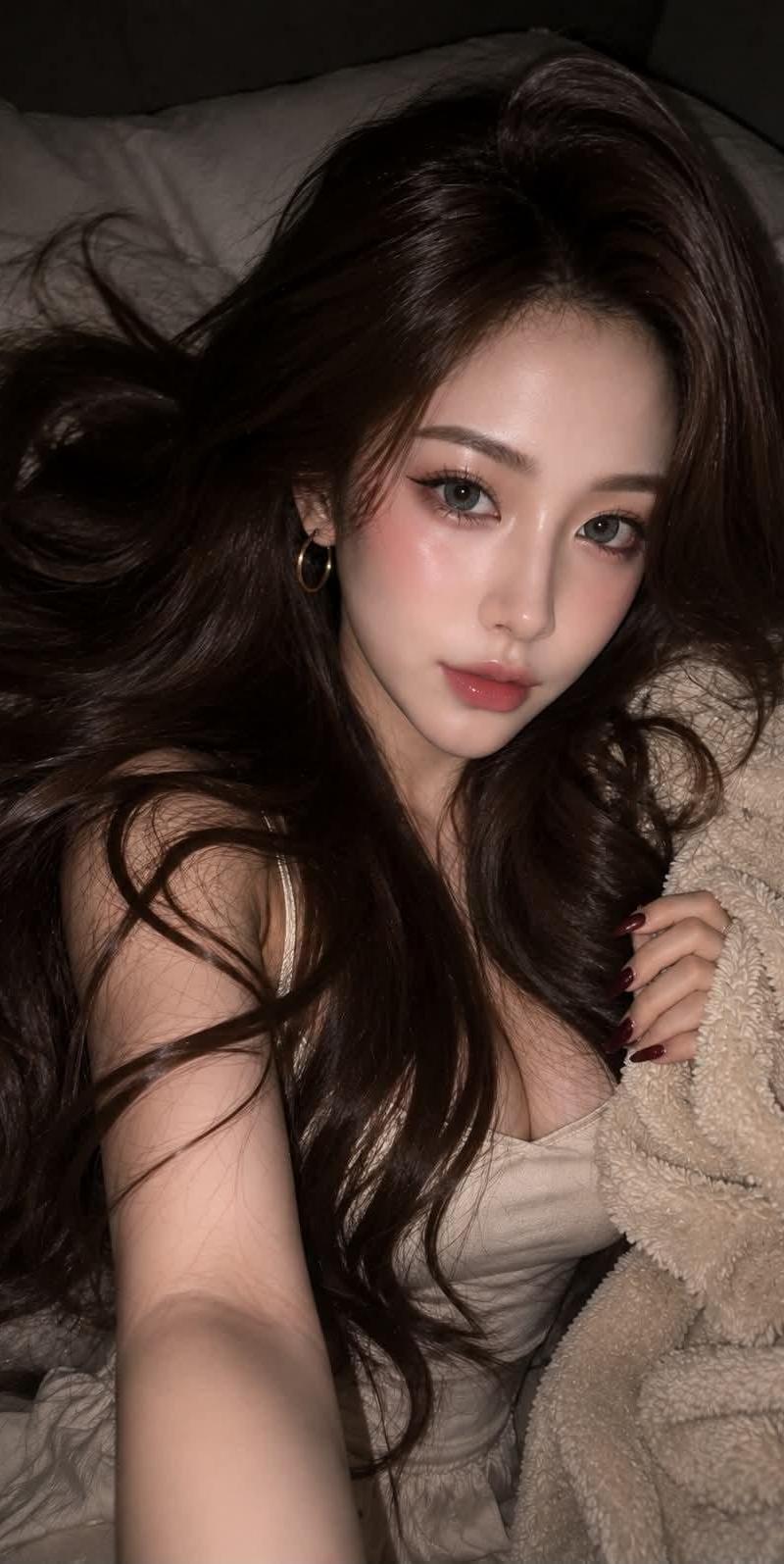
Chatgpt image 2 提示词 超现实主义特写美女肖像,描绘一位惊艳的年轻女性,以 iPhone / 数码相机美学捕捉,在昏暗室内环境中使用直射机顶闪光灯。迷人的生活照美颜镜头,带有柔和镜头光晕、微妙闪光绽放、光泽皮肤反射、梦幻女性光环、奢华社交媒体美妆编辑氛围,逼真的皮肤纹理,带有自然深度和可见毛孔。 头发:极长浓密及臀长发,奢华浓郁的摩卡棕色,带有凉调和微妙的分层亮光。超顺滑沙龙质感,健康反射光泽和逼真的丝滑纹理。丰盈蝴蝶分层剪发,全长柔和羽化层营造流动感和丰满感。无刘海。帘式层柔和框住脸部,精致的脸部框层环绕颧骨和下颌线。柔和亮光点缀在颧骨、额头、鼻梁和丘比特弓。眼睛与妆容:柔和魅力 IG 辣妹风格,融合微妙 Y2K 美妆影响。浅灰色柔和美瞳。戏剧性猫眼假睫毛延长,提拉外眼角。细柔眼线。灰褐与暖棕融合眼影。深色自然眉毛,蓬松柔和结构化纹理。柔粉腮红自然晕染于脸颊和鼻梁,微妙醉酒腮红效果。 精致亮光点缀于颧骨和丘比特弓。饱满丰润果冻唇,涂抹厚实超光泽玫瑰桃色唇釉,水润反射光泽。配饰:仅限极简配饰。极简戒指。中等尺寸金色圆环耳环。服装与造型:极简细肩带上衣,柔和奶油米色调,丝质面料纹理。搭配柔和奶油米色短褶边裤。深酒红色光泽椭圆形指甲。
Category
创意图片
Model
GPT Image 2
Creator
@AIwithzayn
Source language
zh-CN
Views0
Source ID
2085953363695309067
Published
Aug 8, 2026
Studio

Guide

About "Chatgpt image 2 提示词 超现实主义特写美女肖像,描绘一位惊艳的年轻女性,以 iPhone / 数码相机美学捕捉,在昏暗室内环境中..."

What is this prompt for?

"Chatgpt image 2 提示词 超现实主义特写美女肖像,描绘一位惊艳的年轻女性,以 iPhone / 数码相机美学捕捉,在昏暗室内环境中..." AI image prompt for GPT Image 2 (创意图片). Saved from X post by @AIwithzayn. Chatgpt…

The full copyable prompt and example visuals above are ready for AI image generation or one-click recreate in Picva.

How to use this prompt

  1. Step 1

    Open the prompt detail

    Review the example visuals, category, and full prompt text for "Chatgpt image 2 提示词 超现实主义特写美女肖像,描绘一位惊艳的年轻女性,以 iPhone / 数码相机美学捕捉,在昏暗室内环境中...".

  2. Step 2

    Copy the prompt

    Copy the prompt body from this page, or load it directly in Studio.

  3. Step 3

    Pick a model (GPT Image 2)

    Prefer GPT Image 2. If you switch models, keep subject and composition and tweak style terms.

  4. Step 4

    Generate and export

    Recreate the look in Picva, or export into your workflow for editing and publishing.

FAQ

What is the "Chatgpt image 2 提示词 超现实主义特写美女肖像,描绘一位惊艳的年轻女性,以 iPhone / 数码相机美学捕捉,在昏暗室内环境中..." prompt?
It is an AI image-generation prompt for GPT Image 2 in the 创意图片 category. This page includes the full prompt text, example visuals, and a one-click recreate path in Picva.
How do I use this prompt to generate an image?
Copy the prompt from this page, or use Generate / Studio. Paste it into a compatible image model, or recreate the look in Picva with optional reference images.
Which model is this prompt for?
This page lists GPT Image 2. Most descriptive prompts also transfer to nearby image models such as GPT Image, Flux, or Midjourney with light style tweaks.
Can I use the result commercially?
You can usually copy the prompt for creation, but commercial use of the final image depends on the model terms, reference-image rights, and the generated content. Follow the source author and platform rules.