18

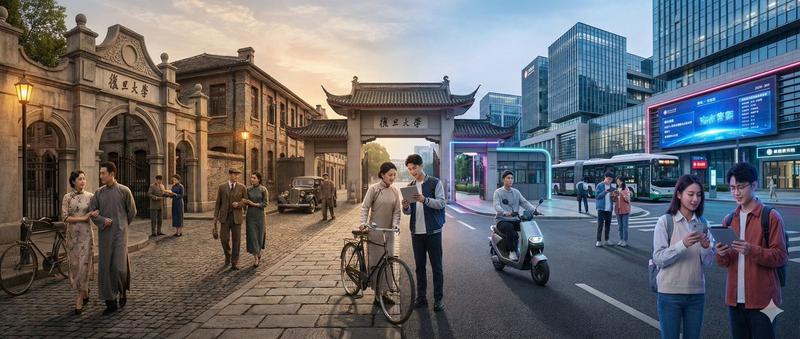
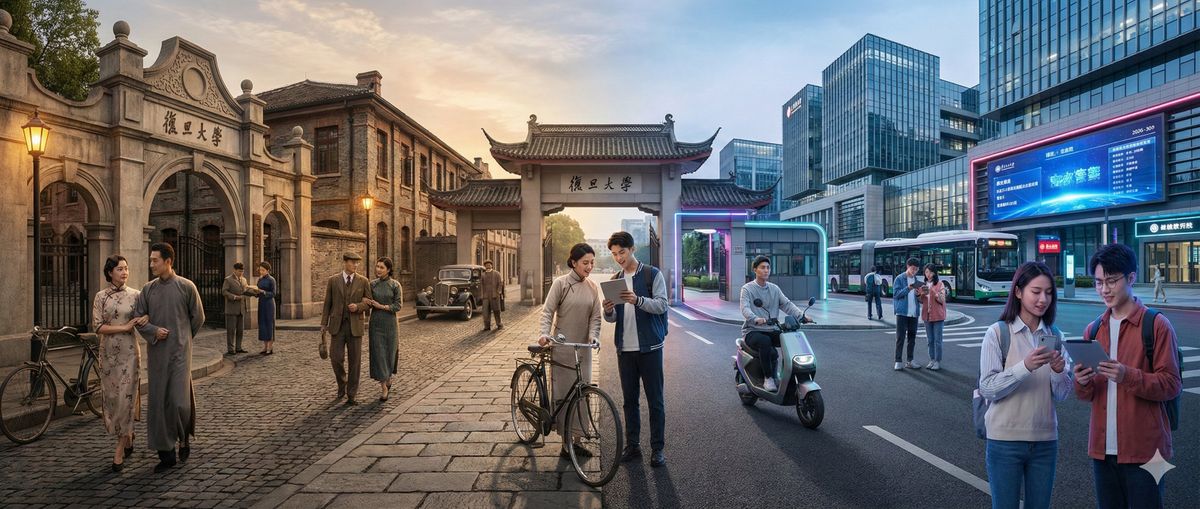
百年校园:时空交汇的复旦大学
Enlarge

百年校园:时空交汇的复旦大学

Prompt
nano banana pro 提示词
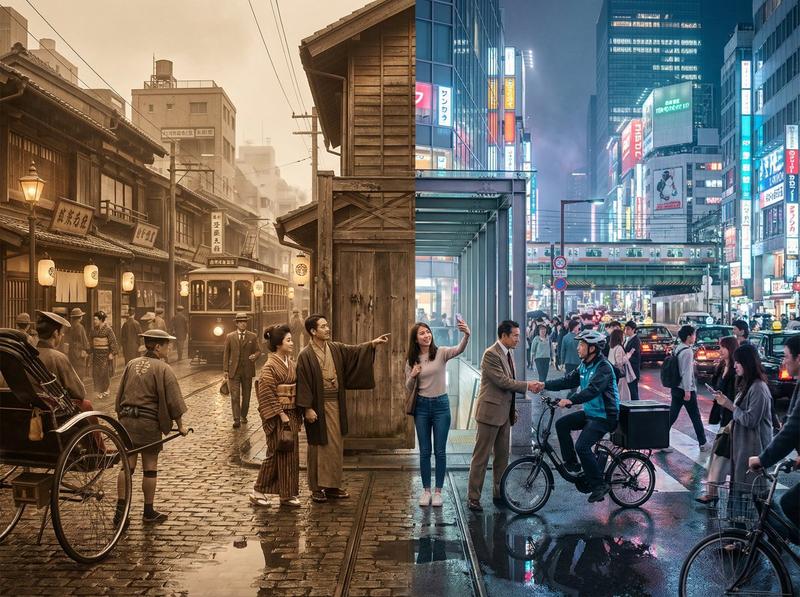
🎬 一张照片,两个时代的完美融合!过去与现在在画面中自然交汇,跨越时空的神奇互动,尽在眼前。⏳✨
--- 提示词(使用时请替换为自己的场景) ---
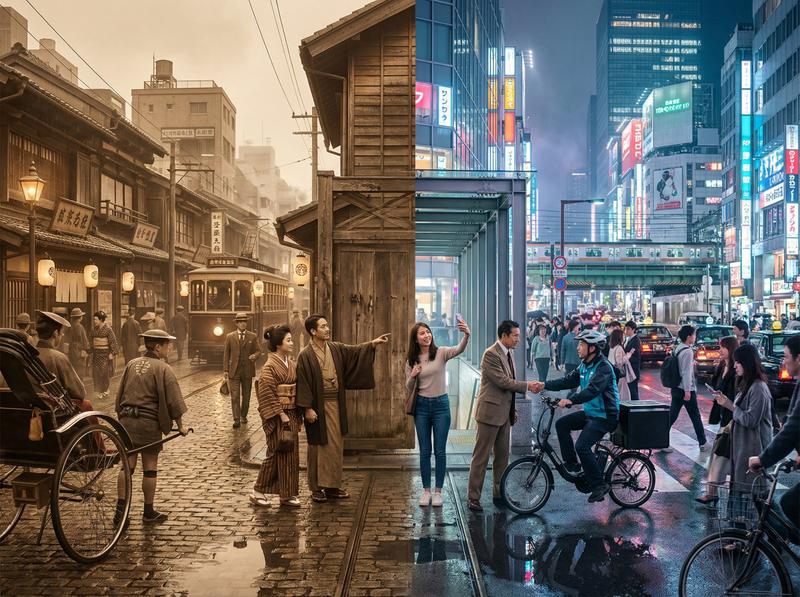
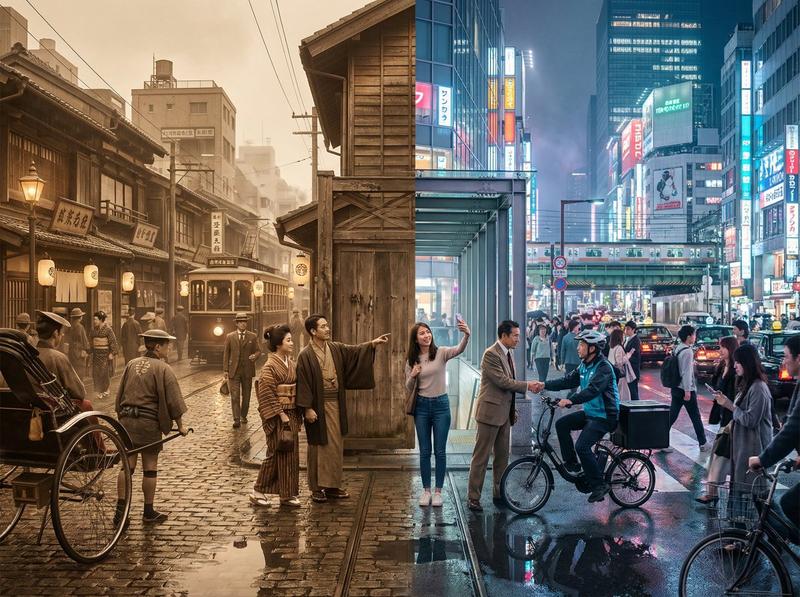
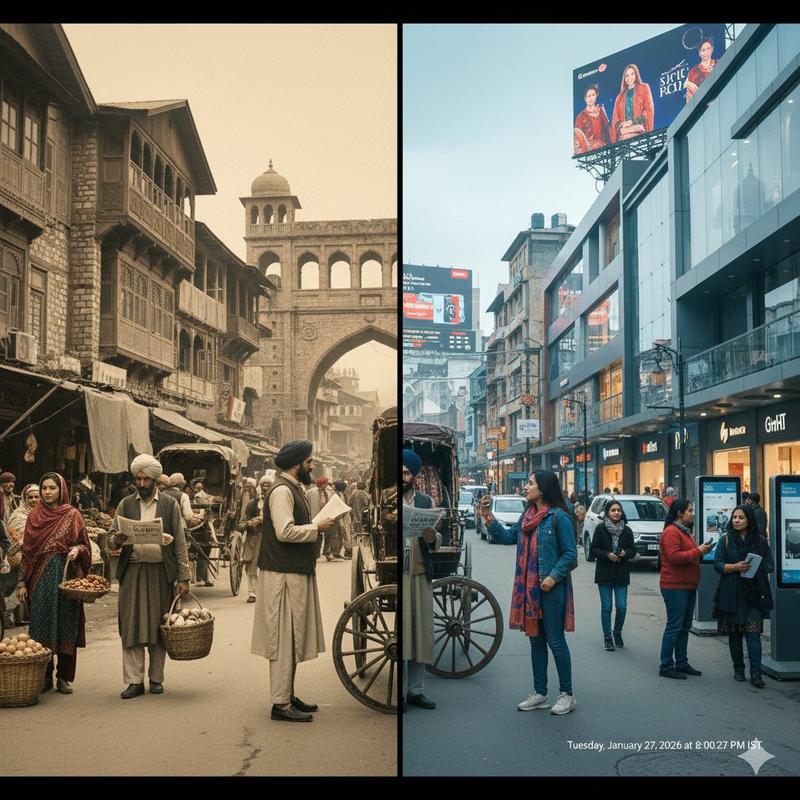
一个水平分割的电影级镜头,展现出【场景】在两个截然不同年代的无缝融合:画面左侧是【年代A】,右侧是【年代B】(默认对比为大约100年前与当代)。
在画面的左侧(【年代A】):
呈现与当时历史相匹配的建筑、室内或环境设计、材料、交通工具和道具,所有细节明确属于那个特定的历史时期。人物穿着完全符合【年代A】的服饰,包括发型、配饰和手中典型物品(如书籍、雨伞、乐器、信件、报纸等)。整体氛围充满怀旧感,历史感真实细腻。
在画面的右侧(【年代B】):
展示同一【场景】的现代版本,建筑经过更新或翻新,采用现代材料(玻璃、钢铁、LED显示屏、现代家具),配有现代化的车辆或设备,以及当前科技产物(智能手机、笔记本电脑、相机等)。人物的着装风格则完全符合当下潮流。
在画面的中央区域:
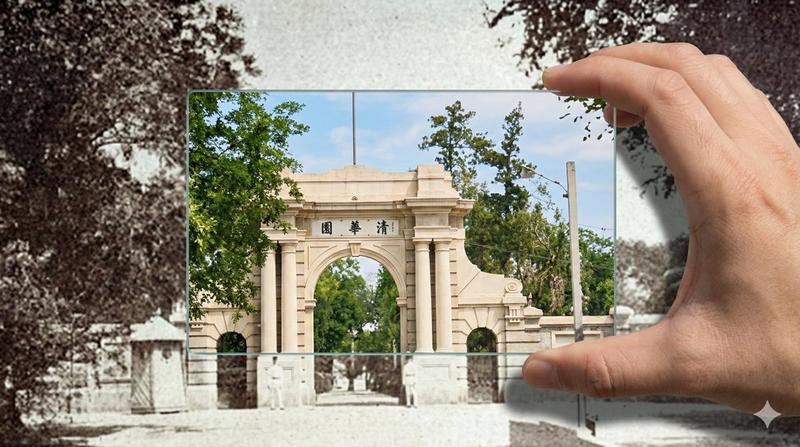
两个时代的元素自然地交汇融合,不出现明确的硬性分界线。来自【年代A】和【年代B】的人物在视觉上进行互动:不同年代的人们彼此对视、穿梭于对方所在的空间,或对彼此年代的技术与物品流露出惊奇的神情。建筑和环境实现平滑变形,例如:古老的石制大门渐渐演变为现代校园大门,古典音乐厅装饰渐渐转变为充满未来感的舞台,老街商铺逐渐变成霓虹闪耀的现代商店。
务必确保场景不仅仅是左右简单对比,而是动态的跨时代互动体验,建筑、服饰、道具和人物的动作姿态均清晰地体现两个时代的对比与融合。画面风格为照片级真实感,8K超高清分辨率,电影级光影效果,广角视野,材质细节丰富,具备强烈的时空穿越叙事感。
---
场景:复旦大学校园
时代对比:100年前 vs 现在
画面比例:4:3
Category
Architecture & Spaces
Model
Nano Banana Pro
Creator
宝玉
Views0
Source ID
100-years-of-fudan-university-time-traveling-fusion

Guide

About "百年校园:时空交汇的复旦大学"

What is this prompt for?

"百年校园:时空交汇的复旦大学" AI image prompt for Nano Banana Pro (Architecture & Spaces). nano banana pro 提示词 🎬 一张照片,两个时代的完美融合!过去与现在在画面中自然交汇,跨越时空的神奇互动,尽在眼前。⏳✨ --- 提示词(使用时…

The full copyable prompt and example visuals above are ready for AI image generation or one-click recreate in Picva.

How to use this prompt

  1. Step 1

    Open the prompt detail

    Review the example visuals, category, and full prompt text for "百年校园:时空交汇的复旦大学".

  2. Step 2

    Copy the prompt

    Copy the prompt body from this page, or load it directly in Studio.

  3. Step 3

    Pick a model (Nano Banana Pro)

    Prefer Nano Banana Pro. If you switch models, keep subject and composition and tweak style terms.

  4. Step 4

    Generate and export

    Recreate the look in Picva, or export into your workflow for editing and publishing.

FAQ

What is the "百年校园:时空交汇的复旦大学" prompt?
It is an AI image-generation prompt for Nano Banana Pro in the Architecture & Spaces category. This page includes the full prompt text, example visuals, and a one-click recreate path in Picva.
How do I use this prompt to generate an image?
Copy the prompt from this page, or use Generate / Studio. Paste it into a compatible image model, or recreate the look in Picva with optional reference images.
Which model is this prompt for?
This page lists Nano Banana Pro. Most descriptive prompts also transfer to nearby image models such as GPT Image, Flux, or Midjourney with light style tweaks.
Can I use the result commercially?
You can usually copy the prompt for creation, but commercial use of the final image depends on the model terms, reference-image rights, and the generated content. Follow the source author and platform rules.