12

15世纪达芬奇手稿风格的现代绘图
Enlarge

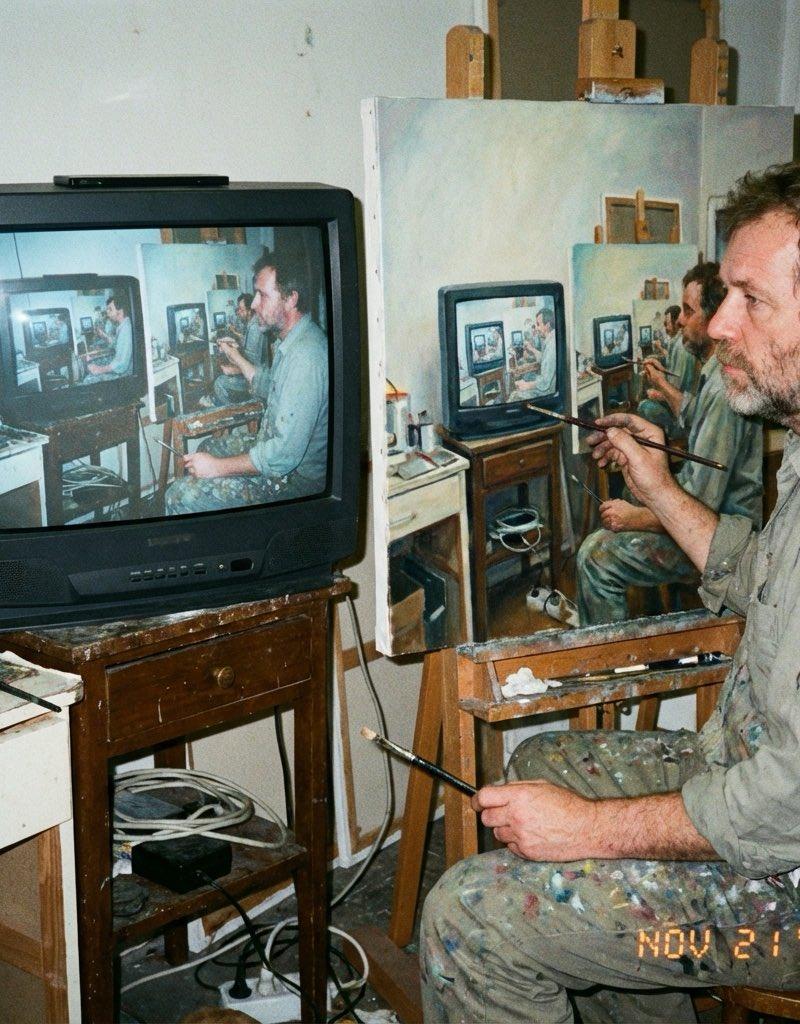
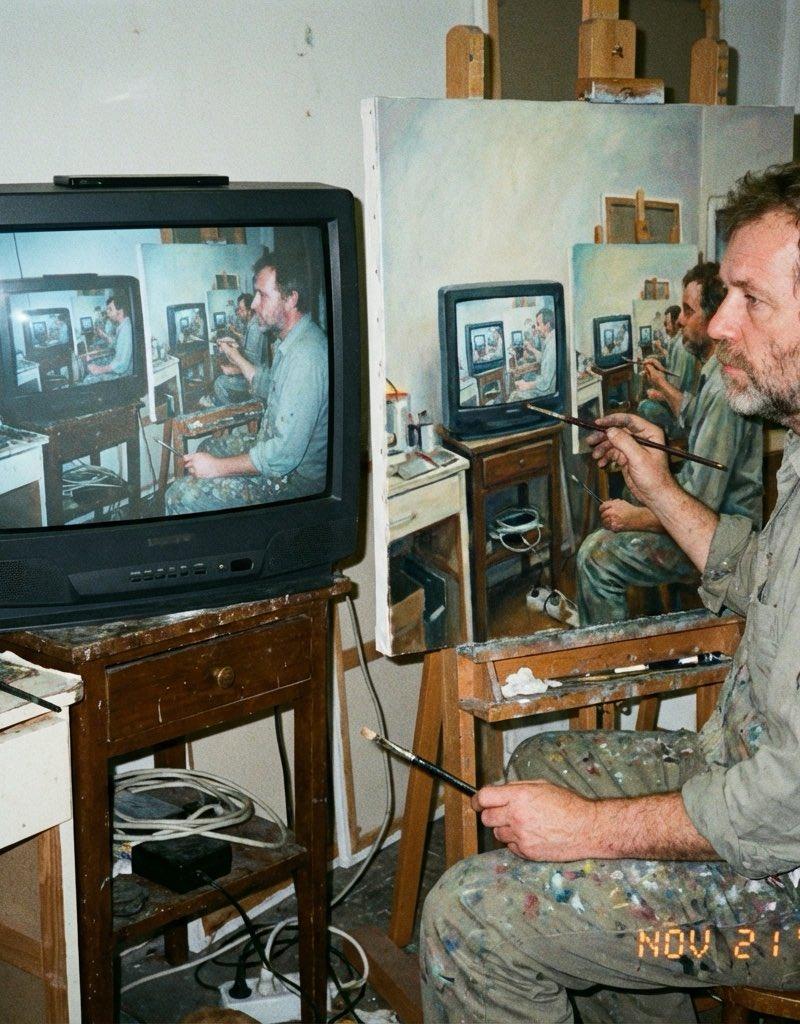
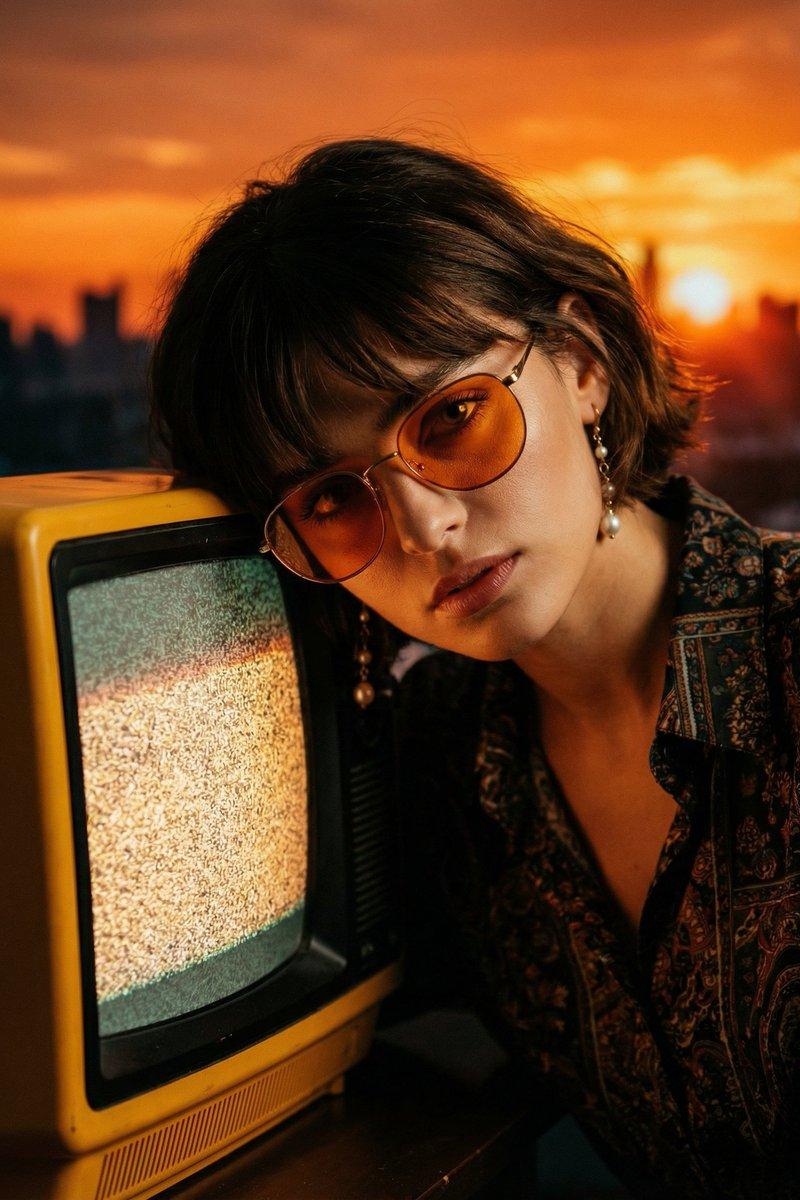
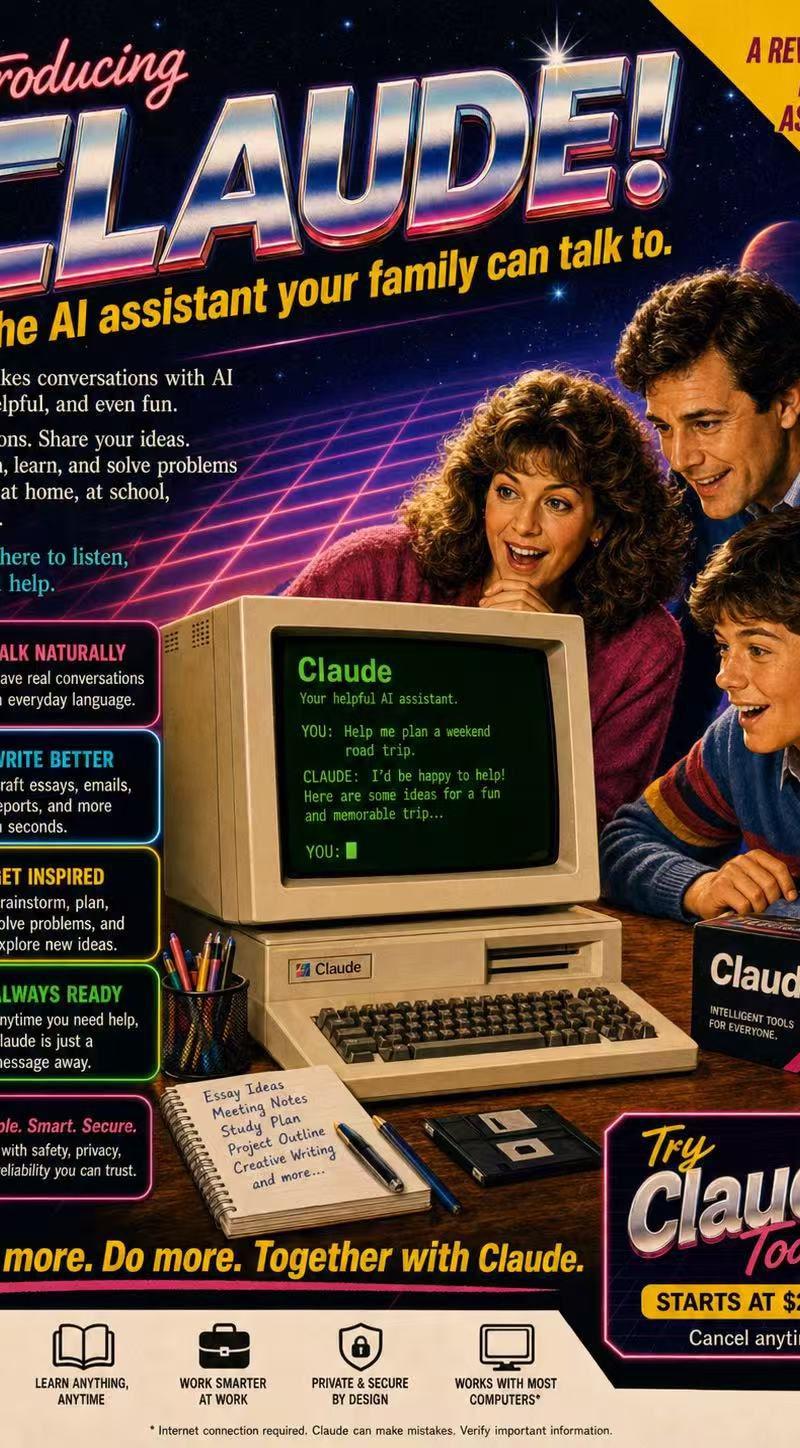
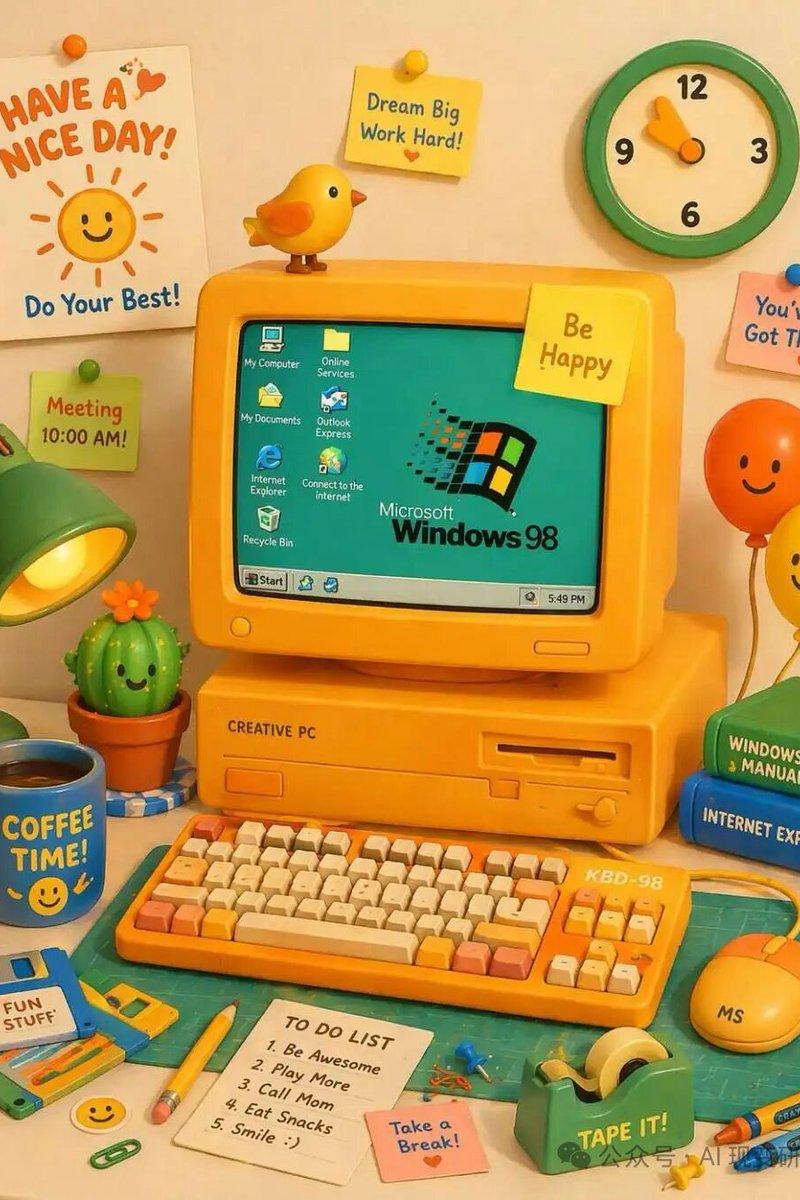
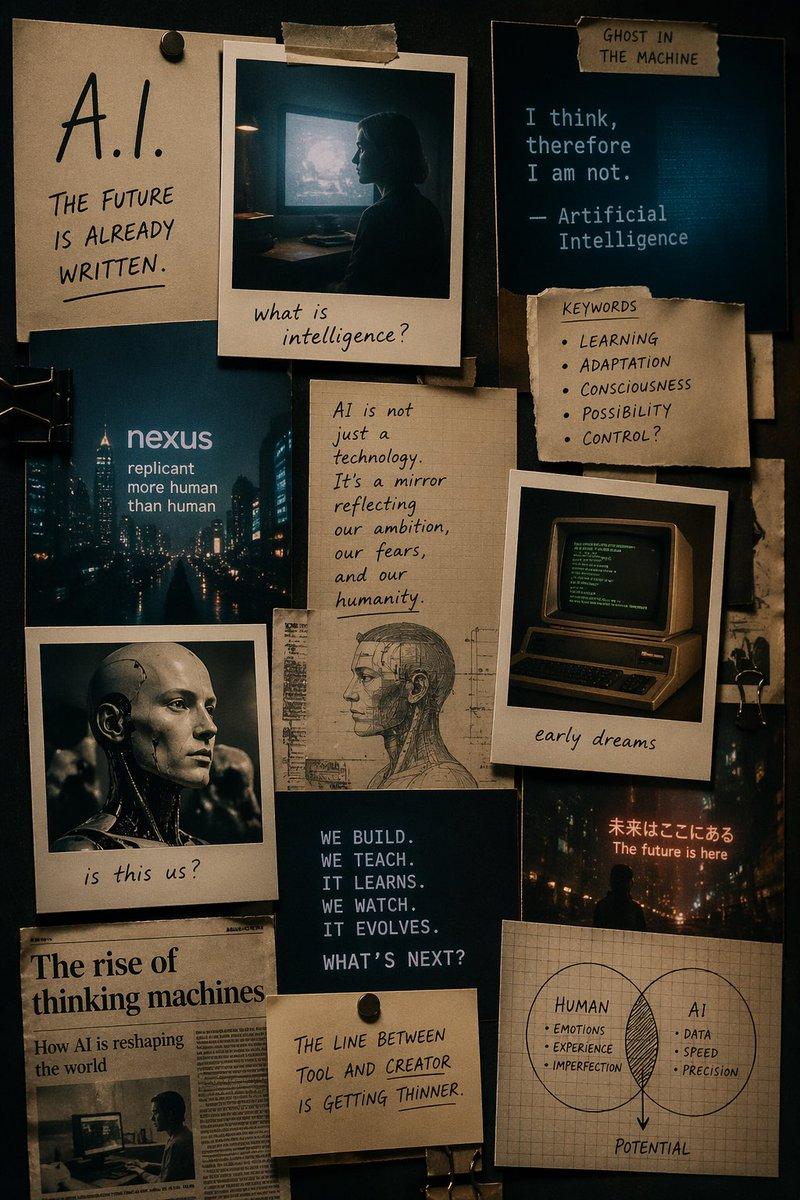
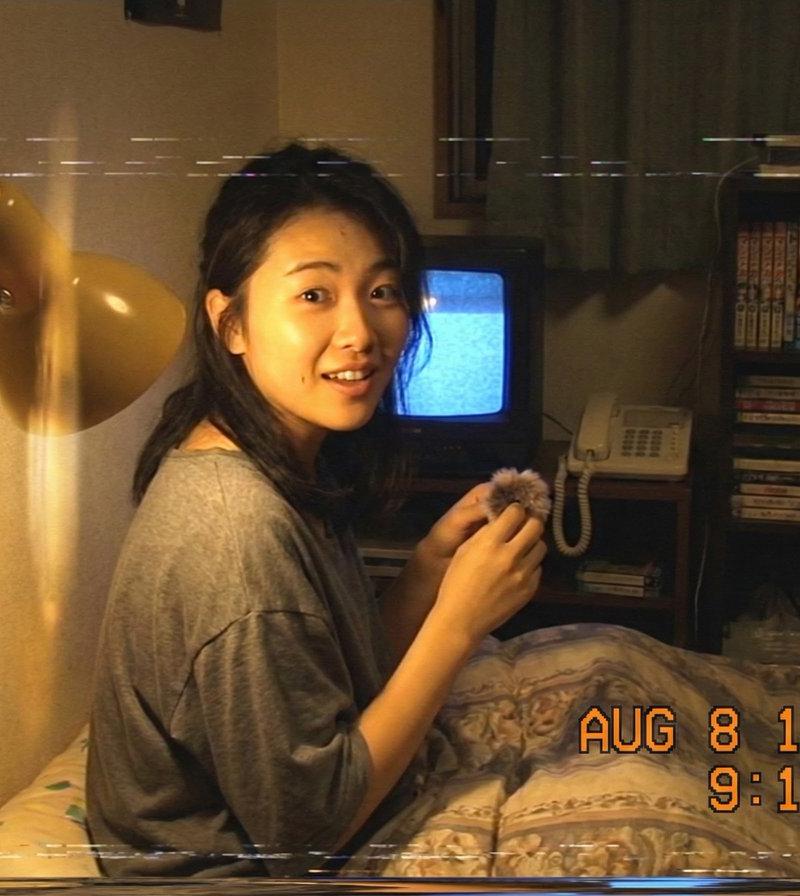
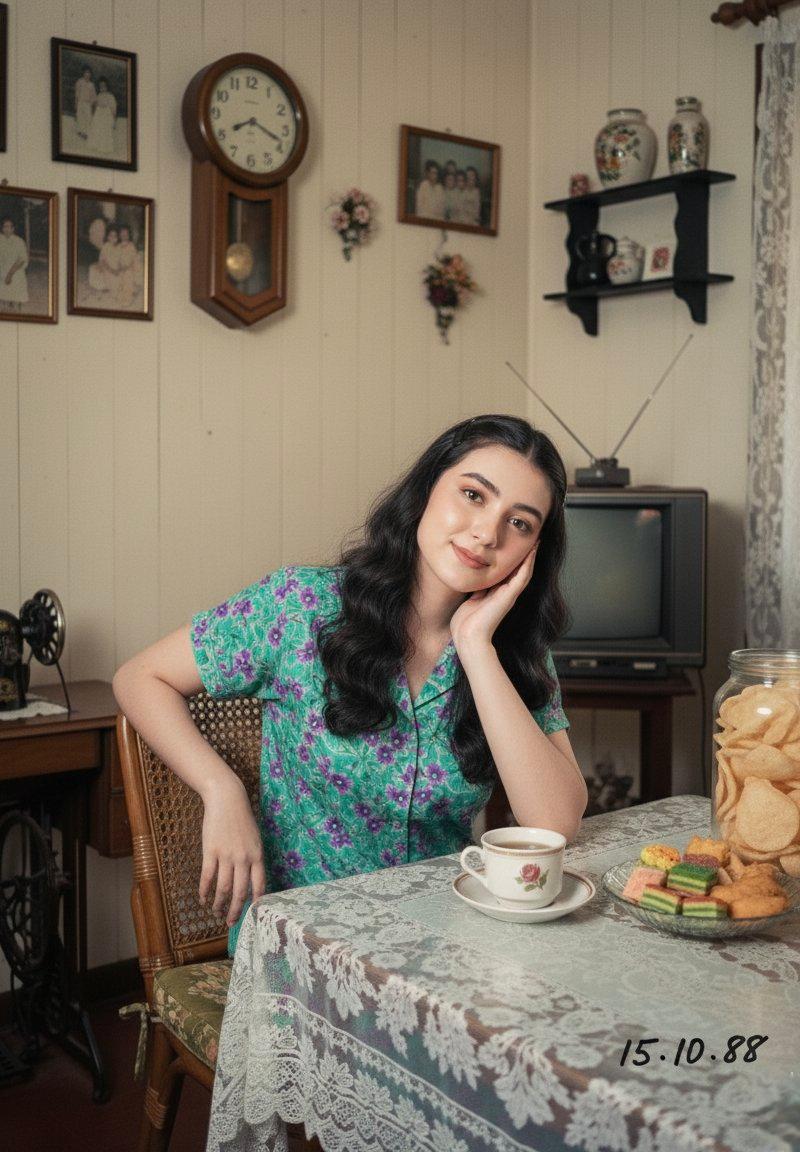
Example images

15世纪达芬奇手稿风格的现代绘图

Prompt
PROMPT TO ART
a highly detailed 15th-century leonardo da vinci codex drawing depicting [SUBJECT] in its complete modern 2025 form, with all contemporary components fully present and accurate. the object is rendered using renaissance hand-drawn techniques: graphite and ink linework, cross-hatching, proportional geometry, exploded technical views, cutaway sections, and motion diagrams. modern technology is visually translated through precise schematic logic, not simplified or altered. dense handwritten annotations in italian mirror writing surround the drawing. aged parchment background, uneven ink flow, smudges, stains, burn marks. flat manuscript lighting, no modern rendering, no photography, no 3d, no modern illustration style. authentic leonardo da vinci notebook aesthetic
Category
Photography & Realism
Model
Unknown
Creator
Skipper
Source language
zh-CN
Views0
Source ID
15th-century-leonardo-da-vinci-codex-drawing-modern-form
Studio

Guide

About "15世纪达芬奇手稿风格的现代绘图"

What is this prompt for?

"15世纪达芬奇手稿风格的现代绘图" AI image prompt for Unknown (Photography & Realism). PROMPT TO ART a highly detailed 15th-century leonardo da vinci codex drawing depicting…

The full copyable prompt and example visuals above are ready for AI image generation or one-click recreate in Picva.

How to use this prompt

  1. Step 1

    Open the prompt detail

    Review the example visuals, category, and full prompt text for "15世纪达芬奇手稿风格的现代绘图".

  2. Step 2

    Copy the prompt

    Copy the prompt body from this page, or load it directly in Studio.

  3. Step 3

    Pick a model (Unknown)

    Prefer Unknown. If you switch models, keep subject and composition and tweak style terms.

  4. Step 4

    Generate and export

    Recreate the look in Picva, or export into your workflow for editing and publishing.

FAQ

What is the "15世纪达芬奇手稿风格的现代绘图" prompt?
It is an AI image-generation prompt for Unknown in the Photography & Realism category. This page includes the full prompt text, example visuals, and a one-click recreate path in Picva.
How do I use this prompt to generate an image?
Copy the prompt from this page, or use Generate / Studio. Paste it into a compatible image model, or recreate the look in Picva with optional reference images.
Which model is this prompt for?
This page lists Unknown. Most descriptive prompts also transfer to nearby image models such as GPT Image, Flux, or Midjourney with light style tweaks.
Can I use the result commercially?
You can usually copy the prompt for creation, but commercial use of the final image depends on the model terms, reference-image rights, and the generated content. Follow the source author and platform rules.