18

3D/2D图像转真人:方法步骤及注意事项
Enlarge

3D/2D图像转真人:方法步骤及注意事项

Prompt
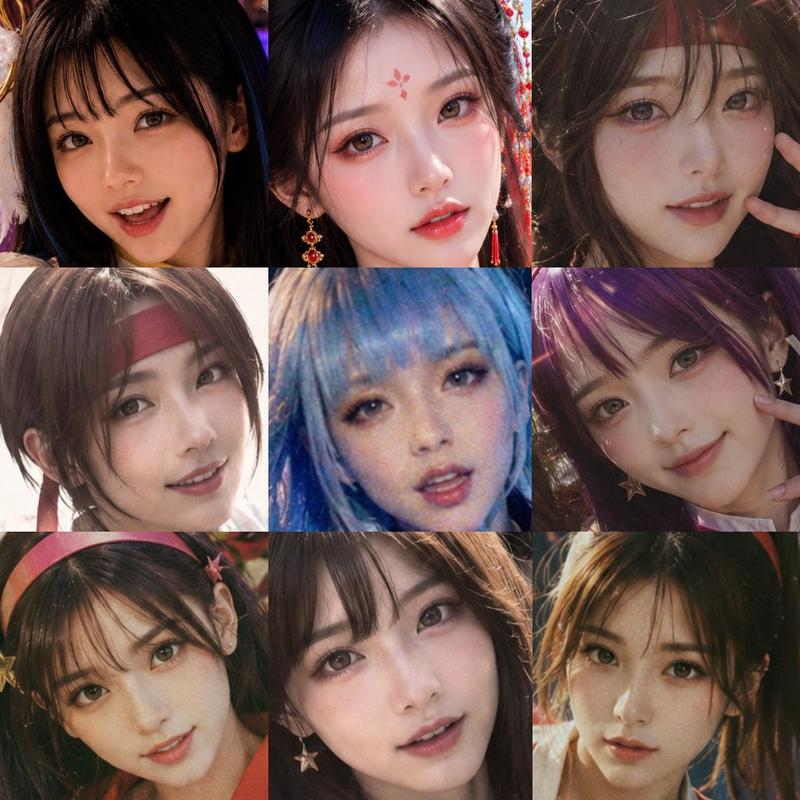
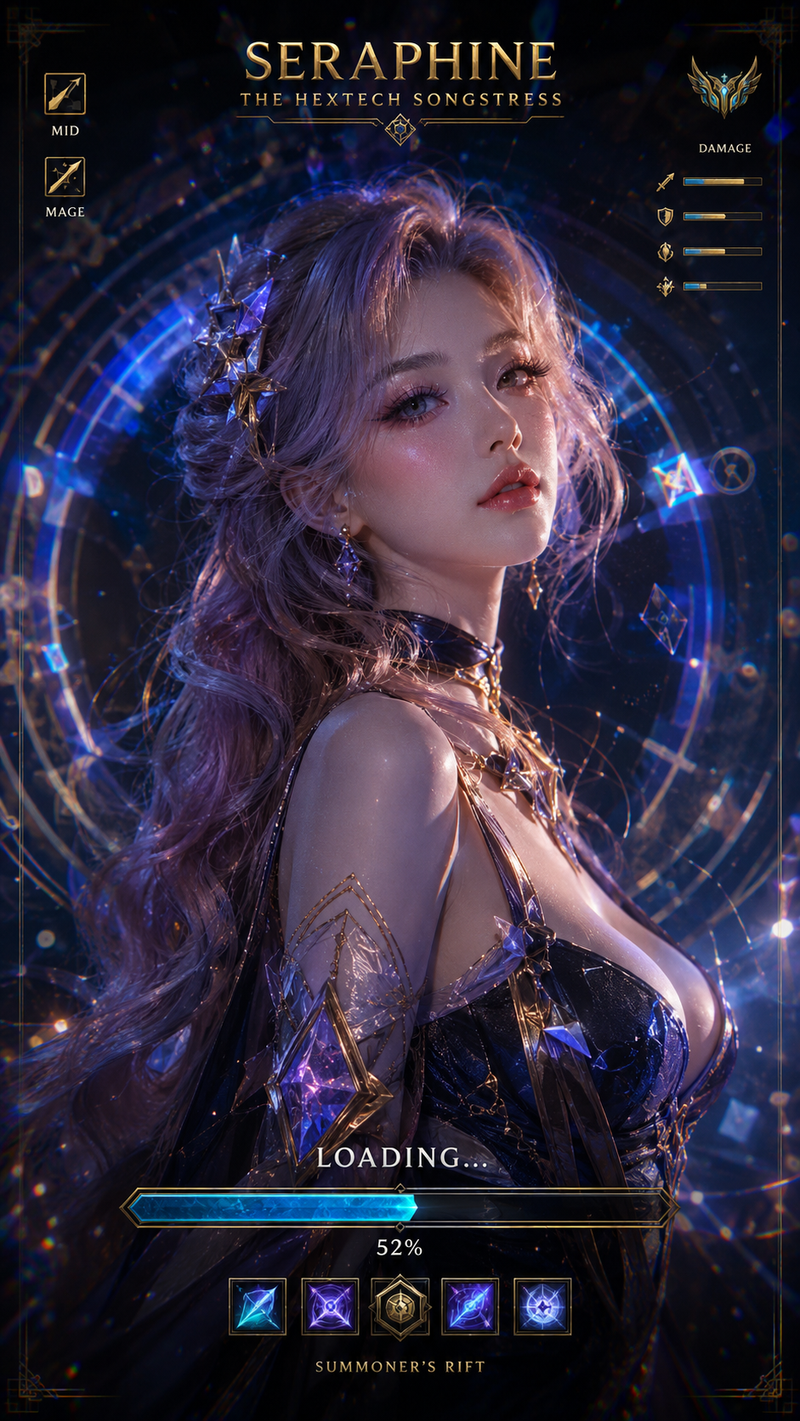
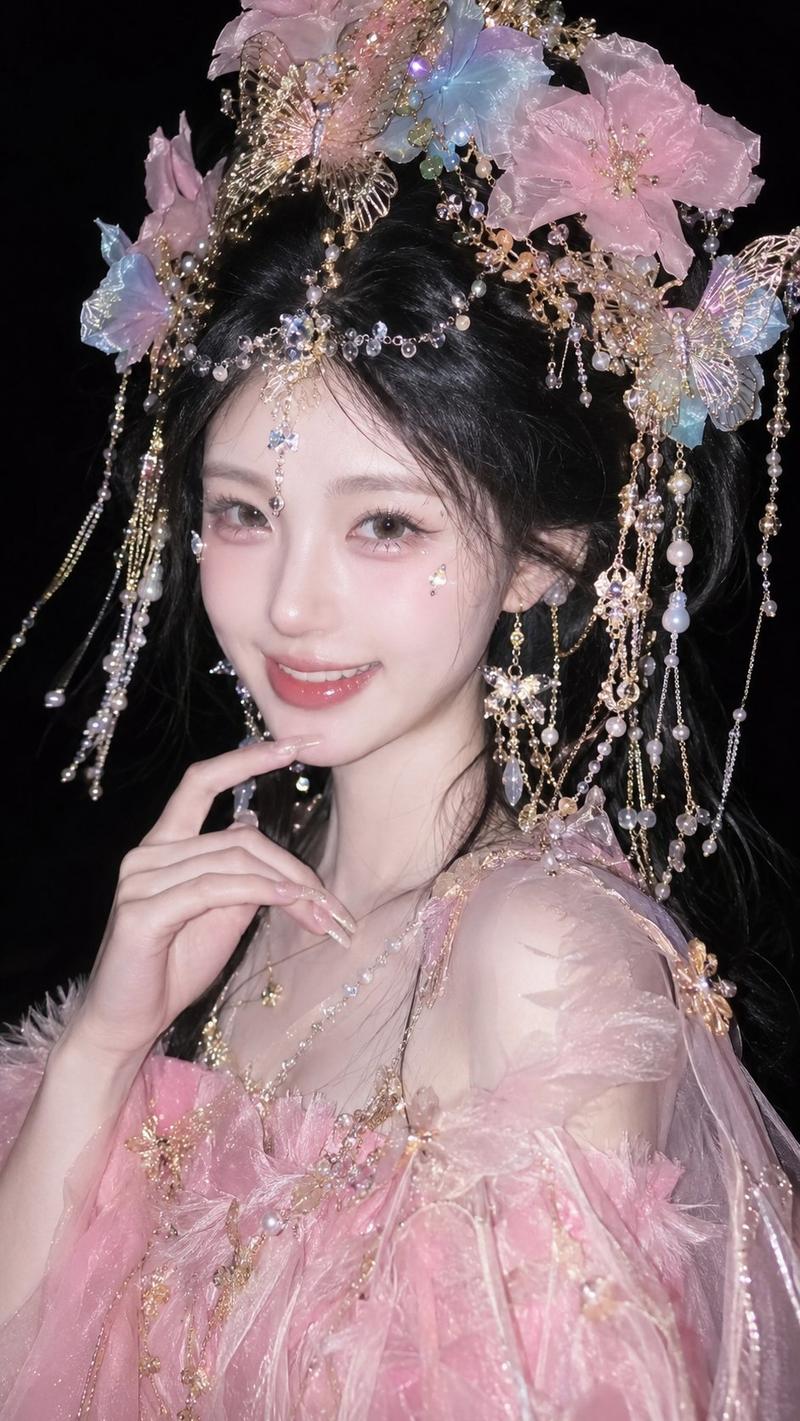
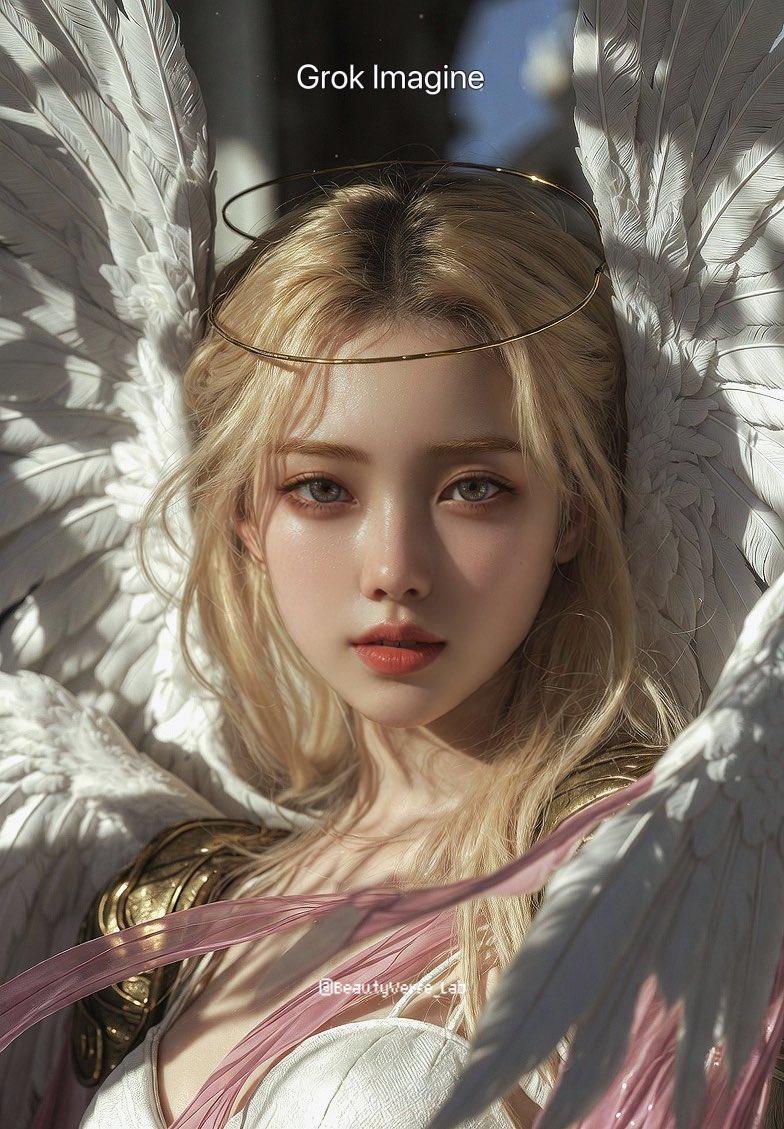
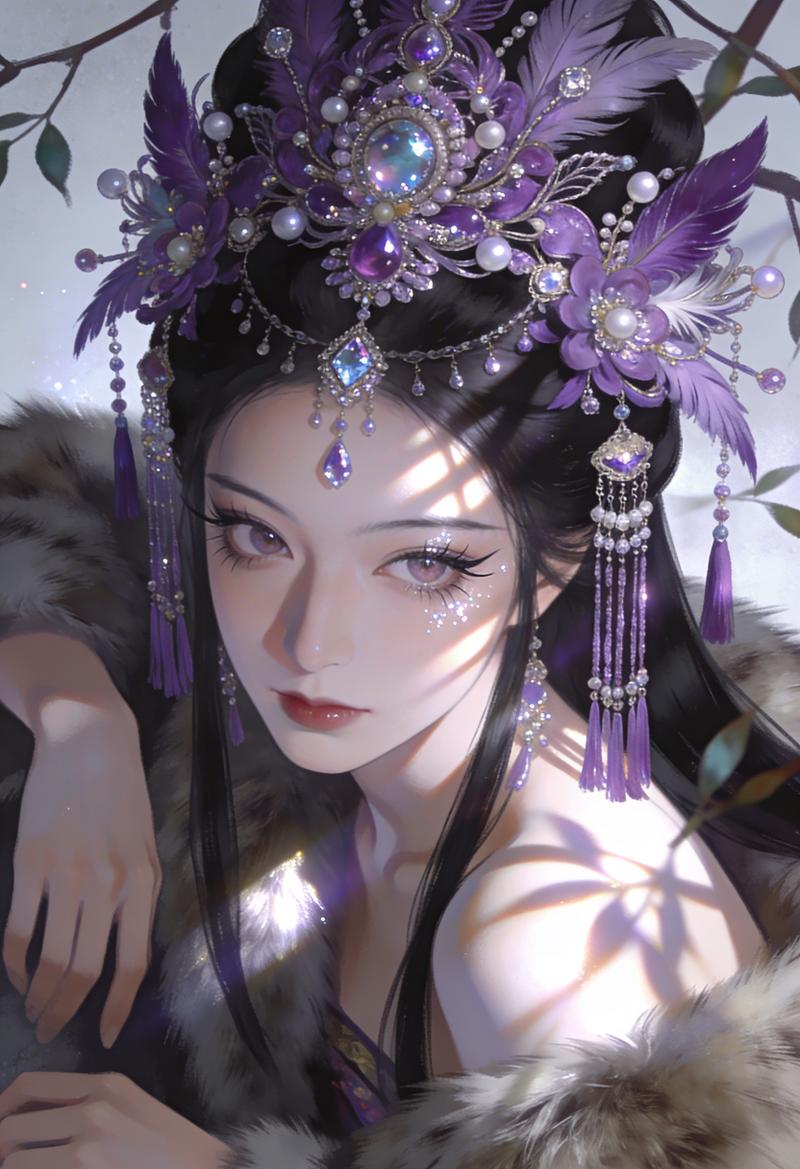
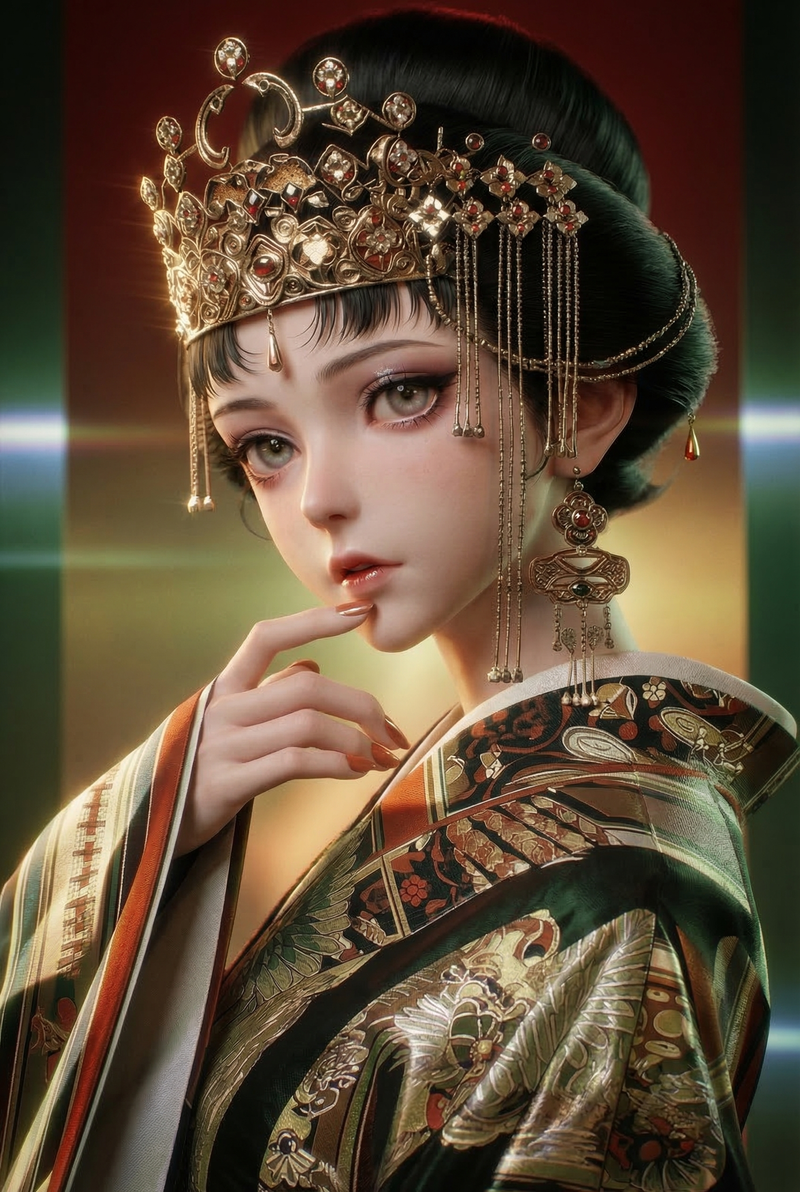
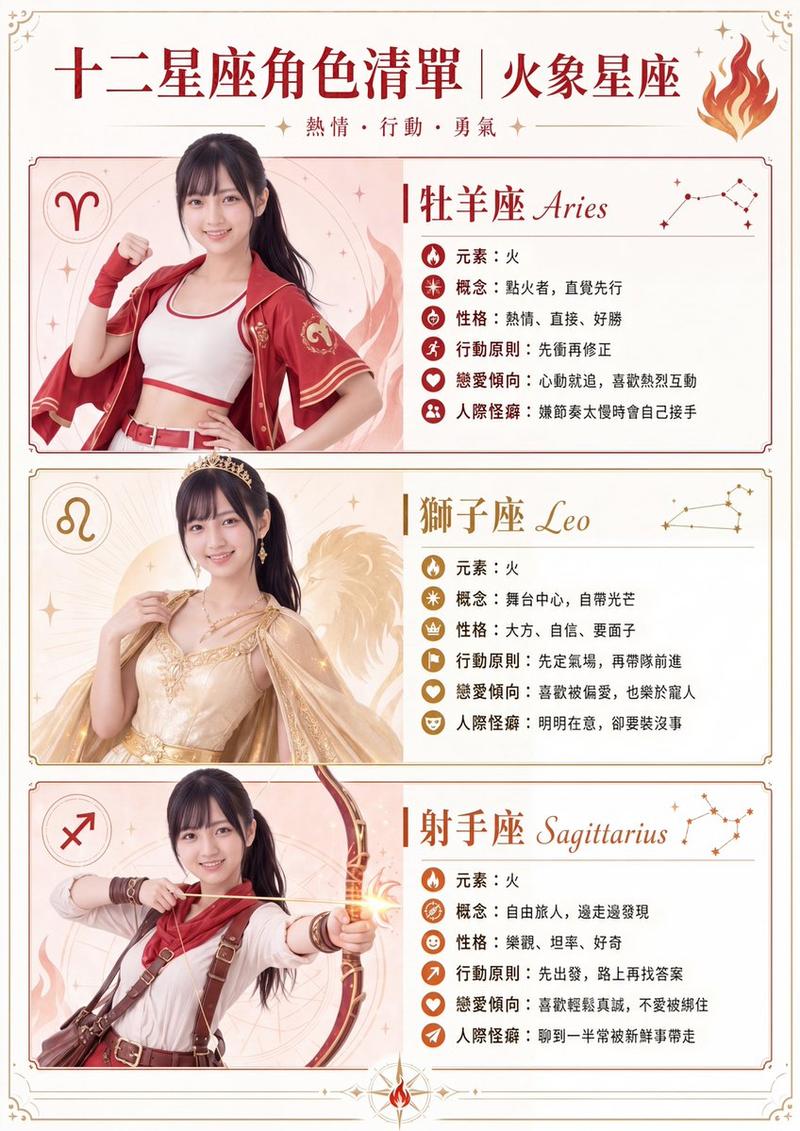
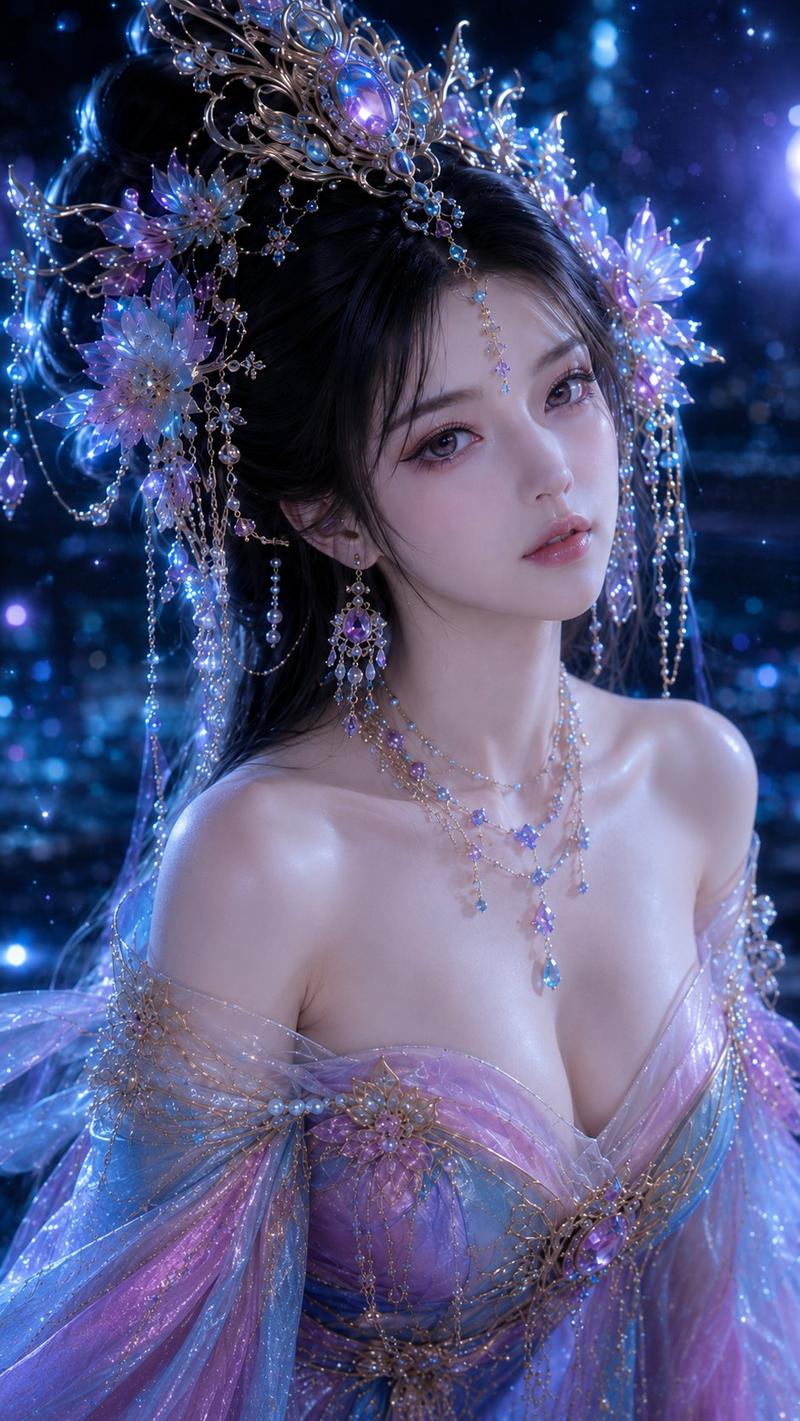
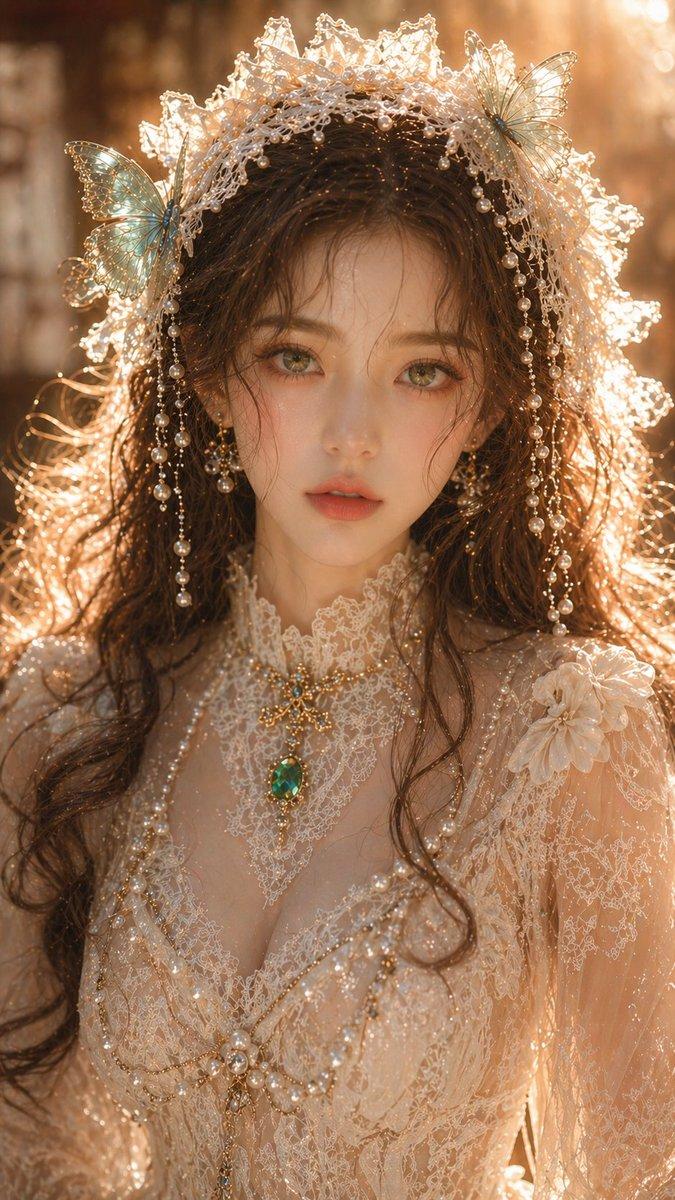
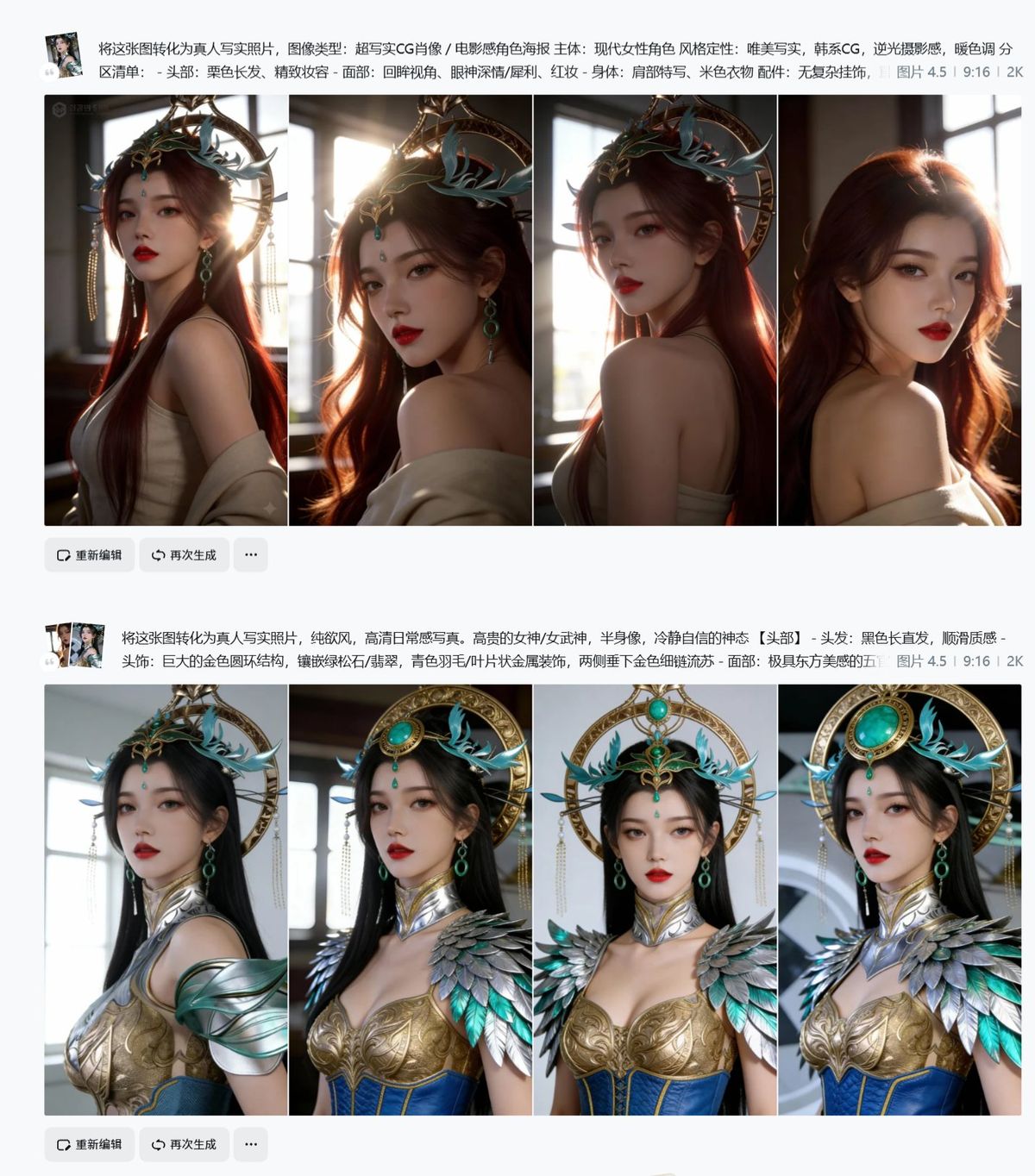
今天的3D或者2D图转真人,只要找一张原图,用以下提示词:
将这张图转化为真人(当然这一句是不够的,后面还需要反推另一张你要参考的图)
方法步骤不是太稳定:
1、将原图和提示词分别给即梦4.5或者nbp,出第一次图,找到效果比较好的。(因为这种往往改变不大)
2、将原图和已经做出来的新图,一起放进去参考,还是使用原提示词。(因为这种改变大,但是身上的东西改变也大)
3、使用原图作为参考,去反推一张自己比较喜欢的图。还是使用:将这张图转化为真人+反推后的提示词,去保持人脸,但是换了场景的图。(因为这张图更好的在其他画风上保存好了人脸特点)
4、使用3生成的图,和1、2生成的图,再次混合,提示词使用第一步的提示词。不断抽卡。或者自己可以尝试其他提示词。
5、实在效果不好,可以把脸部效果好的,和服装保存完好的进行换脸操作:把图1中的脸和表情,替换到图2中。
关键注意内容,你反推的提示词,往往带渲染的提示内容,修改为纯欲风,真实写真摄影。几分钟就可以操作完成。
Category
Photography & Realism
Model
Unknown
Views0
Source ID
3d-2d-image-to-real-person-method-steps-and-tips

Guide

About "3D/2D图像转真人:方法步骤及注意事项"

What is this prompt for?

"3D/2D图像转真人:方法步骤及注意事项" AI image prompt for Unknown (Photography & Realism). 今天的3D或者2D图转真人,只要找一张原图,用以下提示词: 将这张图转化为真人(当然这一句是不够的,后面还需要反推另一张你要参考的图) 方法步骤不是太稳定: 1、将原…

The full copyable prompt and example visuals above are ready for AI image generation or one-click recreate in Picva.

How to use this prompt

  1. Step 1

    Open the prompt detail

    Review the example visuals, category, and full prompt text for "3D/2D图像转真人:方法步骤及注意事项".

  2. Step 2

    Copy the prompt

    Copy the prompt body from this page, or load it directly in Studio.

  3. Step 3

    Pick a model (Unknown)

    Prefer Unknown. If you switch models, keep subject and composition and tweak style terms.

  4. Step 4

    Generate and export

    Recreate the look in Picva, or export into your workflow for editing and publishing.

FAQ

What is the "3D/2D图像转真人:方法步骤及注意事项" prompt?
It is an AI image-generation prompt for Unknown in the Photography & Realism category. This page includes the full prompt text, example visuals, and a one-click recreate path in Picva.
How do I use this prompt to generate an image?
Copy the prompt from this page, or use Generate / Studio. Paste it into a compatible image model, or recreate the look in Picva with optional reference images.
Which model is this prompt for?
This page lists Unknown. Most descriptive prompts also transfer to nearby image models such as GPT Image, Flux, or Midjourney with light style tweaks.
Can I use the result commercially?
You can usually copy the prompt for creation, but commercial use of the final image depends on the model terms, reference-image rights, and the generated content. Follow the source author and platform rules.