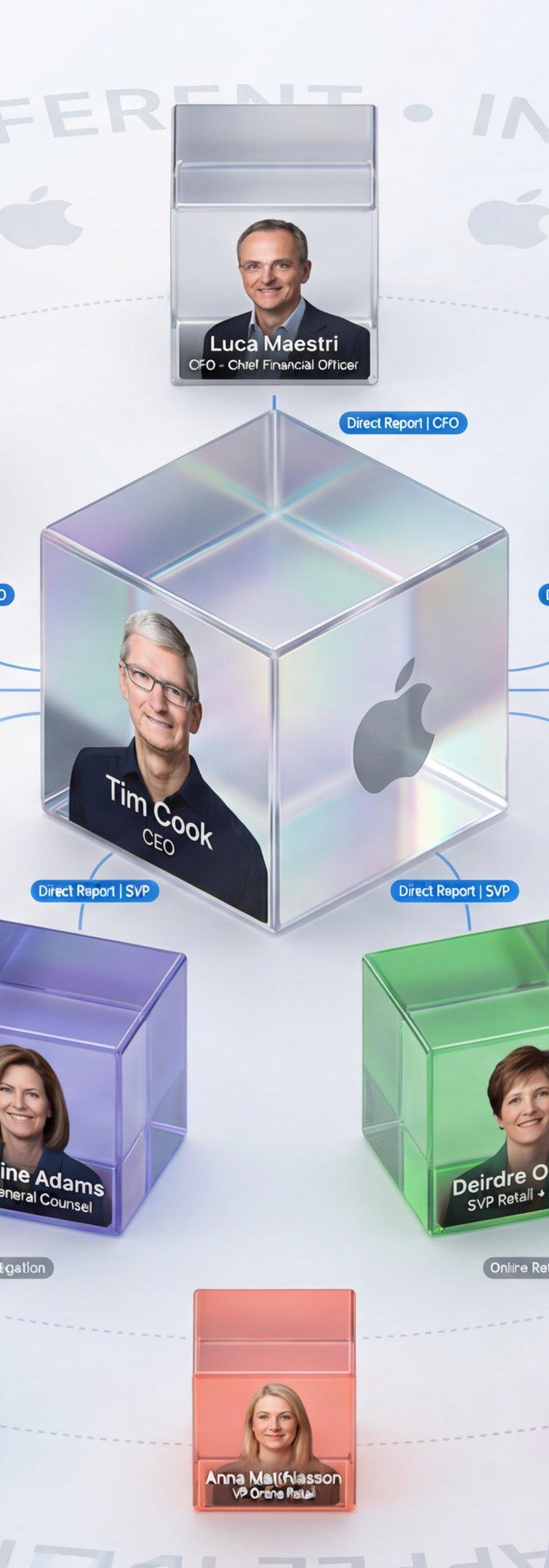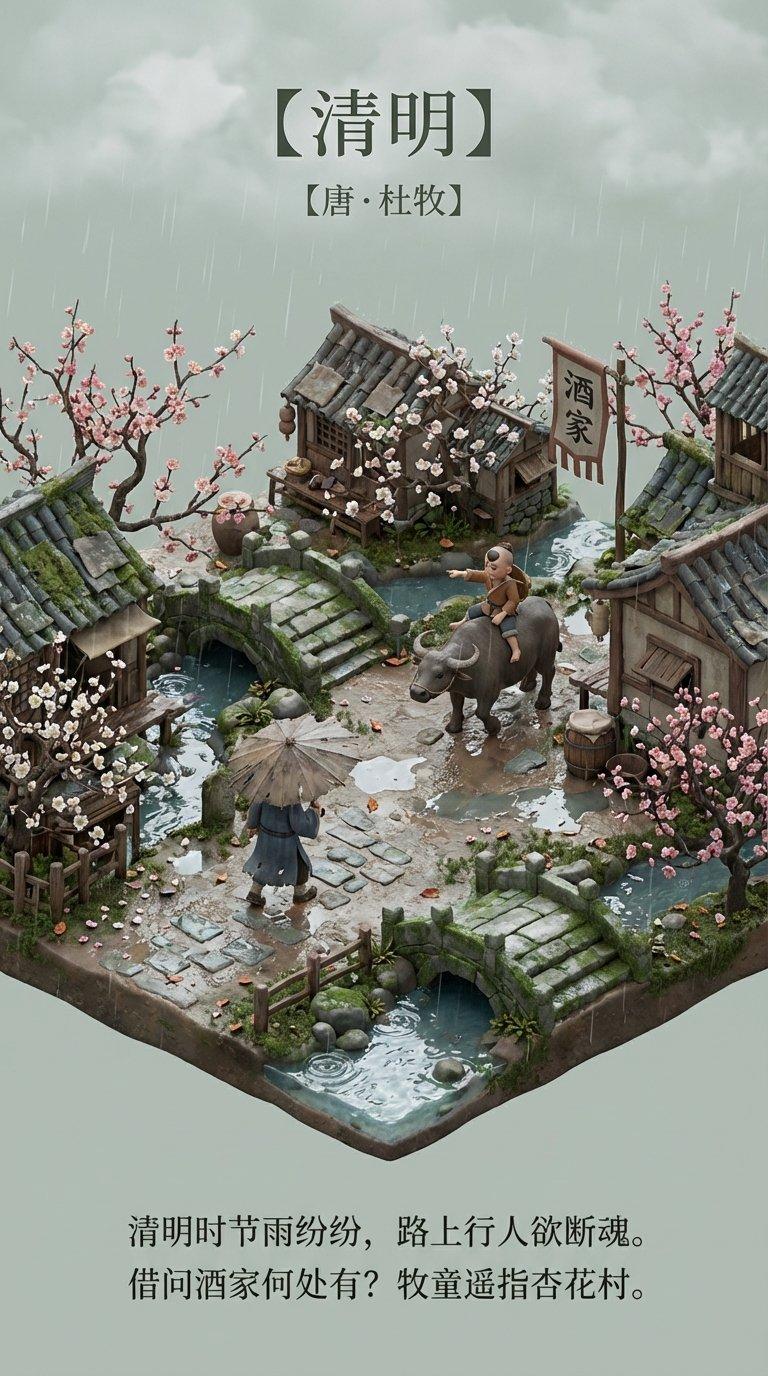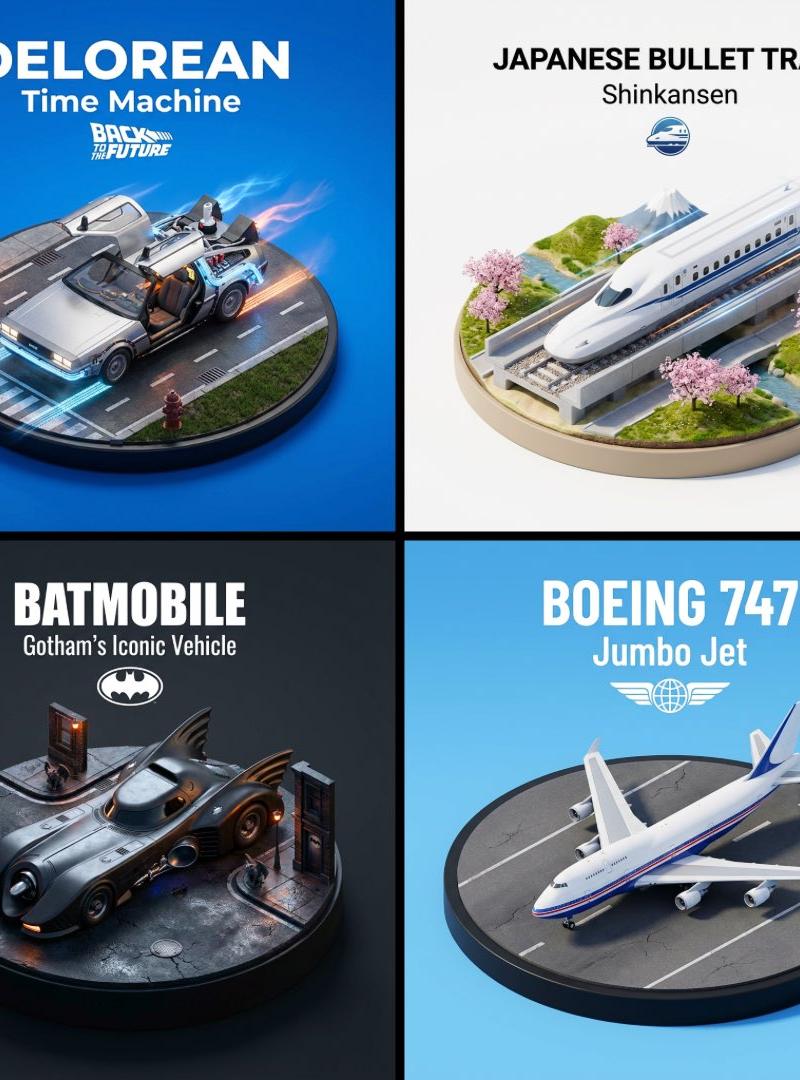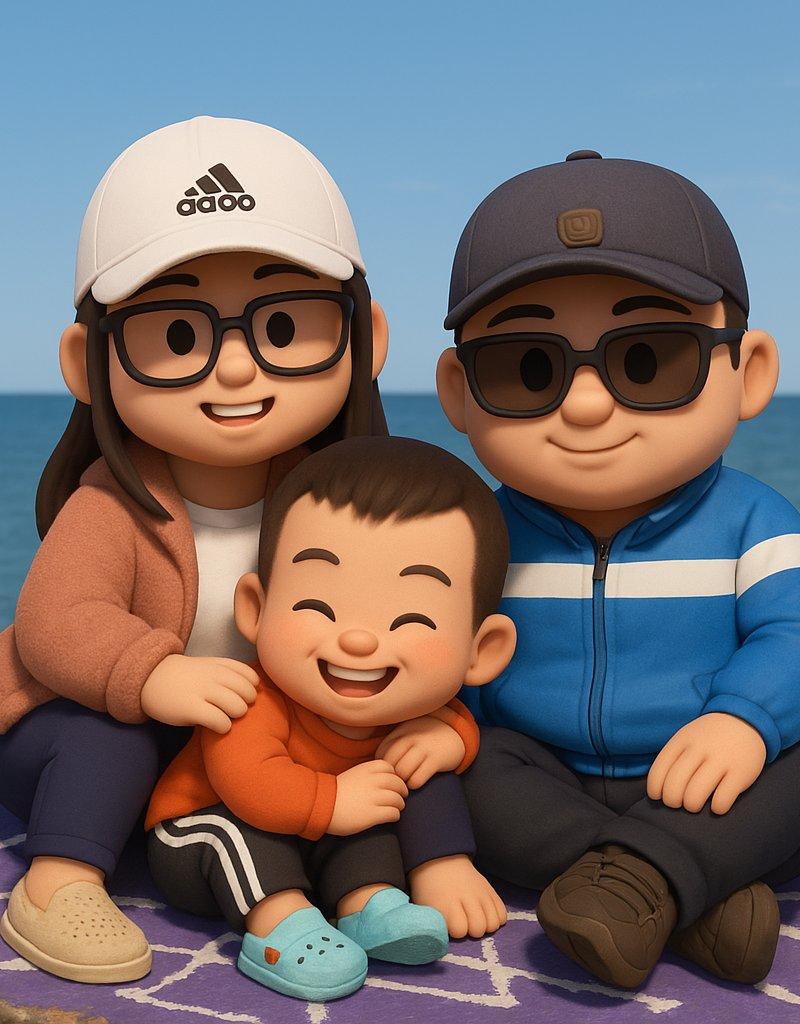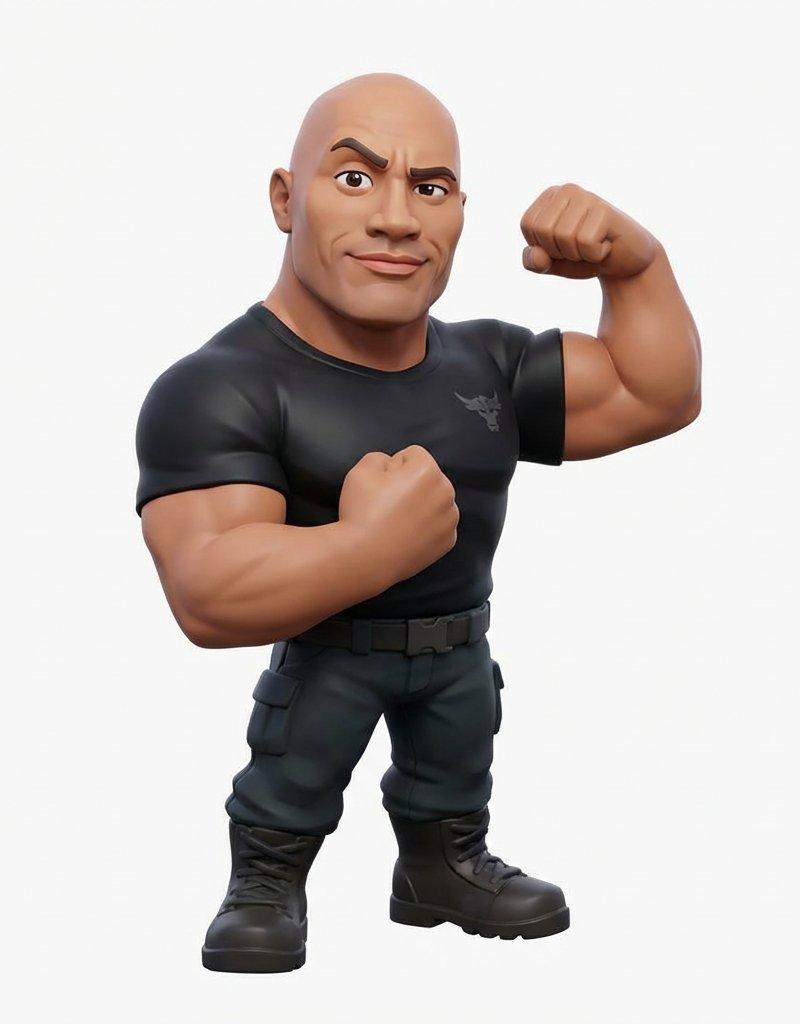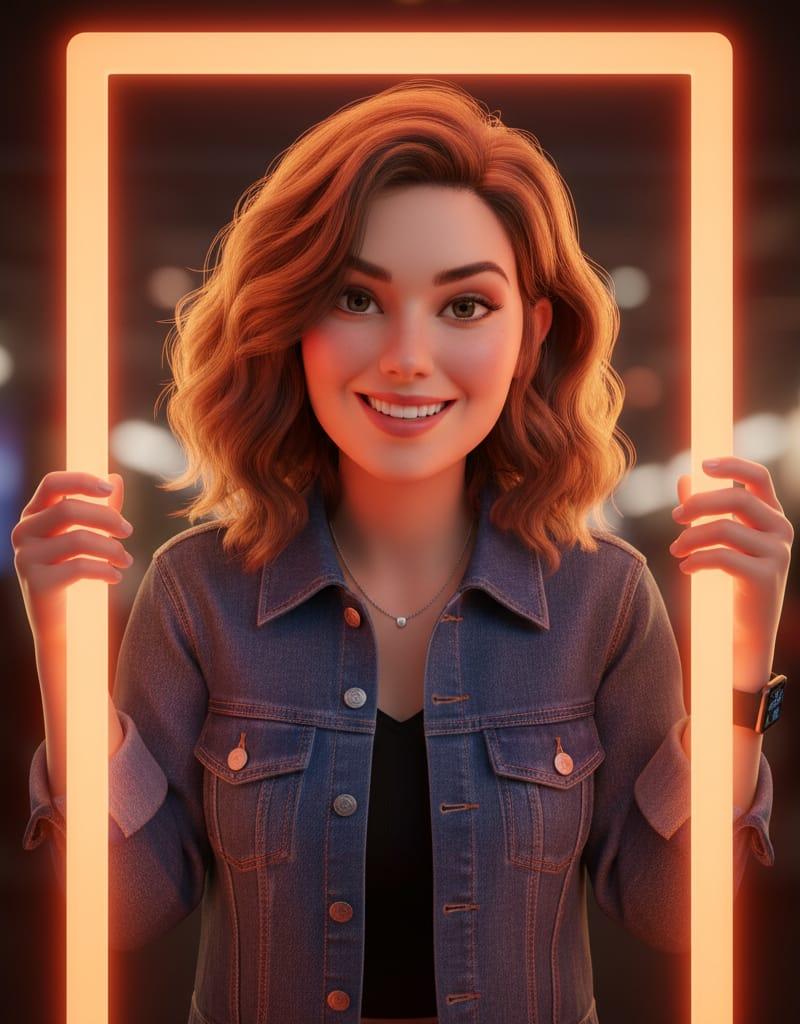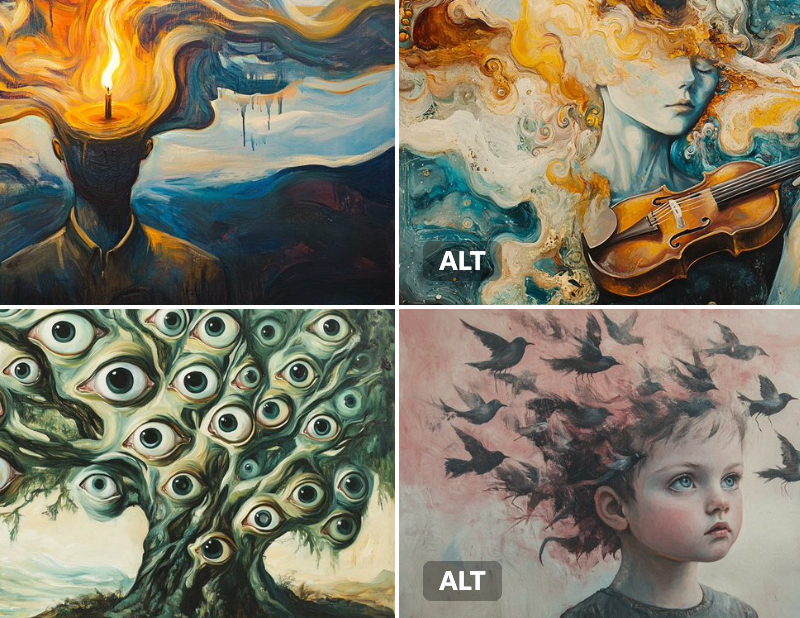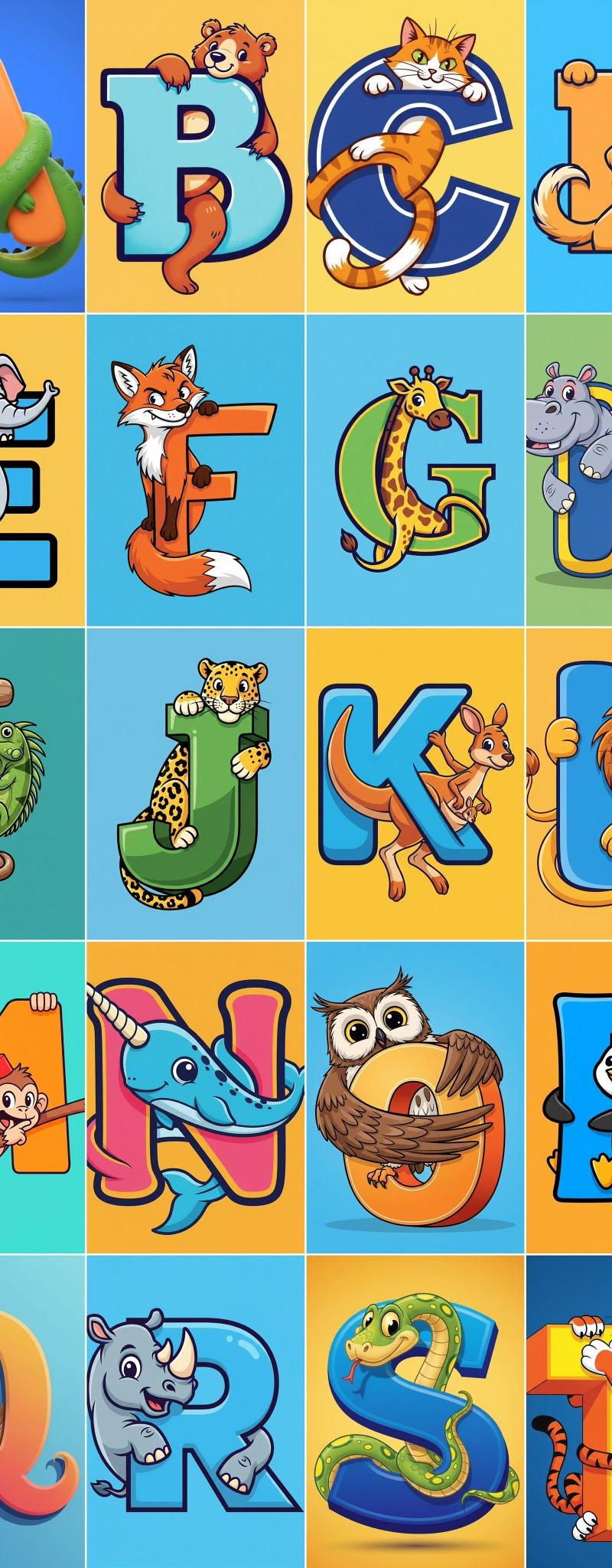
动画电影3D微型模型
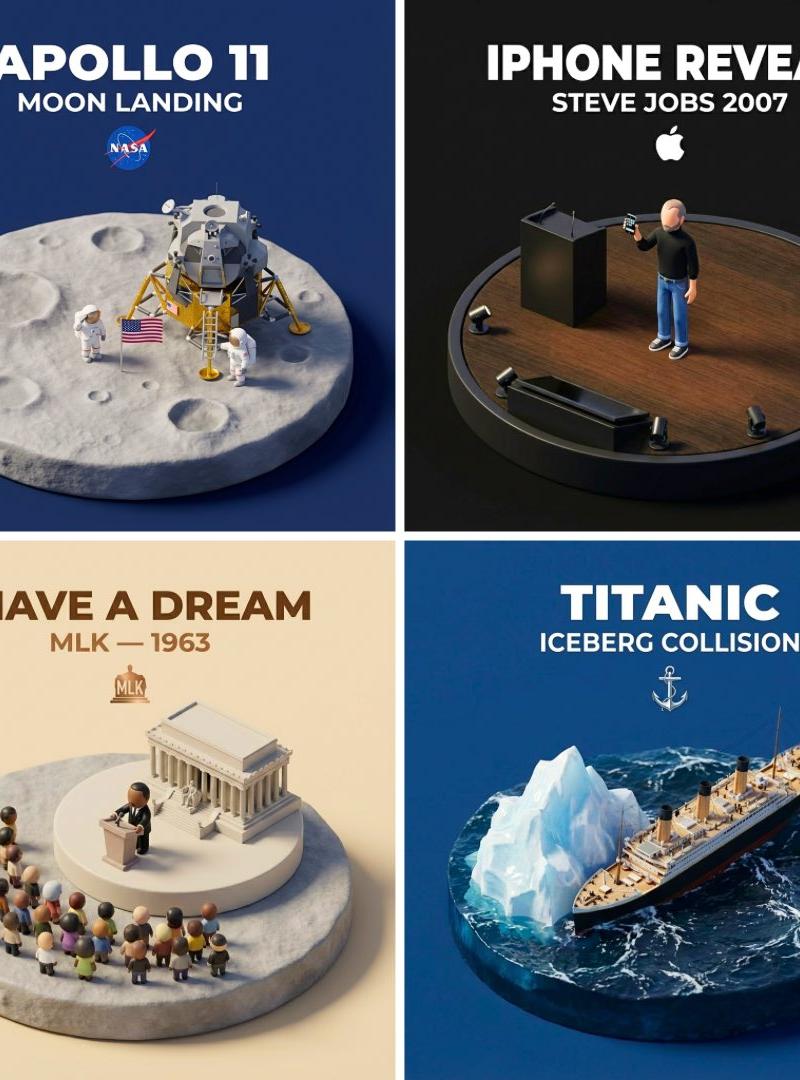
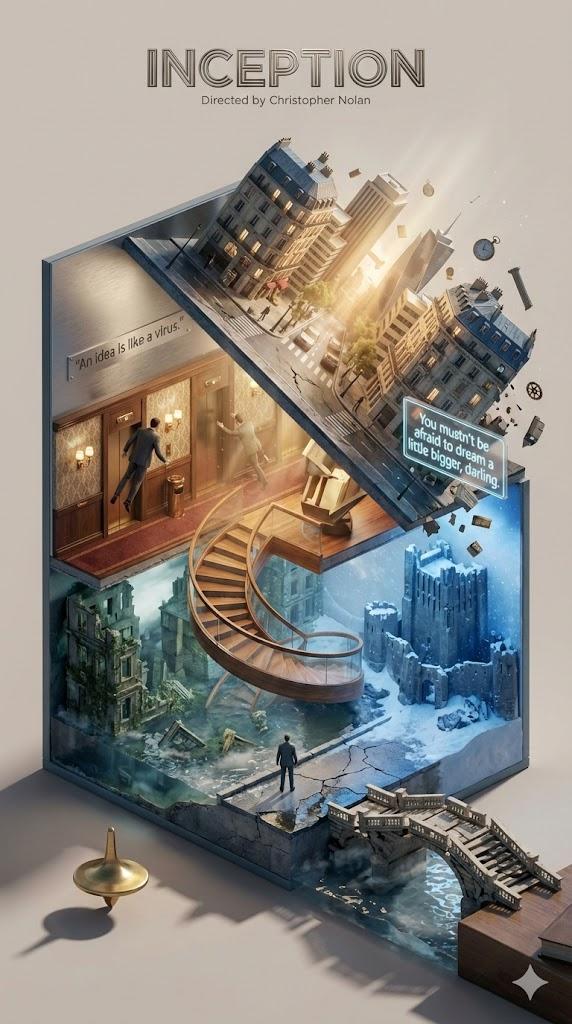
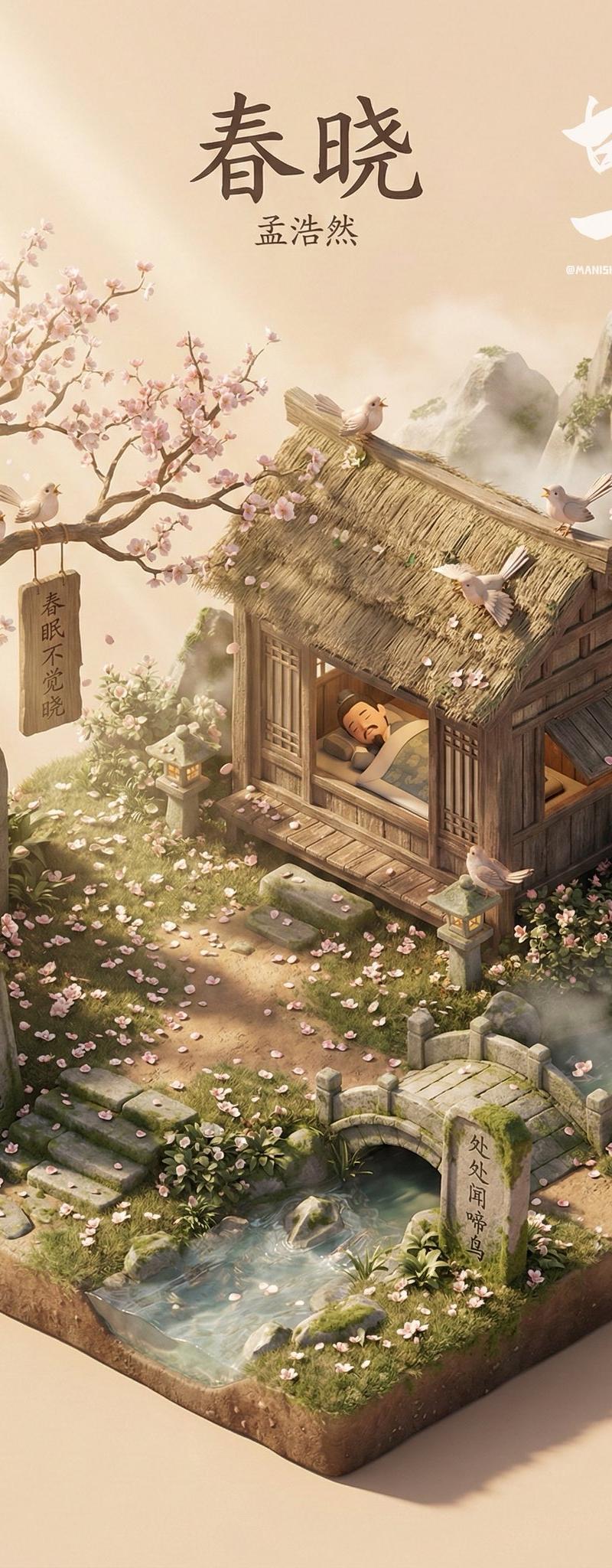
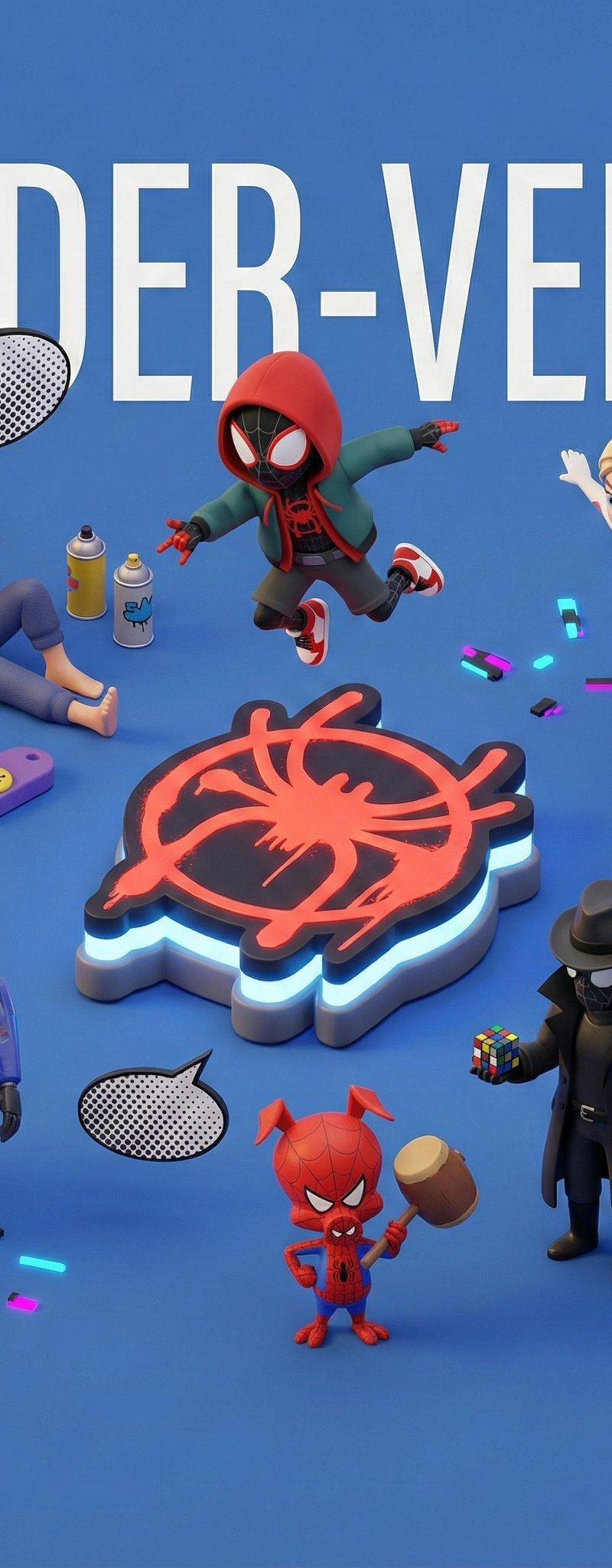
3D Miniatures of Animated Movies Prompt: “Create an exquisite miniature 3D cartoon-style scene based on the movie {Movie Name}, viewed from a 45° top-down perspective. Place the most iconic landmark, prop, or symbol from {Movie Name} at the center. Surround it with cute, stylized miniature versions of the movie’s main characters, posed in ways that reflect their personalities and key moments. Add tiny props, symbolic items, memorable objects, and playful Easter eggs that capture the movie’s stor
- Category
- Illustration & Art
- Model
- Unknown
- Creator
- aleenaamiir
- Source language
- zh-CN
- Source ID
- 3d-miniature-scenes-of-animated-movies
Full prompt
3D Miniatures of Animated Movies
Prompt: “Create an exquisite miniature 3D cartoon-style scene based on the movie {Movie Name}, viewed from a 45° top-down perspective.
Place the most iconic landmark, prop, or symbol from {Movie Name} at the center. Surround it with cute, stylized miniature versions of the movie’s main characters, posed in ways that reflect their personalities and key moments.
Add tiny props, symbolic items, memorable objects, and playful Easter eggs that capture the movie’s story, themes, and vibes.
Render everything in Cinema 4D using smooth, rounded modeling, refined PBR materials, and rich textures. Use gentle, lifelike lighting with soft shadows for a warm, cinematic atmosphere.
Keep the layout clean and minimal with a solid-color background.
At the top-center, display {Movie Name} in a large, clean font, in the user’s chosen language. The text should have no background and may lightly overlap the scene for visual cohesion.
Aspect Ratio: {Your aspect ratio, default 1:1}”Translations1
动画电影3D微型模型
zh-CN3D Miniatures of Animated Movies Prompt: “Create an exquisite miniature 3D cartoon-style scene based on the movie {Movie Name}, viewed from a 45° top-down perspective. Place the most iconic landmark, prop, or symbol from {Movie Name} at the center. Surround it with cute, stylized miniature versions of the movie’s main characters, posed in ways that reflect their personalities and key moments. Add tiny props, symbolic items, memorable objects, and playful Easter eggs that capture the movie’s story, themes, and vibes. Render everything in Cinema 4D using smooth, rounded modeling, refined PBR materials, and rich textures. Use gentle, lifelike lighting with soft shadows for a warm, cinematic atmosphere. Keep the layout clean and minimal with a solid-color background. At the top-center, display {Movie Name} in a large, clean font, in the user’s chosen language. The text should have no background and may lightly overlap the scene for visual cohesion. Aspect Ratio: {Your aspect ratio, default 1:1}”