17

AI服装打版设计与宠物服装技术说明
Enlarge

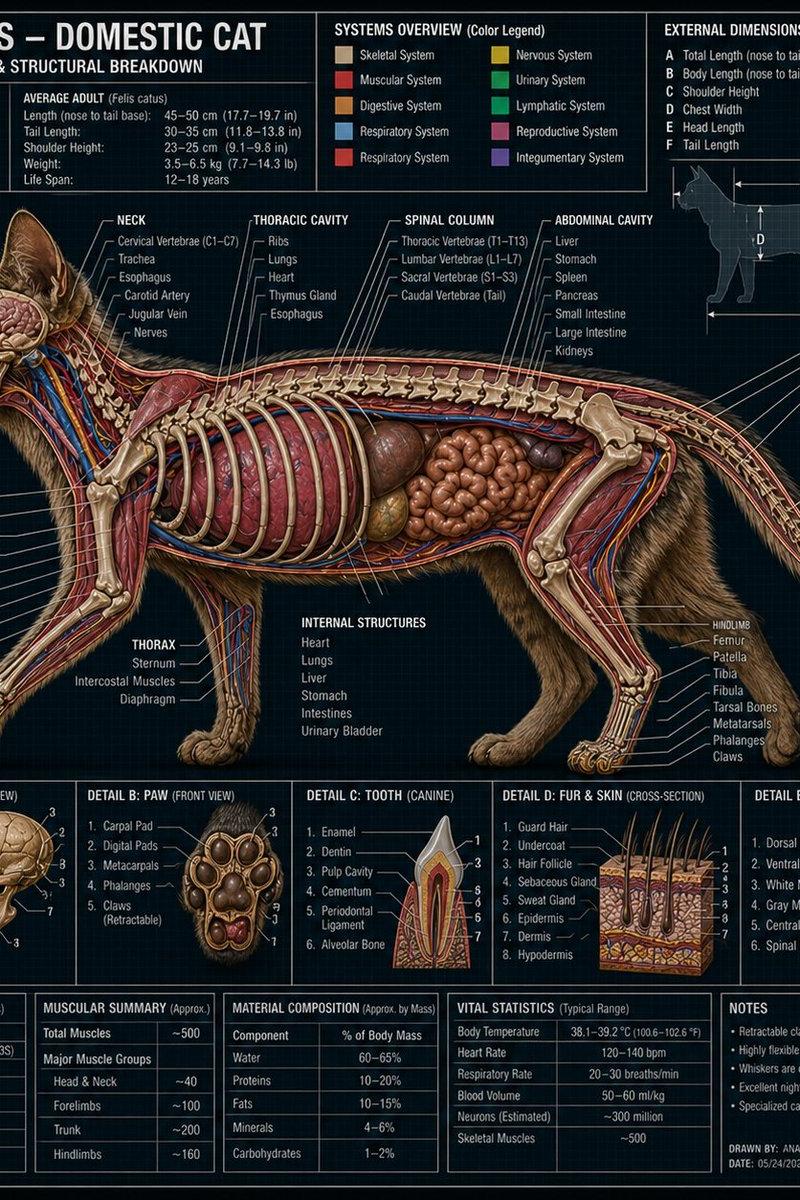
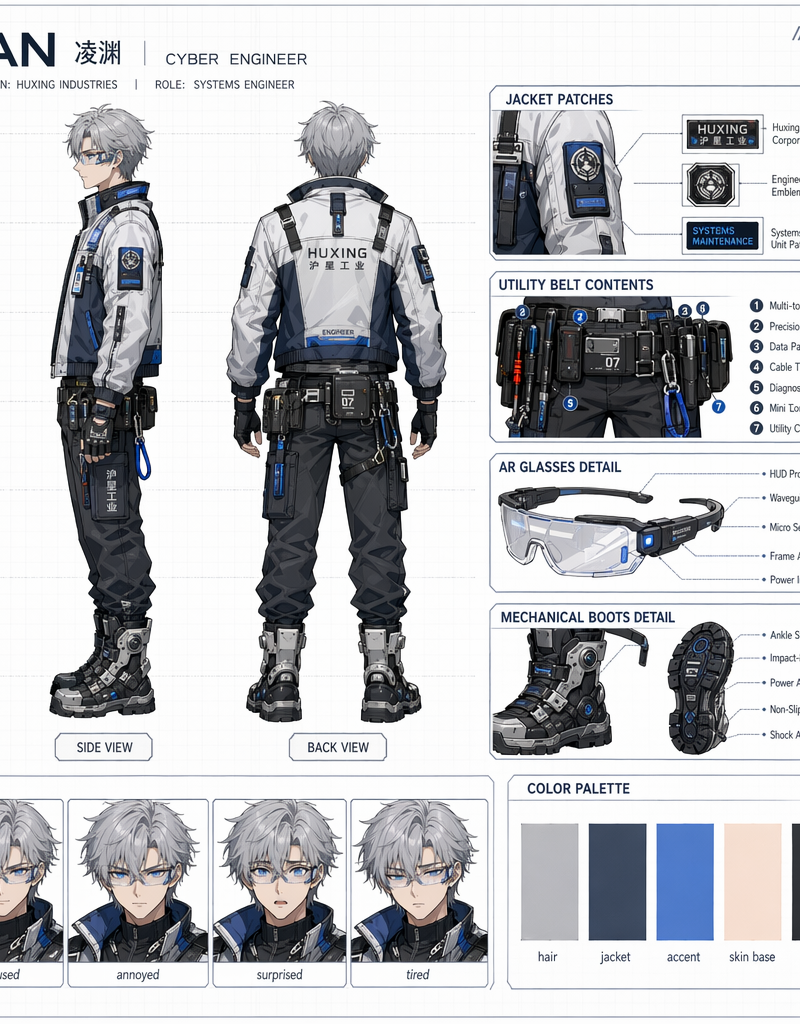
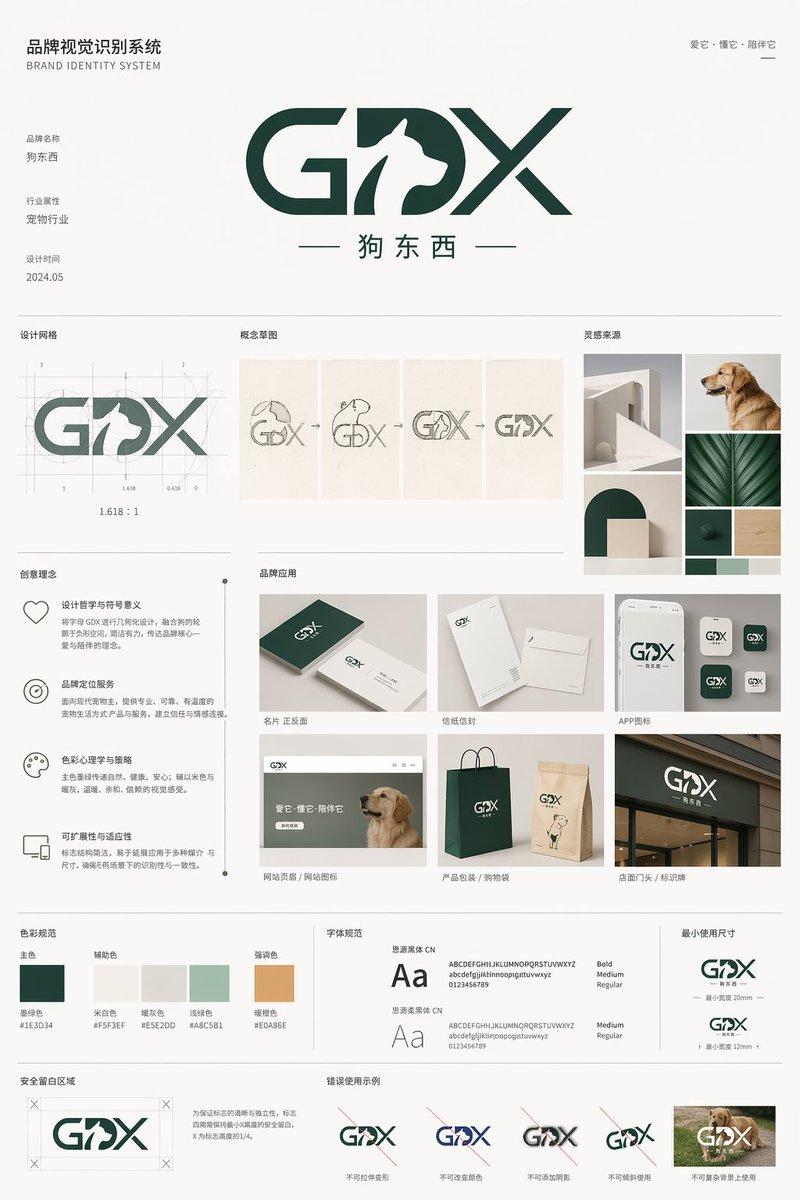
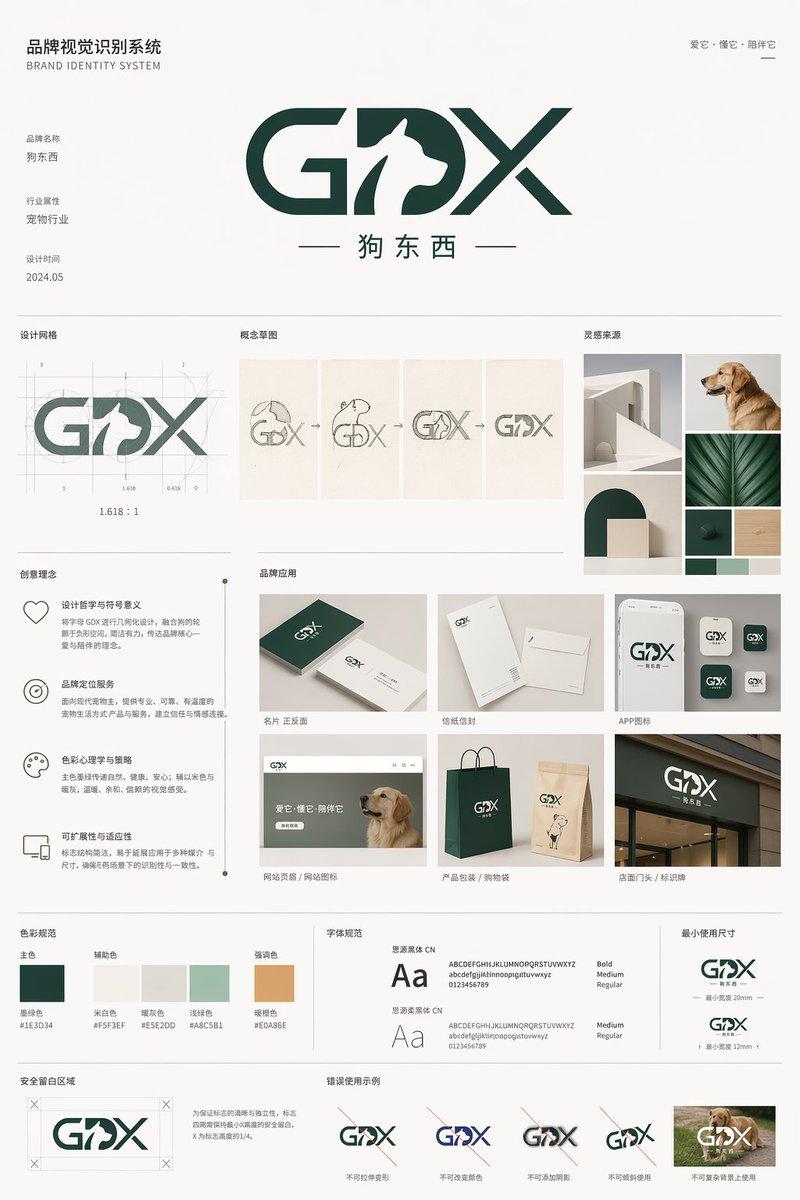
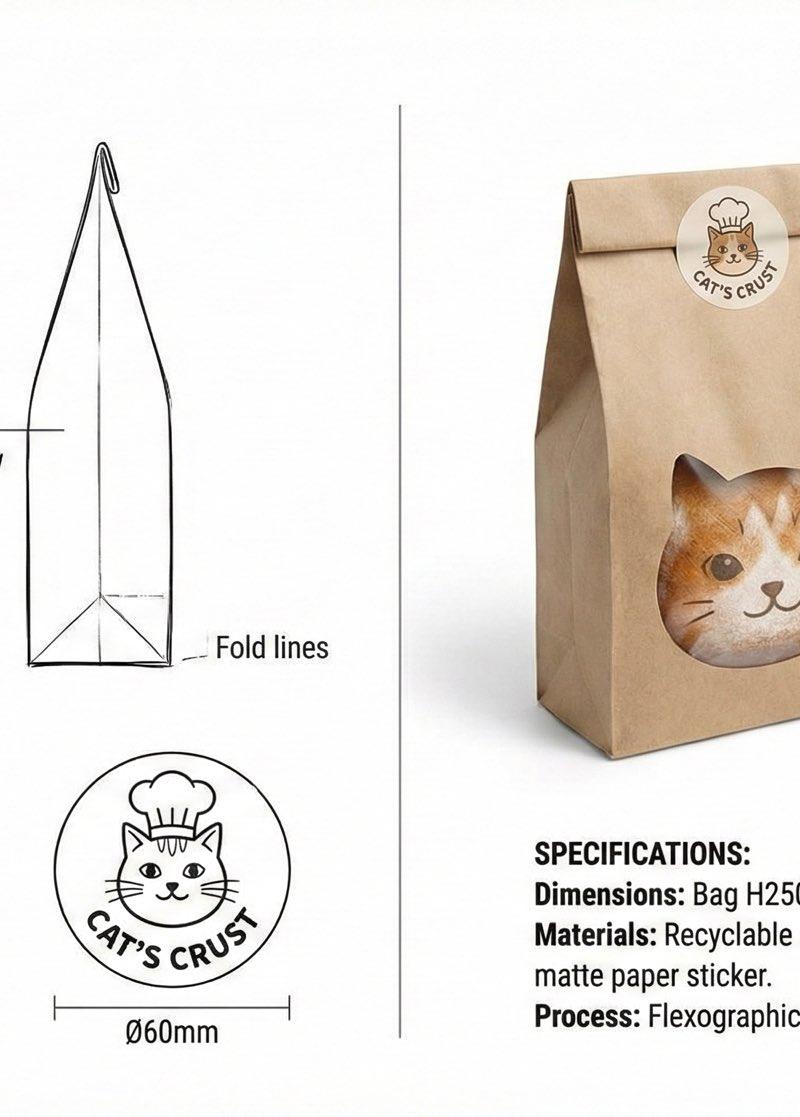
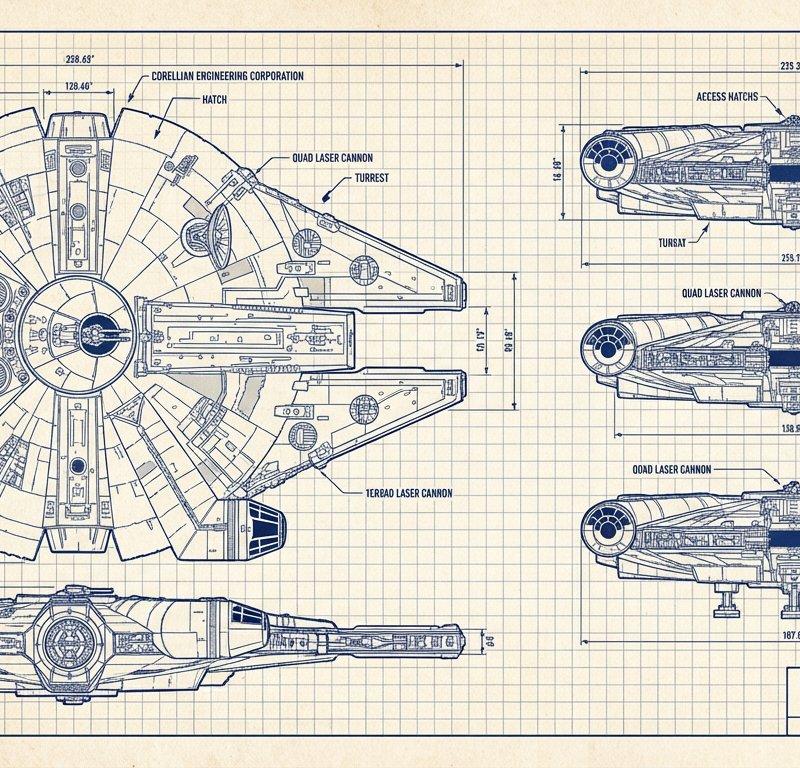
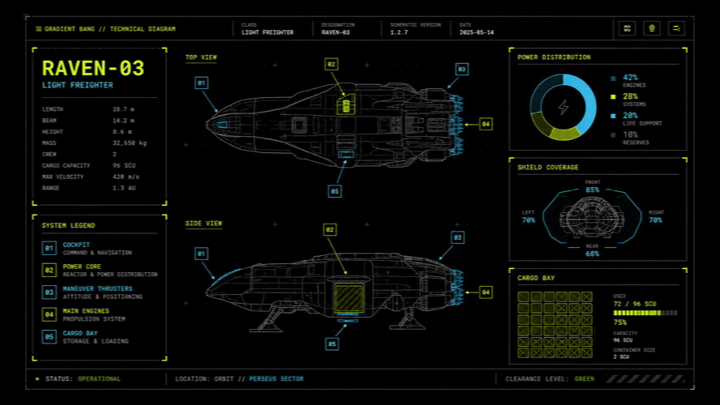
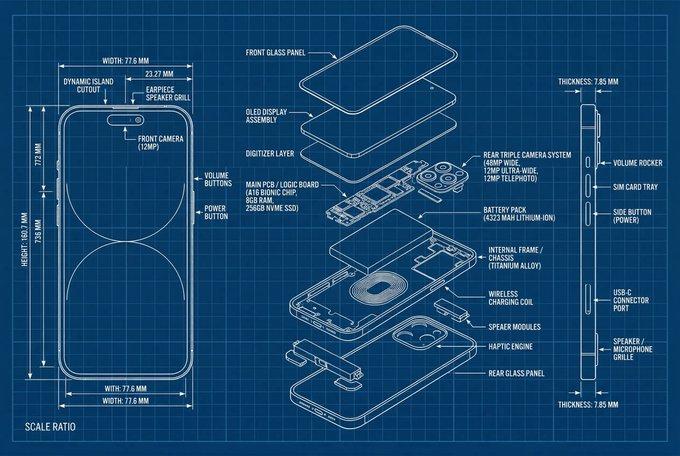
Example images

AI服装打版设计与宠物服装技术说明

Prompt
又一个AI有可能变现的新路子!!(服装打版)
不是服装专业,效果比较有限,但目的不是为了实现商业需求,而是解决我太太的一个真实困扰,或许其他宠物家庭也有这样的需求。
我家有两只猫,太太经常给它们买各种各样的衣服,但要么太松,穿上没两下就给挣脱掉了,要么太紧,穿上走路都不利索了,很难买到合身的。她会一点缝纫的活(是的,她会踩缝纫机),对草木染也略知一二。
那距离做出一身衣服,就差打版了。
只要不商用,不追求完美,打版不难,照壶画瓢就行,但考虑到长期的正向循环,最开始还是不要太随意,万一之后做衣服做出水准做出水平,做个服装设计师也不一定。
所以,我在想AI能不能搞定服装打版设计?
搞出个提示词,出来的效果像模像样,感觉这个思路是有可行性的,问题在于如何让AI的设计更专业,或许之后,可以用AI生成出服装厂可以直接拿来用的图纸,导入剪裁机床即可完成布料剪裁,也不一定。
目前,我只想让太太有可以照着画瓢的壶。
提示词(人的衣服应该也适用):
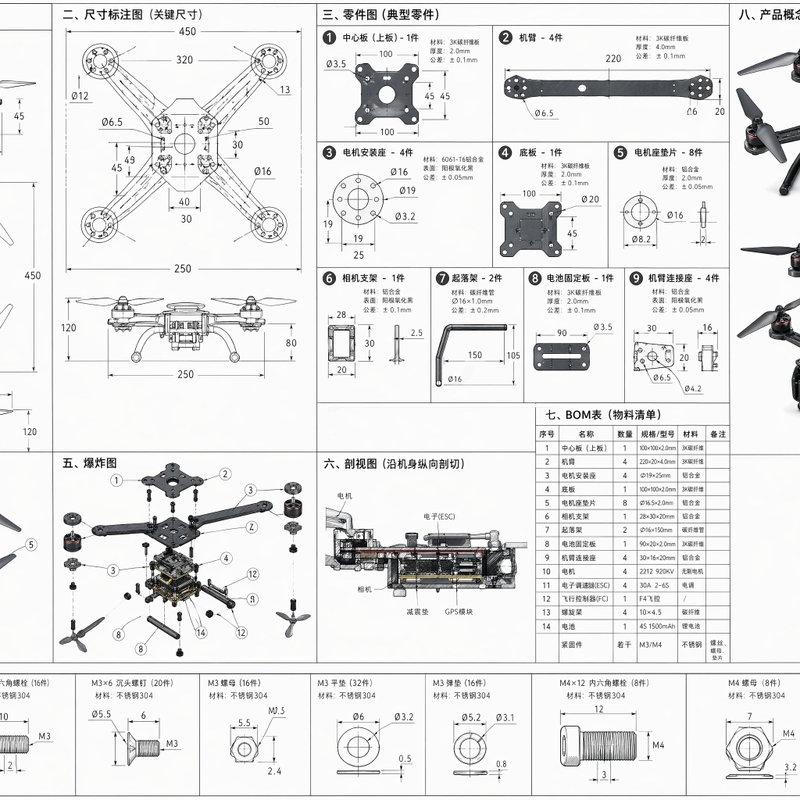
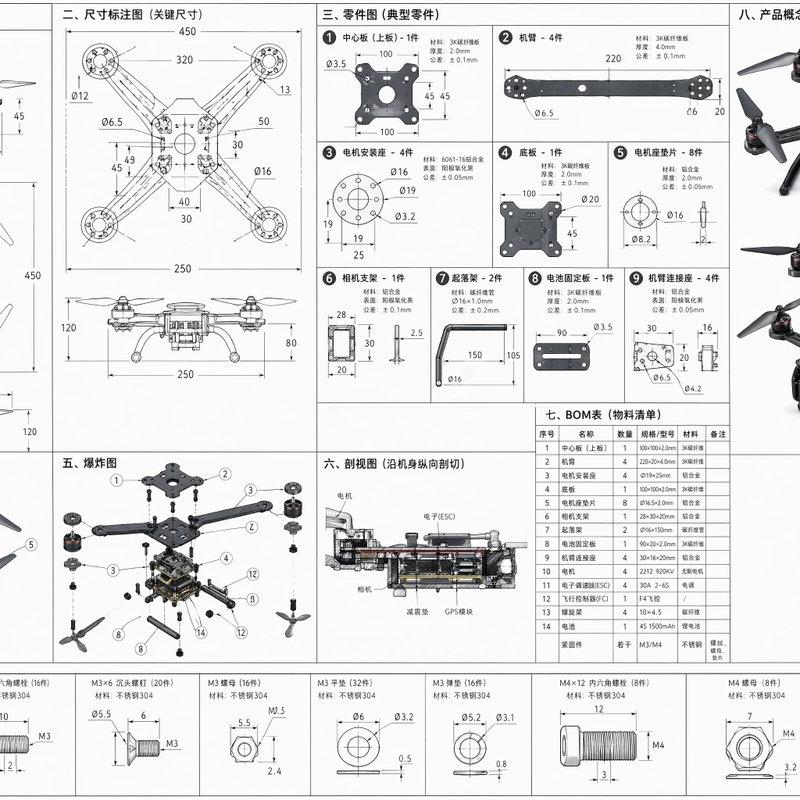
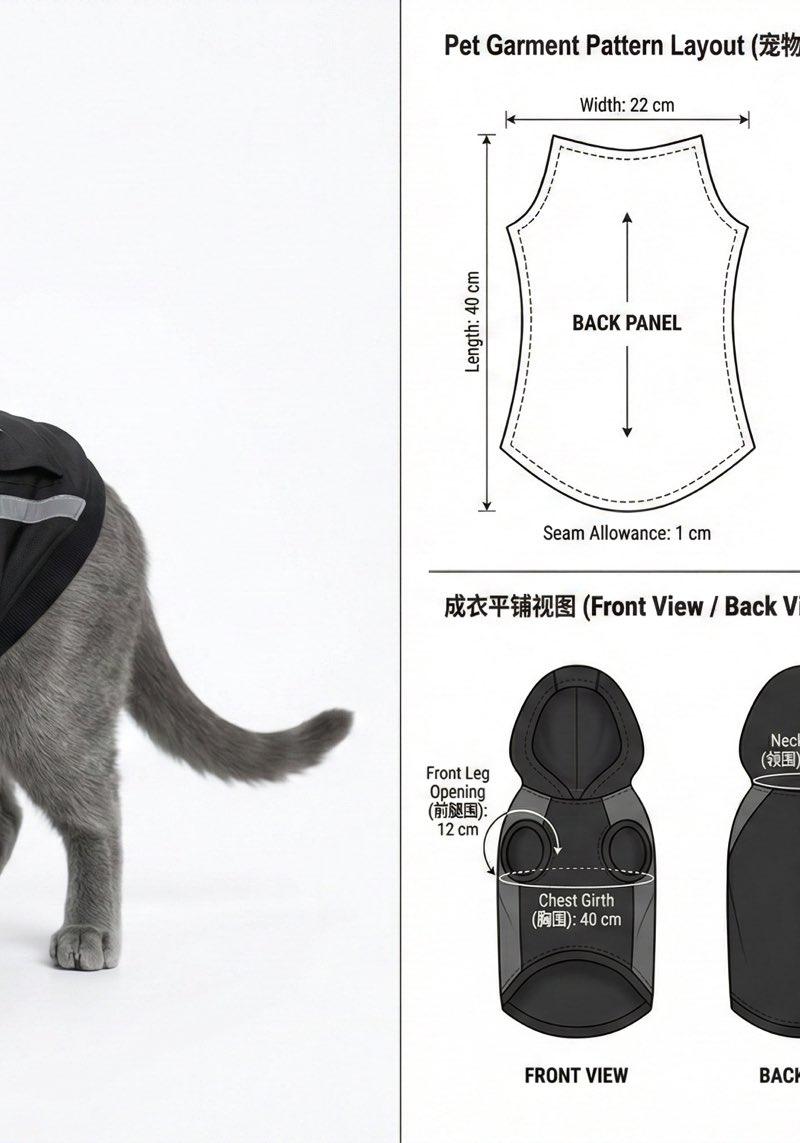
专业级宠物服装打版与工艺技术说明图(Pet Apparel Tech Pack Illustration),横向构图,左右分栏布局
左侧:
一只【宠物类型,比熊犬】,真实体型比例,全身展示
宠物穿着【宠物服装风格,公主裙】,服装结构严格符合宠物体型
清晰体现:
•背长覆盖但不压尾根
•胸围宽松,腹部明显缩短
•前腿腋下留量,便于运动
•领口前低后高
商业摄影棚灯光,纯色背景
右侧(技术信息区):
上部:
宠物服装裁片展开图(Pet Garment Pattern Layout)
展示完整裁片:
•Back Panel(背片)
•Chest Panel(胸腹片)
•Sleeve Panel(前腿袖片)
•Neck Binding(领口包边)
每一块裁片均带有清晰尺寸标注,包括:
•Length(长度,cm)
•Width(宽度,cm)
•Seam Allowance:1cm
•Grain Line(布纹方向箭头)
中部:
成衣平铺视图(Front View / Back View),真实布料质感
使用细线与箭头标注:
•Back Length(背长)
•Chest Girth(胸围)
•Neck Girth(领围)
•Front Leg Opening(前腿围)
下部:
宠物服装缝合与工艺示意图(Pet Garment Sewing Diagram)
清晰标注:
•Stitch Type(锁边 / 平缝 / 双线加固)
•Sewing Order(缝合顺序编号)
•Reinforced Areas(腋下、领口)
•Closure Type(魔术贴 / 扣带)
使用虚线、实线和箭头表达缝合路径
整体风格:
工业级服装技术图风格,类似服装 CAD / Tech Pack,极简白或浅灰背景,高分辨率,信息清晰、专业严谨
garment tech pack, pattern drafting, dimension lines, measurement labels, centimeter units, seam allowance marked, grainline arrows, technical annotation, apparel CAD style
避免:fashion illustration, decorative layout, lifestyle photo only, no measurements, no annotations, cartoon, incorrect animal anatomy, human garment pattern
Category
Photography & Realism
Model
Unknown
Creator
沐阳
Source language
zh-CN
Views0
Source ID
ai-apparel-drafting-and-pet-apparel-tech-pack-illustration
Studio

Guide

About "AI服装打版设计与宠物服装技术说明"

What is this prompt for?

"AI服装打版设计与宠物服装技术说明" AI image prompt for Unknown (Photography & Realism). 又一个AI有可能变现的新路子!!(服装打版) 不是服装专业,效果比较有限,但目的不是为了实现商业需求,而是解决我太太的一个真实困扰,或许其他宠物家庭也有这样的需求。 我家有…

The full copyable prompt and example visuals above are ready for AI image generation or one-click recreate in Picva.

How to use this prompt

  1. Step 1

    Open the prompt detail

    Review the example visuals, category, and full prompt text for "AI服装打版设计与宠物服装技术说明".

  2. Step 2

    Copy the prompt

    Copy the prompt body from this page, or load it directly in Studio.

  3. Step 3

    Pick a model (Unknown)

    Prefer Unknown. If you switch models, keep subject and composition and tweak style terms.

  4. Step 4

    Generate and export

    Recreate the look in Picva, or export into your workflow for editing and publishing.

FAQ

What is the "AI服装打版设计与宠物服装技术说明" prompt?
It is an AI image-generation prompt for Unknown in the Photography & Realism category. This page includes the full prompt text, example visuals, and a one-click recreate path in Picva.
How do I use this prompt to generate an image?
Copy the prompt from this page, or use Generate / Studio. Paste it into a compatible image model, or recreate the look in Picva with optional reference images.
Which model is this prompt for?
This page lists Unknown. Most descriptive prompts also transfer to nearby image models such as GPT Image, Flux, or Midjourney with light style tweaks.
Can I use the result commercially?
You can usually copy the prompt for creation, but commercial use of the final image depends on the model terms, reference-image rights, and the generated content. Follow the source author and platform rules.