18

AI写真系列 Vol.3 - Nano Banana
Enlarge

AI写真系列 Vol.3 - Nano Banana

Prompt
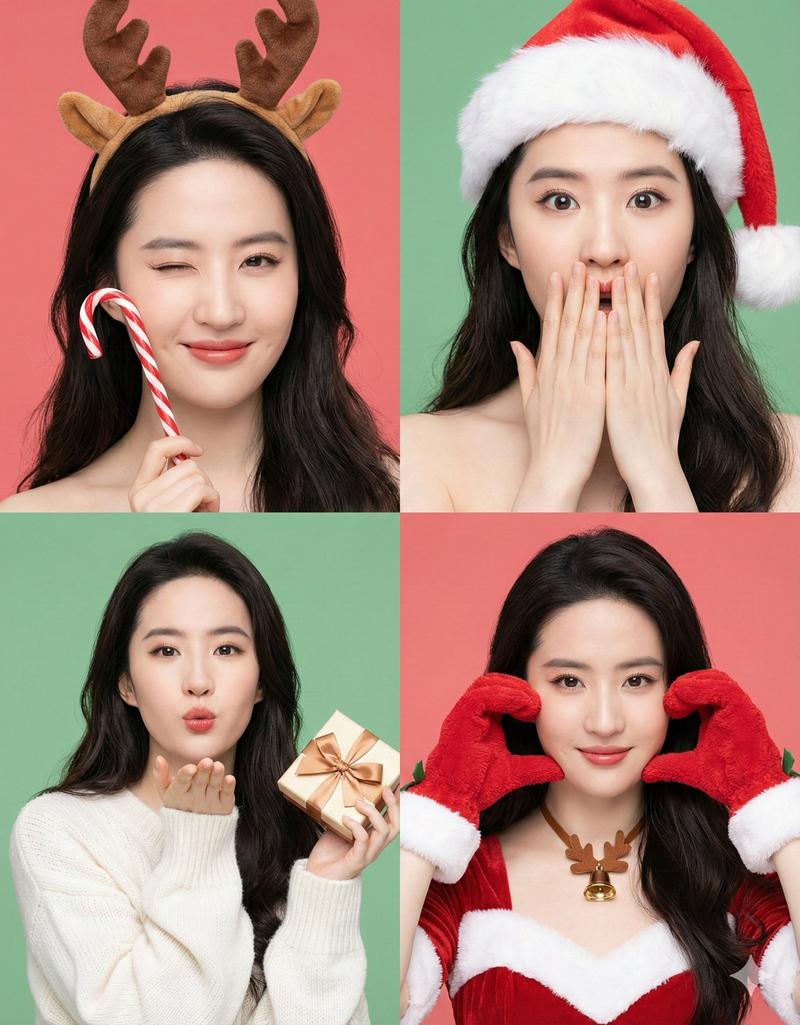
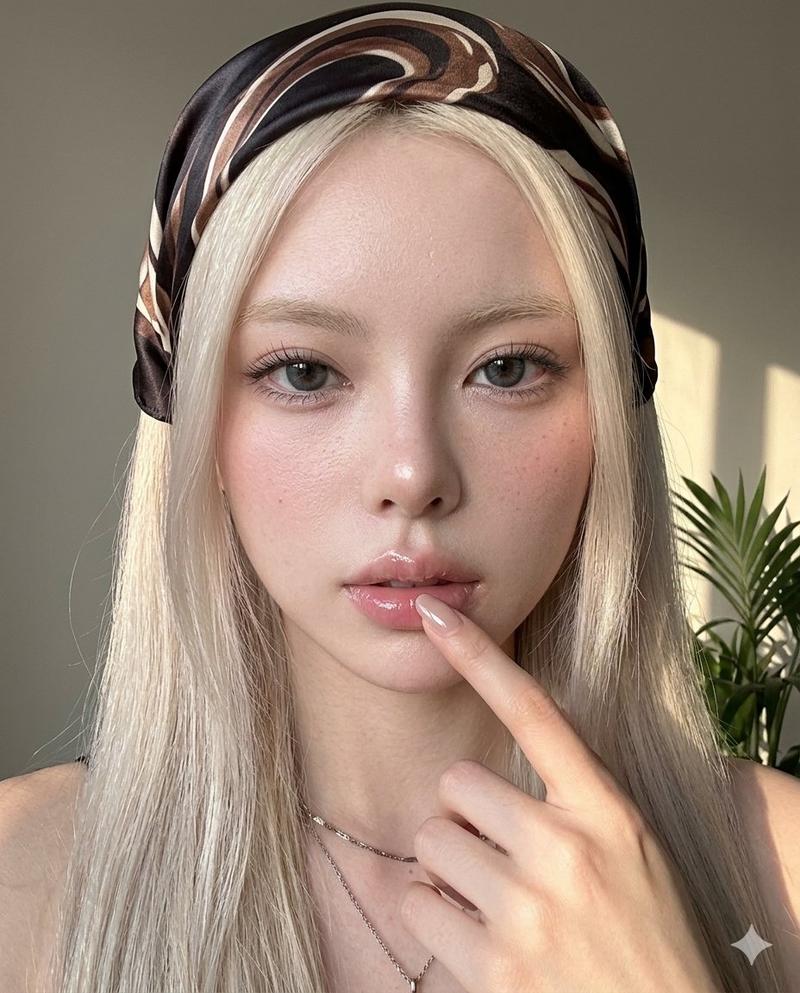
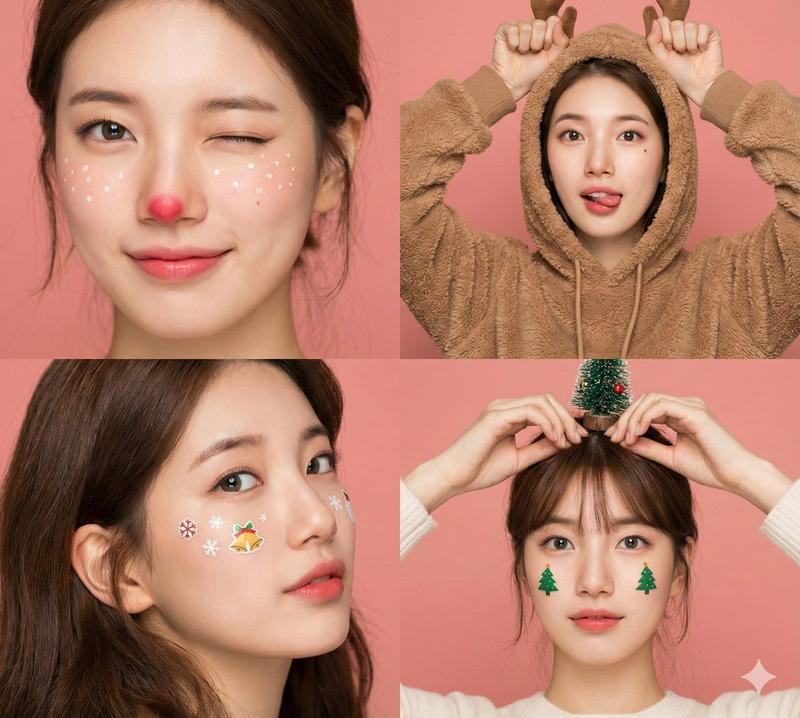
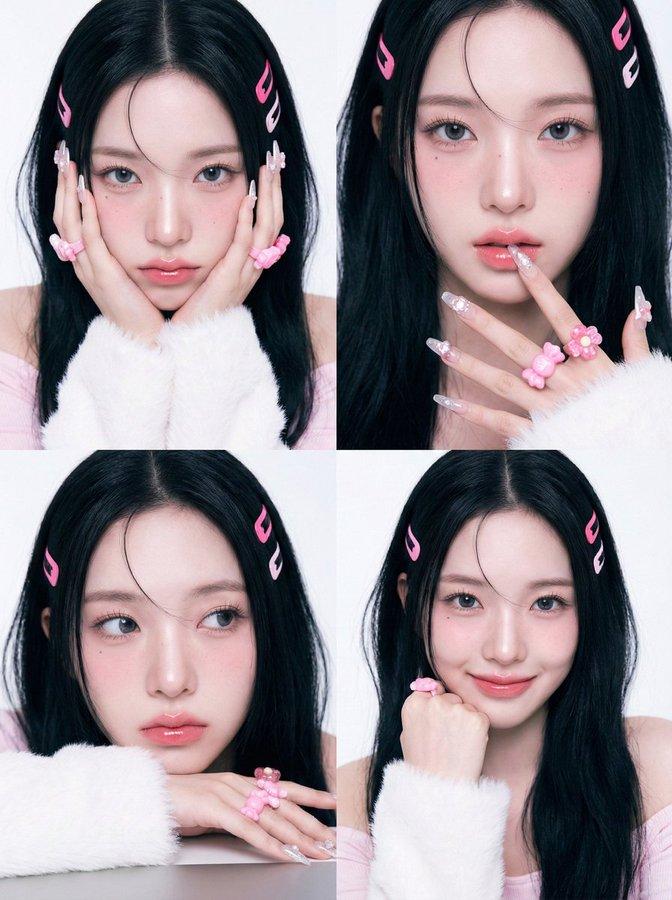
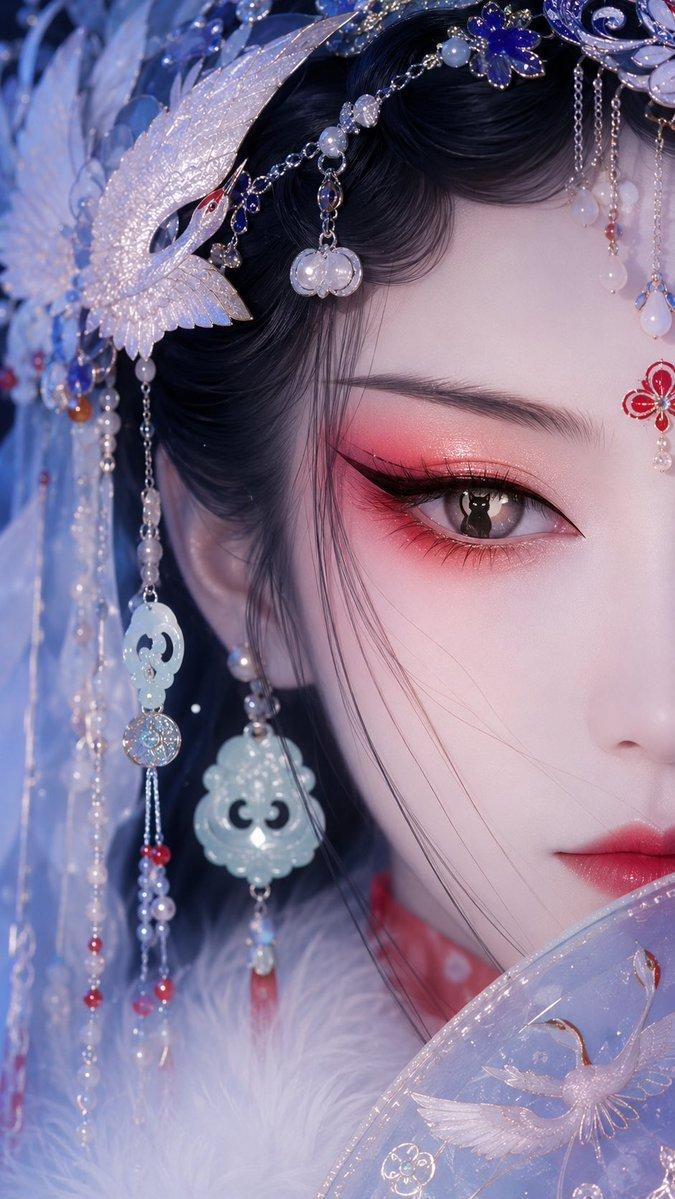
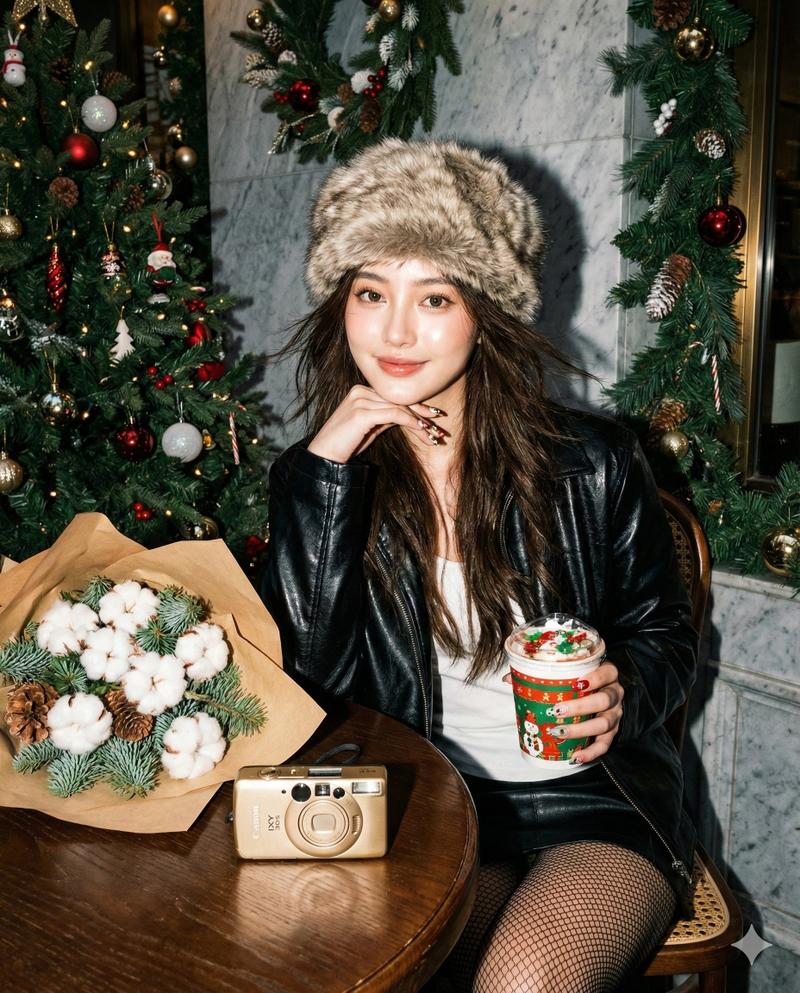
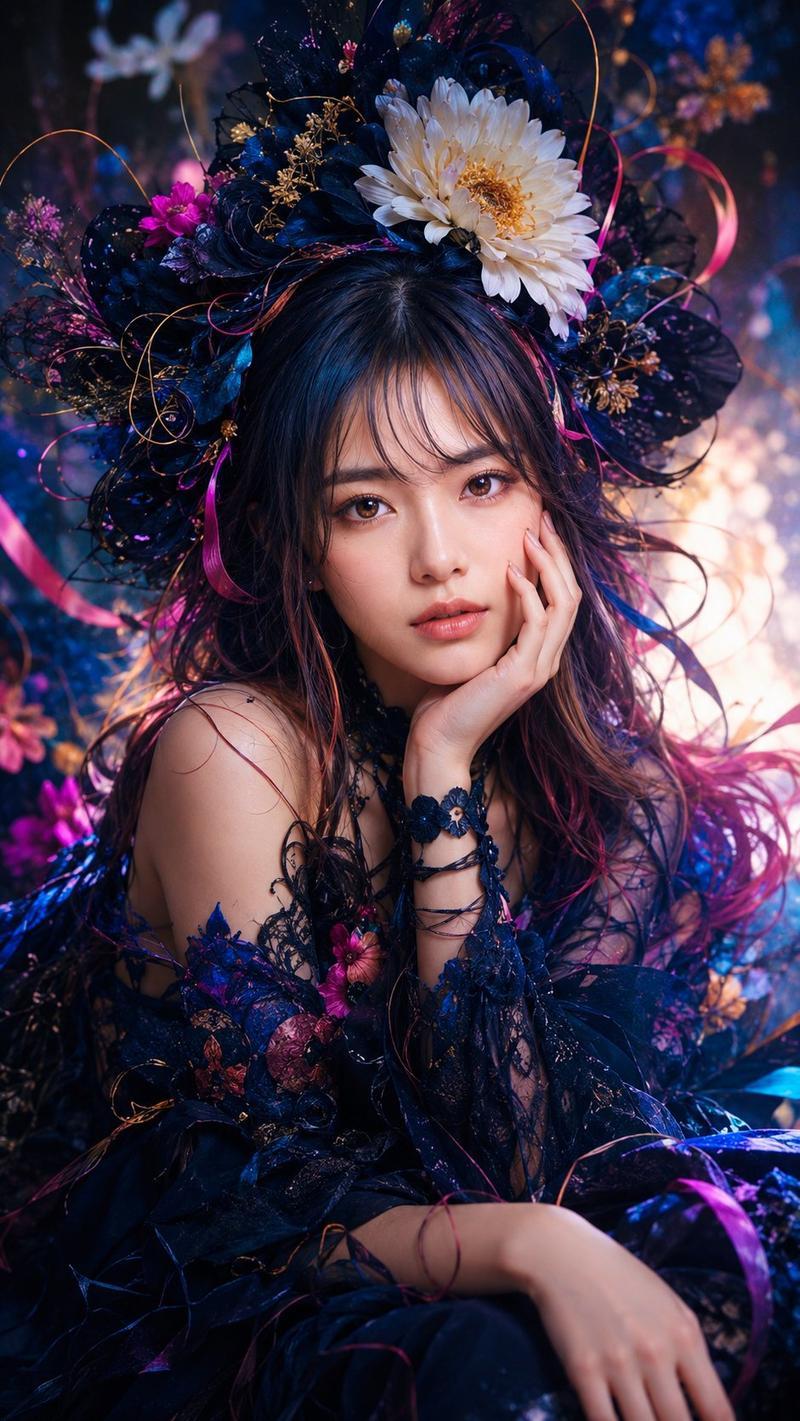
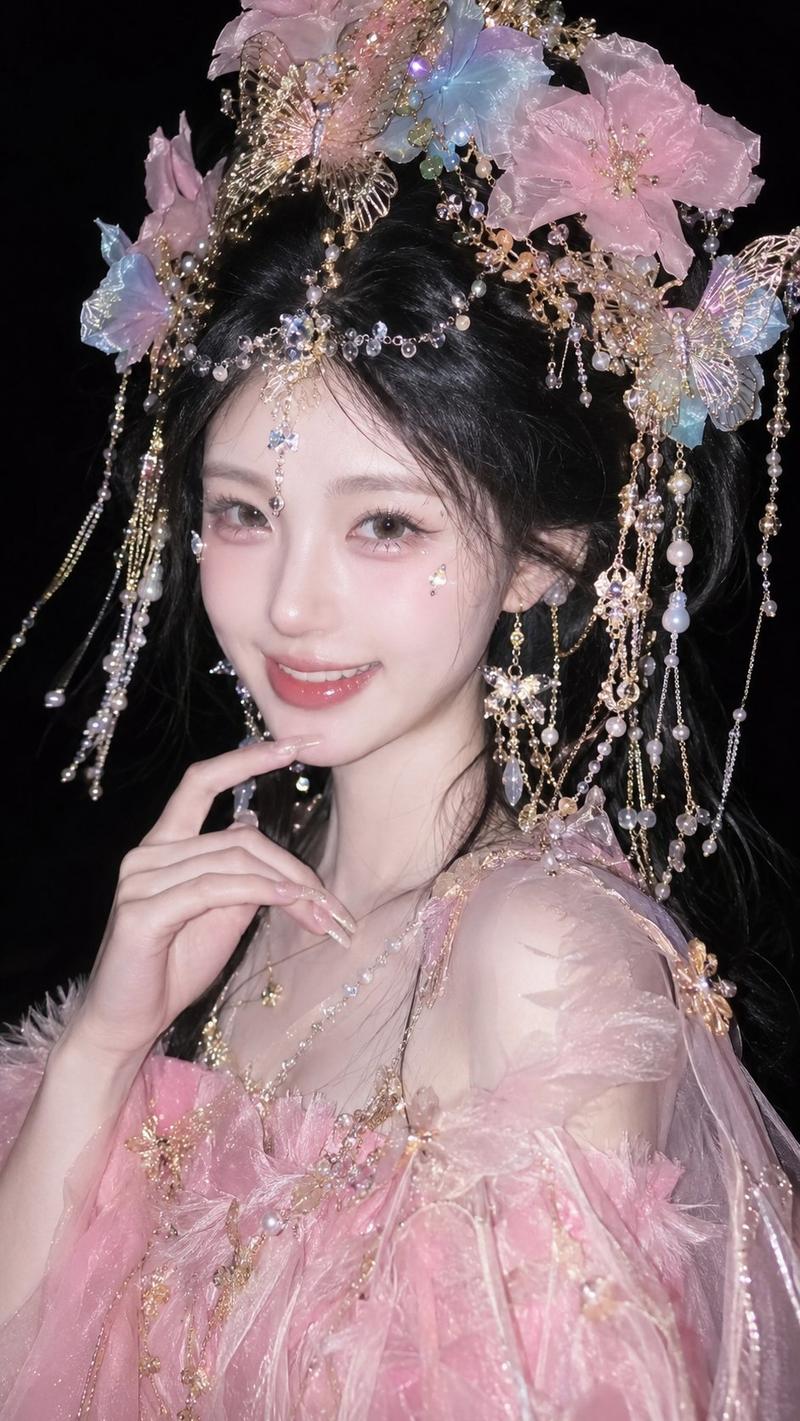
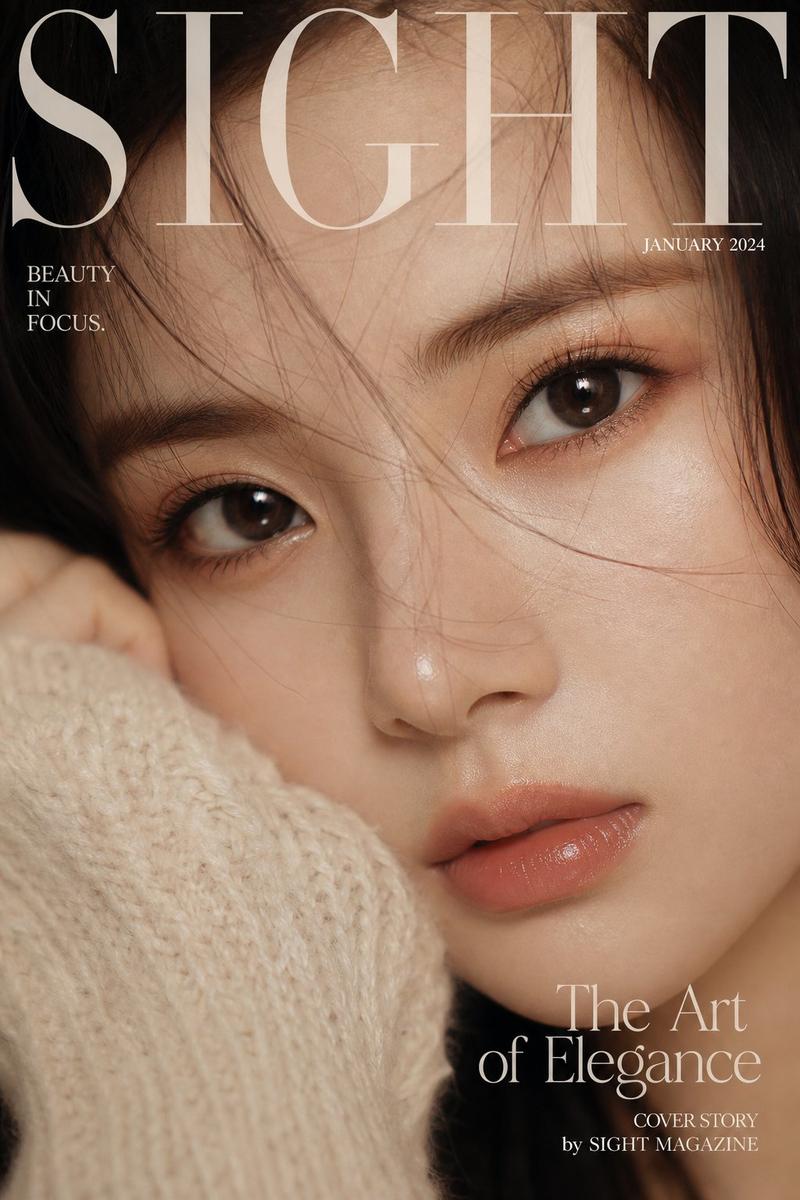
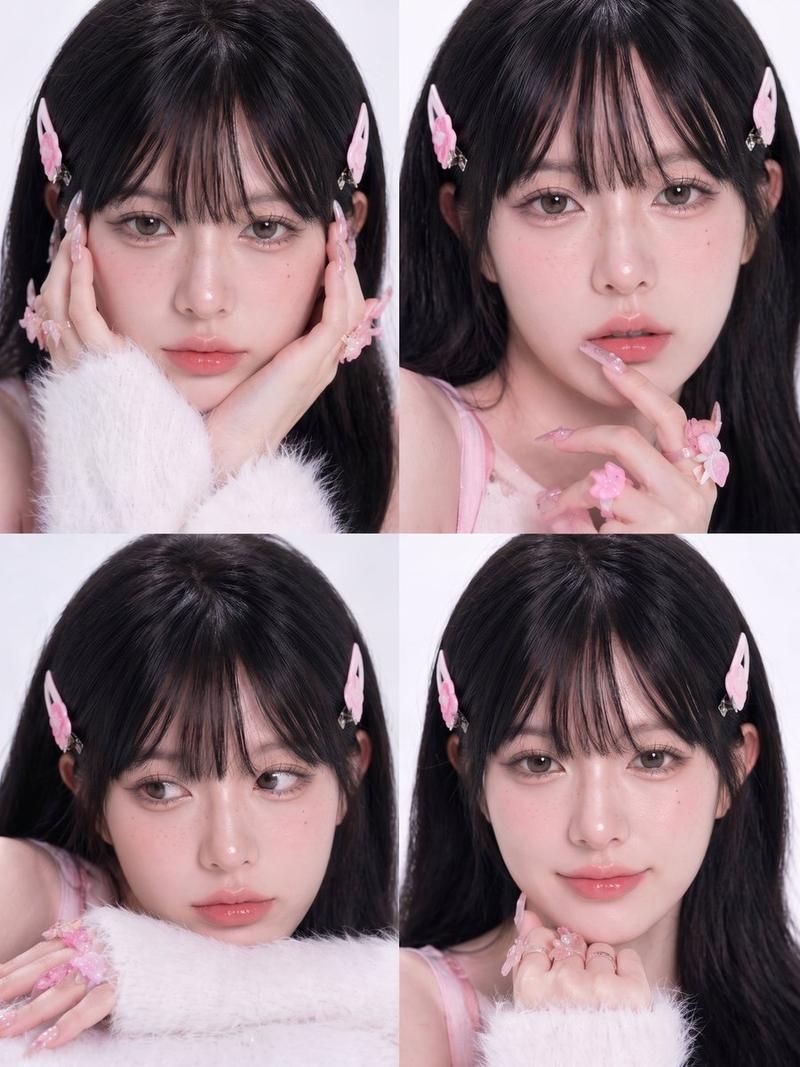
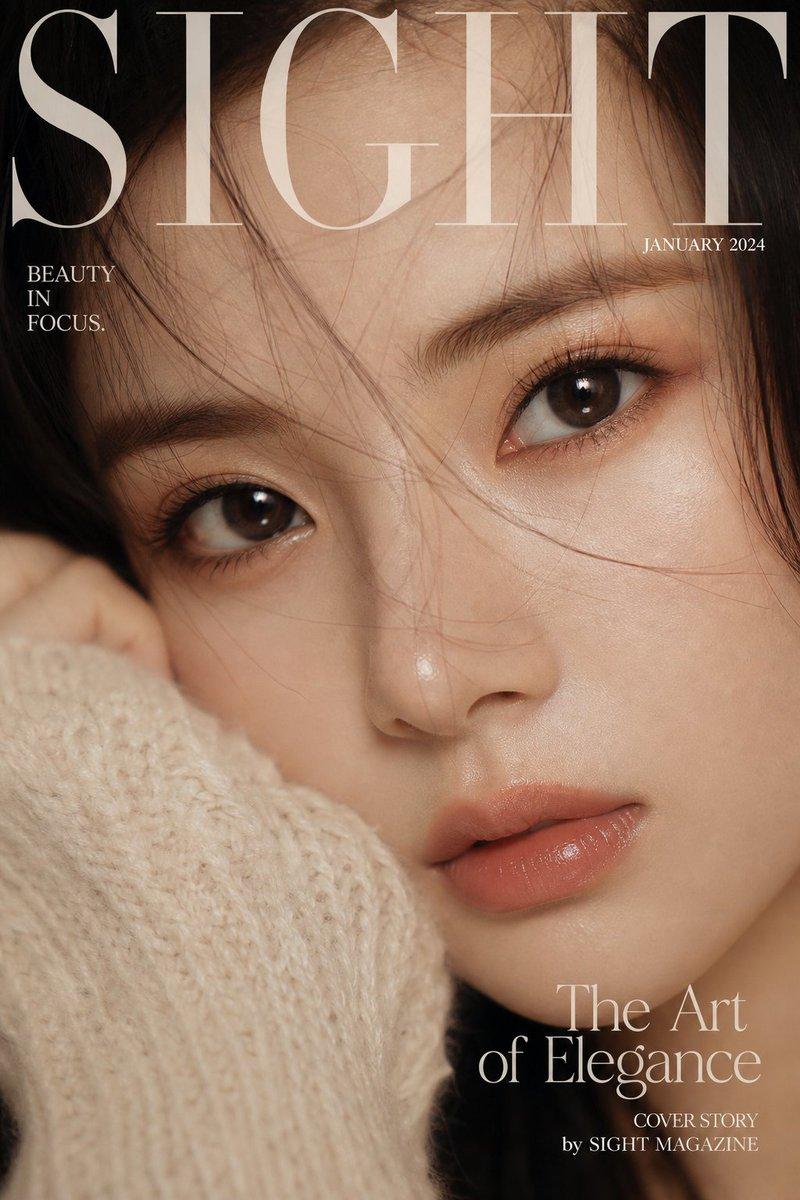
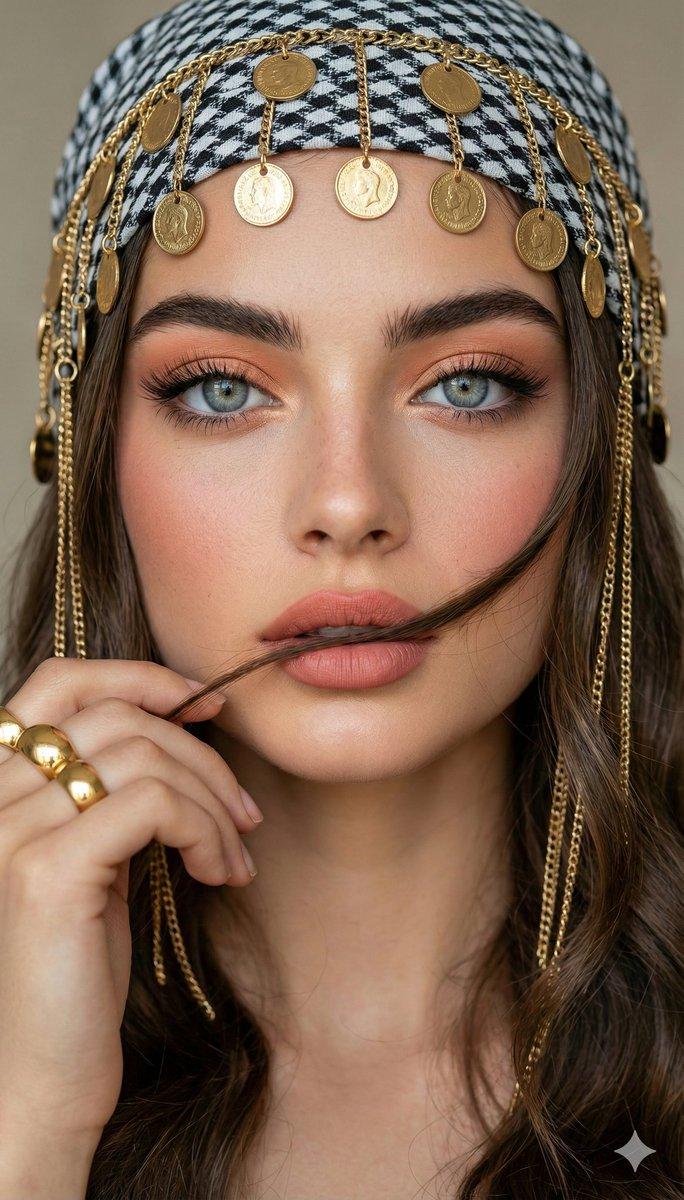
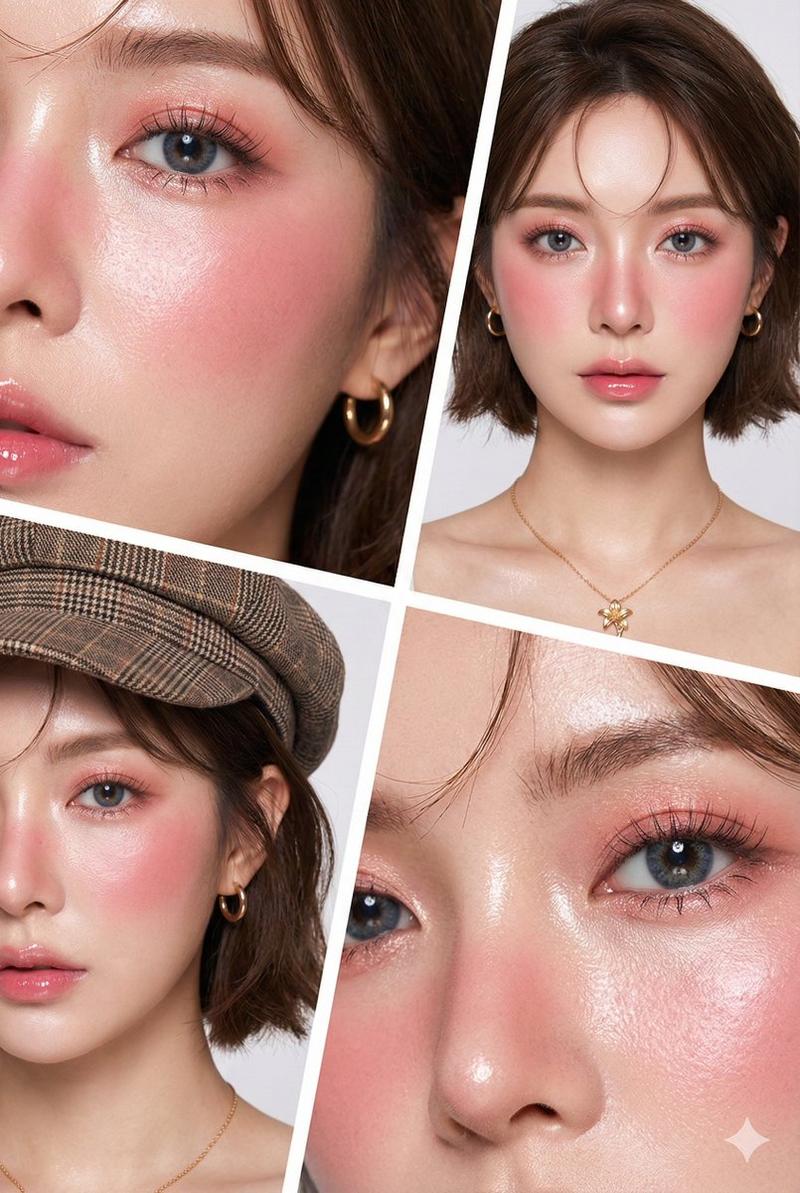
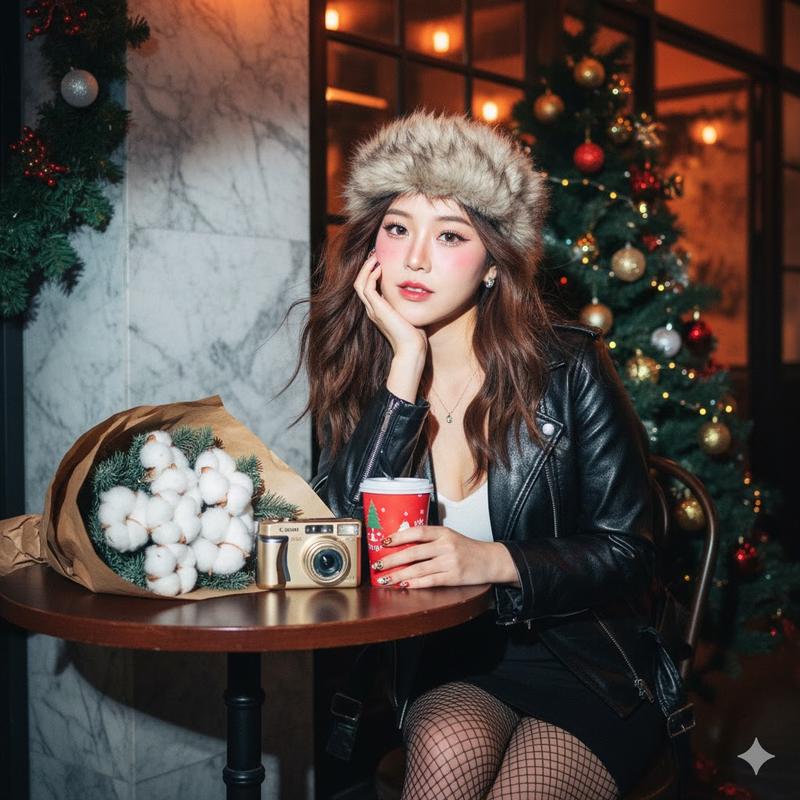
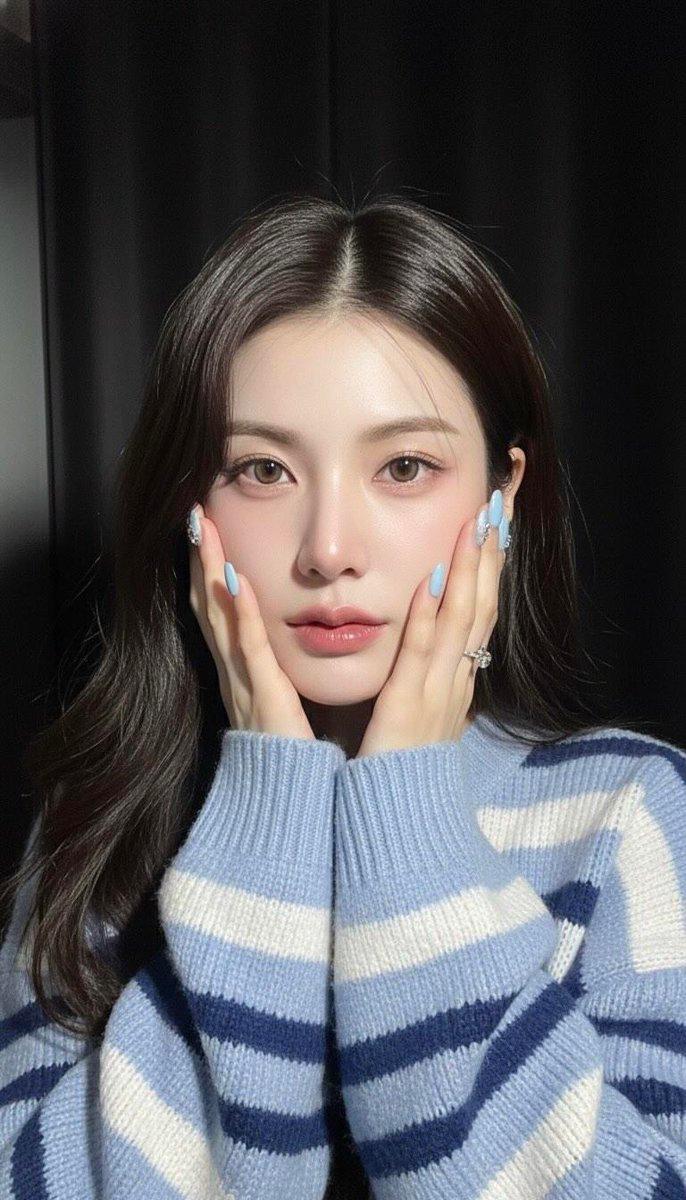
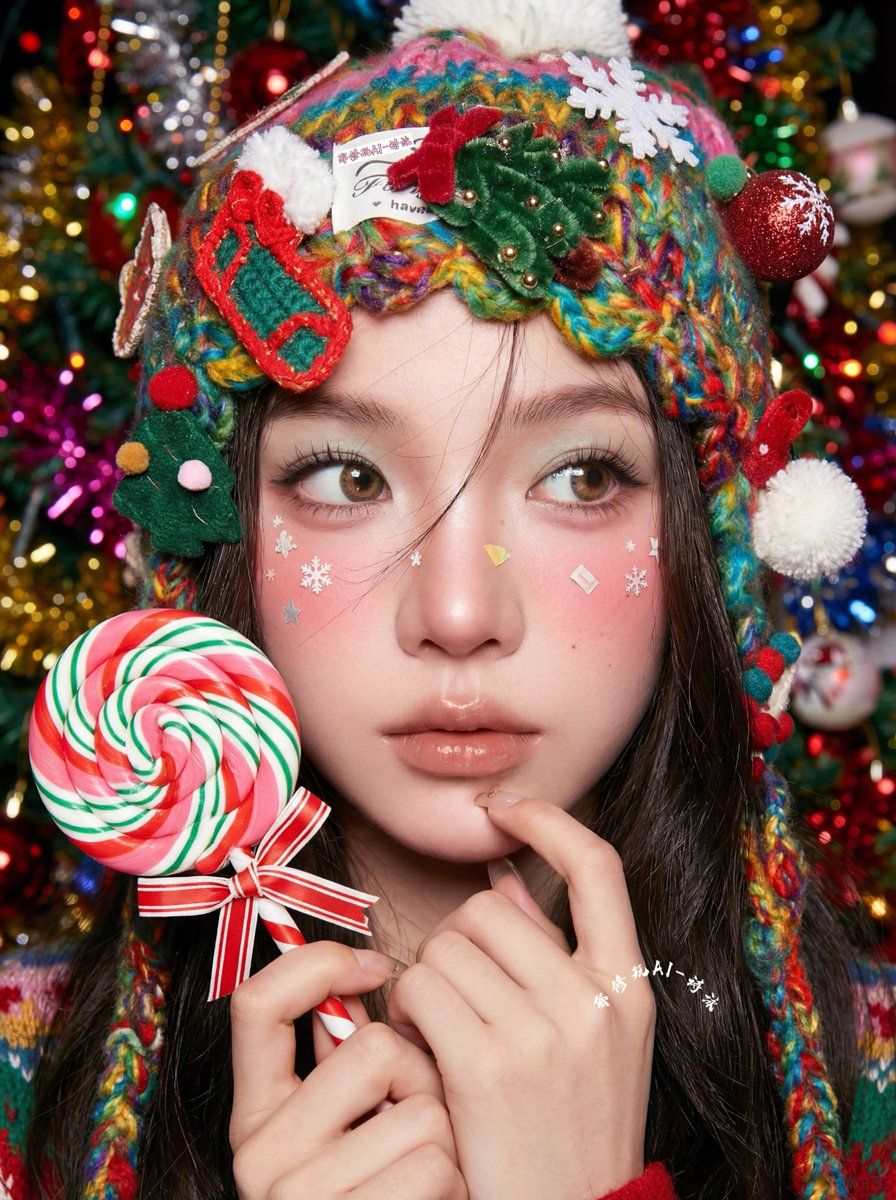
这组极致近景特写太绝了...我特别强调了Nano Banana在妆容和情绪表达上花了很多心思。
很多AI人像作品的问题在哪?
❌ 眼神空洞,像在"看着你"但没有"看见你"
❌ 妆容千篇一律,AI默认就是裸妆+微笑
❌ 五官精致但缺少"人味"
❌ 服装道具堆砌,没有情绪连接
以下是我在【AI写真系列 Vol.3】作品特点👇
🎨 妆容不是装饰,是情绪的延伸
• 高饱和度妆容(不是AI默认的大地色)
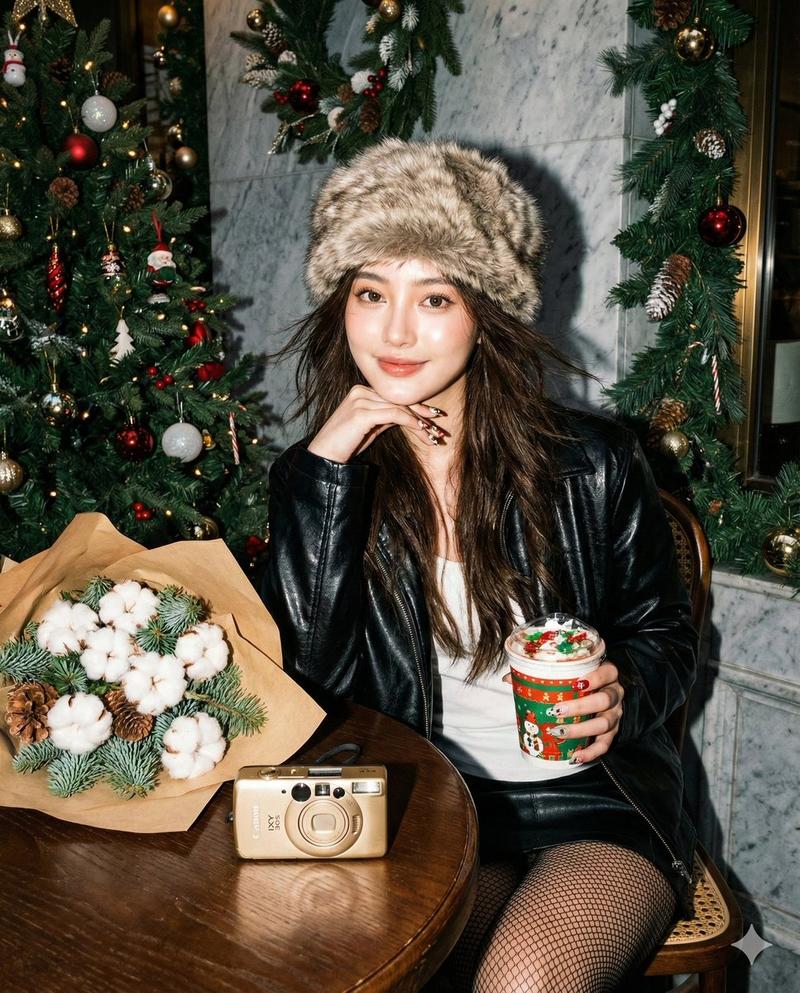
• 腮红上的圣诞贴纸(可爱但不幼稚)
• 夸张睫毛(打破AI的"自然感"执念)
细节到头发丝都在传递:这是个真实的、会打扮的、有个性的女孩
👀 眼神设计:不看镜头才更有张力,侧视的眼神营造"被抓拍"的松弛感,比正视镜头的摆拍更自然,情绪也更饱满
🎄 氛围感不靠滤镜,靠"设计"
• 五彩针织帽(不是纯色,是热闹的节日感)
• 手持棒棒糖的姿态(互动感>道具感)
• 缤纷背景虚化(色彩丰富但不抢戏)
🔍 皮肤质感:【真实>完美】刻意保留了皮肤纹理和毛孔细节,因为"瓷娃娃皮"已经烂大街了,真实的肌理反而更高级
💡 核心咒语:想做出同款?提示词里加这3个关键词
ultra close-up + eyes looking away + relaxed expression (极致特写 + 不看镜头 + 放松表情)
很多人说AI作品"一眼假",其实不是技术问题,是情感空白的问题。
当你开始用人的思维去设计每个细节,AI就不再是冰冷的生成器,而是帮你实现脑海画面的画笔。
💬 你用我这套提示词能出什么效果? 把你生成的图贴在评论区,我会挑3张最棒的做详细点评 👇
想看完整工作流拆解的,关注我🫰点个赞,超过500赞我出教程🔥
#AIPhotography #AI写真 #ChristmasPortrait #NanoBananaPro
Category
Photography & Realism
Model
Nano Banana
Views0
Source ID
ai-photography-series-vol-3-nano-banana

Guide

About "AI写真系列 Vol.3 - Nano Banana"

What is this prompt for?

"AI写真系列 Vol.3 - Nano Banana" AI image prompt for Nano Banana (Photography & Realism). 这组极致近景特写太绝了...我特别强调了Nano Banana在妆容和情绪表达上花了很多心思。 很多AI人像作品的问题在哪? ❌ 眼神空洞,像在"…

The full copyable prompt and example visuals above are ready for AI image generation or one-click recreate in Picva.

How to use this prompt

  1. Step 1

    Open the prompt detail

    Review the example visuals, category, and full prompt text for "AI写真系列 Vol.3 - Nano Banana".

  2. Step 2

    Copy the prompt

    Copy the prompt body from this page, or load it directly in Studio.

  3. Step 3

    Pick a model (Nano Banana)

    Prefer Nano Banana. If you switch models, keep subject and composition and tweak style terms.

  4. Step 4

    Generate and export

    Recreate the look in Picva, or export into your workflow for editing and publishing.

FAQ

What is the "AI写真系列 Vol.3 - Nano Banana" prompt?
It is an AI image-generation prompt for Nano Banana in the Photography & Realism category. This page includes the full prompt text, example visuals, and a one-click recreate path in Picva.
How do I use this prompt to generate an image?
Copy the prompt from this page, or use Generate / Studio. Paste it into a compatible image model, or recreate the look in Picva with optional reference images.
Which model is this prompt for?
This page lists Nano Banana. Most descriptive prompts also transfer to nearby image models such as GPT Image, Flux, or Midjourney with light style tweaks.
Can I use the result commercially?
You can usually copy the prompt for creation, but commercial use of the final image depends on the model terms, reference-image rights, and the generated content. Follow the source author and platform rules.