19

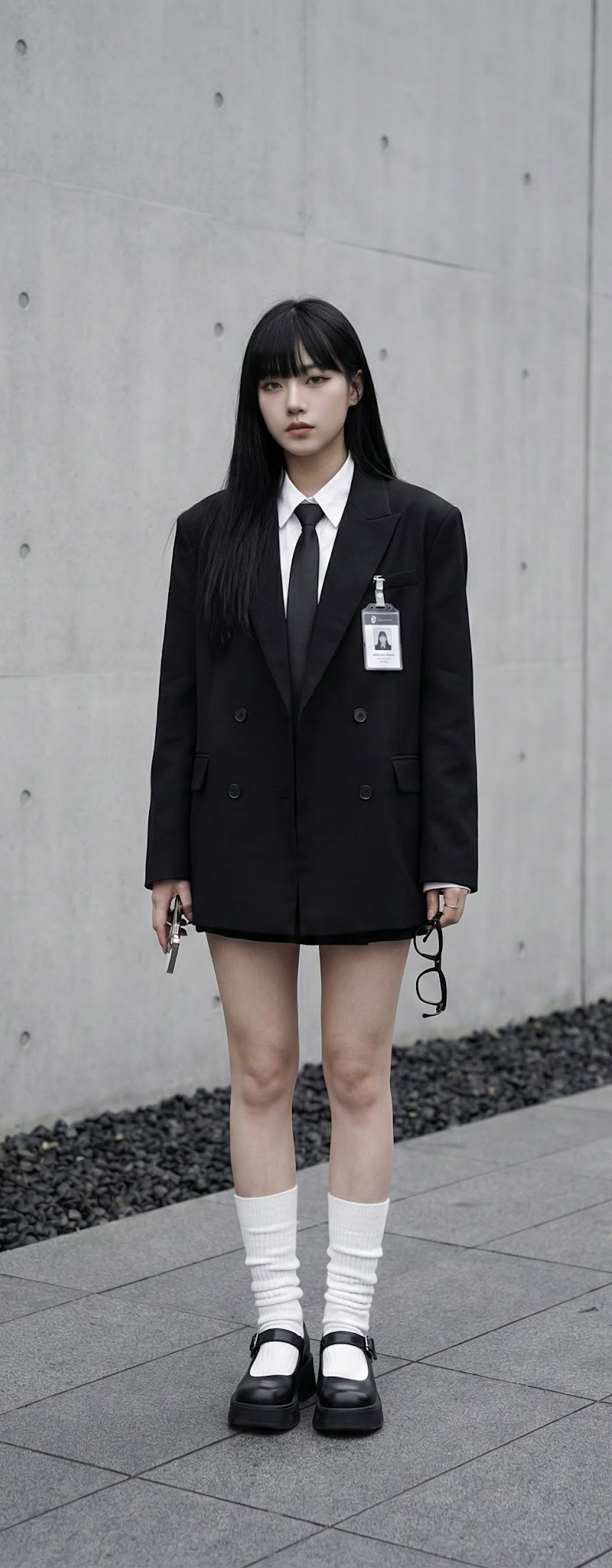
全黑风格:街头与优雅的融合
Enlarge

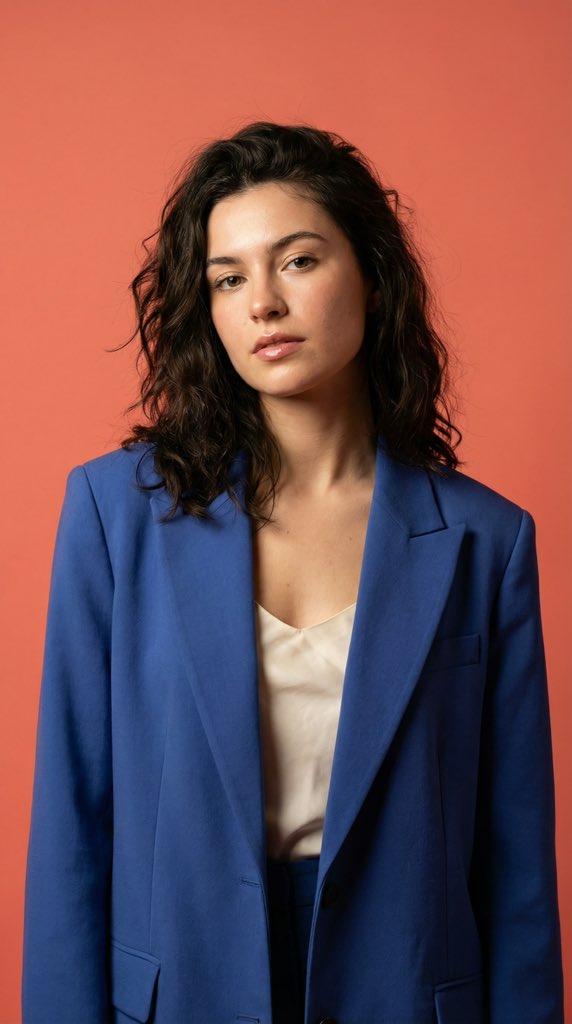
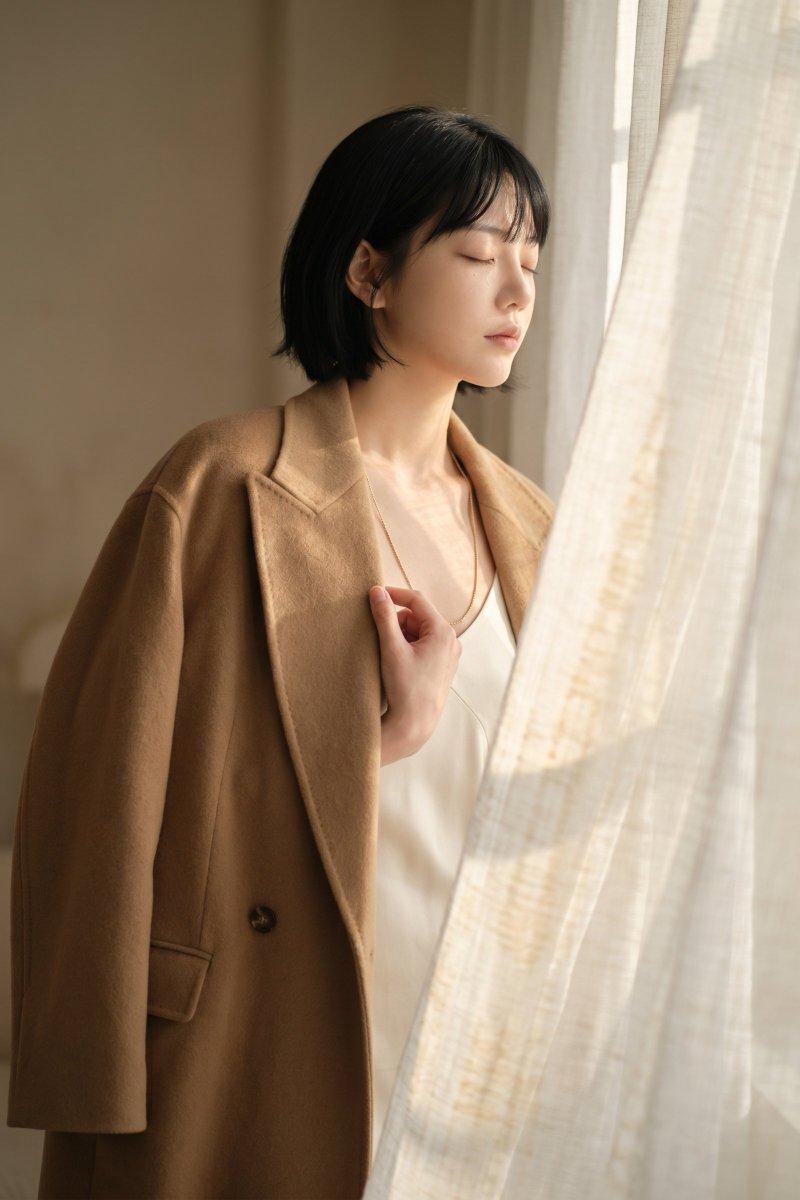
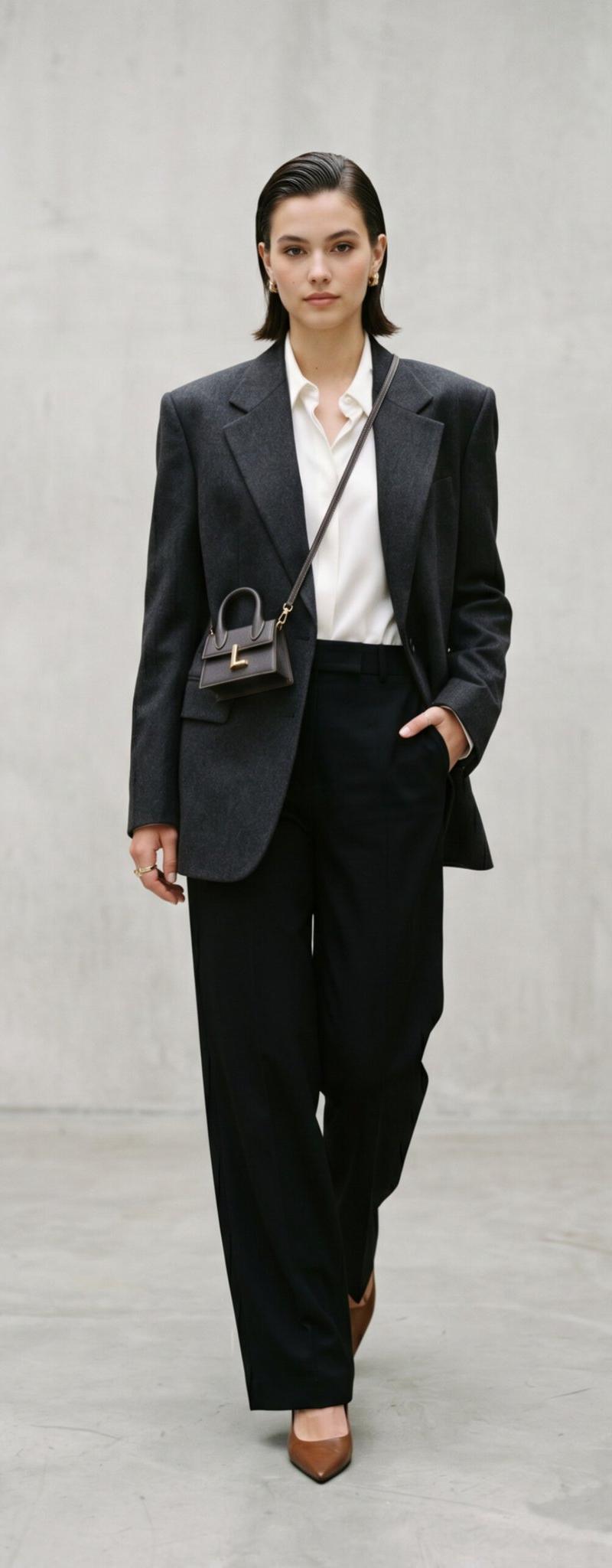
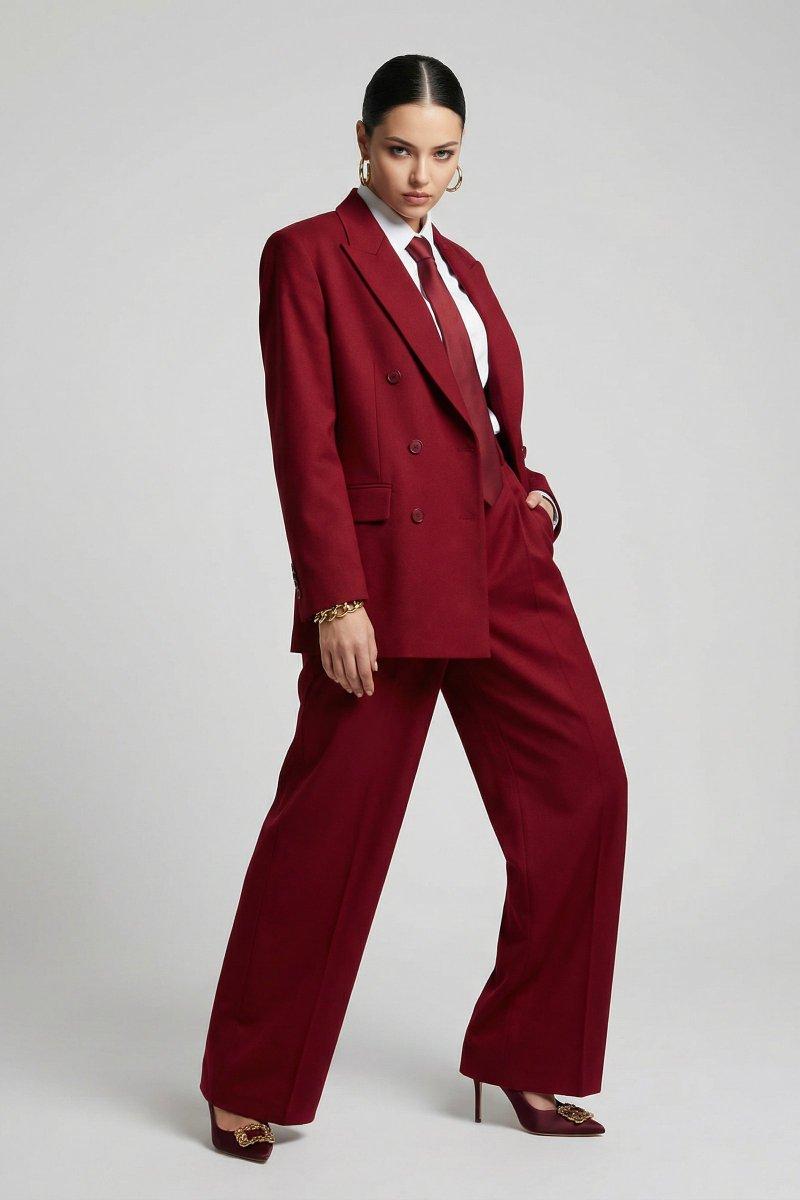
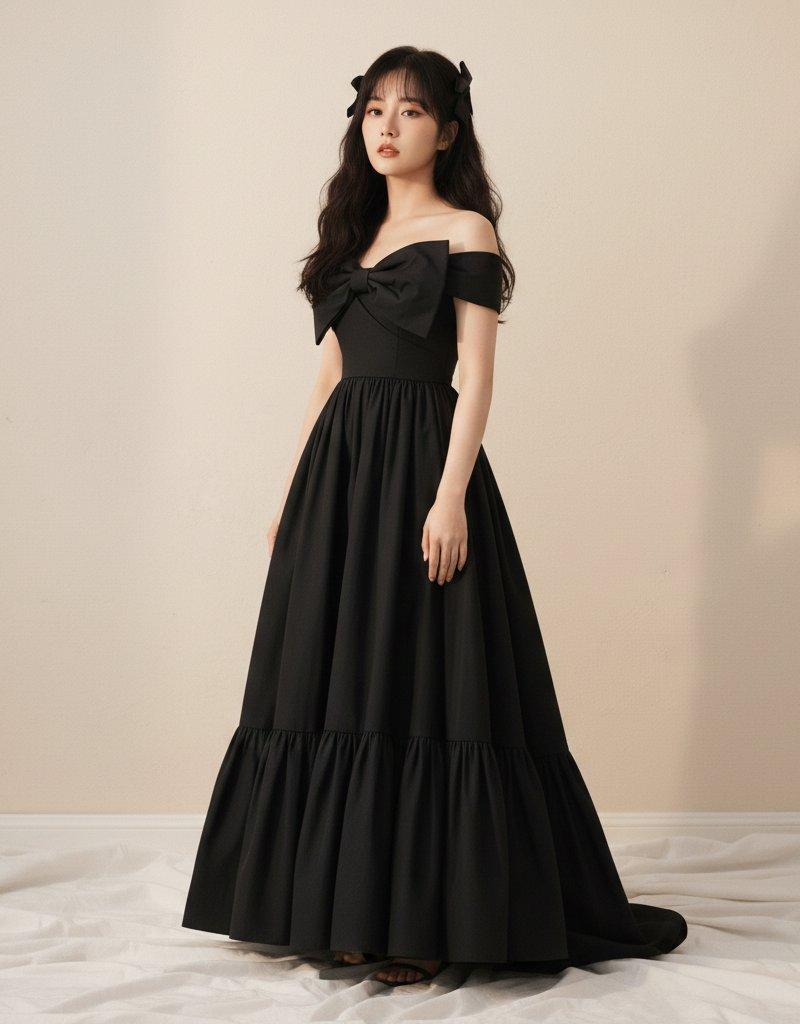
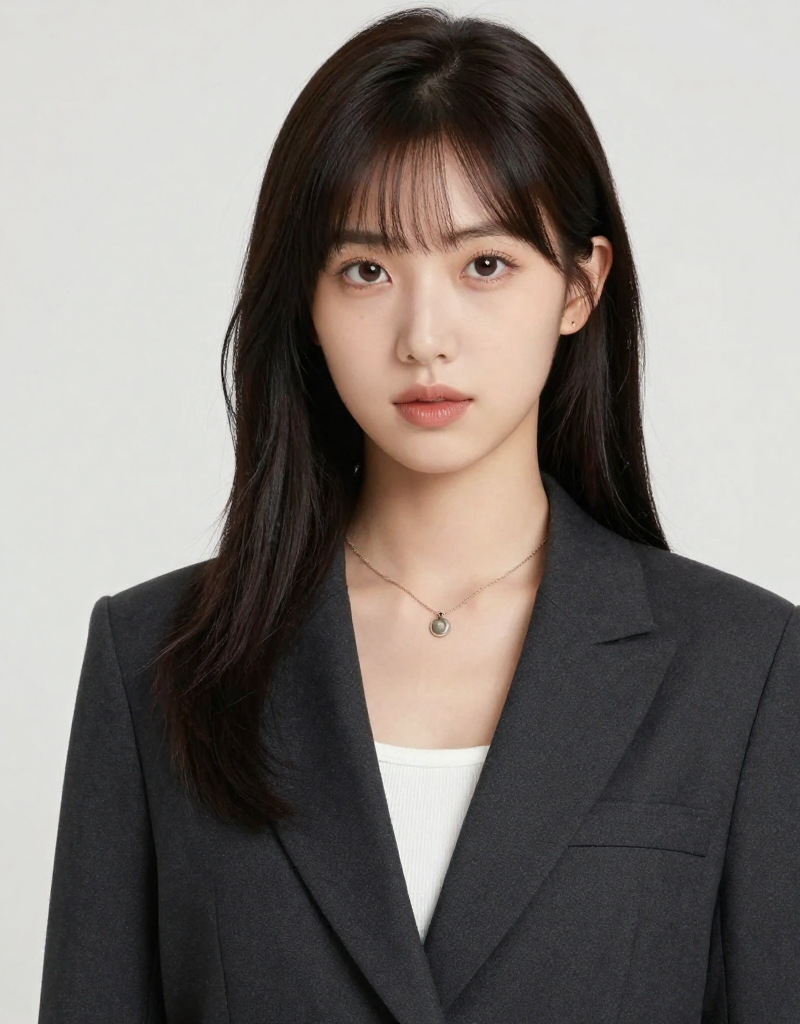
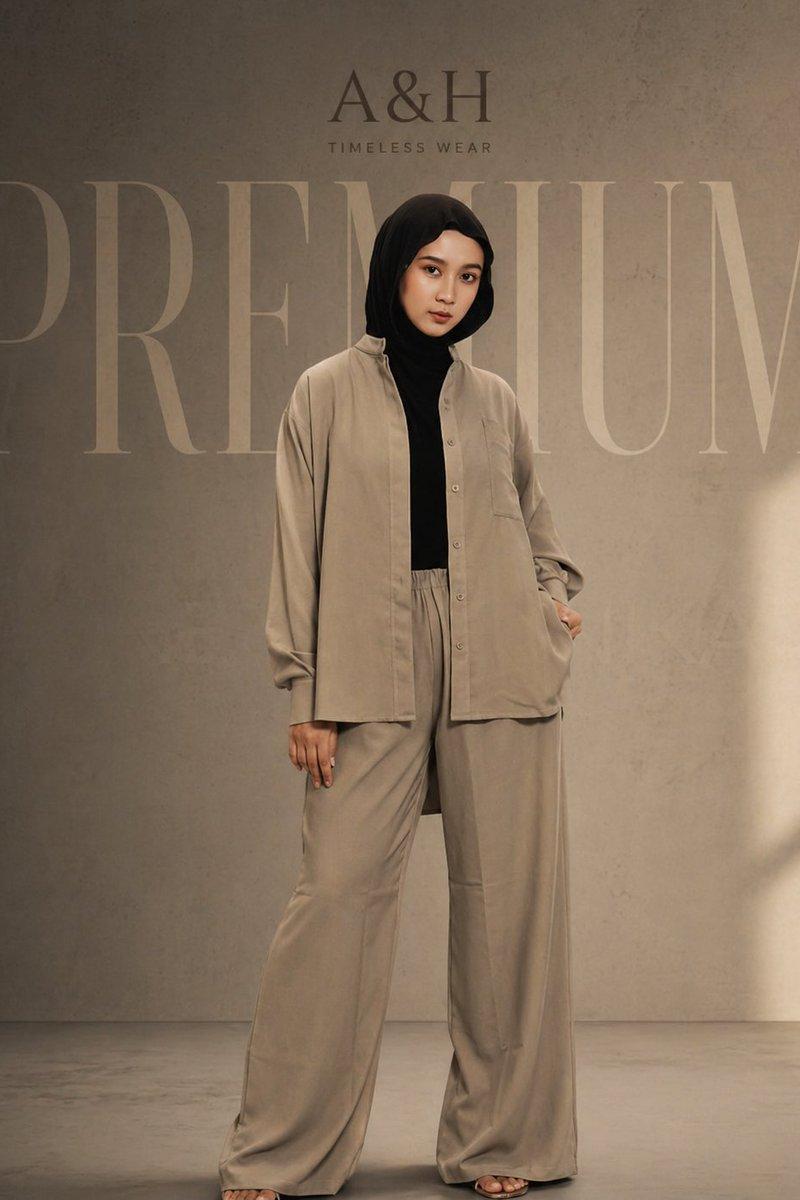
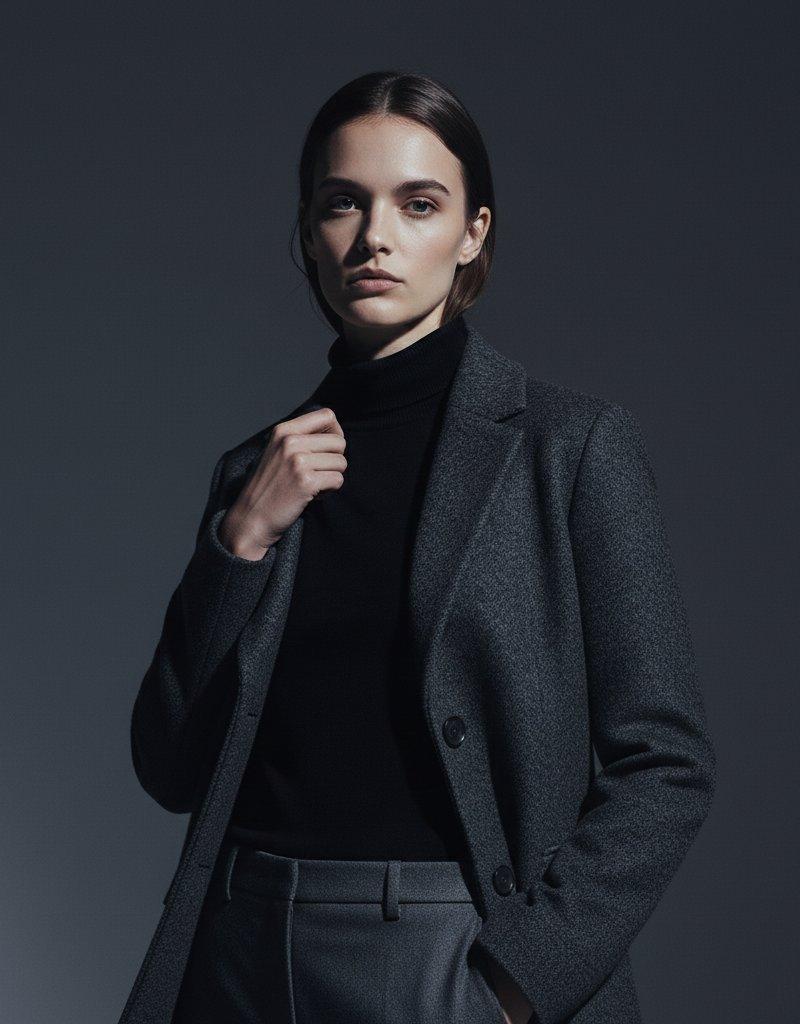
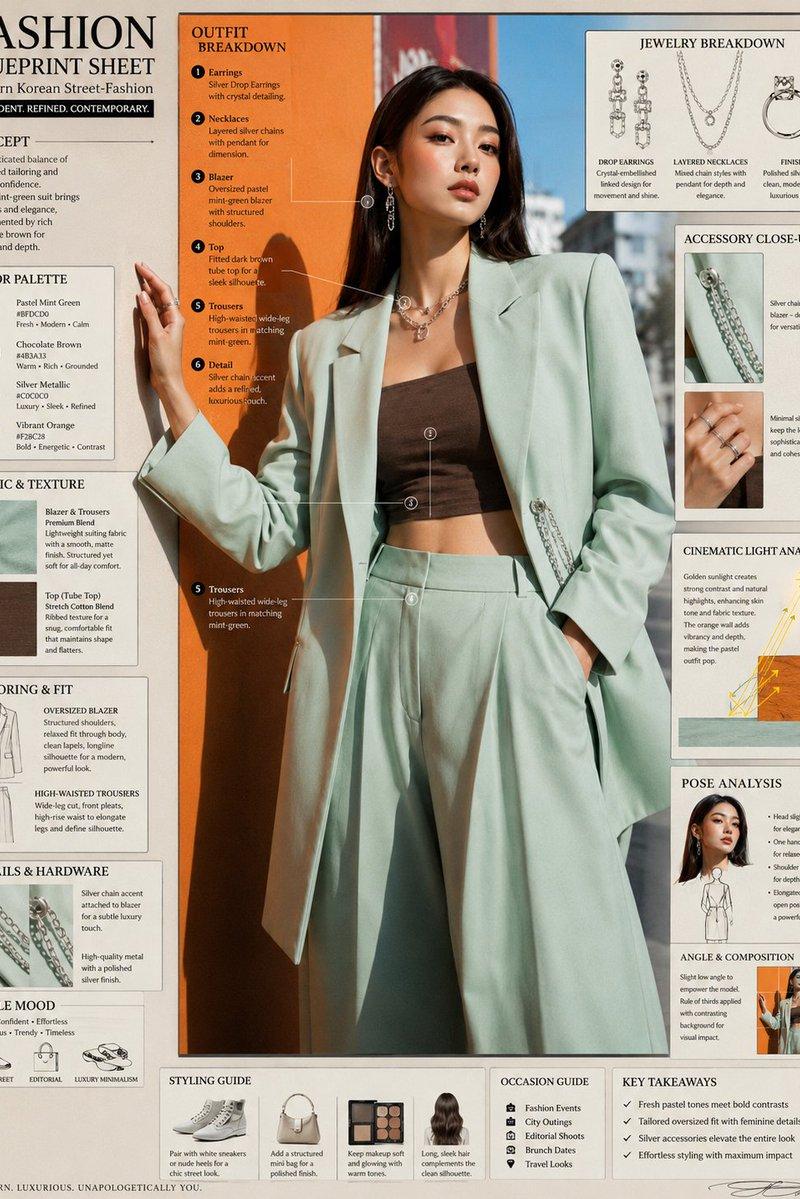
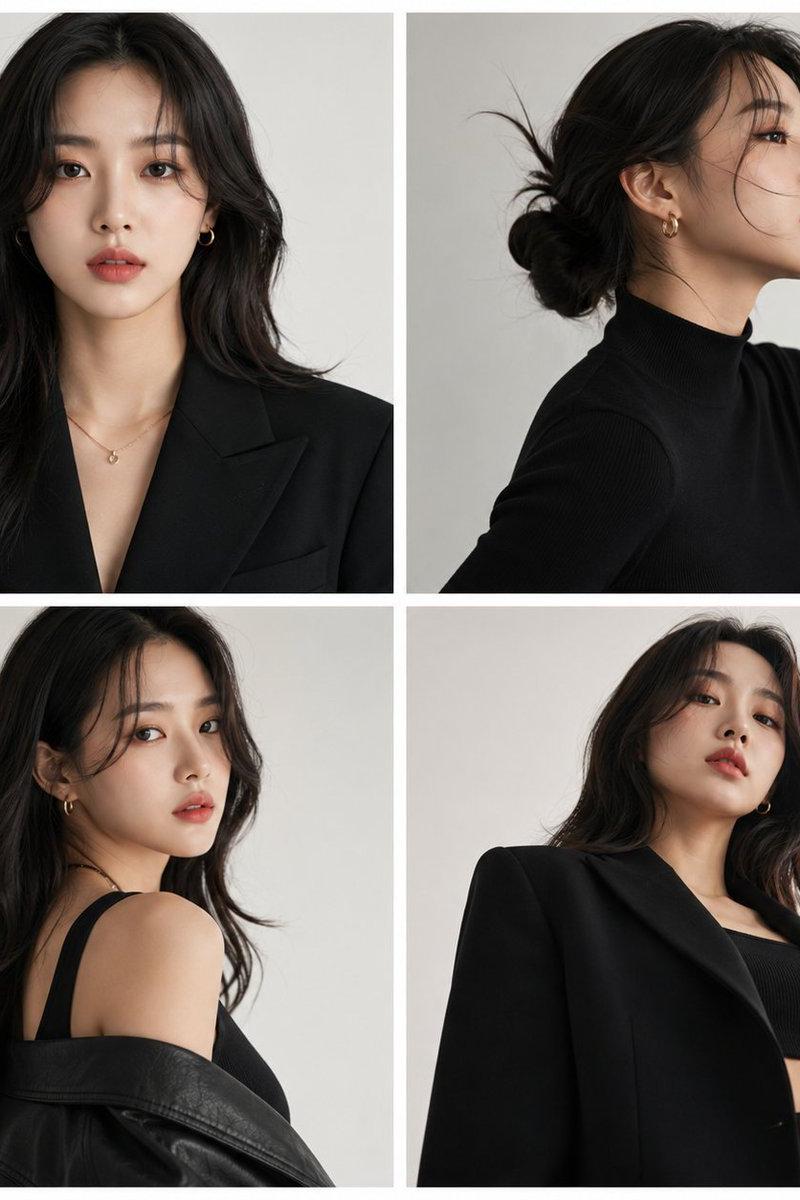
Example images

全黑风格:街头与优雅的融合

Prompt
【特徴】
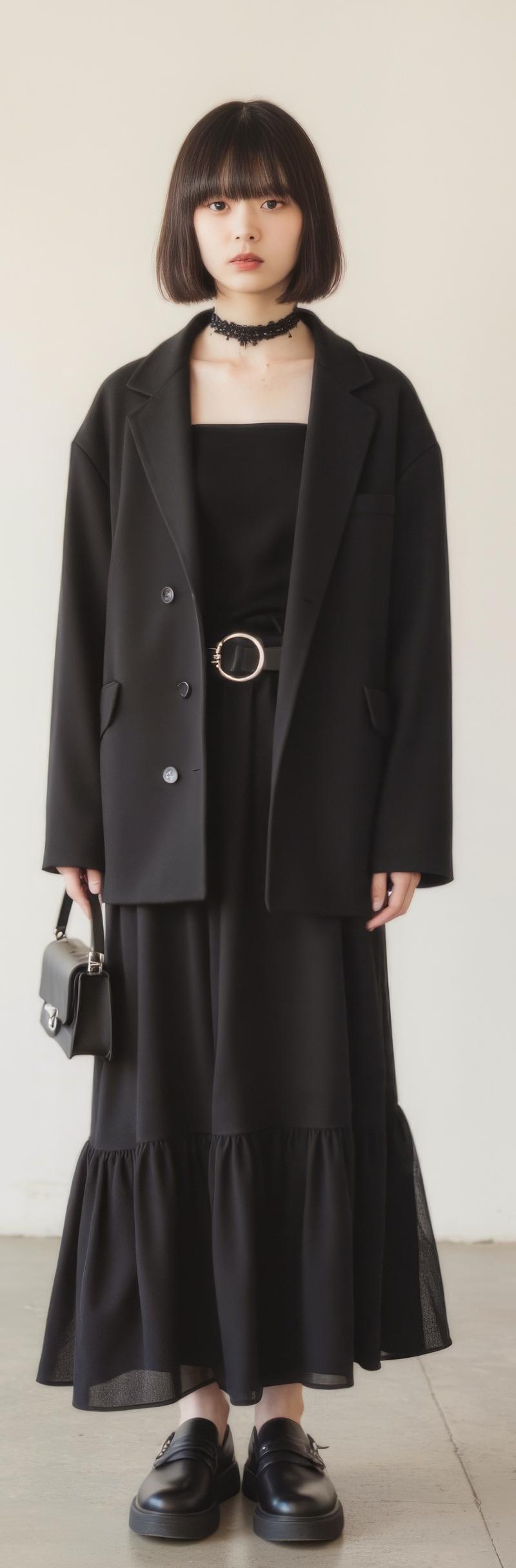
オールブラックの統一感と素材の異なる重ね着:様々な質感のブラックアイテムによる深みのある表現
ストリートとエレガンスのミックス:テーラードジャケットとボリュームスカートの組み合わせが現代的
【プロンプト】
Black tailored jacket with structured shoulders and relaxed fit. Black square-neck knit top with slim silhouette. Flowing black tiered maxi skirt with gathered details. Wide black leather belt with silver circular buckle. Black lace choker necklace. Chunky black platform loafers with thick soles. Small black structured handbag with multiple straps. All-black monochrome style with varied textures. Avant-garde minimal aesthetic with gothic elements. NOT colorful, NOT casual, NOT form-fitting throughout.
Category
Creative Use Cases
Model
Unknown
Creator
空想写真家
Source language
zh-CN
Views0
Source ID
all-black-style-fusion-of-street-and-elegance
Studio

Guide

About "全黑风格:街头与优雅的融合"

What is this prompt for?

"全黑风格:街头与优雅的融合" AI image prompt for Unknown (Creative Use Cases). 【特徴】 オールブラックの統一感と素材の異なる重ね着:様々な質感のブラックアイテムによる深みのある表現 ストリートとエレガンスのミックス:テーラードジャケットとボリュームスカートの組み合…

The full copyable prompt and example visuals above are ready for AI image generation or one-click recreate in Picva.

How to use this prompt

  1. Step 1

    Open the prompt detail

    Review the example visuals, category, and full prompt text for "全黑风格:街头与优雅的融合".

  2. Step 2

    Copy the prompt

    Copy the prompt body from this page, or load it directly in Studio.

  3. Step 3

    Pick a model (Unknown)

    Prefer Unknown. If you switch models, keep subject and composition and tweak style terms.

  4. Step 4

    Generate and export

    Recreate the look in Picva, or export into your workflow for editing and publishing.

FAQ

What is the "全黑风格:街头与优雅的融合" prompt?
It is an AI image-generation prompt for Unknown in the Creative Use Cases category. This page includes the full prompt text, example visuals, and a one-click recreate path in Picva.
How do I use this prompt to generate an image?
Copy the prompt from this page, or use Generate / Studio. Paste it into a compatible image model, or recreate the look in Picva with optional reference images.
Which model is this prompt for?
This page lists Unknown. Most descriptive prompts also transfer to nearby image models such as GPT Image, Flux, or Midjourney with light style tweaks.
Can I use the result commercially?
You can usually copy the prompt for creation, but commercial use of the final image depends on the model terms, reference-image rights, and the generated content. Follow the source author and platform rules.