首先定义您的画布
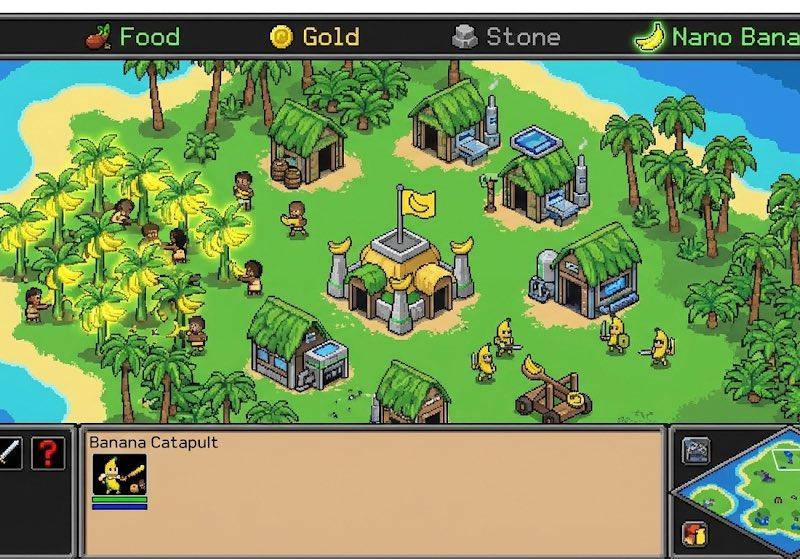
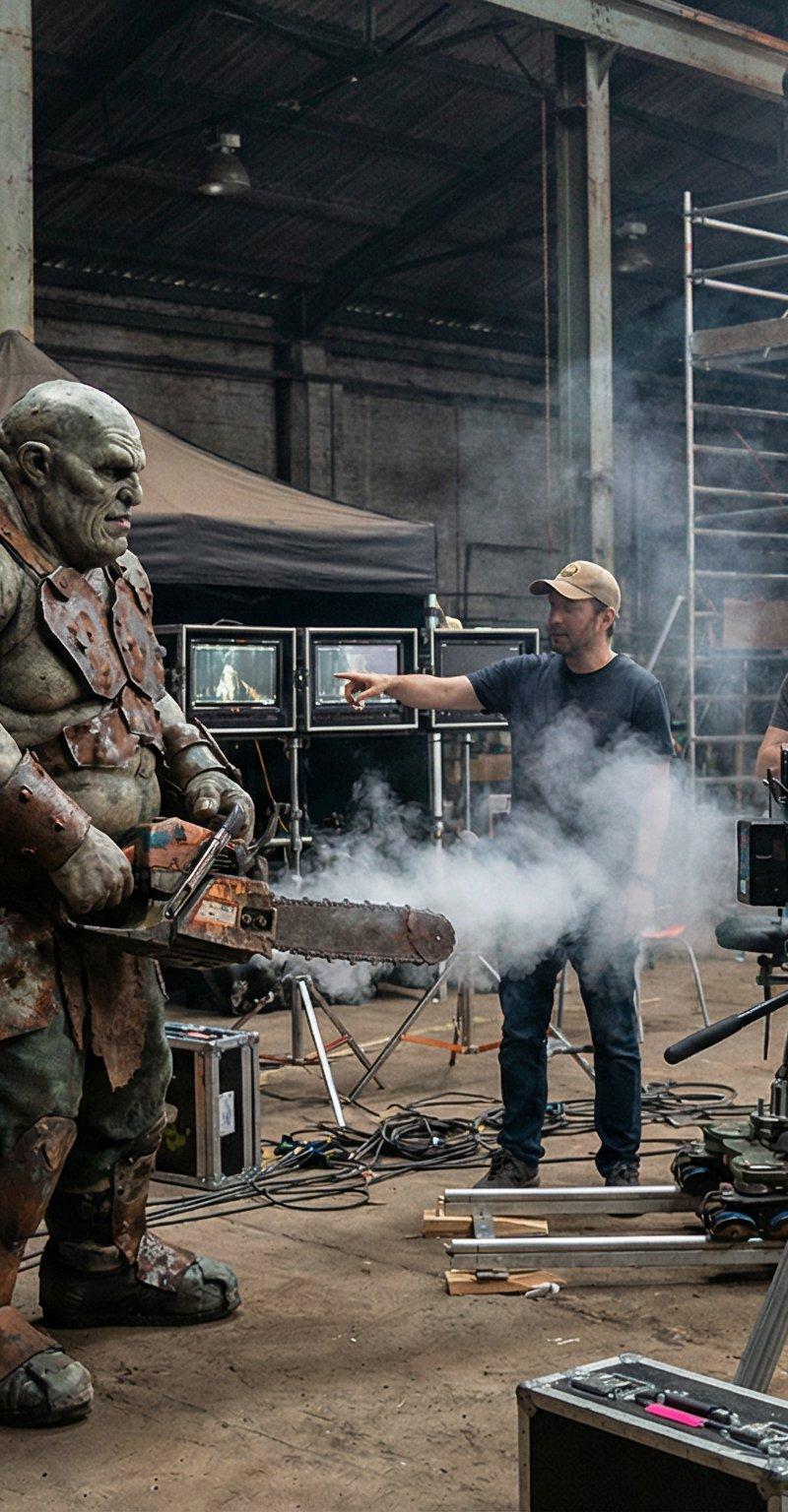
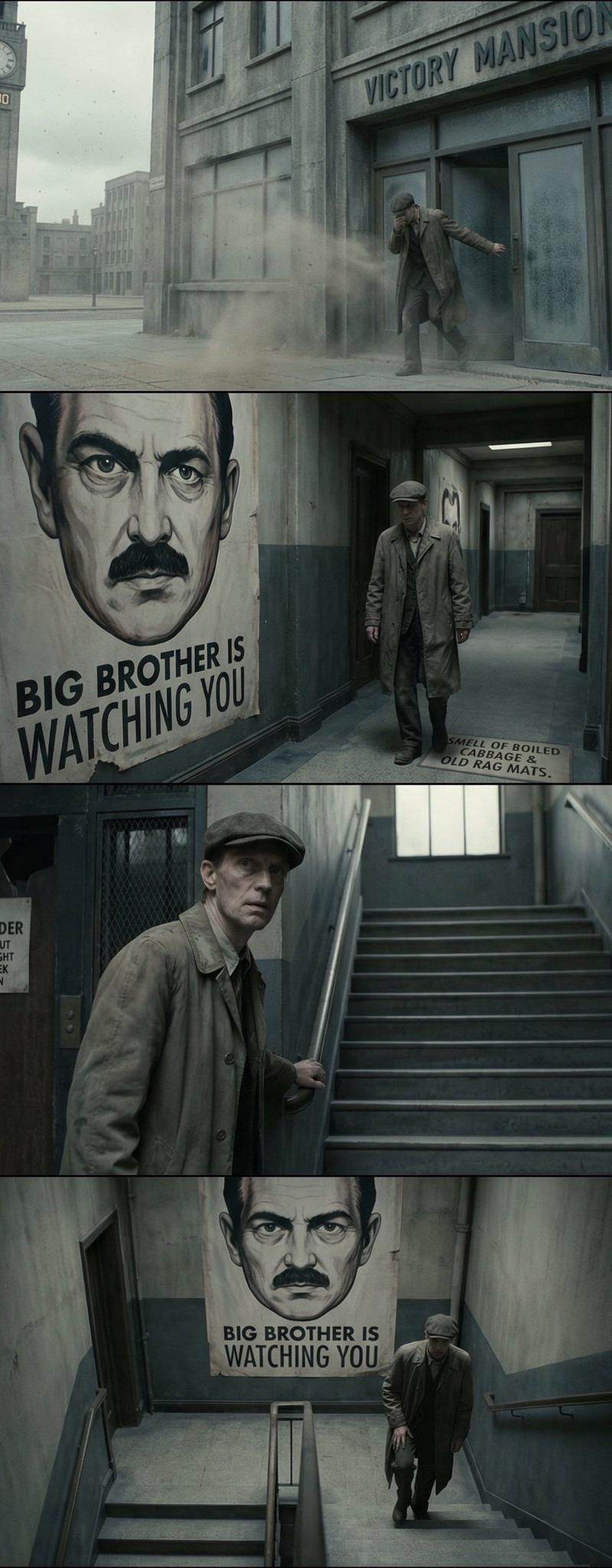
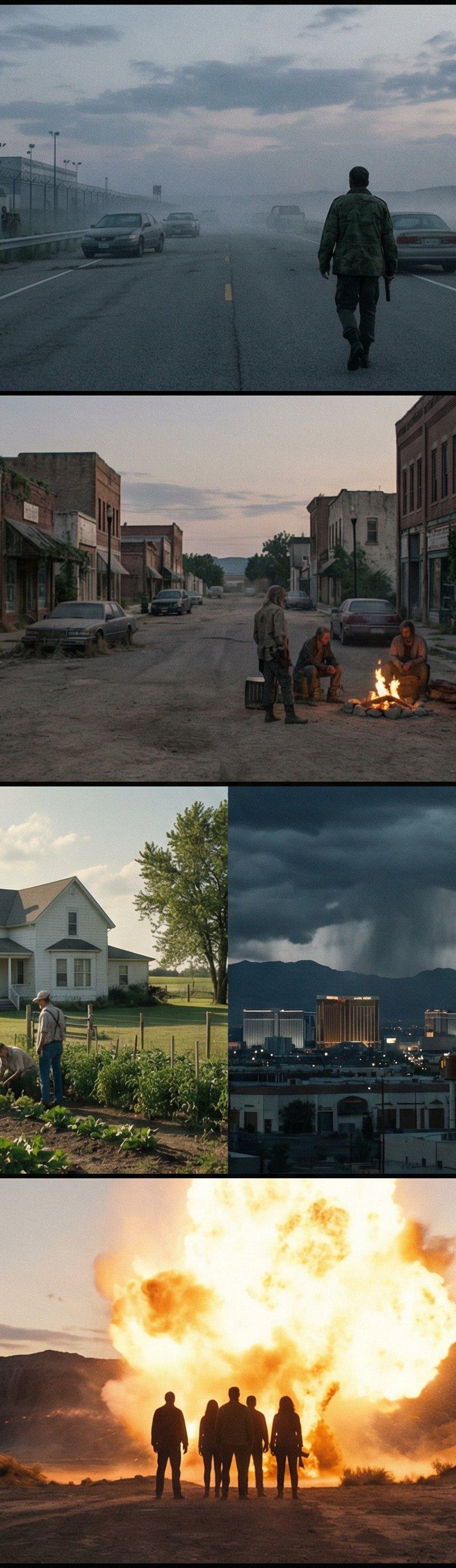
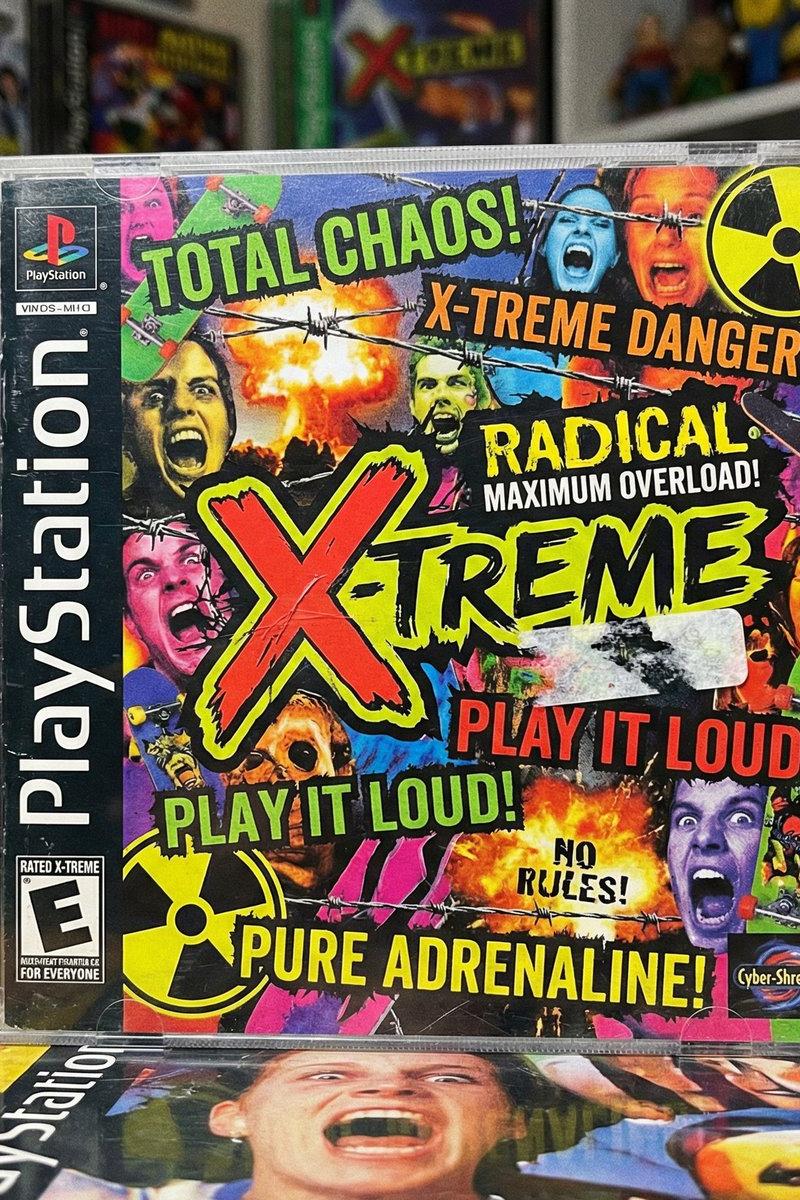
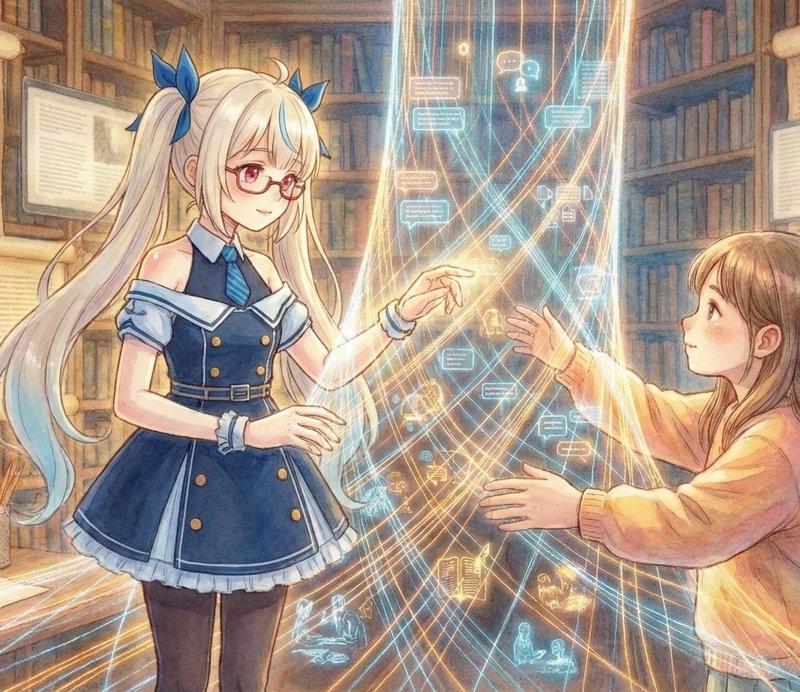
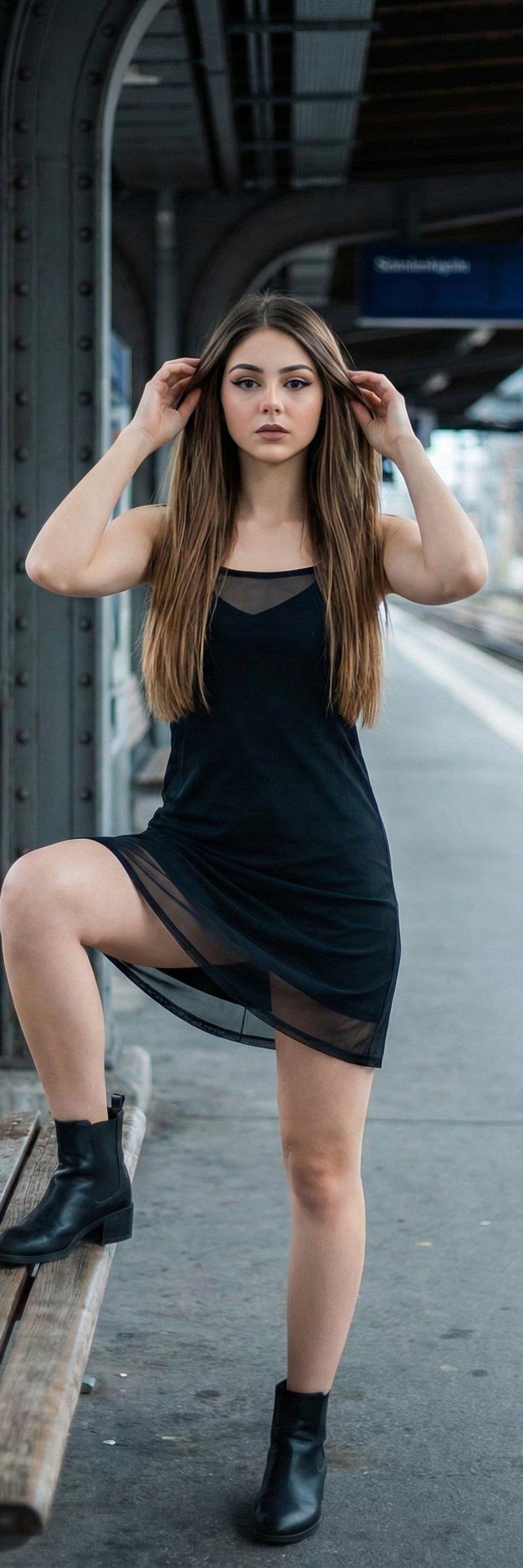
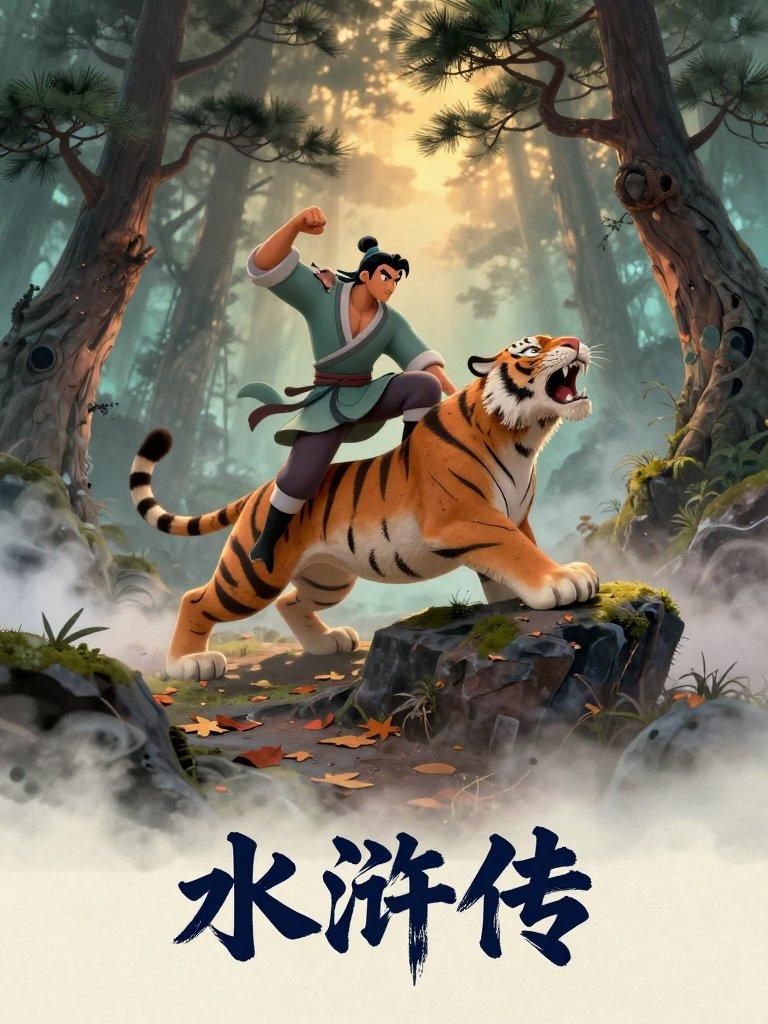
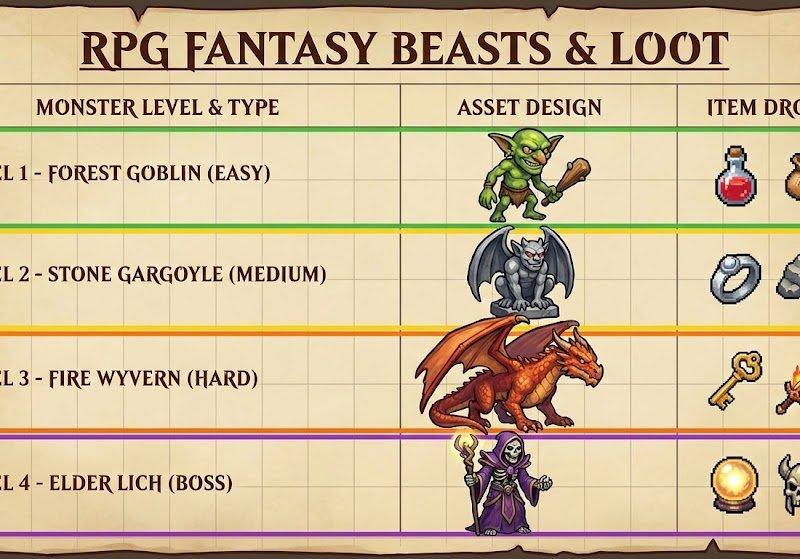
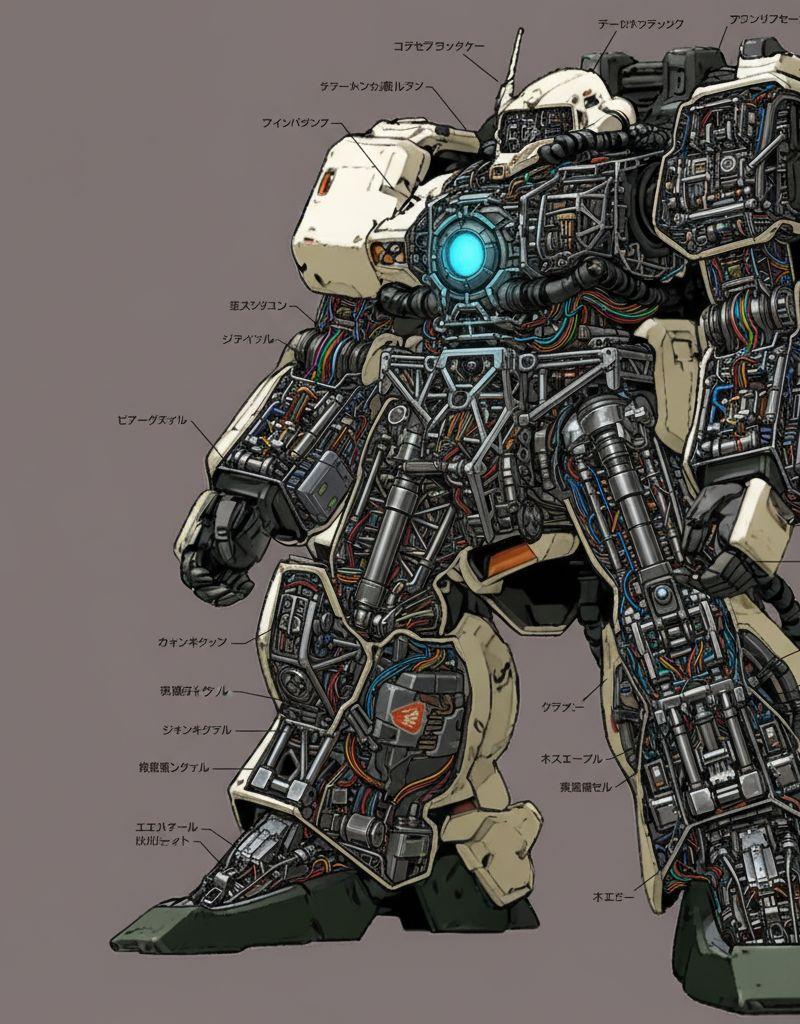
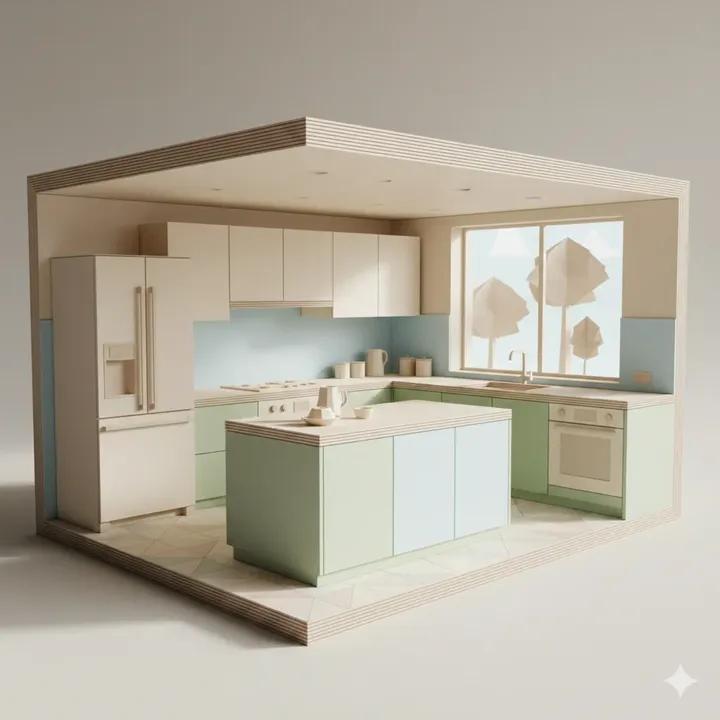
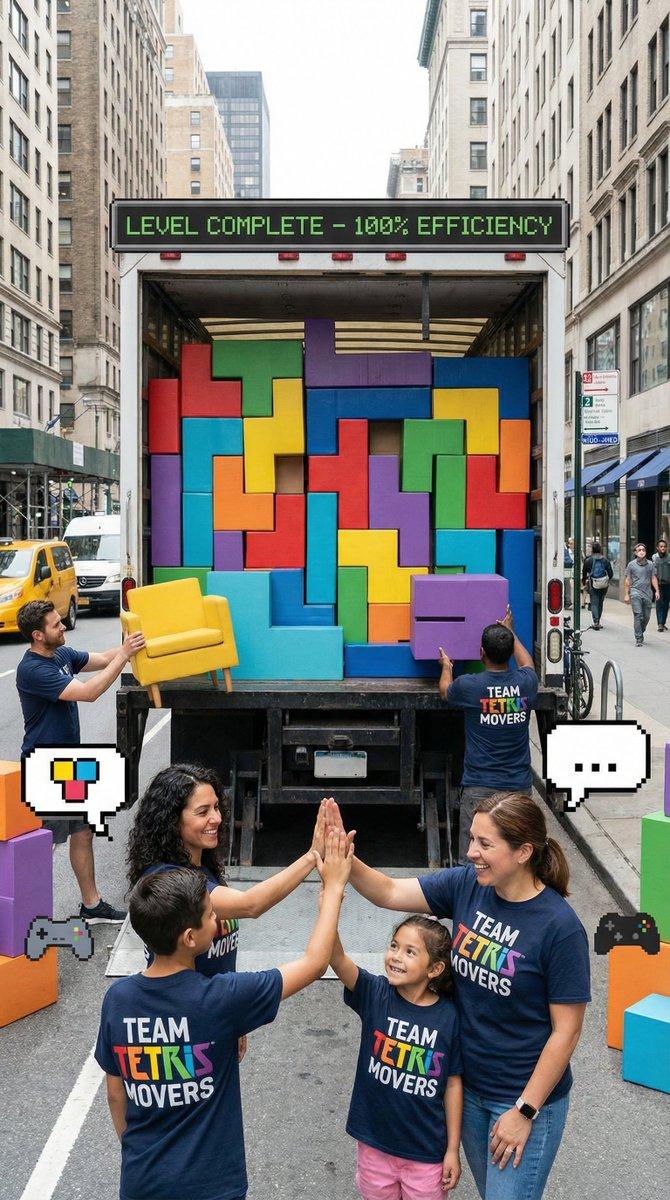
Tip 1: Always Define Your Canvas First The biggest mistake? Not specifying resolution and aspect ratio. Nano Banana Pro can do 1K, 2K, or 4K. Tell it exactly what you want or you'll get random sizing. Template Prompt: { "scene": "[describe what you want]", "resolution": "4K", "aspect_ratio": "16:9", "style": "[visual style]" } -- Example Prompt: { "scene": "futuristic AI workspace with holographic screens showing code", "resolution": "4K", "aspect_ratio": "16:9", "style": "cinematic lighting, cy
- Category
- Scenes & Storytelling
- Model
- Nano Banana Pro
- Creator
- alex_prompter
- Source language
- zh-CN
- Source ID
- always-define-your-canvas-first
Full prompt
Tip 1: Always Define Your Canvas First
The biggest mistake? Not specifying resolution and aspect ratio.
Nano Banana Pro can do 1K, 2K, or 4K. Tell it exactly what you want or you'll get random sizing.
Template Prompt:
{
"scene": "[describe what you want]",
"resolution": "4K",
"aspect_ratio": "16:9",
"style": "[visual style]"
}
--
Example Prompt:
{
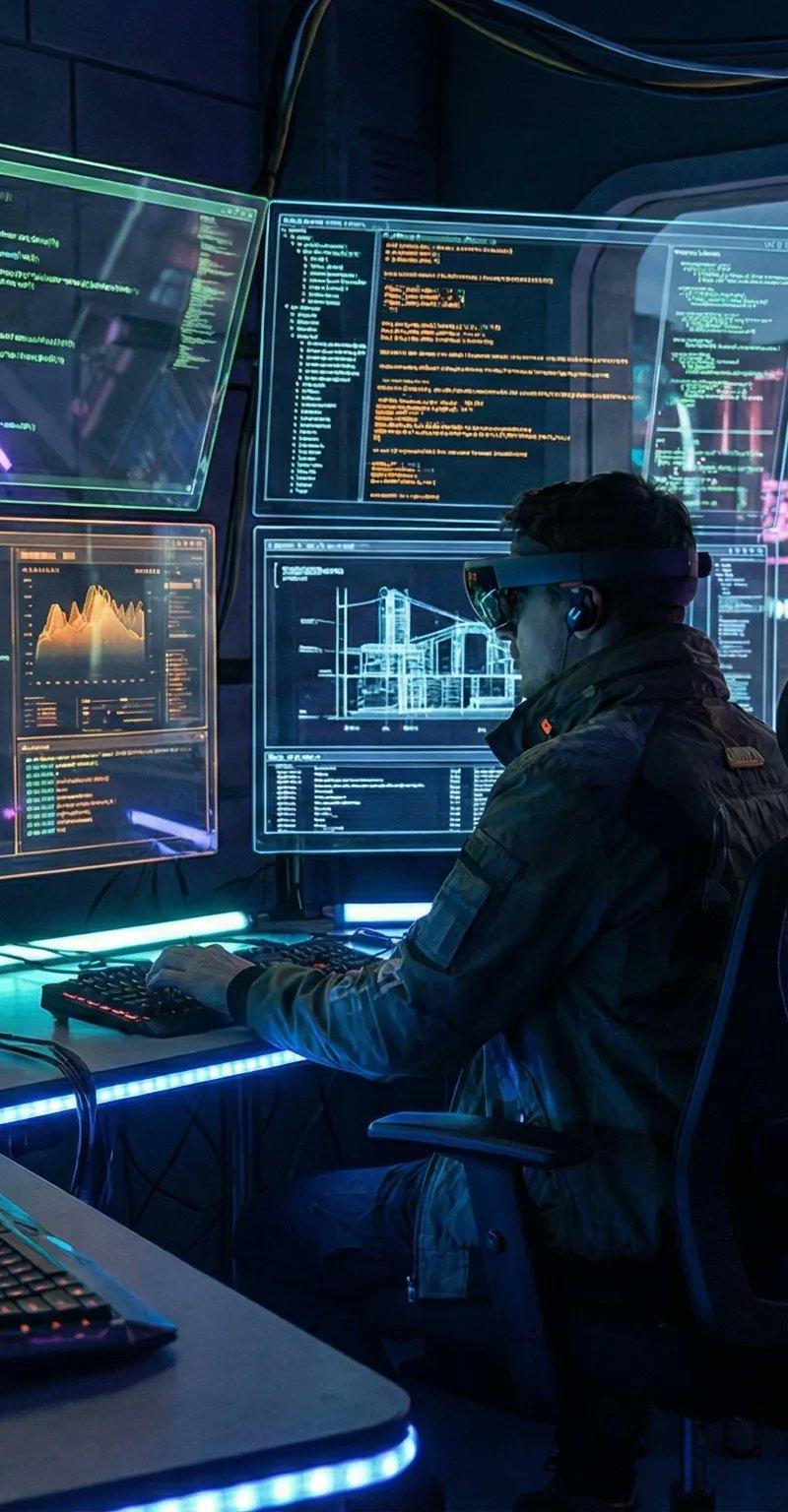
"scene": "futuristic AI workspace with holographic screens showing code",
"resolution": "4K",
"aspect_ratio": "16:9",
"style": "cinematic lighting, cyberpunk aesthetic, ultra-detailed"
}Translations1
首先定义您的画布
zh-CNTip 1: Always Define Your Canvas First The biggest mistake? Not specifying resolution and aspect ratio. Nano Banana Pro can do 1K, 2K, or 4K. Tell it exactly what you want or you'll get random sizing. Template Prompt: { "scene": "[describe what you want]", "resolution": "4K", "aspect_ratio": "16:9", "style": "[visual style]" } -- Example Prompt: { "scene": "futuristic AI workspace with holographic screens showing code", "resolution": "4K", "aspect_ratio": "16:9", "style": "cinematic lighting, cyberpunk aesthetic, ultra-detailed" }