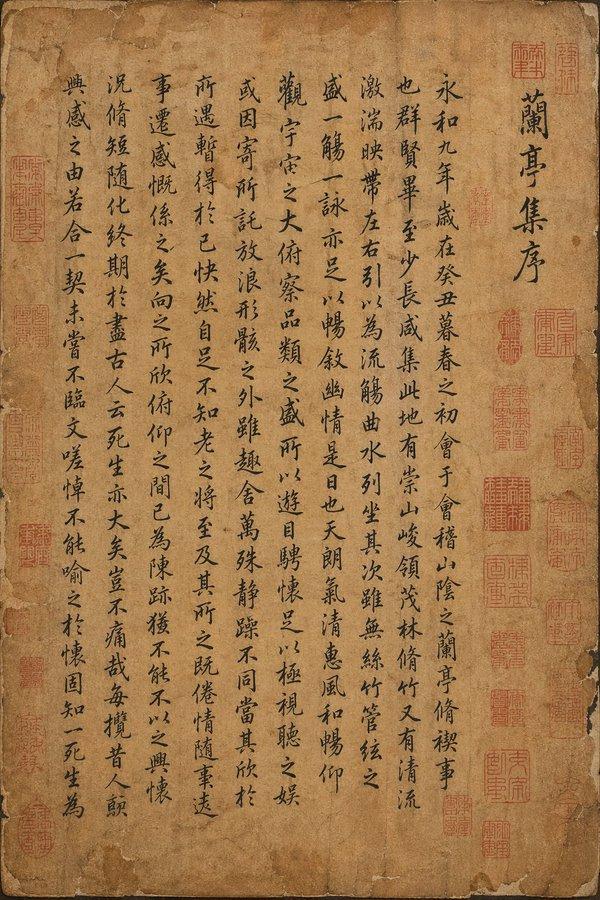
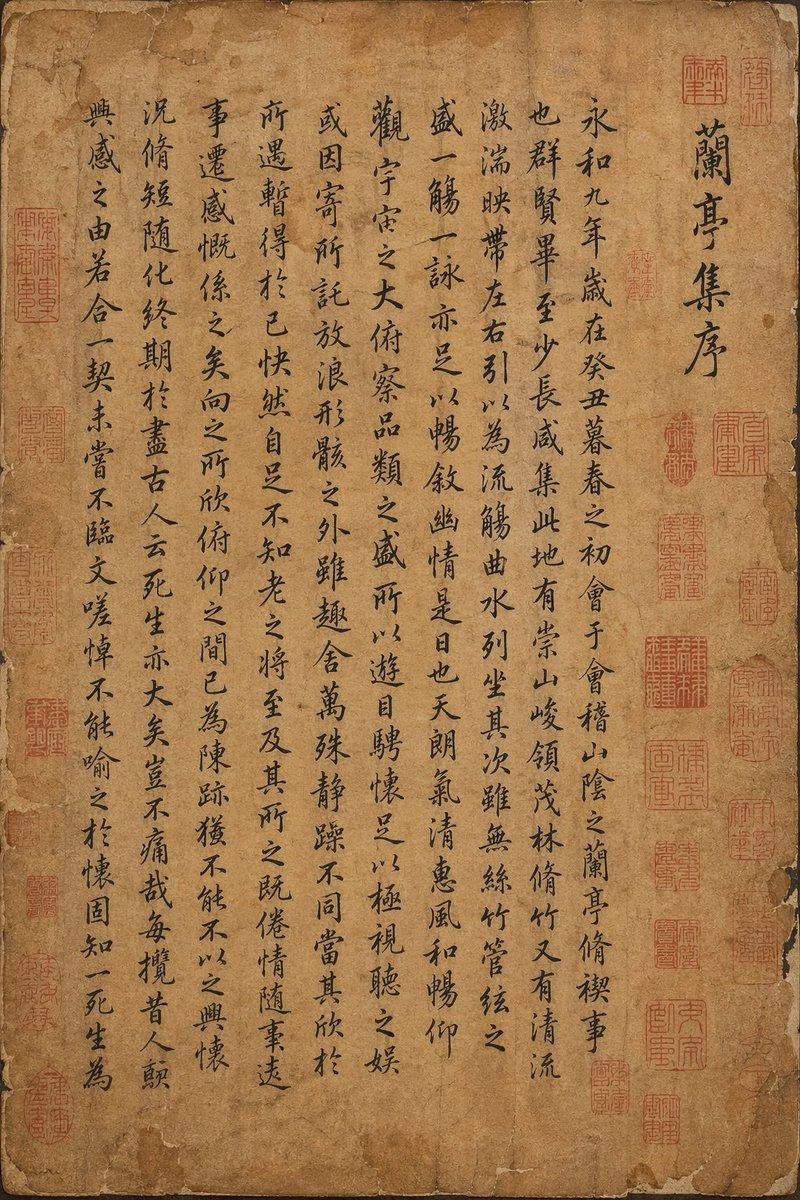
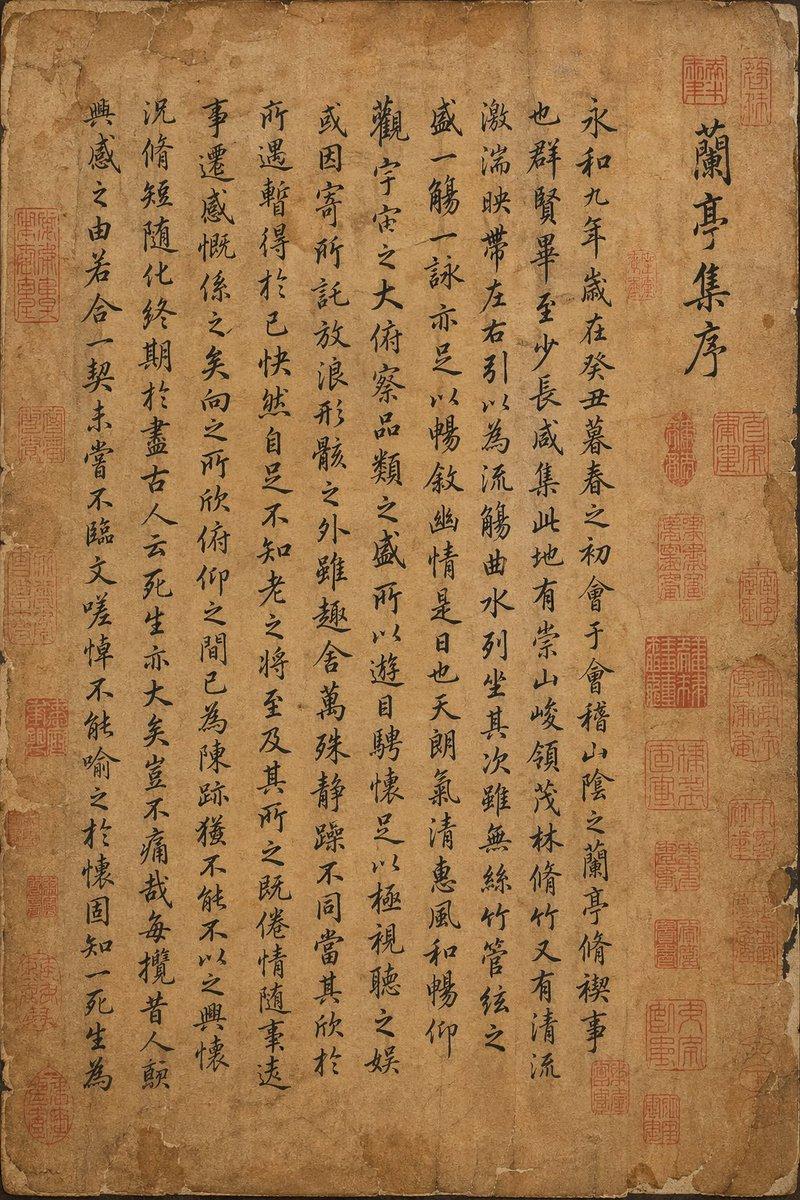
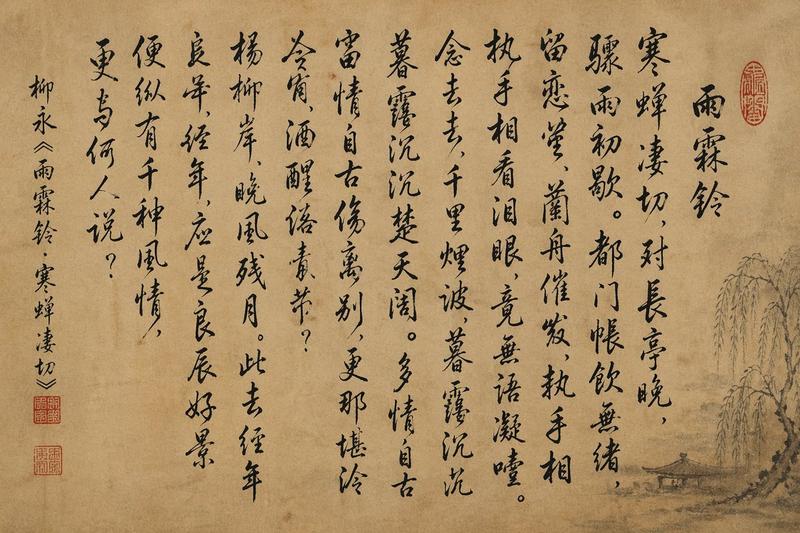
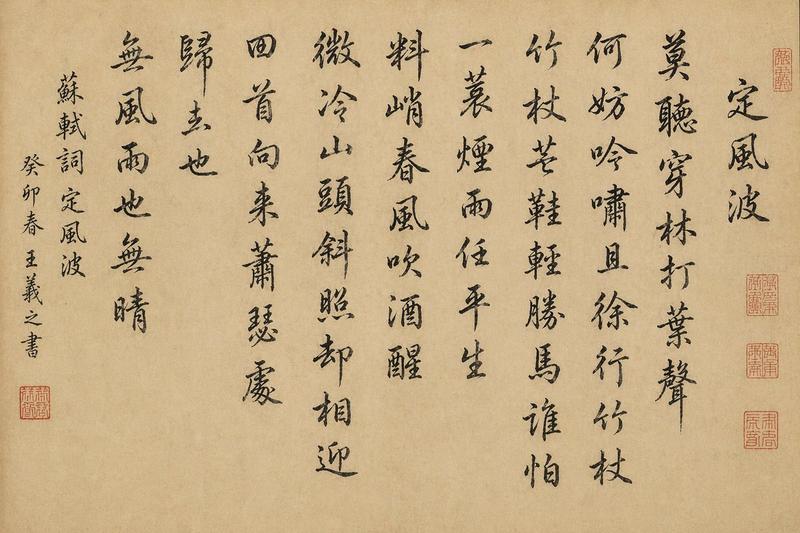
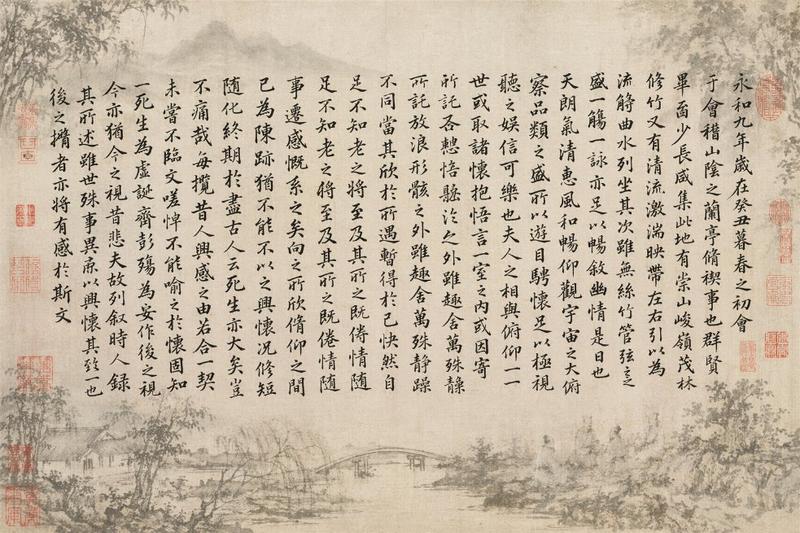
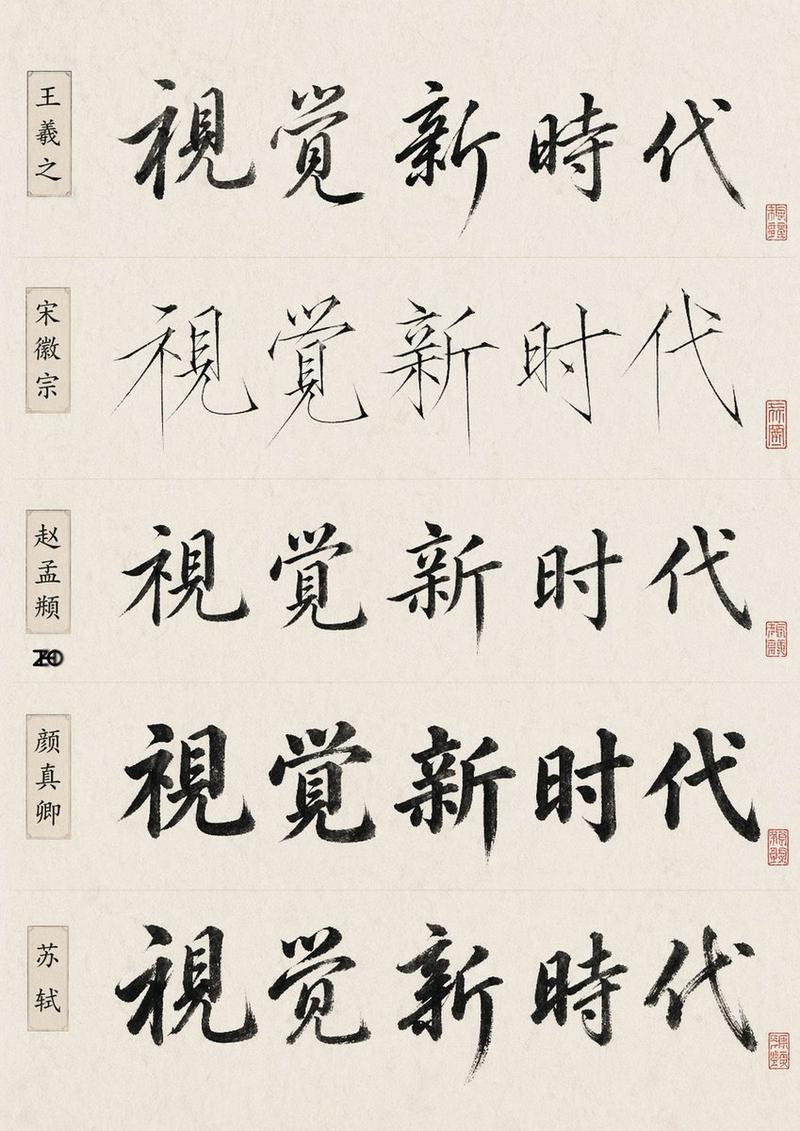
《滕王阁序》古老手稿页
Prompt
13、手稿页
提示词:请为《滕王阁序》生成一个古老的手稿页,有星星和旁注的墨水图,书页风格 https://t.co/9cuznsyS7X
- Category
- Creative Use Cases
- Model
- Unknown
- Creator
- 苍何
- Source ID
- ancient-manuscript-page-of-tengwang-pavilion-precedence
Views0
15
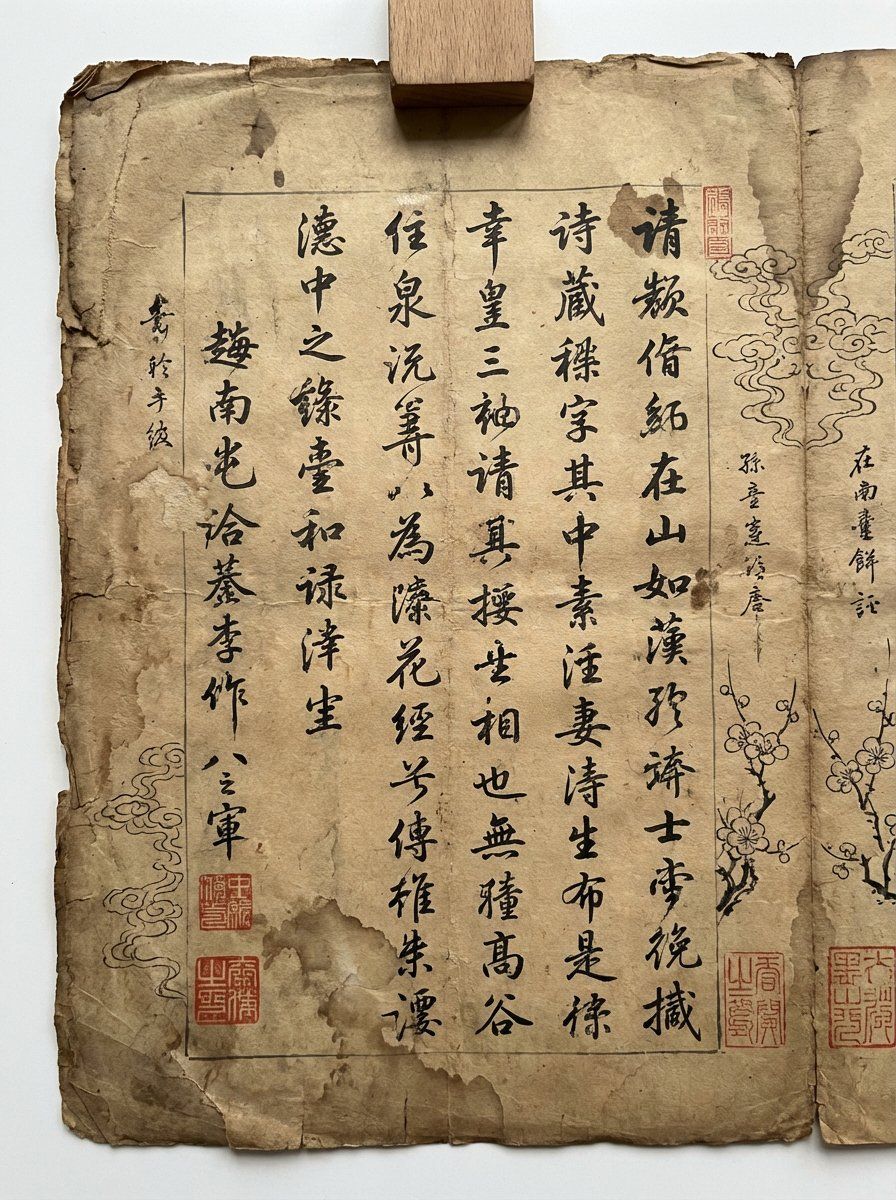
13、手稿页 提示词:请为《滕王阁序》生成一个古老的手稿页,有星星和旁注的墨水图,书页风格 https://t.co/9cuznsyS7X
Guide
"《滕王阁序》古老手稿页" AI image prompt for Unknown (Creative Use Cases). 13、手稿页 提示词:请为《滕王阁序》生成一个古老的手稿页,有星星和旁注的墨水图,书页风格 https://t.co/9cuznsyS7X Copy it on Picva and recr…
The full copyable prompt and example visuals above are ready for AI image generation or one-click recreate in Picva.
Step 1
Review the example visuals, category, and full prompt text for "《滕王阁序》古老手稿页".
Step 2
Copy the prompt body from this page, or load it directly in Studio.
Step 3
Prefer Unknown. If you switch models, keep subject and composition and tweak style terms.
Step 4
Recreate the look in Picva, or export into your workflow for editing and publishing.