16

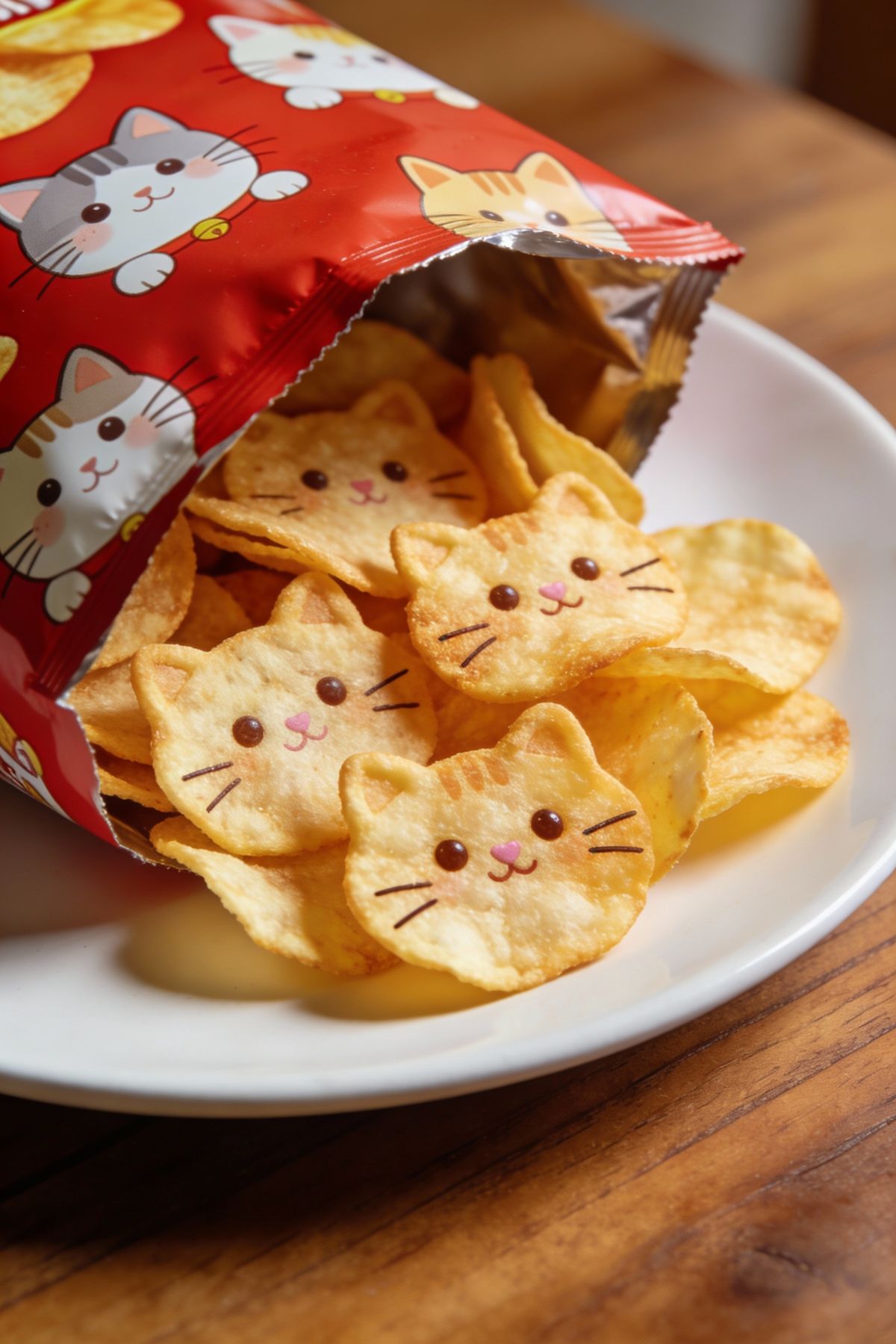
猫咪形状薯片袋
Enlarge

猫咪形状薯片袋

Prompt
Cat-shaped chips – Prompt Share 52 – Seedream4.5
Prompt 👇 https://t.co/v7D6mIqmIM
Prompt
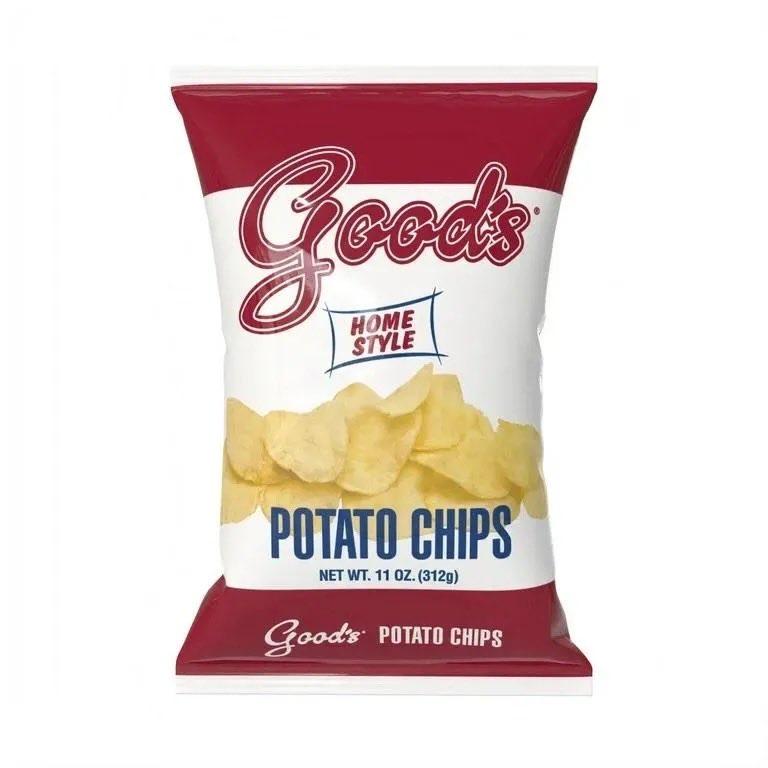
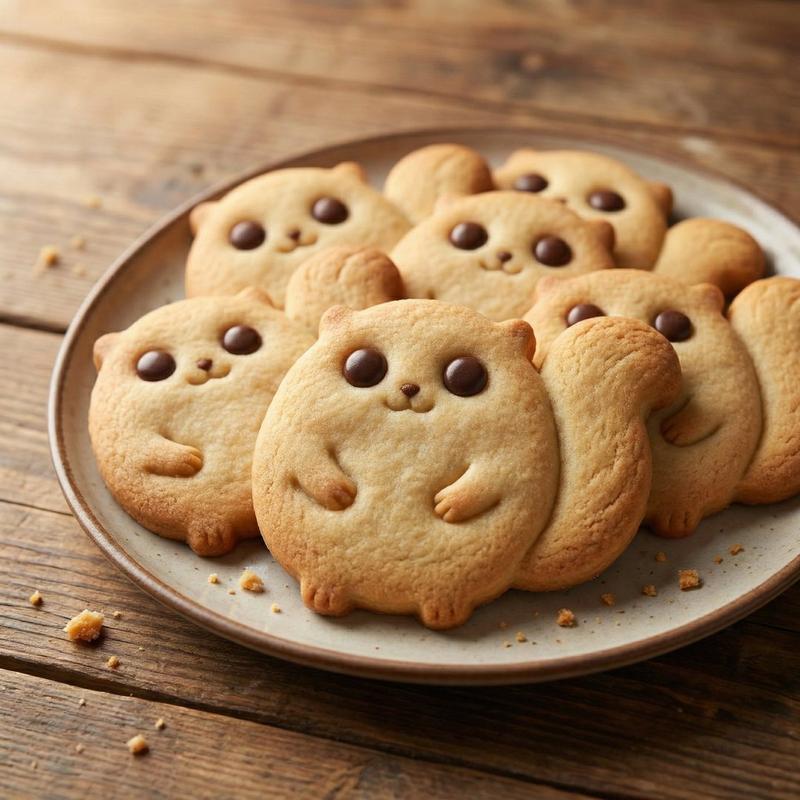
A close-up scene under warm indoor lighting: an adorable cat-themed potato chip bag sits open on a white plate placed on a wooden table. The bag is red and decorated with cute illustrated cats in a soft, comforting style. Inside, it is filled with uniquely shaped chips — each chip is shaped like a cat’s head, complete with cute eyes, a mouth, and whiskers. The chips have a golden, crispy appearance, and they are extremely thin, allowing the light to shine through them with a beautiful, delicate effect. Shallow depth of field, vivid detail, realistic photography style, macro effect, soft natural lighting, high resolution; the overall atmosphere is warm, cute, playful, and highly creative.
Category
Photography & Realism
Model
Unknown
Creator
KANA
Views0
Source ID
cat-shaped-potato-chip-bag

Guide

About "猫咪形状薯片袋"

What is this prompt for?

"猫咪形状薯片袋" AI image prompt for Unknown (Photography & Realism). Cat-shaped chips – Prompt Share 52 – Seedream4.5 Prompt 👇 https://t.co/v7D6mIqmIM Prompt A clos…

The full copyable prompt and example visuals above are ready for AI image generation or one-click recreate in Picva.

How to use this prompt

  1. Step 1

    Open the prompt detail

    Review the example visuals, category, and full prompt text for "猫咪形状薯片袋".

  2. Step 2

    Copy the prompt

    Copy the prompt body from this page, or load it directly in Studio.

  3. Step 3

    Pick a model (Unknown)

    Prefer Unknown. If you switch models, keep subject and composition and tweak style terms.

  4. Step 4

    Generate and export

    Recreate the look in Picva, or export into your workflow for editing and publishing.

FAQ

What is the "猫咪形状薯片袋" prompt?
It is an AI image-generation prompt for Unknown in the Photography & Realism category. This page includes the full prompt text, example visuals, and a one-click recreate path in Picva.
How do I use this prompt to generate an image?
Copy the prompt from this page, or use Generate / Studio. Paste it into a compatible image model, or recreate the look in Picva with optional reference images.
Which model is this prompt for?
This page lists Unknown. Most descriptive prompts also transfer to nearby image models such as GPT Image, Flux, or Midjourney with light style tweaks.
Can I use the result commercially?
You can usually copy the prompt for creation, but commercial use of the final image depends on the model terms, reference-image rights, and the generated content. Follow the source author and platform rules.