20

明星合拍
Enlarge

明星合拍

Prompt
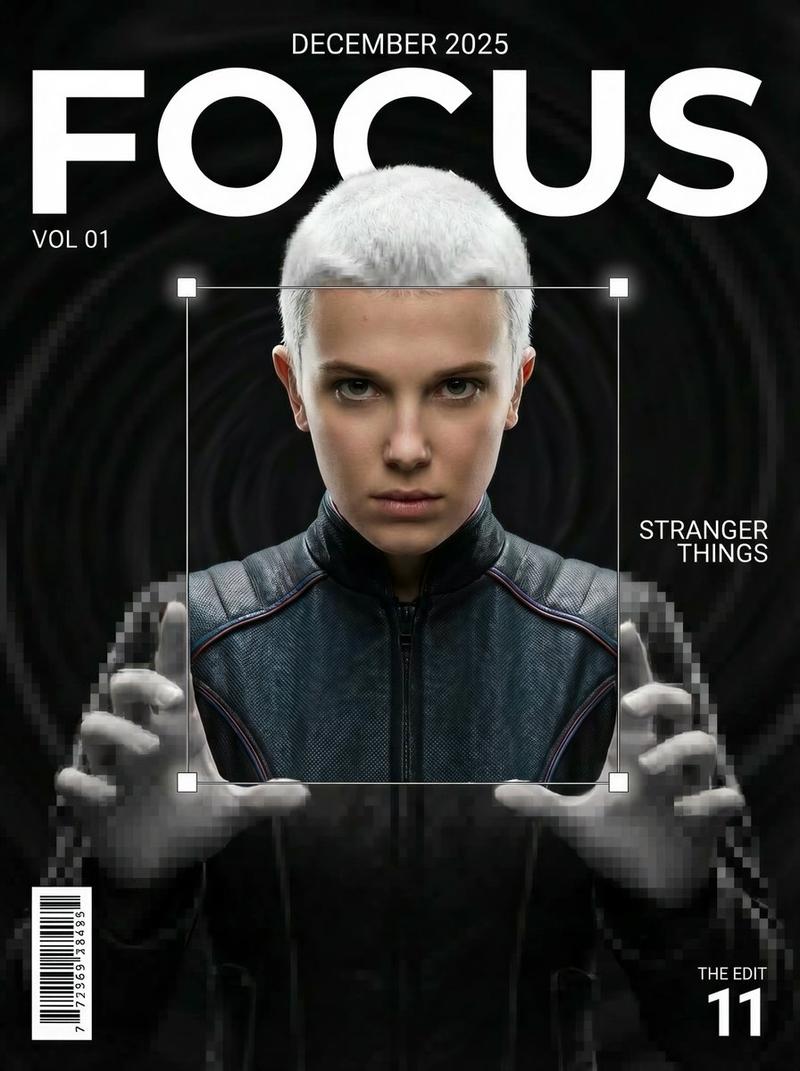
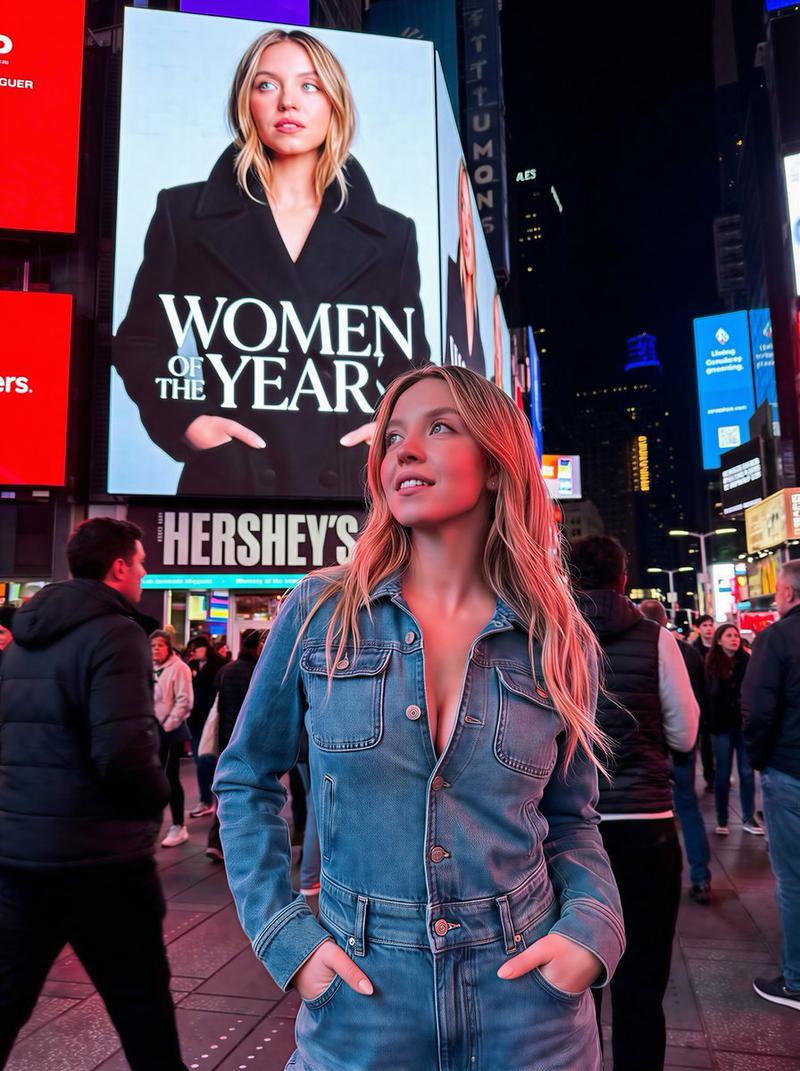
Create a hyper-realistic, ultra-sharp, full-color large-format image featuring a massive group of celebrities from different eras, all standing together in a single wide cinematic frame. The image must look like a perfectly photographed editorial cover with impeccable lighting, lifelike skin texture, micro-details of hair, pores, reflections, and fabric fibers.GENERAL STYLE & MOOD\n\nPhotorealistic, 8k, shallow depth of field, soft natural fill light + strong golden rim light\n\nHigh dynamic range, calibrated color grading\n\nSkin tones perfectly accurate\n\nCrisp fabric detail with individual threads visible\n\nBalanced composition, slightly wide-angle lens (35mm), center-weighted\n\nAll celebrities interacting naturally, smiling, posing, or conversing\n\nMinimal background noise, but with enough world-building to feel realTHE ENVIRONMENT\n\nA luxurious open-air rooftop terrace at sunset overlooking a modern city skyline.\n\nElements include:Warm golden light wrapping around silhouettes\n\nPolished marbl
Category
Photography & Realism
Model
Unknown
Views0
Source ID
celebrity-duet

Guide

About "明星合拍"

What is this prompt for?

"明星合拍" AI image prompt for Unknown (Photography & Realism). Create a hyper-realistic, ultra-sharp, full-color large-format image featuring a massive group of c…

The full copyable prompt and example visuals above are ready for AI image generation or one-click recreate in Picva.

How to use this prompt

  1. Step 1

    Open the prompt detail

    Review the example visuals, category, and full prompt text for "明星合拍".

  2. Step 2

    Copy the prompt

    Copy the prompt body from this page, or load it directly in Studio.

  3. Step 3

    Pick a model (Unknown)

    Prefer Unknown. If you switch models, keep subject and composition and tweak style terms.

  4. Step 4

    Generate and export

    Recreate the look in Picva, or export into your workflow for editing and publishing.

FAQ

What is the "明星合拍" prompt?
It is an AI image-generation prompt for Unknown in the Photography & Realism category. This page includes the full prompt text, example visuals, and a one-click recreate path in Picva.
How do I use this prompt to generate an image?
Copy the prompt from this page, or use Generate / Studio. Paste it into a compatible image model, or recreate the look in Picva with optional reference images.
Which model is this prompt for?
This page lists Unknown. Most descriptive prompts also transfer to nearby image models such as GPT Image, Flux, or Midjourney with light style tweaks.
Can I use the result commercially?
You can usually copy the prompt for creation, but commercial use of the final image depends on the model terms, reference-image rights, and the generated content. Follow the source author and platform rules.