20

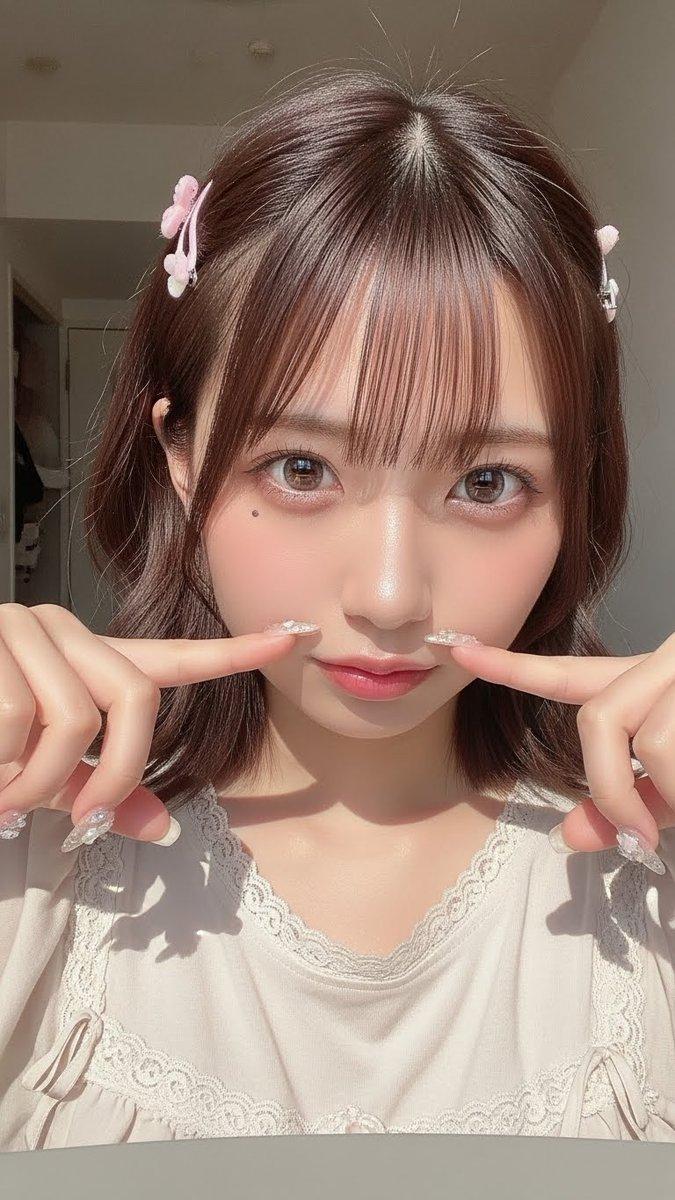
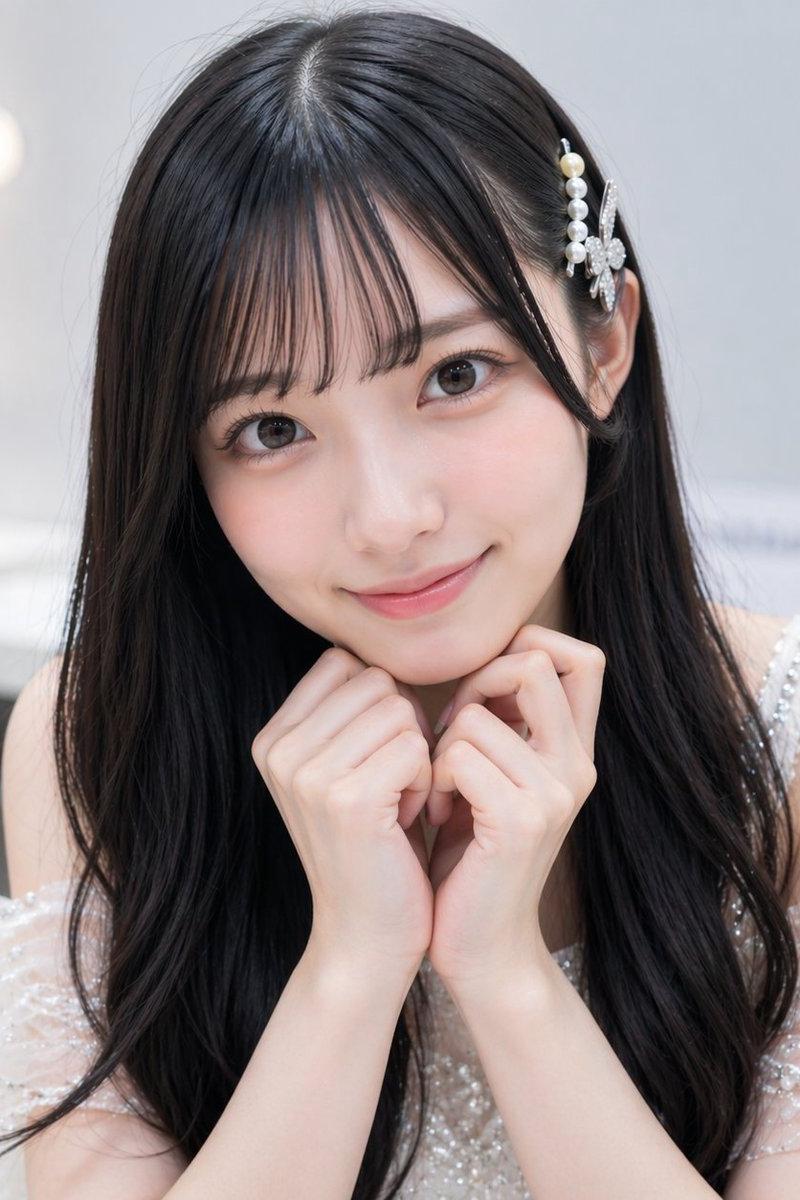
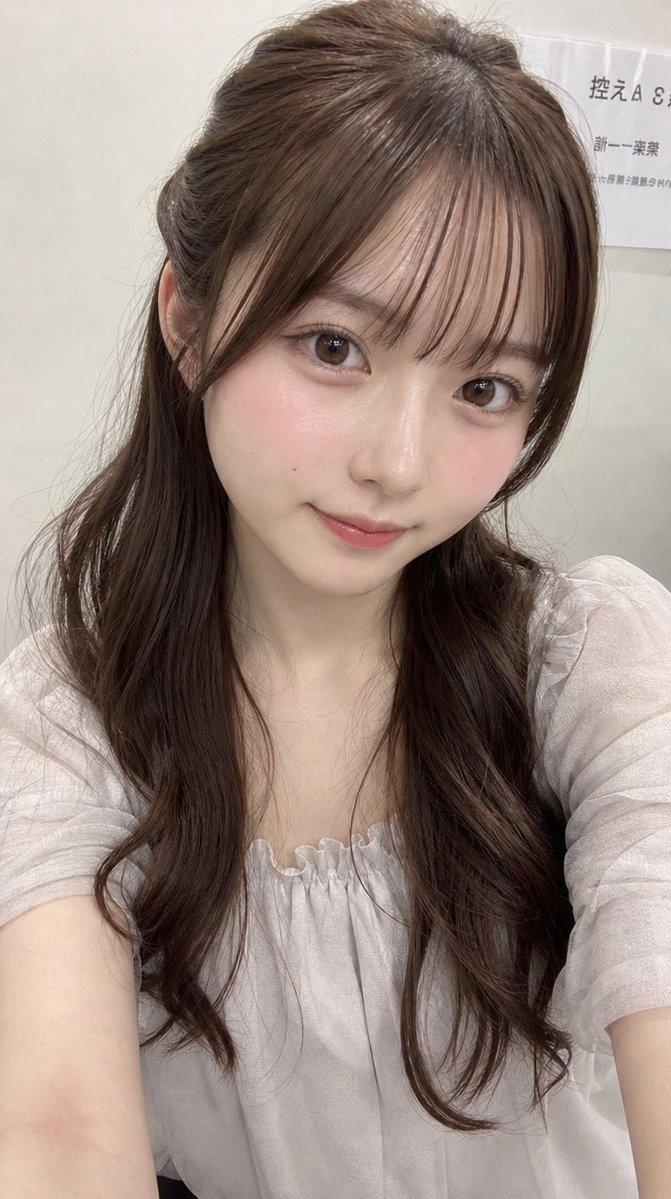
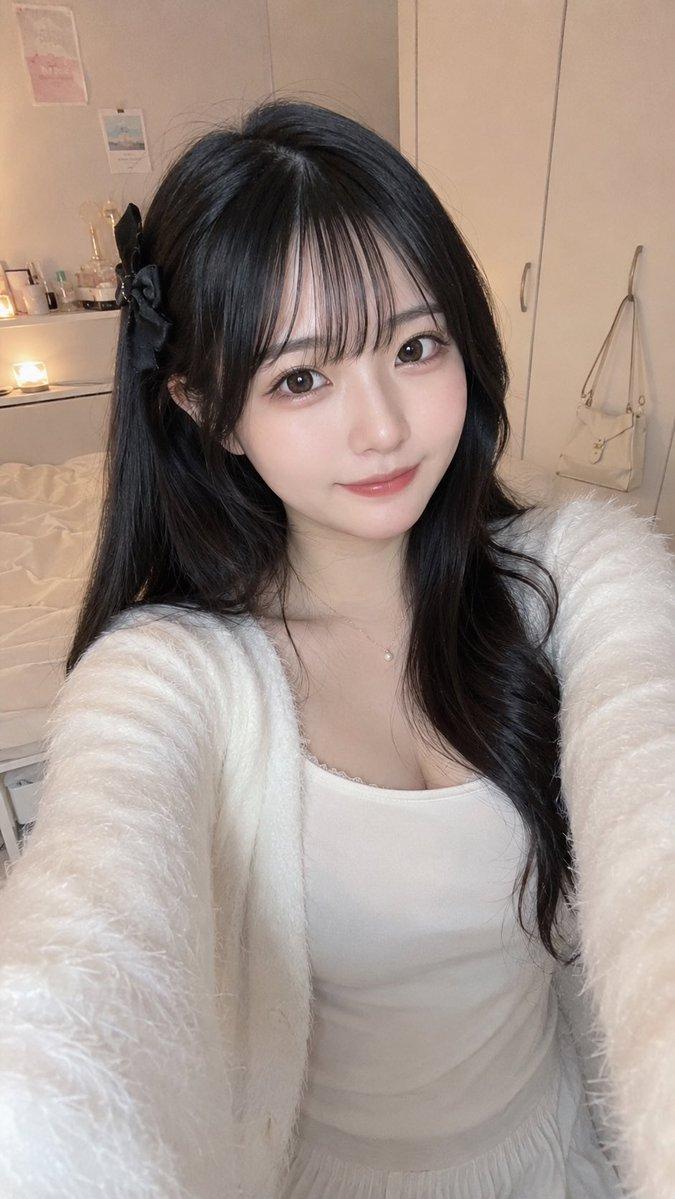
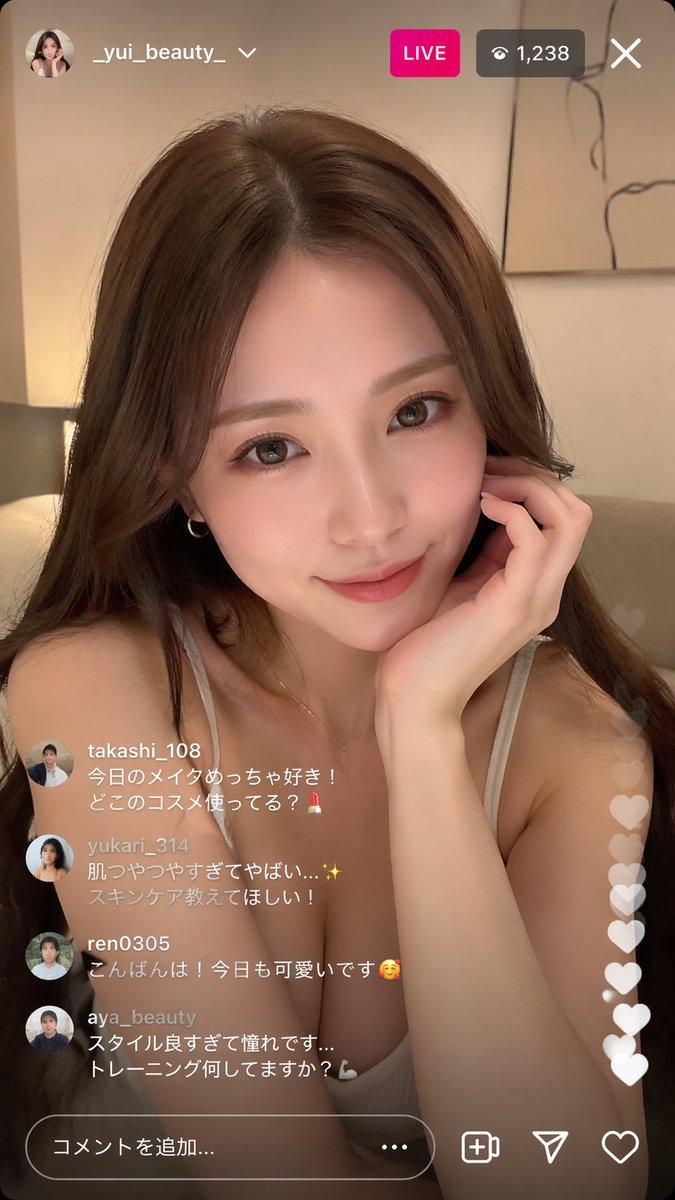
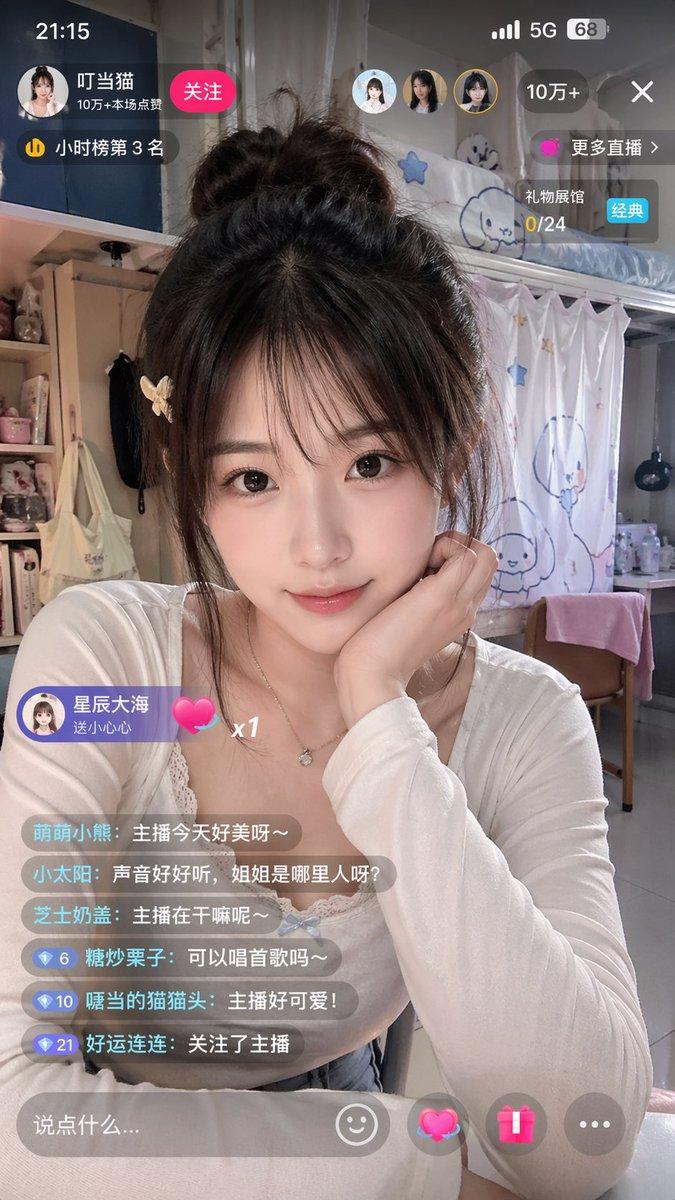
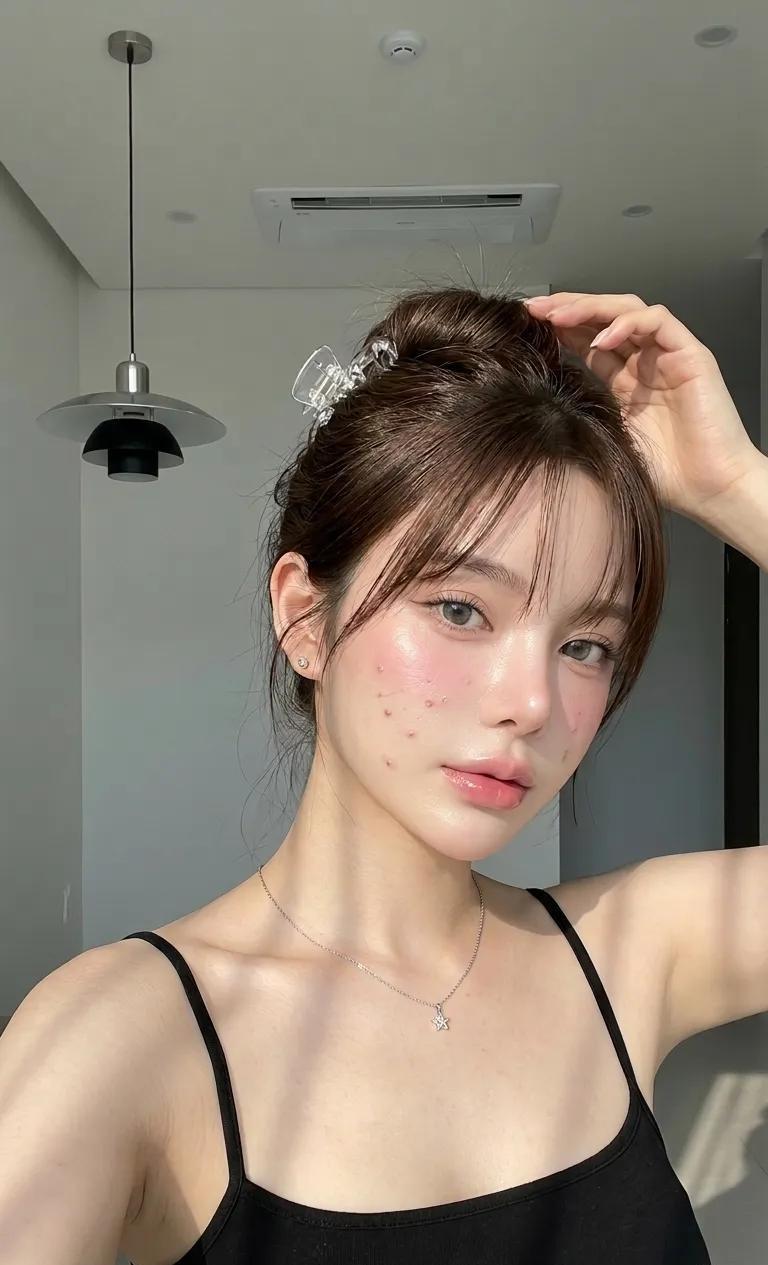
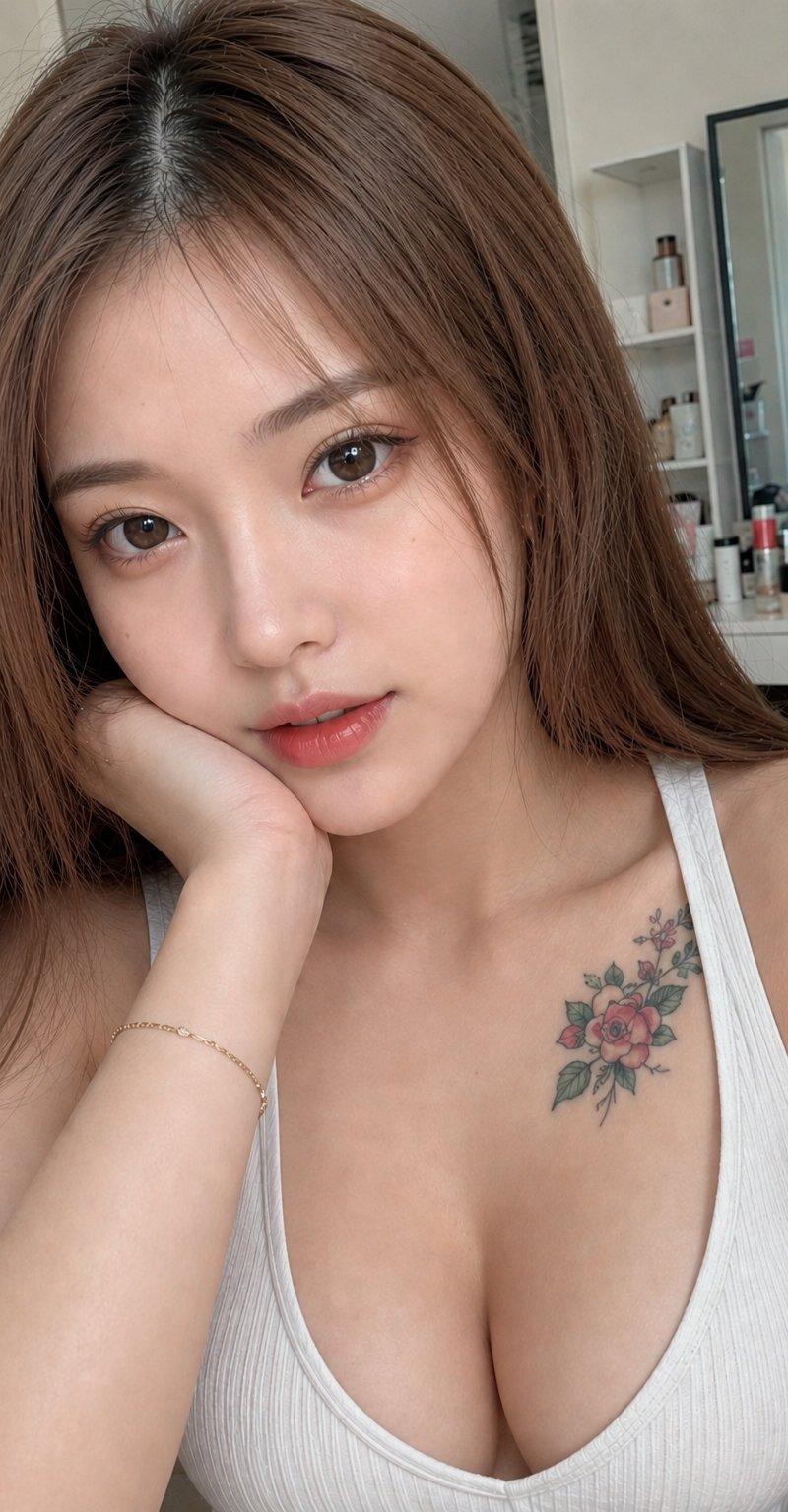
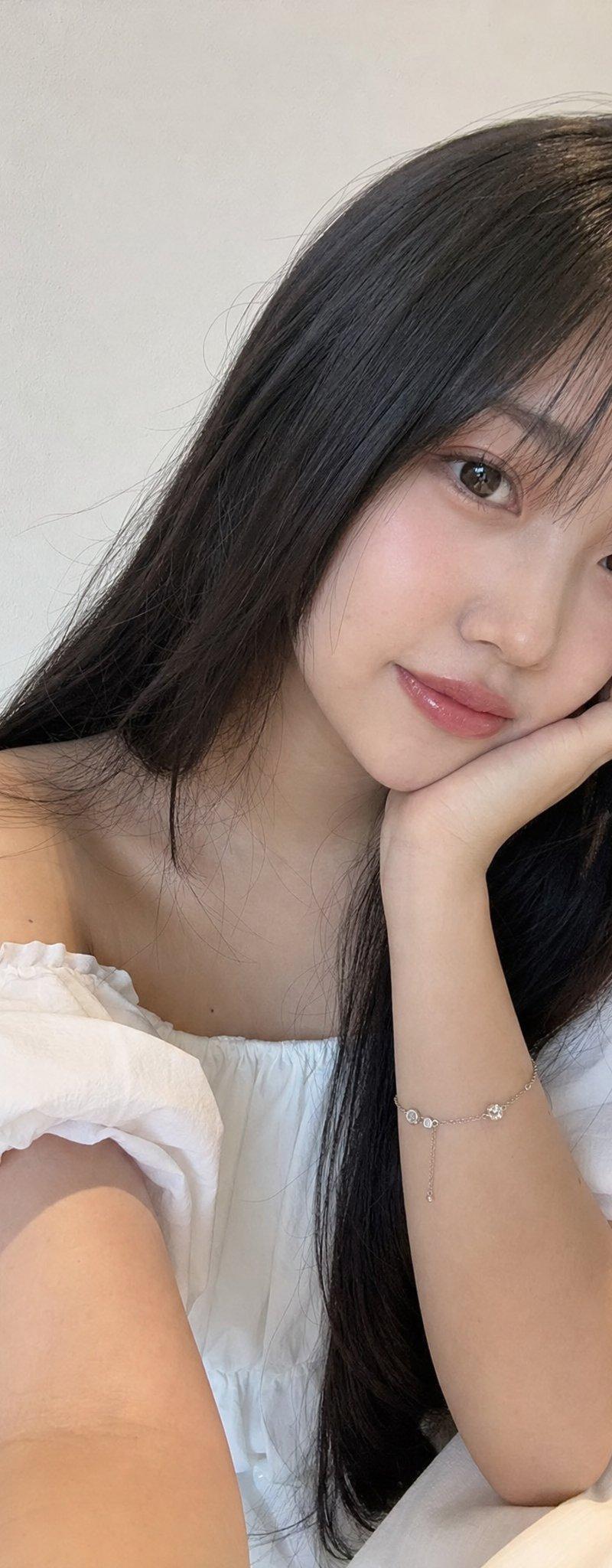
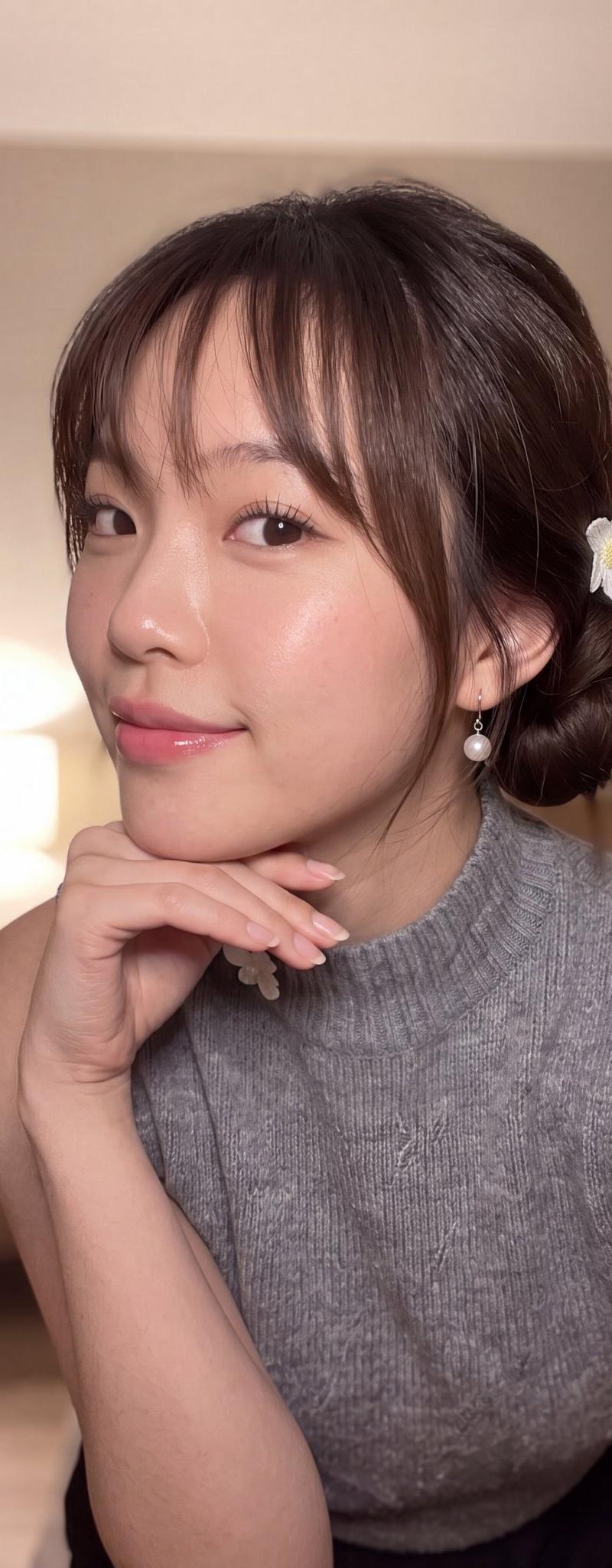
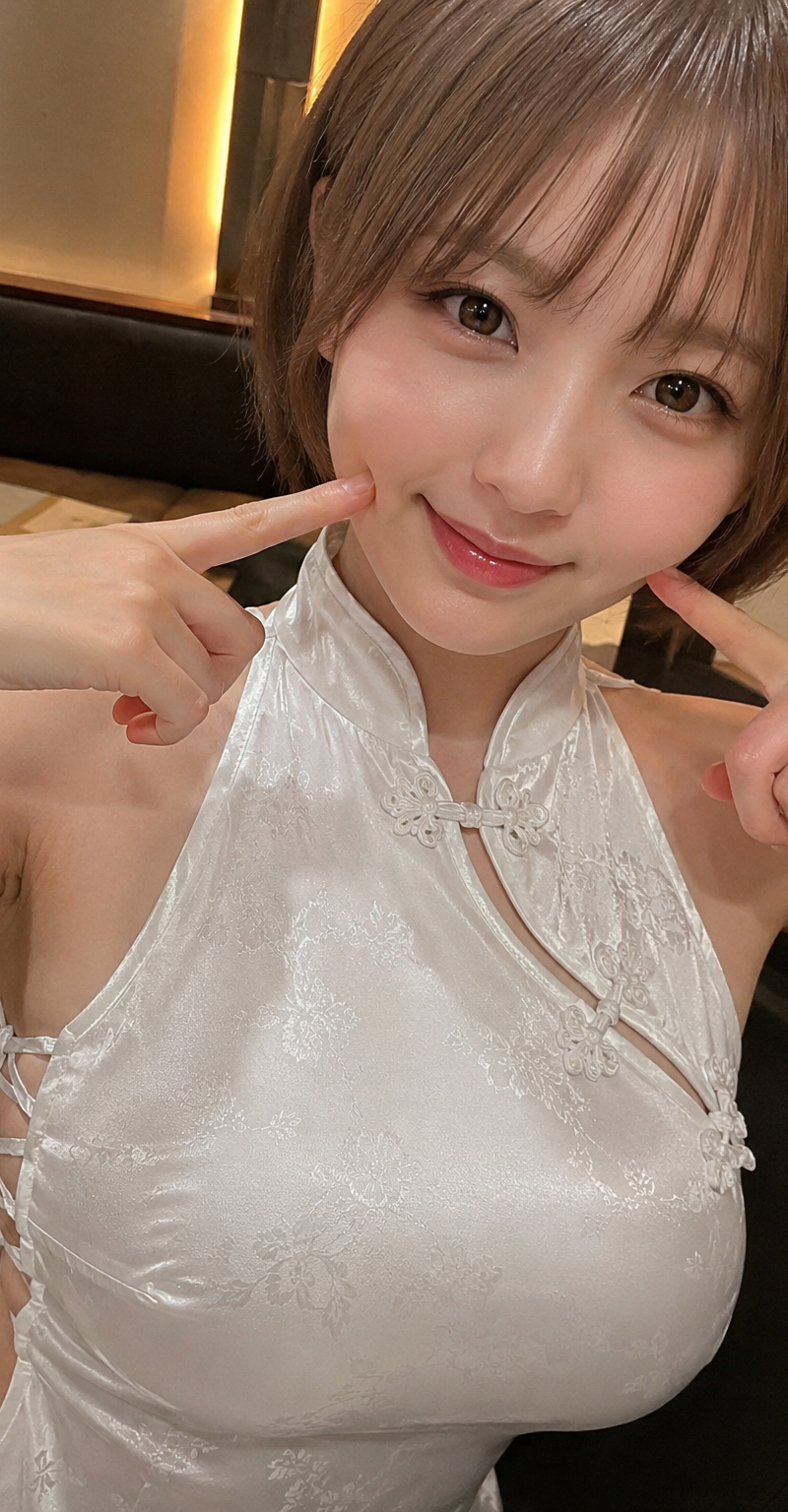
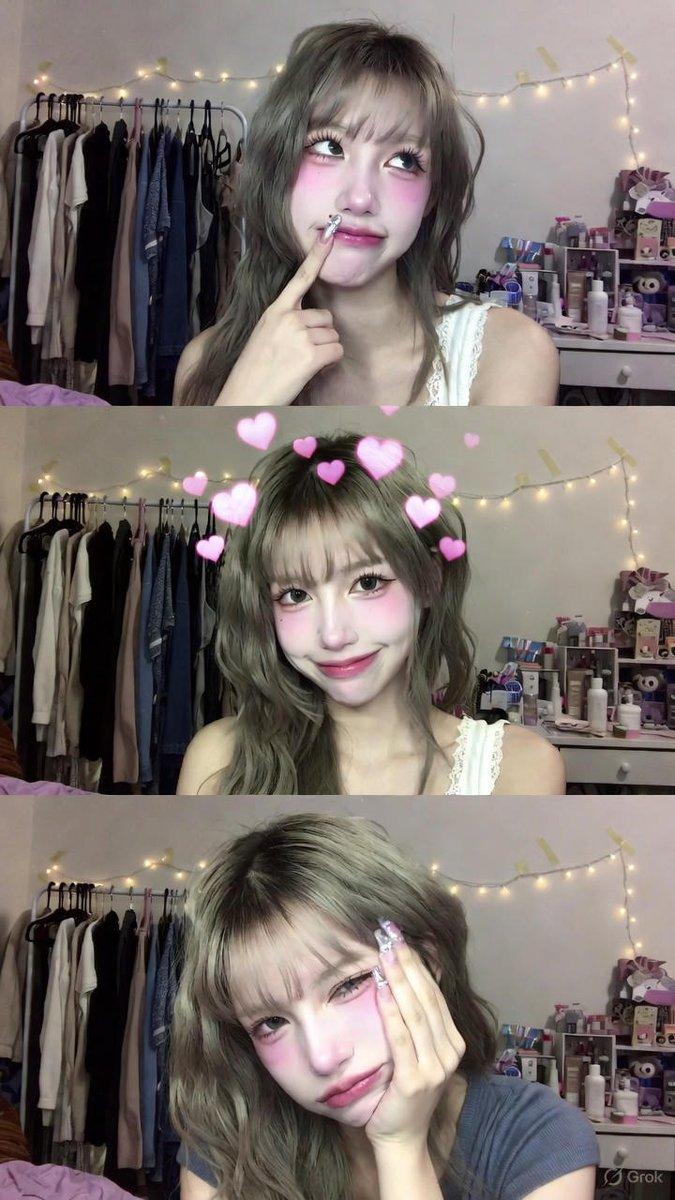
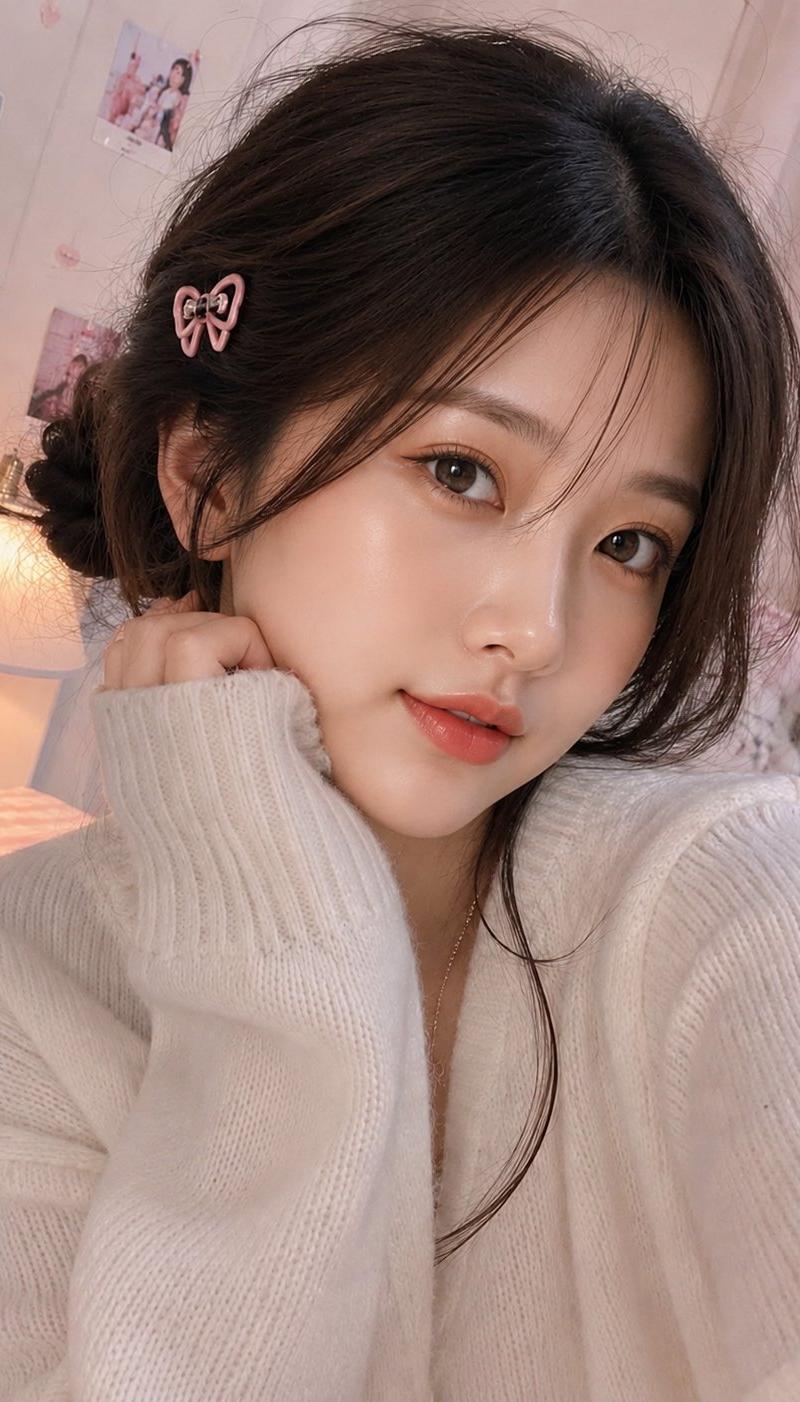
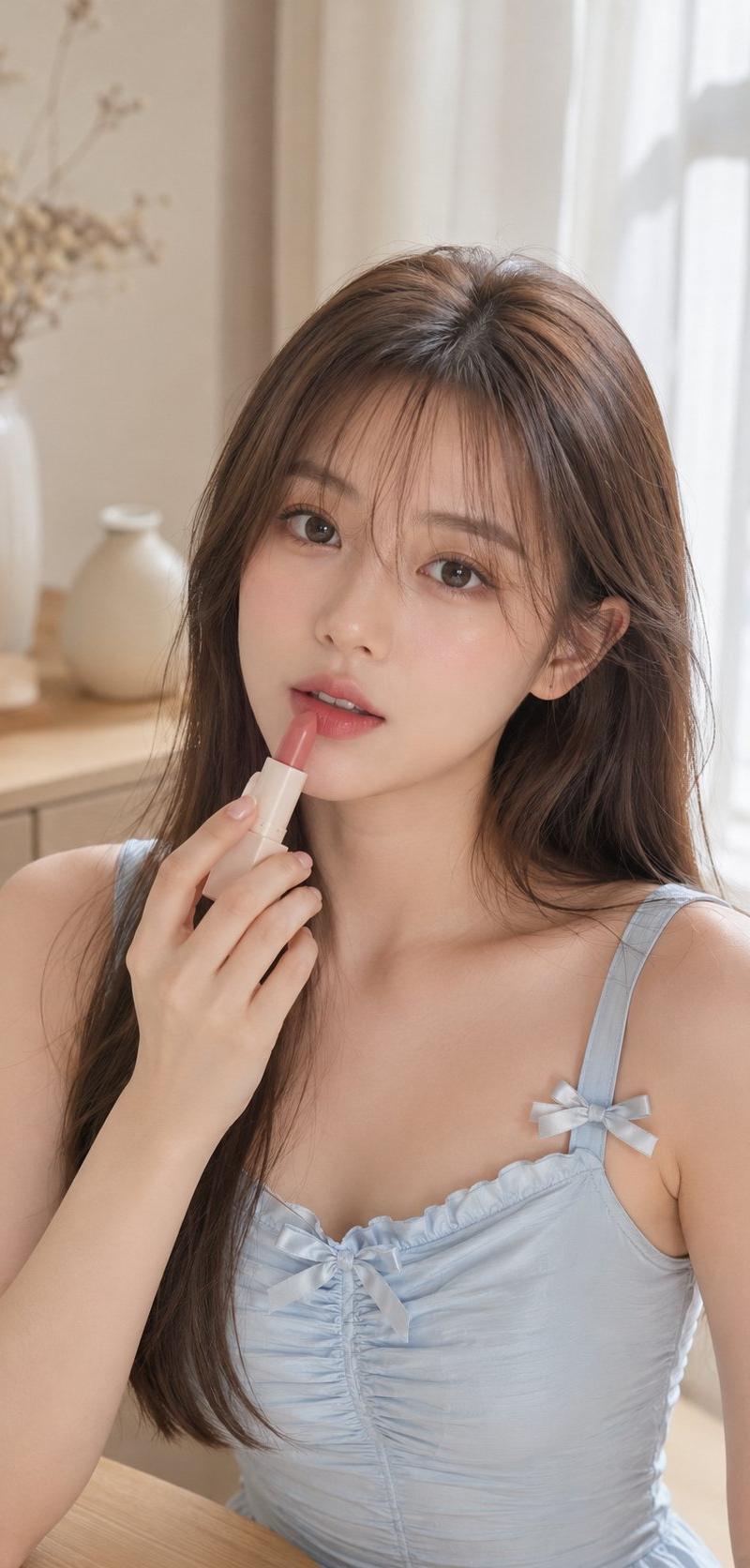
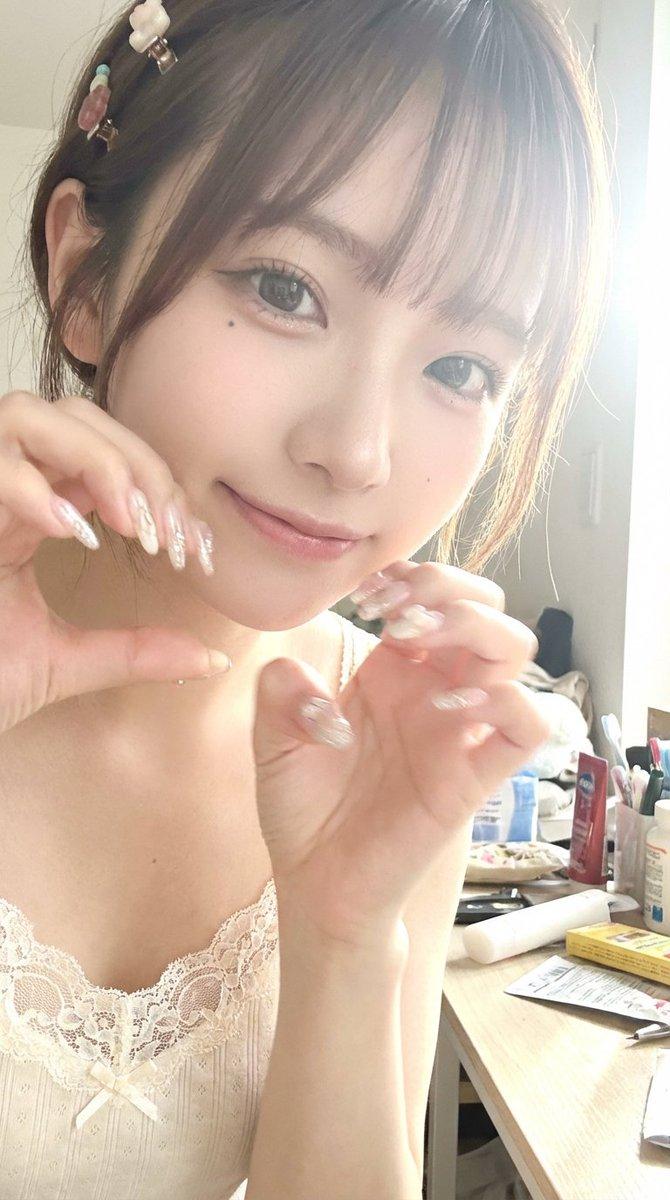
超近景半身人像,年轻女性,日韩妆容,家居背景
Enlarge

Example images

超近景半身人像,年轻女性,日韩妆容,家居背景

Prompt
OK 来发布这组提示词✨正是因为有了曝光、死黑、模糊、随意拍摄、低像素、泛白泛黄、杂乱等不完美元素,才构建出真实的AI图像。
我的提示词三要素:方便理解、方便使用、方便修改
✍️中文提示词:
一、画面主题
1 主体内容:超近景半身人像,年轻女性正对镜头,摆出可爱动作
2 五官特点:脸型精致、眼睛偏大、右眼下方点了一颗小痣、唇色淡粉、妆容干净偏日韩感
二、构图与视角
1 景别:近景,人物占画面主要面积,人物部分超出画面四条边
2 视角:略高机位或持机自然角度
3 画面层次:无景深,像是用老款iPhone手机拍摄的,画面曝光明显、泛白
三、光线与曝光
1 光源方向:右侧强烈阳光
2 光线质感:右侧强曝光、边缘带轻微光晕
3 曝光特征:整体偏亮,高调倾向,局部高光略溢出
4 对比关系:低对比、阴影浅
四、清晰度与质感
1 细节策略:主体五官与手部相对清楚,但整体锐度不硬
2 皮肤质感:细腻平滑,磨皮观感
3 画面颗粒:颗粒感弱
五、造型与道具要点
1 发型元素:刘海与侧发自然蓬松,头发上有可爱小发夹点缀
2 手部元素:长甲造型,带亮片与浅色装饰图案,增加精致感
3 服装质感:浅色家居感上衣,带蕾丝边或柔软边饰,强化温柔气质
六、背景与环境
1 场景类型:室内居家空间,背后桌子上杂乱,随意摆满生活用品
2 干净程度:真实日常但不喧宾夺主
Category
Architecture & Spaces
Model
Unknown
Creator
骑司Chase
Source language
zh-CN
Views0
Source ID
close-up-portrait-young-female-japanese-korean-makeup-home-environment
Studio

Guide

About "超近景半身人像,年轻女性,日韩妆容,家居背景"

What is this prompt for?

"超近景半身人像,年轻女性,日韩妆容,家居背景" AI image prompt for Unknown (Architecture & Spaces). OK 来发布这组提示词✨正是因为有了曝光、死黑、模糊、随意拍摄、低像素、泛白泛黄、杂乱等不完美元素,才构建出真实的AI图像。 我的提示词三要素:方便理解、方便使用…

The full copyable prompt and example visuals above are ready for AI image generation or one-click recreate in Picva.

How to use this prompt

  1. Step 1

    Open the prompt detail

    Review the example visuals, category, and full prompt text for "超近景半身人像,年轻女性,日韩妆容,家居背景".

  2. Step 2

    Copy the prompt

    Copy the prompt body from this page, or load it directly in Studio.

  3. Step 3

    Pick a model (Unknown)

    Prefer Unknown. If you switch models, keep subject and composition and tweak style terms.

  4. Step 4

    Generate and export

    Recreate the look in Picva, or export into your workflow for editing and publishing.

FAQ

What is the "超近景半身人像,年轻女性,日韩妆容,家居背景" prompt?
It is an AI image-generation prompt for Unknown in the Architecture & Spaces category. This page includes the full prompt text, example visuals, and a one-click recreate path in Picva.
How do I use this prompt to generate an image?
Copy the prompt from this page, or use Generate / Studio. Paste it into a compatible image model, or recreate the look in Picva with optional reference images.
Which model is this prompt for?
This page lists Unknown. Most descriptive prompts also transfer to nearby image models such as GPT Image, Flux, or Midjourney with light style tweaks.
Can I use the result commercially?
You can usually copy the prompt for creation, but commercial use of the final image depends on the model terms, reference-image rights, and the generated content. Follow the source author and platform rules.