18

家庭晚餐连续场景
Enlarge

家庭晚餐连续场景

Prompt
GPT Image 1.5 is now live on Higgsfield.
Clean visuals from structured prompt:
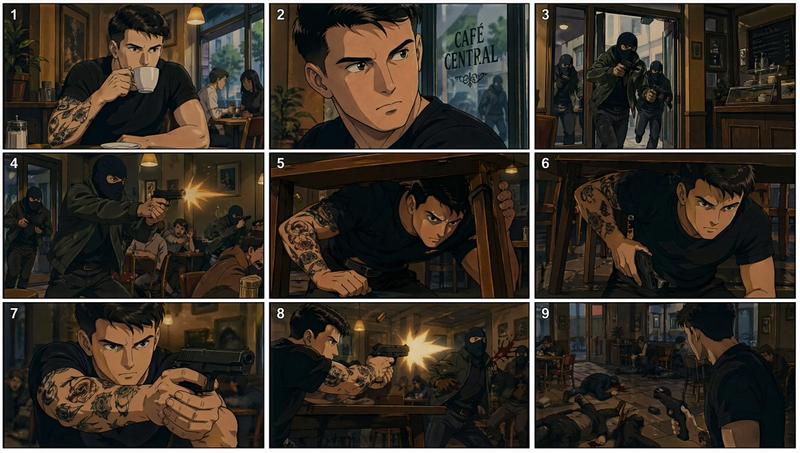
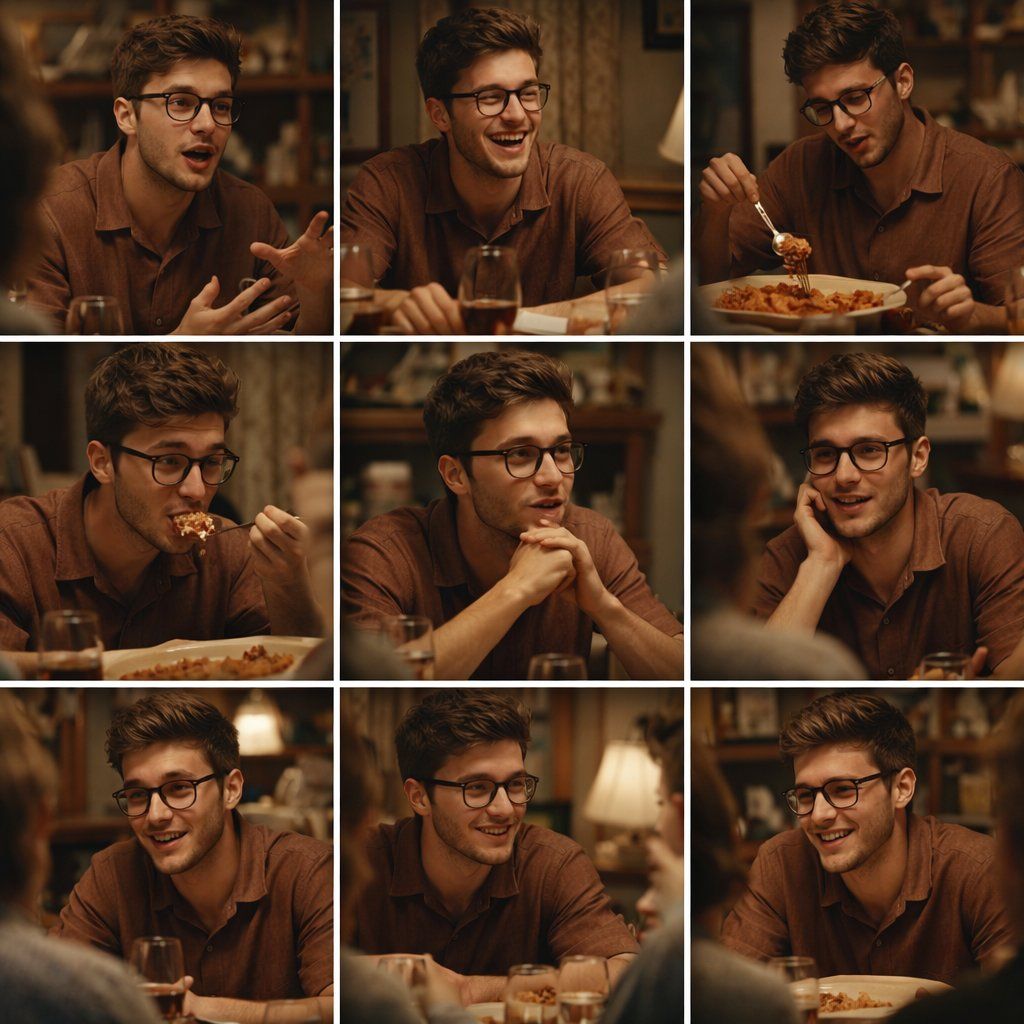
A 3x3 grid storyboard contact sheet comprised of nine candid, cinematic movie stills showing a continuous sequence of a young man, approximately 20-25 years old. He has tousled brown hair and a youthful, expressive face, clean-shaven. Across all nine panels, he is consistently wearing a brown short-sleeved linen button-down shirt and is seated at a wooden dining table during a family dinner. The panels show varied natural actions: gesturing with his hands while animatedly talking, laughing, eating lasagna from a large dish, listening intently, and smiling. The environment is a warm, cozy home dining room with a wooden hutch filled with china and patterned wallpaper visible in the background. The lighting is soft, warm tungsten evening light creating natural shadows. The shots are a mix of medium angles and close-ups with a shallow depth of field, rendered with a film photography aesthetic and slight grain.
Category
Photography & Realism
Model
GPT Image
Creator
Oogie
Views0
Source ID
continuous-family-dinner-scene

Guide

About "家庭晚餐连续场景"

What is this prompt for?

"家庭晚餐连续场景" AI image prompt for GPT Image (Photography & Realism). GPT Image 1.5 is now live on Higgsfield. Clean visuals from structured prompt: A 3x3 grid sto…

The full copyable prompt and example visuals above are ready for AI image generation or one-click recreate in Picva.

How to use this prompt

  1. Step 1

    Open the prompt detail

    Review the example visuals, category, and full prompt text for "家庭晚餐连续场景".

  2. Step 2

    Copy the prompt

    Copy the prompt body from this page, or load it directly in Studio.

  3. Step 3

    Pick a model (GPT Image)

    Prefer GPT Image. If you switch models, keep subject and composition and tweak style terms.

  4. Step 4

    Generate and export

    Recreate the look in Picva, or export into your workflow for editing and publishing.

FAQ

What is the "家庭晚餐连续场景" prompt?
It is an AI image-generation prompt for GPT Image in the Photography & Realism category. This page includes the full prompt text, example visuals, and a one-click recreate path in Picva.
How do I use this prompt to generate an image?
Copy the prompt from this page, or use Generate / Studio. Paste it into a compatible image model, or recreate the look in Picva with optional reference images.
Which model is this prompt for?
This page lists GPT Image. Most descriptive prompts also transfer to nearby image models such as GPT Image, Flux, or Midjourney with light style tweaks.
Can I use the result commercially?
You can usually copy the prompt for creation, but commercial use of the final image depends on the model terms, reference-image rights, and the generated content. Follow the source author and platform rules.