20

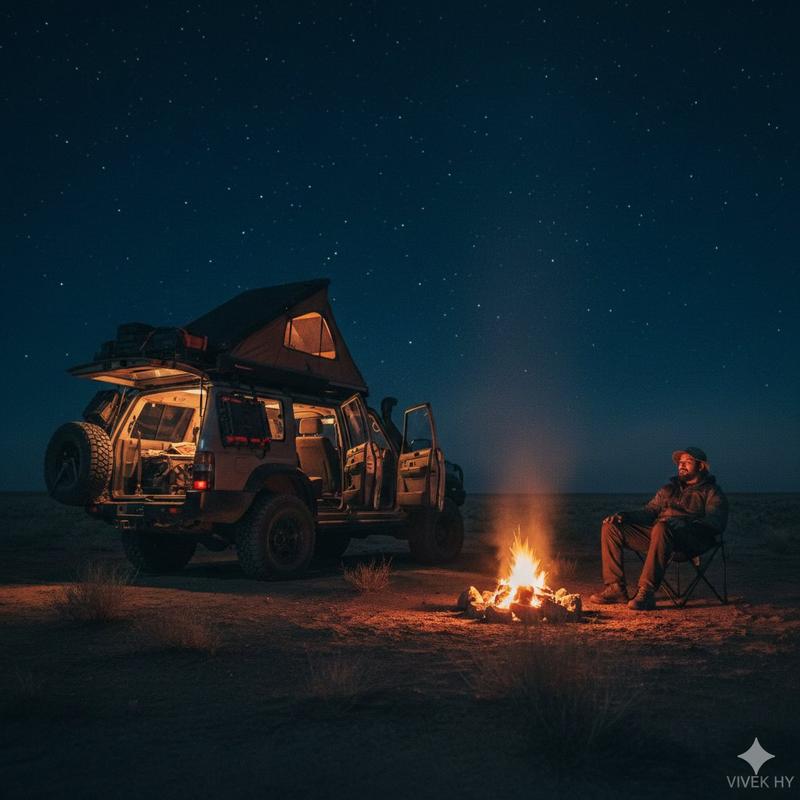
沙漠露营场景
Enlarge

沙漠露营场景

Prompt
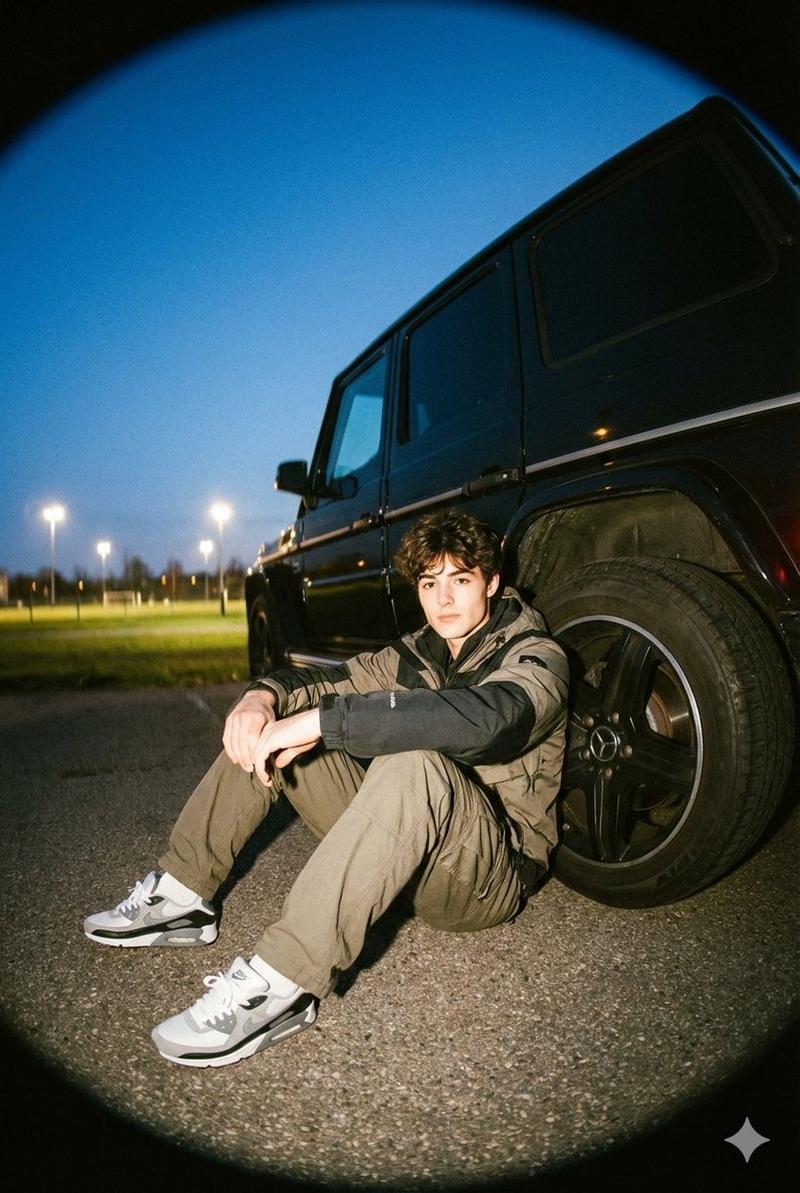
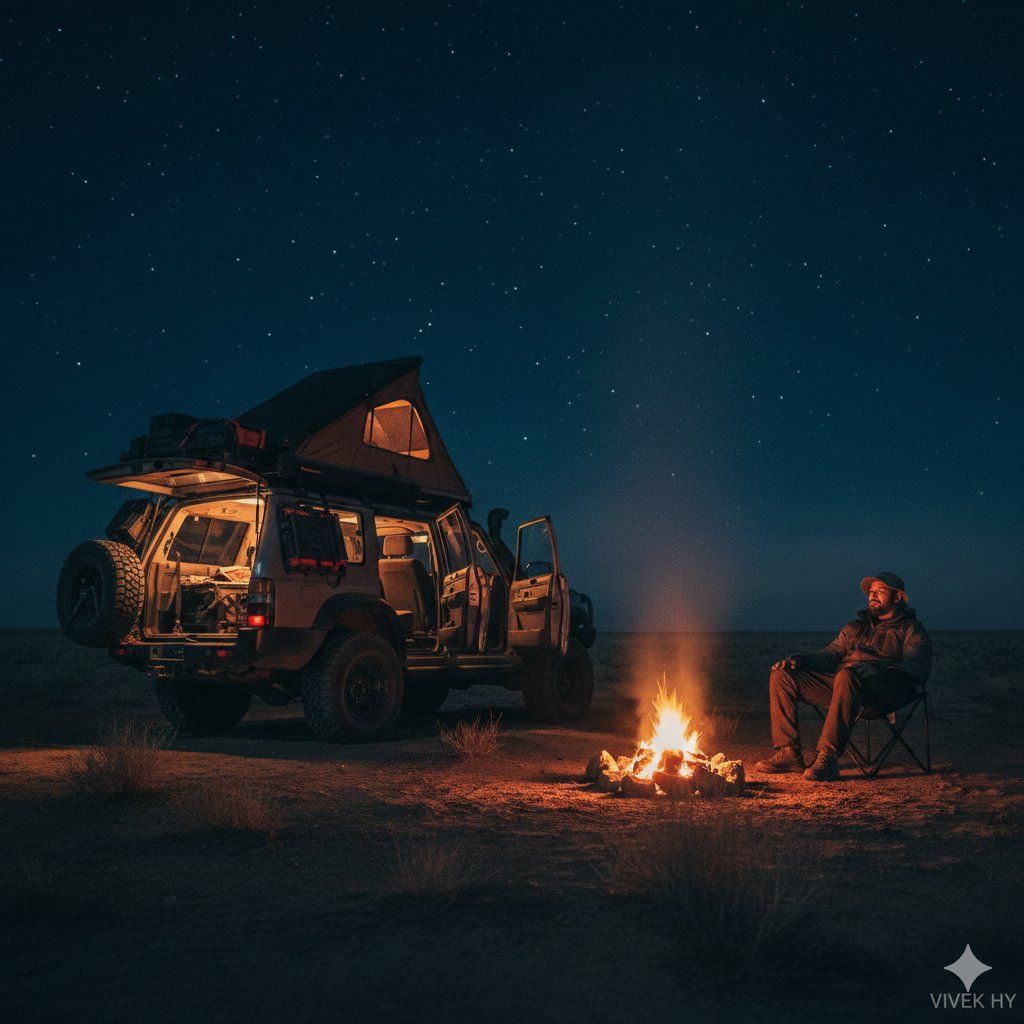
Desert Camping Scene
Google Gemini Nano banana Pro
Prompt
{
 "image_prompt": {
 "quality": "8K hyper-realistic",
 "style": "moody night outdoor camping scene, cinematic lighting, deep blue ambient tones",
 "face_preservation": {
 "use_reference_face": true,
 "accuracy": "match exactly"
 },
 "scene": {
 "environment": "open desert plain at night",
 "lighting": "warm campfire glow against dark blue surroundings"
 },
 "subject": {
 "description": "man sitting on a folding chair near a bright campfire, relaxed posture",
 "outfit": "dark outdoor jacket, hat, rugged camping look"
 },
 "vehicle": {
 "type": "off-road SUV with rooftop tent open",
 "details": "rear doors open, interior camping lights on, large tires, adventure setup"
 },
 "composition": "wide-shot, fire in foreground, man on right, SUV on left, strong contrast",
 "signature": "VIVEK HY"
 }
}
Category
Architecture & Spaces
Model
Nano Banana Pro
Creator
Vivek HY
Views0
Source ID
desert-camping-scene

Guide

About "沙漠露营场景"

What is this prompt for?

"沙漠露营场景" AI image prompt for Nano Banana Pro (Architecture & Spaces). Desert Camping Scene Google Gemini Nano banana Pro Prompt { "image_prompt": { "quality":…

The full copyable prompt and example visuals above are ready for AI image generation or one-click recreate in Picva.

How to use this prompt

  1. Step 1

    Open the prompt detail

    Review the example visuals, category, and full prompt text for "沙漠露营场景".

  2. Step 2

    Copy the prompt

    Copy the prompt body from this page, or load it directly in Studio.

  3. Step 3

    Pick a model (Nano Banana Pro)

    Prefer Nano Banana Pro. If you switch models, keep subject and composition and tweak style terms.

  4. Step 4

    Generate and export

    Recreate the look in Picva, or export into your workflow for editing and publishing.

FAQ

What is the "沙漠露营场景" prompt?
It is an AI image-generation prompt for Nano Banana Pro in the Architecture & Spaces category. This page includes the full prompt text, example visuals, and a one-click recreate path in Picva.
How do I use this prompt to generate an image?
Copy the prompt from this page, or use Generate / Studio. Paste it into a compatible image model, or recreate the look in Picva with optional reference images.
Which model is this prompt for?
This page lists Nano Banana Pro. Most descriptive prompts also transfer to nearby image models such as GPT Image, Flux, or Midjourney with light style tweaks.
Can I use the result commercially?
You can usually copy the prompt for creation, but commercial use of the final image depends on the model terms, reference-image rights, and the generated content. Follow the source author and platform rules.