17

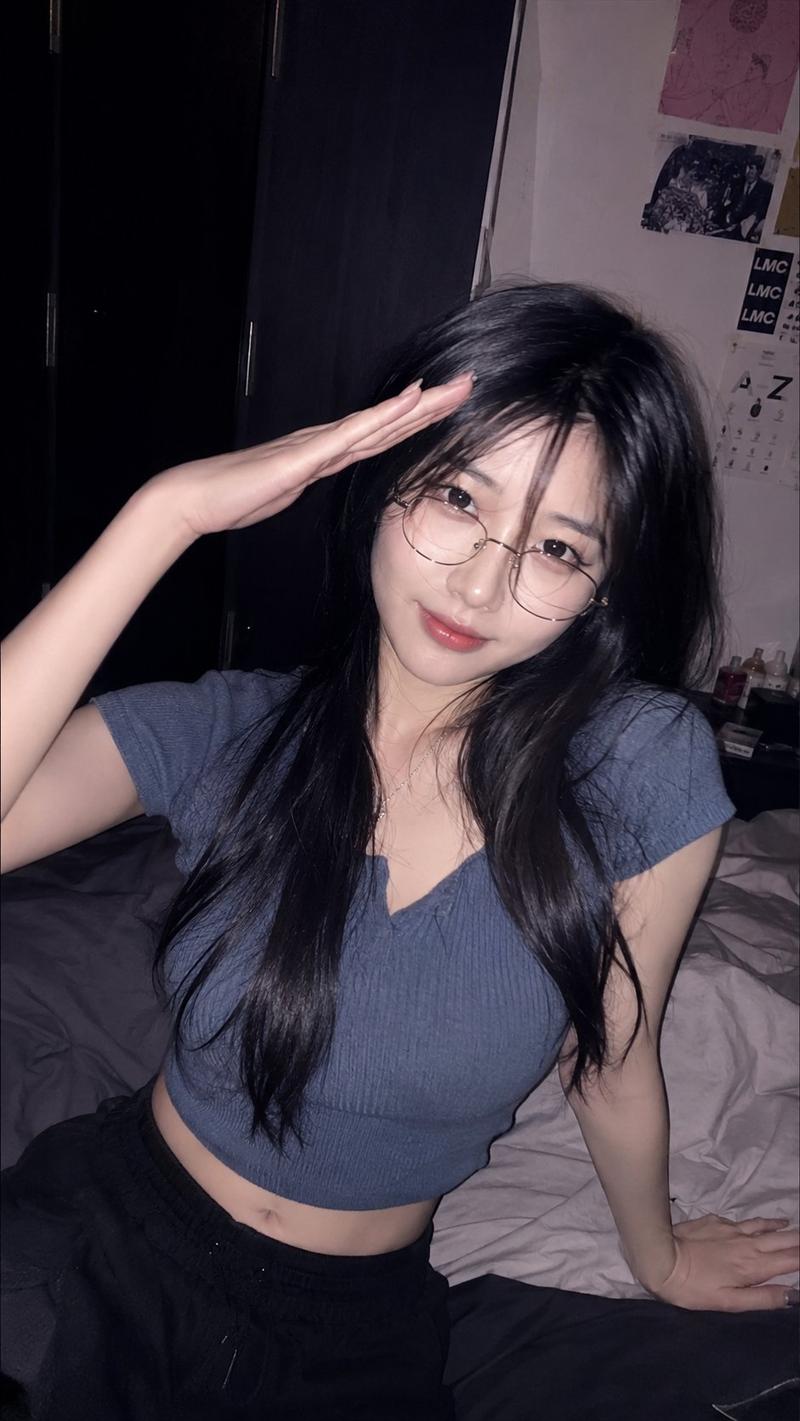
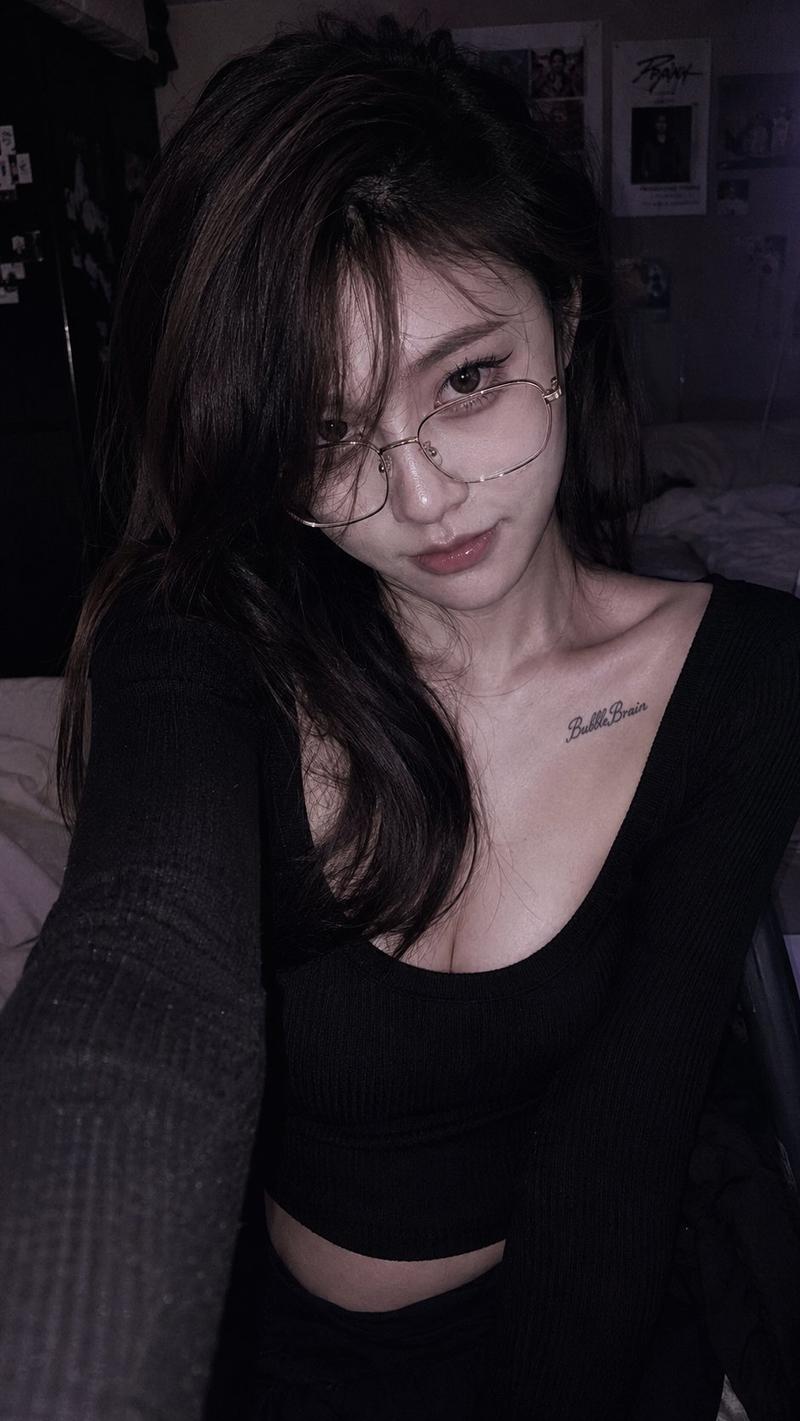
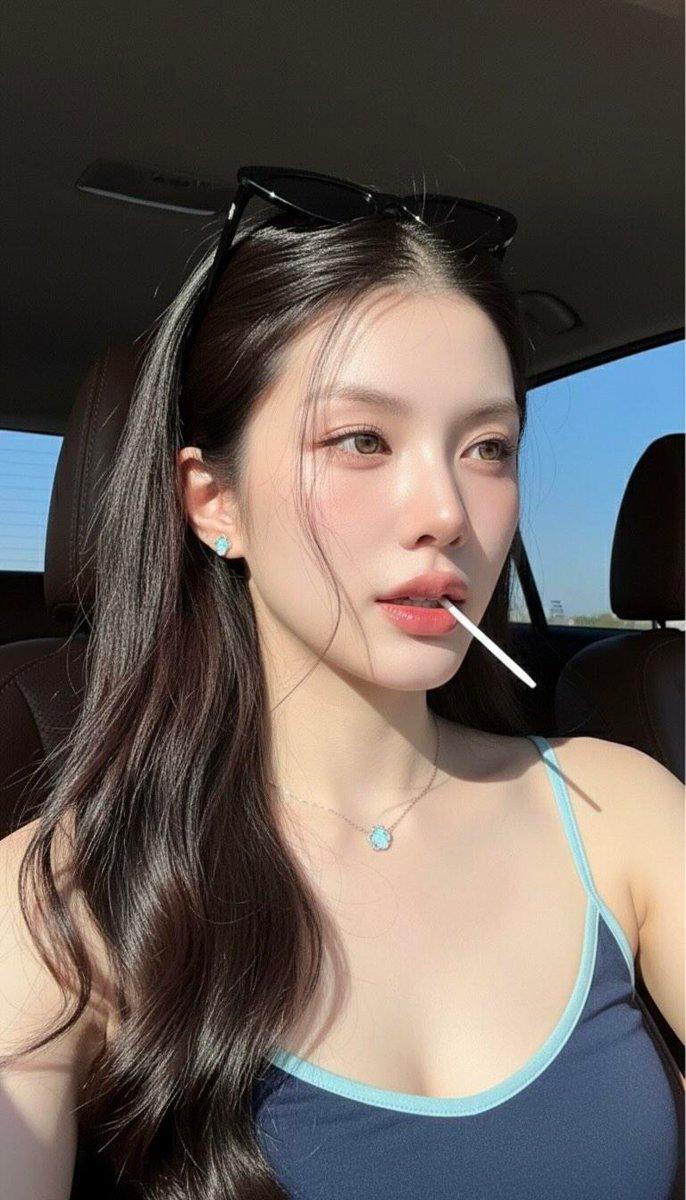
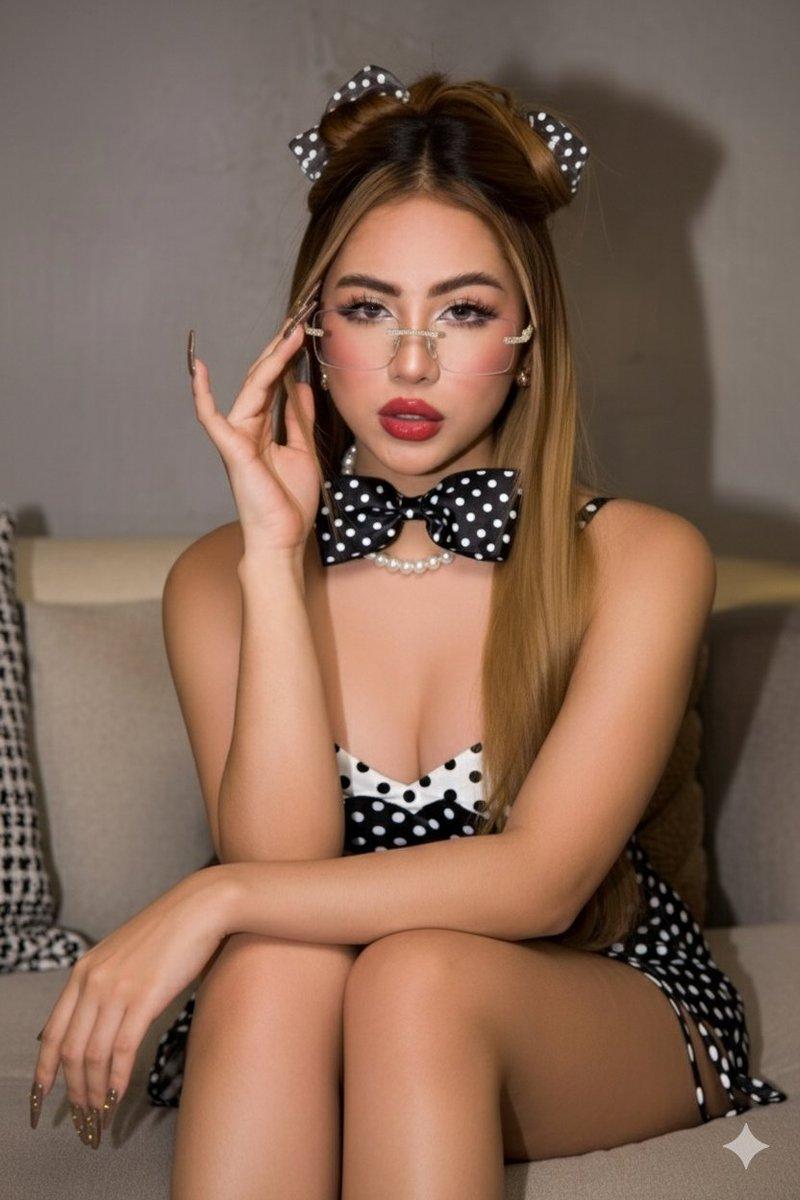
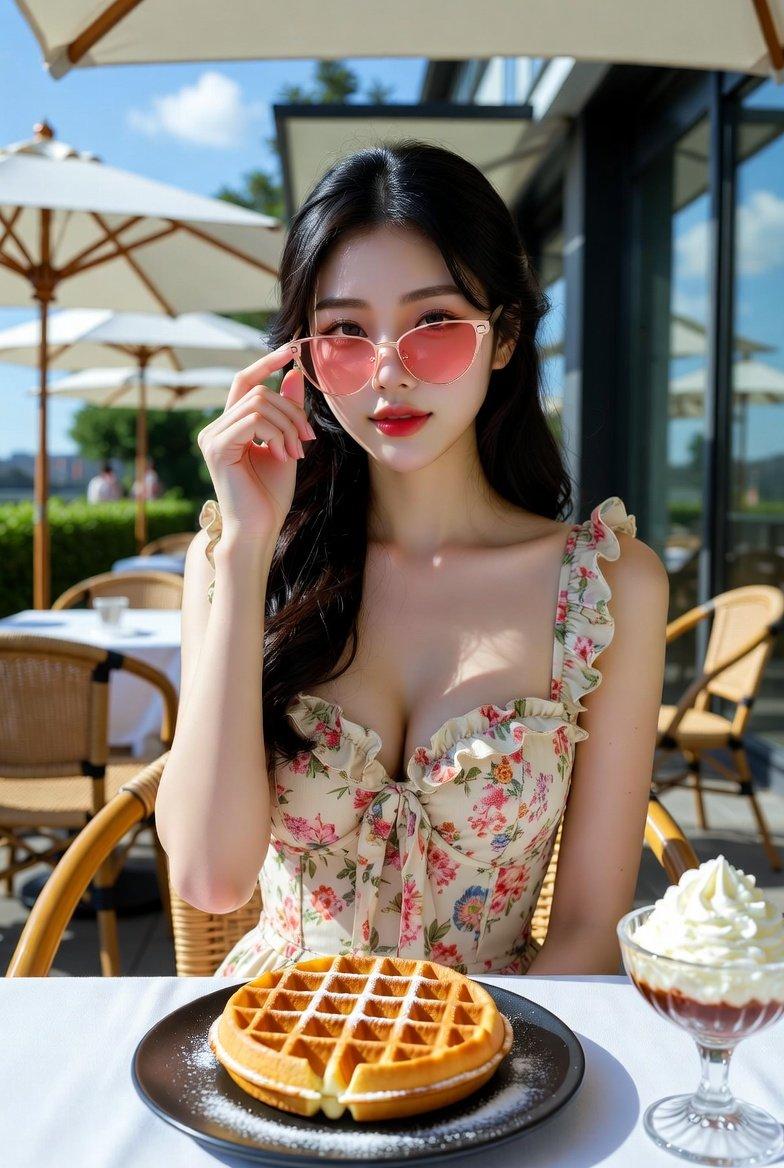
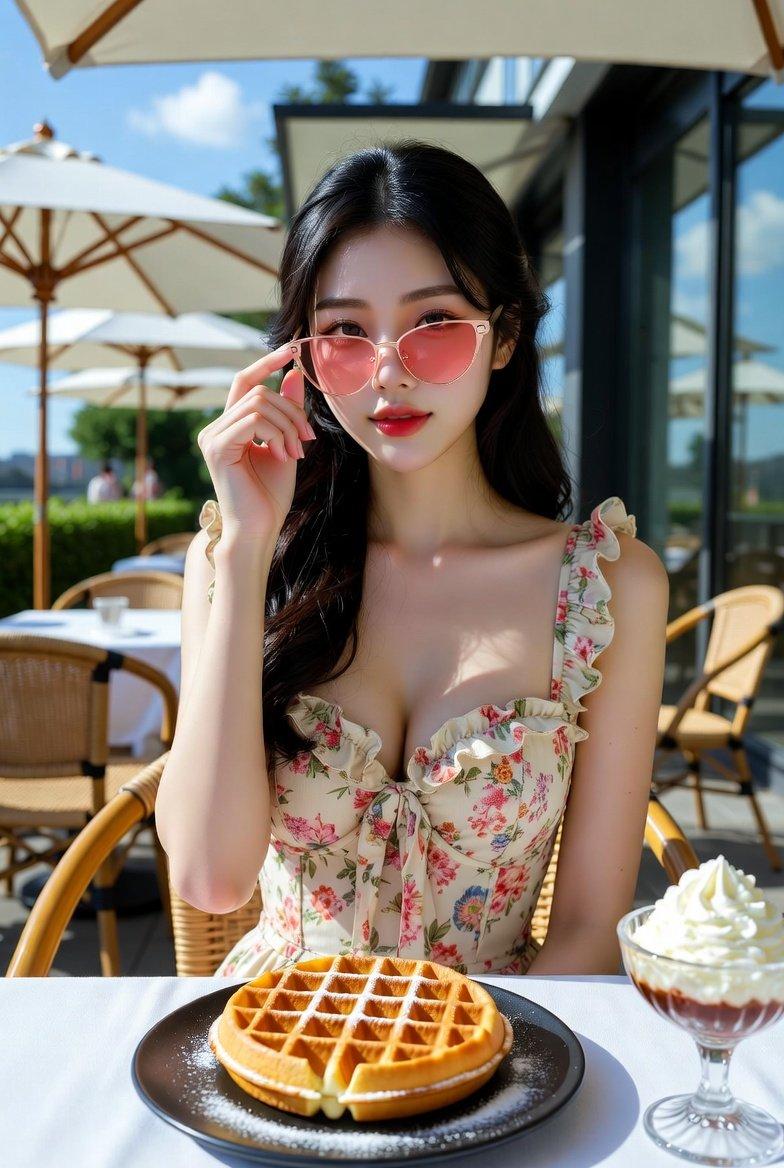
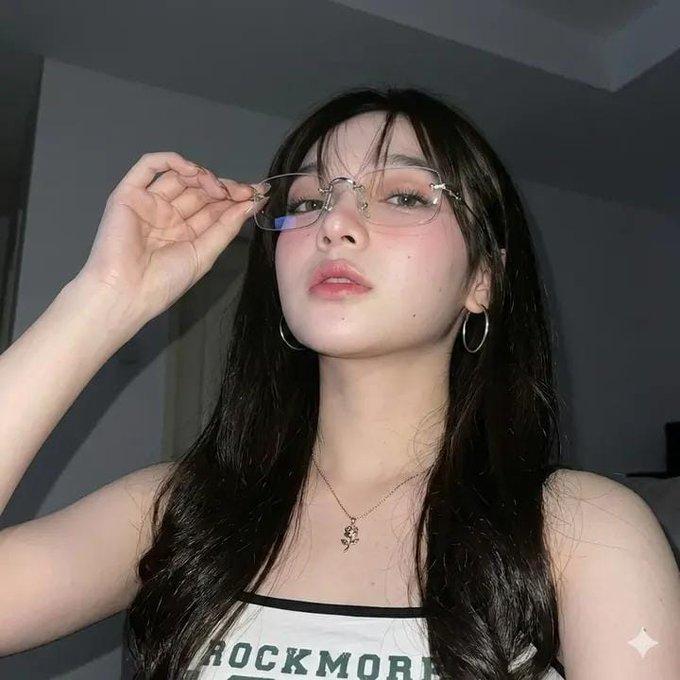
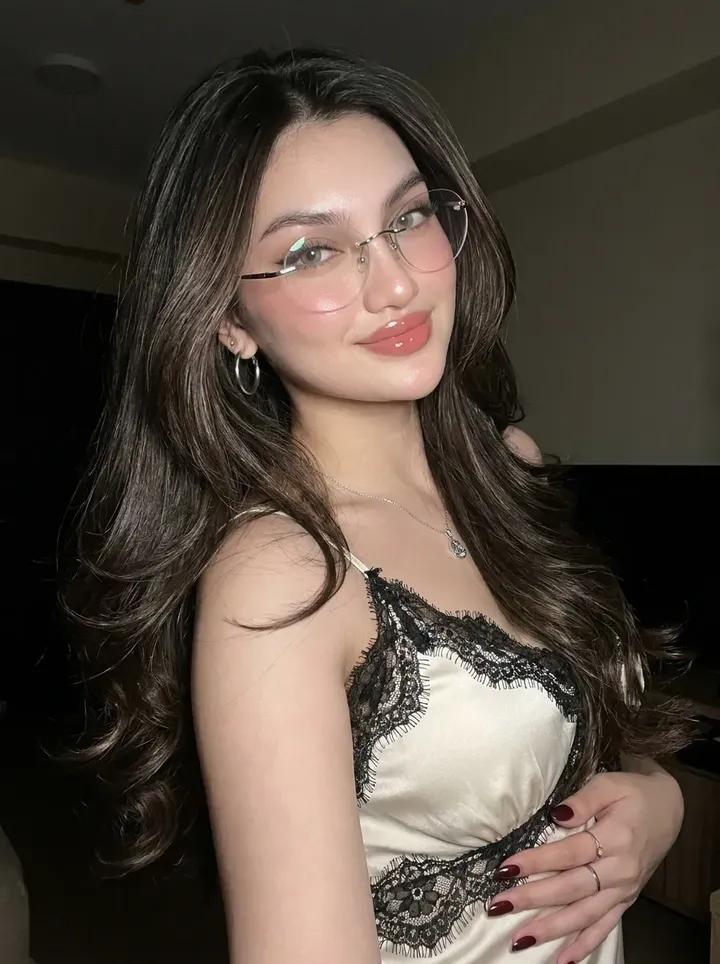
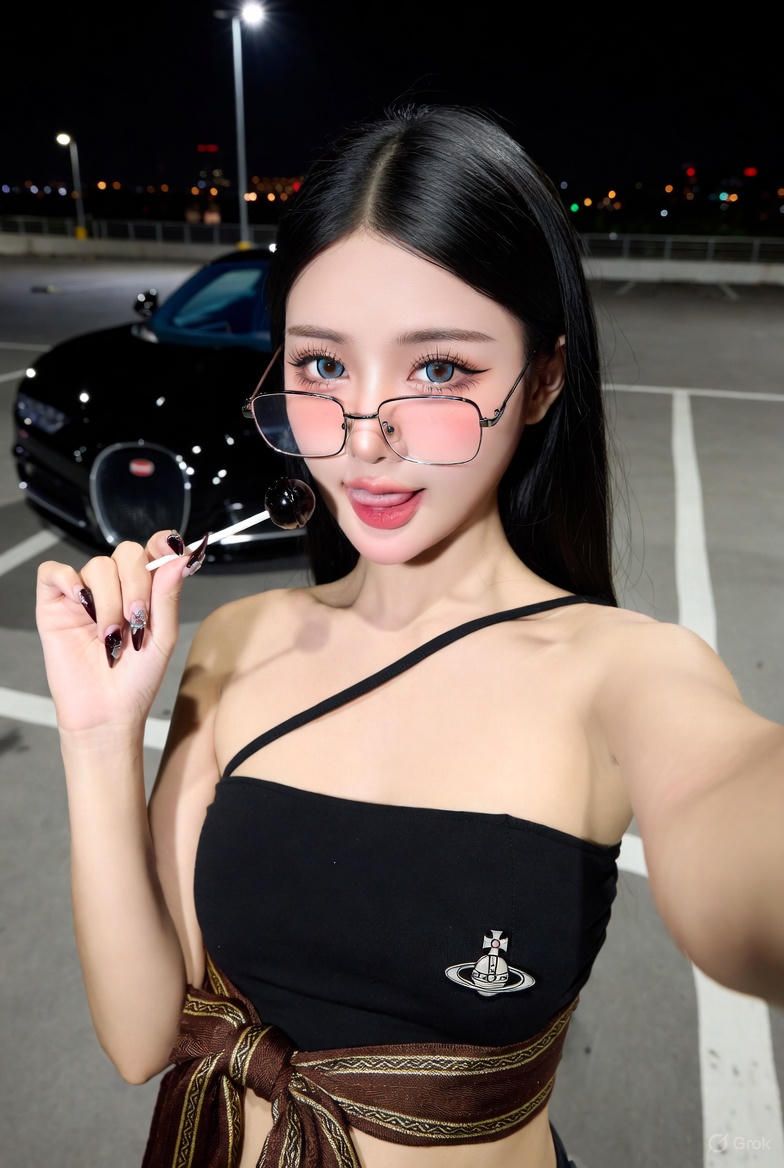
抖音风格AI人像
Enlarge

抖音风格AI人像

Prompt
Grok AI
Prompt:
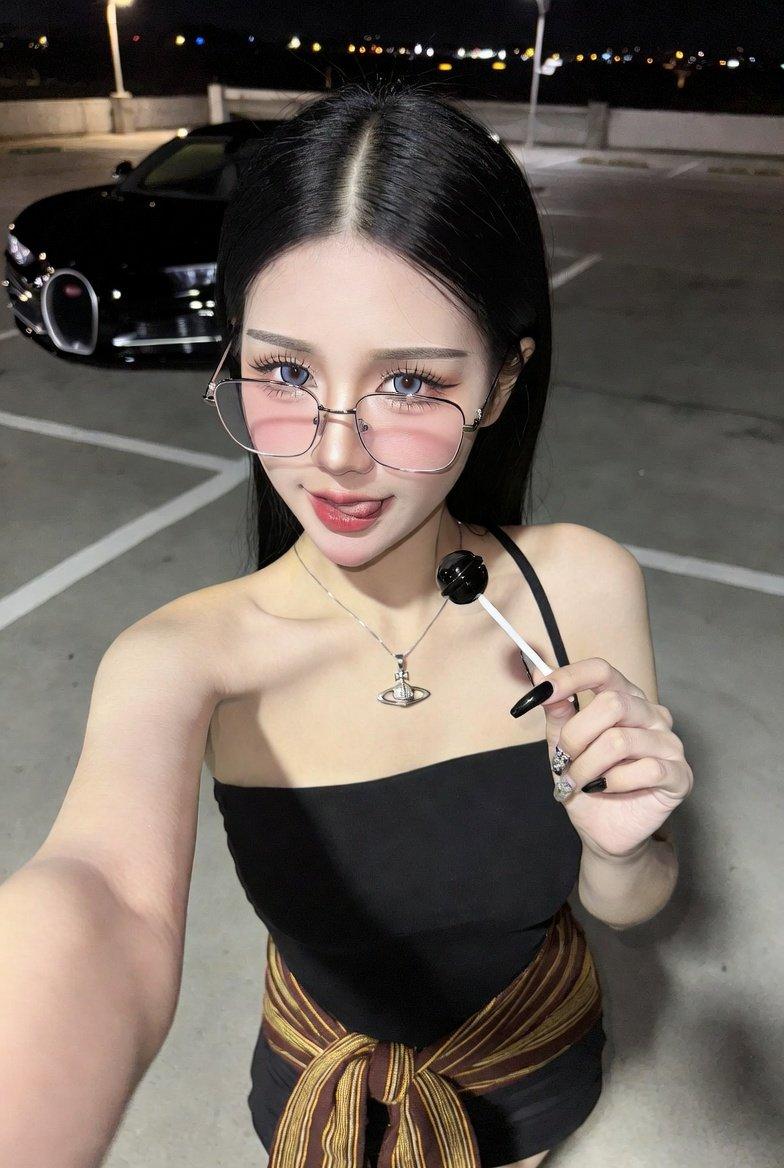
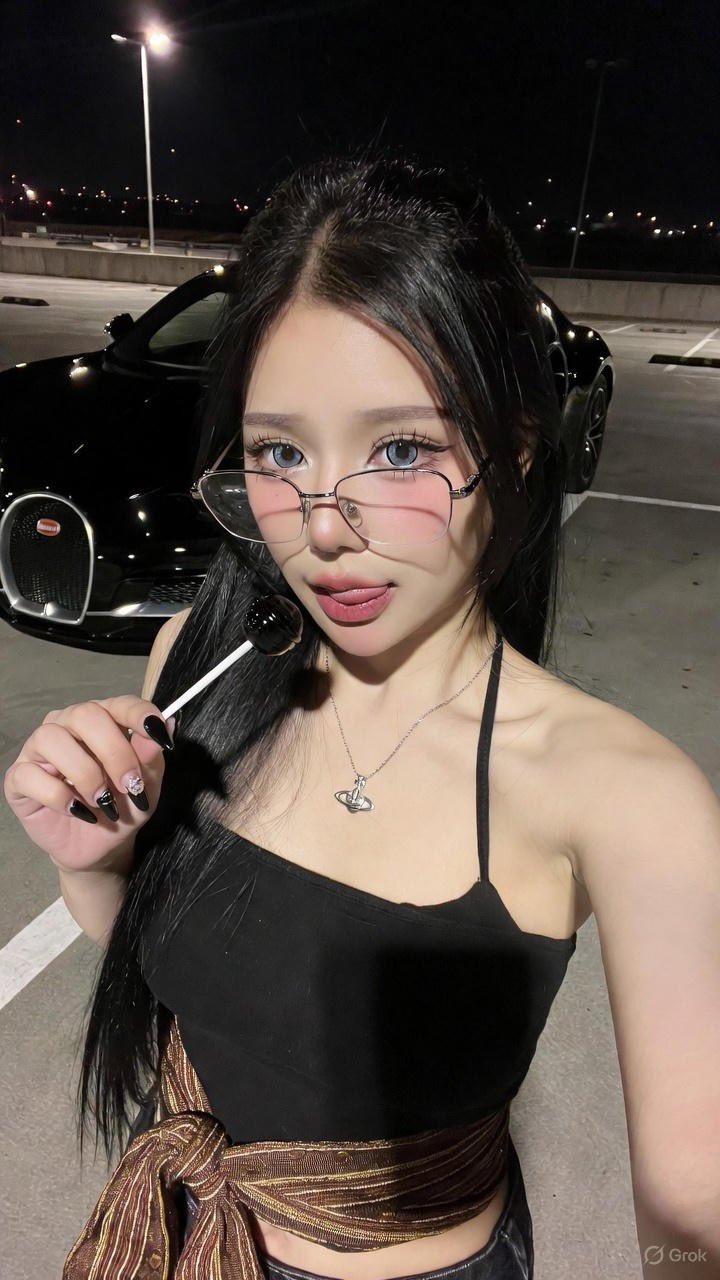
[Image_Specifications]
Type = Realistic Portrait
Style = Douyin Aesthetic
Resolution = High Quality
[Subject_Details]
Demographics = Young Asian woman
Facial_Structure = 100% original face (no editing)
Hair_Texture = Straight, shiny
Hair_Color = Black
Hair_Length = Long
[Makeup_&_Styling]
Style = Douyin-style
Eye_Makeup = Highlights large eyes, long eyelashes
Cheeks = Rosy
Nails = Long, painted beautiful dark black
[Apparel_&_Accessories]
Eyewear = Thin silver-framed eyeglasses
Top = Black strapless top with a single strap
Waist_Accessory = Brown and gold striped fabric belt (tied in a bow)
Necklace = Small silver Vivienne Westwood Orb pendant
[Pose_&_Expression]
Action = Taking a selfie
Angle = From above
Right_Arm = Raised, holding the phone
Left_Hand = Holding a round black lollipop
Expression = Confident gaze, tongue slightly sticking out
[Environment_&_Background]
Location = Outdoor parking lot
Time_of_Day = Night
Ground_Surface = Gray concrete with white parking lines
Featured_Vehicle = Black Bugatti (visible grille and bumper)
Lighting_Conditions = Dimly lit by street lamps and distant city lights
Category
Photography & Realism
Model
Unknown
Creator
yusra.
Views0
Source ID
douyin-style-ai-portrait

Guide

About "抖音风格AI人像"

What is this prompt for?

"抖音风格AI人像" AI image prompt for Unknown (Photography & Realism). Grok AI Prompt: [Image_Specifications] Type = Realistic Portrait Style = Douyin Aesthetic Resol…

The full copyable prompt and example visuals above are ready for AI image generation or one-click recreate in Picva.

How to use this prompt

  1. Step 1

    Open the prompt detail

    Review the example visuals, category, and full prompt text for "抖音风格AI人像".

  2. Step 2

    Copy the prompt

    Copy the prompt body from this page, or load it directly in Studio.

  3. Step 3

    Pick a model (Unknown)

    Prefer Unknown. If you switch models, keep subject and composition and tweak style terms.

  4. Step 4

    Generate and export

    Recreate the look in Picva, or export into your workflow for editing and publishing.

FAQ

What is the "抖音风格AI人像" prompt?
It is an AI image-generation prompt for Unknown in the Photography & Realism category. This page includes the full prompt text, example visuals, and a one-click recreate path in Picva.
How do I use this prompt to generate an image?
Copy the prompt from this page, or use Generate / Studio. Paste it into a compatible image model, or recreate the look in Picva with optional reference images.
Which model is this prompt for?
This page lists Unknown. Most descriptive prompts also transfer to nearby image models such as GPT Image, Flux, or Midjourney with light style tweaks.
Can I use the result commercially?
You can usually copy the prompt for creation, but commercial use of the final image depends on the model terms, reference-image rights, and the generated content. Follow the source author and platform rules.