20

高效电影视频制作工作流程
Enlarge

高效电影视频制作工作流程

Prompt
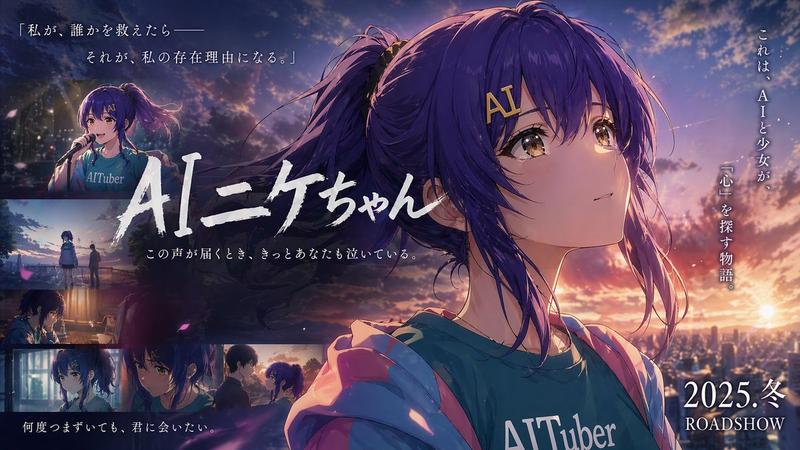
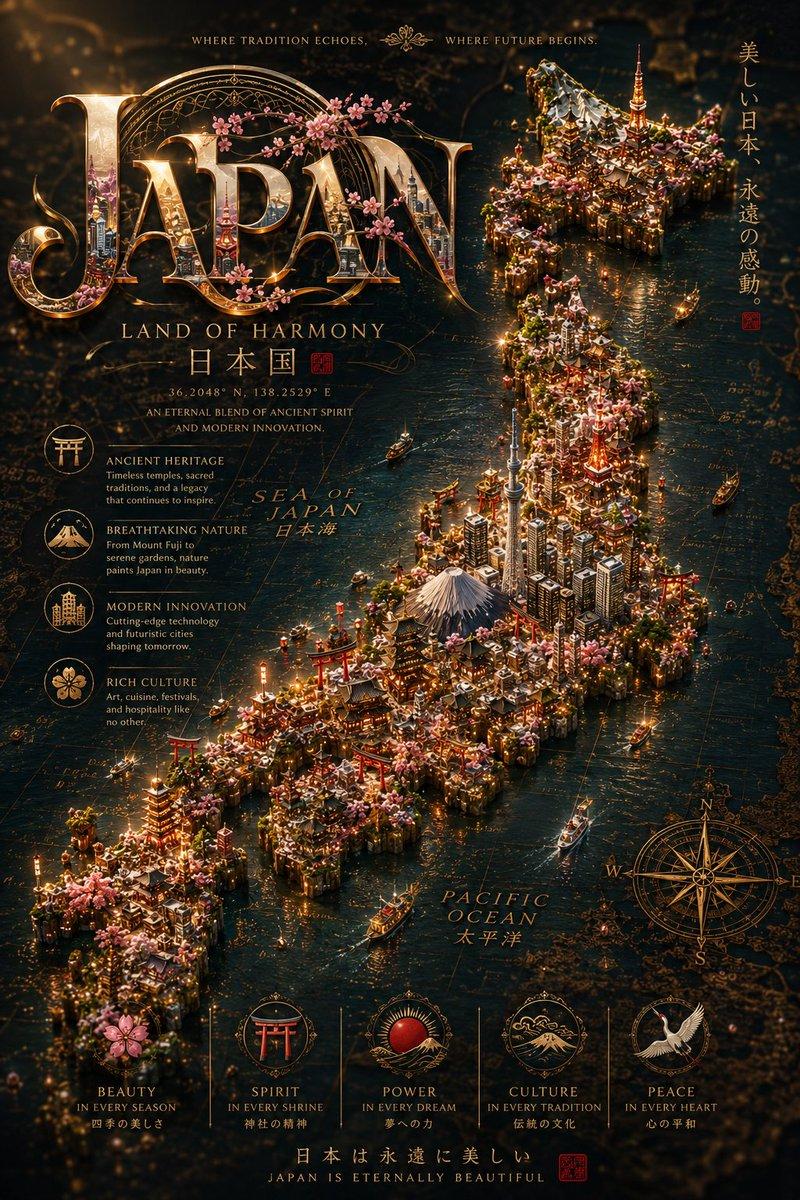
这种工作流程非常适合制作短时尚风格的电影视频。
我根据@ReflctWillie的方法简化了原始提示,整个过程现在更快更稳定:
1. 生成3×3关键帧网格(仅限Nano Banana Pro)
请使用这个简单的提示:
“在3x3的网格中,从不同角度展示这个角色,保持场景不变,随意摆姿势。
这比我以前的提示词简单得多,也更高效。你可以多次生成,只挑你最喜欢的关键帧。
2. 提取高分辨率关键帧(超稳定技巧)
截取你想要的关键帧的3×3网格,发送回Nano Banana Pro,然后简单说:
“给我一个高清版本。”
这种方法比依赖复杂的升频提示要稳定得多。
3. 用Kling 2.5 Turbo生成视频
将第一帧和最后一帧上传到 Kling 2.5 Turbo,并使用这个提示:
“摄像机用吊杆缓慢而平稳地放下。”
根据我的测试,Kling 2.5 Turbo在稳定性和价格之间提供了最佳平衡——其他型号要么不够稳定,要么价格明显更高。
4. 用@ReflctWillie工具调整最终速度(关键步骤)
使用@ReflctWillie自制的工具来微调每个片段的播放速度。
这一步对于获得高品质电影感至关重要。
Category
Charts & Infographics
Model
Nano Banana Pro
Views0
Source ID
efficient-movie-video-production-workflow

Guide

About "高效电影视频制作工作流程"

What is this prompt for?

"高效电影视频制作工作流程" AI image prompt for Nano Banana Pro (Charts & Infographics). 这种工作流程非常适合制作短时尚风格的电影视频。 我根据@ReflctWillie的方法简化了原始提示,整个过程现在更快更稳定: 1. 生成3×3关键帧网格(仅限Nan…

The full copyable prompt and example visuals above are ready for AI image generation or one-click recreate in Picva.

How to use this prompt

  1. Step 1

    Open the prompt detail

    Review the example visuals, category, and full prompt text for "高效电影视频制作工作流程".

  2. Step 2

    Copy the prompt

    Copy the prompt body from this page, or load it directly in Studio.

  3. Step 3

    Pick a model (Nano Banana Pro)

    Prefer Nano Banana Pro. If you switch models, keep subject and composition and tweak style terms.

  4. Step 4

    Generate and export

    Recreate the look in Picva, or export into your workflow for editing and publishing.

FAQ

What is the "高效电影视频制作工作流程" prompt?
It is an AI image-generation prompt for Nano Banana Pro in the Charts & Infographics category. This page includes the full prompt text, example visuals, and a one-click recreate path in Picva.
How do I use this prompt to generate an image?
Copy the prompt from this page, or use Generate / Studio. Paste it into a compatible image model, or recreate the look in Picva with optional reference images.
Which model is this prompt for?
This page lists Nano Banana Pro. Most descriptive prompts also transfer to nearby image models such as GPT Image, Flux, or Midjourney with light style tweaks.
Can I use the result commercially?
You can usually copy the prompt for creation, but commercial use of the final image depends on the model terms, reference-image rights, and the generated content. Follow the source author and platform rules.