11

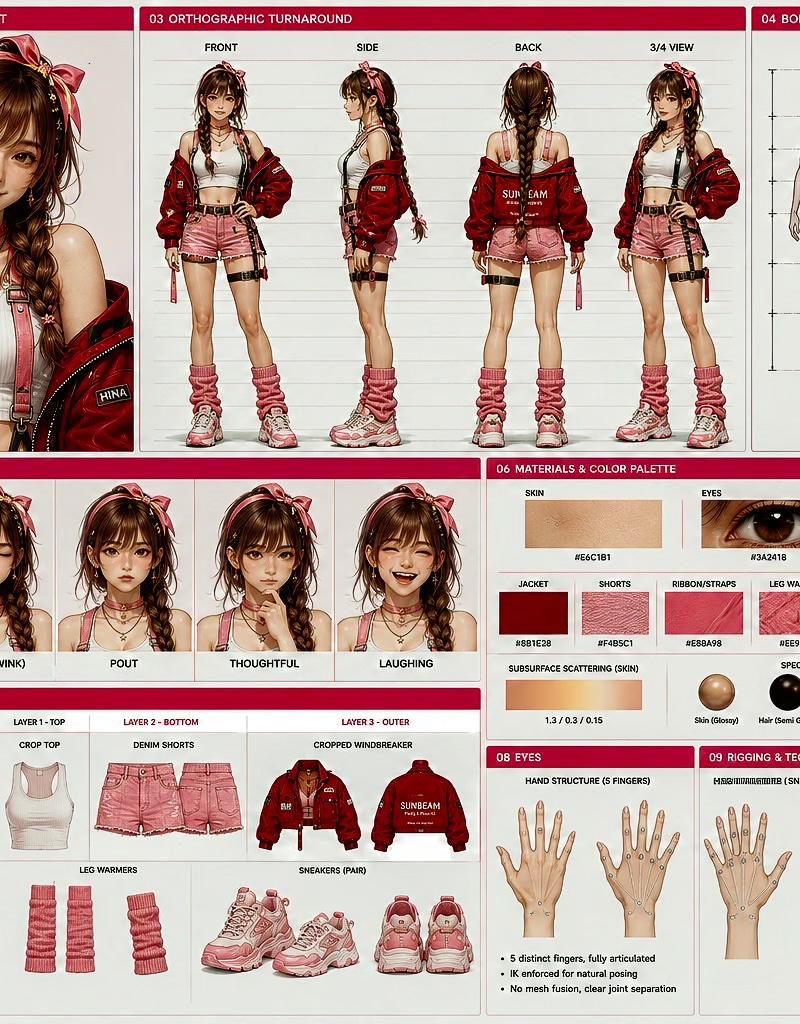
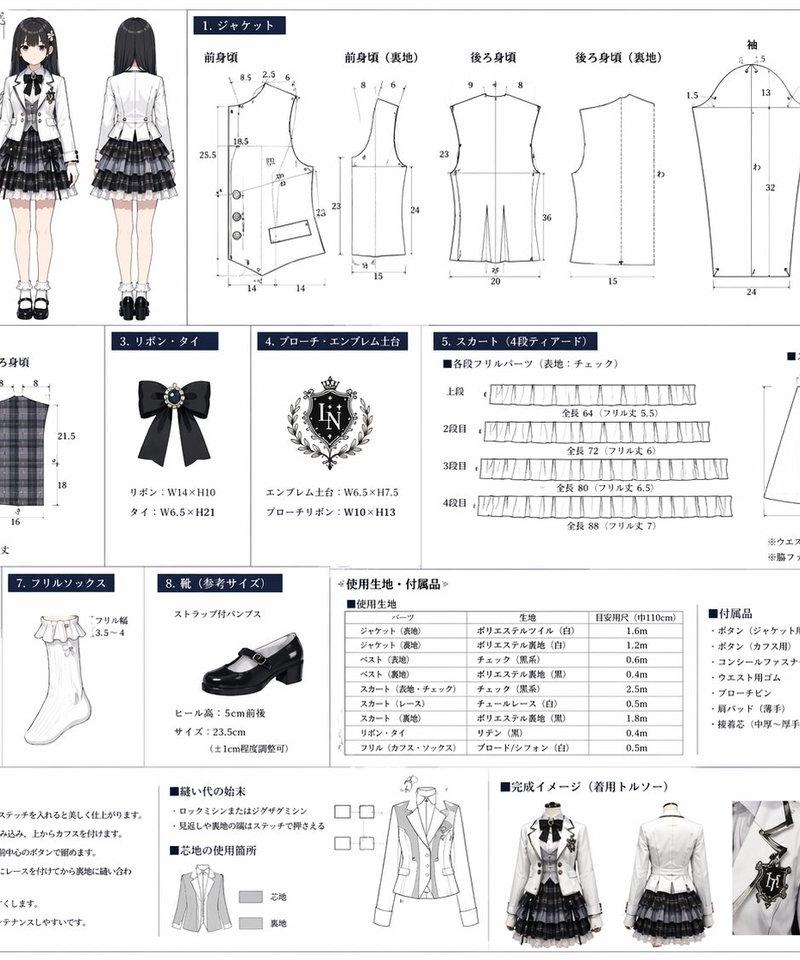
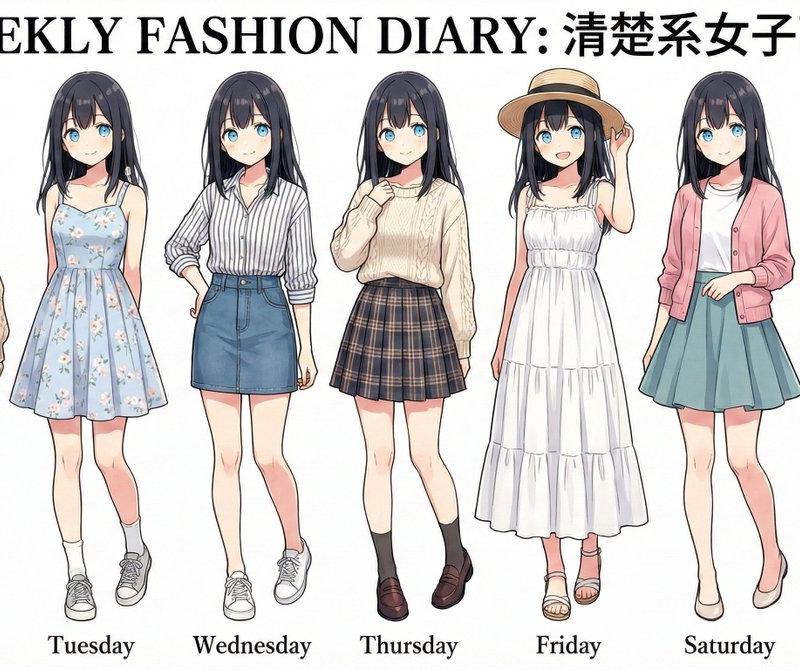
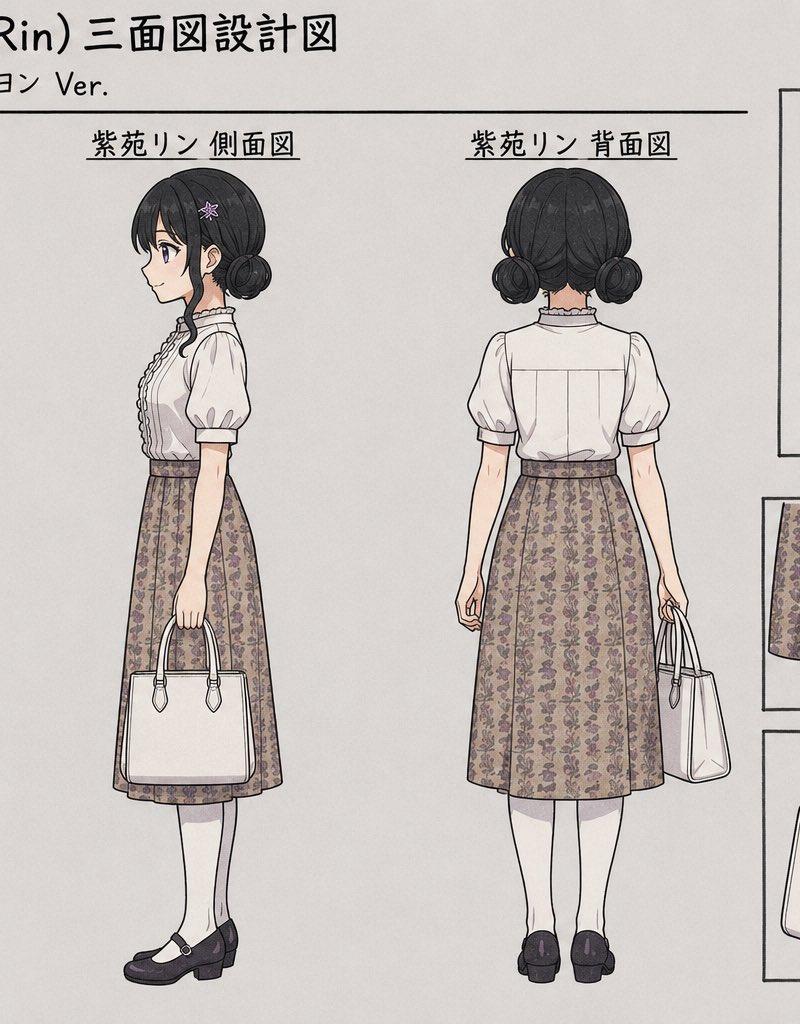
服装设计手稿
Enlarge

Example images

服装设计手稿

Prompt
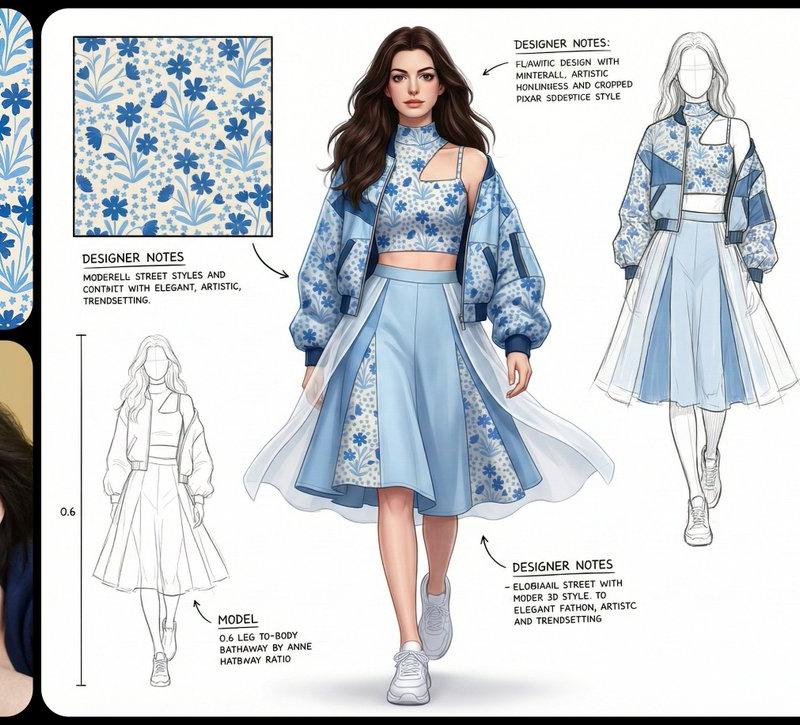
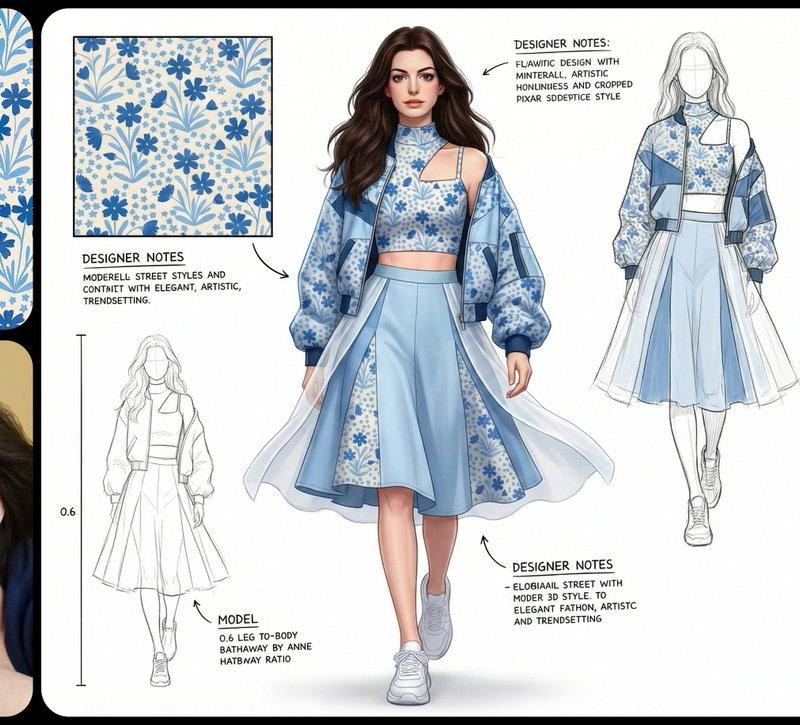
4:3 比例\n\n一幅专业且细致的时尚Pixar 3d风格创意板,以干净、高分辨率的风格呈现,描绘一位纤细高挑的白人女性模特,0.6腿身比。模特以标准的T台步姿态出现,迈步前行,展示一套现代而充满活力的街头风造型,背景为纯净的白色。\n\n整套服装以【图片图案】为纹样。她穿着一件独特的短款上衣,高仿领设计,左肩有几何形状的割缺露肤,右侧为细细的吊带,上面均饰有标志性的图案。外搭一件宽松、方正的飞行员式外套,落肩设计、宽袖、袖口收紧。外套以【图片图案主色】大面积面料为基础,并在显著位置加入【图案辅色】及图案面料拼接,同时覆盖着一层独特的半透明白色布料,从腰部周围飘逸延展,增添层次感与飘渺气质。下身为切片剪裁的廓形群,呈浅【图案主色】,同样加入了图案布料的拼接。整套造型最终以干净利落的白色运动鞋收尾。\n\n模特拥有深棕色的长发,带着轻微的自然波浪,随风自由散落在肩头与脸庞周围。她的面容精致,椭圆形脸型,淡雅妆容,自然眉形,深邃的眼眸,柔和的粉色唇色。表情中性、沉静却自信。\n\n灯光为柔和、明亮且均匀的摄影棚光效,为布料带来轻柔光泽,并细腻地勾勒出服装轮廓与模特五官,同时投射极少而柔软的阴影以增加层次深度。\n\n白色的设计画布,点缀着额外的设计元素:3-4 幅极简的铅笔线条设计草图分布于画面右侧与左下方。在左上角的位置有一个放大的彩色细节框,展示面料图案的精确纹理。背景上散落着以黑色墨水书写的各种手写笔记与标注,是设计师的注解,为整体带来专业设计概念板的视觉效果。整体氛围优雅、艺术且引领潮流。
Category
Photography & Realism
Model
Unknown
Creator
-Zho-
Source language
zh-CN
Views0
Source ID
fashion-design-sketch
Studio

Guide

About "服装设计手稿"

What is this prompt for?

"服装设计手稿" AI image prompt for Unknown (Photography & Realism). 4:3 比例\n\n一幅专业且细致的时尚Pixar 3d风格创意板,以干净、高分辨率的风格呈现,描绘一位纤细高挑的白人女性模特,0.6腿身比。模特以标准的T台步姿态出现,迈步前行,展示一套现代而…

The full copyable prompt and example visuals above are ready for AI image generation or one-click recreate in Picva.

How to use this prompt

  1. Step 1

    Open the prompt detail

    Review the example visuals, category, and full prompt text for "服装设计手稿".

  2. Step 2

    Copy the prompt

    Copy the prompt body from this page, or load it directly in Studio.

  3. Step 3

    Pick a model (Unknown)

    Prefer Unknown. If you switch models, keep subject and composition and tweak style terms.

  4. Step 4

    Generate and export

    Recreate the look in Picva, or export into your workflow for editing and publishing.

FAQ

What is the "服装设计手稿" prompt?
It is an AI image-generation prompt for Unknown in the Photography & Realism category. This page includes the full prompt text, example visuals, and a one-click recreate path in Picva.
How do I use this prompt to generate an image?
Copy the prompt from this page, or use Generate / Studio. Paste it into a compatible image model, or recreate the look in Picva with optional reference images.
Which model is this prompt for?
This page lists Unknown. Most descriptive prompts also transfer to nearby image models such as GPT Image, Flux, or Midjourney with light style tweaks.
Can I use the result commercially?
You can usually copy the prompt for creation, but commercial use of the final image depends on the model terms, reference-image rights, and the generated content. Follow the source author and platform rules.