20

佛罗伦萨与文艺复兴巨匠
Enlarge

佛罗伦萨与文艺复兴巨匠

Prompt
与佛罗伦萨与文艺复兴巨匠
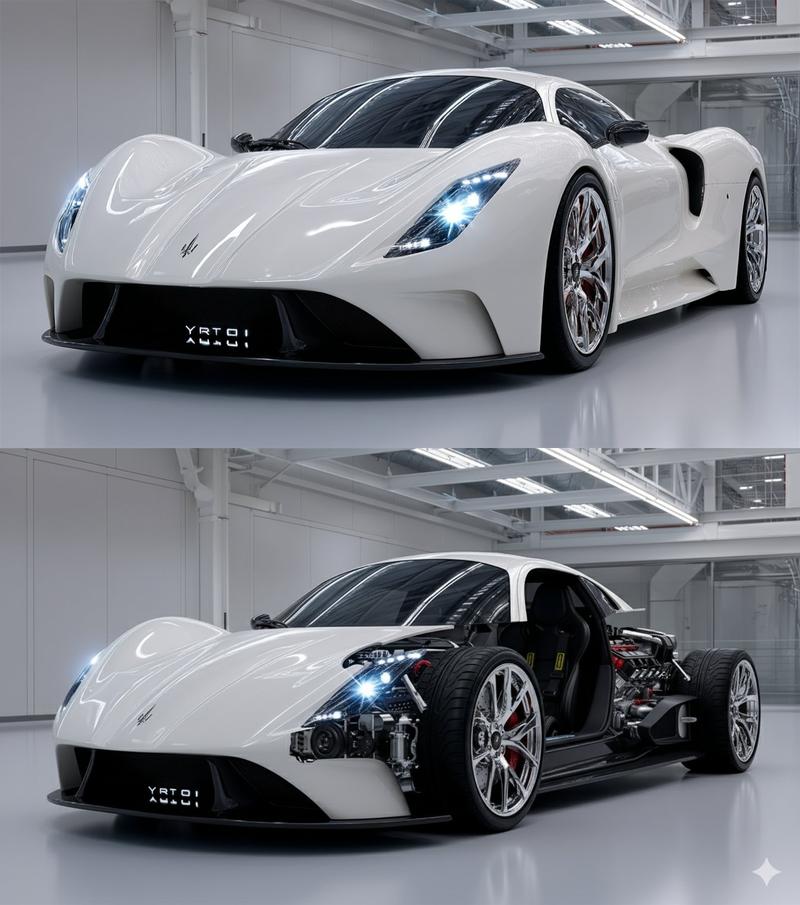
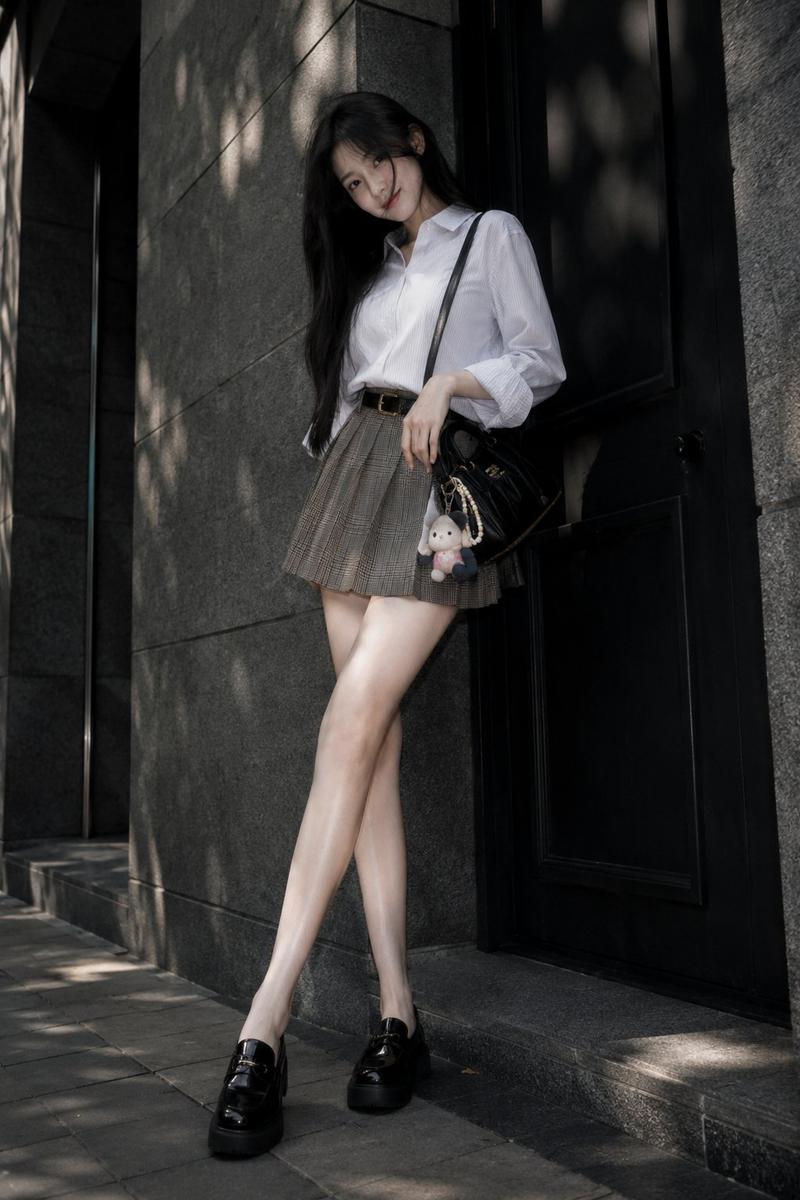
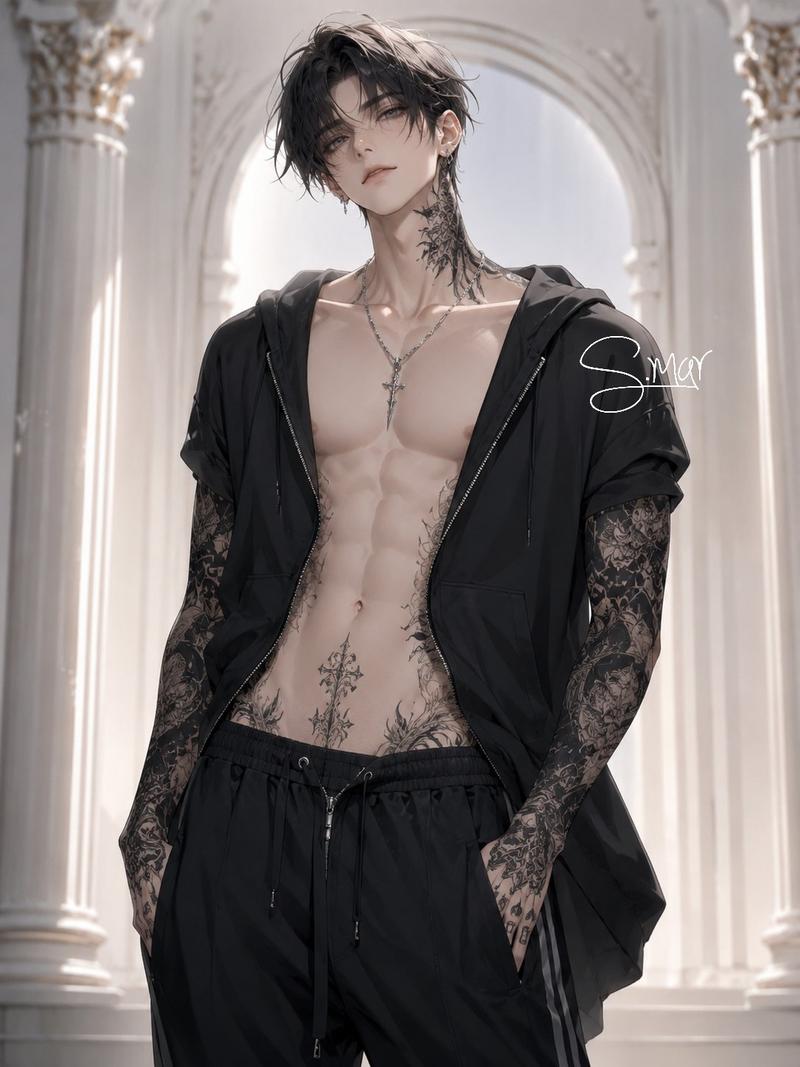
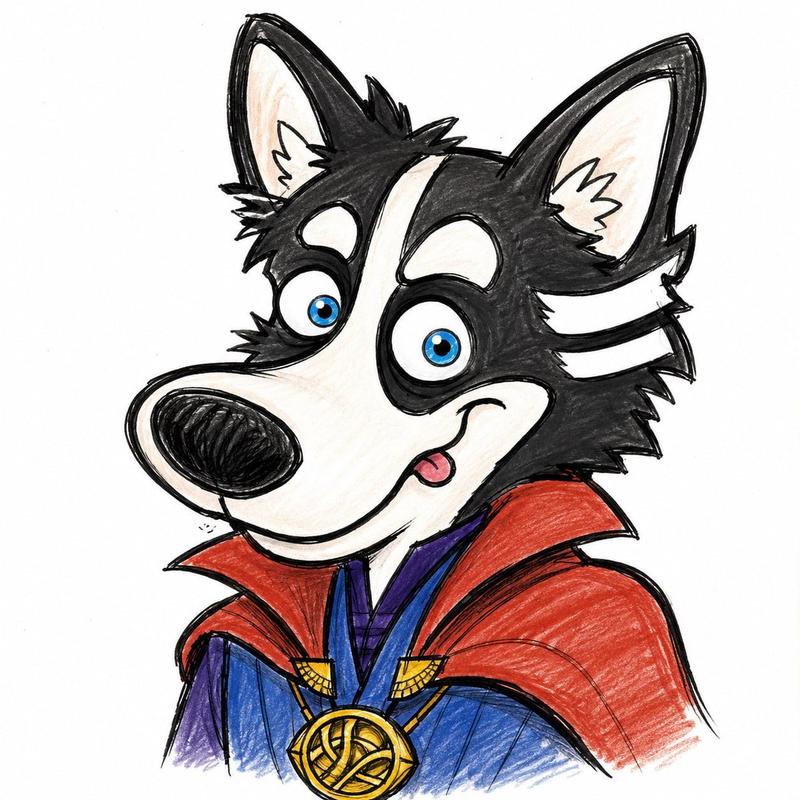
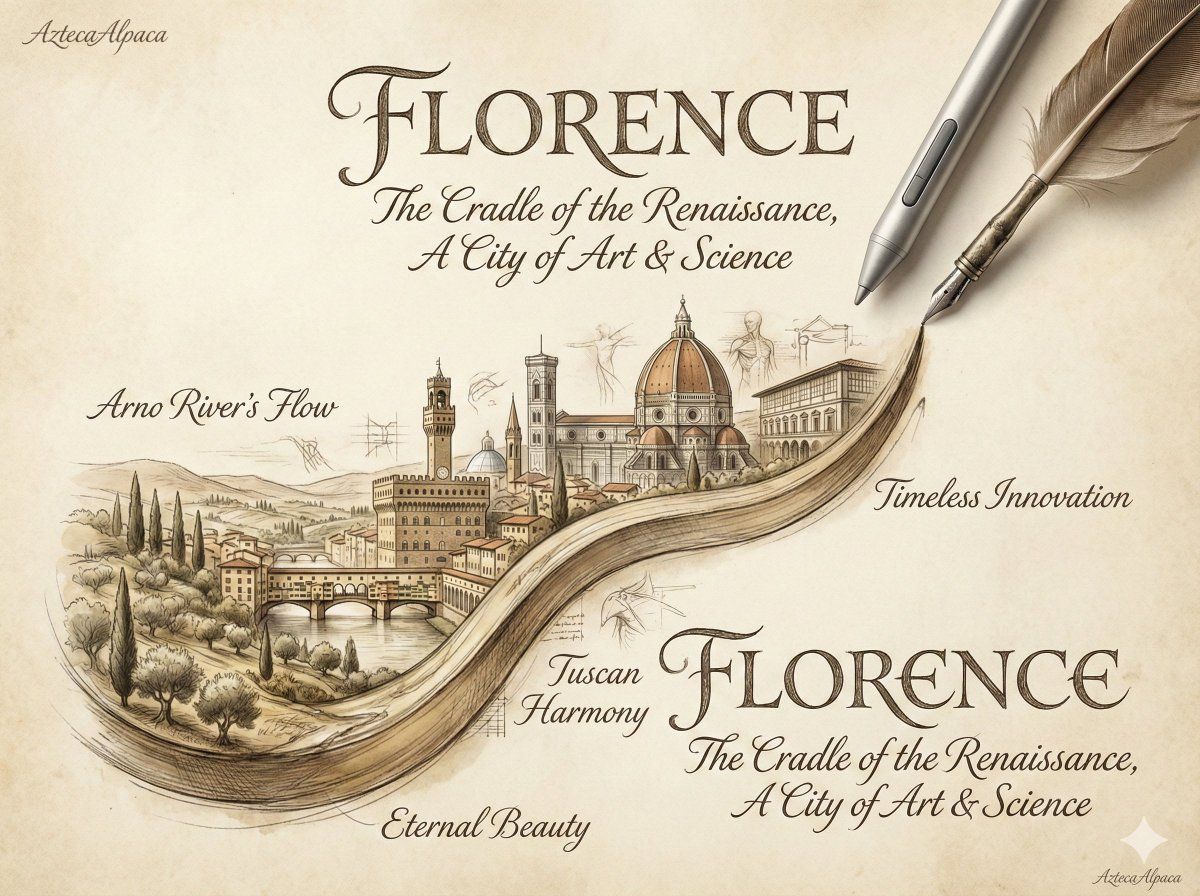
此处谨以佛罗伦萨的城市景观来呈现四位文艺复兴巨匠的艺术风格。(仅供参考,建议自行检索相关资料以了解更多)
人物选择的标准:知名度+乱选(文艺复兴的巨匠很多,这里的选择标准与《忍者神龟》有关🤪)
1. 达芬奇(Leonardo da Vinci) —— 神秘的观察者
核心风格: 晕涂法 (Sfumato)、明暗对照法 (Chiaroscuro)。
画面特点: 他主张“画中不应有轮廓线”。他的风格特点是画面柔和、朦胧,色彩过渡极其细腻(像烟雾一样消失)。他注重科学(解剖学、植物学)与艺术的结合,人物神态通常带有神秘感和深邃的心理描写。
关键词: 柔和、空气感、神秘、精准的解剖结构、深色背景。
2. 米开朗基罗(Michelangelo) —— 力量的崇拜者
核心风格: 宏大 (Monumentality)、肌肉张力 (Muscularity)、“可怕的力” (Terribilità)。
画面特点: 他首先是个雕塑家,即使在画作中也强调体积感。他的风格充满了力量和戏剧冲突。人物通常拥有夸张、健硕的肌肉线条,姿态扭曲而充满动感,色彩通常比较冷峻或具有雕塑般的厚重感。
关键词: 力量感、肌肉、戏剧性、扭曲的姿态、悲剧色彩。
3. 拉斐尔 (Raphael) —— 完美的集大成者
核心风格: 和谐 (Harmony)、优美 (Grace)、平衡 (Balance)。
画面特点: 他吸收了达芬奇的柔和与米开朗基罗的构图,创造出一种绝对的宁静与平衡。他的画面色彩鲜艳、明快,构图通常是稳定的(如金字塔形),人物形象理想化,面容安详甜美(特别是圣母像)。
关键词: 优雅、明亮、秩序感、古典美、构图完美。
4. 多纳泰罗 (Donatello) —— 早期奠基人
他是这一组中时代最早的,是文艺复兴雕塑的奠基者。
核心风格: 写实主义 (Realism)、浅浮雕 (Schiacciato)。
画面特点: 他的作品不追求绝对的理想美,而是追求真实的人性和情感深度。在绘画生成中,他的风格通常意味着极强的雕塑感、青铜或大理石的质感,以及对光影在凹凸表面变化的细腻处理。
关键词: 坚毅、写实、材质感、透视浮雕。
Category
Architecture & Spaces
Model
Unknown
Views0
Source ID
florence-and-the-renaissance-masters

Guide

About "佛罗伦萨与文艺复兴巨匠"

What is this prompt for?

"佛罗伦萨与文艺复兴巨匠" AI image prompt for Unknown (Architecture & Spaces). 与佛罗伦萨与文艺复兴巨匠 此处谨以佛罗伦萨的城市景观来呈现四位文艺复兴巨匠的艺术风格。(仅供参考,建议自行检索相关资料以了解更多) 人物选择的标准:知名度+乱选(文艺复兴的巨匠很多,这…

The full copyable prompt and example visuals above are ready for AI image generation or one-click recreate in Picva.

How to use this prompt

  1. Step 1

    Open the prompt detail

    Review the example visuals, category, and full prompt text for "佛罗伦萨与文艺复兴巨匠".

  2. Step 2

    Copy the prompt

    Copy the prompt body from this page, or load it directly in Studio.

  3. Step 3

    Pick a model (Unknown)

    Prefer Unknown. If you switch models, keep subject and composition and tweak style terms.

  4. Step 4

    Generate and export

    Recreate the look in Picva, or export into your workflow for editing and publishing.

FAQ

What is the "佛罗伦萨与文艺复兴巨匠" prompt?
It is an AI image-generation prompt for Unknown in the Architecture & Spaces category. This page includes the full prompt text, example visuals, and a one-click recreate path in Picva.
How do I use this prompt to generate an image?
Copy the prompt from this page, or use Generate / Studio. Paste it into a compatible image model, or recreate the look in Picva with optional reference images.
Which model is this prompt for?
This page lists Unknown. Most descriptive prompts also transfer to nearby image models such as GPT Image, Flux, or Midjourney with light style tweaks.
Can I use the result commercially?
You can usually copy the prompt for creation, but commercial use of the final image depends on the model terms, reference-image rights, and the generated content. Follow the source author and platform rules.