19

Gemini Nano Banana 3.0 拍摄教程
Enlarge

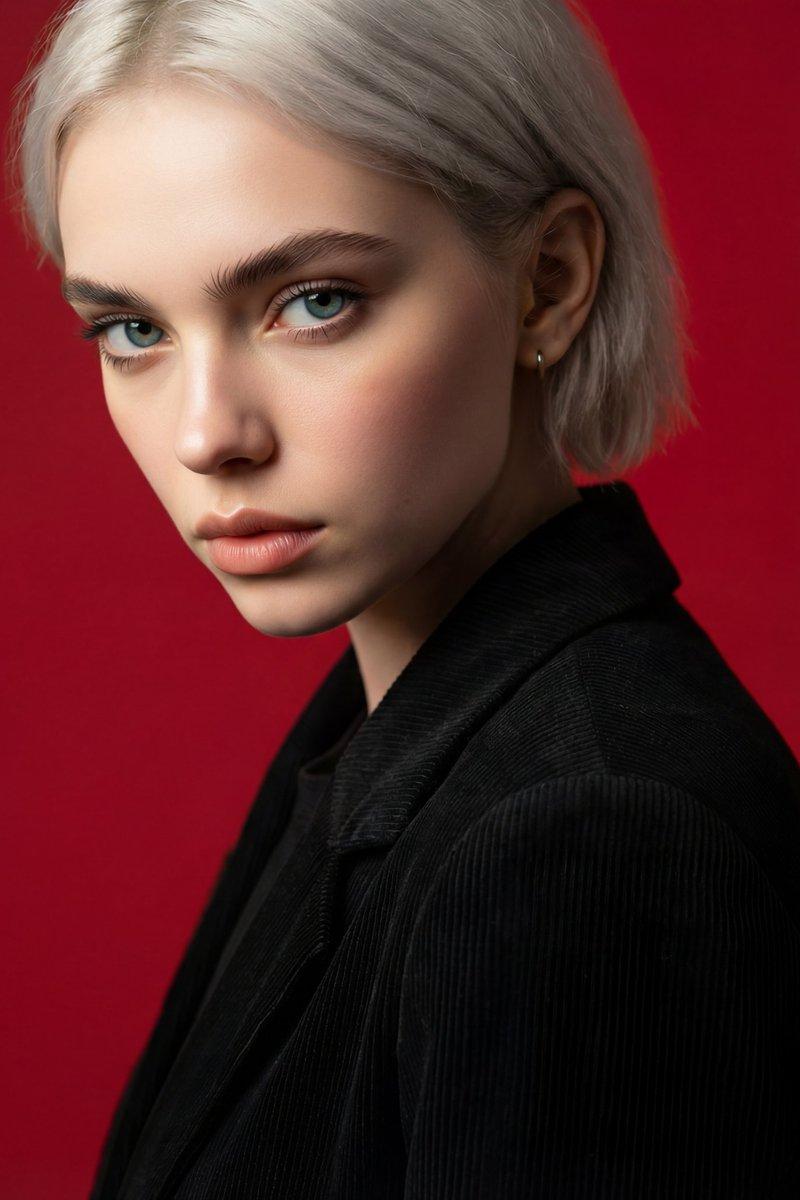
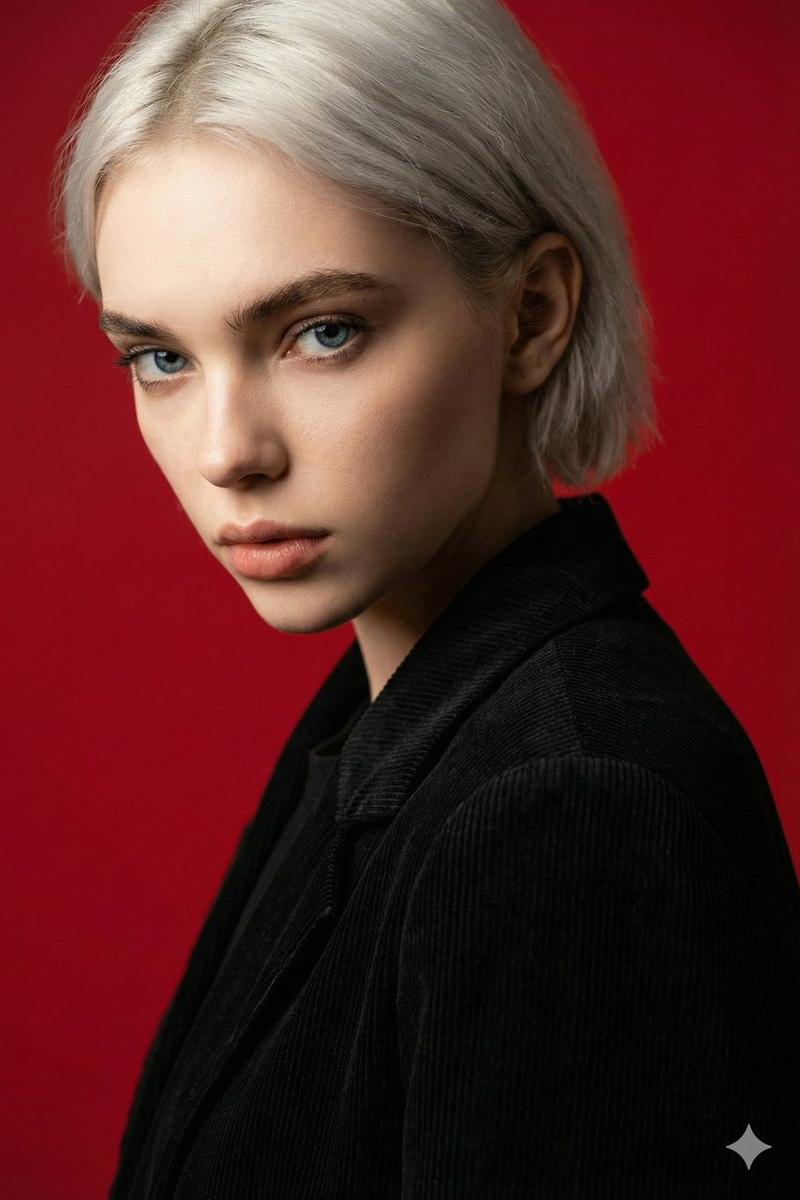
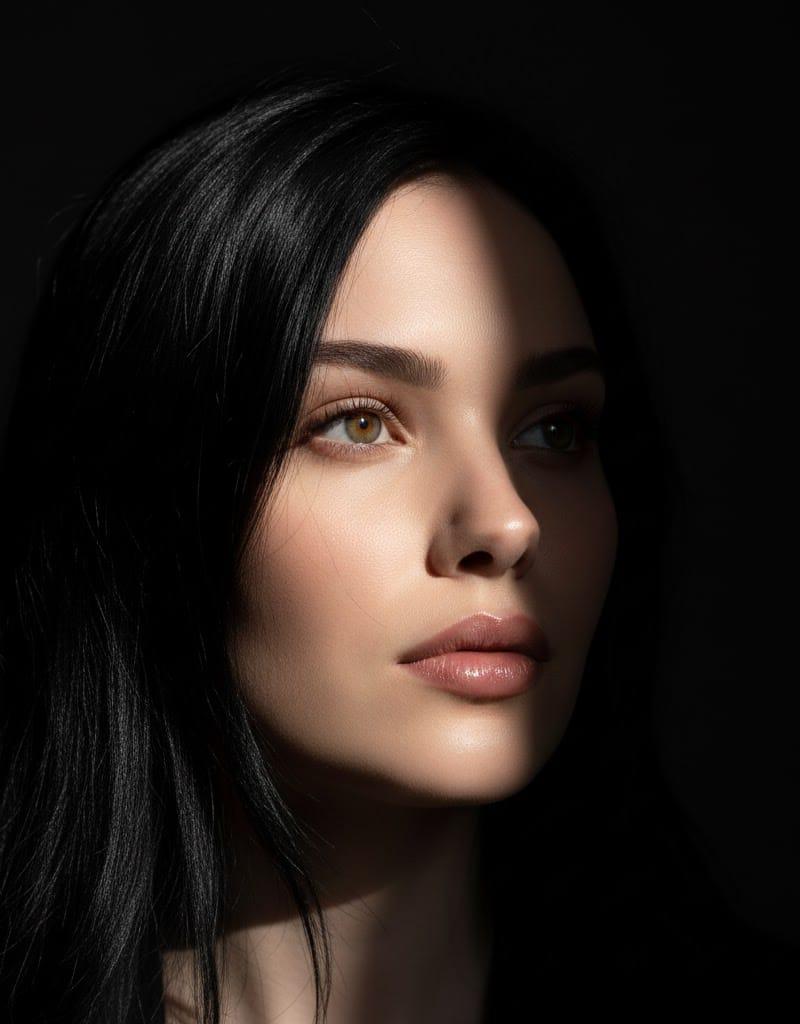
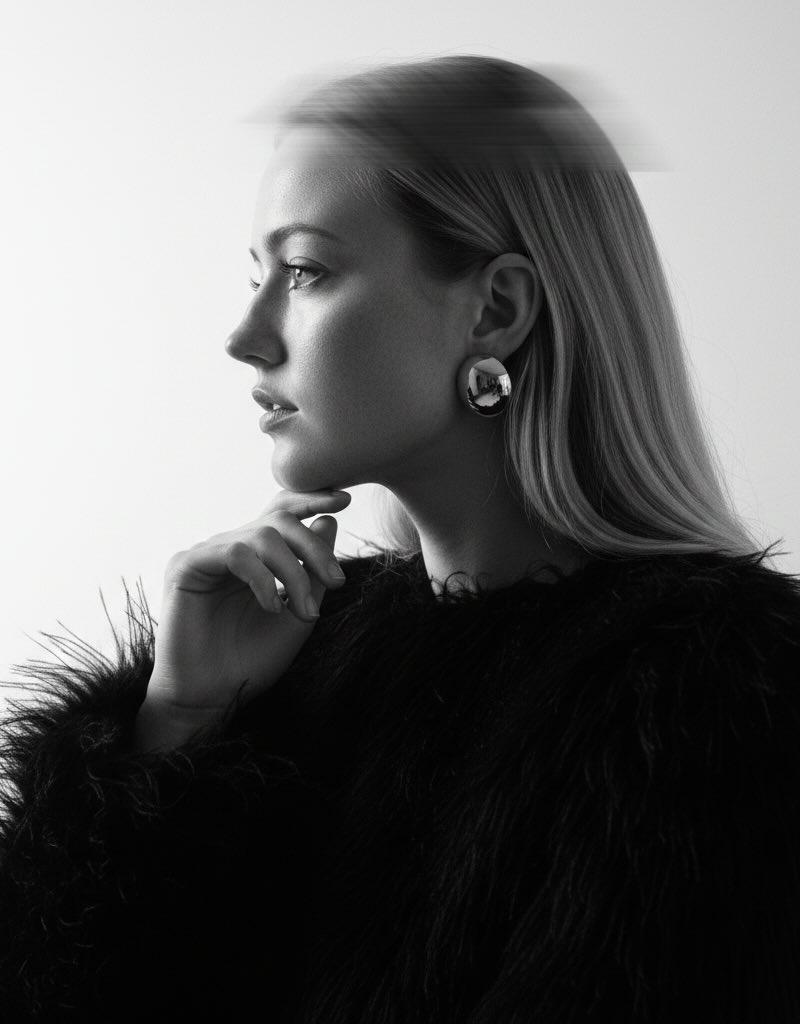
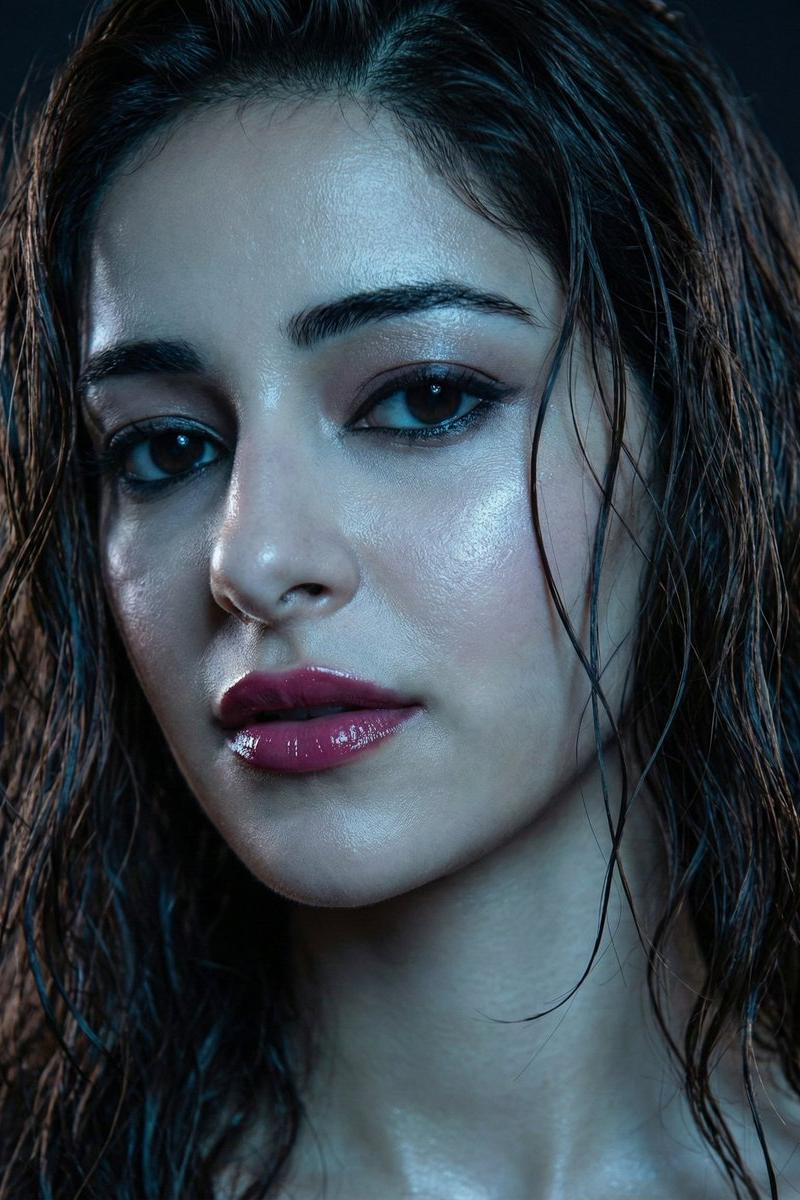
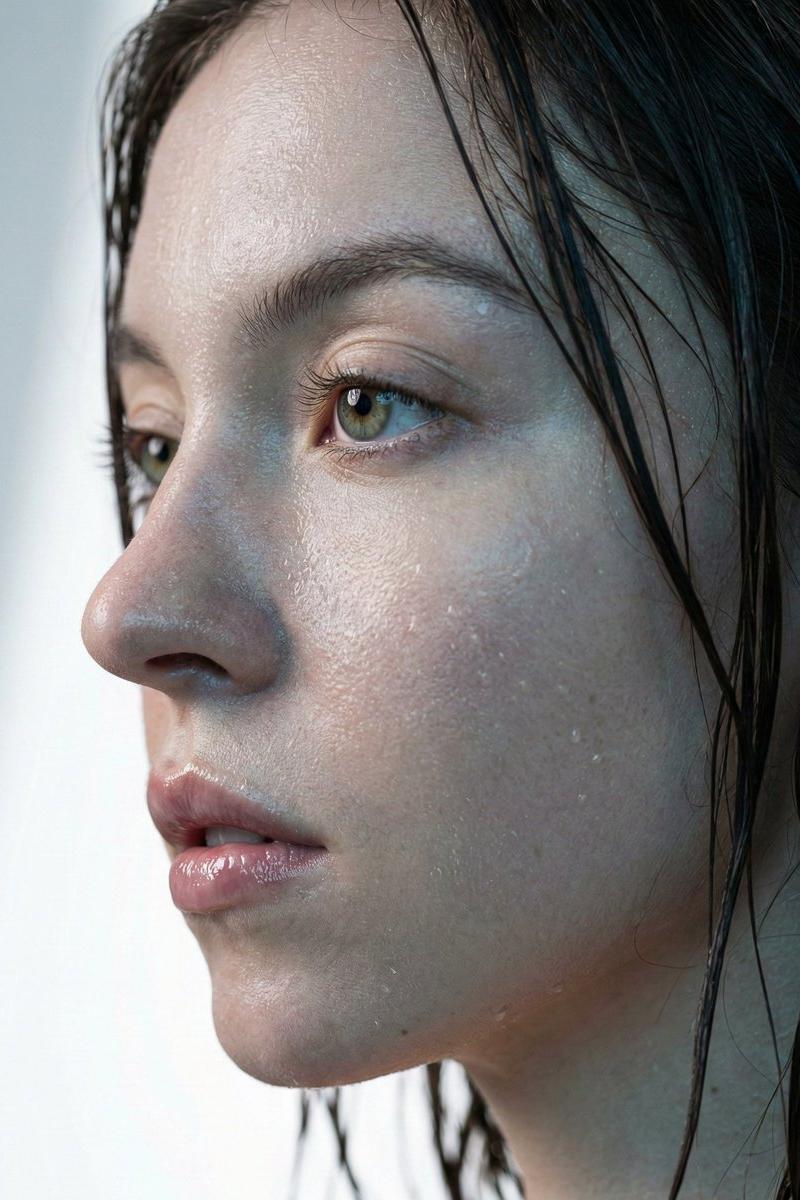
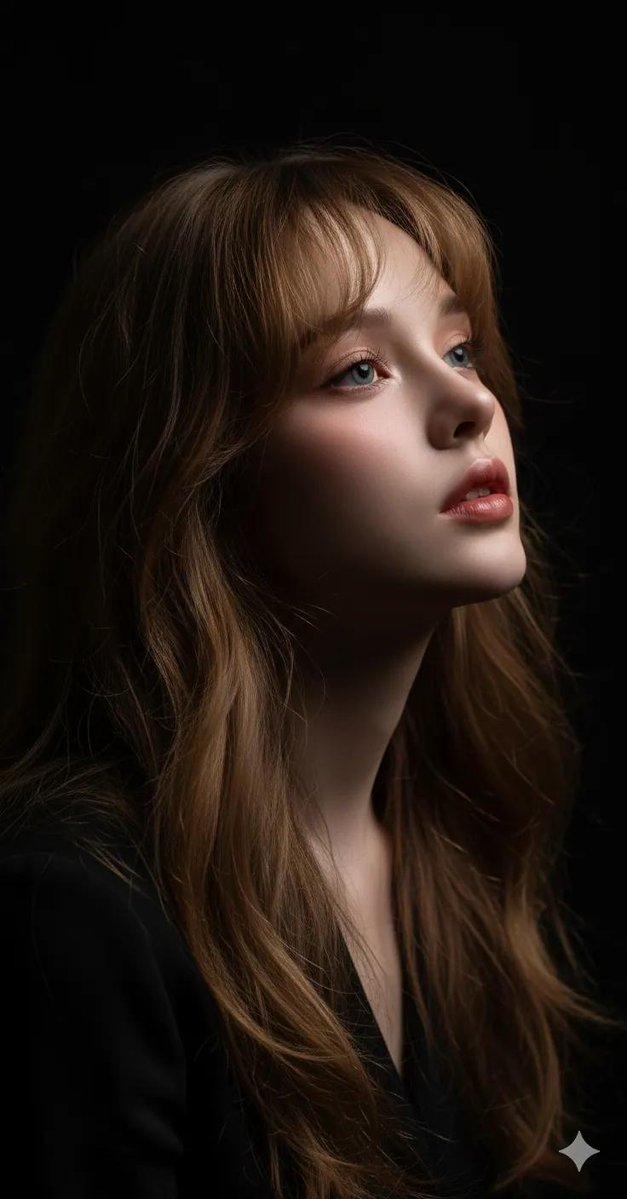
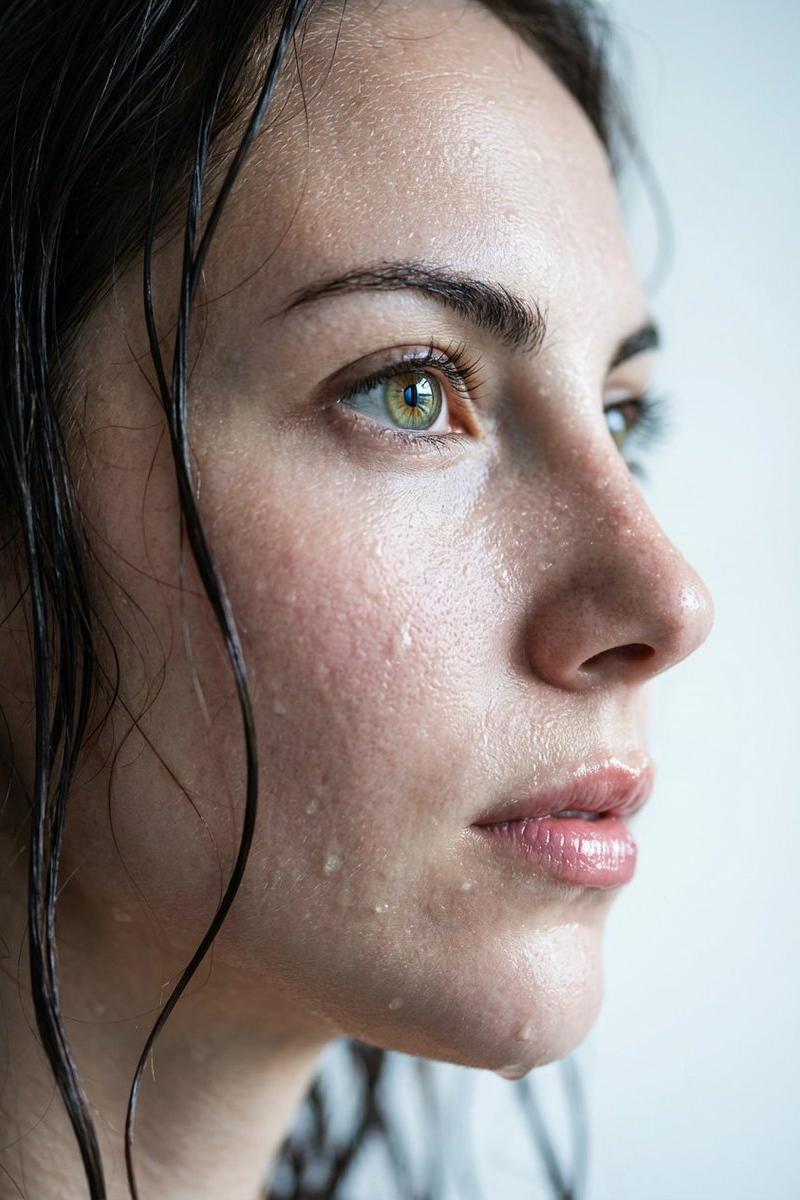
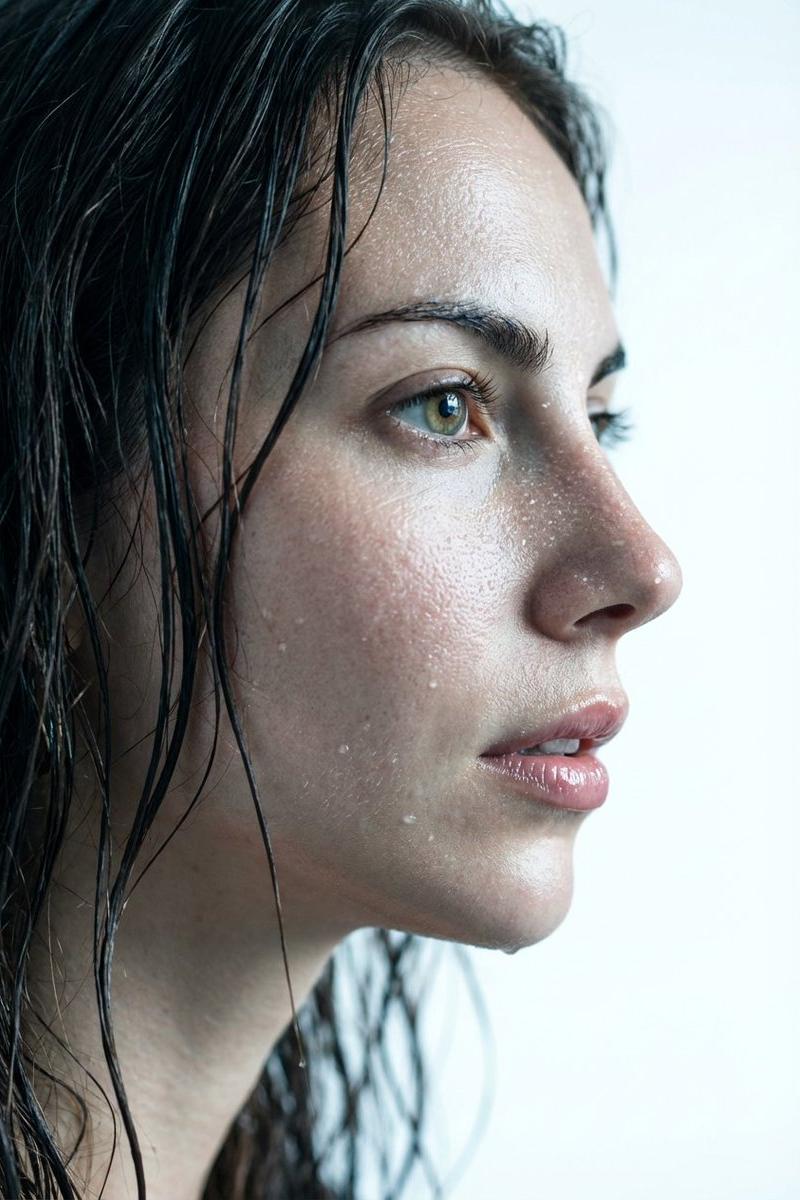
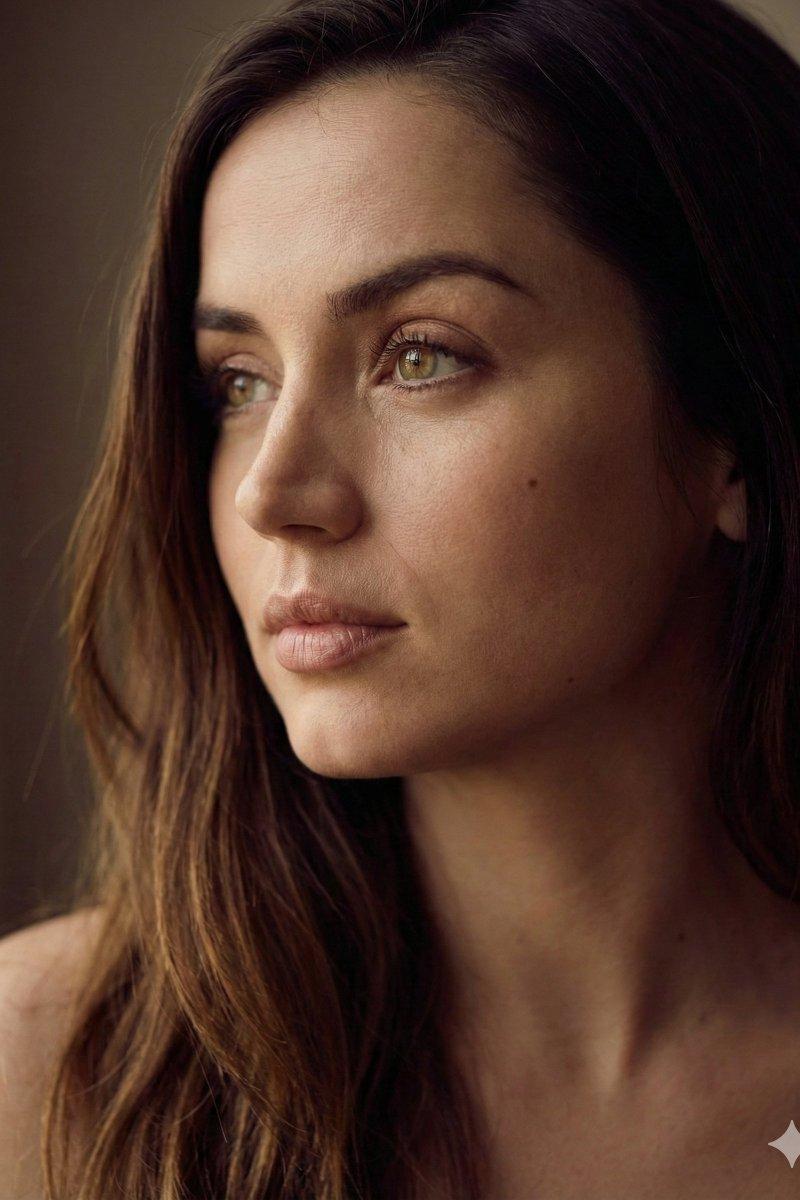
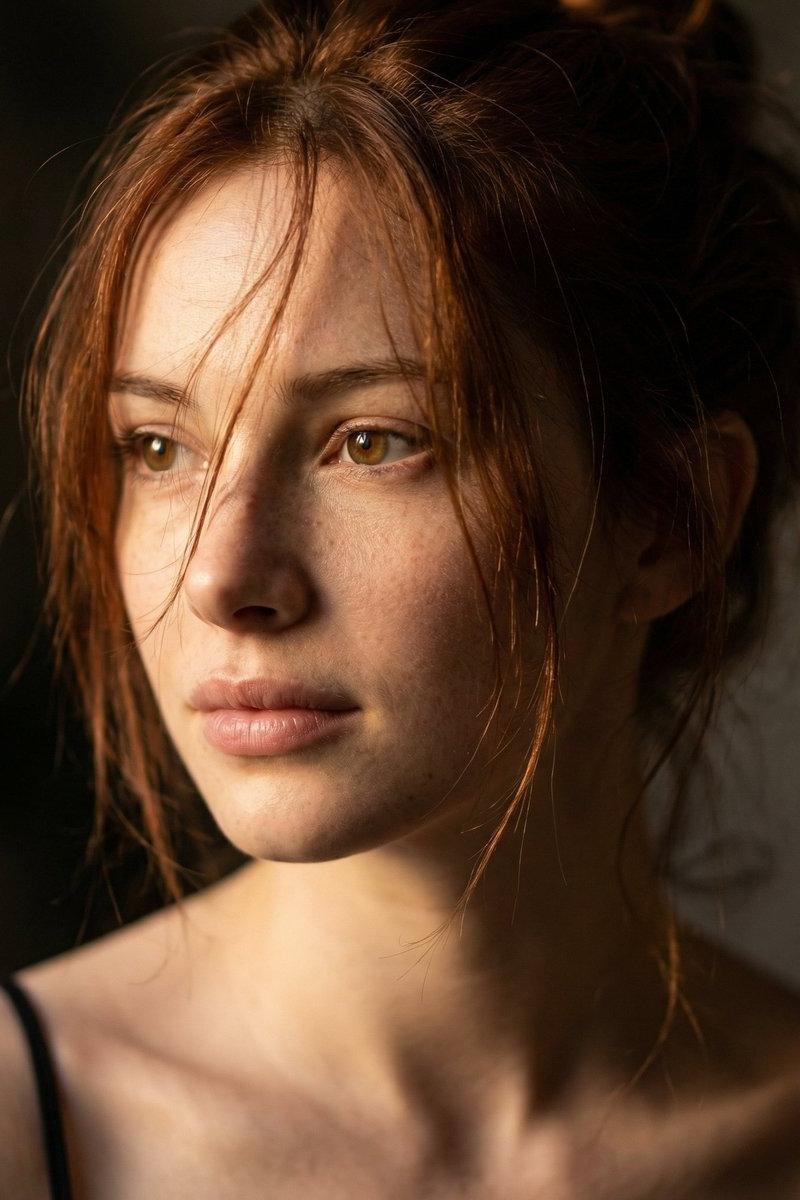
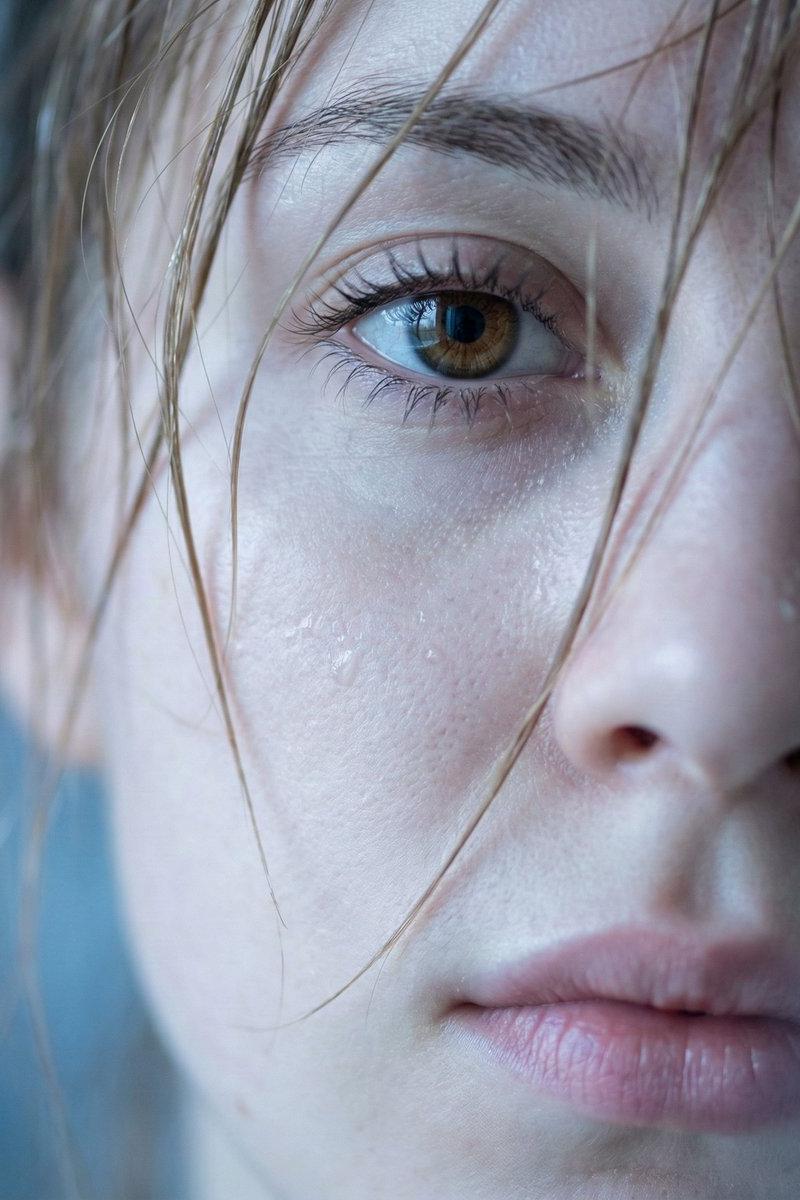
Example images

Gemini Nano Banana 3.0 拍摄教程

Prompt
Gemini Nano Banana 3.0
Prompt:
{
 "image_generation_prompt": {
 "subject": {
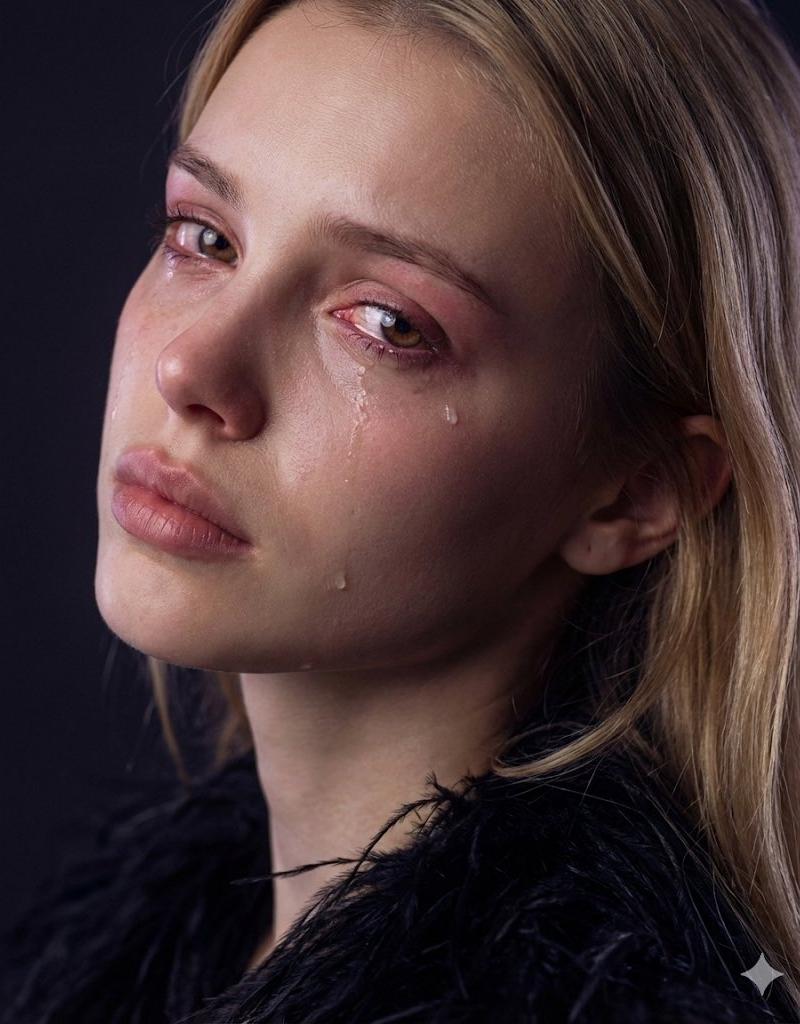
 "description": "Dramatic close-up 3/4 portrait of the girl from reference with identical facial features",
 "pose": "Turning back over shoulder, head rotated about 65° over the left shoulder, chin slightly lifted, neck extended with a gentle twist",
 "expression": "Emotional expression gazing toward the viewer, tear-streaked cheeks, reddened watery eyes, glossy and swollen eyes, lips softly pressed",
 "hair": "Falling loosely along the right cheek, matte texture"
 },
 "apparel": {
 "garment": "Dark feathered garment",
 "material": "Semi-gloss feather material"
 },
 "technical_specs": {
 "camera": "85–135mm lens",
 "aperture": "f/2.2",
 "focus": "Shallow depth of field, intimate compression"
 },
 "lighting": {
 "setup": "Cool-neutral lighting, soft key from the front-right at 25°",
 "shadows": "Subtle shadow rollover, faint purple-blue tint in background shadows, cool violet shadow notes"
 },
 "textures_and_details": {
 "skin": "Muted warm tones, natural red eye flush, moist glossy skin microtexture",
 "effects": "Refractive teardrops",
 "rendering": "Ultra-realistic, PBR materials, global illumination, cinematic naturalism"
 },
 "environment": "Minimal dark background, studio-like atmosphere",
 "parameters": "--ar 4:5 --style raw --s 70 --chaos 0 --seed 7711 --no text, watermark, logo, border"
 }
}
Category
Photography & Realism
Model
Nano Banana
Creator
Melisa♡
Source language
zh-CN
Views0
Source ID
gemini-nano-banana-3-0-shooting-tutorial
Studio

Guide

About "Gemini Nano Banana 3.0 拍摄教程"

What is this prompt for?

"Gemini Nano Banana 3.0 拍摄教程" AI image prompt for Nano Banana (Photography & Realism). Gemini Nano Banana 3.0 Prompt: { "image_generation_prompt": { "subject":…

The full copyable prompt and example visuals above are ready for AI image generation or one-click recreate in Picva.

How to use this prompt

  1. Step 1

    Open the prompt detail

    Review the example visuals, category, and full prompt text for "Gemini Nano Banana 3.0 拍摄教程".

  2. Step 2

    Copy the prompt

    Copy the prompt body from this page, or load it directly in Studio.

  3. Step 3

    Pick a model (Nano Banana)

    Prefer Nano Banana. If you switch models, keep subject and composition and tweak style terms.

  4. Step 4

    Generate and export

    Recreate the look in Picva, or export into your workflow for editing and publishing.

FAQ

What is the "Gemini Nano Banana 3.0 拍摄教程" prompt?
It is an AI image-generation prompt for Nano Banana in the Photography & Realism category. This page includes the full prompt text, example visuals, and a one-click recreate path in Picva.
How do I use this prompt to generate an image?
Copy the prompt from this page, or use Generate / Studio. Paste it into a compatible image model, or recreate the look in Picva with optional reference images.
Which model is this prompt for?
This page lists Nano Banana. Most descriptive prompts also transfer to nearby image models such as GPT Image, Flux, or Midjourney with light style tweaks.
Can I use the result commercially?
You can usually copy the prompt for creation, but commercial use of the final image depends on the model terms, reference-image rights, and the generated content. Follow the source author and platform rules.