18

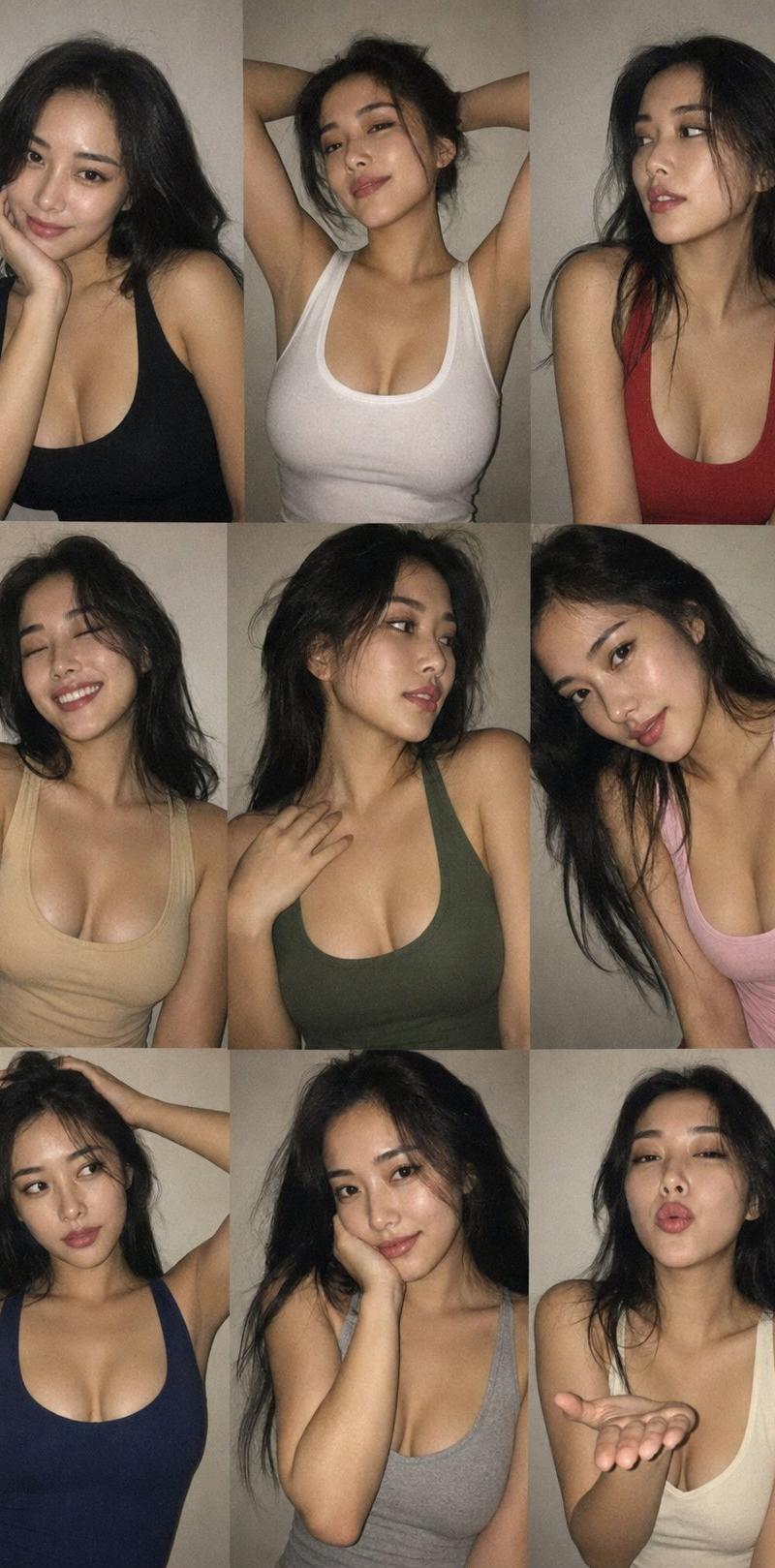
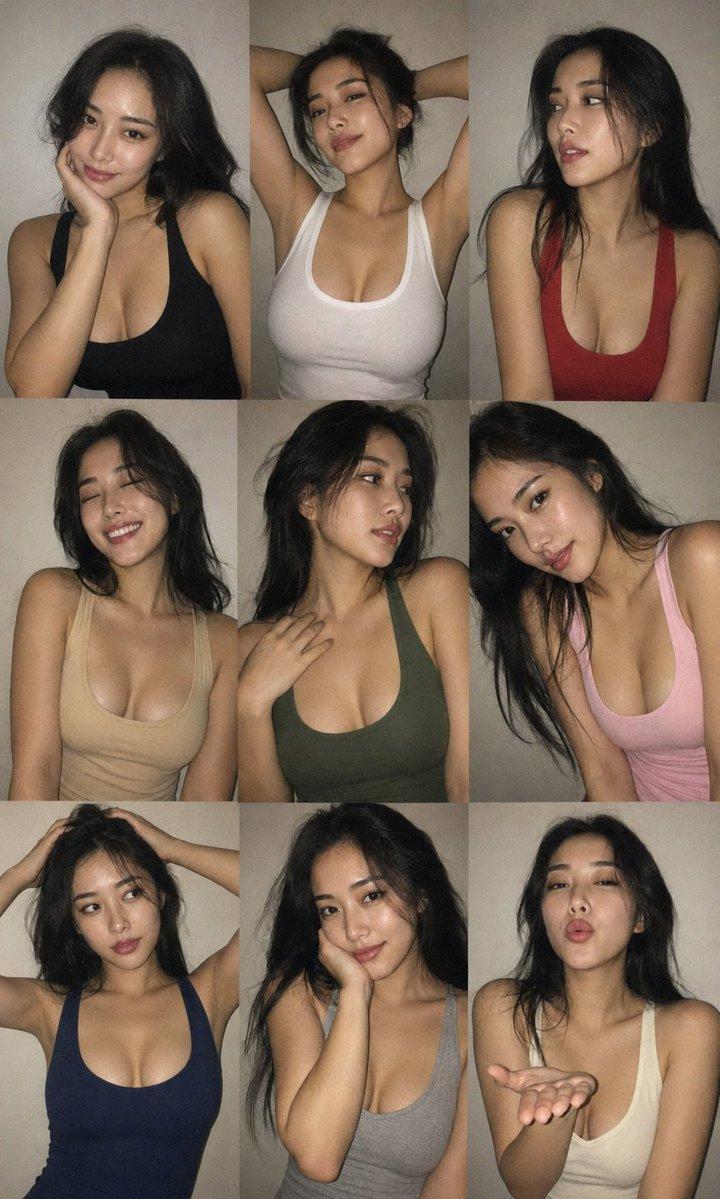
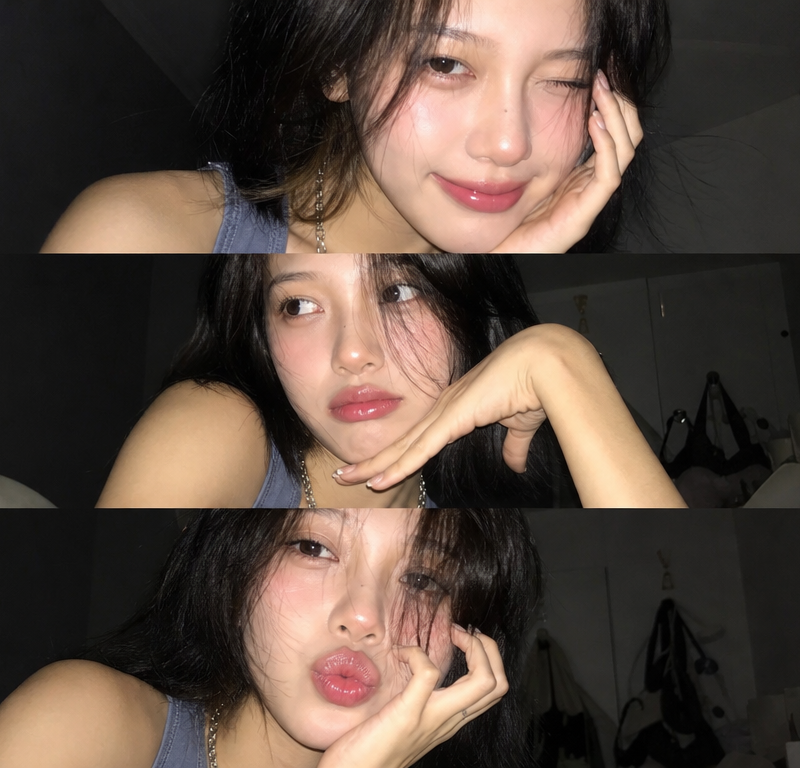
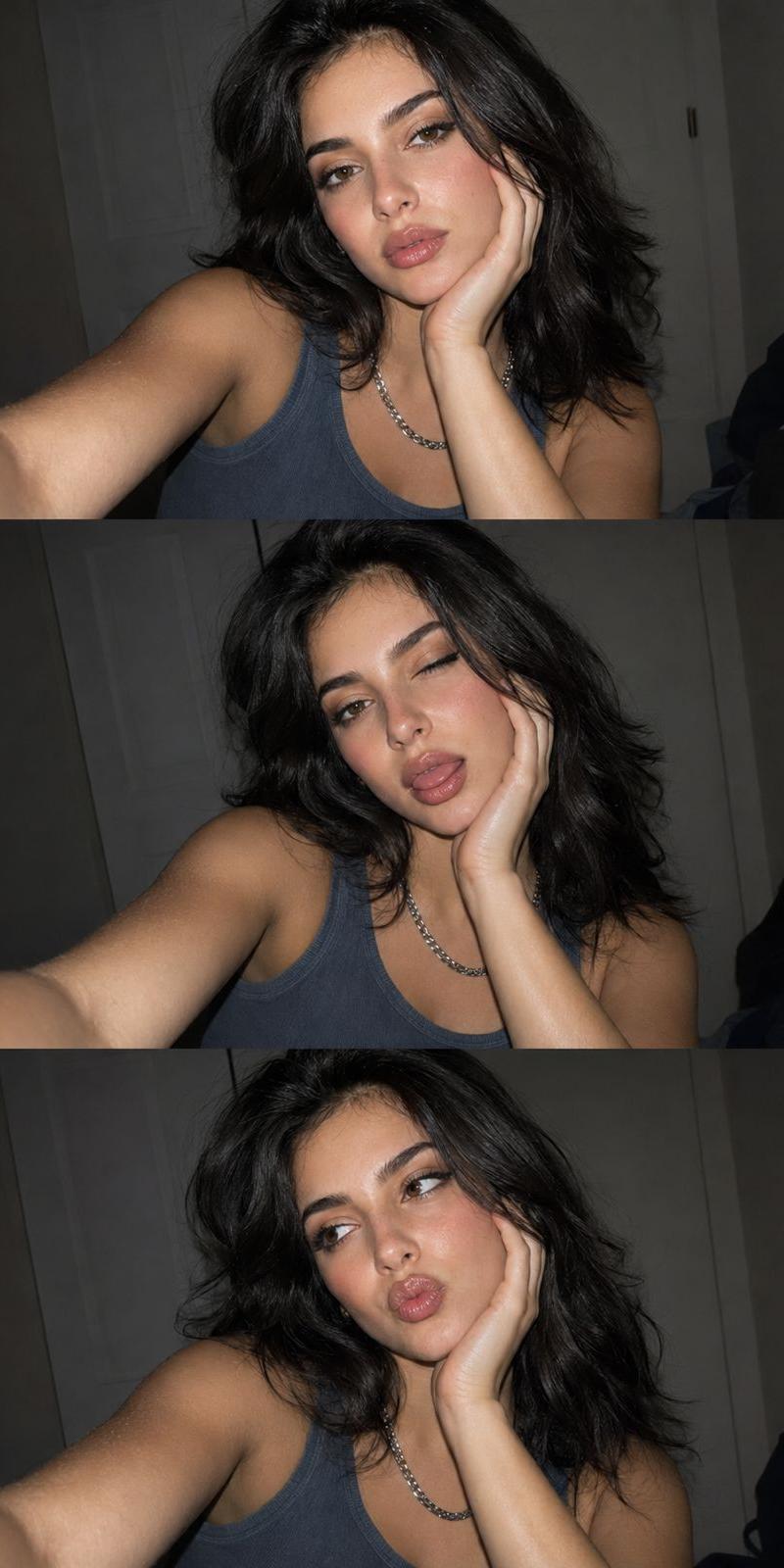
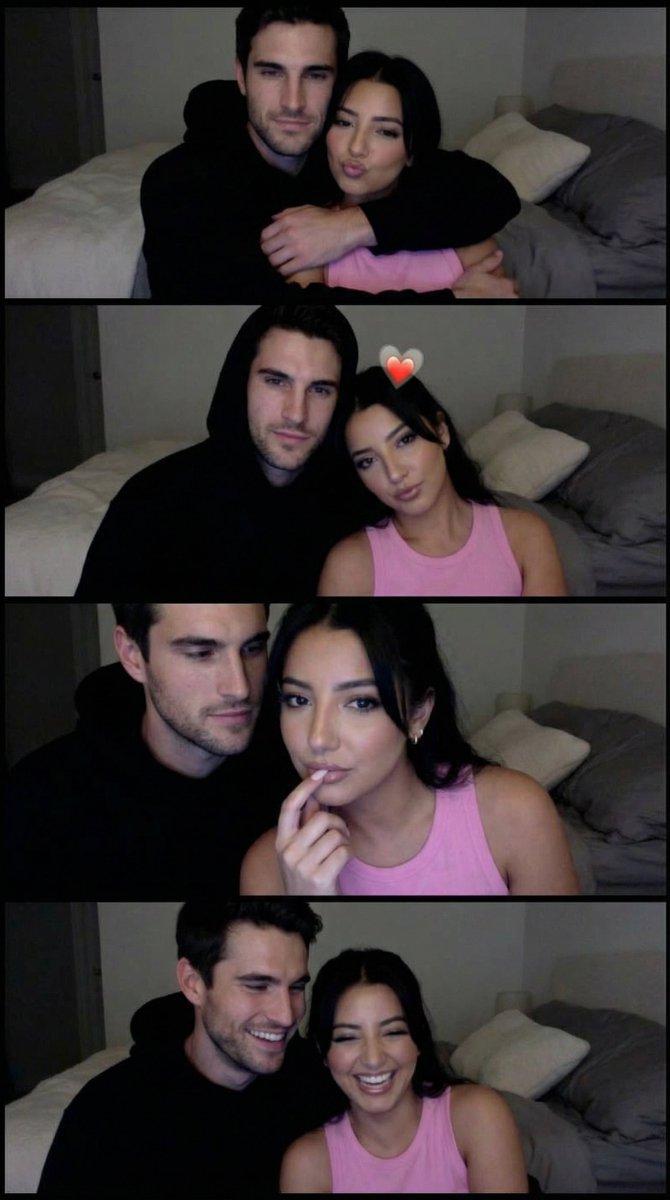
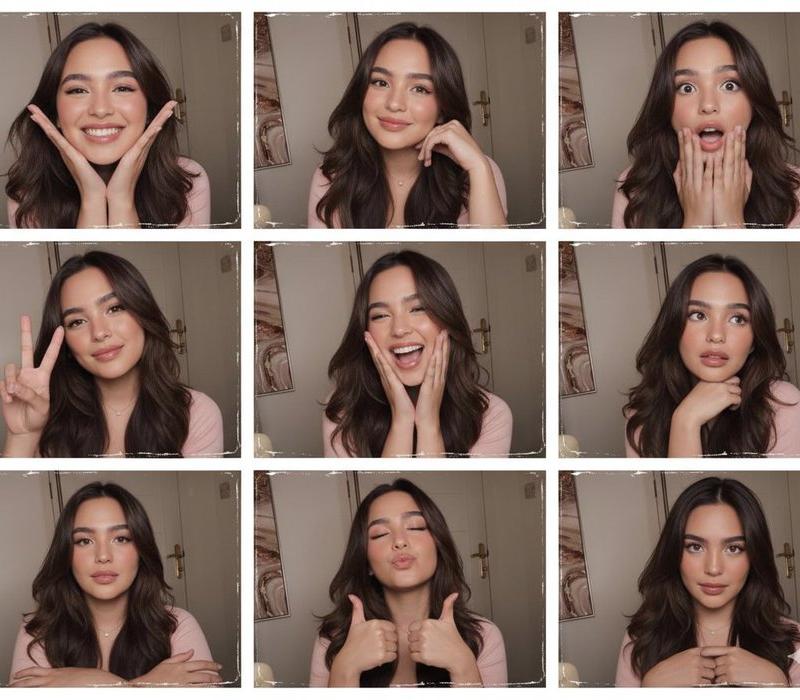
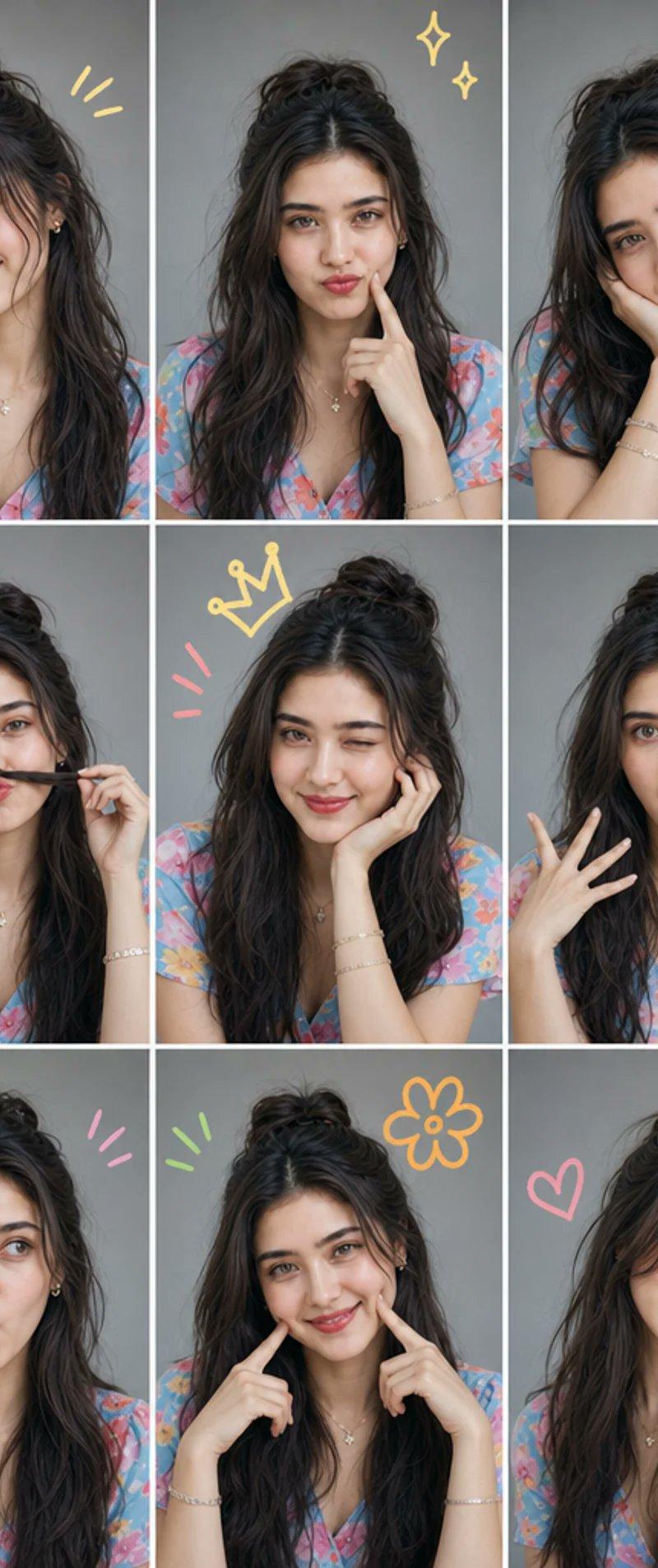
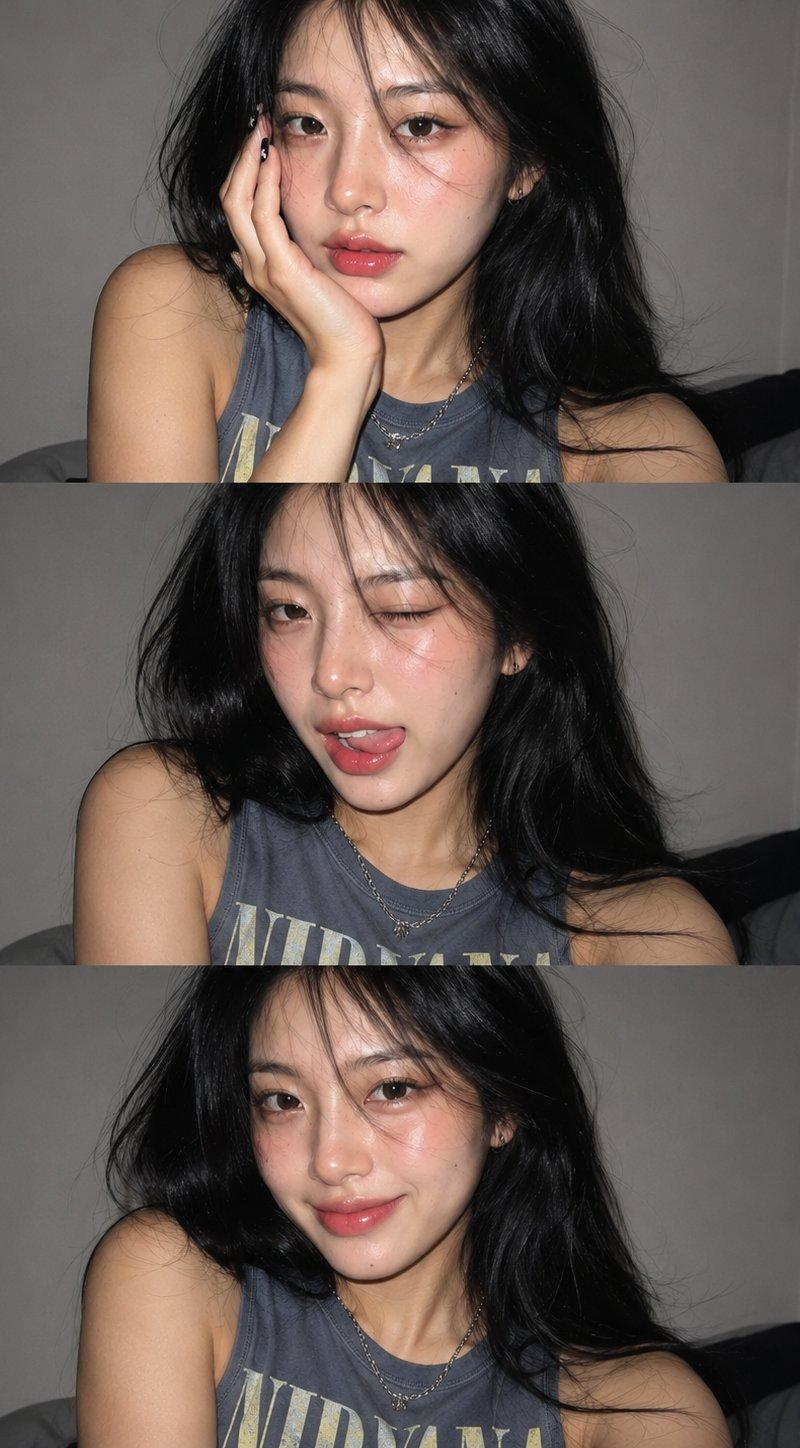
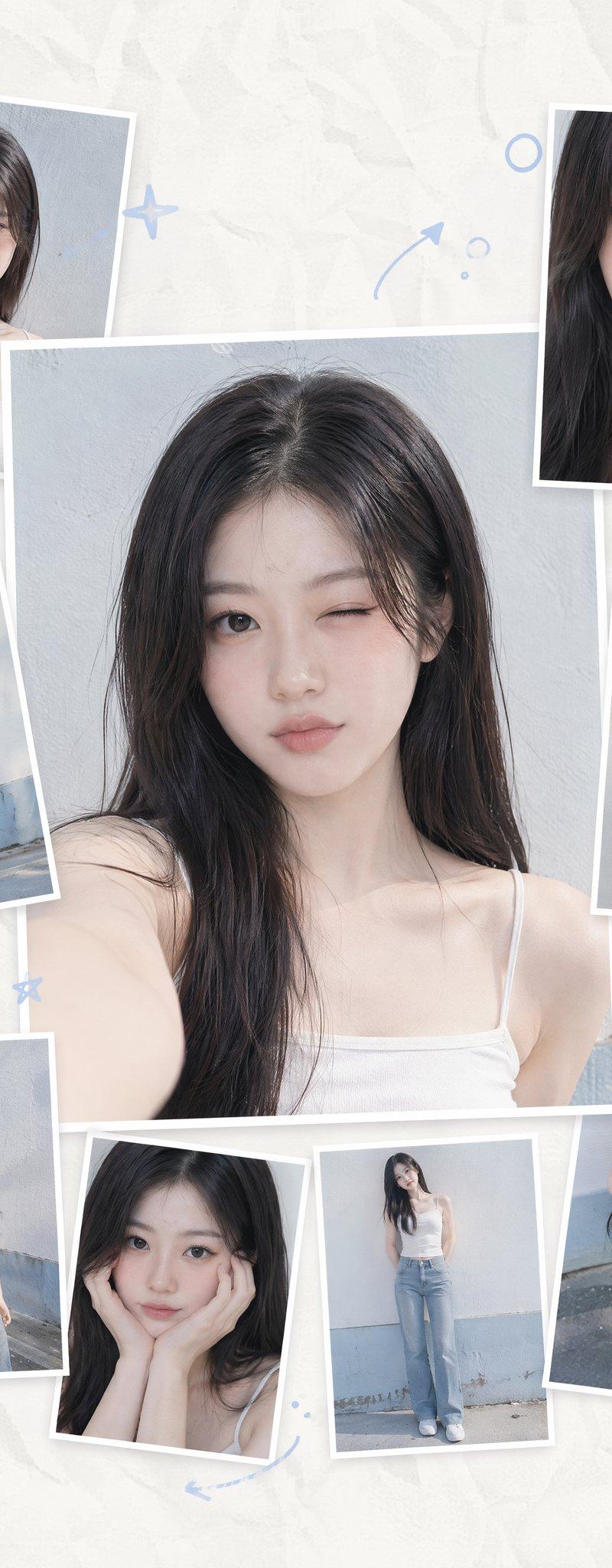
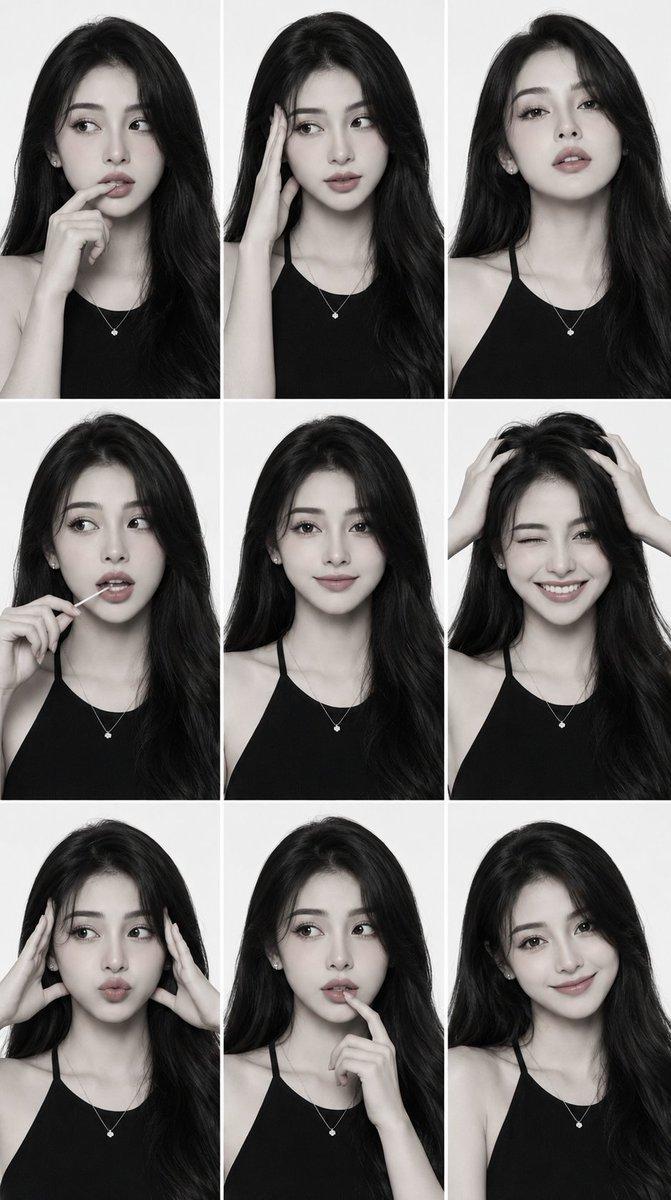
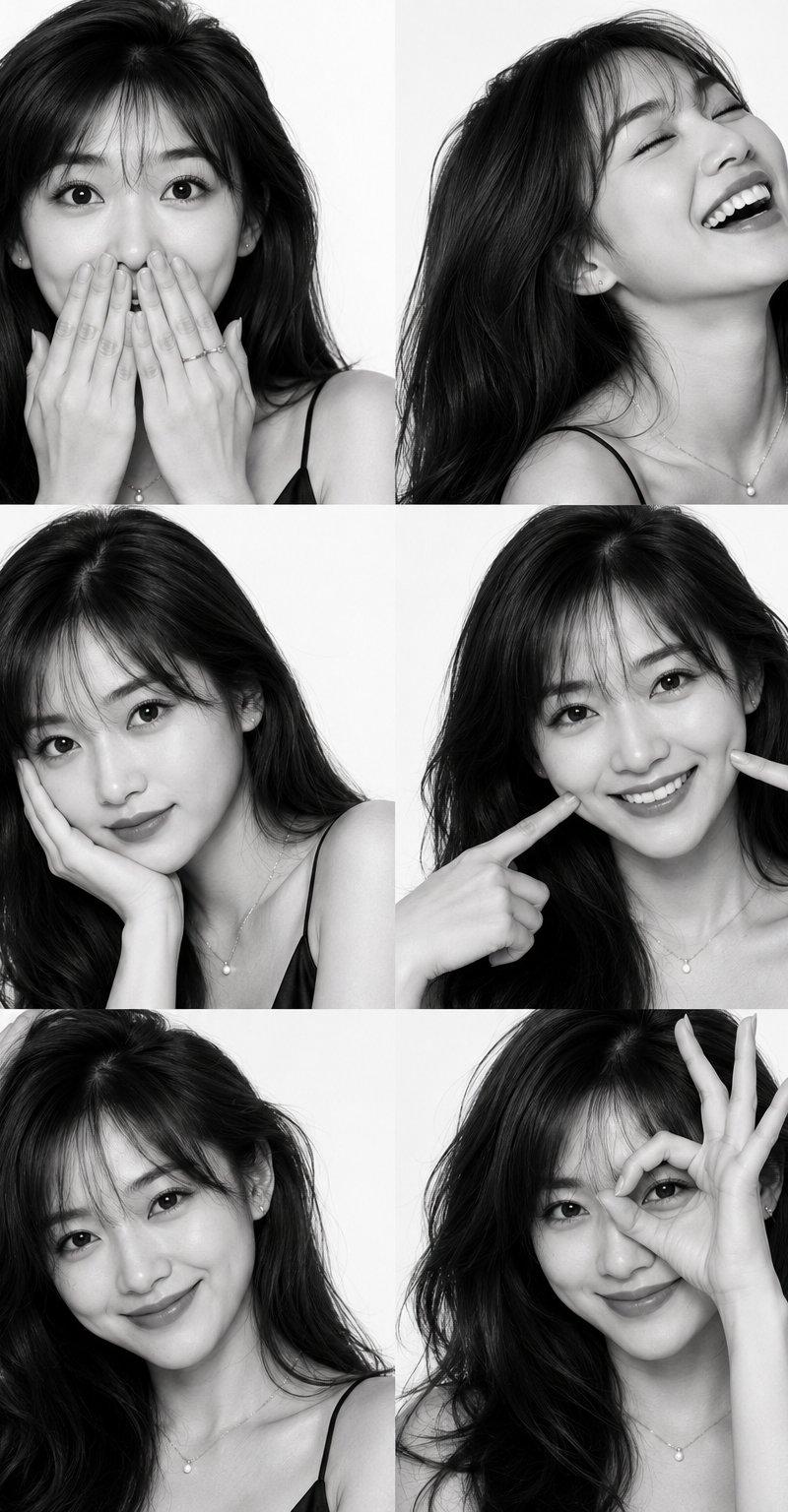
Gemini Nano Banana Pro 自拍拼贴
Enlarge

Example images

Gemini Nano Banana Pro 自拍拼贴

Prompt
Gemini Nano Banana Pro
Prompt:
{
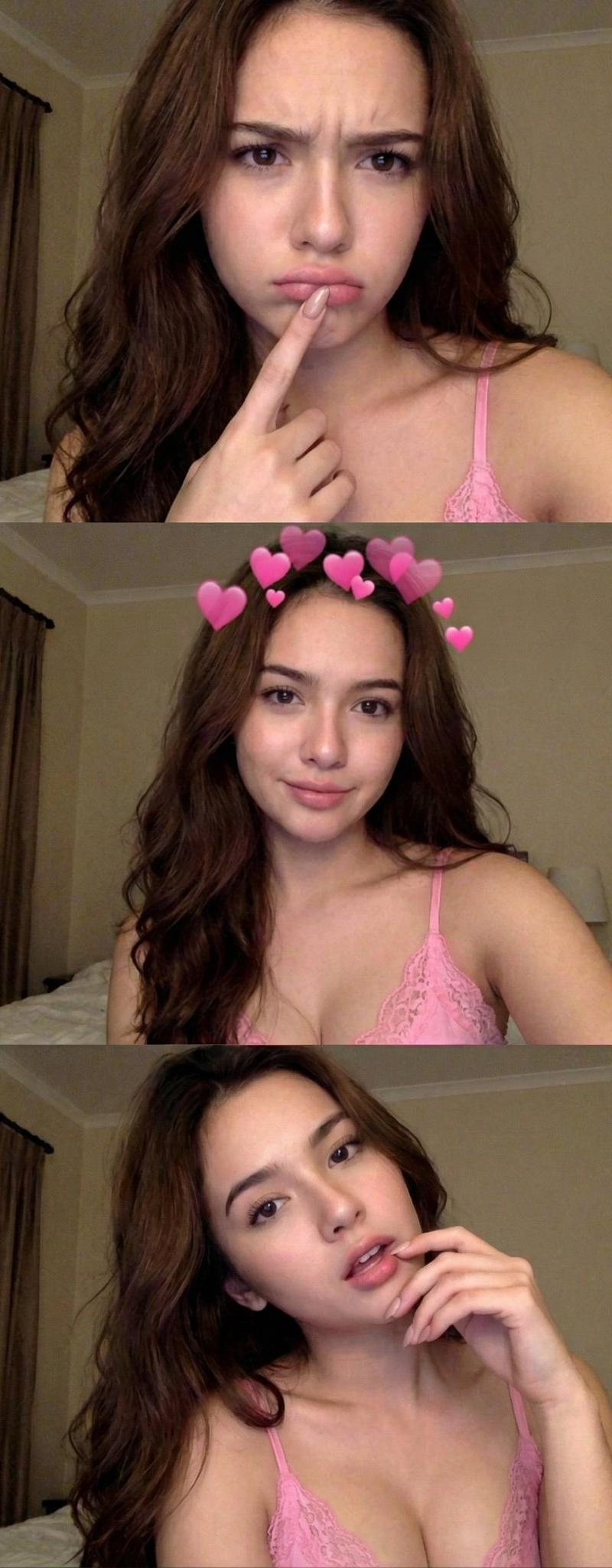
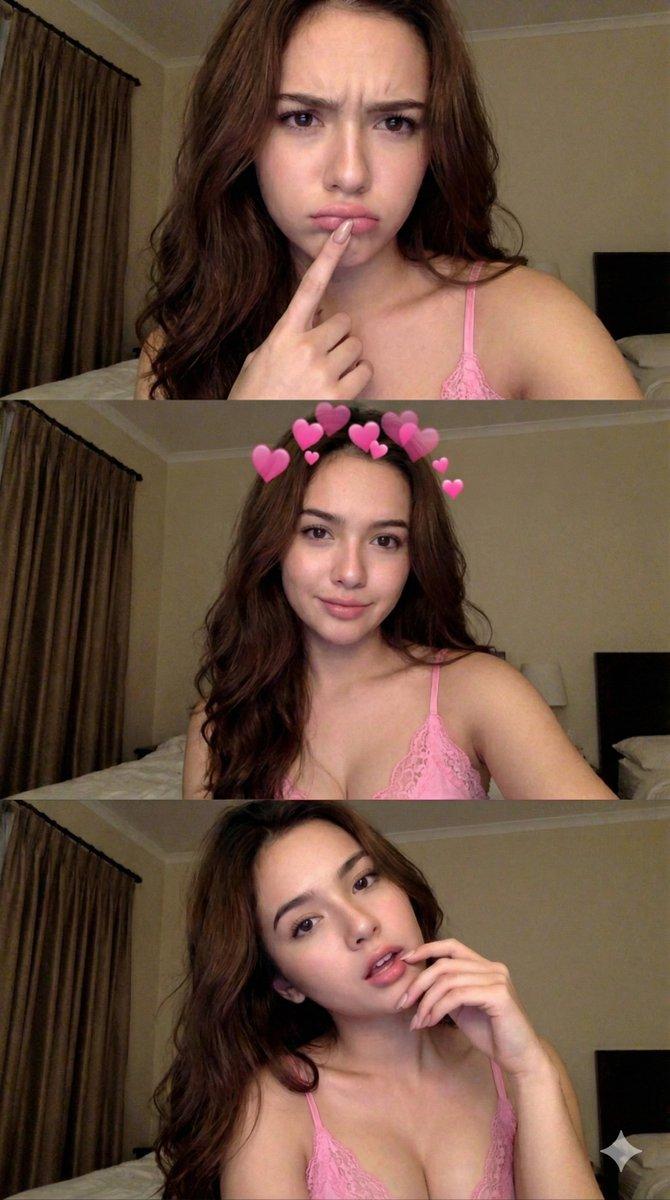
 "image_structure": {
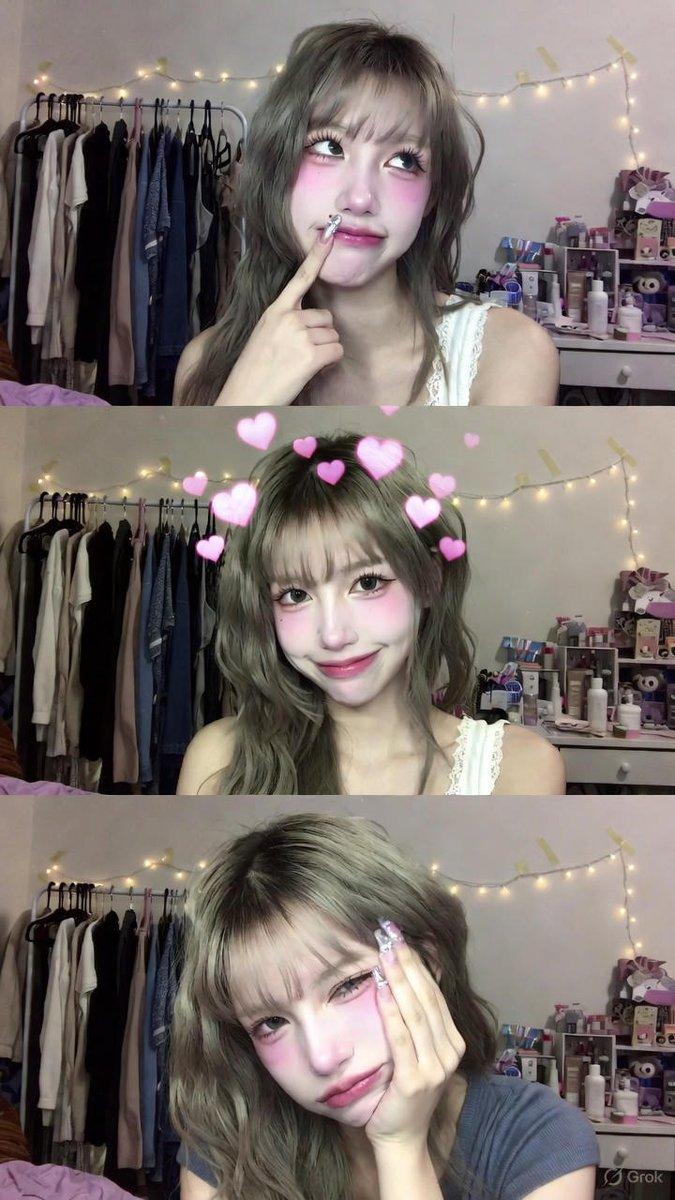
 "layout": "Vertical three-panel collage",
 "aspect_ratio": "Tall vertical strip",
 "shot_type": "Close-up selfies"
 },
 "subject_details": {
 "demographics": "Young woman with long, wavy brunette hair",
 "skin": "Natural skin texture, minimal or no makeup",
 "clothing": "Pink lace-trimmed bralette or camisole top with thin spaghetti straps",
 "accessories": "Long manicured nails (nude/pale pink color)"
 },
 "environment": {
 "setting": "Dimly lit bedroom or hotel room interior",
 "background_elements": [
 "Beige/cream colored walls",
 "Heavy brown curtains on the left side",
 "Partial view of a bed headboard in the background"
 ]
 },
 "lighting_and_style": {
 "lighting": "Warm, indoor artificial lighting, low-light conditions",
 "aesthetic": "Candid selfie style, slightly grainy phone camera quality, early 2010s social media aesthetic, flash photography look",
 "mood": "Casual, intimate, playful"
 },
 "panel_breakdown": {
 "top_panel": {
 "expression": "Pouting or confused, eyebrows slightly furrowed",
 "pose": "Finger hooked over bottom lip, looking directly at camera"
 },
 "middle_panel": {
 "expression": "Soft smile, looking directly at camera",
 "overlay_effect": "Digital pink heart crown filter (Snapchat style) floating around the head"
 },
 "bottom_panel": {
 "expression": "Relaxed, mouth slightly open, gazing at camera",
 "pose": "Head tilted to the side, hand gently touching chin and lower lip"
 }
 }
}
Category
Photography & Realism
Model
Nano Banana Pro
Creator
Lex
Source language
zh-CN
Views0
Source ID
gemini-nano-banana-pro-selfie-collage
Studio

Guide

About "Gemini Nano Banana Pro 自拍拼贴"

What is this prompt for?

"Gemini Nano Banana Pro 自拍拼贴" AI image prompt for Nano Banana Pro (Photography & Realism). Gemini Nano Banana Pro Prompt: { "image_structure": { "layout": "Ver…

The full copyable prompt and example visuals above are ready for AI image generation or one-click recreate in Picva.

How to use this prompt

  1. Step 1

    Open the prompt detail

    Review the example visuals, category, and full prompt text for "Gemini Nano Banana Pro 自拍拼贴".

  2. Step 2

    Copy the prompt

    Copy the prompt body from this page, or load it directly in Studio.

  3. Step 3

    Pick a model (Nano Banana Pro)

    Prefer Nano Banana Pro. If you switch models, keep subject and composition and tweak style terms.

  4. Step 4

    Generate and export

    Recreate the look in Picva, or export into your workflow for editing and publishing.

FAQ

What is the "Gemini Nano Banana Pro 自拍拼贴" prompt?
It is an AI image-generation prompt for Nano Banana Pro in the Photography & Realism category. This page includes the full prompt text, example visuals, and a one-click recreate path in Picva.
How do I use this prompt to generate an image?
Copy the prompt from this page, or use Generate / Studio. Paste it into a compatible image model, or recreate the look in Picva with optional reference images.
Which model is this prompt for?
This page lists Nano Banana Pro. Most descriptive prompts also transfer to nearby image models such as GPT Image, Flux, or Midjourney with light style tweaks.
Can I use the result commercially?
You can usually copy the prompt for creation, but commercial use of the final image depends on the model terms, reference-image rights, and the generated content. Follow the source author and platform rules.