18

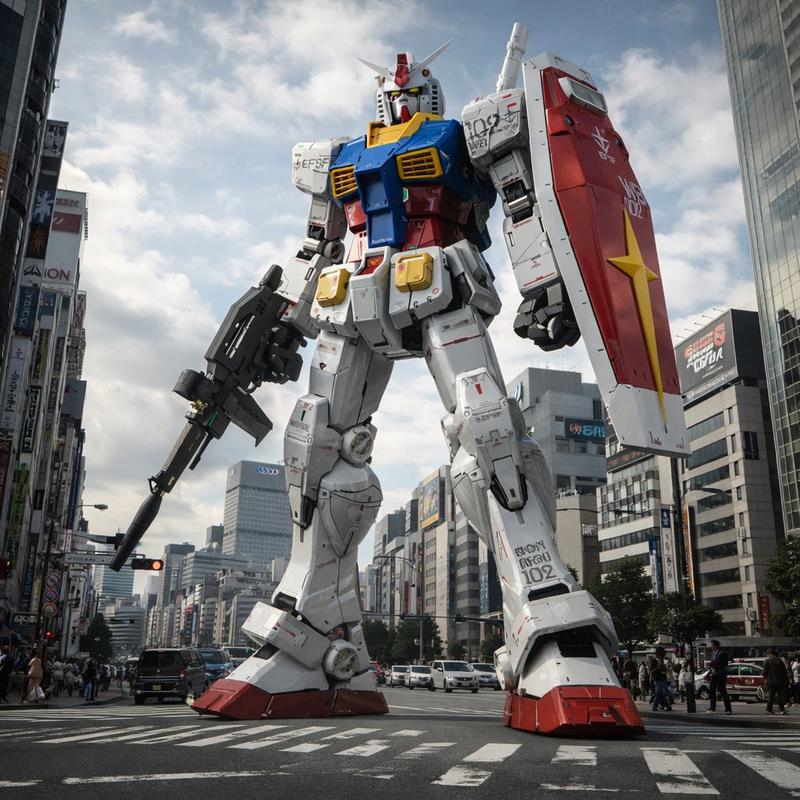
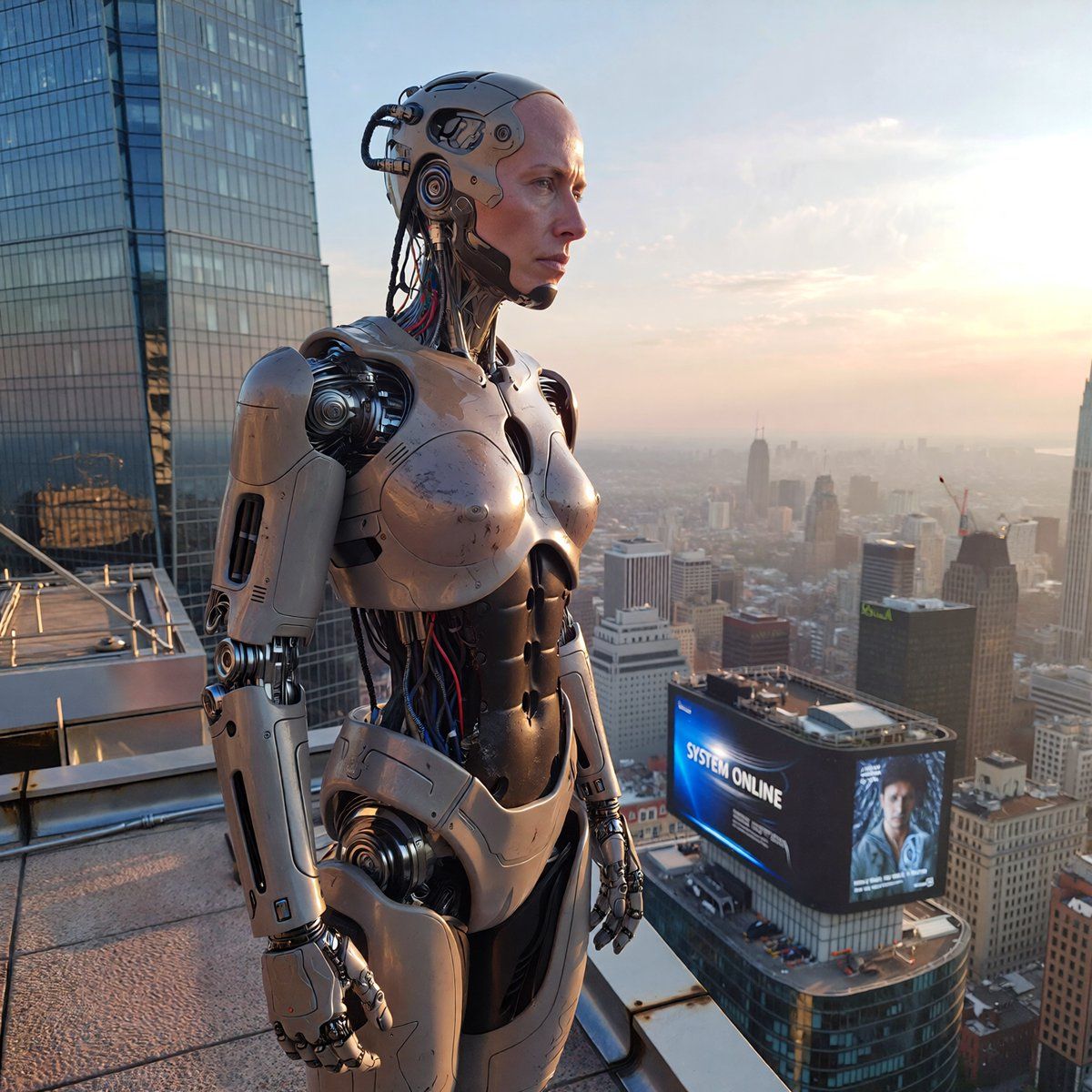
城市黎明时分的人形机器人
Enlarge

城市黎明时分的人形机器人

Prompt
Prompt 5 - Humanoid robot:
"Ultra-realistic cinematic photograph of a humanoid robot standing on a rooftop overlooking a modern city at dawn, medium shot. Highly detailed humanoid robot with synthetic skin and exposed metallic elements, realistic joints, fine mechanical details, subtle surface imperfections, micro scratches and reflections. Human-like posture and proportions, calm and natural stance, soft ambient light reflecting off metal and synthetic materials. Cinematic sunrise lighting, soft volumetric light, realistic city skyline in the background with shallow depth of field. A digital city billboard in the background displaying the text "SYSTEM ONLINE", text integrated into the screen with realistic glow, perspective, and lighting, not overlaid. Photorealistic futuristic photography, high fidelity materials, no cartoon style, no sci-fi illustration, production-ready realism."
Category
Photography & Realism
Model
Unknown
Creator
IVAN | IA
Views0
Source ID
humanoid-robot-overlooking-modern-city-at-dawn

Guide

About "城市黎明时分的人形机器人"

What is this prompt for?

"城市黎明时分的人形机器人" AI image prompt for Unknown (Photography & Realism). Prompt 5 - Humanoid robot: "Ultra-realistic cinematic photograph of a humanoid robot standi…

The full copyable prompt and example visuals above are ready for AI image generation or one-click recreate in Picva.

How to use this prompt

  1. Step 1

    Open the prompt detail

    Review the example visuals, category, and full prompt text for "城市黎明时分的人形机器人".

  2. Step 2

    Copy the prompt

    Copy the prompt body from this page, or load it directly in Studio.

  3. Step 3

    Pick a model (Unknown)

    Prefer Unknown. If you switch models, keep subject and composition and tweak style terms.

  4. Step 4

    Generate and export

    Recreate the look in Picva, or export into your workflow for editing and publishing.

FAQ

What is the "城市黎明时分的人形机器人" prompt?
It is an AI image-generation prompt for Unknown in the Photography & Realism category. This page includes the full prompt text, example visuals, and a one-click recreate path in Picva.
How do I use this prompt to generate an image?
Copy the prompt from this page, or use Generate / Studio. Paste it into a compatible image model, or recreate the look in Picva with optional reference images.
Which model is this prompt for?
This page lists Unknown. Most descriptive prompts also transfer to nearby image models such as GPT Image, Flux, or Midjourney with light style tweaks.
Can I use the result commercially?
You can usually copy the prompt for creation, but commercial use of the final image depends on the model terms, reference-image rights, and the generated content. Follow the source author and platform rules.