14

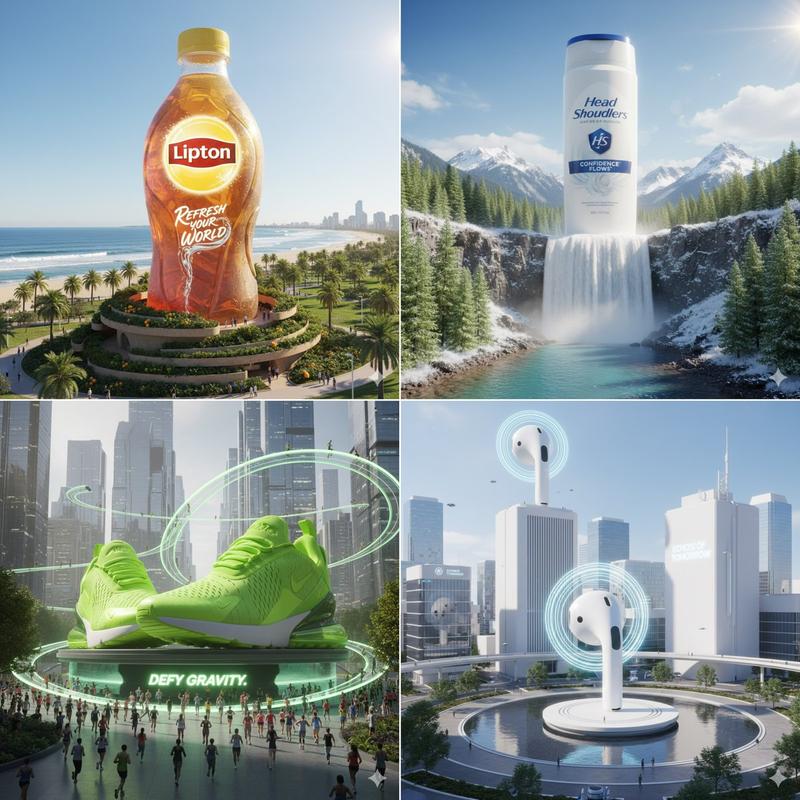
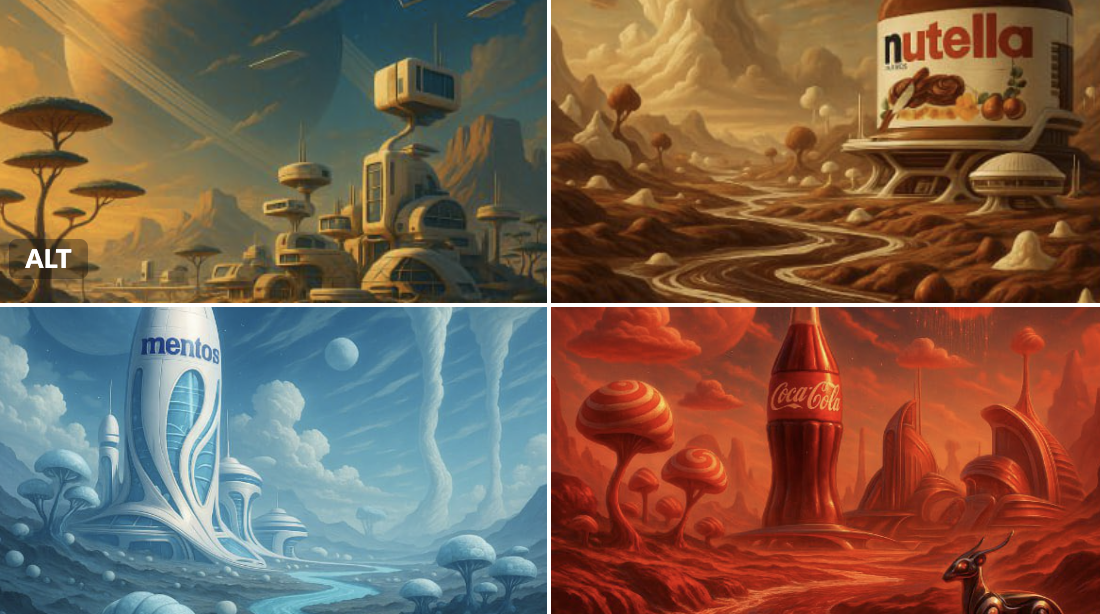
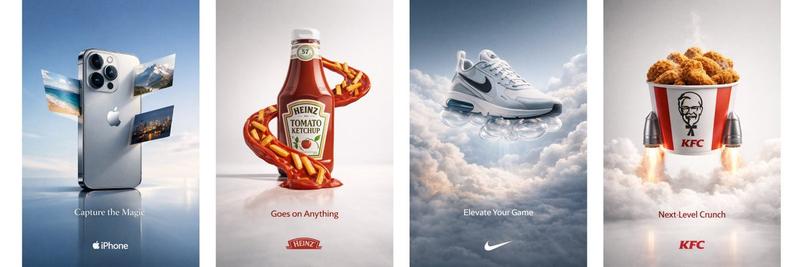
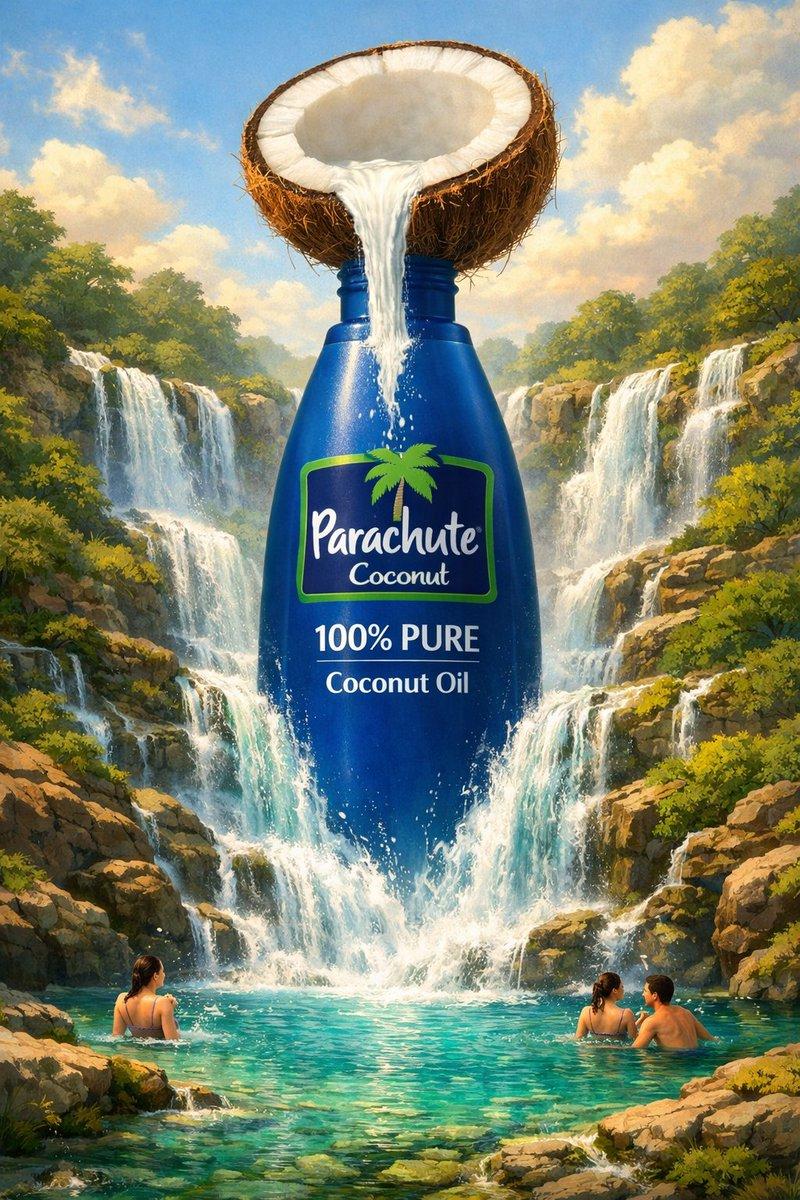
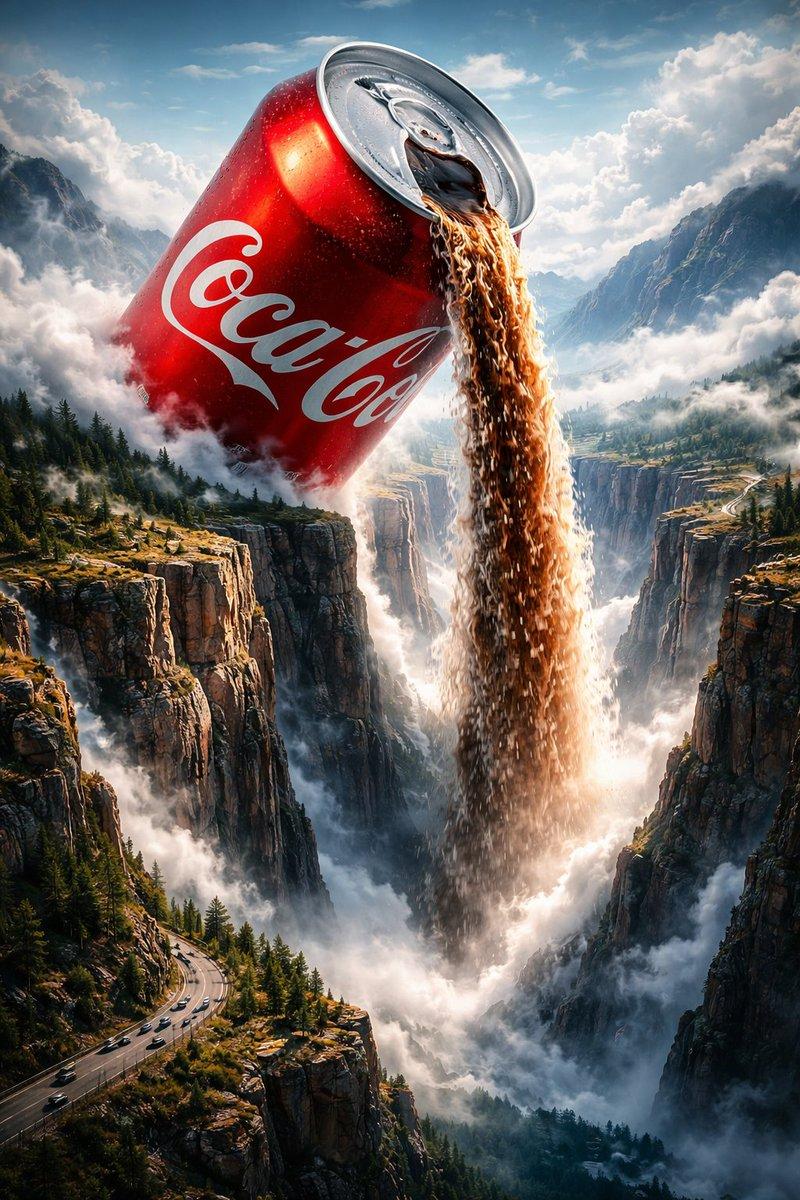
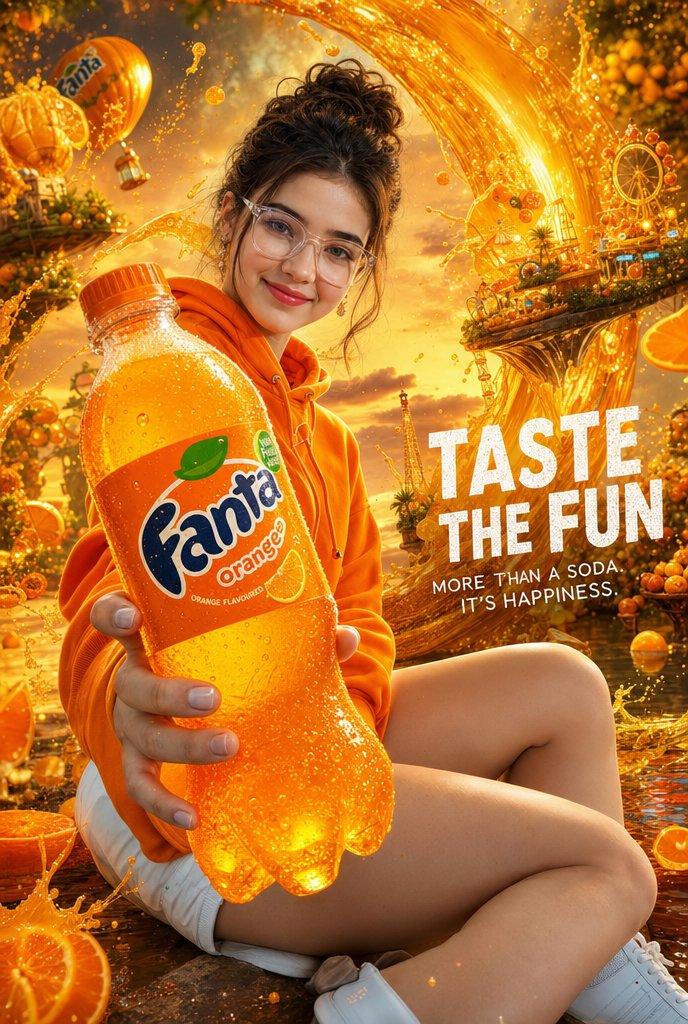
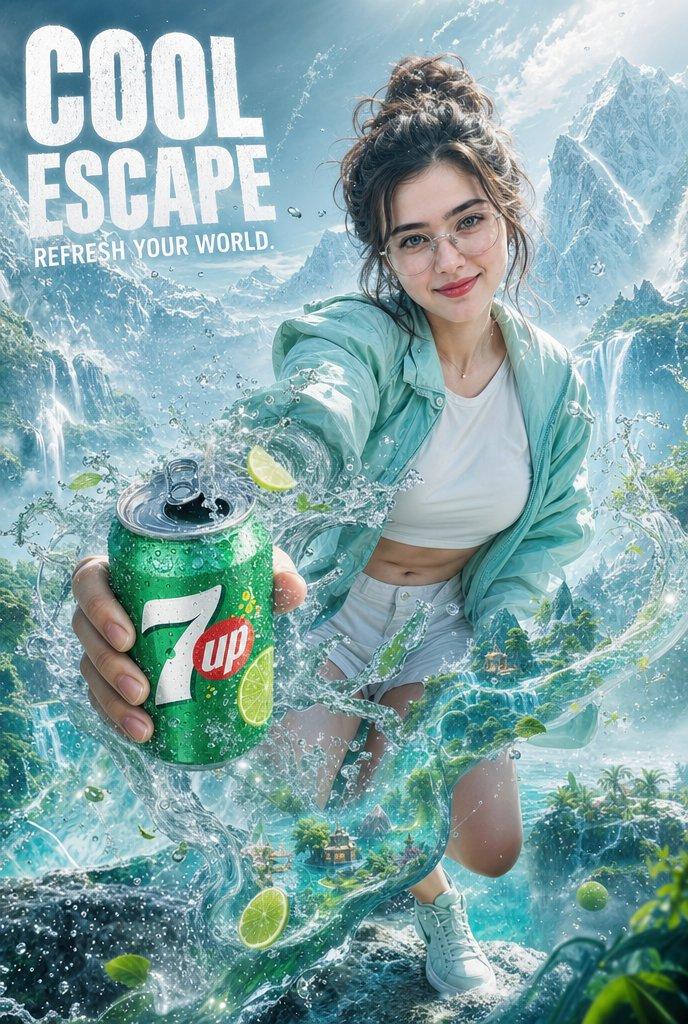
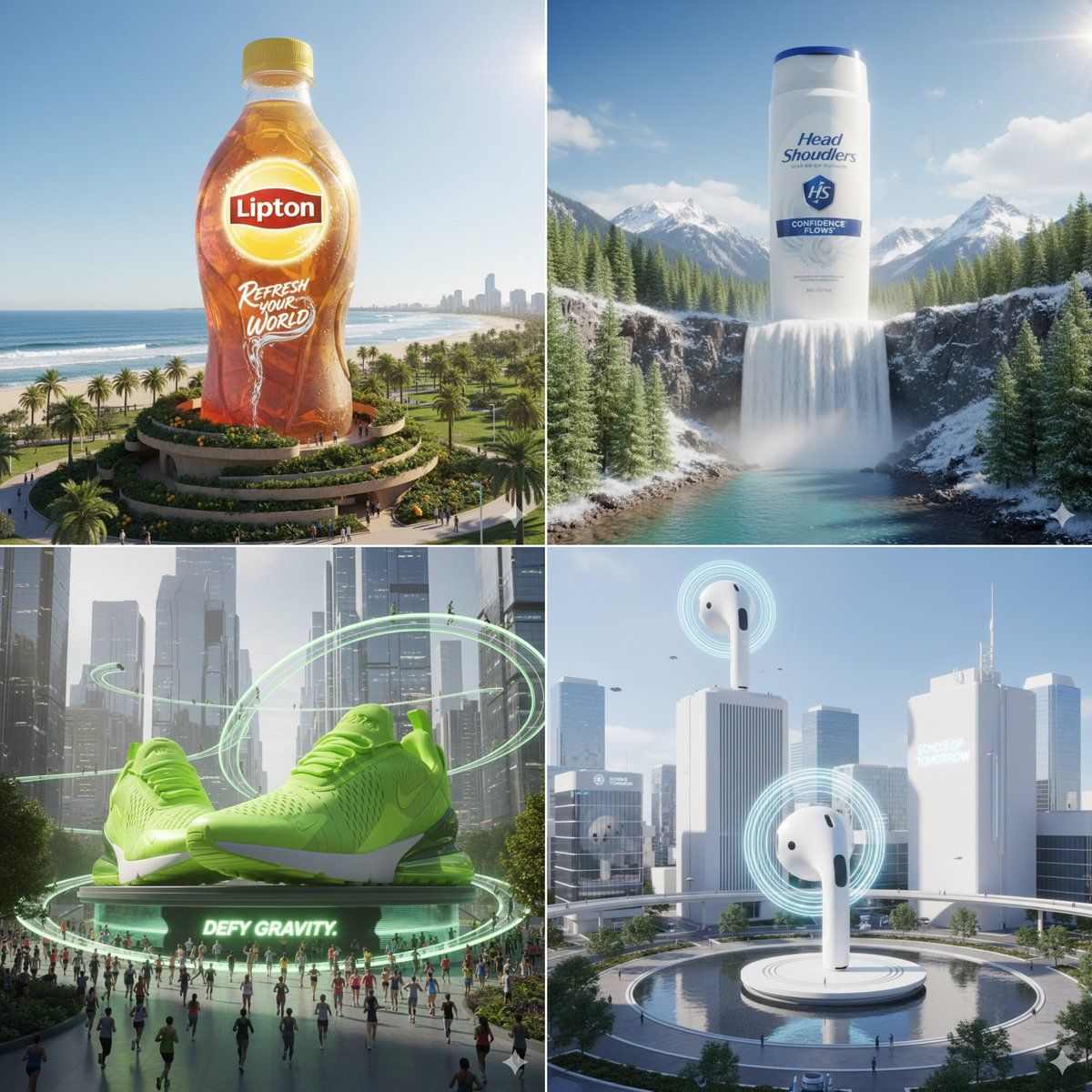
产品超逼真的CGI镜头
Enlarge

产品超逼真的CGI镜头

Prompt
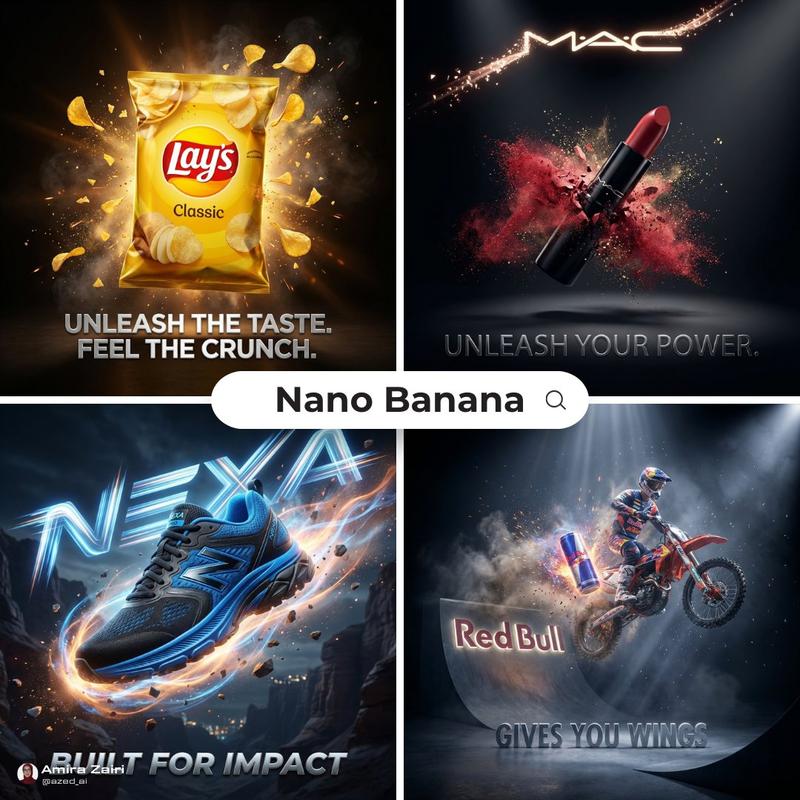
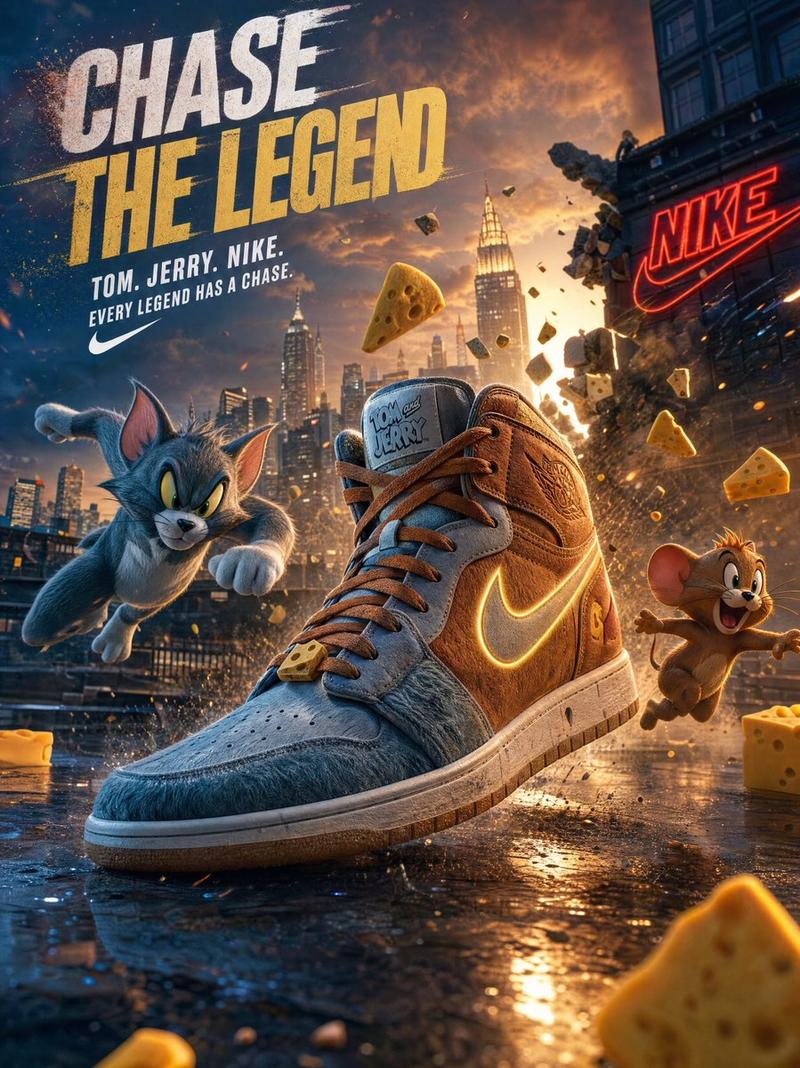
Ultra-realistic CGI shot of a giant [PRODUCT NAME HERE], seamlessly integrated into a matching real-world environment that reflects the product’s identity, surrounded by context-specific city or nature elements, cinematic composition with natural shadows and photorealistic reflections, high Kelvin sunlight for neutral lighting, captured in HDR 8K DSLR quality, surreal yet believable visual integration, brand logo clearly visible, slogan dynamically adapted to the product’s character, dramatic and immersive atmosphere, aspect ratio 2:3
超逼真的CGI镜头,拍摄一个巨大的 [此处填写产品名称],无缝融入到反映产品特性的现实环境中,周围环绕着特定环境的城市或自然元素,具有自然阴影和逼真反射的电影构图,高开尔文阳光用于中性照明,以 HDR 8K DSLR 质量捕捉,超现实但可信的视觉融合,品牌标识清晰可见,标语根据产品特性动态调整,戏剧性和沉浸式氛围,宽高比为 2:3
Category
Photography & Realism
Model
Unknown
Creator
aziz4ai
Views0
Source ID
hyper-realistic-cgi-product-shot

Guide

About "产品超逼真的CGI镜头"

What is this prompt for?

"产品超逼真的CGI镜头" AI image prompt for Unknown (Photography & Realism). Ultra-realistic CGI shot of a giant [PRODUCT NAME HERE], seamlessly integrated into a matchi…

The full copyable prompt and example visuals above are ready for AI image generation or one-click recreate in Picva.

How to use this prompt

  1. Step 1

    Open the prompt detail

    Review the example visuals, category, and full prompt text for "产品超逼真的CGI镜头".

  2. Step 2

    Copy the prompt

    Copy the prompt body from this page, or load it directly in Studio.

  3. Step 3

    Pick a model (Unknown)

    Prefer Unknown. If you switch models, keep subject and composition and tweak style terms.

  4. Step 4

    Generate and export

    Recreate the look in Picva, or export into your workflow for editing and publishing.

FAQ

What is the "产品超逼真的CGI镜头" prompt?
It is an AI image-generation prompt for Unknown in the Photography & Realism category. This page includes the full prompt text, example visuals, and a one-click recreate path in Picva.
How do I use this prompt to generate an image?
Copy the prompt from this page, or use Generate / Studio. Paste it into a compatible image model, or recreate the look in Picva with optional reference images.
Which model is this prompt for?
This page lists Unknown. Most descriptive prompts also transfer to nearby image models such as GPT Image, Flux, or Midjourney with light style tweaks.
Can I use the result commercially?
You can usually copy the prompt for creation, but commercial use of the final image depends on the model terms, reference-image rights, and the generated content. Follow the source author and platform rules.