20

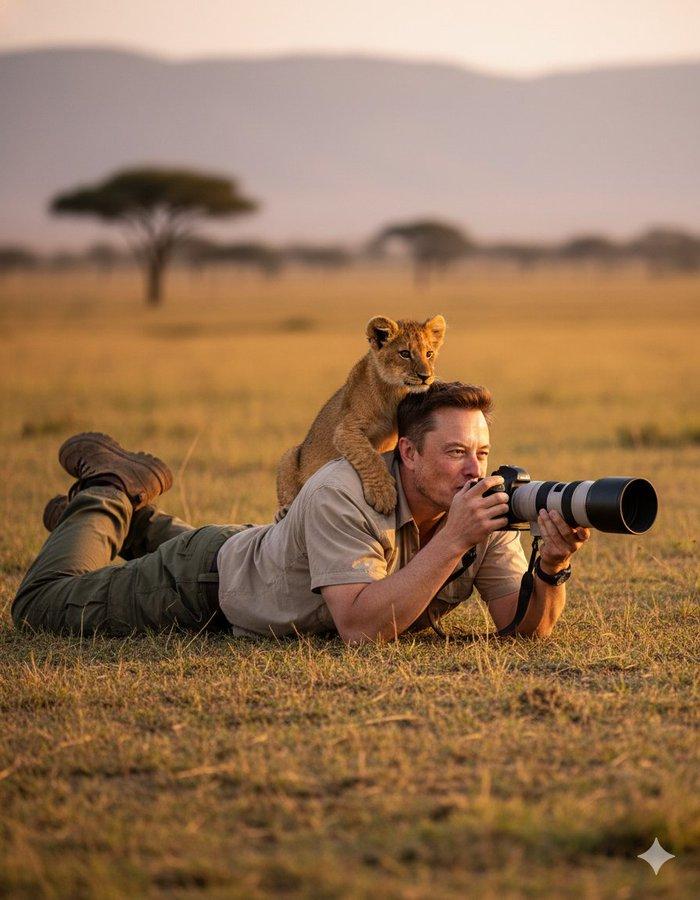
超逼真的野生动物摄影场景
Enlarge

Example images

超逼真的野生动物摄影场景

Prompt
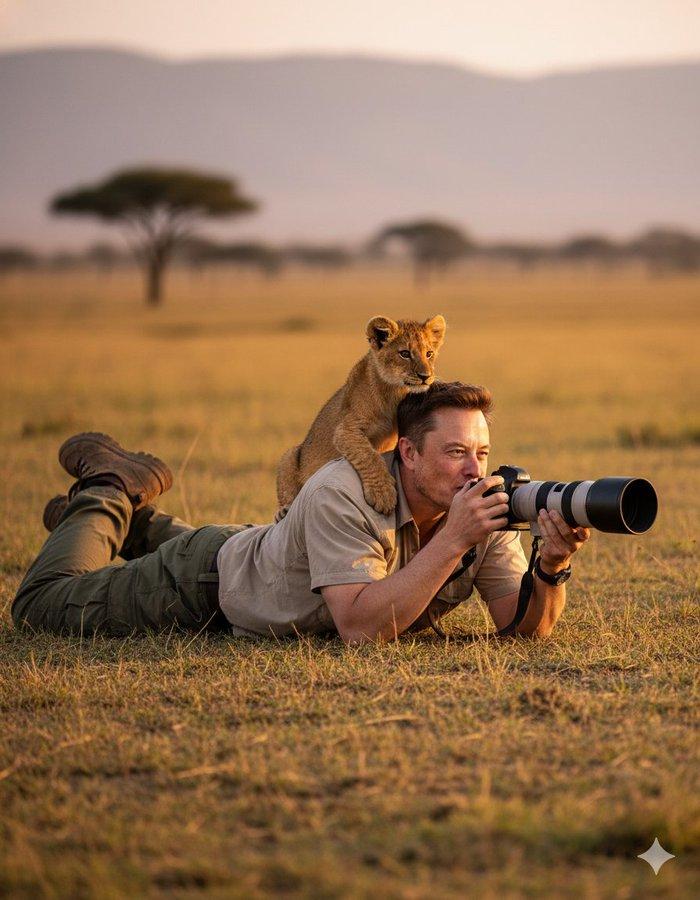
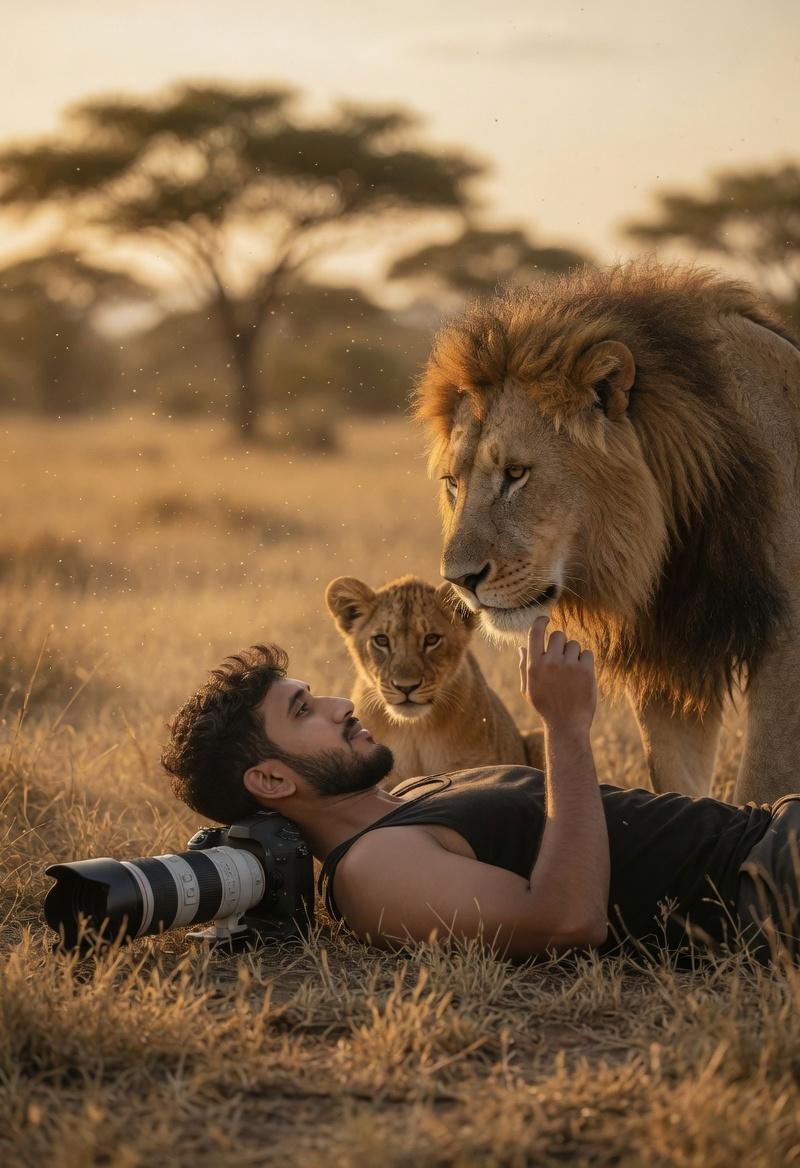
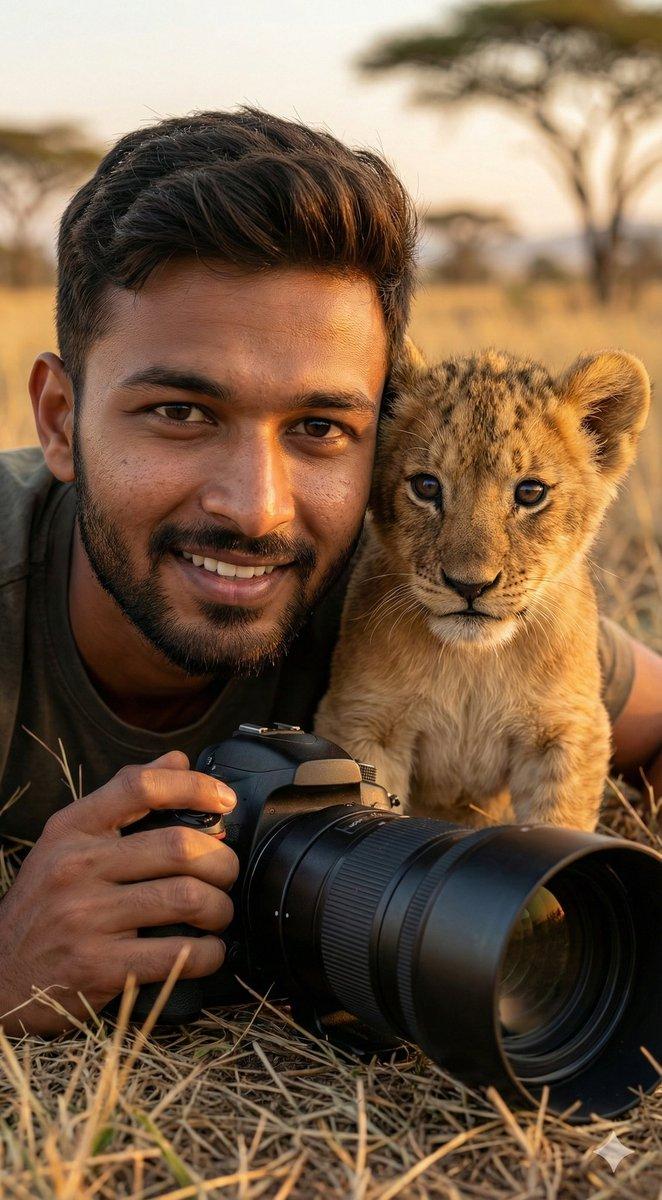
Ultra-realistic wildlife photography scene, (use reference face from uploaded photo). A man wearing proper wildlife-safari clothing — light brown outdoor shirt, rugged cargo pants, and sturdy field boots. He is lying flat on the grassy ground, holding a professional DSLR camera with a large telephoto lens, focusing on wildlife. On his shoulder sits a playful lion cub looking into the distance. Golden hour natural light, African savannah background, cinematic depth of field, 8K detail, vibrant colors. Keep my face 100% accurate. HD quality DSLR.
超逼真的野生动物摄影场景(使用上传照片中的参考人脸)。一位身着专业野生动物狩猎服的男子——浅棕色户外衬衫、结实耐用的工装裤和厚实的野外靴。他平躺在草地上,手持一台配备长焦镜头的专业单反相机,正专注于拍摄野生动物。他的肩上趴着一只活泼的小狮子,正眺望着远方。拍摄于黄金时段的自然光线下,以非洲稀树草原为背景,拥有电影级的景深,8K超高清细节,色彩鲜艳。力求100%还原我的面部特征。高清单反拍摄。
Category
Photography & Realism
Model
Unknown
Creator
Nano Banana Labs
Source language
zh-CN
Views0
Source ID
hyper-realistic-wildlife-photography-scene
Studio

Guide

About "超逼真的野生动物摄影场景"

What is this prompt for?

"超逼真的野生动物摄影场景" AI image prompt for Unknown (Photography & Realism). Ultra-realistic wildlife photography scene, (use reference face from uploaded photo). A man…

The full copyable prompt and example visuals above are ready for AI image generation or one-click recreate in Picva.

How to use this prompt

  1. Step 1

    Open the prompt detail

    Review the example visuals, category, and full prompt text for "超逼真的野生动物摄影场景".

  2. Step 2

    Copy the prompt

    Copy the prompt body from this page, or load it directly in Studio.

  3. Step 3

    Pick a model (Unknown)

    Prefer Unknown. If you switch models, keep subject and composition and tweak style terms.

  4. Step 4

    Generate and export

    Recreate the look in Picva, or export into your workflow for editing and publishing.

FAQ

What is the "超逼真的野生动物摄影场景" prompt?
It is an AI image-generation prompt for Unknown in the Photography & Realism category. This page includes the full prompt text, example visuals, and a one-click recreate path in Picva.
How do I use this prompt to generate an image?
Copy the prompt from this page, or use Generate / Studio. Paste it into a compatible image model, or recreate the look in Picva with optional reference images.
Which model is this prompt for?
This page lists Unknown. Most descriptive prompts also transfer to nearby image models such as GPT Image, Flux, or Midjourney with light style tweaks.
Can I use the result commercially?
You can usually copy the prompt for creation, but commercial use of the final image depends on the model terms, reference-image rights, and the generated content. Follow the source author and platform rules.