Creative Use CasesXCbotaiart.picsUnknown图片
图像边缘白边去除与图像质量增强解决方案
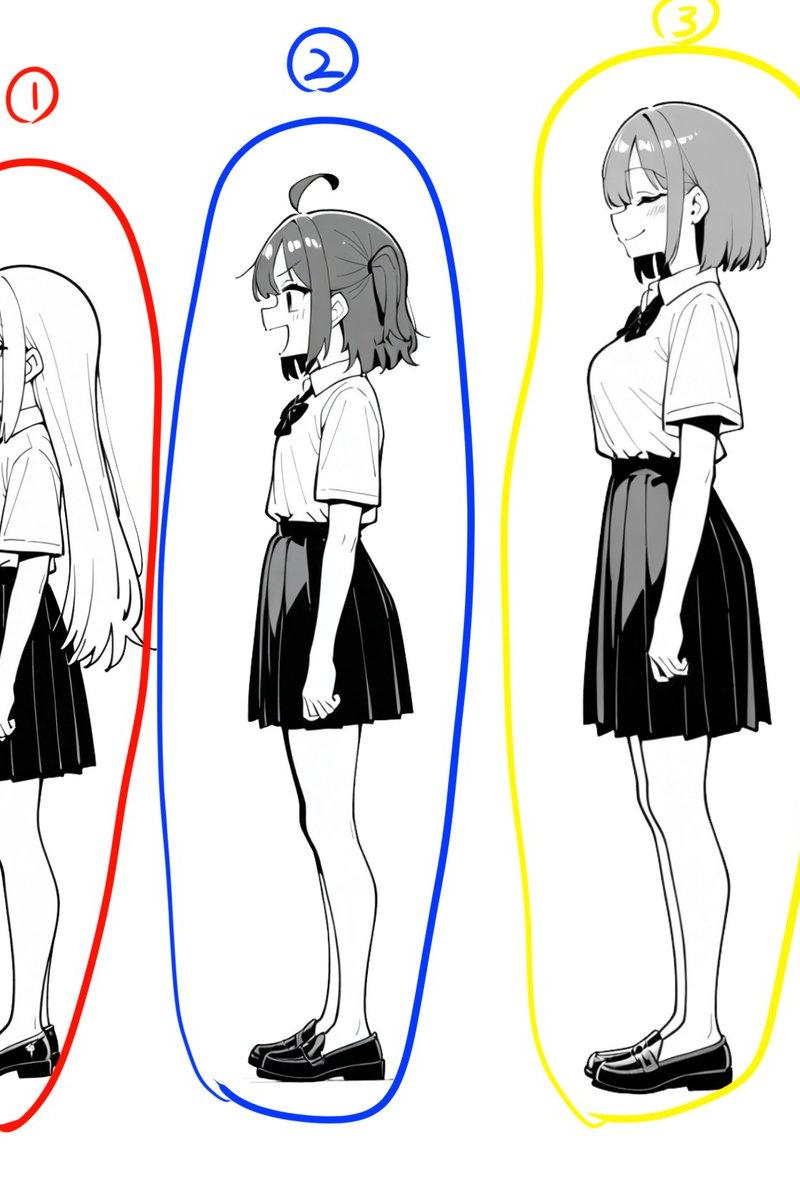
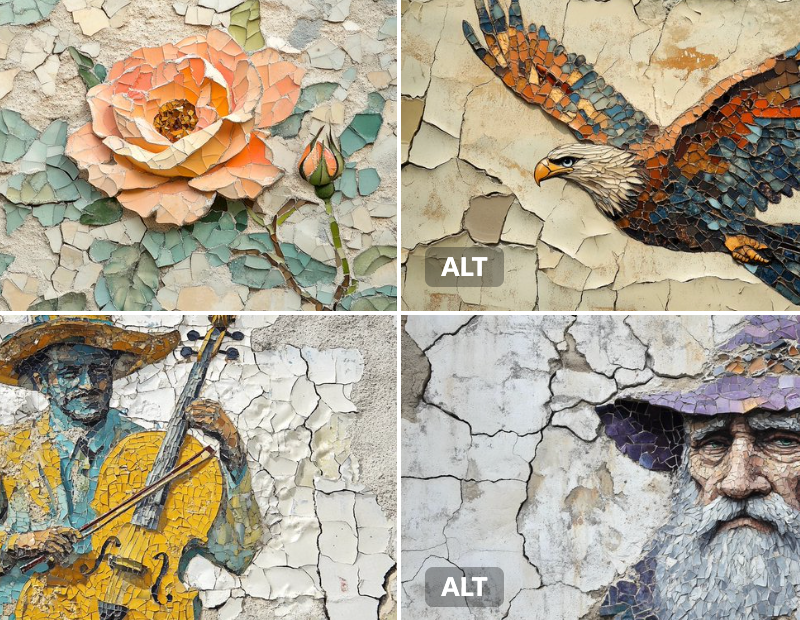
Problem solved! Now I can run a second AI pass after splitting the image to:
Remove the white borders left around the edges after cropping
Preserve (and even enhance) the image quality at the same time
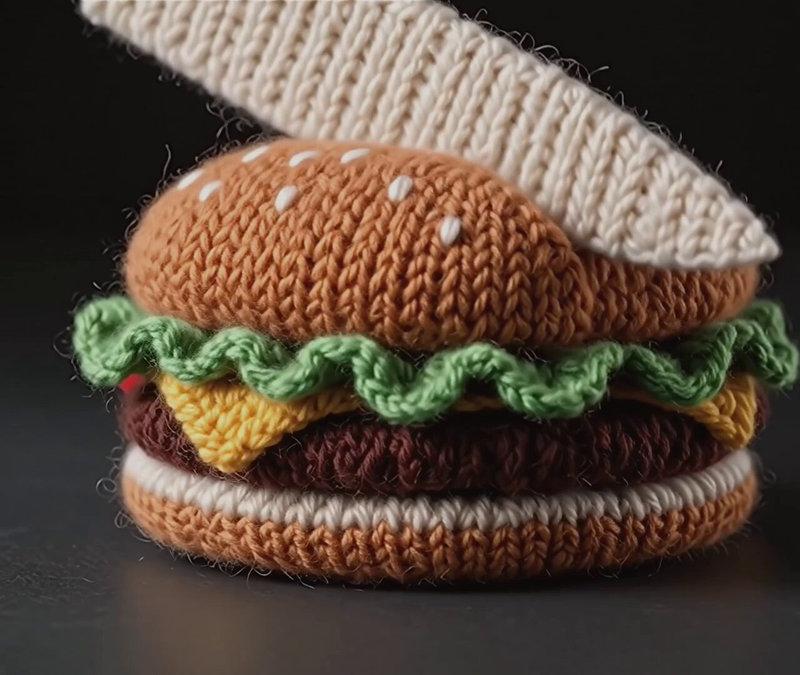
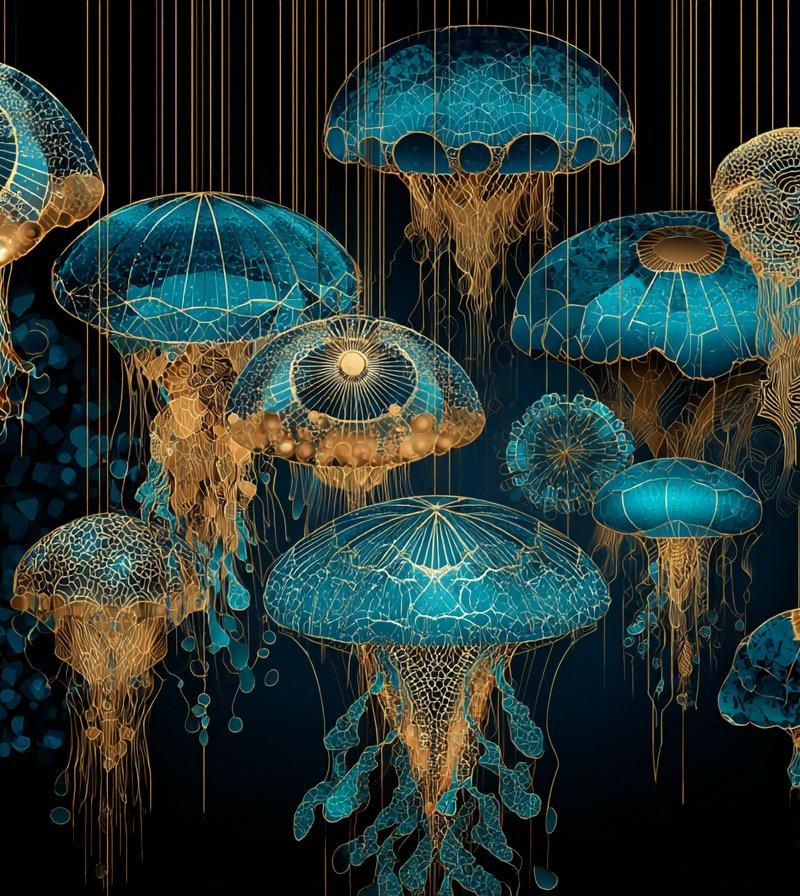
Left: white margins left on the edges during splitting
Right: after the second AI pass — clean edges, crisp and high-quality image ✅
- Category
- Creative Use Cases
- Model
- Unknown
- Creator
- underwood
- Source language
- zh-CN
- Source ID
- image-edge-white-border-removal-and-quality-enhancement
Views0
Full prompt
Problem solved! Now I can run a second AI pass after splitting the image to: Remove the white borders left around the edges after cropping Preserve (and even enhance) the image quality at the same time Left: white margins left on the edges during splitting Right: after the second AI pass — clean edges, crisp and high-quality image ✅
Translations1
图像边缘白边去除与图像质量增强解决方案
zh-CNProblem solved! Now I can run a second AI pass after splitting the image to: Remove the white borders left around the edges after cropping Preserve (and even enhance) the image quality at the same time Left: white margins left on the edges during splitting Right: after the second AI pass — clean edges, crisp and high-quality image ✅