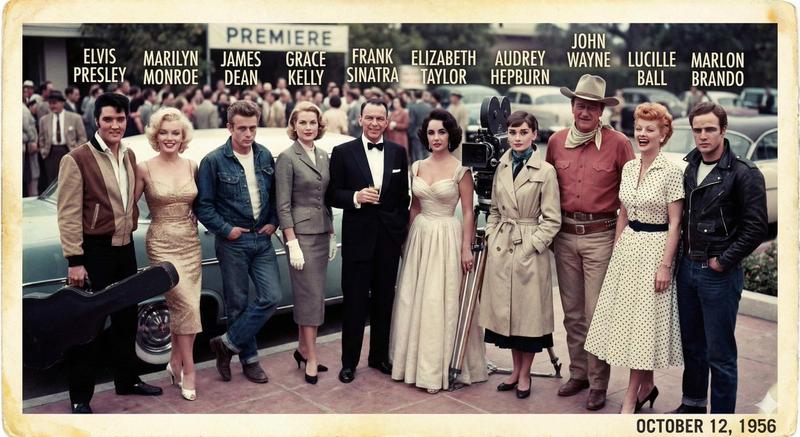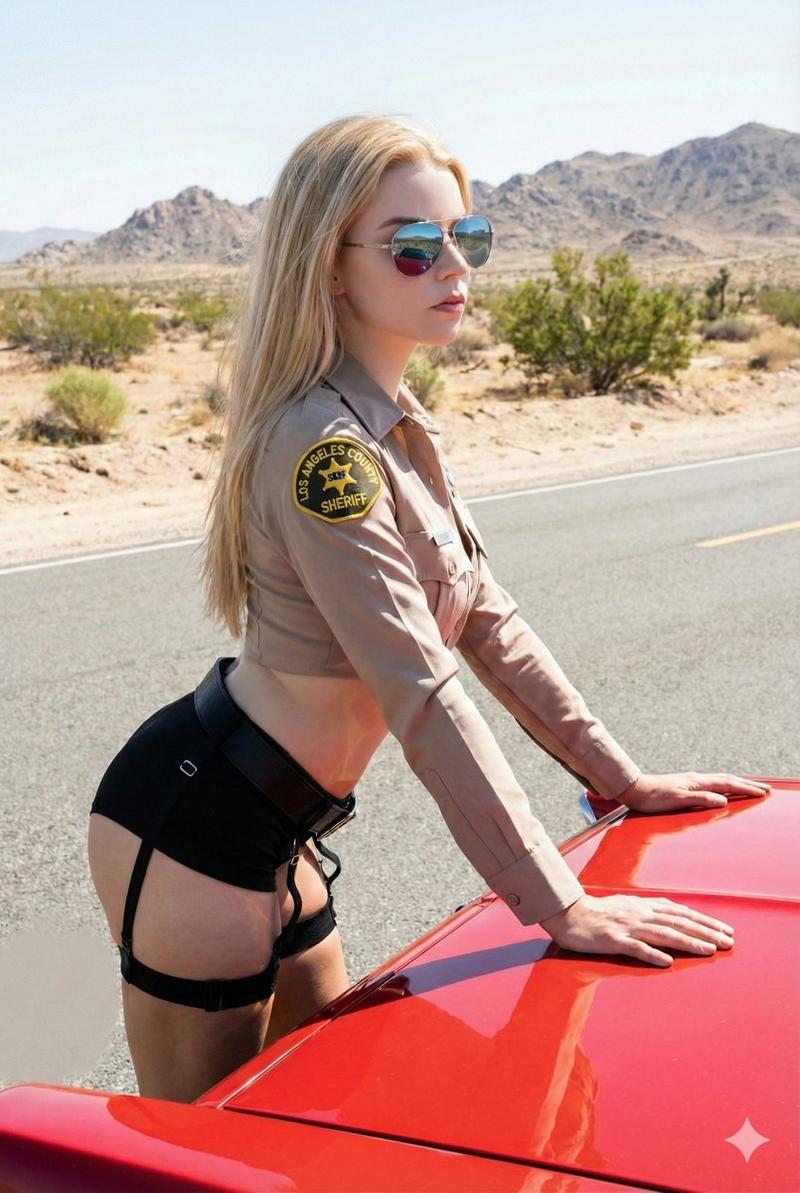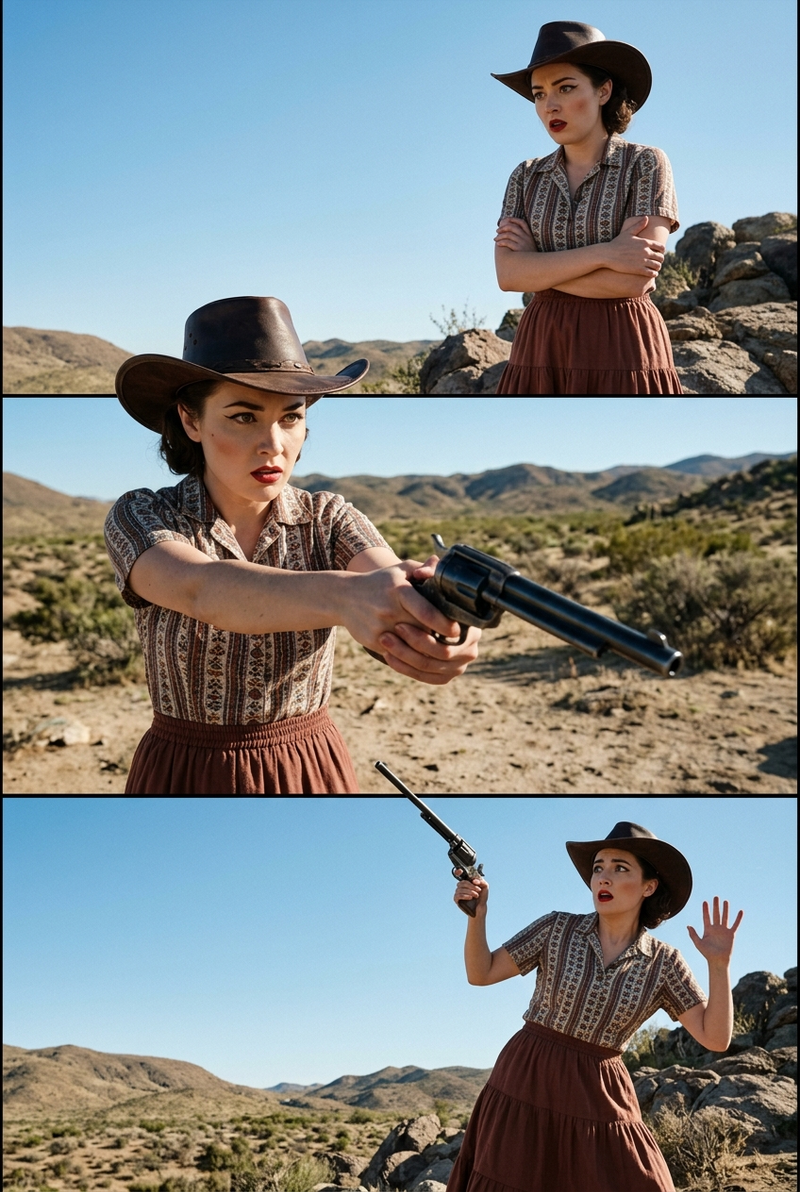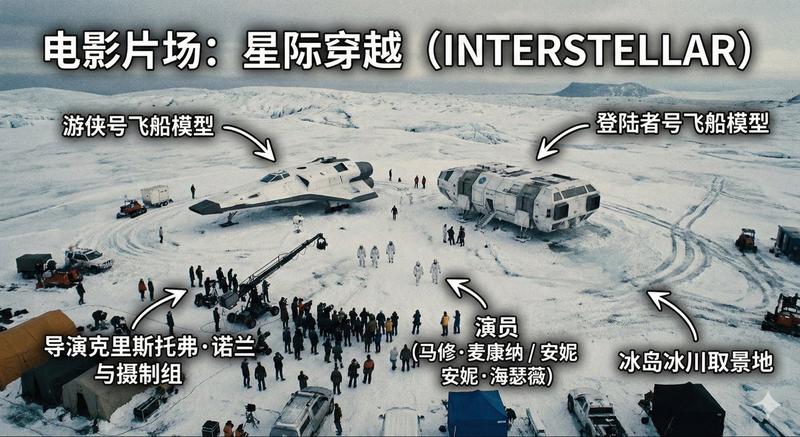
20

与MIN的提示互动🛸
Enlarge

与MIN的提示互动🛸

Prompt
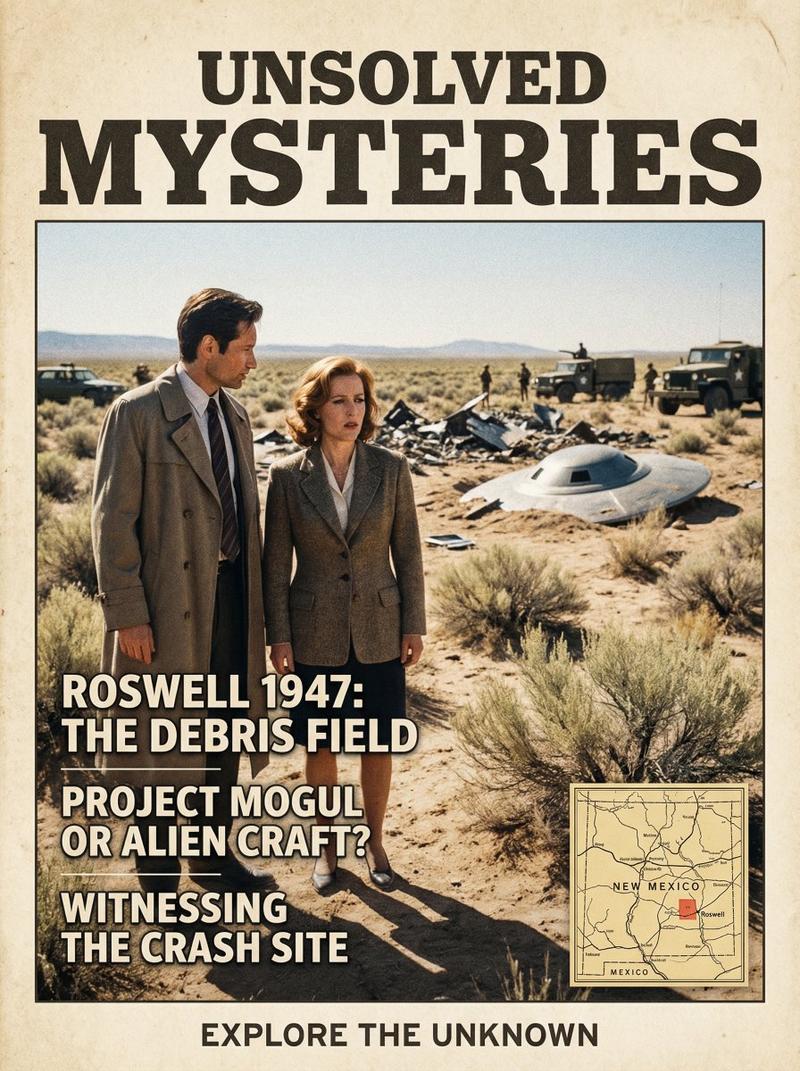
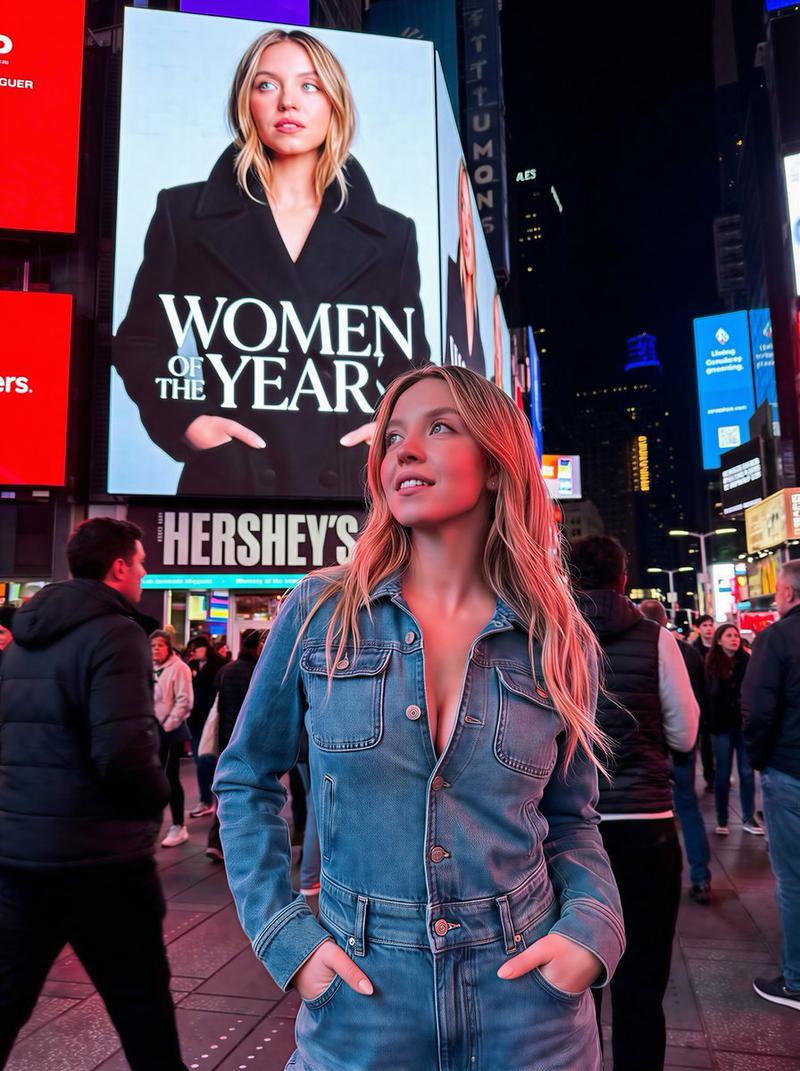
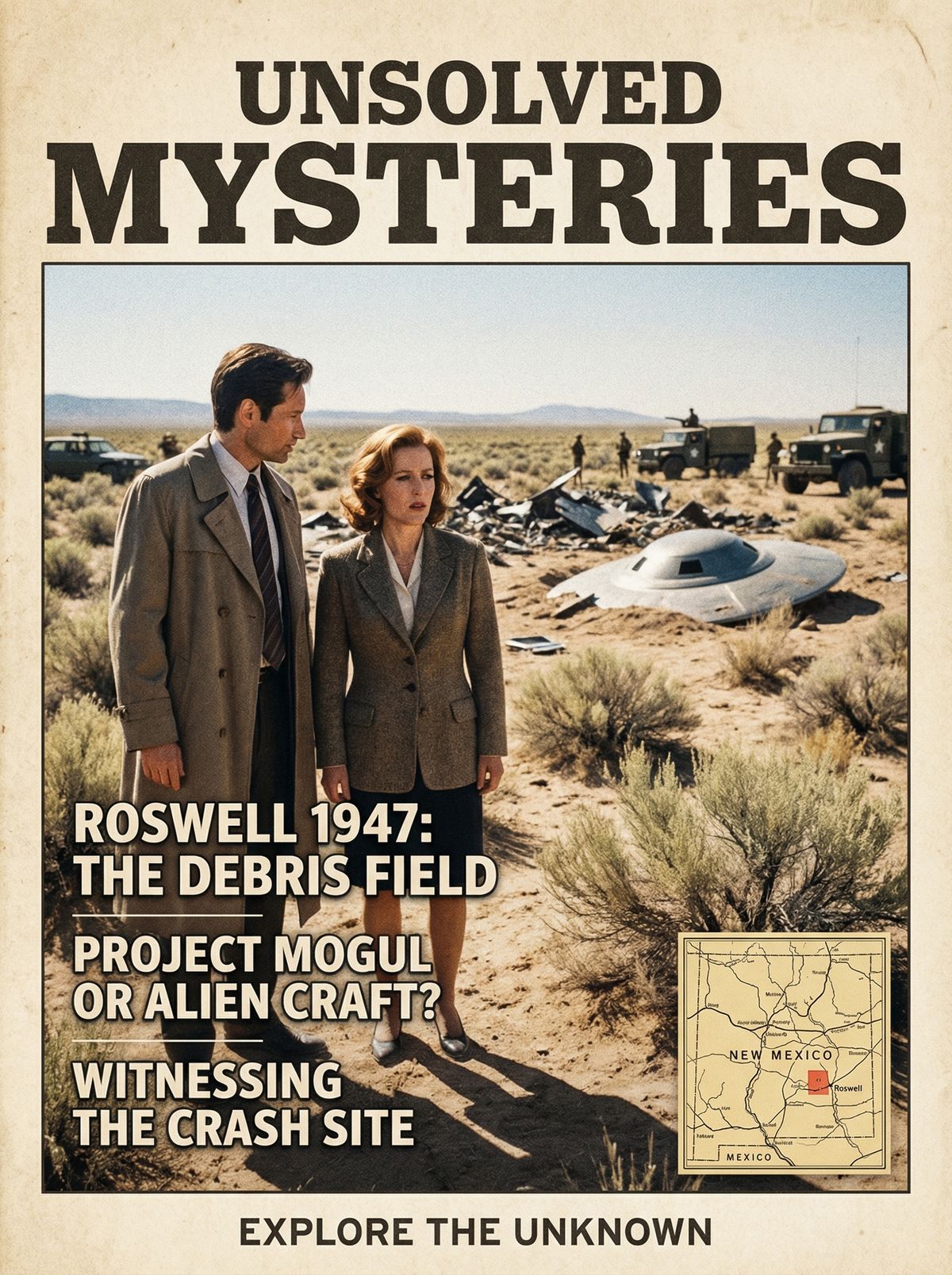
👽I HAD FUN PLAYING WITH MIN'S PROMPT🛸
Yeah sure you could do go to Disneyland but why do that WHEN THE TRUTH IS OUT THERE?
NANO BANANA PRO Prompt:
Create a beautiful, photo book style magazine cover that fully utilizes the 9:16 aspect ratio. Place the attached people at the precise coordinates of 33°57\'01"N, 105°18\'51"W on 24 June 1947 research the major historic event that happened there on that date and place the subjects witnessing it seamlessly blending the subjects into the scene as if they are sightseeing. Approach this task with the understanding that this is a critical page that will significantly influence visitor numbers. Include magazine stories about the specific location and reference the main interesting facts about the location, do not display the coordinates on the image but do include a small minimap of geographic location.
Category
Photography & Realism
Model
Nano Banana Pro
Views0
Source ID
interactive-with-mins-prompt

Guide

About "与MIN的提示互动🛸"

What is this prompt for?

"与MIN的提示互动🛸" AI image prompt for Nano Banana Pro (Photography & Realism). 👽I HAD FUN PLAYING WITH MIN'S PROMPT🛸 Yeah sure you could do go to Disneyland but…

The full copyable prompt and example visuals above are ready for AI image generation or one-click recreate in Picva.

How to use this prompt

  1. Step 1

    Open the prompt detail

    Review the example visuals, category, and full prompt text for "与MIN的提示互动🛸".

  2. Step 2

    Copy the prompt

    Copy the prompt body from this page, or load it directly in Studio.

  3. Step 3

    Pick a model (Nano Banana Pro)

    Prefer Nano Banana Pro. If you switch models, keep subject and composition and tweak style terms.

  4. Step 4

    Generate and export

    Recreate the look in Picva, or export into your workflow for editing and publishing.

FAQ

What is the "与MIN的提示互动🛸" prompt?
It is an AI image-generation prompt for Nano Banana Pro in the Photography & Realism category. This page includes the full prompt text, example visuals, and a one-click recreate path in Picva.
How do I use this prompt to generate an image?
Copy the prompt from this page, or use Generate / Studio. Paste it into a compatible image model, or recreate the look in Picva with optional reference images.
Which model is this prompt for?
This page lists Nano Banana Pro. Most descriptive prompts also transfer to nearby image models such as GPT Image, Flux, or Midjourney with light style tweaks.
Can I use the result commercially?
You can usually copy the prompt for creation, but commercial use of the final image depends on the model terms, reference-image rights, and the generated content. Follow the source author and platform rules.