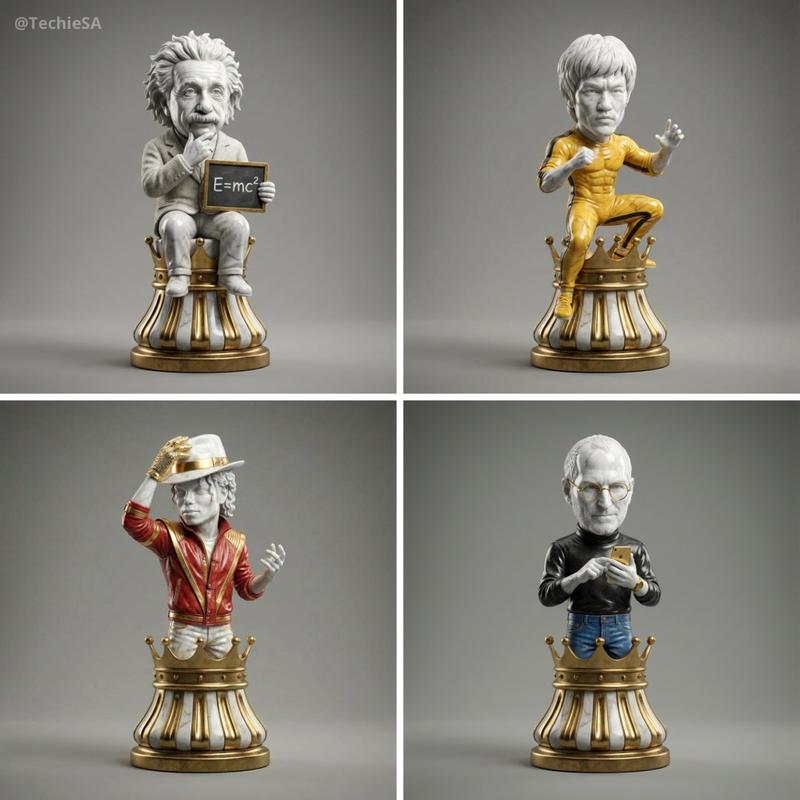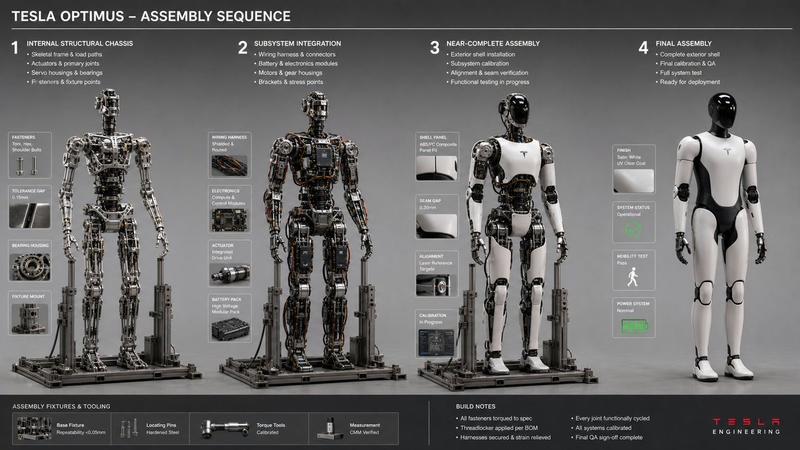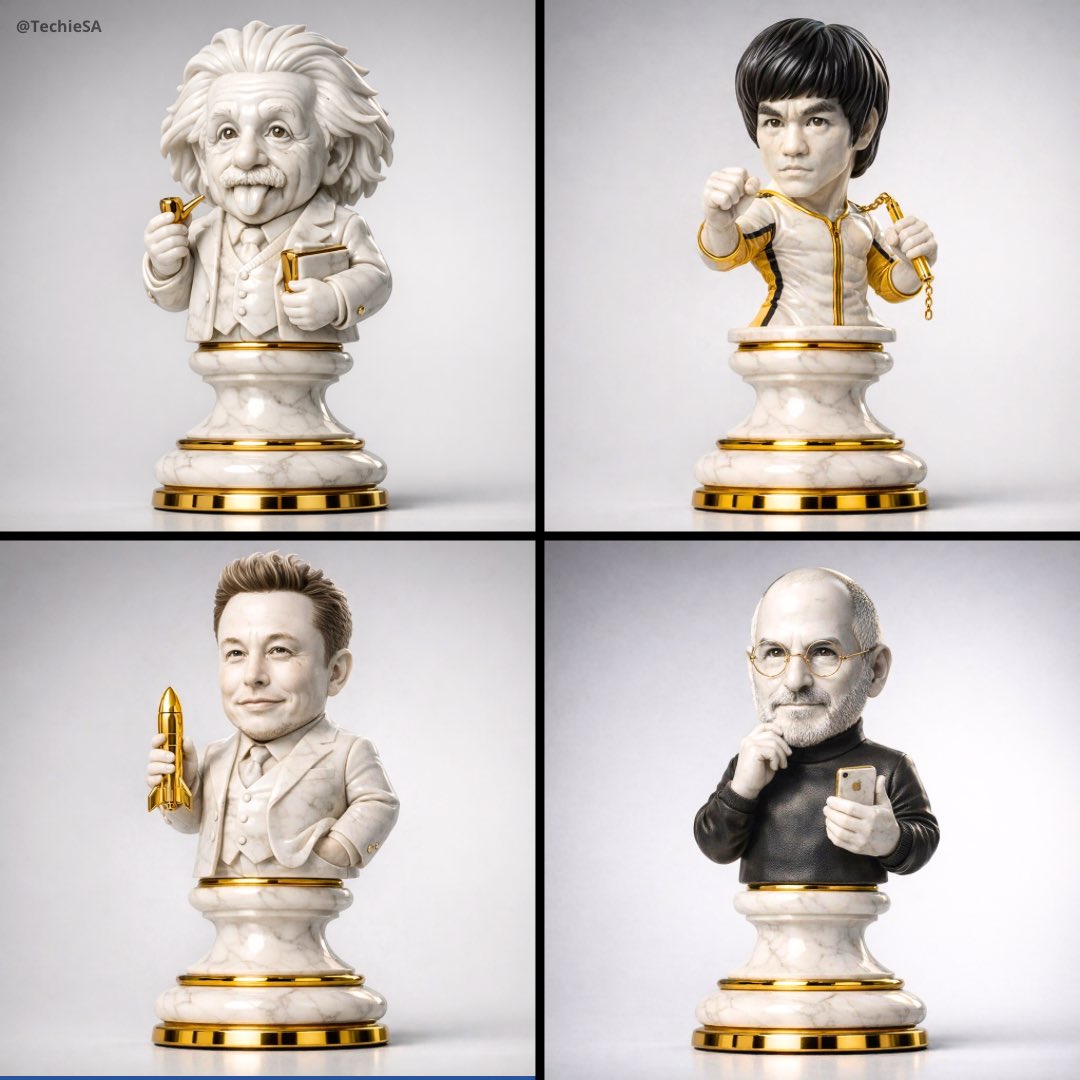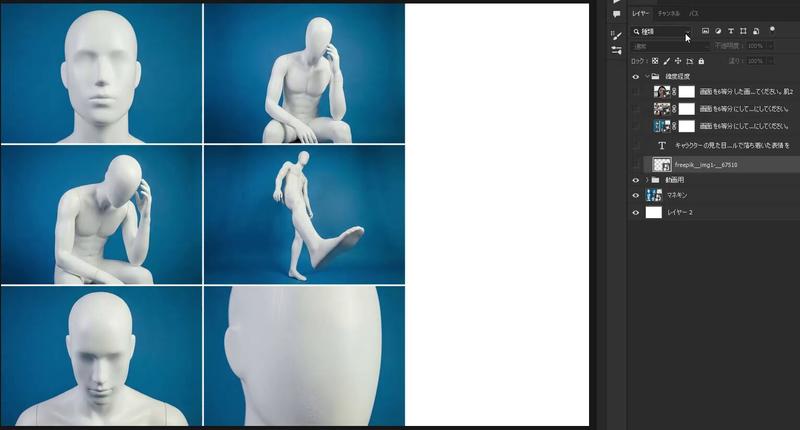
16

材料变形接触纸
Enlarge

材料变形接触纸

Prompt
Nano Banana Pro Prompt 📝
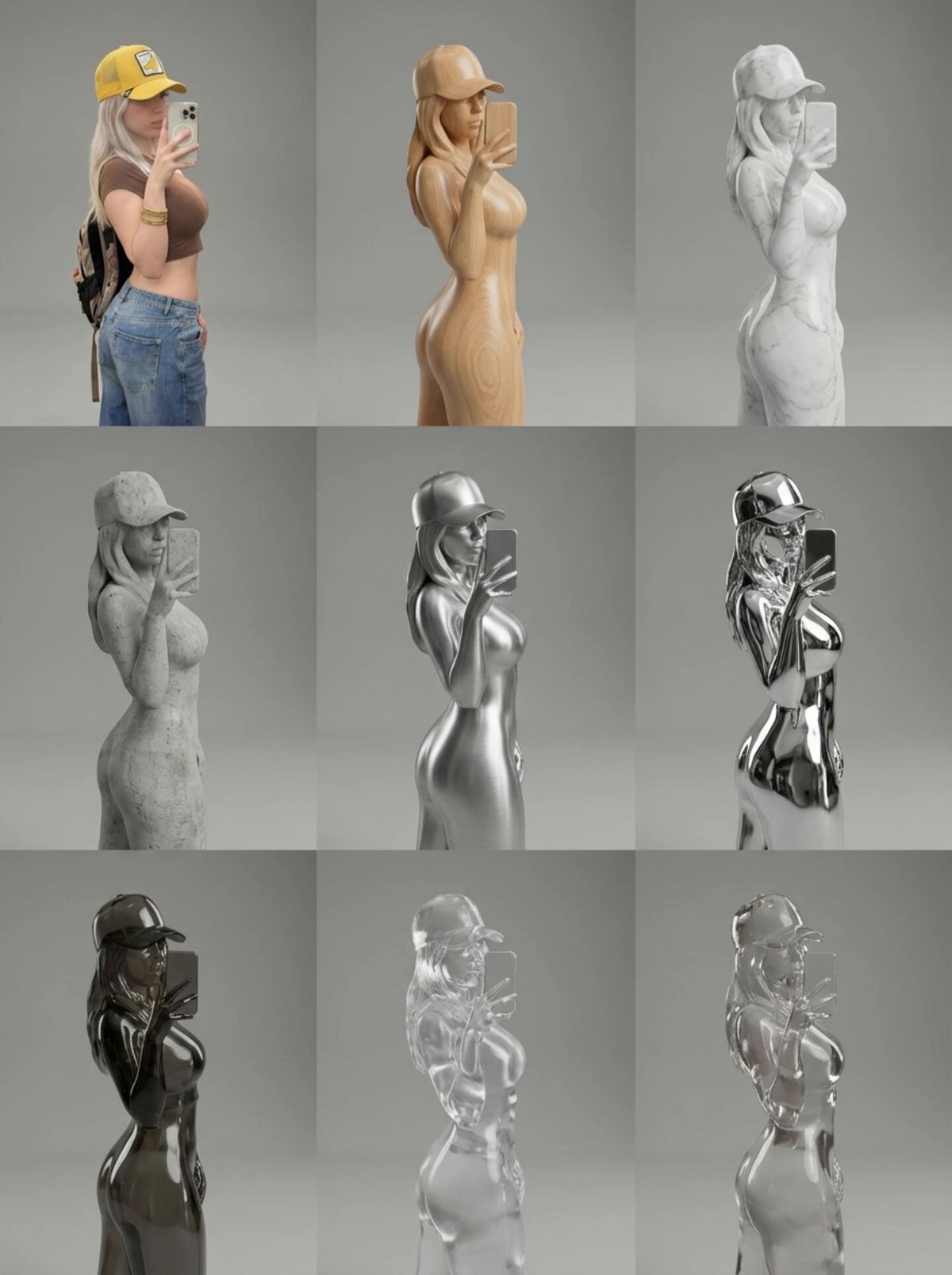
Material Morphing Contact Sheet
Here’s a clean, production ready Nano Banana Pro prompt built around material-morphing concept, optimized for taking an attached image/model and generating a perfect, ultra-realistic 3×3 contact sheet of material transformations.
Have some fun changing the materials and just edit the prompt to however you want!
prompt and sheet below👇
prompt;
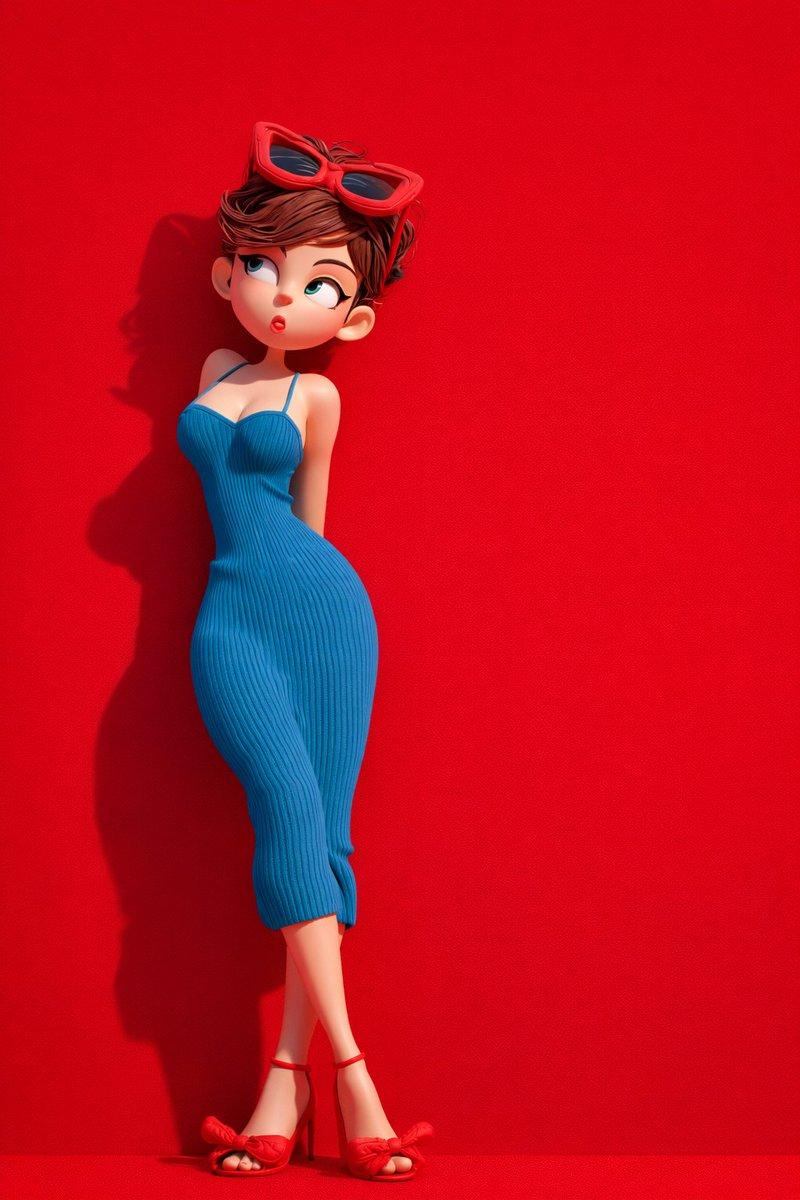
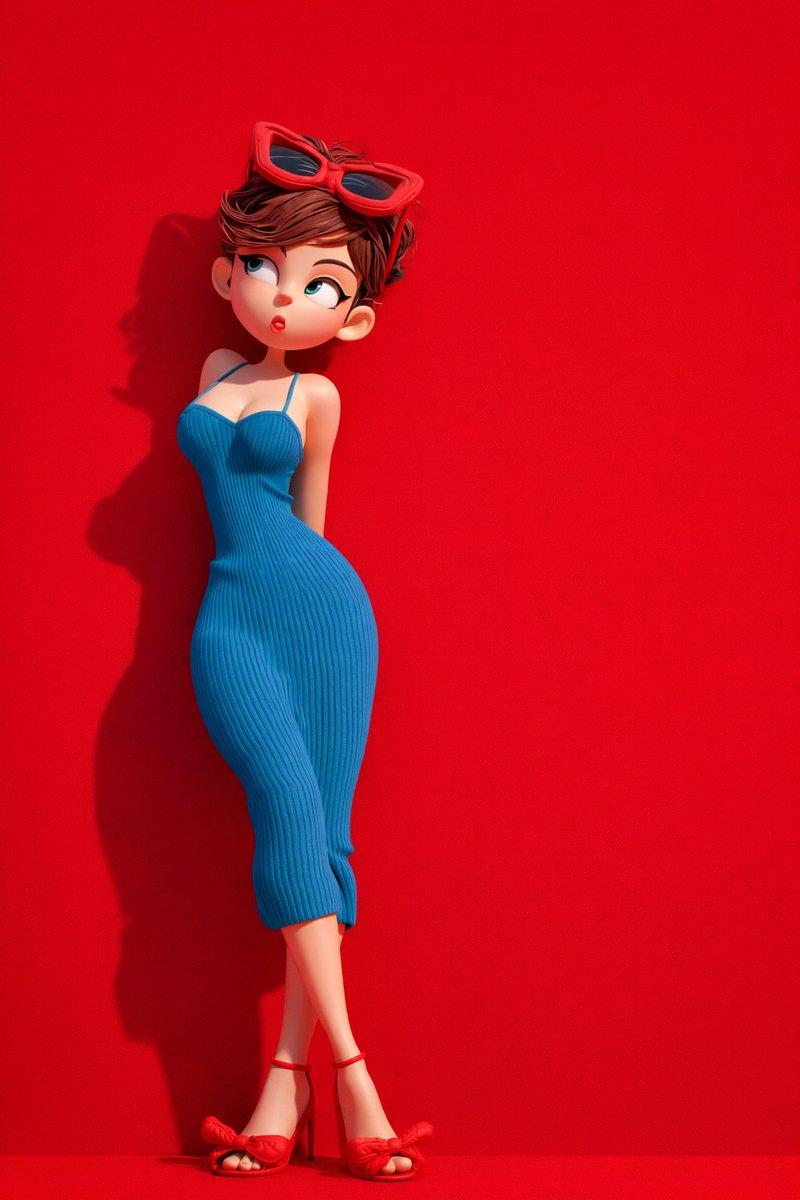
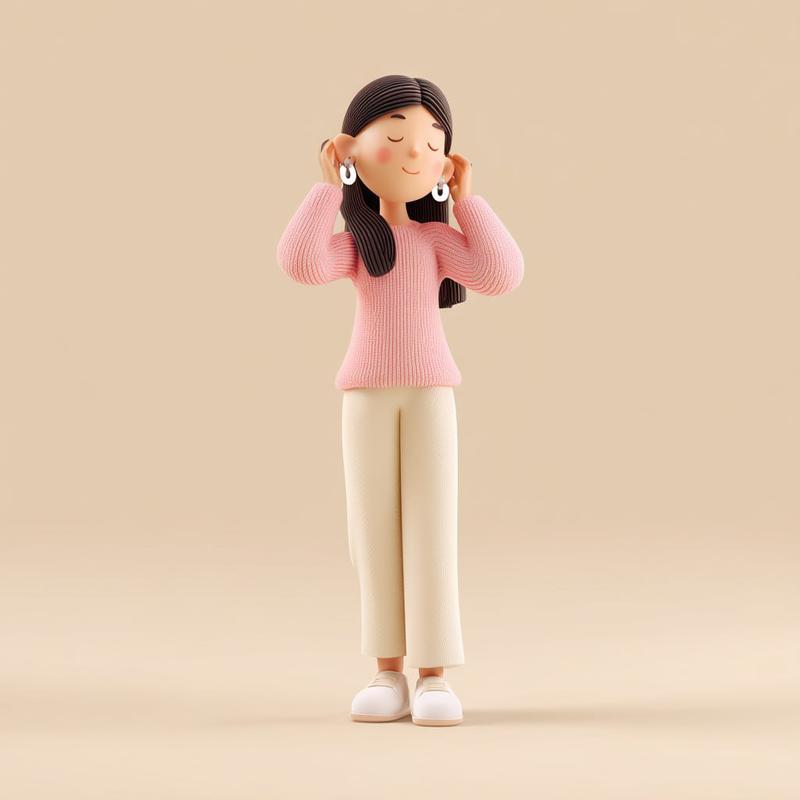
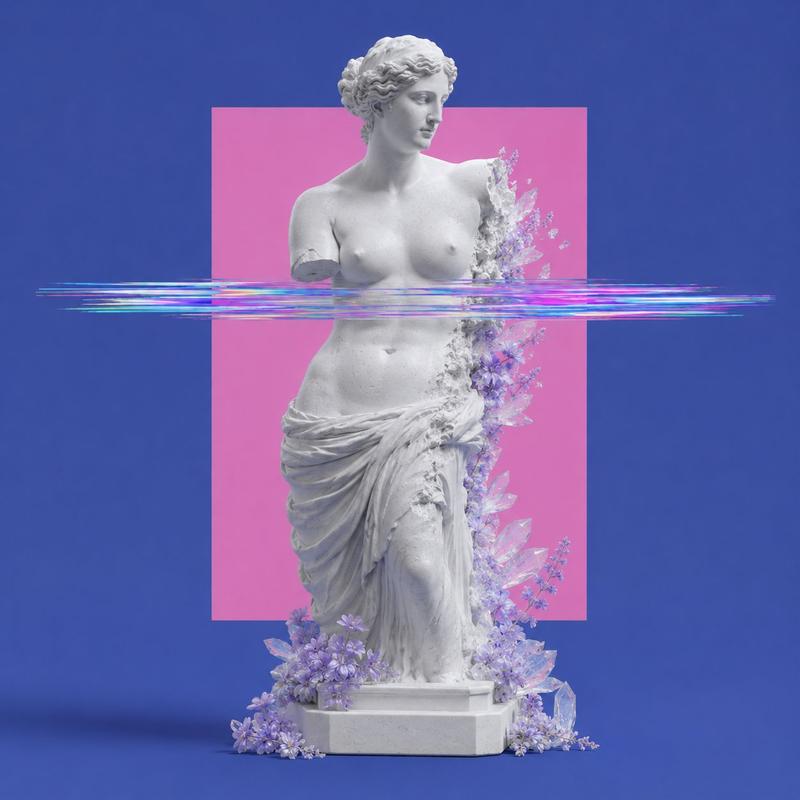
ultra minimalist real photography. Create a 3×3 contact sheet showing the attached subject undergoing a material-morphing transformation, each frame shifting into a different physical material while keeping identity, proportions, pose, and camera angle perfectly consistent. Start with the subject in normal realistic form, then progress through these materials in order: Wood grain (smooth, lightly polished) Marble stone (subtle veining) Raw concrete Brushed metal Chrome mirror Smoked glass Translucent resin Liquid form (glossy, cohesive surface tension) Each frame should look like a professional studio product shot with consistent lighting, a neutral backdrop, and a slight surreal tone—as if reality is shifting material by material without distorting the subject. Render with ultra-high-detail textures, physically correct reflections, and perfect continuity across all 9 frames. no text or numbers
used via @letz_ai then animated with @Kling_ai
Category
Photography & Realism
Model
Nano Banana Pro
Views0
Source ID
material-morphing-contact-sheet-v2gcq3

Guide

About "材料变形接触纸"

What is this prompt for?

"材料变形接触纸" AI image prompt for Nano Banana Pro (Photography & Realism). Nano Banana Pro Prompt 📝 Material Morphing Contact Sheet Here’s a clean, production rea…

The full copyable prompt and example visuals above are ready for AI image generation or one-click recreate in Picva.

How to use this prompt

  1. Step 1

    Open the prompt detail

    Review the example visuals, category, and full prompt text for "材料变形接触纸".

  2. Step 2

    Copy the prompt

    Copy the prompt body from this page, or load it directly in Studio.

  3. Step 3

    Pick a model (Nano Banana Pro)

    Prefer Nano Banana Pro. If you switch models, keep subject and composition and tweak style terms.

  4. Step 4

    Generate and export

    Recreate the look in Picva, or export into your workflow for editing and publishing.

FAQ

What is the "材料变形接触纸" prompt?
It is an AI image-generation prompt for Nano Banana Pro in the Photography & Realism category. This page includes the full prompt text, example visuals, and a one-click recreate path in Picva.
How do I use this prompt to generate an image?
Copy the prompt from this page, or use Generate / Studio. Paste it into a compatible image model, or recreate the look in Picva with optional reference images.
Which model is this prompt for?
This page lists Nano Banana Pro. Most descriptive prompts also transfer to nearby image models such as GPT Image, Flux, or Midjourney with light style tweaks.
Can I use the result commercially?
You can usually copy the prompt for creation, but commercial use of the final image depends on the model terms, reference-image rights, and the generated content. Follow the source author and platform rules.