17

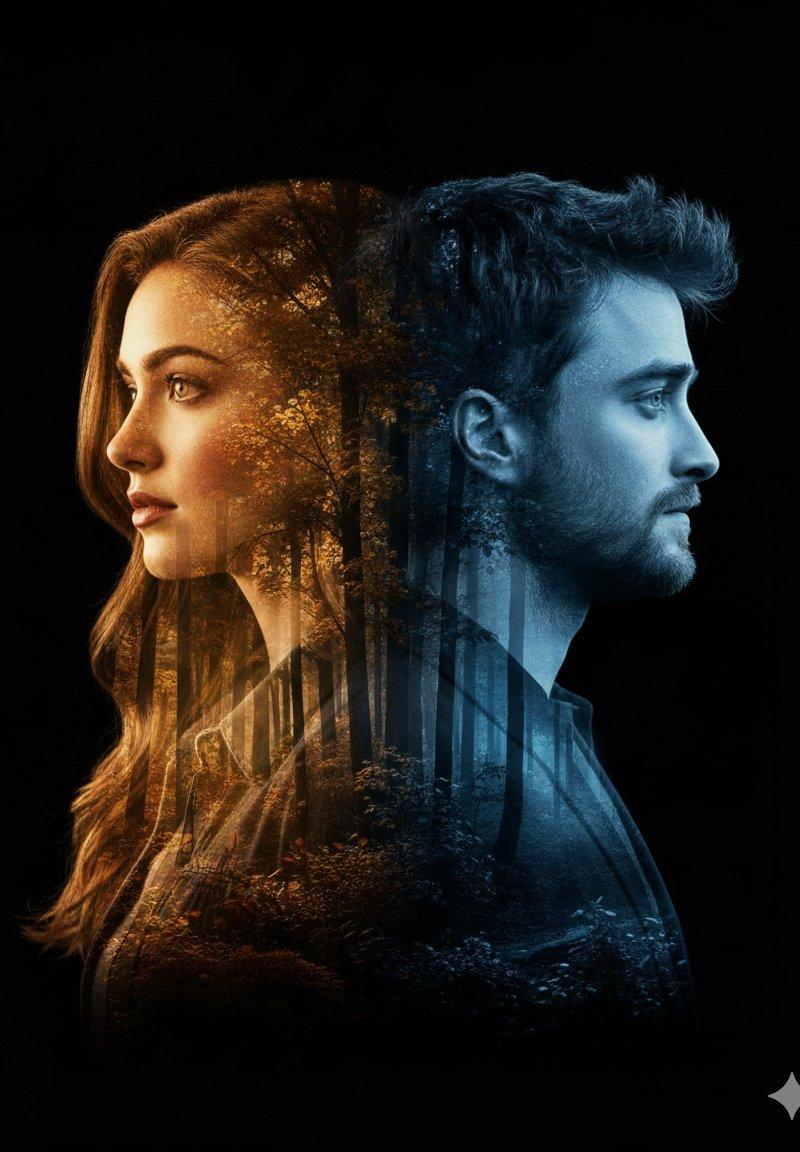
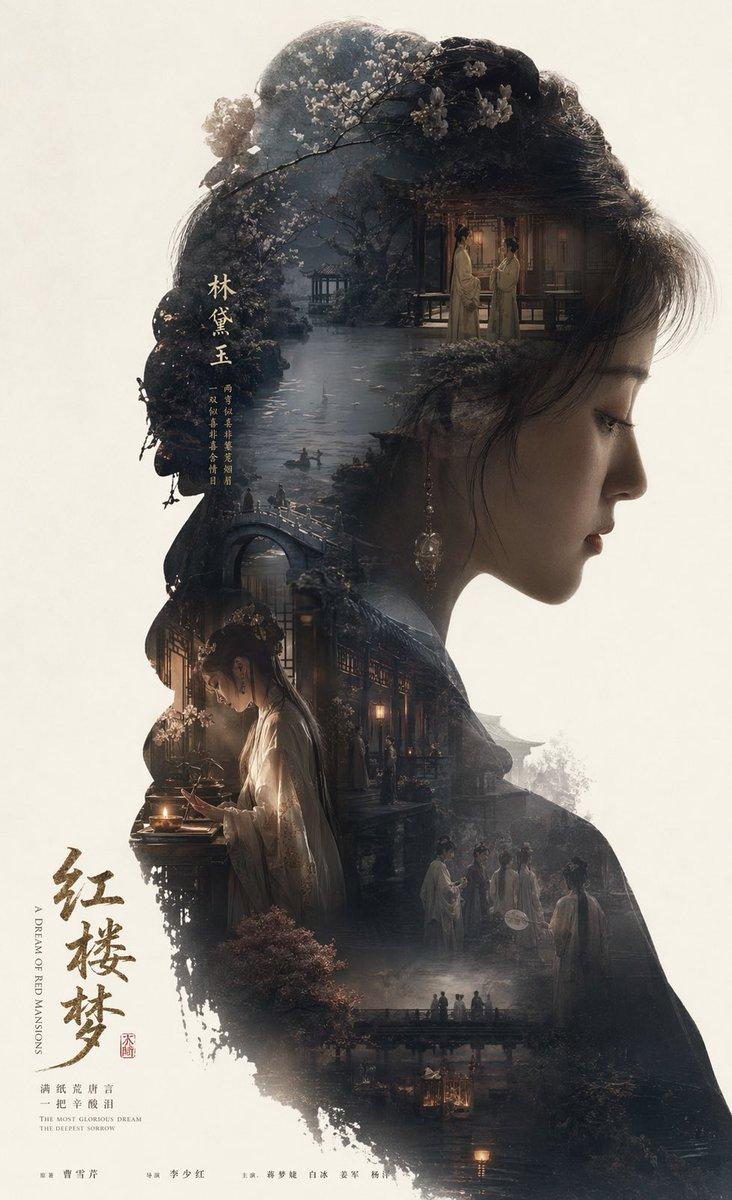
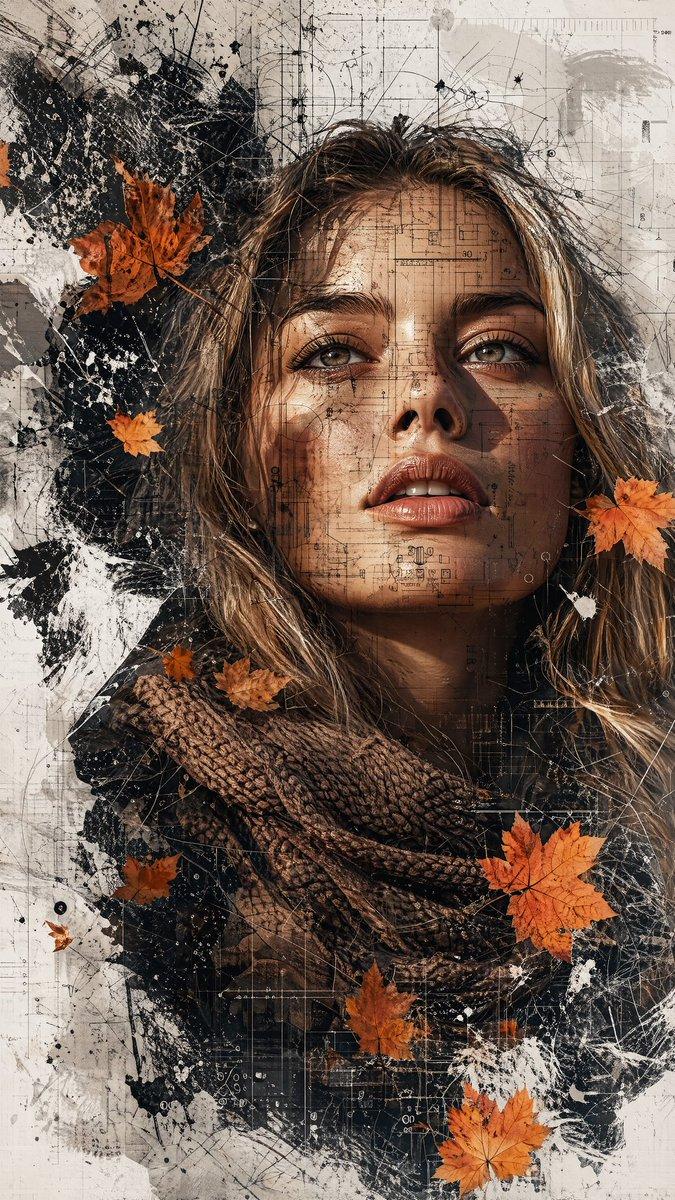
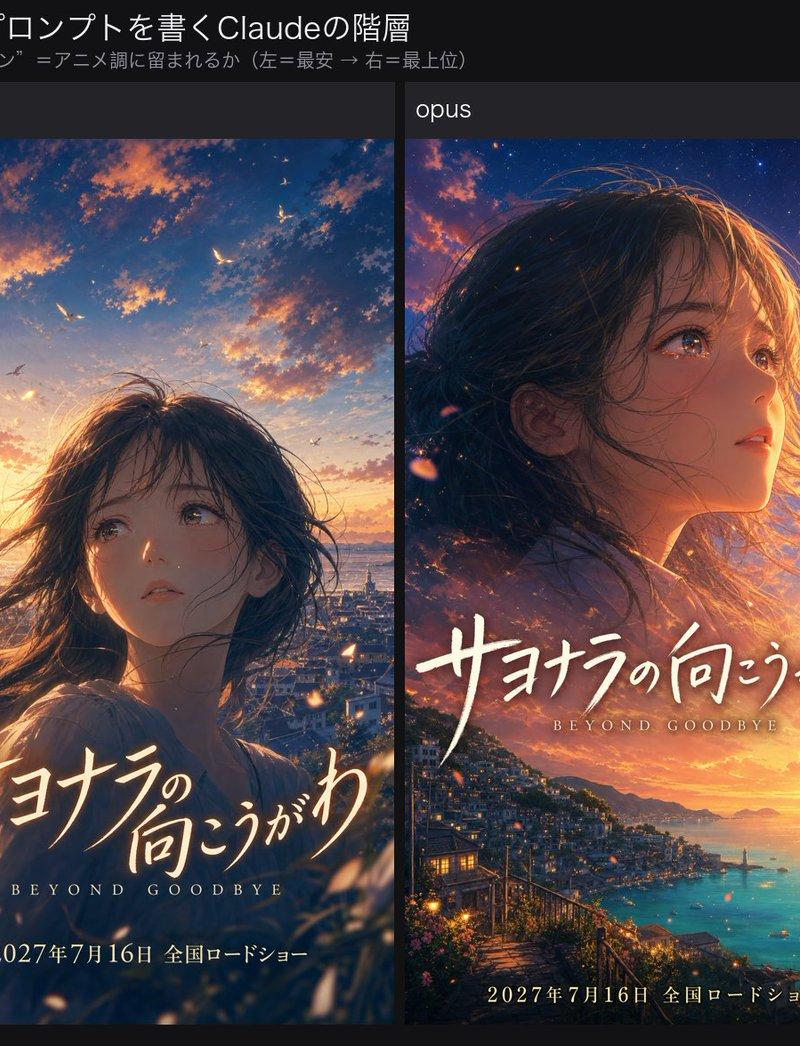
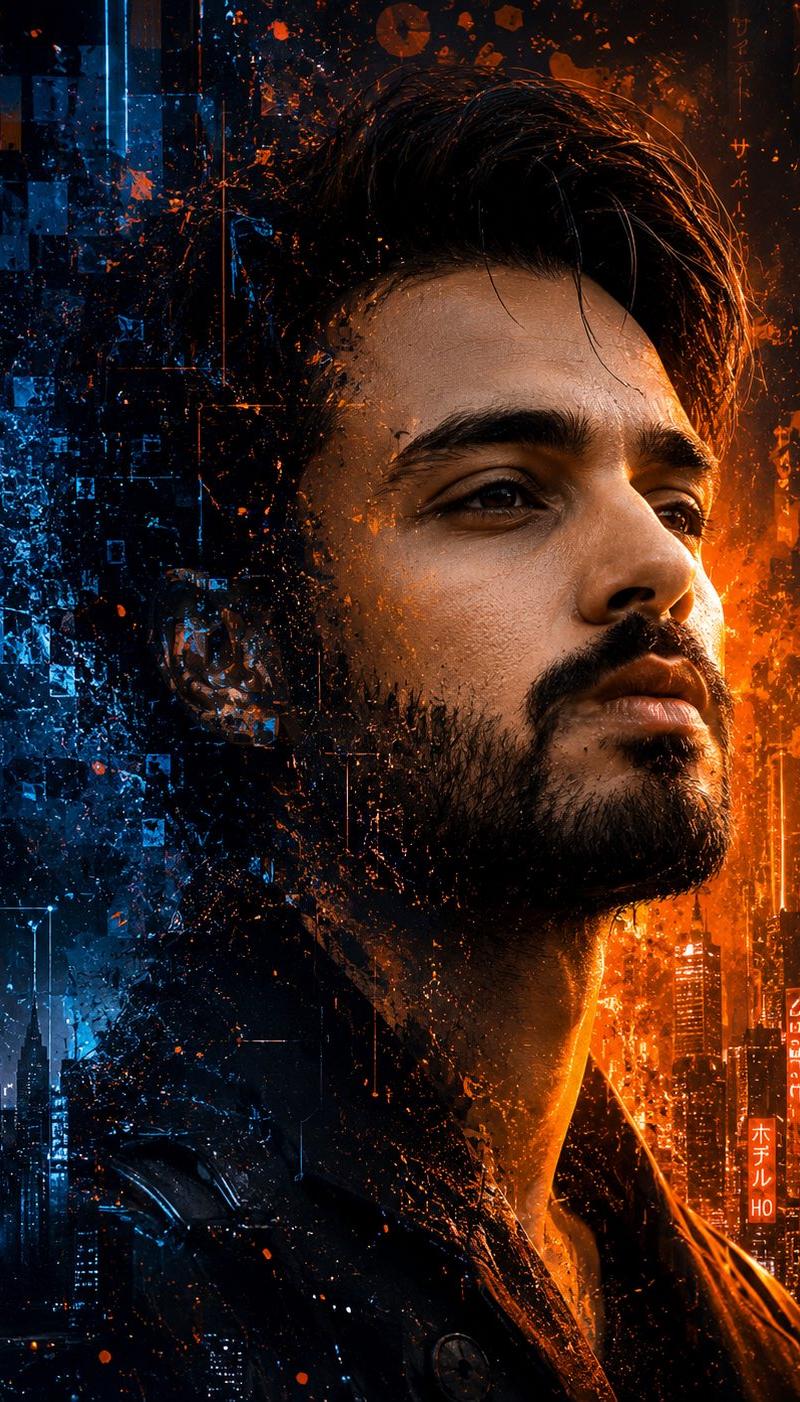
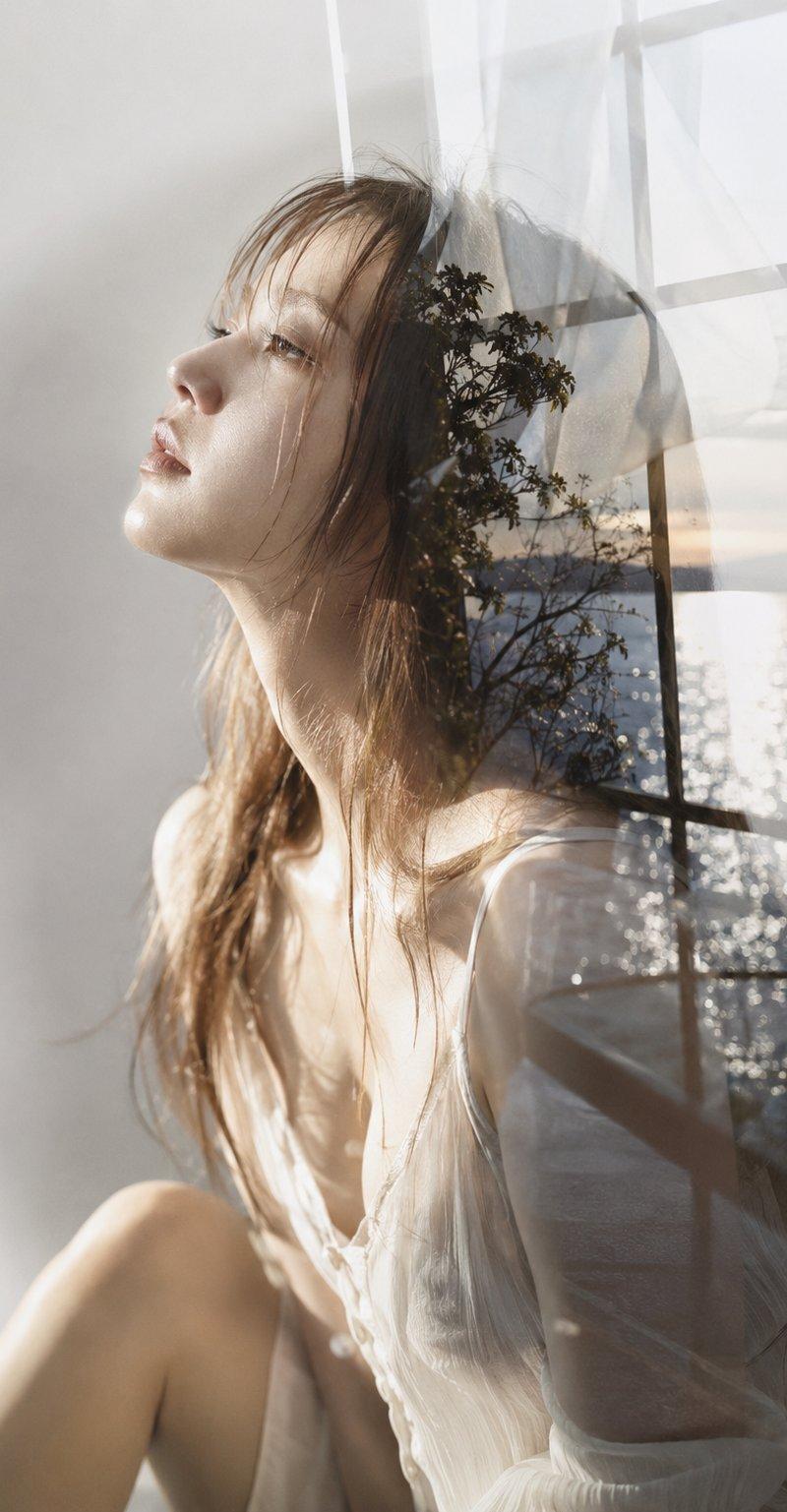
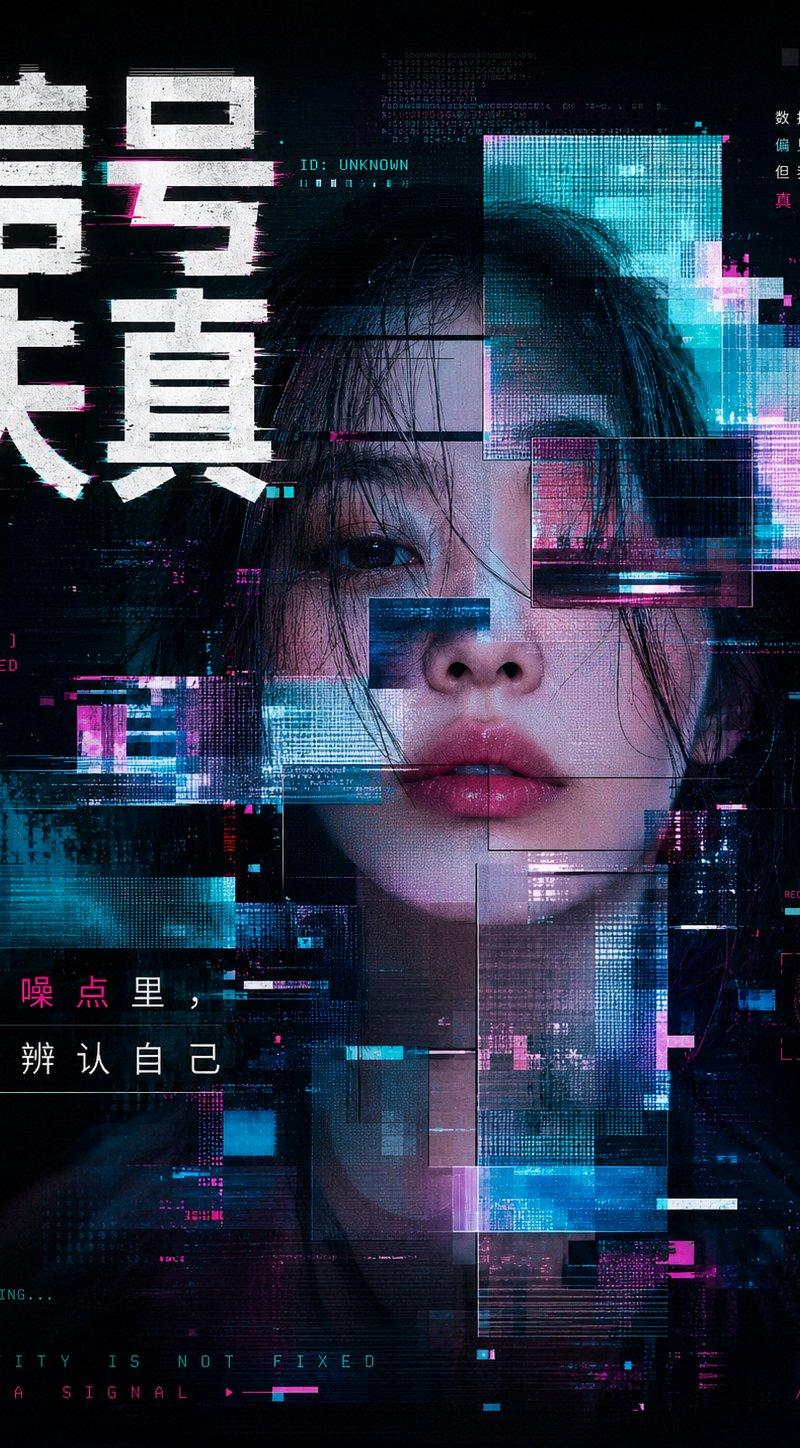
现代艺术风格电影式双重曝光海报
Enlarge

Example images

现代艺术风格电影式双重曝光海报

Prompt
z-image:
{
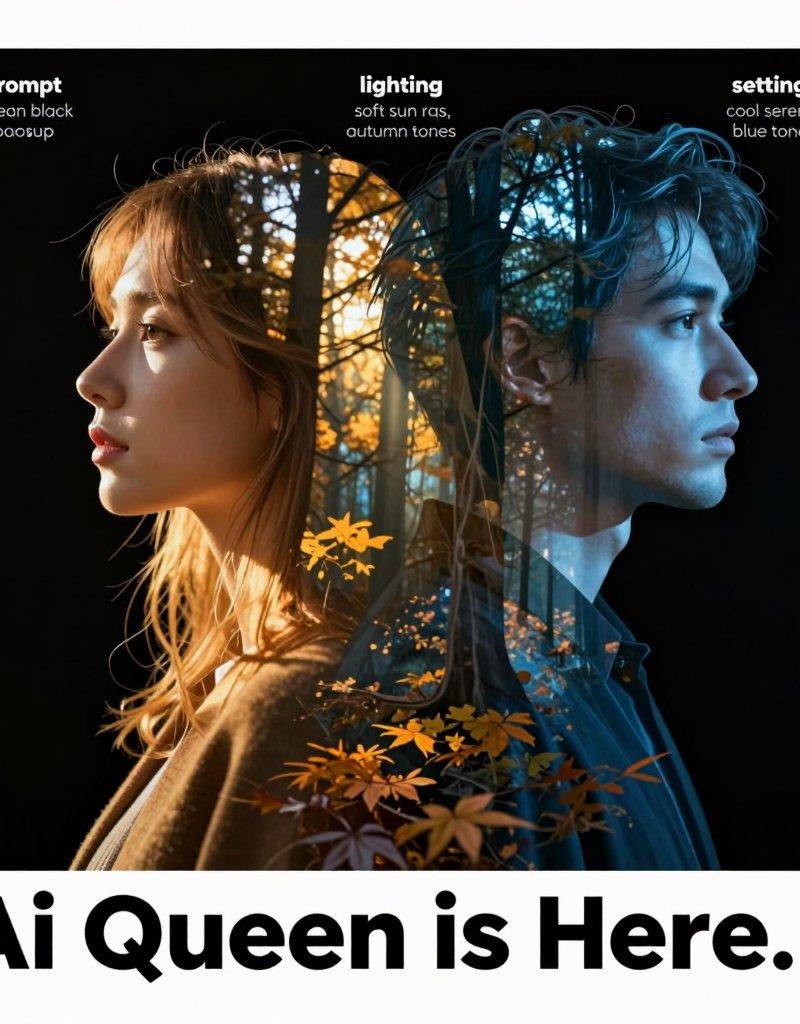
"prompt": "A cinematic double-exposure portrait featuring a woman in profile on the left and a man in profile on the right, both turned away from each other. Their silhouettes, including detailed facial features and hair outlines, blend seamlessly into a dense forest landscape with an artistic, modern pattern. The woman\'s side glows with warm golden autumn hues, while the man\'s side is illuminated by cool, serene blue tones. Soft rays of sunlight filter through the trees, adding depth, contrast, and emotional atmosphere. Smooth, natural lighting transitions and a clean black backdrop. Modern, artistic, emotionally expressive poster aesthetic. Bold title text at the bottom: \'Ai Queen is Here…\'.",
"style": [
"cinematic",
"double exposure",
"high-detail",
"artistic poster",
"emotional"
],
"settings": {
"background": "clean black backdrop",
"lighting": "soft sun rays, warm vs cool contrast",
"composition": "woman profile left, man profile right, both facing outward",
"color_palette": {
"woman_side": "warm golden autumn tones",
"man_side": "cool serene blue tones"
}
},
"effects": [
"smooth transitions between silhouettes and forest landscape",
"high contrast artistic glow",
"poster-quality finish"
],
"title_text": "Ai Queen is Here…",
"ratio": "3:4"
}
Category
Photography & Realism
Model
Unknown
Creator
岚叔
Source language
zh-CN
Views0
Source ID
modern-cinematic-double-exposure-artistic-poster
Studio

Guide

About "现代艺术风格电影式双重曝光海报"

What is this prompt for?

"现代艺术风格电影式双重曝光海报" AI image prompt for Unknown (Photography & Realism). z-image: { "prompt": "A cinematic double-exposure portrait featuring a woman in profile…

The full copyable prompt and example visuals above are ready for AI image generation or one-click recreate in Picva.

How to use this prompt

  1. Step 1

    Open the prompt detail

    Review the example visuals, category, and full prompt text for "现代艺术风格电影式双重曝光海报".

  2. Step 2

    Copy the prompt

    Copy the prompt body from this page, or load it directly in Studio.

  3. Step 3

    Pick a model (Unknown)

    Prefer Unknown. If you switch models, keep subject and composition and tweak style terms.

  4. Step 4

    Generate and export

    Recreate the look in Picva, or export into your workflow for editing and publishing.

FAQ

What is the "现代艺术风格电影式双重曝光海报" prompt?
It is an AI image-generation prompt for Unknown in the Photography & Realism category. This page includes the full prompt text, example visuals, and a one-click recreate path in Picva.
How do I use this prompt to generate an image?
Copy the prompt from this page, or use Generate / Studio. Paste it into a compatible image model, or recreate the look in Picva with optional reference images.
Which model is this prompt for?
This page lists Unknown. Most descriptive prompts also transfer to nearby image models such as GPT Image, Flux, or Midjourney with light style tweaks.
Can I use the result commercially?
You can usually copy the prompt for creation, but commercial use of the final image depends on the model terms, reference-image rights, and the generated content. Follow the source author and platform rules.