18

Nano Banana创意制作流程
Enlarge

Nano Banana创意制作流程

Prompt
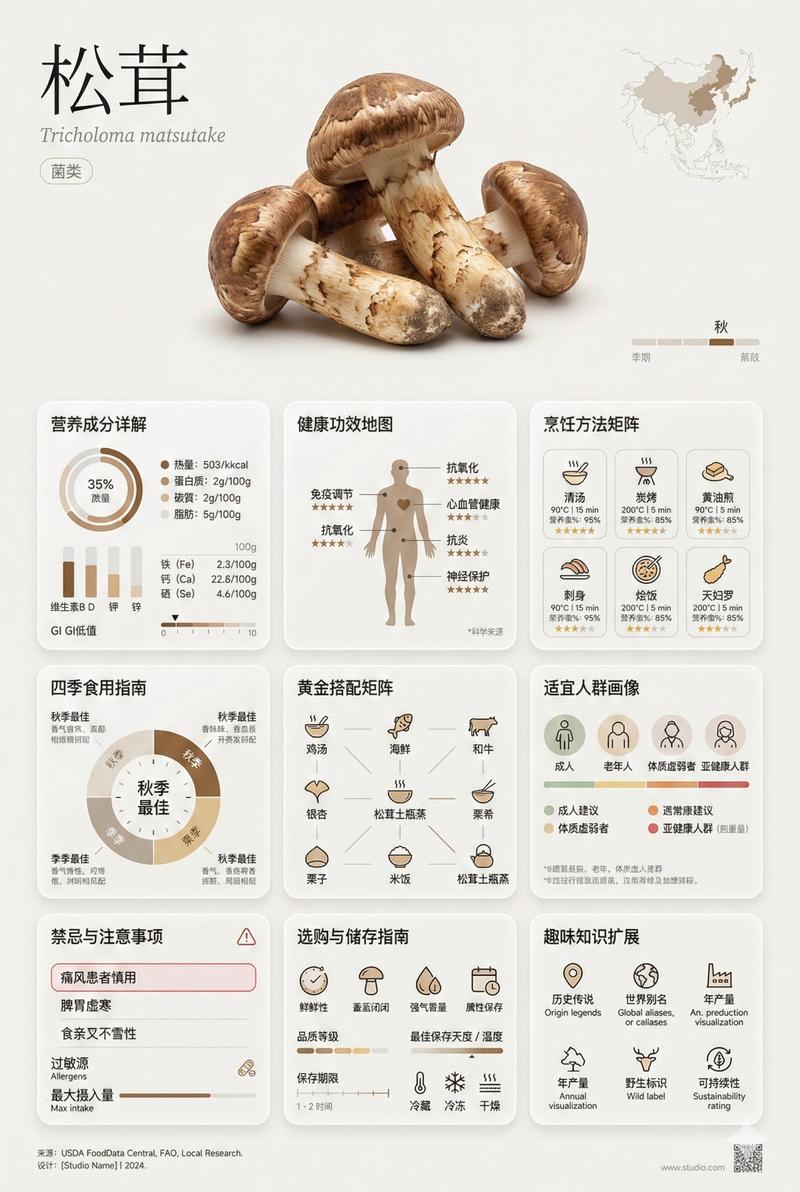
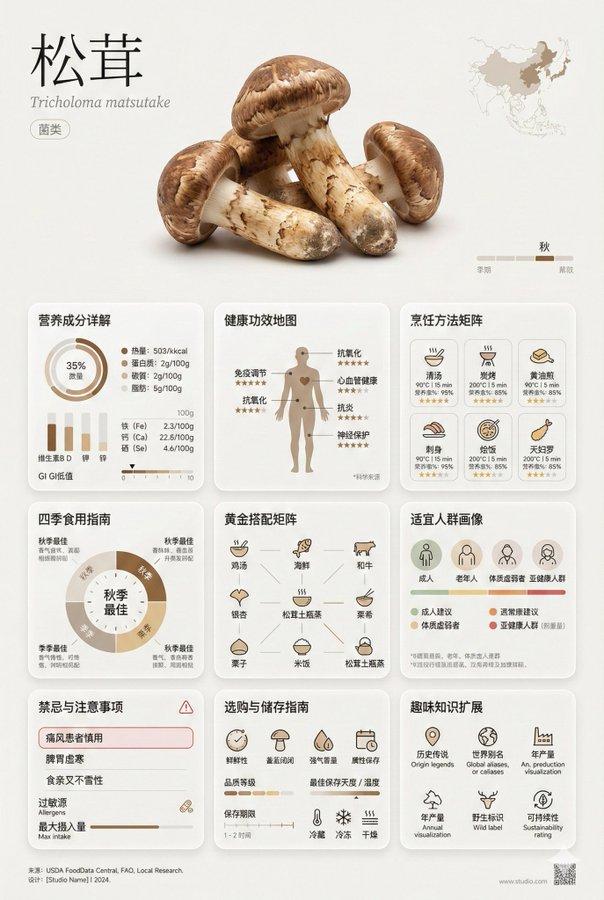
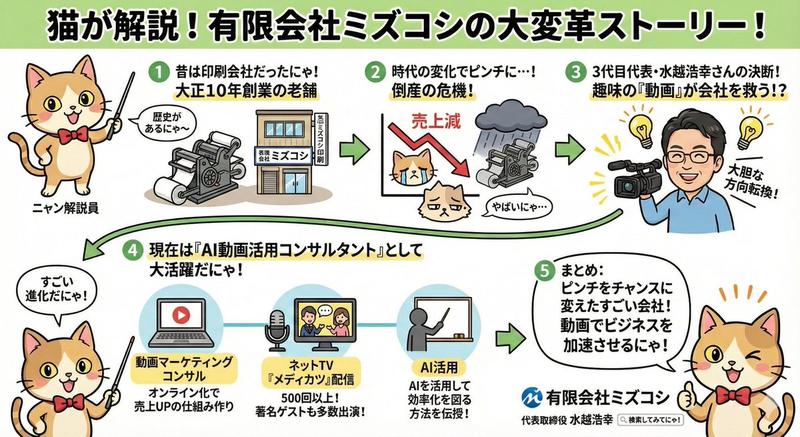
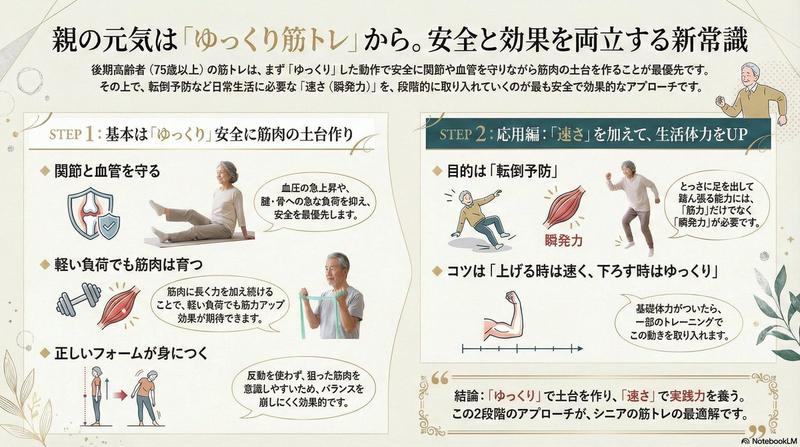
🍌Nano Bananaは「パーツ」として分解し、「良いとこどり」して組み合わせて、最後は自分で仕上げるのが最速。
先日のウェビナーでも話したように、Nano Banana Proを使ってクリエイティブを作成する際は、最初から100パーセントの完成品を求めると逆に時間がかかってしまいます。AIが出力した結果をそのまま使うのではなく、あくまで素材やパーツとして活用するのが賢い方法です。7割~8割程度の完成度を目指し、残りの調整は人間が行うのが最も効率的です。
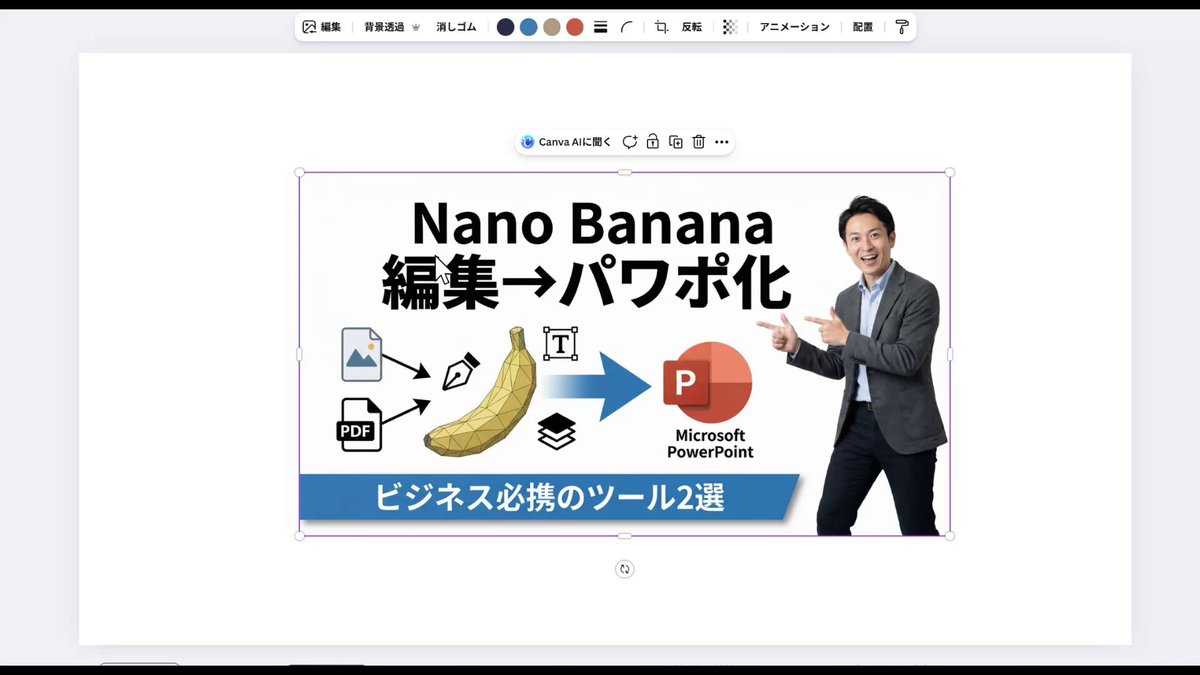
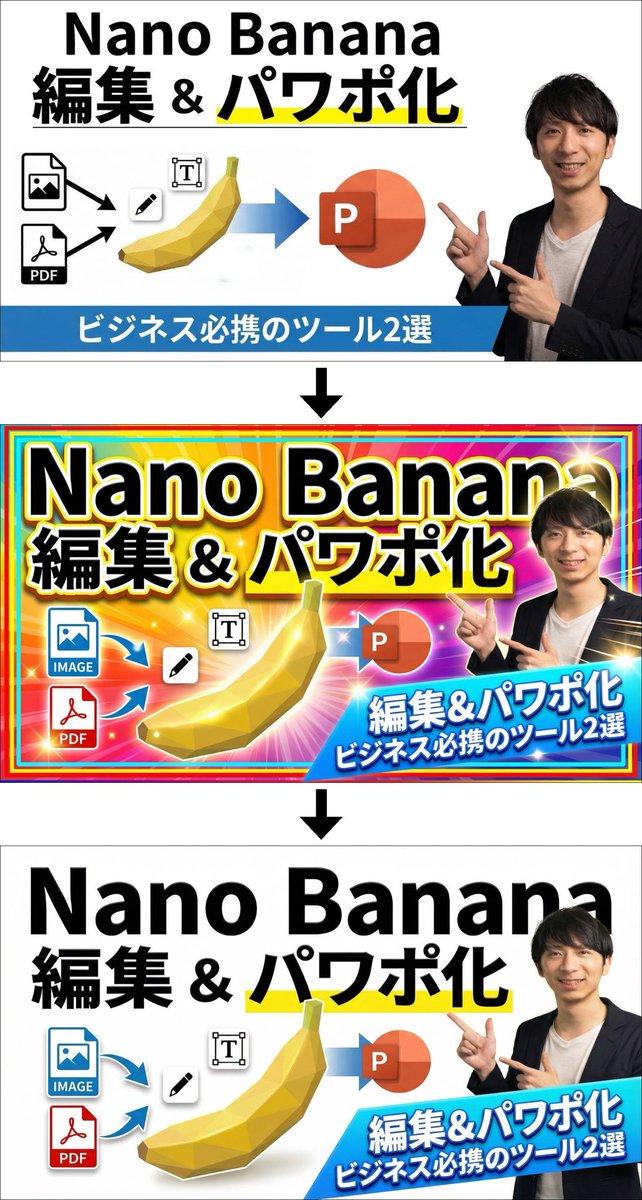
🖼️ サムネイル作成の実例
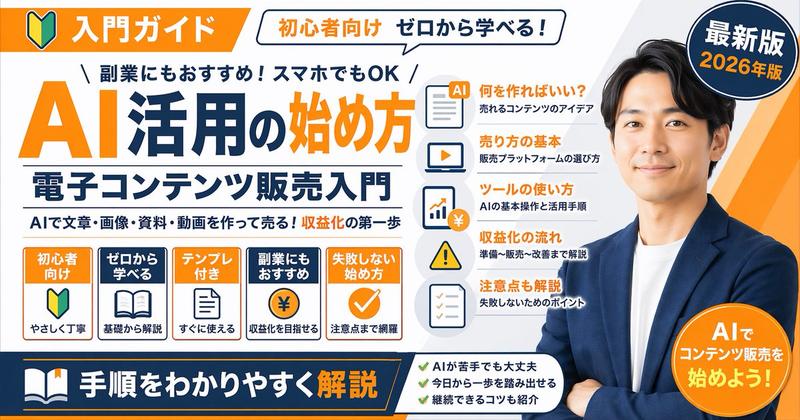
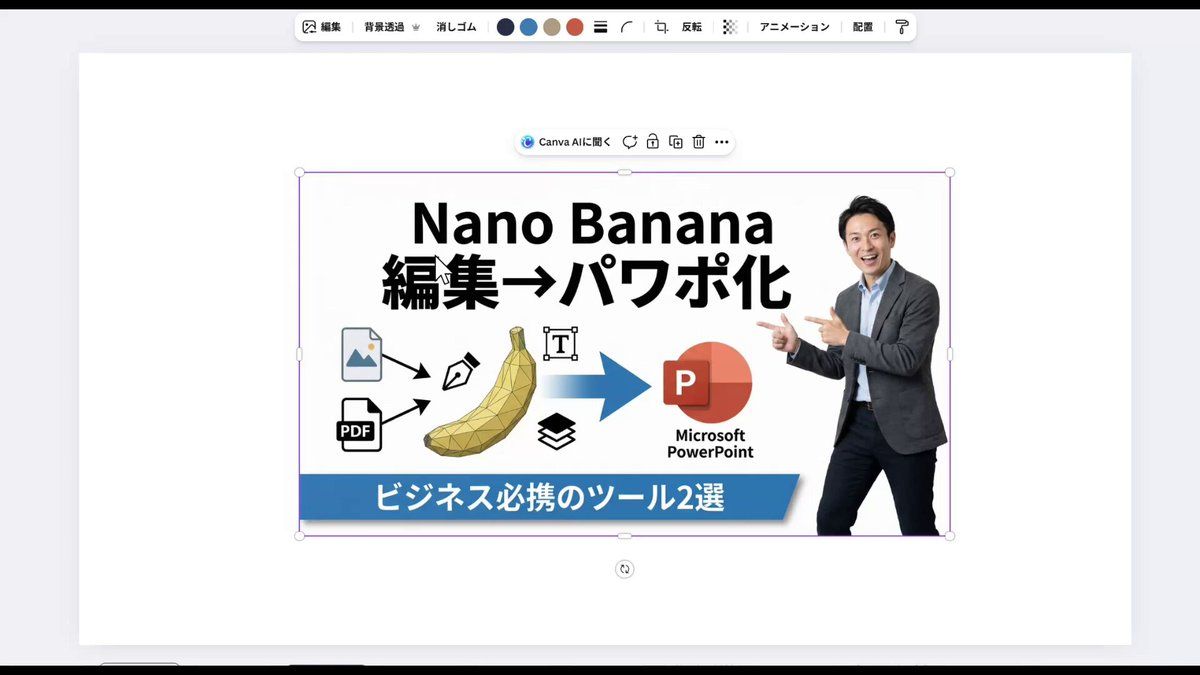
実際に動画のサムネイル作成で、Nano Bananaに最終案を2つ出してもらいました。片方は知らない男性の写真、もう片方は私の写真を使ったものでしたが、どちらもフォントやアイコンなど使える要素が含まれていました。一枚の画像として完璧ではなくても、部分的に見れば優秀な素材の宝庫と言えます。
🛠️ Canvaで賢く仕上げる
気に入ったAIの出力結果をパーツごとに分解し、Canva上で再構築しました。それぞれの案から良い部分だけを抜き出して組み合わせることで、自分のイメージ通りの画像が短時間で完成します。AIの出力は完成品そのものではなく、編集用の部品として捉えるのがポイントです。
🚀 無駄な時間とコストを省くコツ
Nano Bananaとの対話だけで完璧なものを求めて何度も指示を繰り返すのは、時間もコストもかかり非効率です。ある程度気に入った出力が出たら、そこでAI作業を切り上げて自分で手を動かして仕上げる方が、結果的に一番早く理想のクリエイティブに到達できます。
Category
Charts & Infographics
Model
Nano Banana Pro
Views0
Source ID
nano-banana-creative-production-process

Guide

About "Nano Banana创意制作流程"

What is this prompt for?

"Nano Banana创意制作流程" AI image prompt for Nano Banana Pro (Charts & Infographics). 🍌Nano Bananaは「パーツ」として分解し、「良いとこどり」して組み合わせて、最後は自分で仕上げるのが最速。 先日のウェビナーでも話したように、Na…

The full copyable prompt and example visuals above are ready for AI image generation or one-click recreate in Picva.

How to use this prompt

  1. Step 1

    Open the prompt detail

    Review the example visuals, category, and full prompt text for "Nano Banana创意制作流程".

  2. Step 2

    Copy the prompt

    Copy the prompt body from this page, or load it directly in Studio.

  3. Step 3

    Pick a model (Nano Banana Pro)

    Prefer Nano Banana Pro. If you switch models, keep subject and composition and tweak style terms.

  4. Step 4

    Generate and export

    Recreate the look in Picva, or export into your workflow for editing and publishing.

FAQ

What is the "Nano Banana创意制作流程" prompt?
It is an AI image-generation prompt for Nano Banana Pro in the Charts & Infographics category. This page includes the full prompt text, example visuals, and a one-click recreate path in Picva.
How do I use this prompt to generate an image?
Copy the prompt from this page, or use Generate / Studio. Paste it into a compatible image model, or recreate the look in Picva with optional reference images.
Which model is this prompt for?
This page lists Nano Banana Pro. Most descriptive prompts also transfer to nearby image models such as GPT Image, Flux, or Midjourney with light style tweaks.
Can I use the result commercially?
You can usually copy the prompt for creation, but commercial use of the final image depends on the model terms, reference-image rights, and the generated content. Follow the source author and platform rules.