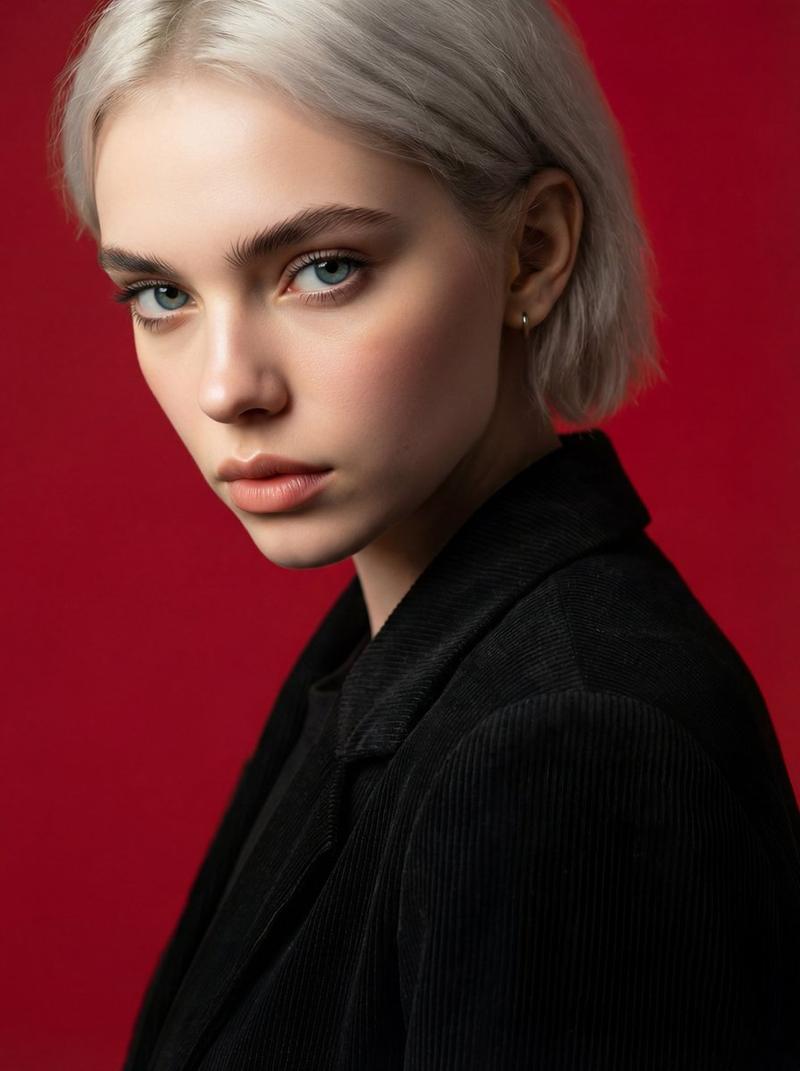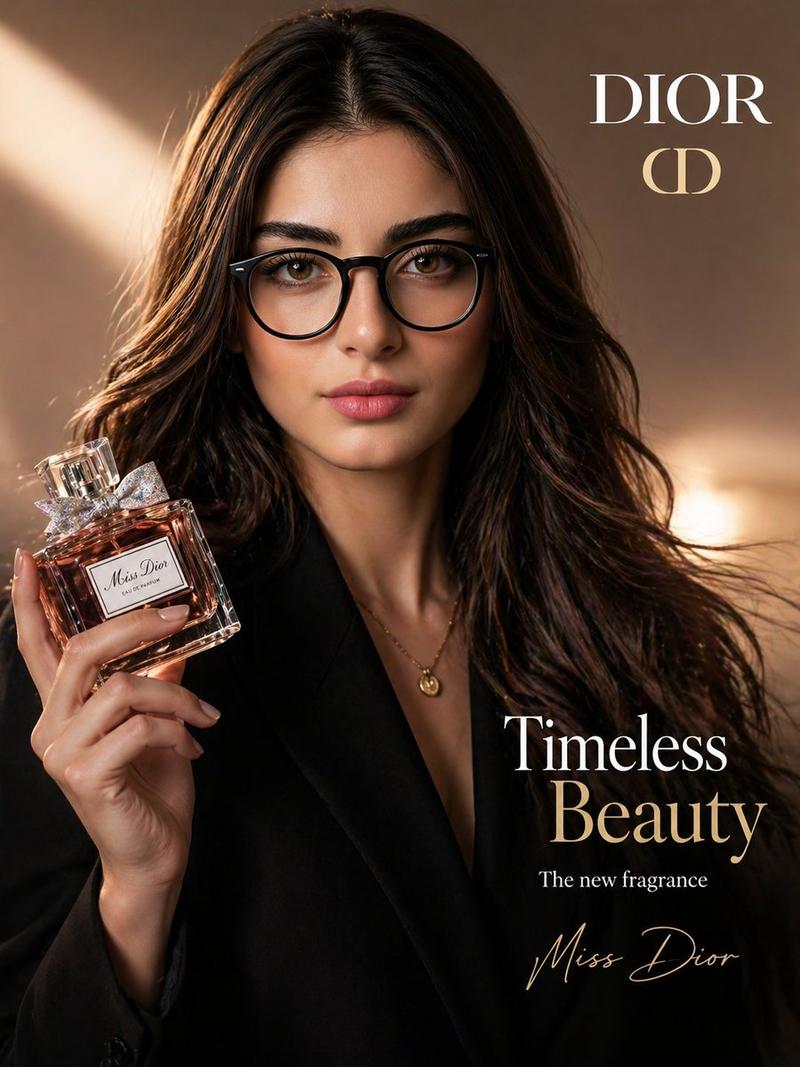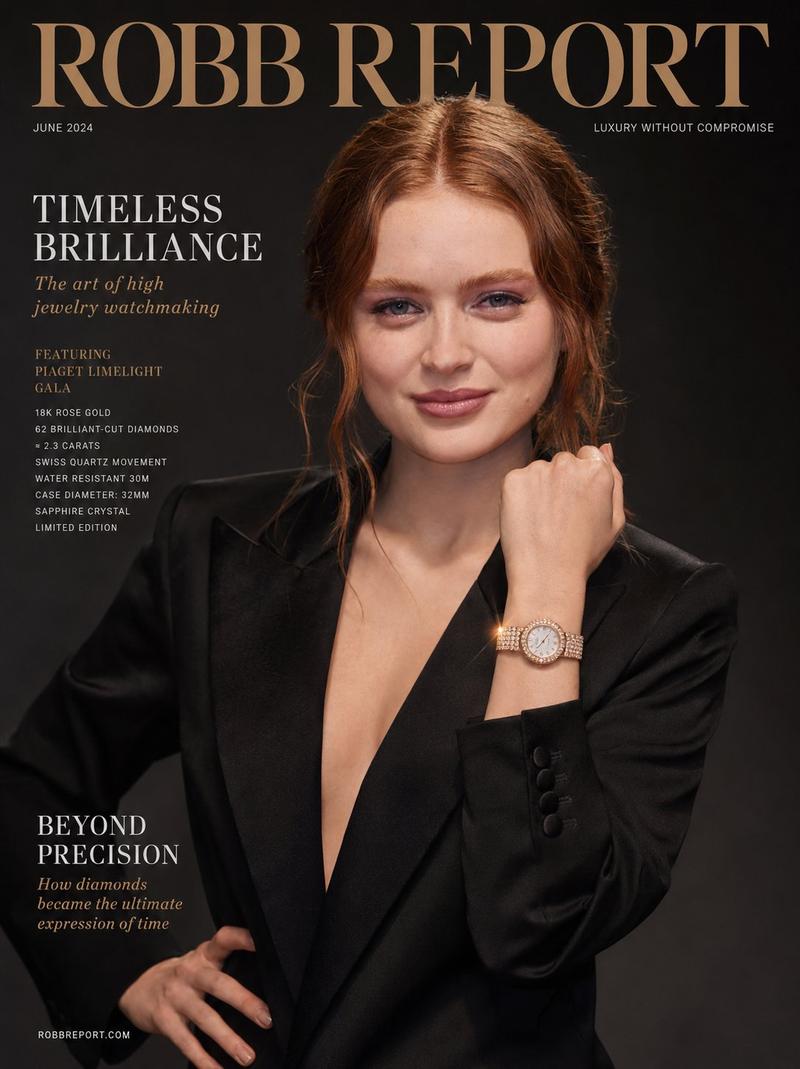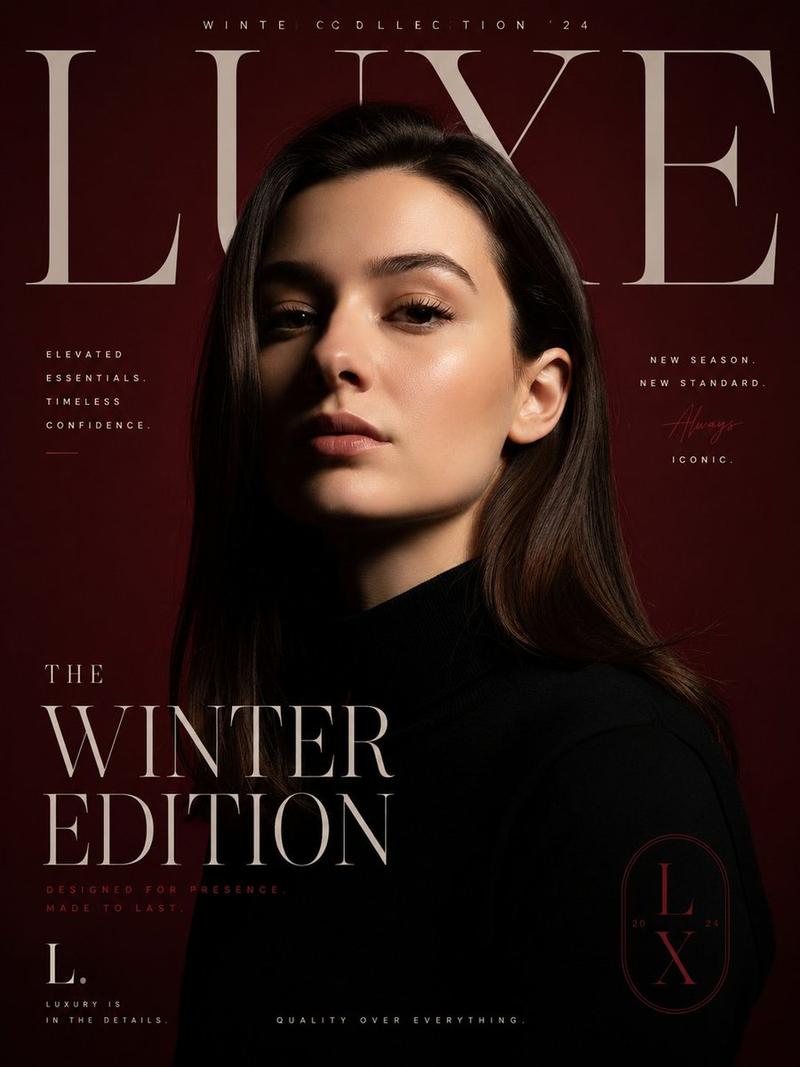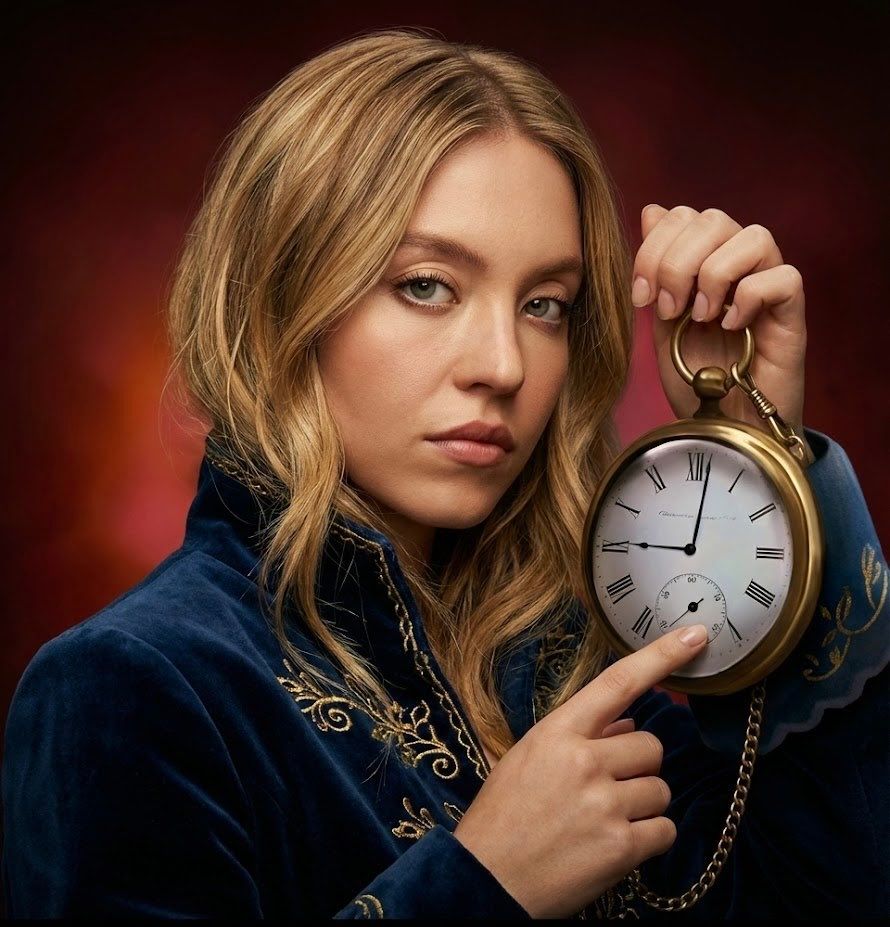
纳米香蕉Pro - 严格真实主义摄影
Prompt
nano banana pro
prompt: {
"project_constraints": {
"style": "strict photorealism only, no cartoon, no illustration, no stylization",
"face_preservation": "100% original human face from reference, no changes to identity, expression, or texture",
"hand_integrity": "both hands must be fully human, realistic proportions, no distortions, no mismatched finger lengths",
"resolution": "1500x2000",
"output_quality": "ultra-detailed, 8k photorealistic"
},
"canvas_requirements": {
"black_extension": "add a clean extended black area at the bottom of the final image, untouched and smooth"
},
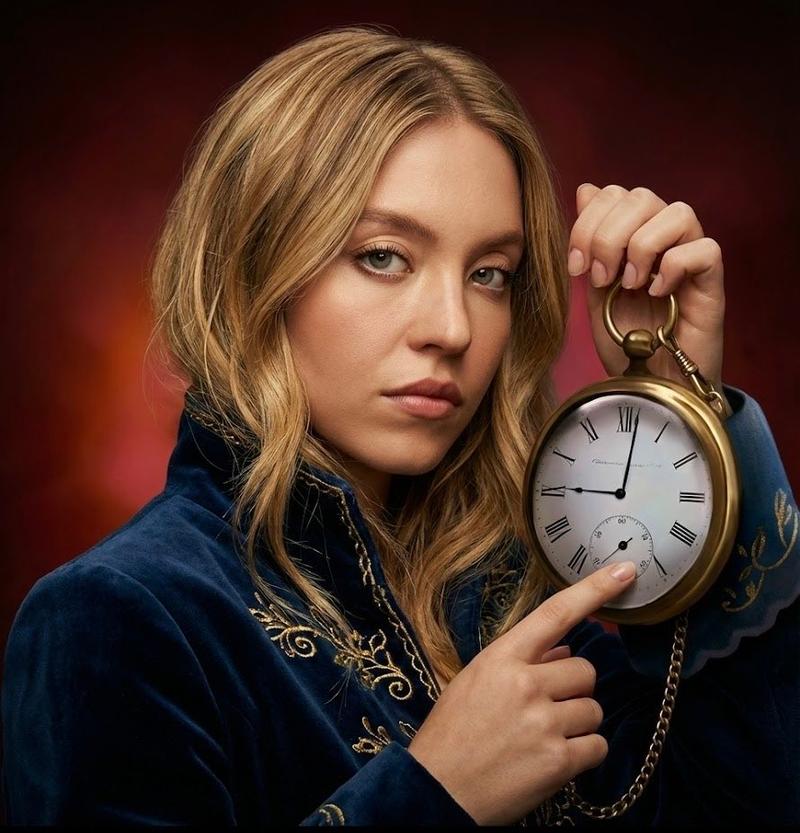
"pose_replication": {
"body_orientation": "replicate the exact body orientation of the rabbit character using the human subject",
"head_tilt": "copy the exact same angle and direction of head tilt from the rabbit reference",
"left_hand_pose": "left hand pointing outward exactly like the rabbit, with perfect human anatomy",
"right_hand_pose": "right hand holding the clock in the same position, angle, and grip as the rabbit",
"arm_angles": "replicate identical angles for elbows, wrists, and shoulders",
"eye_direction": "human eyes must look in the same direction and intensity as the rabbit’s eye look"
},
"subject_details": {
"demographics": "real human subject from input image",
"face": "preserve original face shape, texture, pores, lighting response, no smoothing",
"hair": "keep exact hairstyle from human reference image, unchanged"
},
"fashion_and_accessories": {
"coat": "serious, realistic human coat modeled after the rabbit’s coat: heavy fabric, dark tone, structured shoulders, high collar",
"chain": "same length, thickness, and metal reflection style as rabbit’s chain",
"clock": "identical pocket-watch style clock, same size and face design, placed exactly as in rabbit image"
},
"environment": {
"background_style": "replicate rabbit\'s background placement and style but in realistic texture and lighting",
"elements": "same angle, spacing, and composition as rabbit scene, but built from real-world materials",
"lighting_environment": "studio-like directional lighting that matches rabbit’s highlight positions but rendered photorealistically"
},
"camera_and_style": {
"lens": "50mm or 85mm portrait lens look",
"perspective": "same distance and angle as rabbit image",
"visual_aesthetic": "clean, sharp realism with subtle cinematic contrast",
"color_profile": "neutral color grading to avoid cartoon saturation"
},
"lighting": {
"technique": "soft diffused studio lighting",
"key_light": "match the rabbit image’s key light angle on the face and body",
"shadows": "soft realistic shadows, no hard toon outlines",
"consistency_locks": "lighting must not alter human skin tone or distort hand proportions"
},
"realism_settings": {
"skin_texture": "preserve natural pores, micro-details, natural imperfections",
"hand_texture": "photoreal human skin, visible fine lines, knuckle shading",
"fabric_texture": "real cloth fiber details, stitching, realistic folds"
}
}- Category
- Photography & Realism
- Model
- Nano Banana Pro
- Creator
- tenso
- Source ID
- nano-banana-pro-strict-photorealism-photography
Views0