16

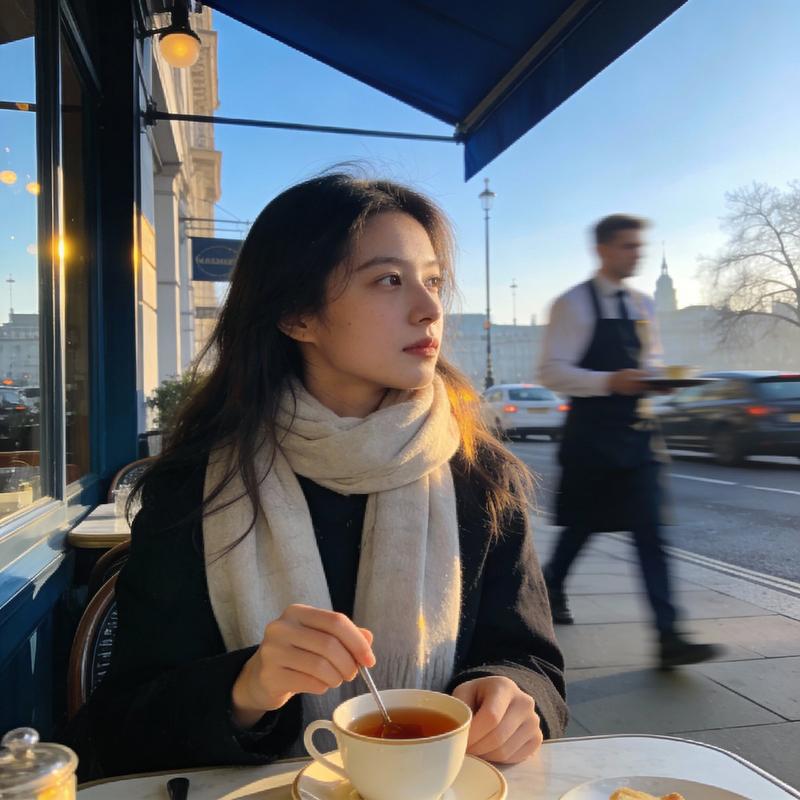
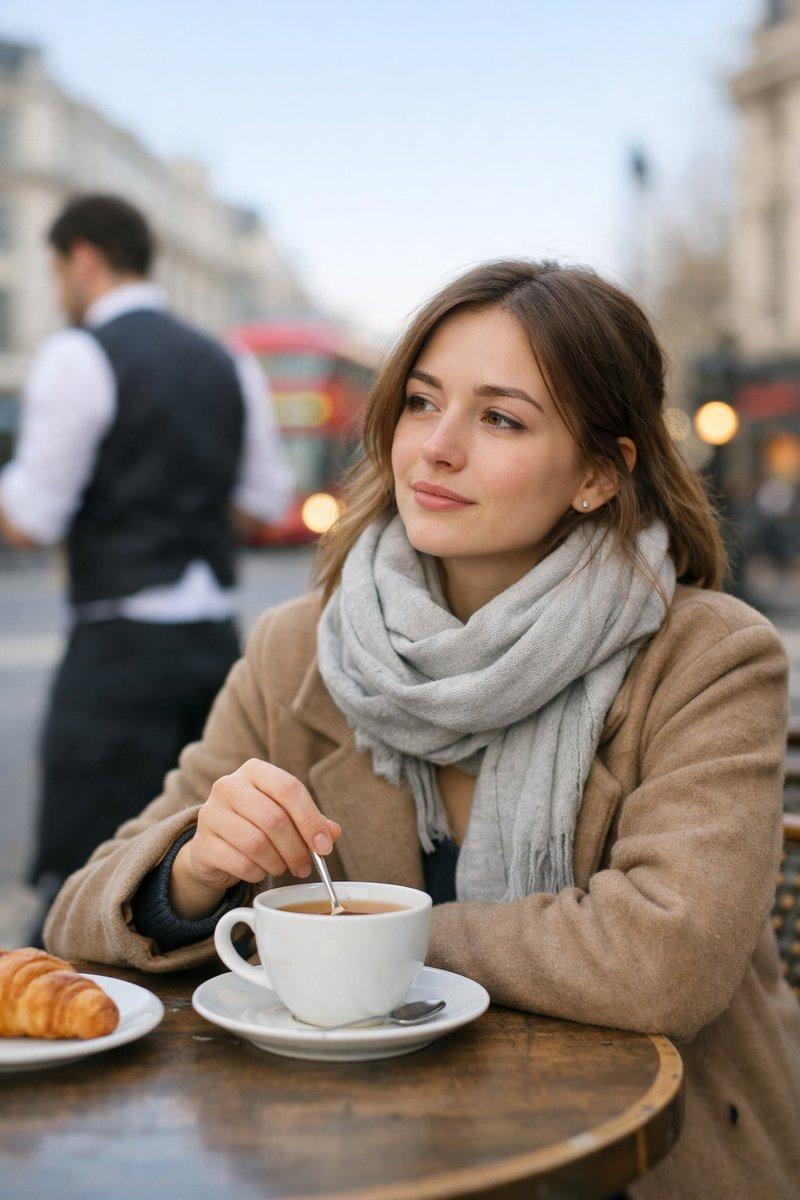
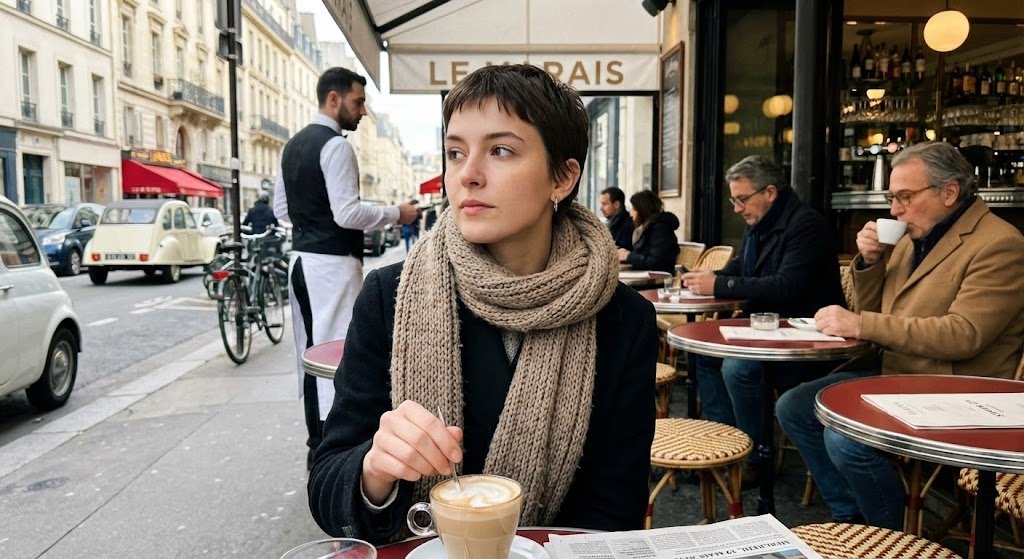
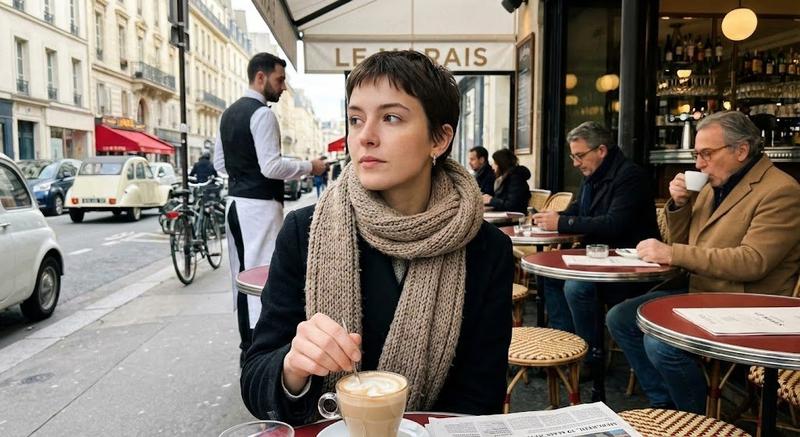
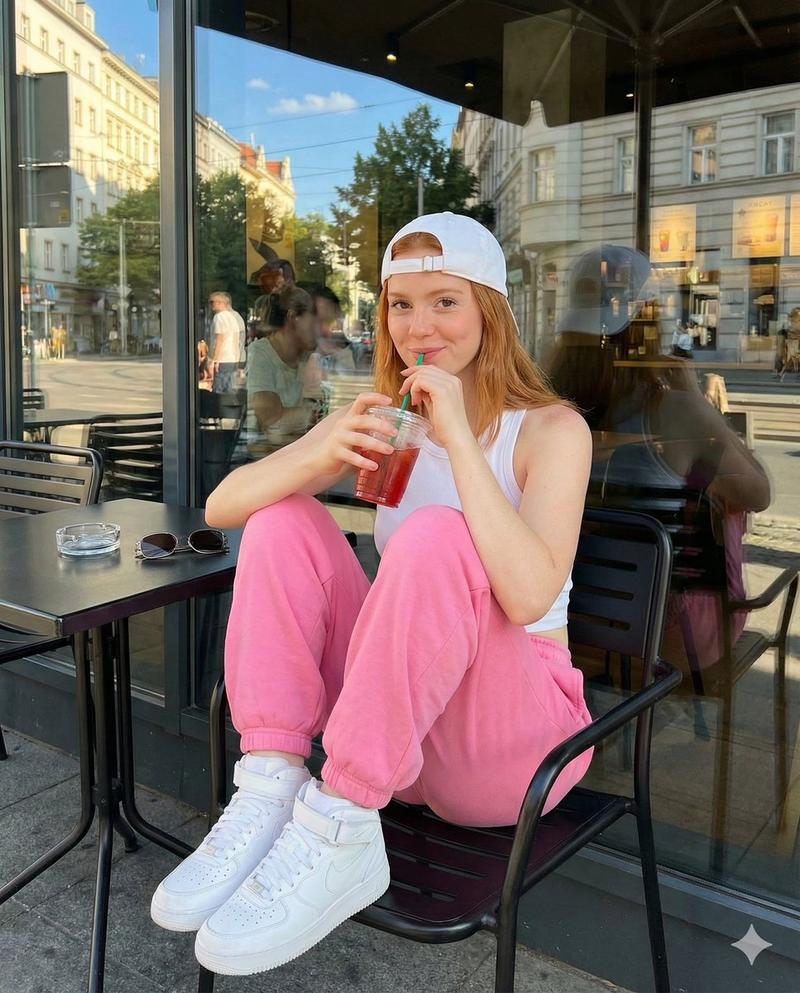
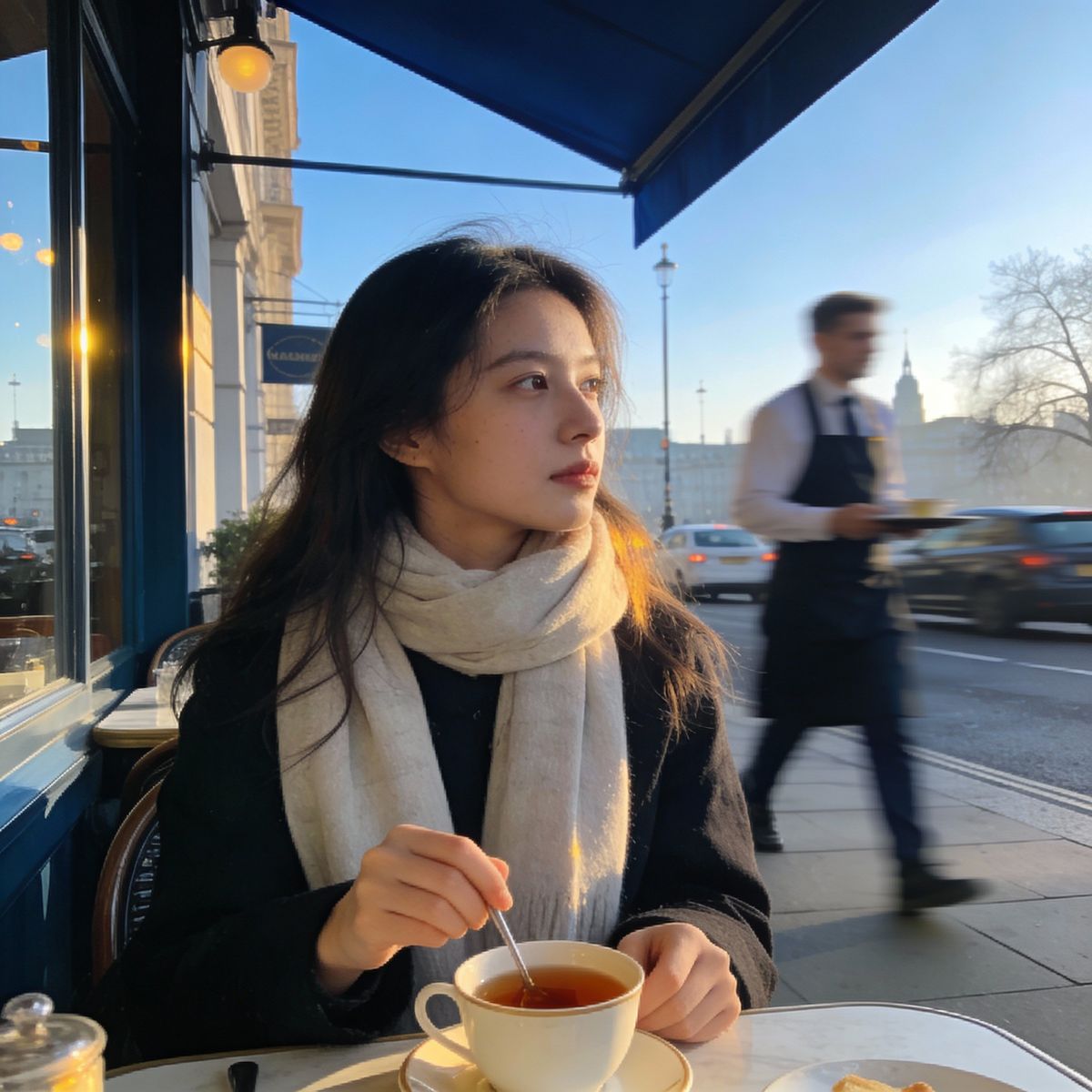
Nano Banana Pro 对比 SeeDream 4.5
Enlarge

Nano Banana Pro 对比 SeeDream 4.5

Prompt
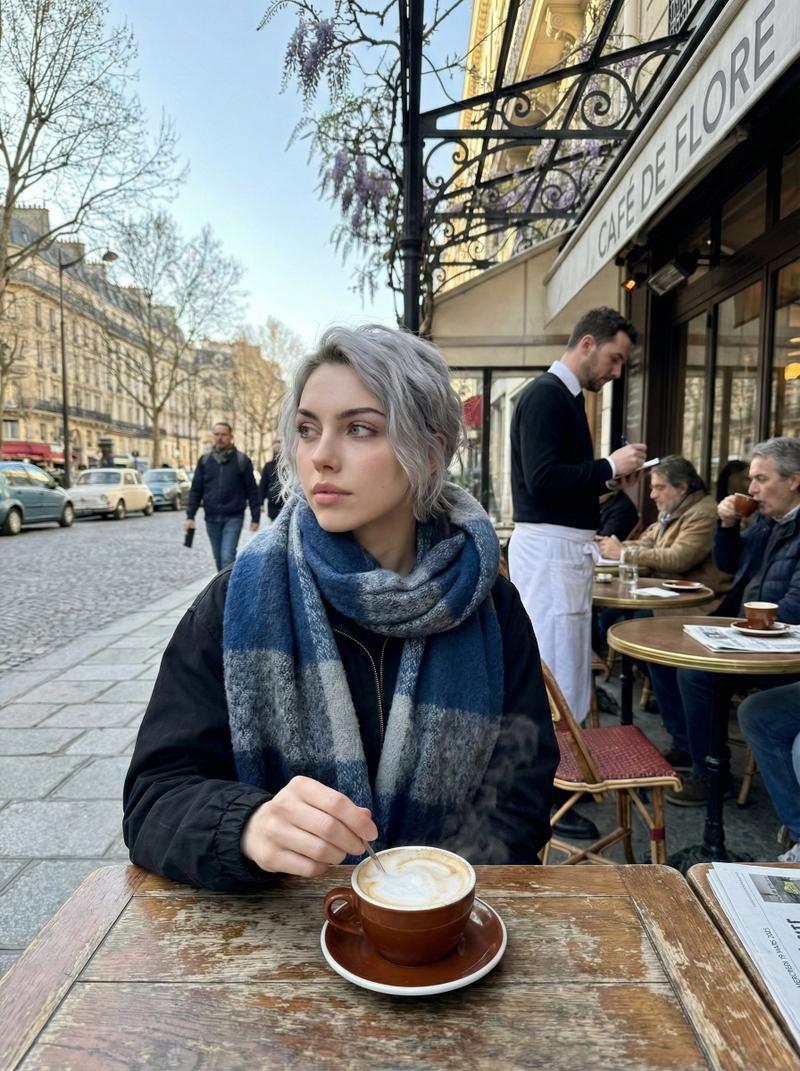
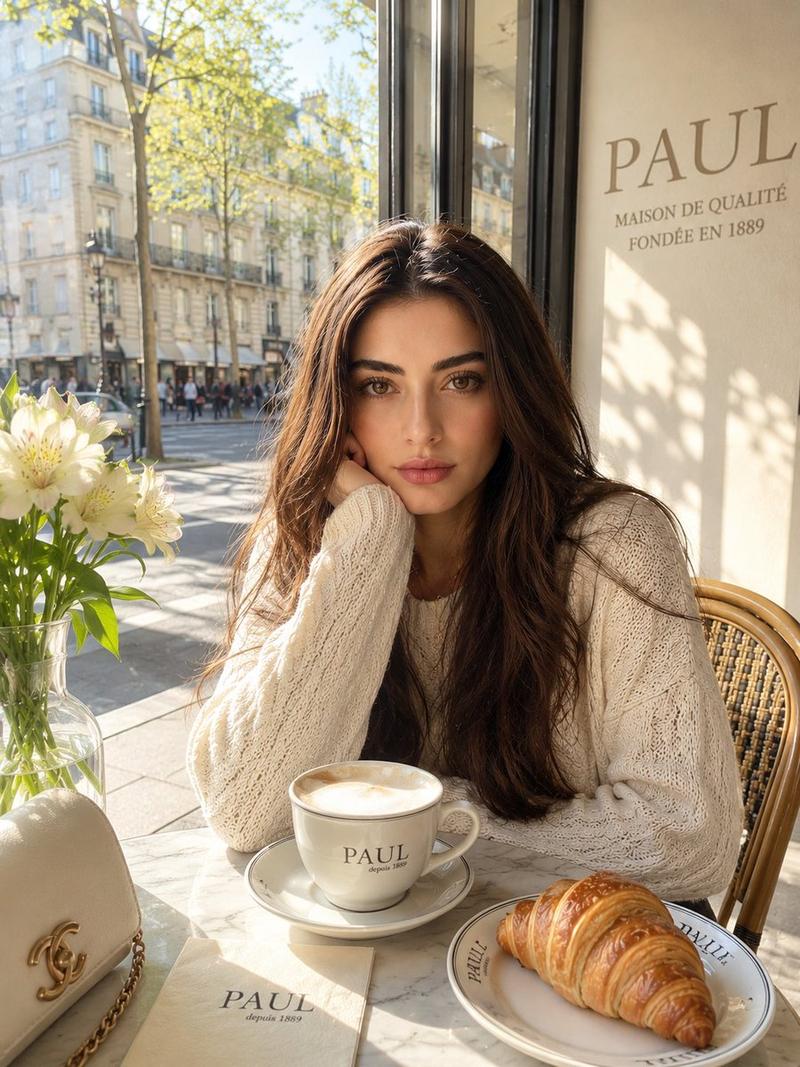
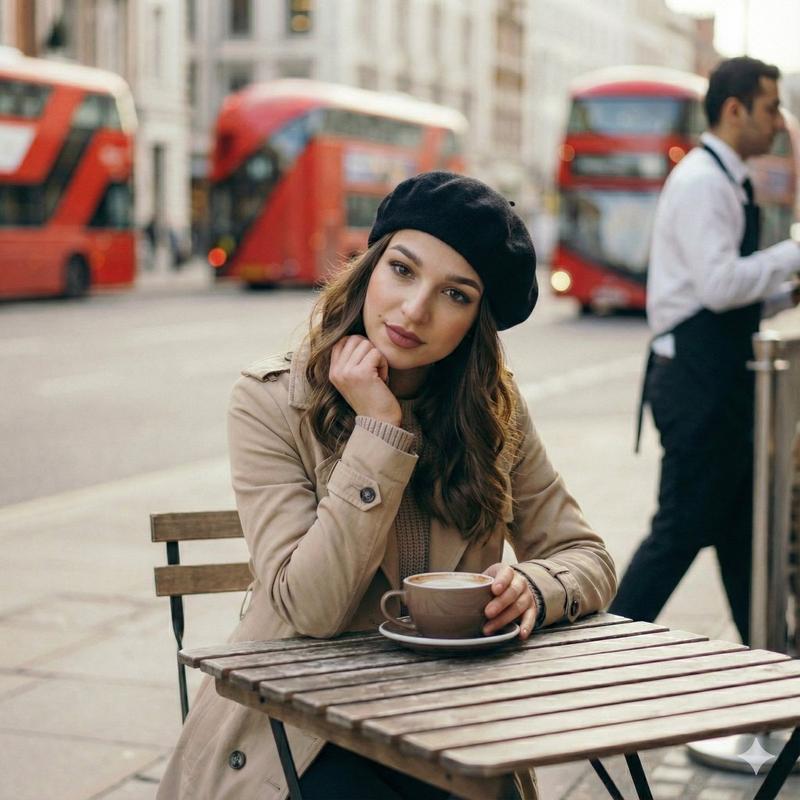
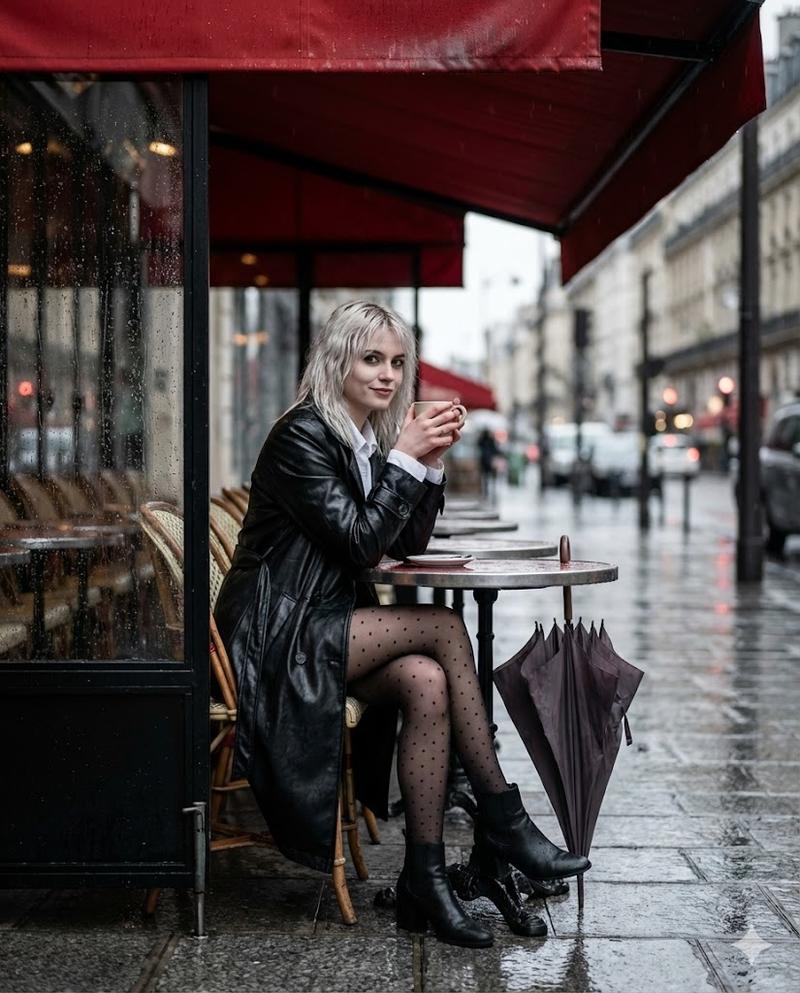
Nano Banana Pro vs SeeDream 4.5 on @Somake_ai
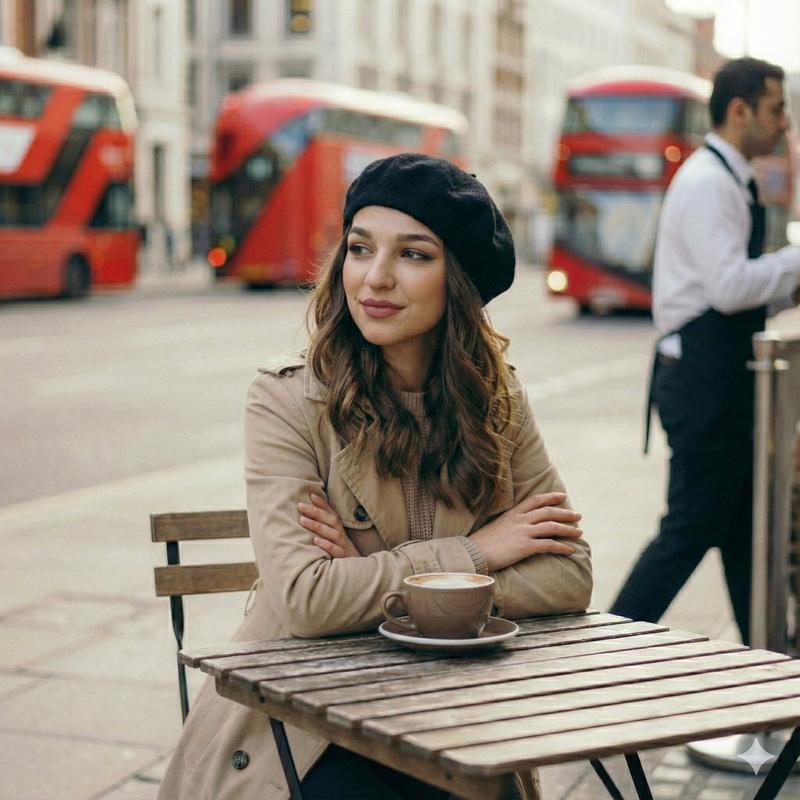
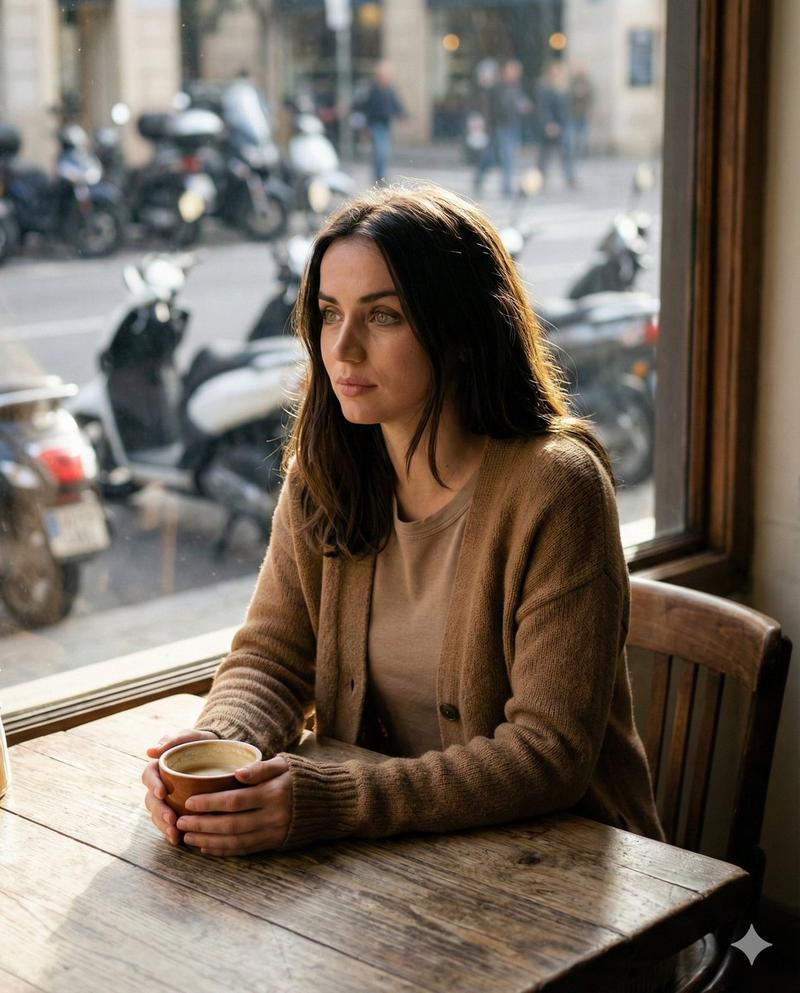
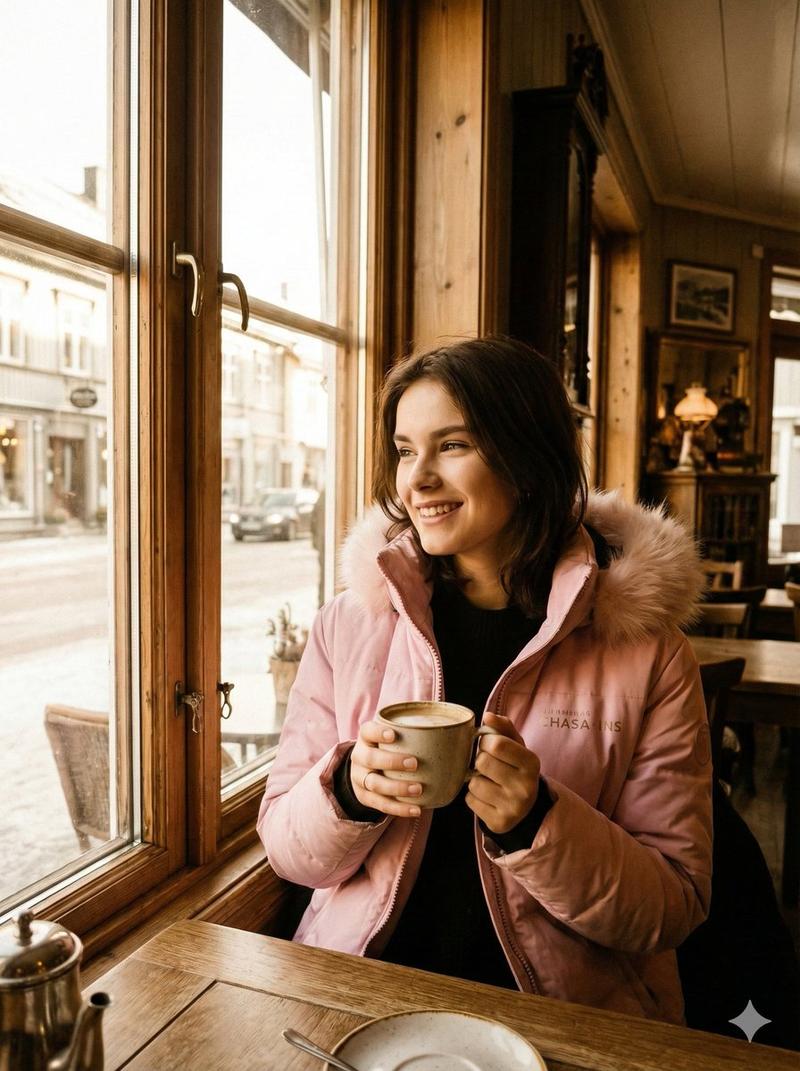
Left one is SeeDream 4.5
Right one is NB Pro
Prompt;
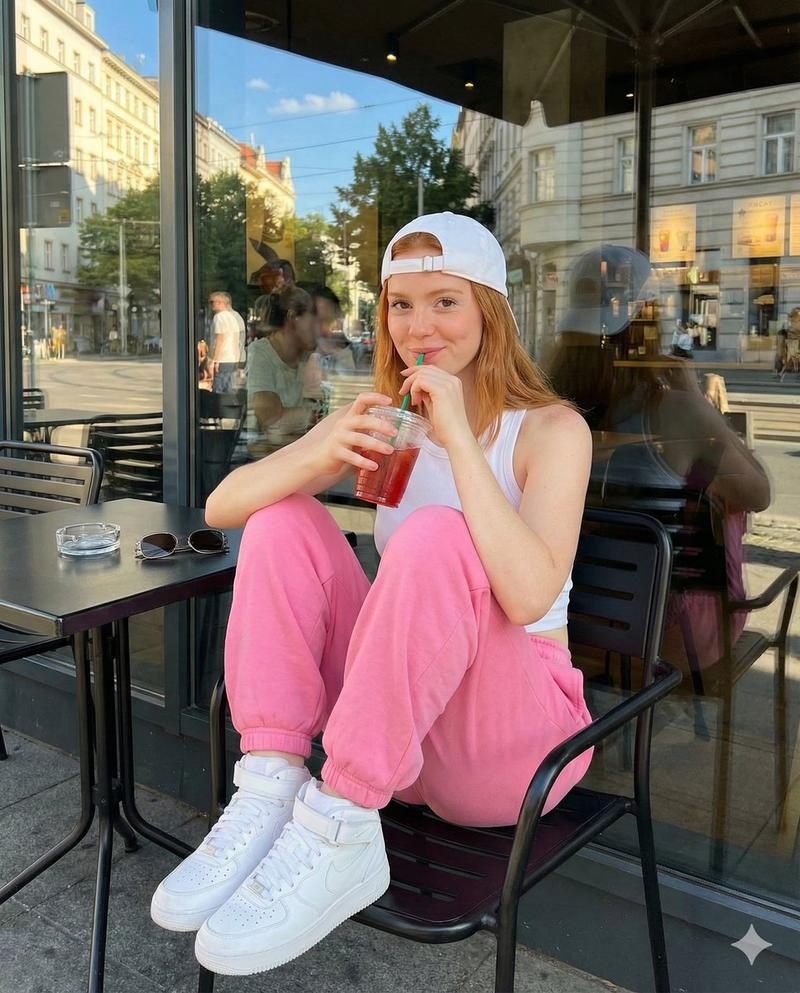
Create a photorealistic image of a young woman sitting at a relaxed outdoor restaurant in London on a cool Wednesday morning in March 2025. The sky is clear, the spring air is crisp, and the city feels calm as it wakes up. She is the focal point of the shot—wearing a light scarf, gently stirring her tea while gazing off to the side with a thoughtful expression. Everything behind her, from the waiter moving about to the soft morning traffic, should fall into a smooth blur, giving the picture the effortless, candid atmosphere of a moment casually snapped on a phone.
Check comments for the link for free credits.
Category
Photography & Realism
Model
Nano Banana Pro
Creator
john_my07
Views0
Source ID
nano-banana-pro-vs-seedream-4-5-2

Guide

About "Nano Banana Pro 对比 SeeDream 4.5"

What is this prompt for?

"Nano Banana Pro 对比 SeeDream 4.5" AI image prompt for Nano Banana Pro (Photography & Realism). Nano Banana Pro vs SeeDream 4.5 on @Somake_ai Left one is SeeDre…

The full copyable prompt and example visuals above are ready for AI image generation or one-click recreate in Picva.

How to use this prompt

  1. Step 1

    Open the prompt detail

    Review the example visuals, category, and full prompt text for "Nano Banana Pro 对比 SeeDream 4.5".

  2. Step 2

    Copy the prompt

    Copy the prompt body from this page, or load it directly in Studio.

  3. Step 3

    Pick a model (Nano Banana Pro)

    Prefer Nano Banana Pro. If you switch models, keep subject and composition and tweak style terms.

  4. Step 4

    Generate and export

    Recreate the look in Picva, or export into your workflow for editing and publishing.

FAQ

What is the "Nano Banana Pro 对比 SeeDream 4.5" prompt?
It is an AI image-generation prompt for Nano Banana Pro in the Photography & Realism category. This page includes the full prompt text, example visuals, and a one-click recreate path in Picva.
How do I use this prompt to generate an image?
Copy the prompt from this page, or use Generate / Studio. Paste it into a compatible image model, or recreate the look in Picva with optional reference images.
Which model is this prompt for?
This page lists Nano Banana Pro. Most descriptive prompts also transfer to nearby image models such as GPT Image, Flux, or Midjourney with light style tweaks.
Can I use the result commercially?
You can usually copy the prompt for creation, but commercial use of the final image depends on the model terms, reference-image rights, and the generated content. Follow the source author and platform rules.